40 Winks
40 Winks Glitch Update!
We re-arranged a bit how the game works, so after launching the game application you can change your settings and game control input, then you will be able to launch the game by going into file and click play.
You now can use the in-game memory card saving (save states now not supported). If you want to go back and change settings you must click ESC to exit game application and re-launch the game application to access it.
Thanks for your support!
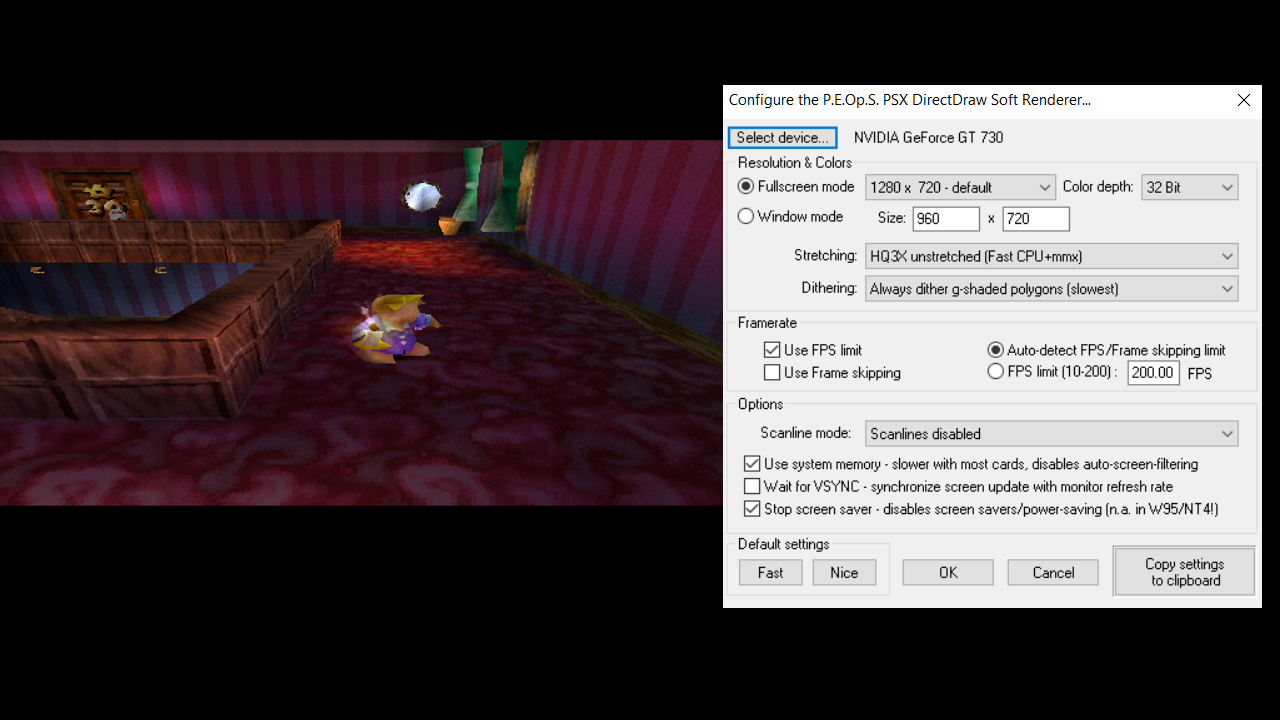
Best Video Settings (at least for us)
These may not result on the best display settings for you, but it may help you to start somewhere.
The game ran smooth, and there was no audio crackling in fullscreen.