First a short list of added features and fixed bugs, if you don't like long texts to read. Then a more detailed description of each important feature and bug fix.
Added Features
added save-load functionality (CAUTION: disk space and memory heavy procedure)
added FPS limiter
game will now pause when option menu is open in-game
Fixed Bugs
fixed game breaking bug when creating more than 1 million stars
fixed color banding
fixed FPS counter, which couldn't count below 10 before
fixed missing letters in some languages
fixed font size to fit button texts for some languages
other minor bug fixes
Savegames
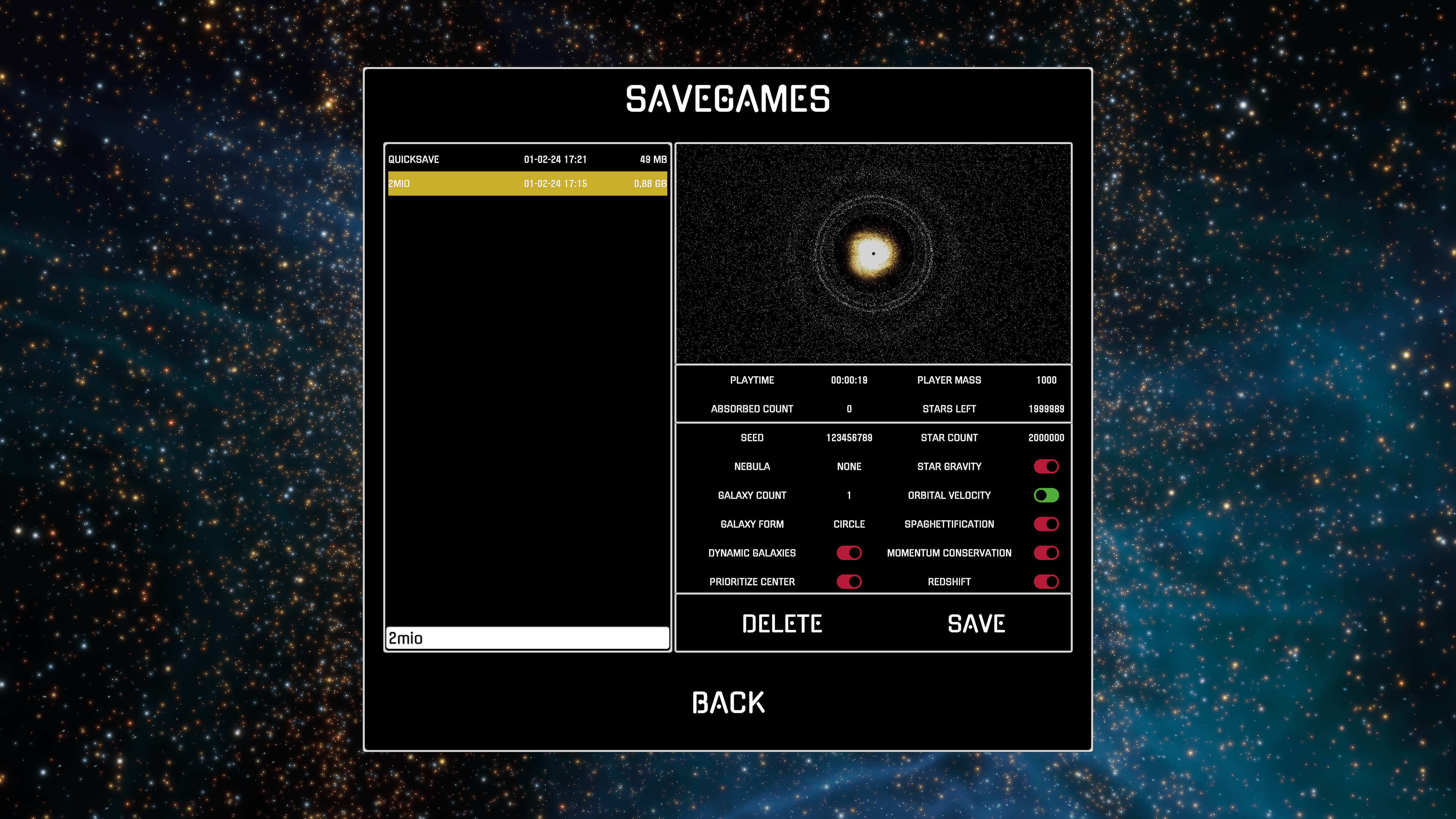
The most wanted feature is now implemented. You can now save and load your simulations to play them further at another time. You can find your savegames in the option menu. BUT BEWARE: Saving costs a lot of disk space and memory. It costs ~4,6 MB in disk space and ~40 MB in memory and takes ~0.5 seconds per 10.000 stars. If your PC don't have either the memory nor the disk space, the game will most likely crash.
Here an example: The game itself takes ~800 MB in memory plus an extra of 1,1 GB for 1 million stars in-game. On top of that comes now the saving process, which takes an additional ~4 GB. So to save 1 million stars you need ~6 GB of memory and ~460 MB of disk space. It will take about 50 seconds to save it, but the performance depends on your device, so it may be faster or even slower for you.
This means I still recommend over 1 million stars only for high-end PC's with more than 16 GB of total memory.
FPS Limiter
You can now set an FPS limit in the graphics option menu. I recommend to use it instead of VSync, as VSync can cause performance problems, if your FPS rate is far below your monitor refresh rate. With activated VSync and low performance, the FPS counter shows more FPS than you actually have and the game will stutter.
If you have a 120 Hz monitor, deactivate VSync and set the FPS limit to 120 instead. For new players, this is set automatically.
Pause Game
The game will now pause if you press ESC during the simulation. This frees performance capacities for the newly introduced save/load function. It also allows you to get away from keyboard without have to fear that a nearby Black Hole will absorb you.
More than 1 million stars
Before you were only able to create a few more stars over 1 million, but not a lot more. This is now fixed. You can create now up to 10 million stars. BUT BEWARE: Test in smaller steps if your PC can handle such an amount of stars. Start with 1 million and if you have at least 30 FPS, then you can go further with 2 million, and so on.
For the leaderboard hunters, which can now save their sessions and create a lot more than 1 million stars, I can only say: happy hunting!
Here a few screenshots how galaxies with 2 million stars and activated orbital velocity can look like:
Color Banding
The color banding issue with very bright objects is now fixed. This means that all the bright stars will have a more smoother light now without visible brightness steps. You can see this the most with the bright star in the main menu.
These features and fixes are now available with Update #7. Have fun with this new update and delight yourself in void!
Hotfix - V.2022.05.15
Right-to-Left Language
The Steam user ochoen mentioned that the text for Hebrew is reverted as it should be written from right-to-left instead from left-to-right.
This hotfix should fix that problem for the Arabic and Hebrew language.
If you have any more feedback, let me now.
Update #6 - V.2022.05.08
This update adds all community requests, supports over 40 languages and introduces new features like Redshift and Momentum Conservation.
Fixed Bugs
spaghettification option is now correctly saved across sessions
tooltip window will now fit the text content
Added Community Requests
custom keymapping
absorption VFX can now be toggled on/off in graphic options
player can now have an accretion disk; turn on/off in graphic options
Added Features
added over 40 languages
added two new universe options: Momentum Conservation and Redshift
added four new songs and a music player
UI overhaul -> better for wide and small screens and preparation for VR
backend update -> better CPU performance
Custom Keymapping
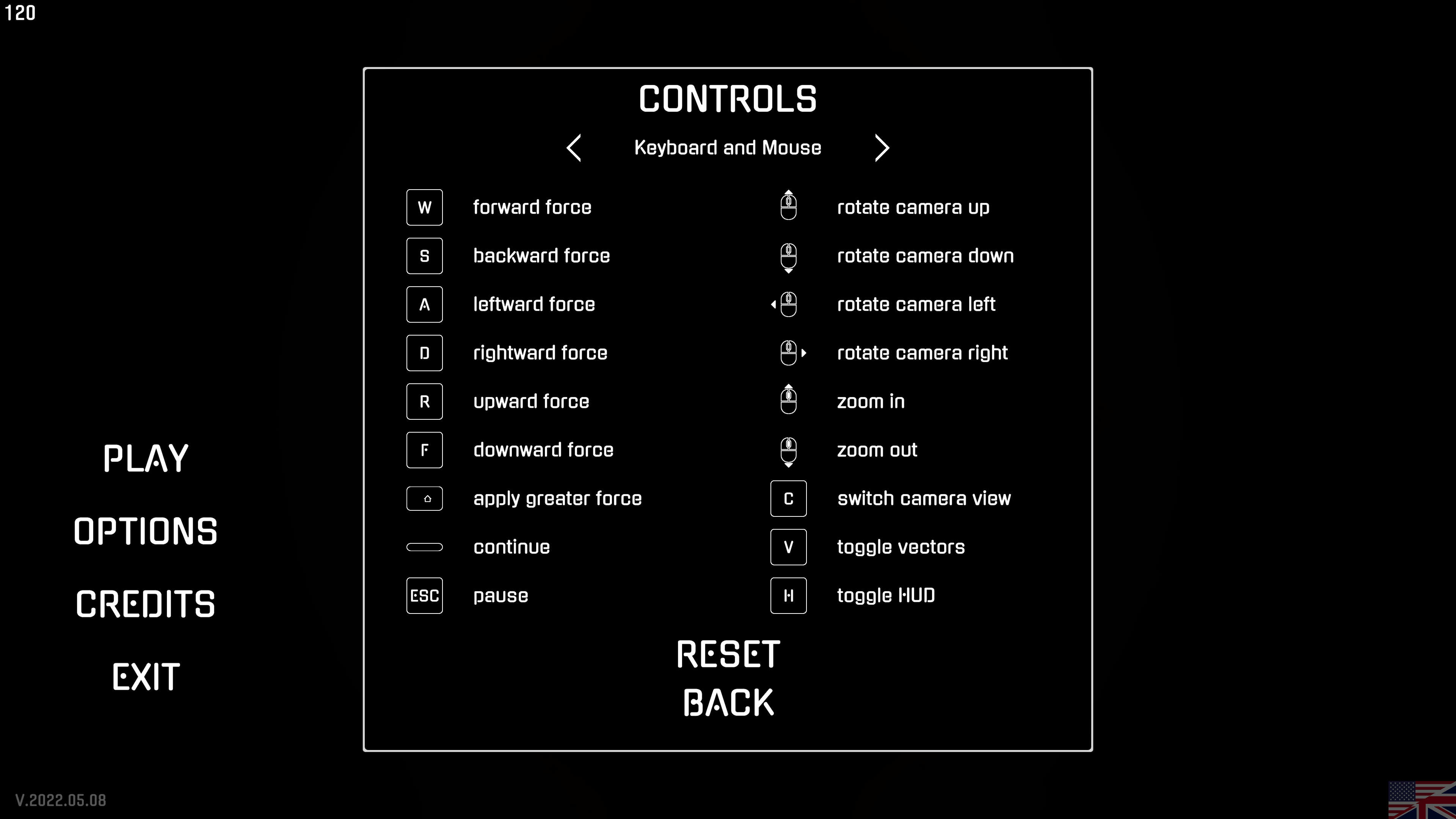
To be able to change the keymapping was mentioned by a lot of people. With this update it is now possible to change the keys for Mouse/Keyboard and Gamepad separately.
Absorption and Accretion Disk VFX
It was mentioned by zerggodmaster that it would be useful to turn the Absorption VFX on or off and that it would be nice to have a similar Accretion Disk like the center black holes.
Both can now be toggled on or off separately in the graphic options. Here some screenshots of the new Accretion Disk a player can develop:
In addition to that I deleted the artificial green circle in the galaxy view, as you can now spot your black hole by either the Absorption Wave or the Accretion Disk.
Languages
The universe simulation supports now over 40 different languages. This is done via automatic Google translation and not manually. Therefore I can't assure that everything is translated correctly. If you spot a translation error, please share the correct translation with me and I will correct it.
The following languages are now supported:
Afrikaans
Arabic
Basque
Belarusian
Bulgarian
Catalan
ChineseSimplified
ChineseTraditional
Czech
Danish
Dutch
English
Estonian
Finnish
French
German
Greek
Hebrew
Hungarian
Icelandic
Indonesian
Italian
Japanese
Korean
Latvian
Lithuanian
Norwegian
Polish
Portuguese
Romanian
Russian
SerboCroatian
Slovak
Slovenian
Spanish
Swedish
Thai
Turkish
Ukrainian
Vietnamese
Momentum Conservation
You can now turn on or off the Momentum Conservation in the universe options. If turned on, the total momentum of an absorber object will be the momentum of itself before the collision and the momentum of the absorbed objects. This means, if you absorb a stellar object it will change your velocity and direction based on its and your velocity and mass.
In gameplay terms it means that objects with similar mass will shoot each other around like billiard balls. In the beginning if you collide with other stellar objects you will change your direction quite often. In the late game you will reach a certain mass, so the momentum of other stellar objects is negligible on the total momentum.
Redshift
The Redshift is an effect, where the color of light shifts into a more reddish color than it was originally emitted from its light source. This happens, because gravity of stellar objects effects not only other objects, but light (photons) too. However, photons will "lose" energy not in terms of speed, but frequency, true to the formula: E = h*f and E = c*p with p = h/λ
As the frequency f is inverse proportional to the wavelength λ of a photon, a lesser frequency will lead to a higher wavelength and therefore shift the color of a photon into the red.
Redshift off
Redshift on
Nevertheless, this effect is in-game barely perceptible for small universes and only noticeable if you are far away from the light source.
Music Player and new songs
I added four new songs to the already four existing ones. This means in the audio options you can now choose between eight different songs. Listen to the songs and decide with the toggle whether you want to hear them during the game or not.
UI overhaul
With all these new settings and in preparations for the VR update an UI overhaul was needed. All settings are not crumbed together into one anymore, but each one of them has their separated menu.
Moreover, the UI should now work better with ultra wide and small screens.
Backend Update
Last but not least the update of the Unity Editor and Unity's DOTS system should give you ~2 % more FPS per CPU thread, if the CPU was your limiting factor. It doesn't sound like much, but if you have a CPU with 4 cores and 8 threads it would give you ~16 % more FPS.
This will most likely be noticeable if you turn "Star Gravity" on in the universe setting as it is heavily CPU bound.
VR Update and Volunteers
As I already said in Update #5 before, for the next update I will continue to work on VR support. It just turned out to be more difficult to implement than previously thought. But as I don't want to hold back all the other features, I decided to make this Update now public without the VR support.
In the future I will create a separate beta branch for the VR version. Regarding to this, if you call yourself a volunteer, you can write me in the comments if you have a VR headset and which one. As I don't have all VR headsets by my own, I couldn't test them all without you. Thank you.
Nevertheless, have fun with this new update and delight yourself in void!
Hotfix - V.2021.11.22
Universe Boundary
The Steam User zerggodmaster mentioned that it would be great to decide whether a stellar object, which goes out of the universe boundary, should be send back to the center of the universe or to the last player position.
This hotfix does this. There is now a toggle button "Prioritize Center" for the universe settings at the start. If enabled, stellar objects which go out of the universe boundary will be send back to the center black hole and will be absorbed by it. If disabled, stellar objects will fly to your position, where you were at the moment the stellar object exceeded the universe boundary.
If you have any more feedback, let me now.
Update #5 - V.2021.11.21
Fixed Bugs
stellar objects which go out of universe boundaries will send to current player location (before: center of universe)
fixed graphic bug where player black hole lost the dark blue shimmer effect and went completely black
Added Features
player black hole has now much smoother surface and shimmer effect
3 new unrealistic galaxy forms: Cube, Octahedron, Star
Universe Boundary
I saw for a few players that the center black hole grew faster than the player themself. It happened as they shoot stellar objects around them, which lead these objects to the border of the universe. Before, it was set that those objects will be send back to the center of the universe, where the center black hole is.
Now, at the moment where it exceeds the universe boundary, it will be send to the player position instead. This change reduces the growth of the center black hole, will increase the amount of roaming stellar objects and in the last state of the game helps the player to gather the remaining stellar objects, if the player stands still.
Player Black Hole
Furthermore, I saw that sometimes the player black hole went completely black and lost its dark blue shimmer effect. This bug is now fixed and in addition to that I increased the amount of polygons used for the player black hole to achieve a smoother surface and better looking shimmer effect.
Before:
After:
New Galaxy Forms
Last but not the least, I added three new unrealistic galaxy forms. Open the images in a new tab to be able to zoom in, especially for the first star picture.
Cube
Octahedron
Star
Next Update and Volunteers
For the next update I will work on VR support. I think to see this universe in VR will be a great experience.
Regarding to this, if you call yourself a volunteer, you can write me in the comments if you have a VR headset and which one. This would help me to know which one I could ask to test the VR feature, as I don't have all VR headsets by my own. Thank you.
Nevertheless, have fun with this new update and delight yourself in void!
Update #4 - V.2021.05.16
Fixed Bugs
fixed far away camera zoom at start, when no star were absorbed yet
reduced absorption effect, especially in late game and if spaghettification is on
Added Features
added a new universe option "Spaghettification"
Spaghettification
EPILEPSY WARNING
With the new update you can now decide to activate the "Spaghettification" function at universe options. If this is active, all stars can shatter into small pieces. This will happen when the external force acts on the star is greater than the internal force, which holds the star together. Only massive black holes and neutronstars can apply those forces.
After a star shattered into smaller pieces, the center of mass model is now applied for each of these pieces. This means that a piece, which is closer to a black hole, will be affected by a greater force than those which are further away. The result is a stretching of the star like a spaghetti.
With this effect you can now create your own accretion disk. But beware, this effect is much worse for epileptics. To get rid of the accretion disk, apply a big force in one (1s) and then in another direction (3s) via "Shift + WASD". This way you will absorb those tiny pieces. However, if you want to keep a accretion disk, move slowly and don't do jerky movements in other directions.
The drawback of the spaghettification is that it needs in average 1.5x more performance. This means, if it runs without spaghettification at 60 FPS, it will run most likely with it at 45 FPS. The reason for this is the higher amount of stars than usual as one star can shatter into more than 2.000 smaller star pieces. That's why you should start with a lower star count than usual.
So have fun with this new feature and delight yourself in void!