[p]This update allows the game to run at a higher screen size. Aberration Analyst now supports 1920 x 1080 resolution.
Note: It does not actually increase the resolution of the game, it just stretches the game window to a larger size. [/p][p]Also, it does not work with "full screen" mode yet, but in window mode you can press F11 a few times to get up to 1920 x 1080. [/p][p][/p]
Options Panel
[p]Changing the screen size now only works when you have the options panel open. This is because it only saves the game's settings when you click "okay" in the options panel, so I wanted to make sure any changes you make are preserved between playthroughs.[/p][p][/p][p][/p]
Version 1.0.4
Sorry everyone, somehow I stopped getting Steam notifications on the discussion forum. I think it's back on, but I will also make a point to check in more often to make sure I see what's going on.
I was able to fix the two latest bug reports.
1. Full Screen mouse support was glitched, and would not allow you access to the whole screen. It should be working properly now.
2. Text was weird looking over a certain resolution amount. My monitor does not support the higher resolutions required to reproduce this bug, so I cannot actually test it. I believe this is fixed now, but if it's still happening let me know.
I also added a little menu that asks for confirmation when exiting the game.
Version 1.0.2
I have updated the User Interface a bit to be a little less confusing.
In window mode, the border has been removed. You can still move the window around by clicking and dragging the mouse anywhere on the start menu.
Also the mouse will now be locked into the game window until the player presses "esc" from the main menu. You can get back into the window by simply left clicking into the game window.
I hope this makes the game more playable and easier to get into.
Version 1.0.1
Somehow the game's music volume was not being lowered when using the slider in the options panel. This has been addressed, but may require further outside testing.
Let me know if it is working for you. Thanks!
Computer No Longer Available!
Due to unforeseen circumstances, the game's computer will no longer be available to players.
Max Framerate Added
I have added a maximum framerate of 60 fps to the game. This is displayed in the options menu. You can change it but you will have to open the "config.cfg" file manually to do that. If it is set at less than 0 it will default to 60 fps. There is no maximum technically, but the framerate max will be limited by your hardware.
Game Released!
Aberration Analyst has been released! It is ready to play and enjoy (if you like this sort of thing).
I wanted to make it known that the game's creepy soundtrack was brought to you by Immorpher, who's work can be found on his Bandcamp page.
Now go out there and mitigate those aberrations!
Demo Updated to Version 0.3.6
Lines
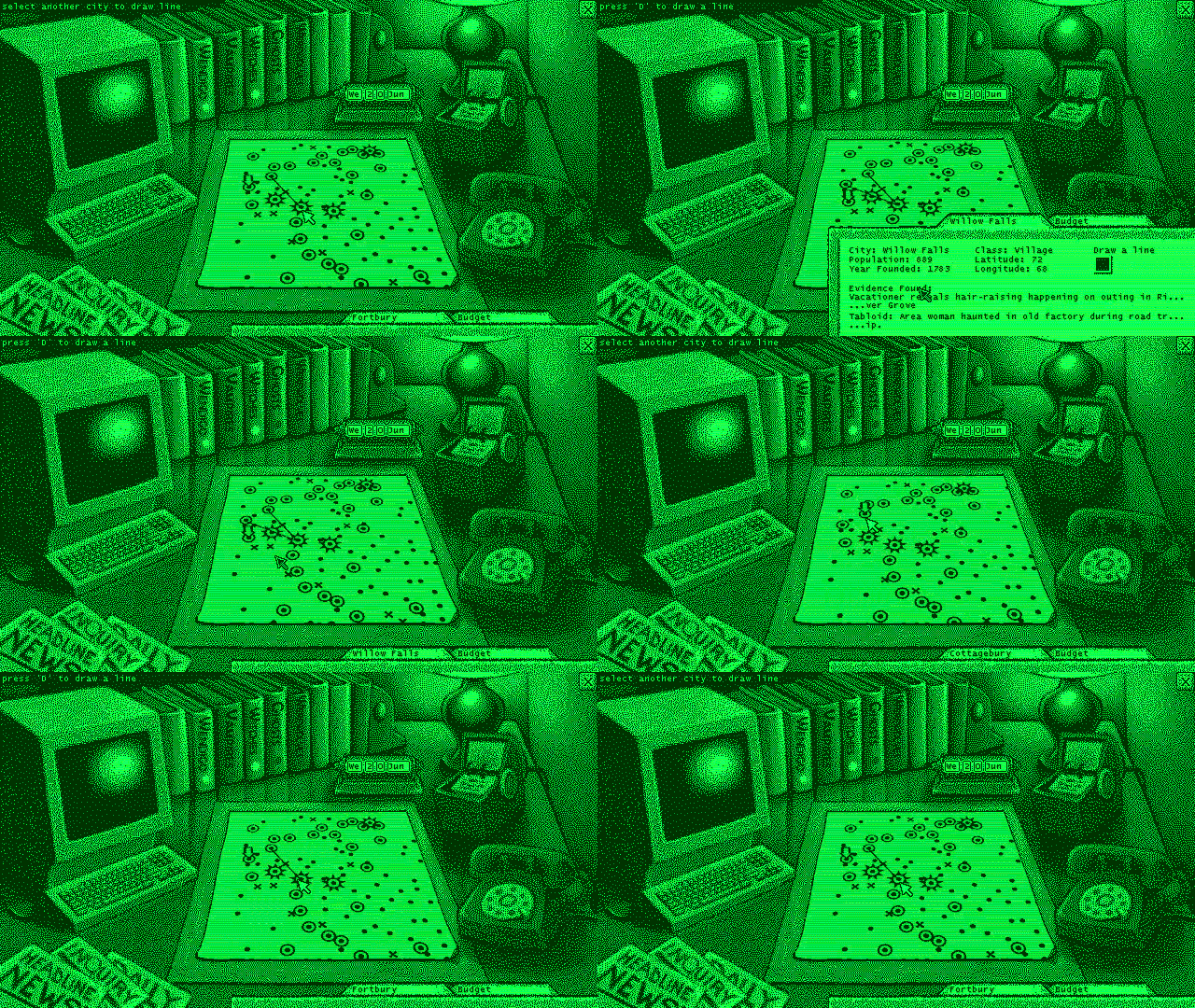
When hunting down aberrations it's important to keep a clean, comprehensible map. And that means you need to be able to add arbitrary lines and symbols, to make sure each piece of evidence is represented at a glance.
Now you can add lines between cities, to make sure you remember which events may be connected with others. Of course monsters don't always behave in an orderly manner, so you may get a bit of overlap, but that's half the fun!
There is no need to actually use this feature. I have included it as an option for players who want to make their maps more readable, but I admit if misused, it may have the opposite effect. It is up to the player and their approach to the game.
Demo Updated to Version 0.3.5
A few changes that will effect how players gather evidence...
With the last update I introduced "sightseers" in the tabloids. In these cases, it was not an incident that occurred in the city itself, but someone in that city was out on vacation when they encountered the "thing."
So in these cases, the tabloid gave some evidence as to the location of the city in question. However, this has now been changed.
Sight-Seers and City Specific Evidence
The tabloids of this type are now very general, talking about a person on a drive or visiting friends, with no information about the city being visited. However, if you are able to send a team to interview the holiday goer, and it turns out to be a real headline, the specifics will now appear in the report and be shown under "evidence" instead of "tabloid" in the city folder.
It adds a bit more complexity to the game, and also changes how some aberrations might be discovered. The main difference between this kind of evidence and other types, is that it could appear anywhere on the map, not necessarily near to an aberration. It also (I think) makes the game world a bit more self consistent, where the tabloid headline will influence the kind of evidence you can gather.
City-specific evidence like this can be categorized by approximate location on the map, population, longitude/latitude, year founded or even the name of the city itself (rare). When you are able to identify a few of these kinds of witnesses, it can make it much easier to narrow down the exact location of an aberration.
The additional change is that when interviewing travelers, your team is not in as risky a situation, so they are far less likely to get ambushed. But always take precautions! The tabloid itself could be fake, and just happen to be in an aberration city. There is always risk :)
New Update 0.3.4
You won't find any obvious new content here but much has been changed under the hood so to speak.
Patterns & Lore
There are now different patterns for each aberration type, and a bunch of new lore to help you identify them.
Danger!
Sending teams on investigations is also a bit more dangerous now (as it was in the original demo) to keep things more interesting and challenging.
New Tabloids
I have also included a brand new tabloid generation type so expect to follow a different kind of story that should help you narrow down the locations you seek.
Retry
On completing a session, you may now still exit the game, or you have the option of returning to the main menu and trying again.