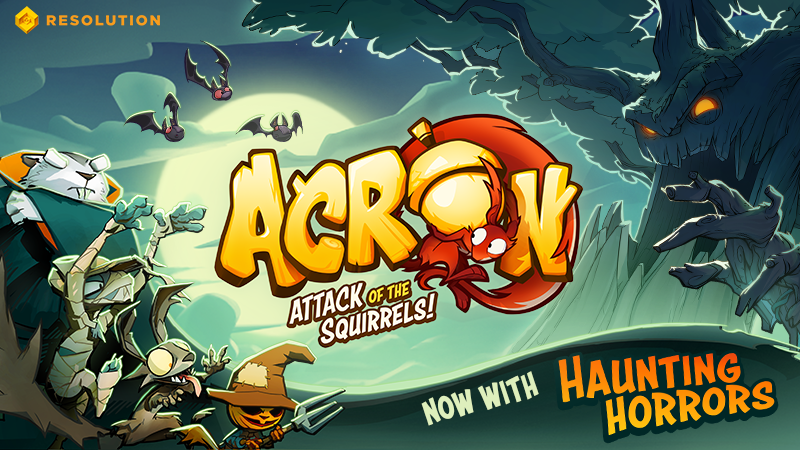
New game update including the terrifying Haunting Horrors level and 12 cosmetic skins for your favorite squirrel gang.
Game update:
Haunting Horrors level
12 new skins for the squirrels
Haunting Horror skins
Jungle Boogie skins
Mobster Madness skins
Bug fixes:
Squirrel player nametags can be hidden and shown from the VR settings menu
Thrown seeds now collide with level boundaries
Reduced squirrel jittering on mobile when grabbed by tree
Fixed audio settings not being saved on mobile when game is closed and opened again
Default number of squirrels set to 4 instead of 2 when creating a room
General bug fixes:
Optimized game
Fixed some bugs when joining an ongoing game
Audio settings are now saved
Fixed water not rising during overtime
Added handling for some network errors in VR and mobile
Mobile bug fixes:
Added 'update' screen
Added 'what's this' screen
Added social links
Updated gamepad buttons and layout
Fixed a bug where joystick would stop working
Room code is saved when restarting the app quickly
Quantizing of network trafic, in most cases reducing the traffic by three fourths
Hope you'll enjoy this new update!
/The Acron: Attack of the Squirrels! team
Dev Chat: Concept Art with Louise
Time to sharpen your pencils - we're digging deep into art in this week's Dev Chat! Our talented Artist Louise talks concept art today at 4pm CEST/10am ET.
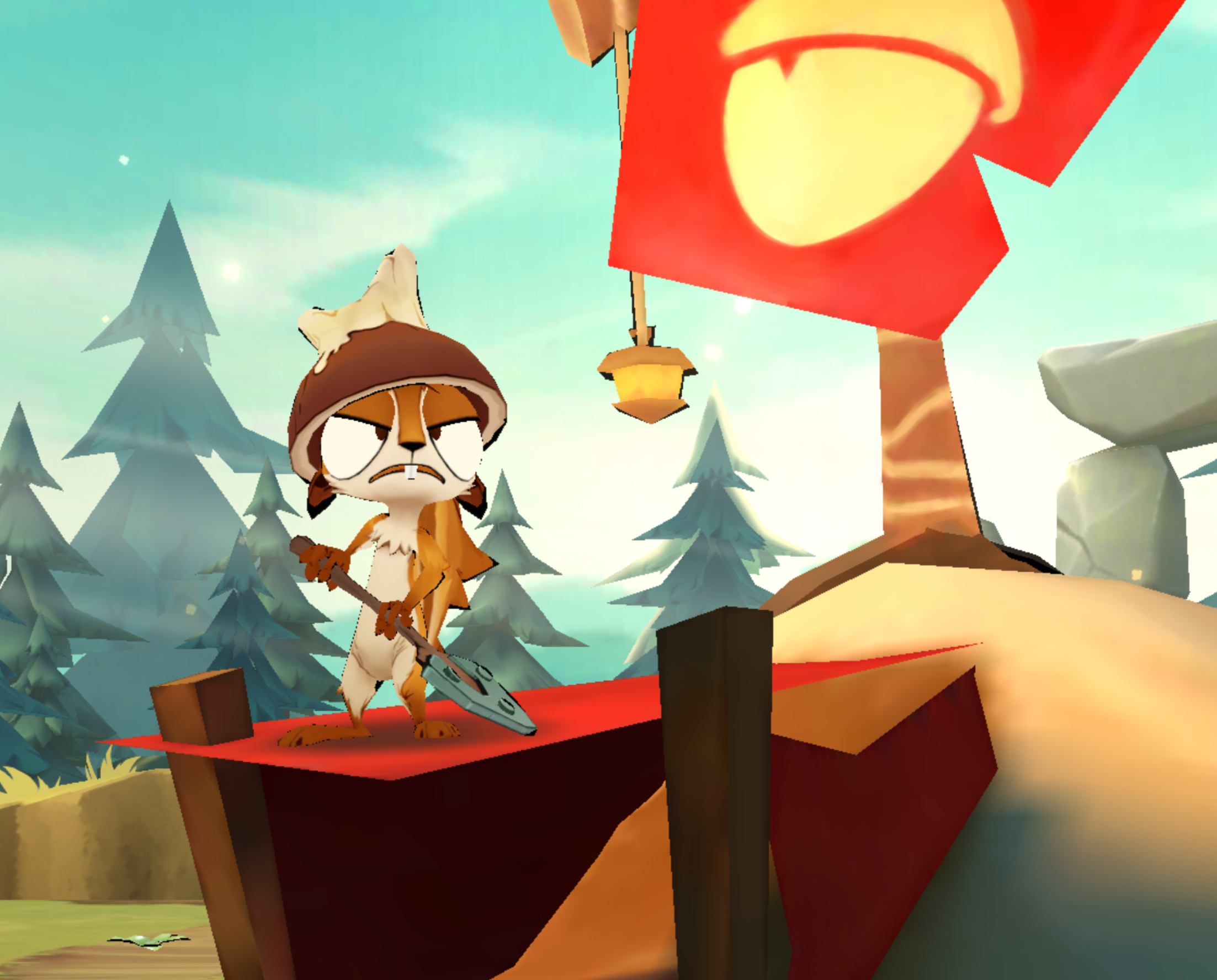
Please meet Doug, the digger squirrel! Doug is the bravest and most passionate little rodent you'll ever meet. He's the youngest sibling in a big family and had to learn to push his way ahead.
Doug may be cute but he's never afraid to take risks in order to get to those golden acorns. Before you know it he'll strap on his helmet, shake his spade and squeak a war cry. Beware, he's coming for you!
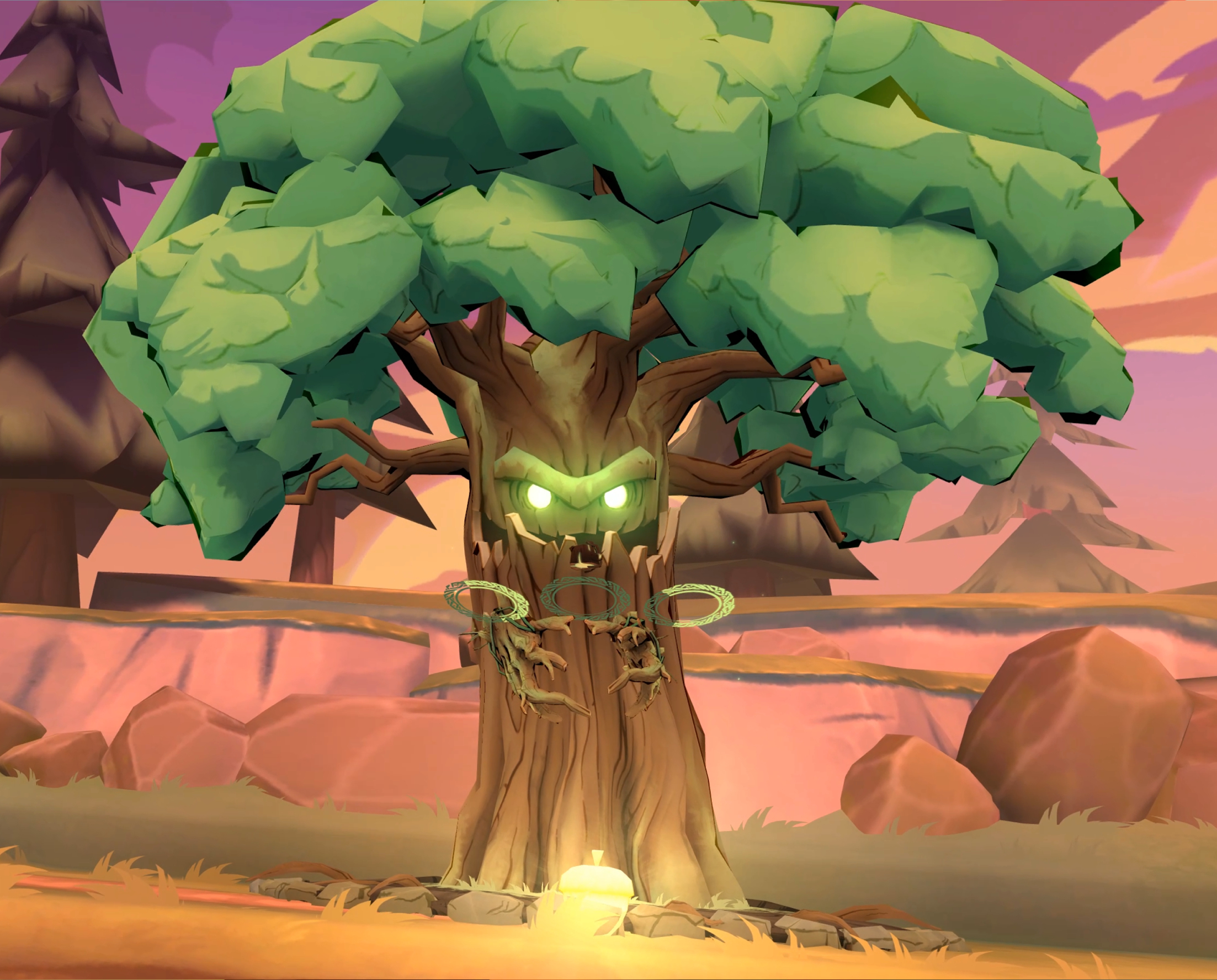
Meet the tree!
Meet the tree, an ancient being who was brought to life through polluted water. He's doing his very best at preserving the precious golden acorns and see them grow into beautiful trees, all while the pesky squirrels are trying to claim the nuts for themselves. No wonder he's so angry!
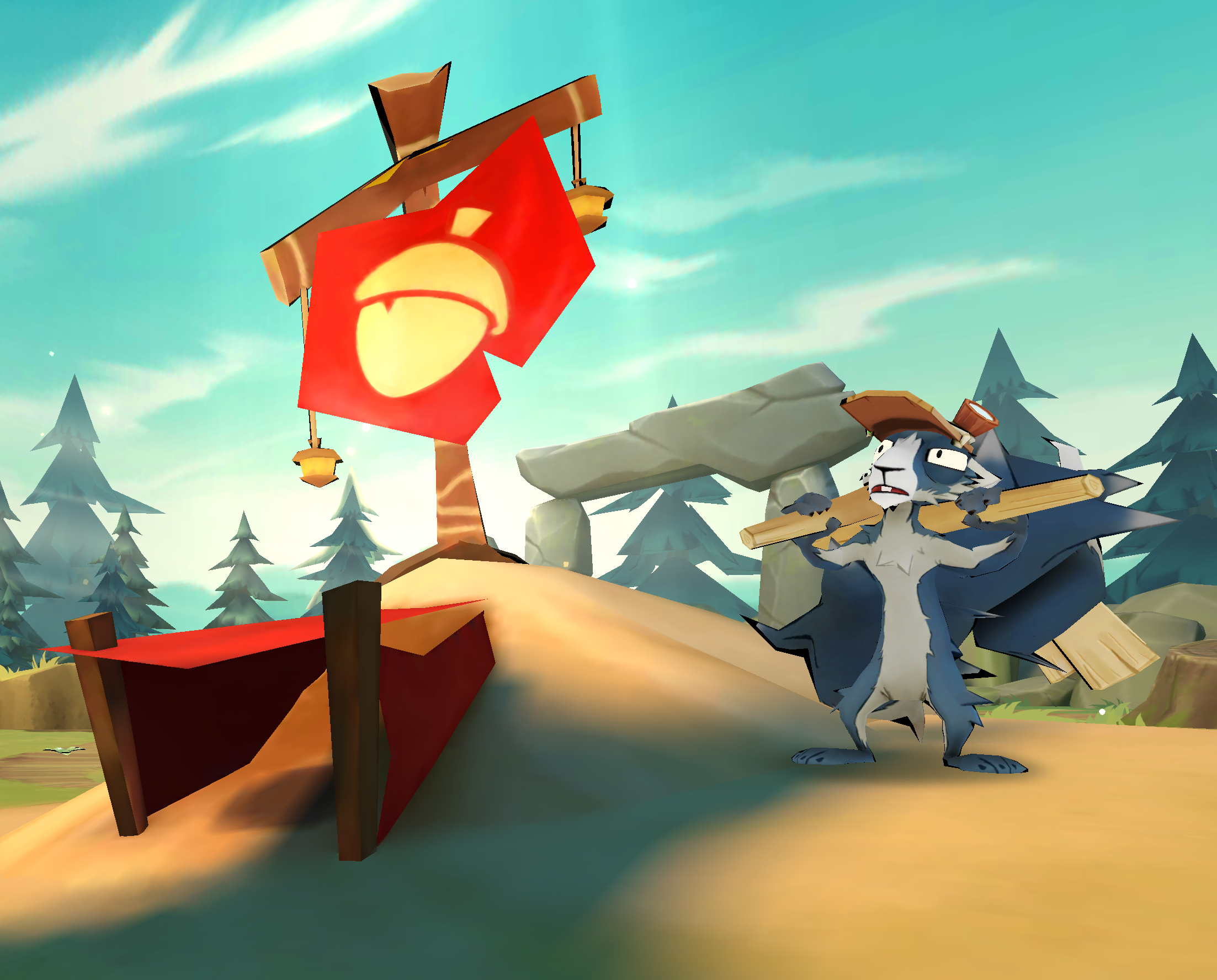
Introducing Sim, a quirky squirrel with a love for building bridges!
Sim's excellent carpentry skills come in handy in a tight spot! Taking the high ground is an excellent strategy, especially when fighting a giant, sentient tree.
Use his bridges to navigate around the most difficult territory and challenging traps. Just don't let him get talking about conspiracy theories. Trust us - he goes on forever.
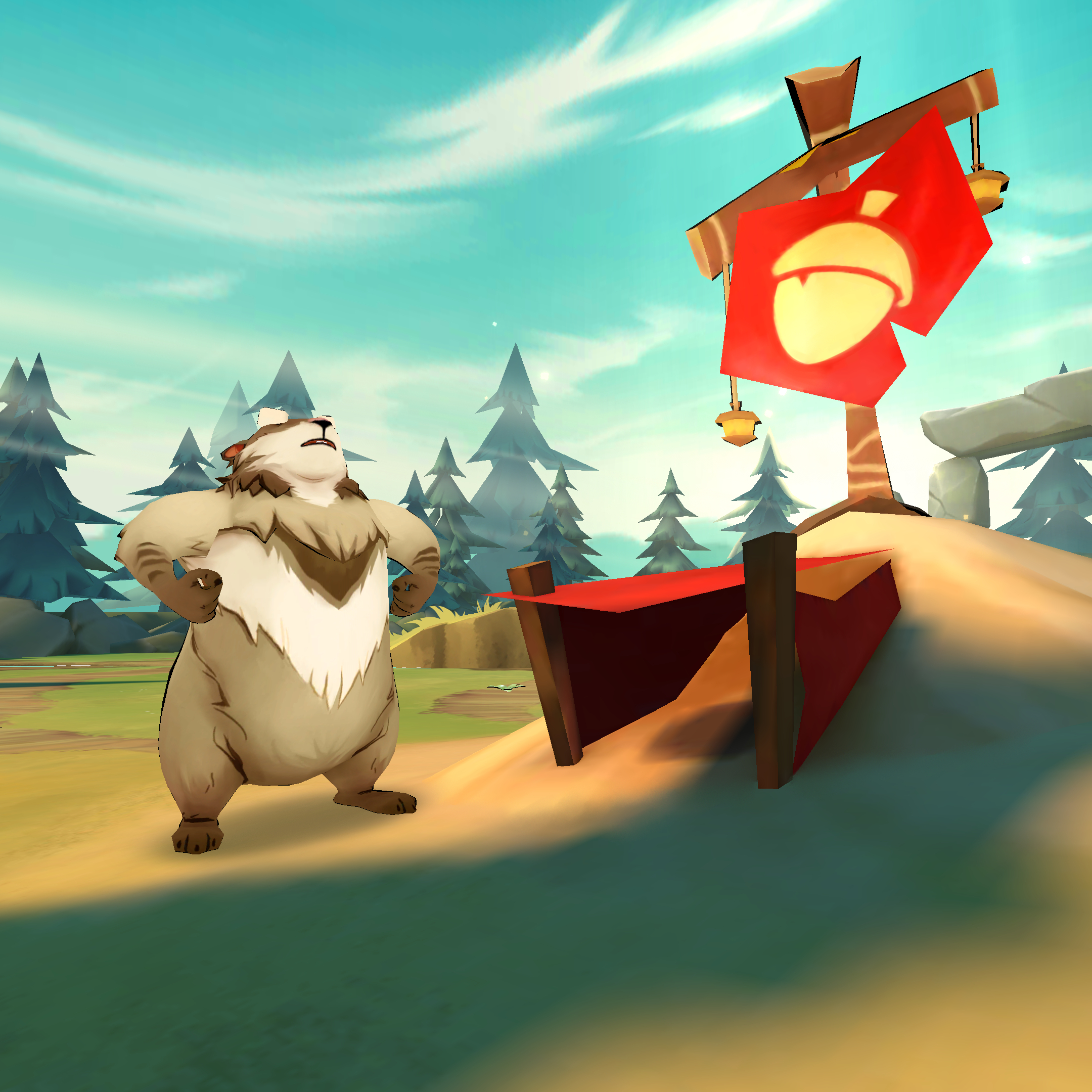
Say 'hello' to Chunk!
Chunk is a peaceful old guy who appreciates the simple things in life. You’ll often find him watching butterflies in the evening or whistling whilst he cleans his shield. His favourite thing to do is to take naps after dinner (he gives fantastic hugs too!).
Have you played as Chunk yet?
Acron: Attack of the Squirrels FAQ
About the Game
Which platforms are supported?
We currently support the game on Oculus Rift, Oculus Rift S, Oculus Quest and HTC Vive on the Oculus Store and Steam.
How many people can play?
One person on VR + up to eight people on mobile (minimum of two mobile players). There is a solo gameplay series the VR player can go through, but the remaining gameplay requires at least two players on mobile with a max of eight. Mobile players will not be able to play without the VR player activating a play session.
How much does the game cost?
The game is $19.99 on VR and free on mobile.
Do I have to buy the game for mobile?
No, the game is free to download on iOS and Android. You can find it in the App Store, Google Play or download it at www.resolutiongames.com/play.
Do you support cross buy for Oculus?
Yes! If you buy the game for Oculus Rift/Rift S or Oculus Quest in the Oculus Store, you can download the game on both headsets.
Will there be additional content?
After launch we will absolutely be listening to player requests and doing all we can to fine tune the game and make additions where we can.
How many levels are there?
At launch, Acron: Attack of the Squirrels! features six levels depicting different nature environments.
Playing the Game
How do I set up a game with my friends?
The VR player starts the game and creates a room. The VR player is then connected to the mobile players by giving them the assigned room number that they enter into the game on their device when prompted.
Do you need wifi or cellular data to play?
An Internet connection is required. A fast, stable connection provides the best experience.
How are the players connected?
The VR player starts the game and creates a room. He or she then connects to the mobile players by giving them the assigned room number that they enter into their device when prompted.
Do all players (both on mobile and VR) have to be in the same room/location? Players don’t have to be on the same wifi or in the same location, but given the cooperative nature of the game it is best when played as a couch party game together with a bunch of friends.
If you aren’t in the same room as the other players, are you able to hear them? There’s no mic functionality right now as the intention of the game is to be a local party game. However, if you are not in the same location as the other players, we have seen some players using tools like Discord, Skype, Google Hangouts, etc. - to make the most of the cooperative nature of the game and initiate gameplay sessions.
Why doesn’t it have a single player mode?
The game is intended to be a multiplayer experience. However, at launch the game will have a ‘training mode’ where the VR player can try out different aspects of the game before inviting their friends on mobile.
Can I turn off Aim Assist as the tree?
Yes! You can turn Aim Assist On/Off from the Settings menu. On Oculus, you can also switch the grab trigger from middle to index in the settings menu.
Troubleshooting
If you’re experiencing issues with the game. Try the following steps. If you’re still experiencing problems, please submit a support ticket here and we will help you look into it further.
Please make sure that you are using the latest version of the game on all devices.
Can’t connect to the game room on a mobile device
If you're unable to connect to the game room hosted by a VR player (code turns red), please make sure that you are trying to connect to the correct region. The VR player can see the region by the room code (eg. USW/EU/RU). On the mobile device, press the region and select the same one as seen in VR. Please note that this doesn't always correspond with your physical location.
Latency/lag issues
Make sure that your internet connection is stable. You can also try to move your devices closer to your router.
Can’t connect to the game
1. Please check that you don’t have too many devices connected to your router. You can try disconnecting other devices that you’re not currently using (eg. laptops, smart TVs or game consoles).
2. Restart your router. This will clear its cache and make room for new devices to join the network.
Troubleshooting on VR Headset
1. Exit the app on all phones and the VR headset, make sure you kill the app completely on all devices.
2. Start the game/app again on all devices.
Troubleshooting on Mobile Devices
Issue on one mobile device:
1. Press the settings button on the top right corner.
2. Quit to main menu.
3. Rejoin the game.
If that doesn't solve the issue:
1. Close all running apps.
2. Restart device.
3. Start the app again.
Issue on all mobile devices: 1. Exit the app on all mobile devices and the VR-headset, make sure you kill the game/app completely on all devices.
2. Start the game/app again.
Where can I report a bug?
You can report any bugs you may find in this forum thread, or submit a support ticket at https://www.resolutiongames.com/support.
I have encountered a problem. Where can I get support for the game?
Check out our troubleshooting guide to solve the most common problems. If that doesn’t help, please submit a support ticket at https://www.resolutiongames.com/support and we will help you look into it.
Acron: Attack of the Squirrels! Release Date
You have less than a month to decide if you're going to protect or steal the golden acorns. Acron: Attack of the Squirrels! will be arriving on Steam on August 29! Add the game to your Steam wishlist today.