Can't start Angry Birds VR through Steam Link? — Here's a fix!
If you're using Steam Link on any of the Meta Quest headsets and can't get Angry Birds VR past the "Next Up" step on the headset (see the screenshot above), so that it only runs on your main monitor, the cause is likely that you don't have SteamVR set as you current OpenXR runtime. This post will give you some background on this issue and show you how to fix it.
Background
Angry Birds VR uses OpenXR which means that it can and will run with any OpenXR runtime on your computer. Which runtime is used can't be controlled by the game. Rather, whatever runtime is set as the current OpenXR on your computer will be used.
The Oculus PC client will give you an explicit warning if it isn't set as your current OpenXR runtime, with a button to set is as such. Hence, most Quest users using the Quest with their PC will most likely have Oculus set as their current OpenXR runtime.
This is fine when running the game using Meta Quest Link as it will work with both the Oculus client and SteamVR. Steam Link only works with SteamVR however which means that you will need to set SteamVR as your current OpenXR runtime instead.
How to fix
To set SteamVR as you current OpenXR runtime, your must click SET STEAMVR AS OPENXR RUNTIME under SteamVR Settings > OpenXR, as seen in the following screenshot:
(For older versions of SteamVR, this option can instead be found under SteamVR Settings > Developer)
Result
When SteamVR is set as your current OpenXR runtime, your SteamVR settings should look as follows:
At this point, you should be able to start the game using Steam Link without any issues.
If you ever set Oculus or any other OpenXR runtime as you current OpenXR runtime after this, you will need to revisit this guide to set SteamVR as your current OpenXR runtime again before you can run Angry Birds VR through Steam Link again.
Game Update: New Graphics!
Red, Bomb, Chuck and The Blues are back - in a setting that is looking better than ever!
Patch notes: - Full graphics remaster for all scenes - Updated particle effects - Improved haptics that scales depending on damage - Fixed incorrect slingshot-to-hand offset - Added new one handed play mode - Menus open on menu button press - Added full Chinese (zh-HANT and zh-HANS) support - Achievement update to collecting all stars in game
Join the Resolution Games Discord!
We’ve now launched the official Resolution Games Discord community server!
Join it to stay updated and to discuss your favorite VR & AR games by Resolution Games. The server is run by the employees of the company, and features channels for games such as Spatial Ops, Bait!, Cook-Out: A Sandwich Tale, Acron: Attack of the Squirrels! and Angry Birds VR: Isle of Pigs!
Finally, the Resolution Games Discord follows the same rules as our other community servers, as well as the accompanying Code of Conduct. Make sure to read them thoroughly before joining in on the discussion!
- The Resolution Games Team
Demeo Launch Celebration Sale
Resolution Games' biggest release to date, Demeo, just launched, and to celebrate we're running a 20% Discount on both Angry Birds VR: Isle of Pigs and Acron: Attack of the Squirrels!
Add both of these amazing titles to your Steam Library today and make sure to check out our latest release, Demeo!
And don't forget to follow Demeo on Twitter and Discord too!
We're up for a Webby Award!
Red and his friends are excited to share that Angry Birds VR: Isle of Pigs has been nominated for a Webby Award in the Technical Achievement category!
Voting is now open, and we'd appreciate it if you could take a couple of seconds to vote for your favorite birds. Vote here! (Voting ends on May 6th!)
Game Update: Terror Peak is now live!
It's time to defeat the dreaded Dr. Frankenswine once and for all. Terror Peak, the fourth world of the Spooky Levels is now live. We also included some bug fixes and made browsing easier in the level builder mode.
Grab your virtual slingshot and join your feathered friends in the new world today!
Game Update: Dr. Frankenswine returns with 13 new levels!
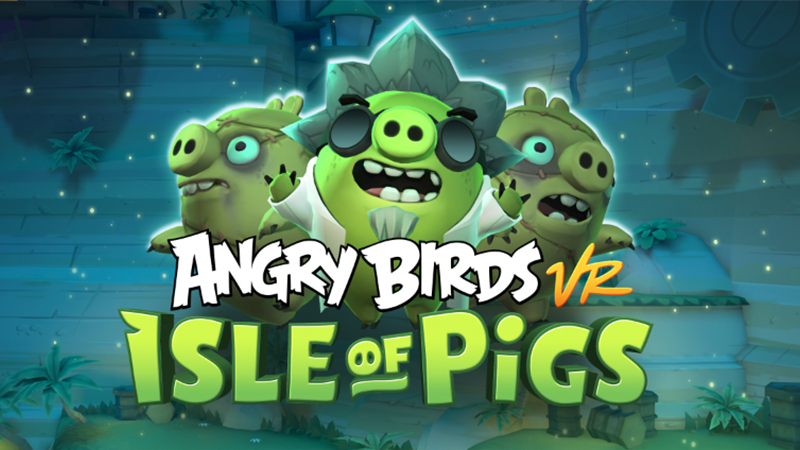
The horrifying Dr. Frankenswine is back with his minions. They're bringing along 13 new spooky levels set in Slimy Slopes. Pick up your slingshot and help Red, Chuck, Bomb and the Blues put a stop to Dr. Frankenswine's evil schemes!
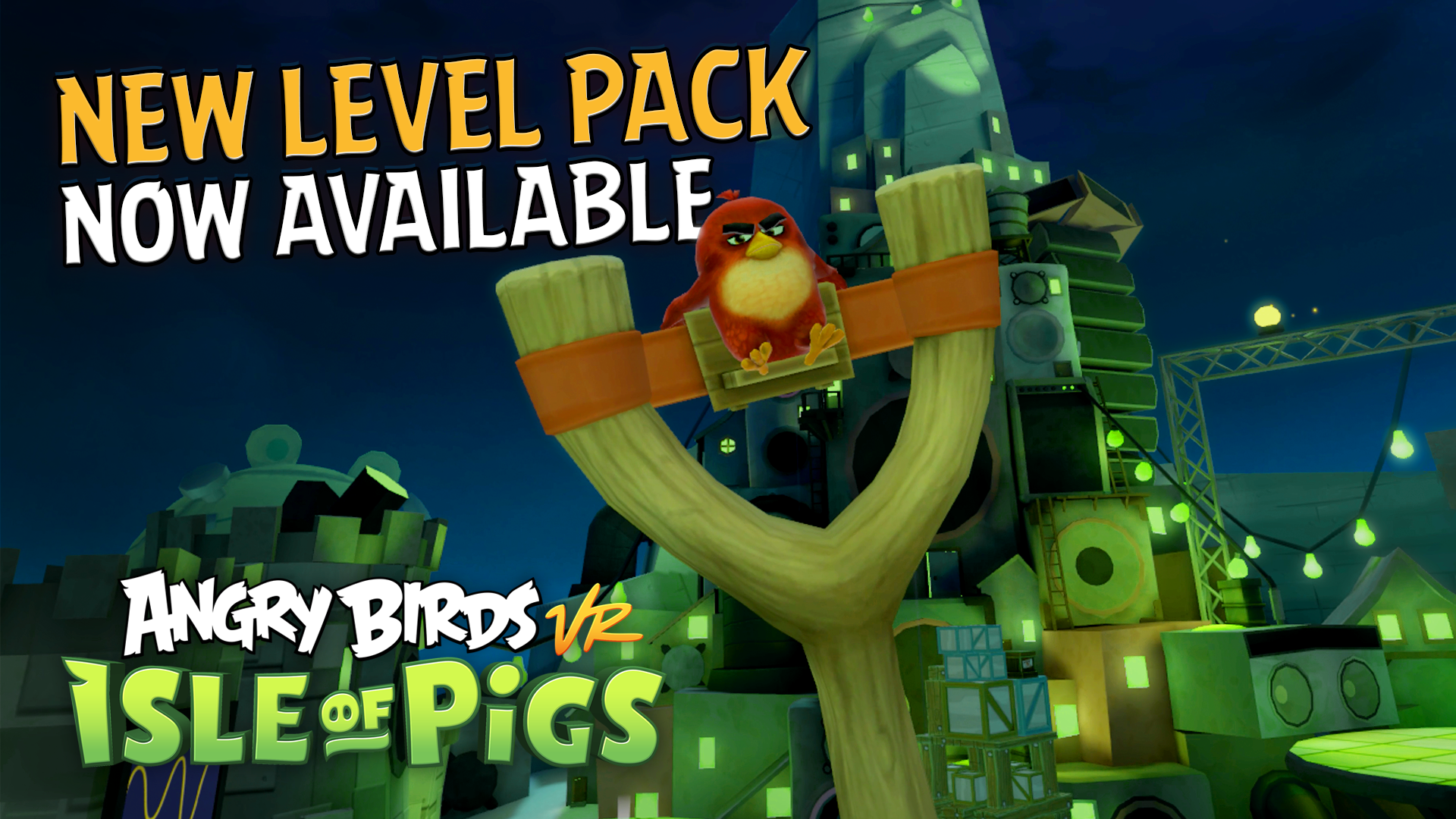
Patch notes: - A new level pack: Slimy Slopes is now available! - Added hints on how to unlock spooky levels - Added three more achievements - Fixed an issue where the music sometimes stops playing in the spooky levels - General bug fixes and polish
Game Update: Level Builder Online Mode
We have some really egg-citing news today! The level builder online mode is finally here and you can now play an endless amount of levels and share your best, funniest and most awesome levels with the world. Share and Discover – Upload your unique levels and have other players enjoy your creations. Try out other players' levels in the discovery menu, get the level code from a friend, or try out quick play for a random adventure.
What are you waiting for? It's time to get slingshotting!
Game Update: Achievements
Achievements are finally out! 17 achievements + 3 hidden ones can now be found on the Isle of Pigs.
If you have already completed the requirements prior to this update, you will automatically get the achievement.
Enjoy!
New Game Mode: Level Builder
For the first time ever, you can design your dream Angry Birds levels! Gather all of your feathered friends and start building today.
Blocks
Choose between a variety of blocks to assemble your epic level.
Place Your Pigs
Position pigs to your liking. Use the boss pigs for ultimate awesomeness.
Pick Your Birds
It’s up to you to decide which birds will be used for your level. You have the option of filling three slots with Red, Chuck, Bomb and The Blues.
Pass and Play
Share your creation with a friend. Hand over the headset and watch your friend slingshot away!