
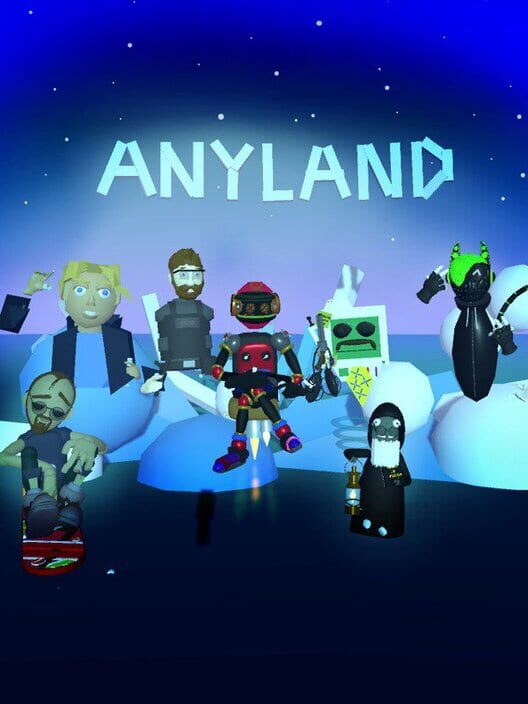
Anyland
Update: We're on a new & snappy Content Delivery Network!
A CDN is a thing that caches files for speedy delivery around the world, while keeping hits to the servers and database at a minimum. The new one we switched to is one of the industry's biggest, so that should provide some long-term stability!
To confirm all is as before, once you got the new version you may also wanna clear your local cache before exploring some areas. You can clear the cache in the Me -> ... -> More settings. While this will cause an initially slower area load -- as if you had visited an area for the first time -- it will also confirm that when it's done loading, the files arrived fine from the new CDN!
Hope you enjoy! I mean, the joy of things working as before 😊
Anyland Updates & Upcoming Event!
[previewyoutube="tdPDvTuduiA;full"]
And here's some of the updates:
- You can now get pings from non-friends! And there's a new option in your Me "..." dialog to turn that off again, if you want to.
- There's a new scripting even for leg movement! Use "When told by body leg move started/ ended left/ right then..."
- Moving in Desktop mode (if you're not in VR) is now smoother! You can go back to the old movement style in the Me camera settings, or increase smoothness even more in those options.
Also, this Saturday, June 27th 2020, Nic organizes another build-off event! Please join the forum for more: https://steamcommunity.com/app/505700/discussions/0/2527030866872504386/
Thanks everyone & hope you enjoy!
New: Legs!
https://www.youtube.com/watch?v=xAN1mWBcCWE
Thanks everyone!
New Areas!
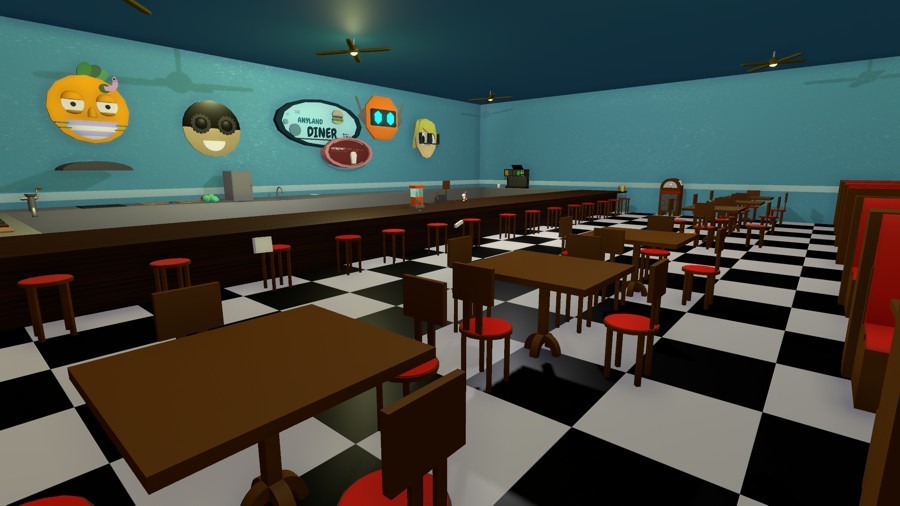
Anyland Diner
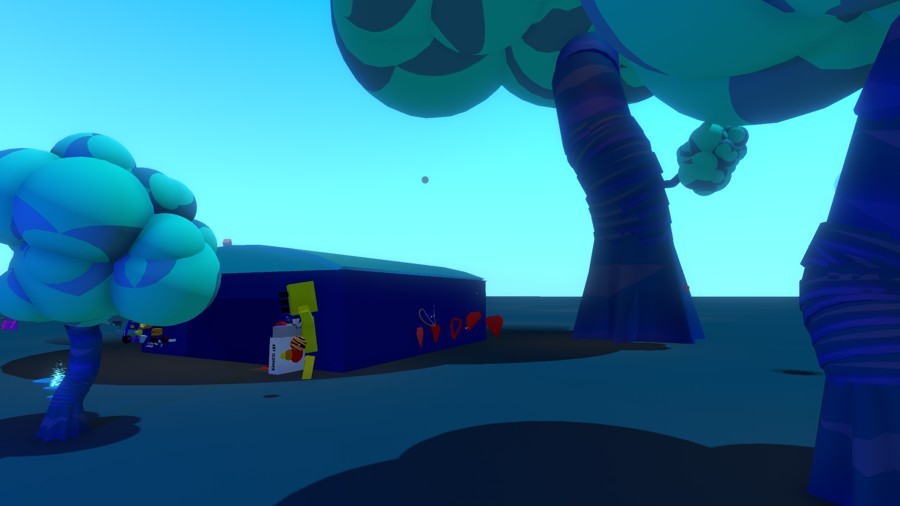
Amplitech Labs
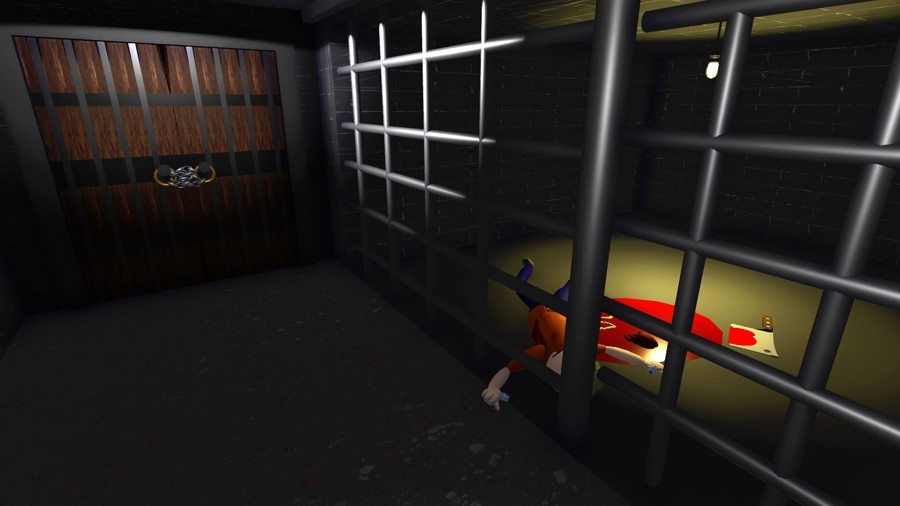
Haunted Woods Trails 2
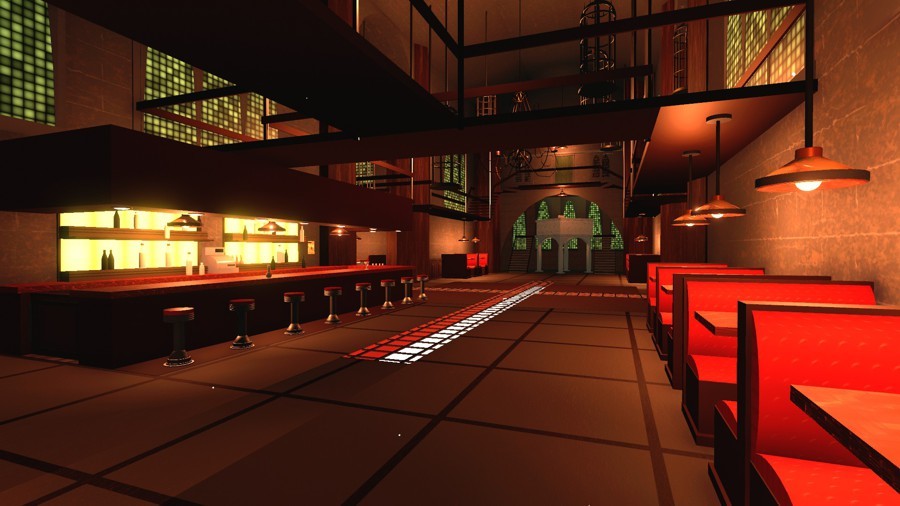
Confession
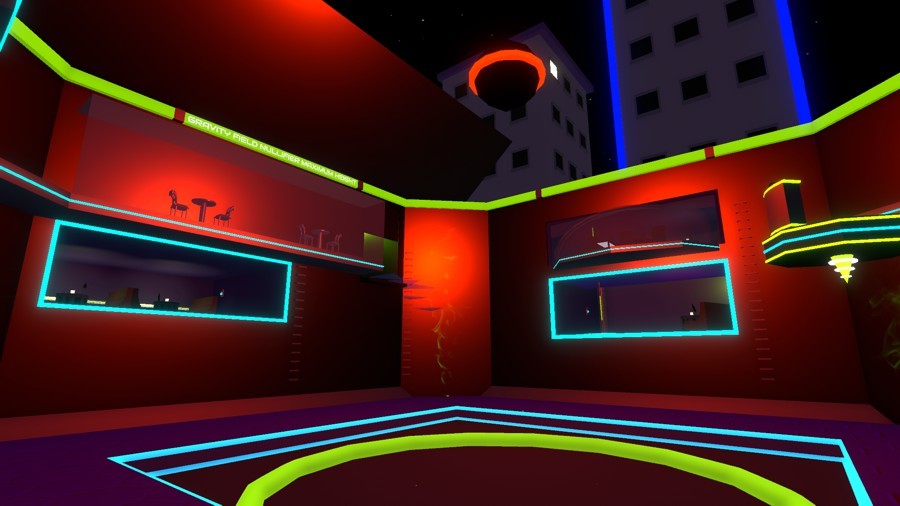
Club Threshold
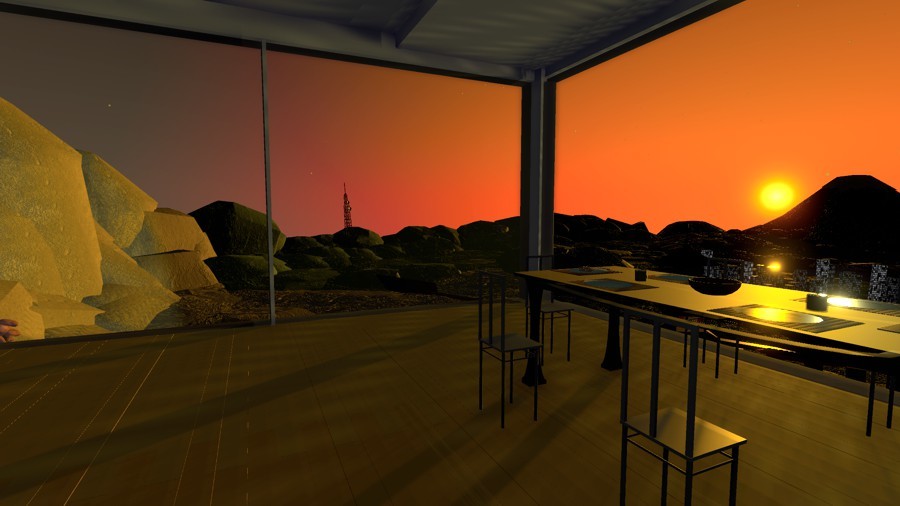
The Rising Sun

Rusty Manufacturing
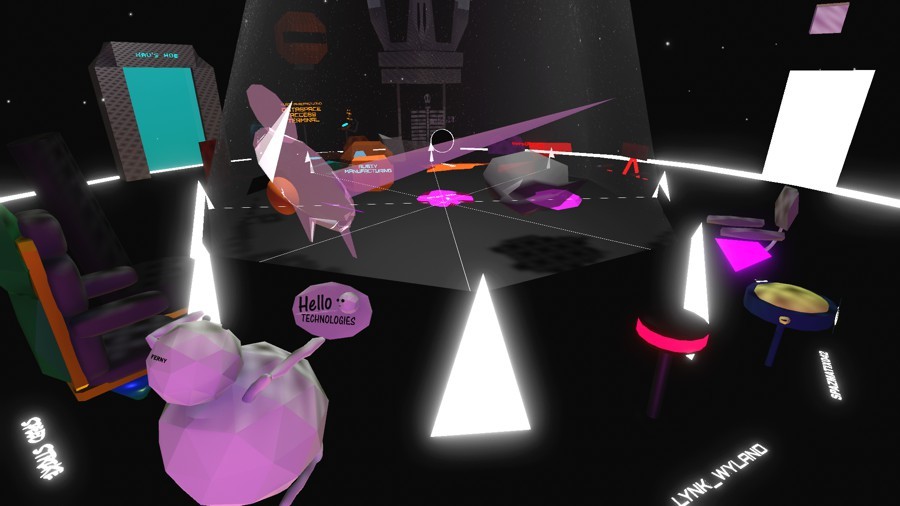
League of Corporations
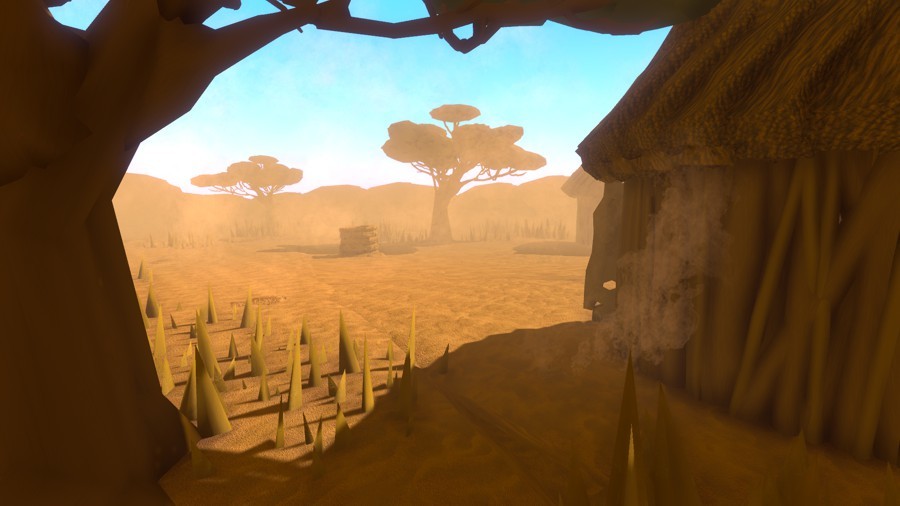
-Africa-
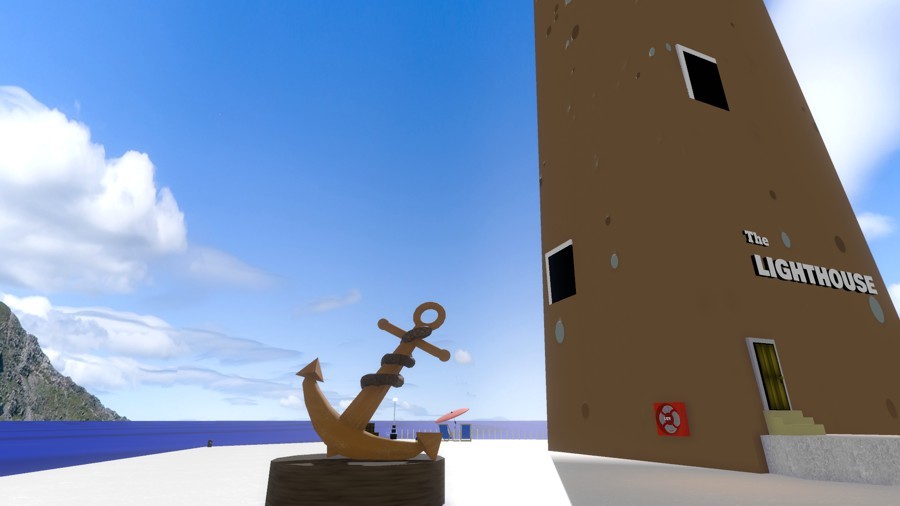
The Lighthouse
Anyland is a VR (and desktop) sandbox & chat universe we all create together! There's over 15,000 public areas altogether. Join us if you like! Check out the trailer:
https://www.youtube.com/watch?v=1sp6J2Fhkz8
Thanks everyone!
New: Quests!
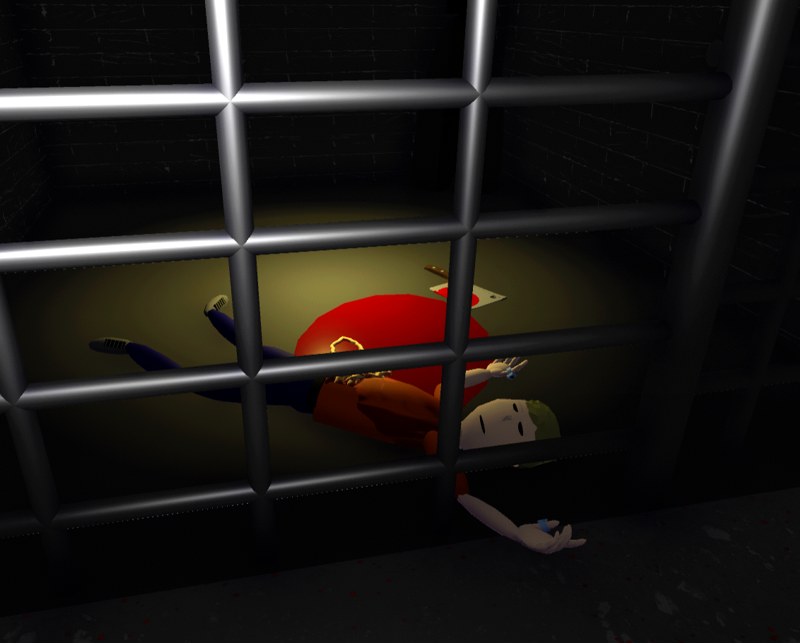
There's a new Quests board in Anyland, where you can create quests with goals for everyone to achieve!
If you create a quest, you tie it to scripting in such a way that only those who achieve a given thing -- like finding a sceptre, or touching a button in a secret room -- will be able to add themselves to the Achieved list.
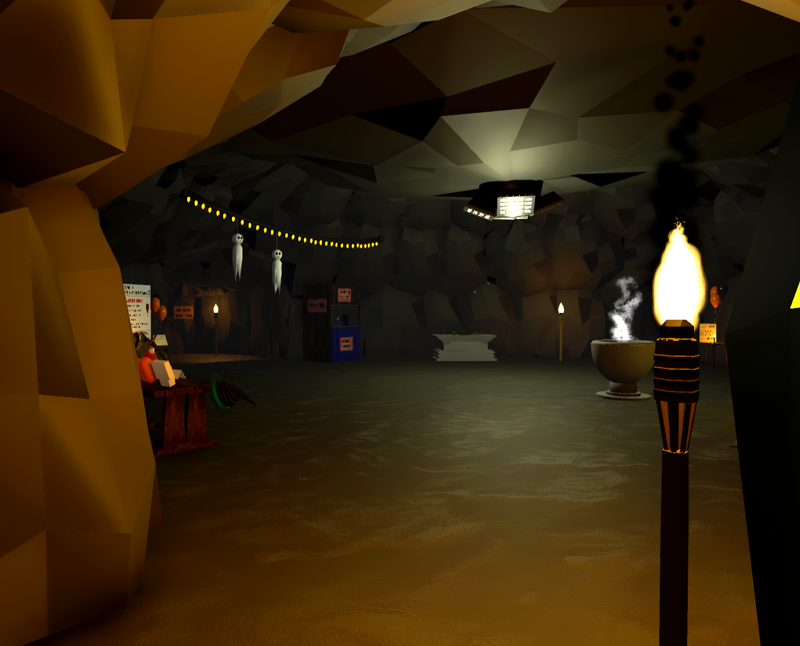
Here are some of the current quests!
- Scepter of Philipp is missing! Find the holy relic & return it to its pedestal. A note with a hint is currently in its place... Area: Church of Philipp - By Jinx
- Scavenger Hunt, Halloween Theme! Find the hidden candy bags & pumpkins and set off party mode with a special reward! Area: Haunted Woods Trails 2 - By Jinx & Delco
- Survive for 200 seconds! Area: Space Craft - By Aki
- Find the Shnoop in the Lab of Ferny! Area: Lab of Ferny - By Ferny
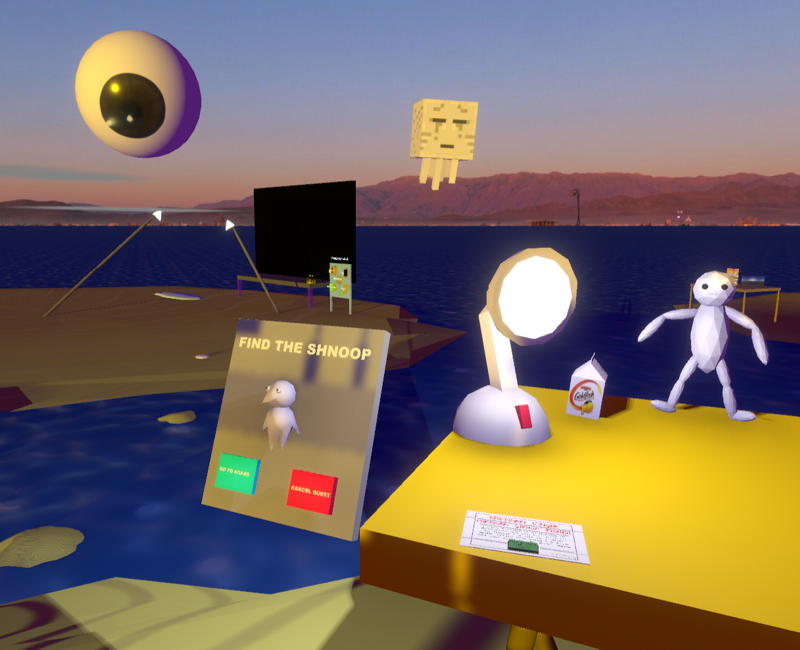
Give it a try and see how many you can solve! If you don't have VR, you can also join with just desktop and move with wasd. Anyland is free to download so jump right in! https://store.steampowered.com/app/505700/Anyland/
More on the syntax to create quests is shown at https://steamcommunity.com/app/505700/discussions/0/1744483505480783967/
Hope you enjoy, and thanks everyone for being in Anyland!
Change surfaces!
https://www.youtube.com/watch?v=CBOPUw9-Ecg
Thanks everyone for being in Anyland & hope you enjoy!
New Trailer!
https://www.youtube.com/watch?v=1sp6J2Fhkz8
Thanks all, and with ❤️!
New: Trails!
You can now have things leave a trail behind them, using the color, material & approximate size of the source part! For instance, this allows you to create pens that draw in mid-air, or trails left behind bullets.
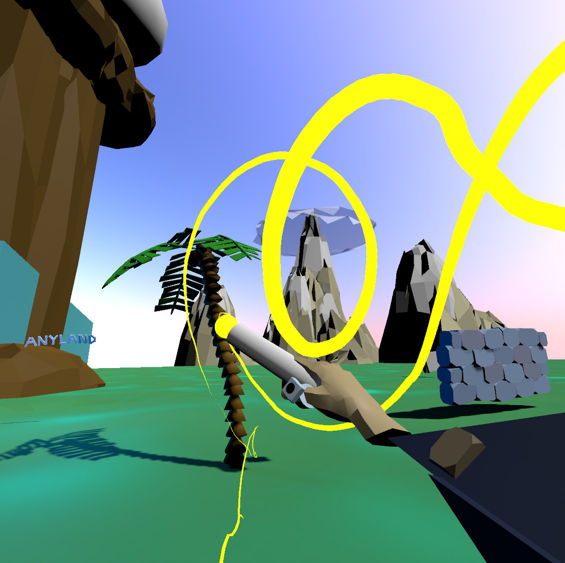
https://steamcommunity.com/app/505700/discussions/0/1729828401690380157/
Hope you enjoy, and thanks everyone!
All the news!
- You can now turn around the main dialog and hit the "Create Unplaced" button to "doodle"-create while chatting!
- Shrinking yourself can now go down all the way to 1% (down from 10%), with some special optimizations for that tiny mode! Thanks Axel & Pen & Delco & all D&D fans!
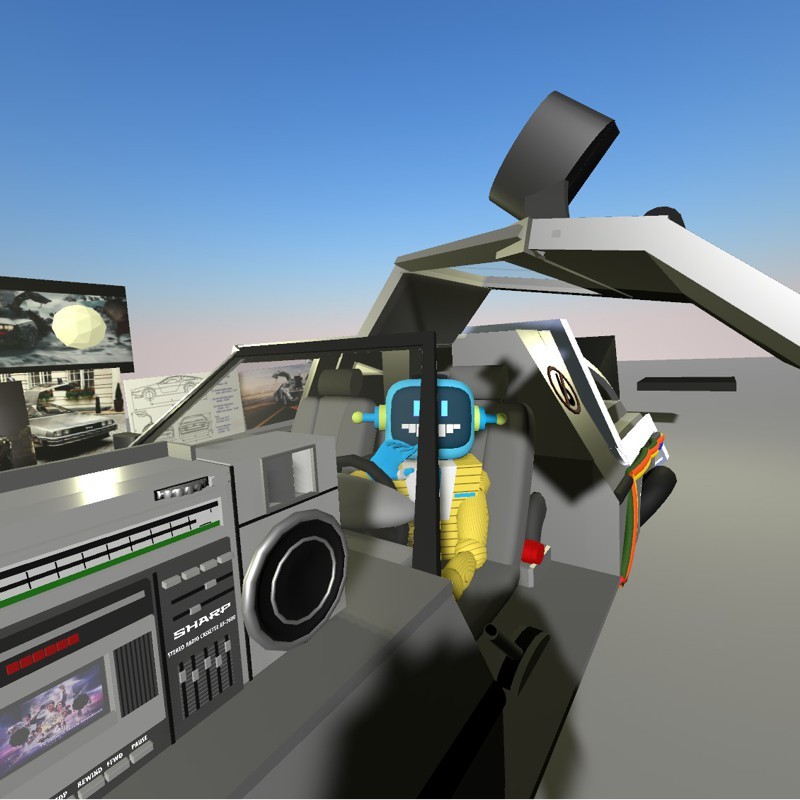
Delco in his modified DeLorean!
- The "Lower quality graphics" Me-setting now also reduces the amount of objects visible around you, to make things even faster! Thanks Nic!
- You can now use e.g. "When any state starts then become next in 0.5s" to have something be applied to all states of the part! Thanks Kool, Sakhado, Lynk, OP, Spider, everyone!
https://www.youtube.com/watch?v=zU-KXANTLiw
- There's a new "Mute videos" button near the end of the Me settings! It will turn off the sounds for all videos in that session, but just for you. Thanks Jinx & Nic!
- There's a new base shape, the Quad! It's on the bottom-right of the last shapes page, and is a new type of shape that has only one and fully flat side.
- Useful with the Quad and others, there's a new base material for transparent textures! (Look for the icon showing a cube with a hole in it.) When using this, you can paste PNG images from your Steam artworks, and their alpha channel will make the shape itself transparent! Thanks Toshi & everyone!
https://www.youtube.com/watch?v=RxmMXtp4pmE
- Here's a tip to improve speech command recognition: https://steamcommunity.com/app/505700/discussions/0/3211505894104572792/
- There's a new variant of the "do all creation parts become x" command: "become stopped"! Use it to ignore the start event of the cell you're switching to, halting anmations. Thanks Pen!
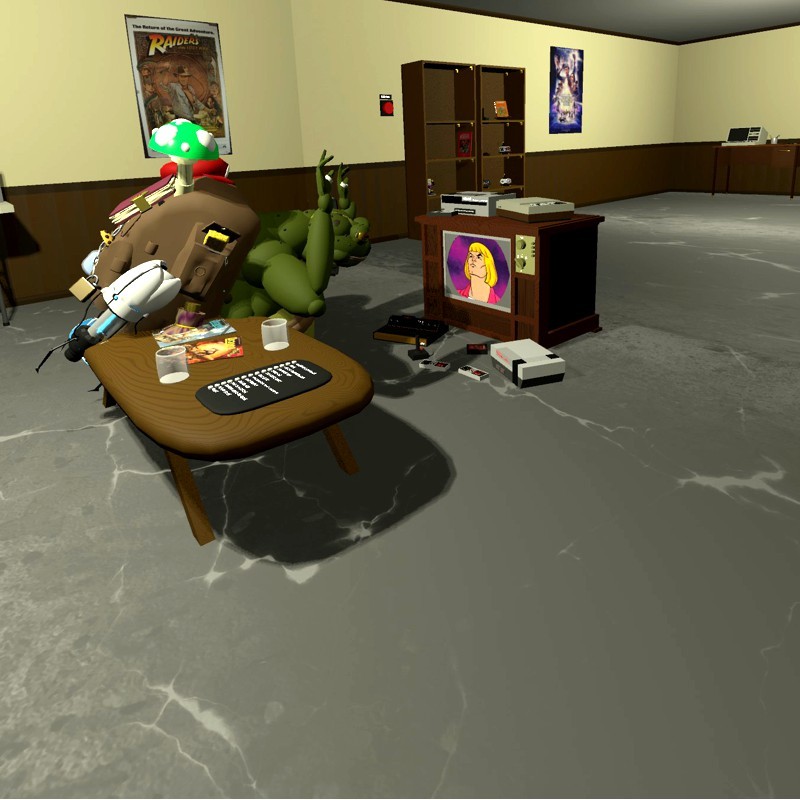
Overvisor having a blast in Drako's basement
- We've increased the maximum size to which you can stretch base shapes during creating, by a massive amount!
- You can now create with automatic symmetry! Thanks Spider & everyone!
https://www.youtube.com/watch?v=PdJbb6VCPeg
- We fixed an issue that occurred when you merged two same things which both used auto-completion! Thanks Thifa, Spider & Walker!
- We fixed an issue with the inventory search keyboard opening at strange angles, and not closing, when you had opened the inventory with your right hand! Thanks Ferny & everyone!
- You can now resize placements! Just context-laser a thing and use the new slider to scale it proportionally (you just need to be area editor, not original creator of the thing).
https://www.youtube.com/watch?v=l-rvyJCqG-o
- The desktop camera recording options are now scriptable! Use the "set camera position/ following" commands. Thanks Jinx!
- The forum speech bubble on the main dialog will now read "New" when there's new comments in any of your boards since last time you checked!
- You can now auto-complete shapes:
https://www.youtube.com/watch?v=E4YKMTAKFPQ
- Each inventory page can now hold 100 items (up from 30)! Thanks everyone!
- The characters "(", ")" and "|" are now available to be used in all text creations! Thanks Ferny!
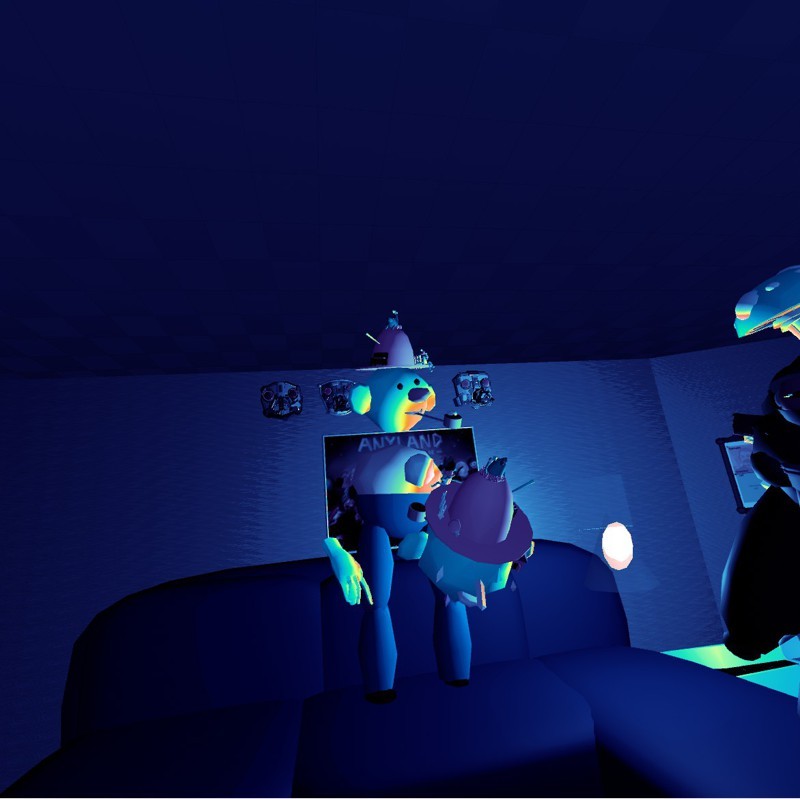
Pen heatin' by Sakhado
- There's a new Copy & Paste dialog for placements! You can access it from the back of the thing dialog, and use it to selectively copy position, rotation or size. Thanks Frash & Howls!
- There's a new Area -> ... -> Filters dialog that lets you adjust light bloom, saturation, contrast, heat vision and more for your area!
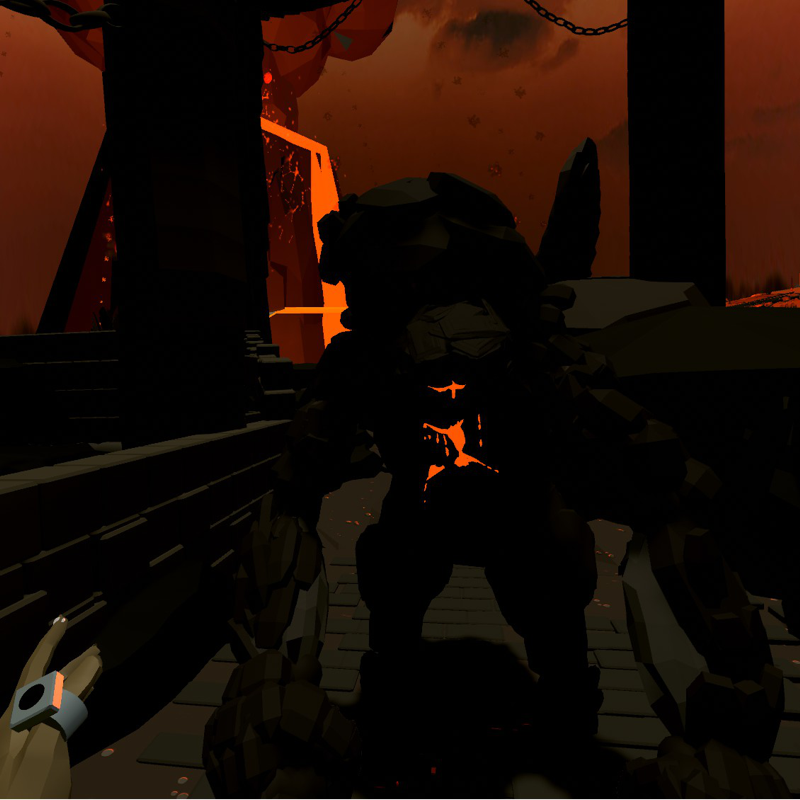
https://www.youtube.com/watch?v=9PYQm21C2b0
- Non-glowing fonts are now possible! To make the font glow again, you can apply the glow material. Thanks Walker, Lece, everyone!
Hope you enjoy!
The Sky Update!
- You can now find public items from all across the universe, by just speaking while in the inventory!
https://www.youtube.com/watch?v=8n2-QxK4ulI
- There's a new command: "then say ..."! It speaks anything you want it to speak, and different voices are available via "set voice"!
- Another new command, "When hears" ..., can trigger based on your speech commands!
- The maximum camera range has been upped from 500 to 10,000 meters!
- You can now set the sky to have any texture a placed thing part has! Just context-laser a part during editing and in the "..." menu, hit "Use as sky"! This works with animations, scripted events, and multiple texture layers, too.
https://www.youtube.com/watch?v=V_sC6y2e62o
- You can now use multiple tells of the same type and sound play commands in one comma-separated line! E.g. "When touched then play doorbell, play aearosol spray can".
- When doing state animations, you can now specify if you want the animation to only start softly, or only end softly, or be fully steady! Use e.g. "When starts then become soft start state 2".

Sully's Bar by Fazzi
- You can now move to another state via another middle state, allowing for softer, more curved movement! For example: "When starts then become 3 via 2".
- We fixed an issue with the hand lagging when using hang-replacement arms! Thanks Ferny, Jinx, Lynk, everyone!
- We upped the number of simultaneously showing particle systems from 8 to 15!
- Manylander has done a huge number of tutorial videos, you can check them out here:
https://www.youtube.com/channel/UCTdNMZmXKtiZ-kAjle9A5dg/videos
- You can now record & playback songs using any Anyland instrument or sound effect!
https://www.youtube.com/watch?v=-ifa3oSAYw4
- You can now click a Find icon within forums/ boards to search for thread titles and comments! You can try it on the new Guide board, for instance.
- There's a new command: "Allow/ disallow amplified speech"! The default remains as it was, allowing it in the area, but disallowing may help you in e.g. adventure & quest areas. Thanks Jinx!
- Arms movement now has a bit of soft smoothing in relation to hands!
- At the back of the color dialog is a new button to expand an extra color palette! It will be filled with randomized variations of the base color you pick. (Want to shuffle the variations? Just click the same base color again.) Thanks Graphics & everyone!
http://steamcommunity.com/sharedfiles/filedetails/?id=1295892238
- It's now possible to put on body parts in Me mode even when the inventory is still open in one of your hands! You can also delete placements now while the inventory is open.
- There's a new icon at the bottom back of Thing dialogs, taking you to a dialog listing all the thing's Hears and Tells it listens to! Thanks Lynk!
- We fixed an issue with the Let Go command when the held item was currently colliding with something. Thanks Toshi, Liza, Axel & Lady Eight!
- Sound auto-completion search results now offers 1 more item per page, so less paging is needed.
- You can now cut off a playing sound after a certain amount of seconds! Please use e.g. "When touched then play doorbell with 0.5s duration". Thanks Howls & Michael!
- There's a new Copy & Paste dialog when you edit thing parts!
- All video related options are now bundled as well in a new Video Settings dialog! This new dialog now also lets you adjust the volume for auto-playing videos! Thanks Choates & everyone!
- You can now set video screens to be looping! During creation, just context laser the video screen, hit "...", and tick "Videos loop". We also tried fixing some issues with video playback, your feedback on the stability of the video module is welcome. Thanks Ben!
- The "too many thing parts around" limit checker is gone with update Codename Spaghettifries! Thanks Nic & everyone!
- The backside of the area dialog has been redesigned and includes new values! It's now also optimized for right-hand side usage. Also, the Thing context dialog backside now includes distance in meters info!
- There's a new Thing "..." attribute: "Keep size in inventory"! Use it when you don't want the creation to be up or downscaled when placed in the inventory, say for an inventory navigation menu with multiple buttons. Thanks Nic!
- There's a new command: "When told by body someone arrived in area"! Thanks Overvisor!
- You are now able to Ctrl+V paste international characters, like 你好, into more fields (like your status and area descriptions)! 谢谢 Nebula!
- There's a new set of stream commands, like "When ... then stream to nearest"! Thanks Toshi, Lichen, Lady Eight, Axel, everyone!
- You can now change a tone using octaves! Use e.g. "When touched then play tone c 3 with -1.0 octaves". Thanks Gamedrix!
- We've fixed an issue with flickering surfaces that sometimes occurred when you picked from the additional texture layers, and then reused this object in the area! Thanks Nic, Thifa, everyone!
- We've improved the first time birth experience, as well as other starting up! Also, the birthday alert of newcomers is now only sent after 3 minutes instead of immediately, and after those minutes it also won't send it if say the person is currently watching a video (but rather, will try again in another minute)!
- We've added more instrument sounds to use, like different guitars, or a fiddle!

Thanks Shante!
- You can now auto-play a video when one joins the area! Copy a video URL to the clipboard, then go to a thing part's "..." options, press the 🛈 next to "Video screen", and hit the paste button there. (Also, the backside of the video control dialog now lets you copy the currently playing video URL to the clipboard.)
- There's a bunch of new materials! Thanks Nebula, Thifa, Nic, everyone!
http://steamcommunity.com/sharedfiles/filedetails/?id=1273480169
- The area backside now links to a new Highlight dialog to find certain item types in your area! Thanks Lynk!
Thanks everyone & hope you enjoy!