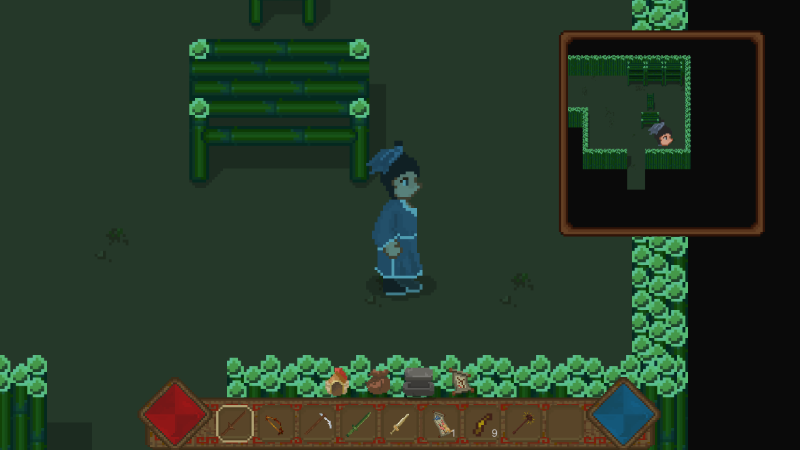
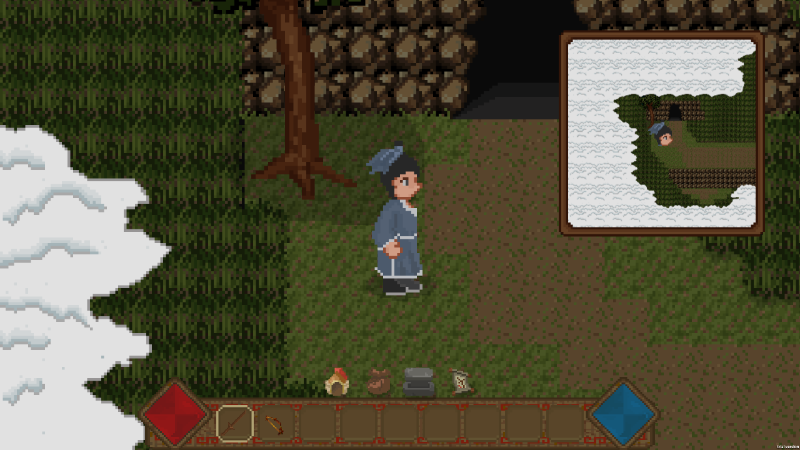
Added Xbox controller melee attack and sprint button bindings
Update
1. Add the Xbox controller binding for melee attack.
2. Add the Xbox handle binding of the sprint button.
Next step
1. Add the Xbox controller binding for remote attack.
2. Add the binding of the Xbox handle selected in the shortcut bar.
Began to gradually support the Xbox controller
Update
1. Recently, I have noticed that some players have proposed to support gamepad. I attach great importance to the opinions of players, so I plan to do support for gamepads in the next period of time.
2. I have studied the relevant courses on the game engine's support for the controller. Since I happen to have an Xbox controller now, I will support the Xbox controller first.
3. It should be noted that at present, I just support the movement of the handle operation character.
Next step
1. Support the operation of the gamepad on the shortcut bar.
2. Support the operation of the gamepad on the attack.
Add new storyline, item, and music
Update
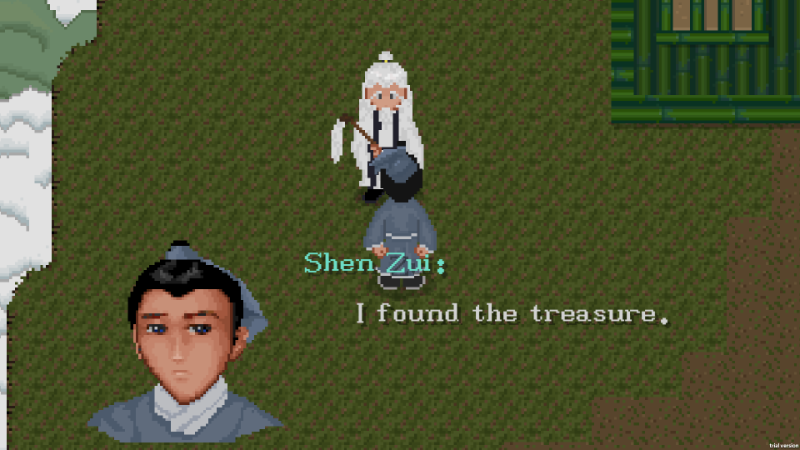
1. Add a new plot.
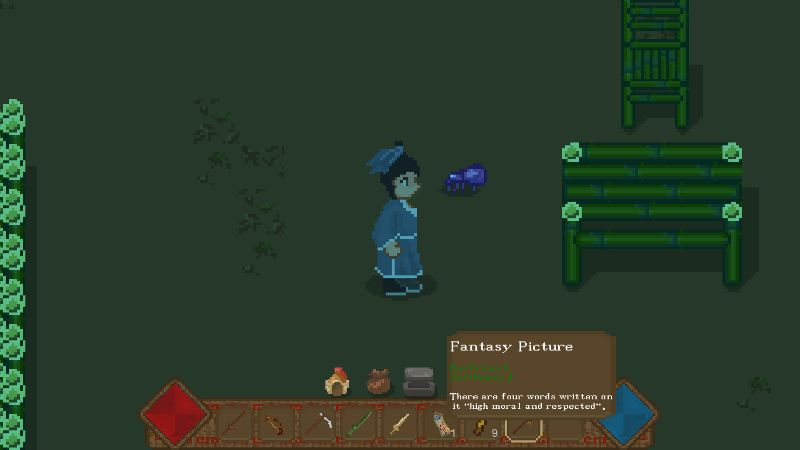
2. Add a new item fantasy picture.
3. Add new cave music.
Next step
1. Add a new plot.
2. Open a new chapter.
Add new plots and items
Update
1. Add a new plot.
2. Add new item Xuanyuan Sword.
3. Fix the treasure chest drop bug.
4. Fix cave movement bug.
5. Fix boss movement bug.
Next step
1. Add more new plots.
2. Prepare to start a new chapter.
3. Add new mission item.
Add boss drop chest
Update
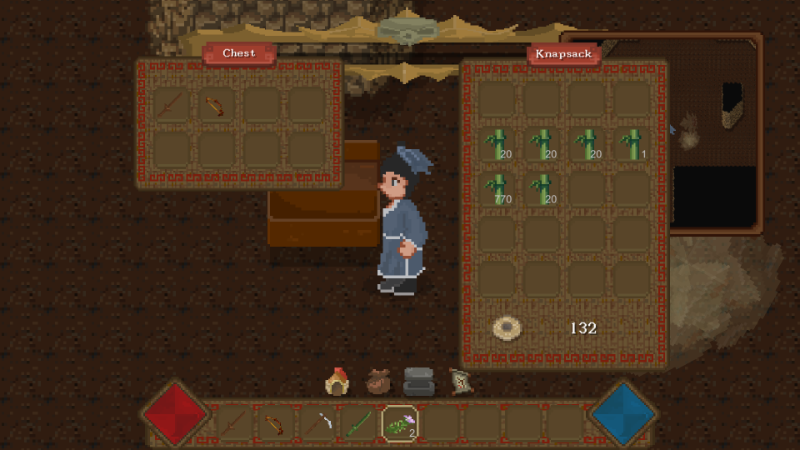
1. Added treasure chest
2. When the Bloodsucker is defeated, a treasure chest will drop.
Next step
1. Add task items.
2. Adjust the treasure chest drop.
3. Add new plots.
Added new props Spider Staff
Update
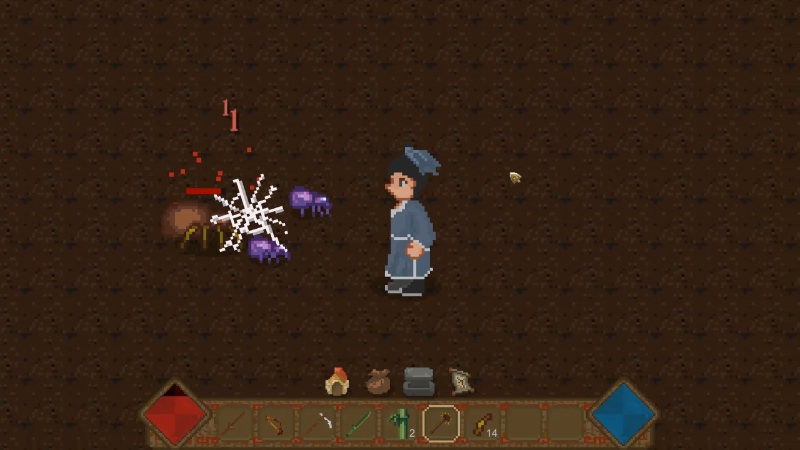
1. Added new props Spider Staff
2. Spider drops spider legs and 36 legs make Spider Staff.
3. The spider staff can summon 2 spider treasures to assist in the battle.
Next step
1. Add boss drop
Added cave spiders
Update
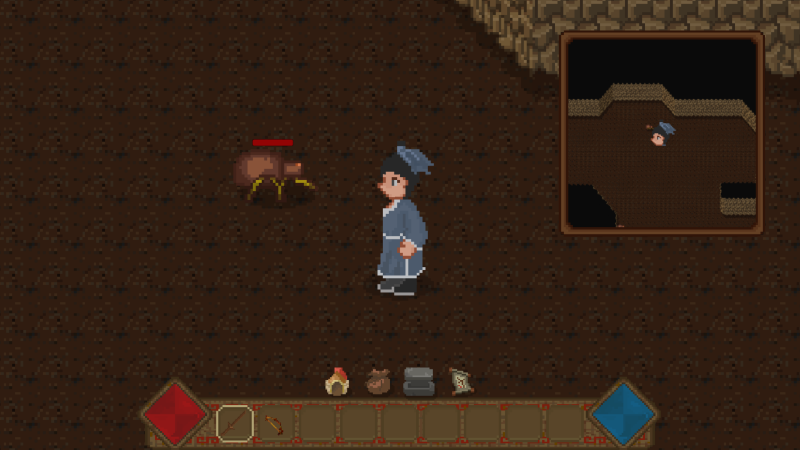
1. Add the spider in the cave
Next step
1. Add snakes and bats in the cave
2. Fix the spider bug
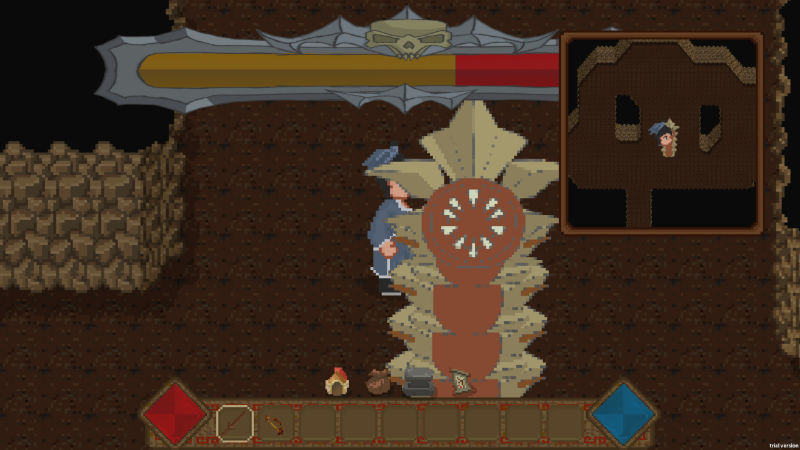
Updated bloodsucker and boss health bars
Update
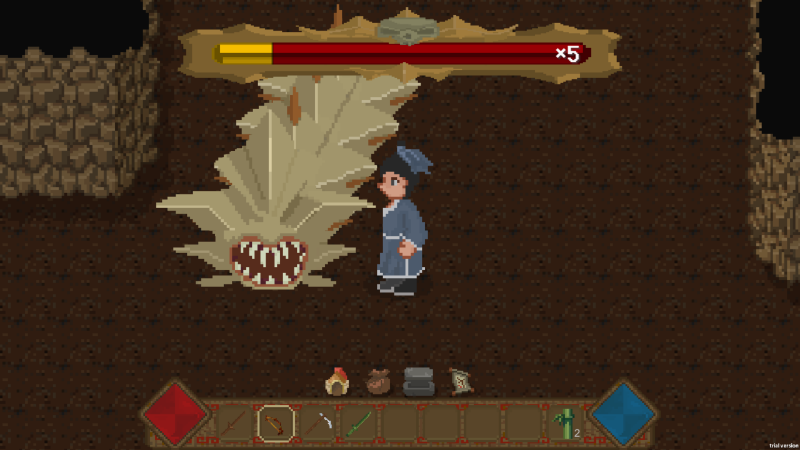
1. Update the shape of the boss.
2. Adjust the size of the blood bar.
3. Adjust the blood bar to a three-stage blood bar.
Next step
1. Add more monsters, such as bats and spiders.
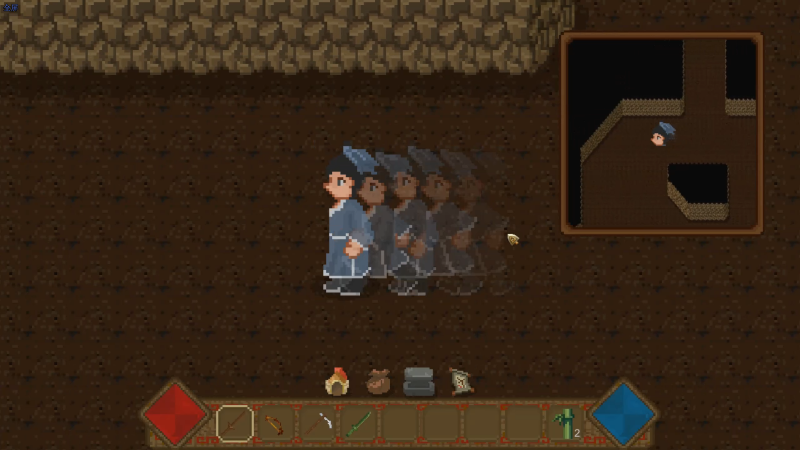
Add fast moving afterimage effect
Added afterimage effect when moving fast.
You can move quickly by pressing the left and shift keys at the same time.