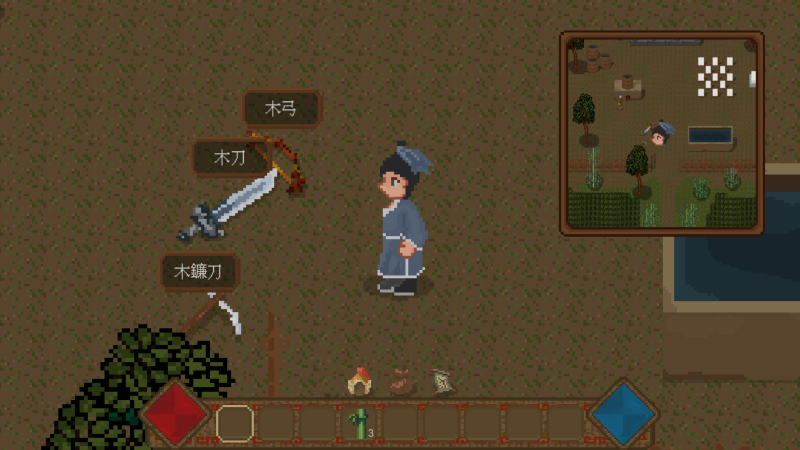
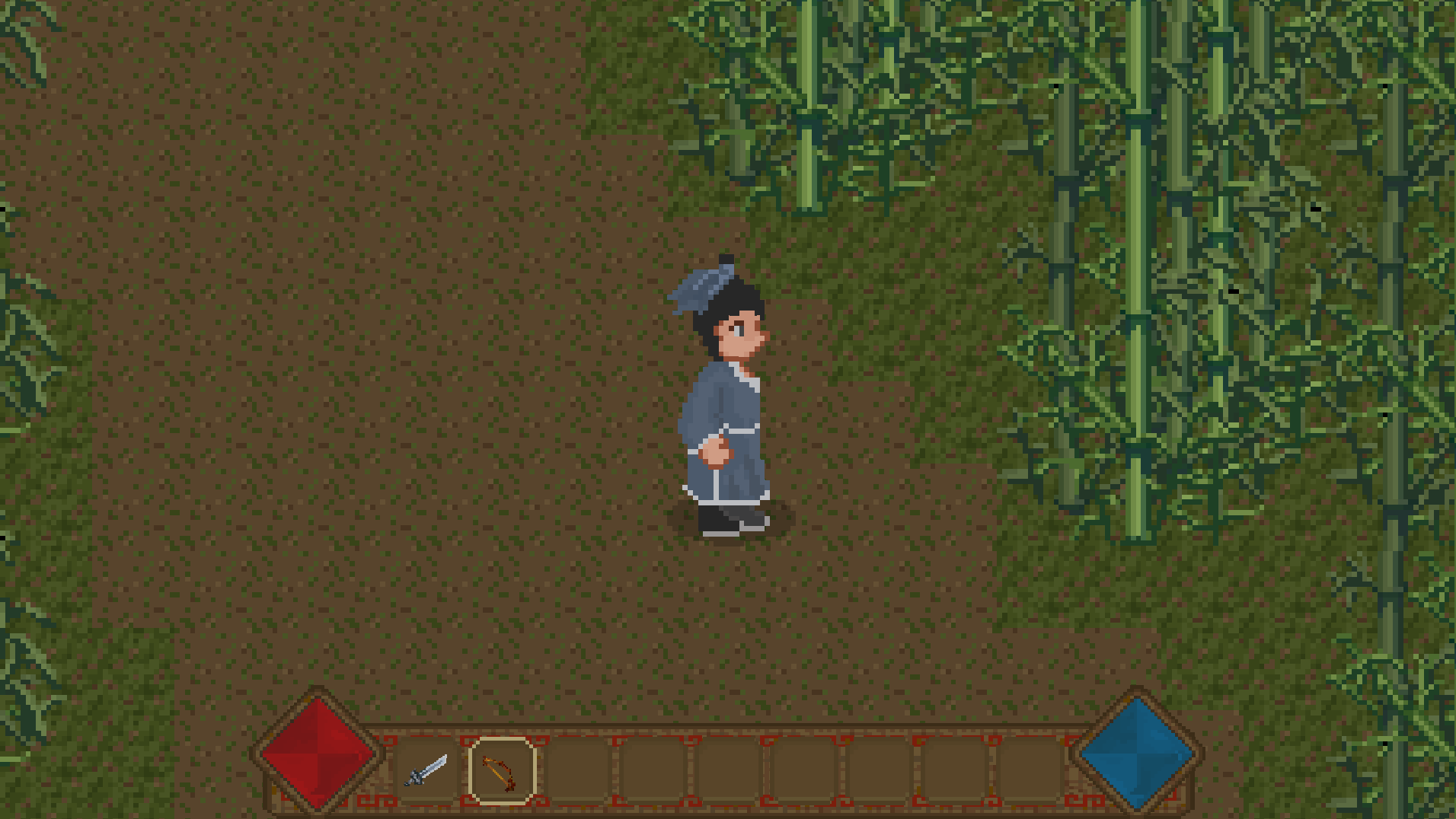
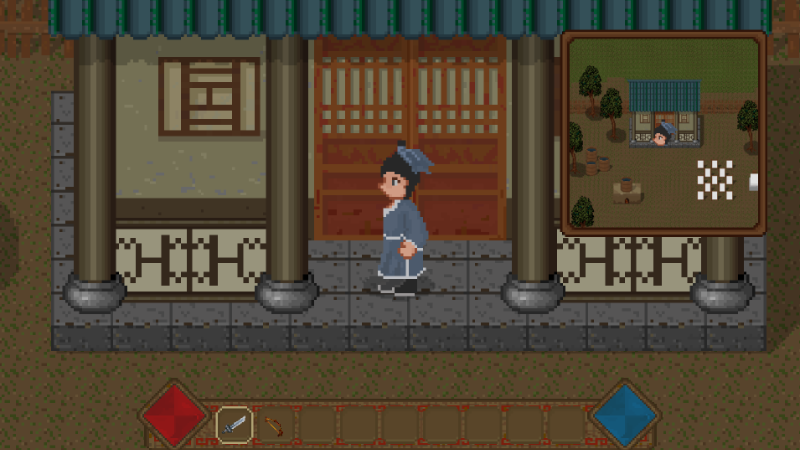
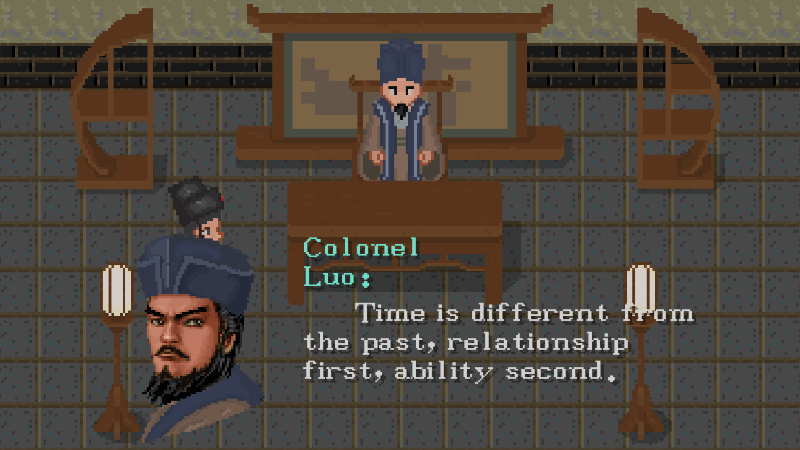
2. After completing the plot, you can get a sickle, which can be used to cut herbs in the future, and the herbs can restore blood.
3. Add blood bar archive.
4. Added automatic blood recovery per second.
5. Optimize the drop system logic.
Fix bugs
1. Fix the weapon missing bug.
2. Fixed the bug that the health bar was not deleted after the death of the lizard.
3. Fix the position bug of the lizard card.
4. Fixed the damage bug of the weapon after the death of the lizard.
Next step
1. Add the herbs of the terrain, and add the function of recovering the blood of the herbs.
2. Add a new plot.
Add the archive function of the equipment panel, and add character panel
1. Add role panel.
2. Add a toolbar.
3. Improve the exit game panel.
4. Add the archive function of equipment bar and shortcut bar.
next steps
1. Add sickle tool.
2. The sickle harvests herbs, which can be used to restore blood.
3. Add a new plot.
Add item collection function
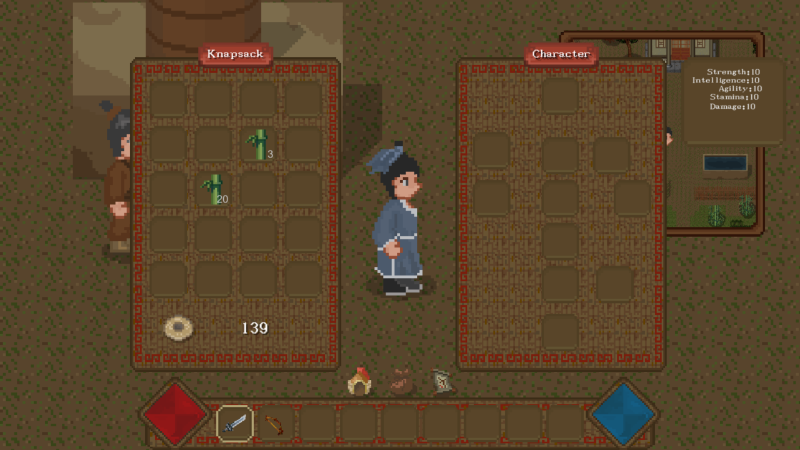
1. Add item collection function.
2. Fix item display error.
3. Add the version number. The first digit of the version number is the chapter number, the second is the plot point number, and the third digit is the number of updates.
Next steps
1. Add shortcut bar and inventory save function.
2. Add the item column discard function.
3. Add new plot content.
Added bamboo leaves and clouds, fixed some bugs
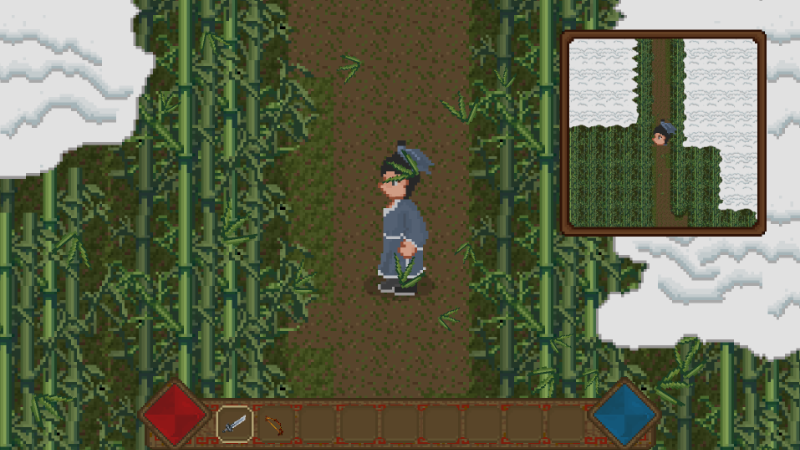
1. Add the cloud layer of the bamboo forest
2. Add the leaves of the bamboo forest
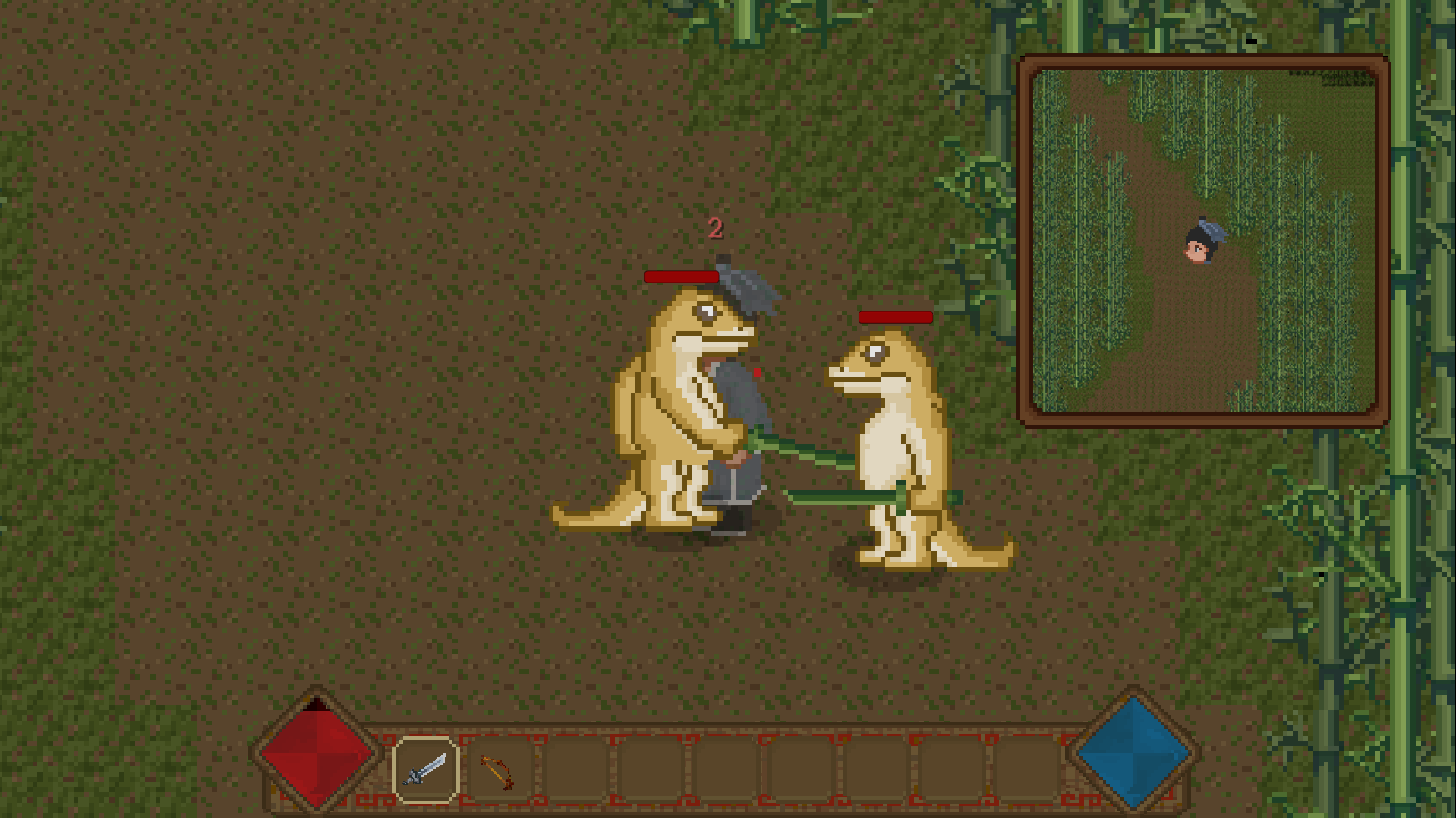
3. Fix crocodile's AI bug
4. Add crocodile knockback effect
5. Repair the effect of crocodile death movement
6. Add crocodile sound effects
7. Add coin related sound effects
next steps
1. Add acquisition system
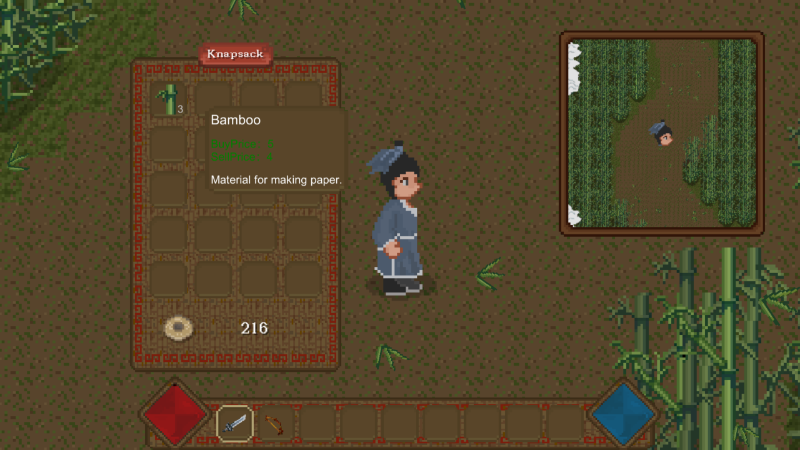
2. Add bamboo drop to prepare for the new plot
3. Compose bamboo forest music
Added gold coin drop and collection functions
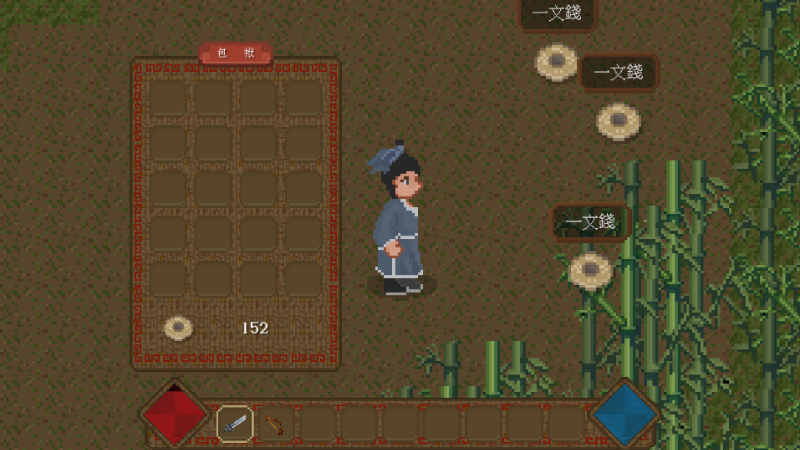
1. Add gold coin drop function
2. Add gold coin pickup and archive functions
3. Fix monster health bar bug
next steps
1. Add item drop function
Added bamboo forest monster
next steps
1. Add the leaf particle effect of bamboo forest
2. Add drop system
3. Adjust the function of the inventory system
Add bamboo forest scene
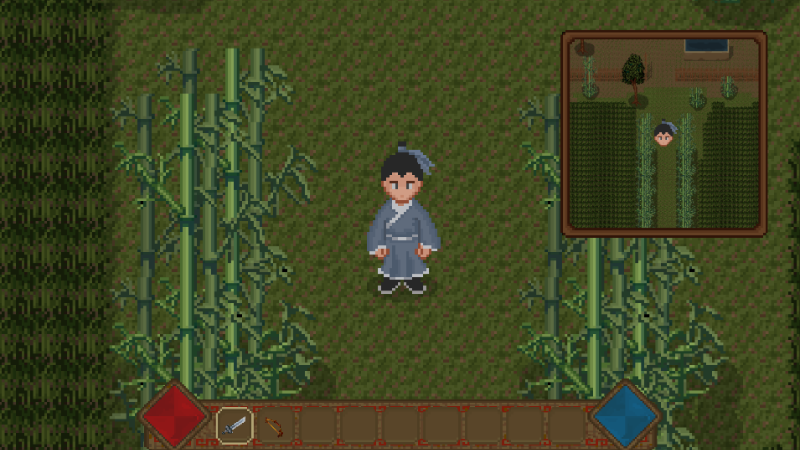
1. Add bamboo forest scene
2. Fix the bug of light adjustment error when switching from chapter 1 to chapter 2
next steps
1. Prepare to add the second and third layers of bamboo forest
2. Add the monster of bamboo forest
Add bamboo forest entrance and improve the paper workshop scene
1. Added the entrance to the bamboo forest
2. Improve the paper workshop scene and add a layer of tree leaves
3. Added a new character
4. According to the feedback of the player "ZQSR1995", a game bug has been fixed, and other comments will be gradually updated in the follow-up.
Next plan:
1. Make a bamboo forest scene.
2. Make two kinds of bamboo forest monsters.
3. Add monster drop system.
4. Improve the equipment system of items.
Add paper workshop
1. Preliminarily added the plot and scenes of the paper factory
2. Fence
3. Dry and peel off the paper
Next plan:
1. Add beating paper process
2. Add a few papermakers
3. Add bamboo forest scene
4. Add monsters and ai for the bamboo forest scene
5. Add item drop system
The Chapter 2, Section 1 has been added
This time, the story of Chapter 2, Section 1 has been added, including the following:
1. A new scene
2.3 new characters
3. Some new plots
The next step will be to fix some missing content and start updating the content of Chapter 2, Section 2.