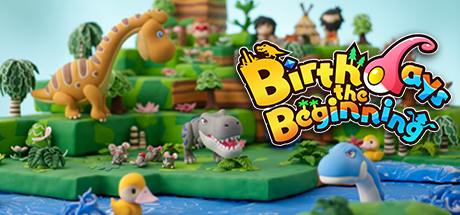
Birthdays the Beginning is 70% off right now! Build the perfect world and witness the birth of entirely new ecosystem at a great price! Sale ends Tuesday, August 20.
Get 75% off Birthdays the Beginning!
"This game is good for anyone who wants to have a relaxing time." User "SoulfulPumpkin" highlights their experience with Birthdays the Beginning in their great review on Steam! Get 75% off this title NOW!
Get Birthdays the Beginning for a reduced price during the NISA Publisher Weekend Sale!
For a limited time, Birthdays the Beginning will be available for 75% off as part of our NISA Publisher Weekend Sale! This sale is going on NOW and ends Monday, November 19, so take advantage of these great deals while they last!
You can find this title, along with deals for many other great titles, on the NIS America main page!
Patch Reminder Update (Released 11/8/2017)
Hello Everyone!
As a friendly reminder, here are patch notes that went live as of 11/8/2017:
We're happy to announce a new Birthdays the Beginning DLC patch that will allow players to access 6 DLC sets and a Prinny Doll DLC for free! Please note that all items are strictly ornamental.
DLC Descriptions:
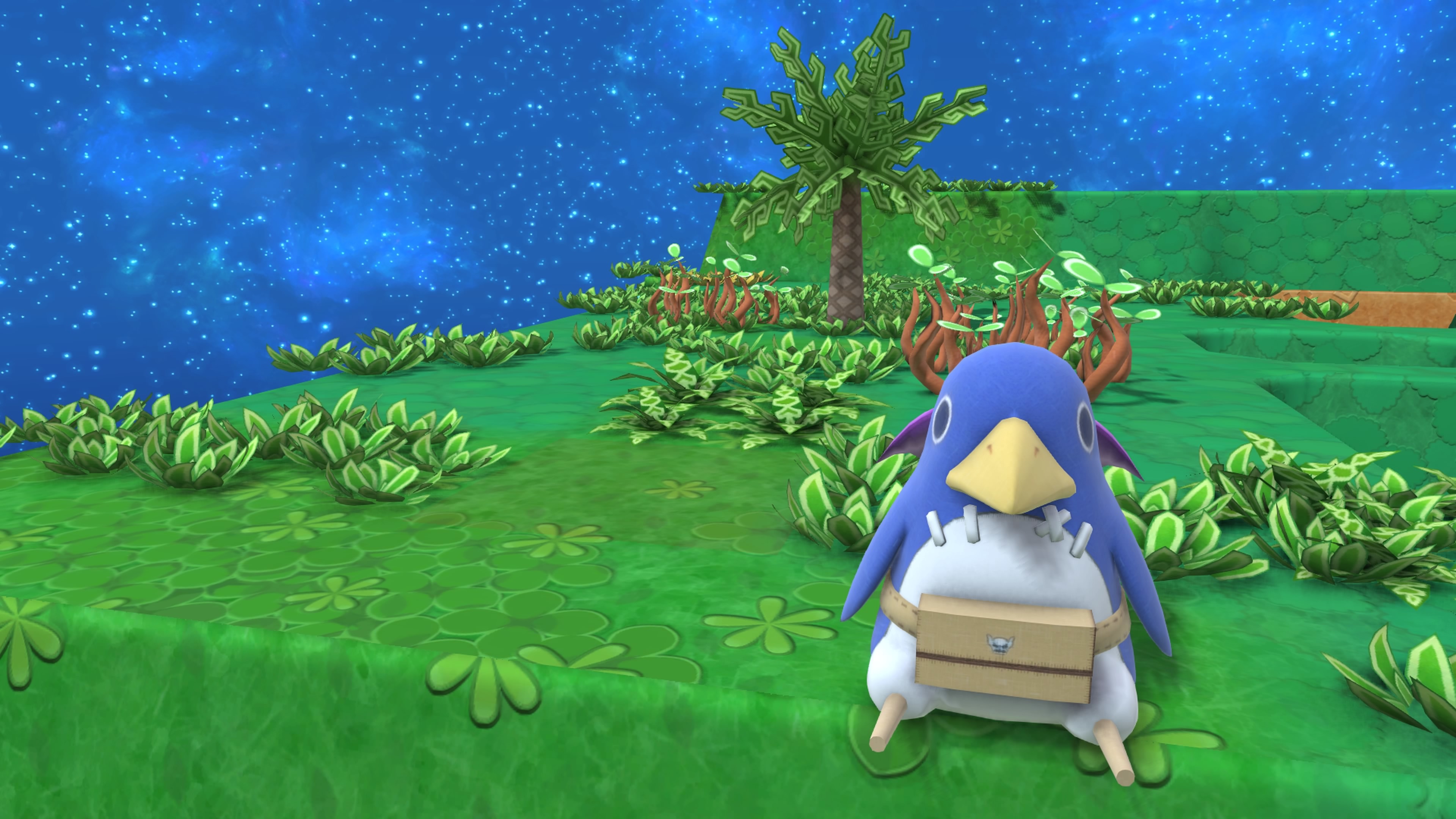
Prinny Doll - Includes the ornamental "Prinny Doll" item, a tribute to the beloved Disgaea mascot.
Kunio and Riki Set - The prolific high school punks burst onto the scene in Birthdays the Beginning. The Kunio and Riki Set contains the characters Kunio and Riki.
World Flag Set - The World Flag Set contains the national flags of the following countries: America, Canada, UK, Italy, Netherlands, Sweden, Spain, Germany, France, Russia, South Korea, China, and Japan.
World Monument Set - The World Monument Set contains the following items: Pyramid, Stonehenge, Moai Statue, Totem Pole, Obelisk, and Chichen Itza.
Zen Garden Set - The Zen Garden contains the following items: Pond & Bridge, Stone Lantern, Large Bushes, Fence, Gate, and Sozu.
Cube Creator DX Set - The Cube Creator DX Set contains the following items: Cube & Brothers, Cube & Animals, and Cube & Monsters.
Desert Rat Squad Set - Desert Rat Squad Set contains the Desert Rat and Devil Cat items.
Lastly, we'd like to announce upcoming patches that will fix the following issues that the community has been vocal about:
FPS issues & Cursor Lag
Polishing control schemes for keyboard and controller users
We are looking to provide more updates by September.
We appreciate everyone's patience with our patches and our devs are working hard to get these issues fixed.
Thanks again for everyone's support!
Best,
NISA Team
New default branch to help with graphical issues / game slowdown
Hello everyone,
We have put up a new default branch of the game.
The main fix in this branch is the ability to tinker with graphical options.
These options can be accessed from here:
1. Start new game or load save data.
2. Press Esc Key to open sub menu
3. Choose Graphics Settings.
As I mentioned in my previous post I was able to double the FPS performance by lowering these settings, so those of you with FPS issues please give this a try.
We are still working very hard to make this game more optimized for PC so hang on tight for more updates.
Thank you.
Prinny Toshi
Additional Announcement Regarding Current Beta Build (6/13/2017) - BETTER FPS!
Hello everyone,
We made an announcement about a week ago (8 days to be exact) saying we added keyboard key configuration options.
What I (Prinny Toshi) overlooked was that, by following the steps below there are additional graphics options not in the options menu.
1. Start new game or load save data.
2. Press Esc Key to open sub menu
3. Choose Graphics Settings.
In this menu you are able to change these settings.
Personally I was able to DOUBLE my FPS from around 20~30 to 50~60.
We are still working very hard to make this game more optimized for PC so hang on tight for more updates.
Thank you... dood.
Prinny Toshi
New Beta Build 6/13/2017
Hello everyone,
We have some great news for you all.
We have a brand new beta build that allows for Keyboard Key configuration.
For those of new here the beta build can be accessed here:
1) From your Steam Library, right click on "Birthdays the Beginning" and select “Properties”
2) Go to the “BETAS” tab
3) Select “beta” from the dropdown menu. This should start installing the beta version of Birthdays the Beginning
Also as I mentioned on my post on 5/18/2017 we have more fixes coming so please look forward to those as well.
(http://steamcommunity.com/app/525700/discussions/0/1291816569119614036/)
Thank you, dood!
Prinny Toshi
Birthdays Update 5/18/2017
Hi all,
NISA would like to announce that we have moved what was previously the beta branch up to the default branch.
That being said, we are still working on making this game better to play on the PC, which includes but is not limited to:
1. More graphical options
2. Key configuration options
3. Overall PC optimization
Thank you for all the feedback you have given us and we hope to get this out to you all as soon as possible.
Prinny Toshi
5/14/2017 Beta Branch is here!
Hello everyone!
I hope everyone's weekend is going well!
After hearing all the feedback you guys have given us we have made some updates to the game.
The updates are:
1. Added an in-game exit button (there wasn't one before, for those of you who didn't notice)
2. Added option to choose which GPU the game uses (A more permanent fix to an issue many of you were having)
3. New Asian text has been applied.
These changes can be accessed via the beta branch that is accessible here:
1) From your Steam Library, right click on "Birthdays the Beginning" and select “Properties”
2) Go to the “BETAS” tab
3) Select “beta” from the dropdown menu. This should start installing the beta version of Birthdays the Beginning
Keep the feedback coming! We will continue to make this game more playable for everyone.
Thanks, dood!
Prinny Toshi
---5/15/2017---
These languages have been updated to along with the changes mentioned above.
Japanese
Simplified Chinese
Traditional Chinese
Korean