The content of this update is mainly divided into: optimization and English interface
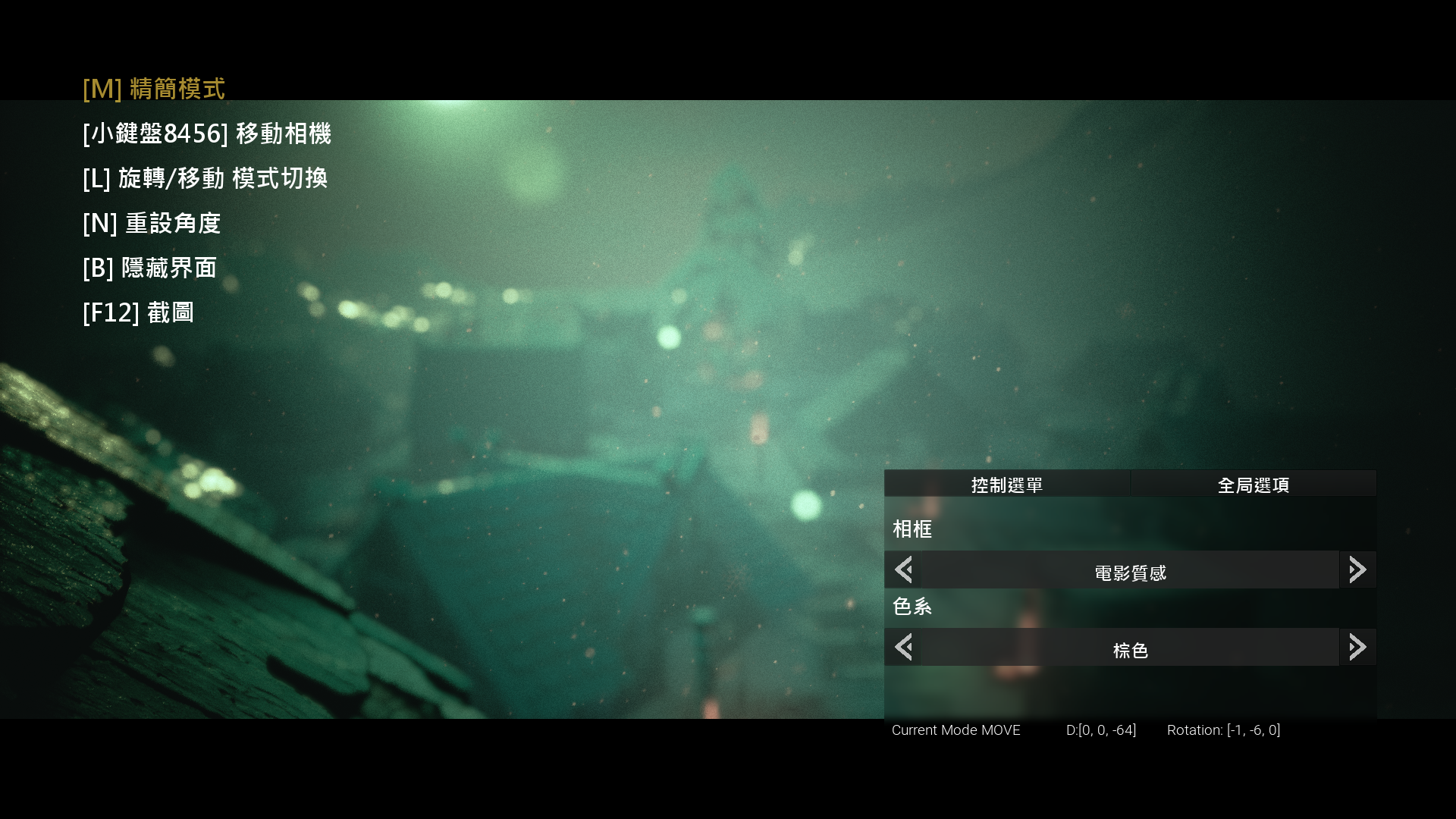
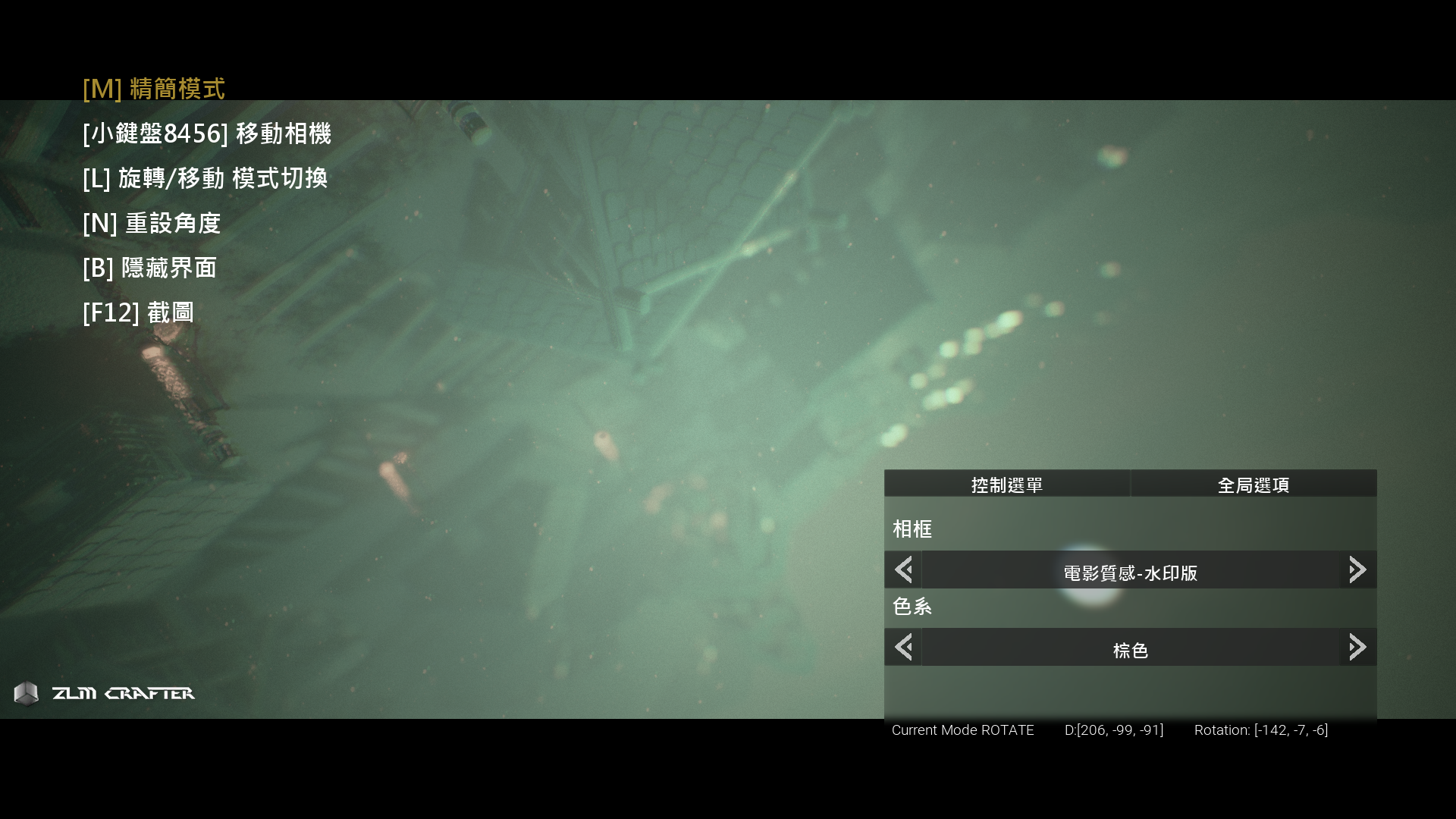
You can adjust the language in the picture quality menu, or adjust the picture quality you want in more detail
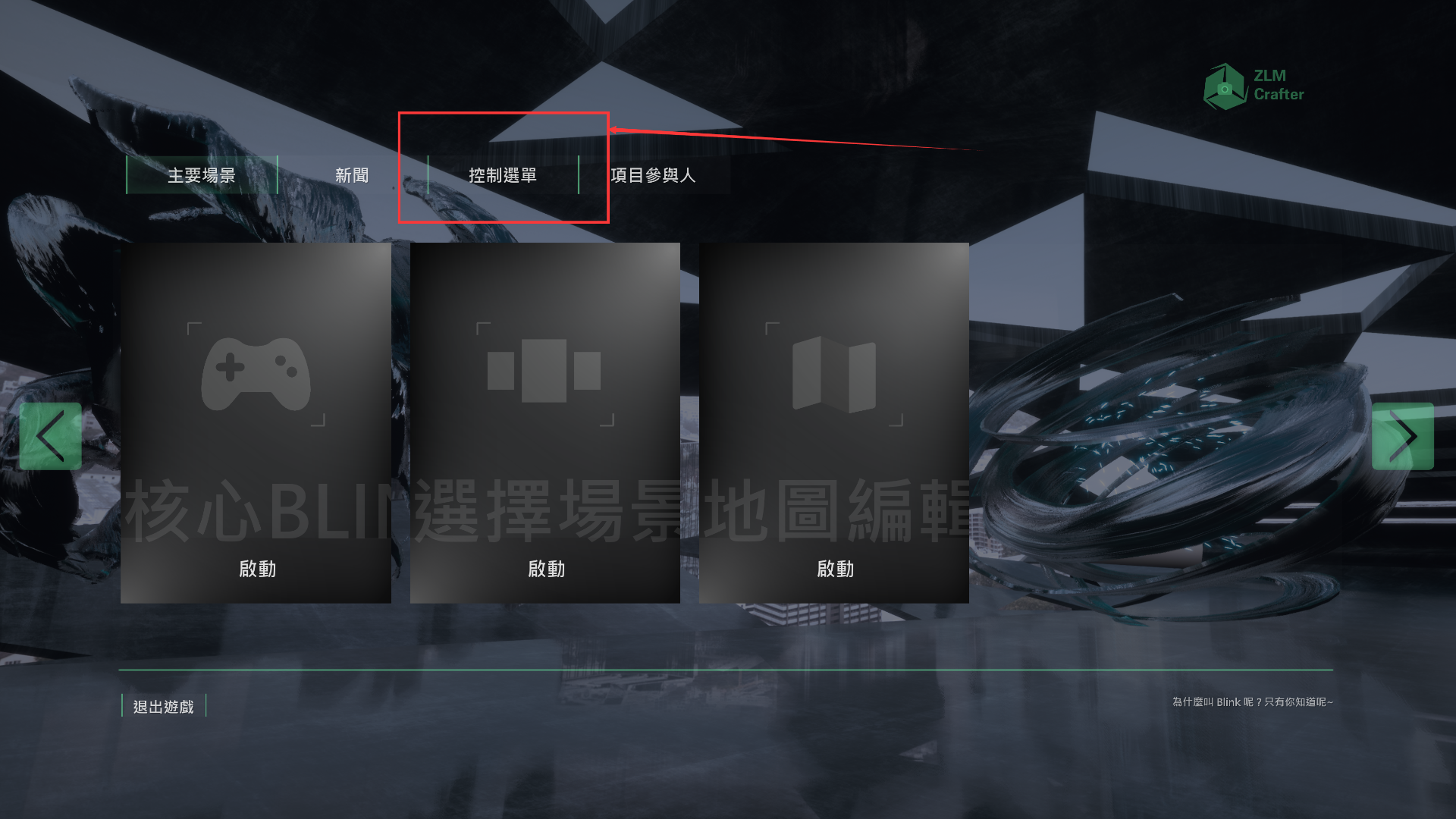
Please follow this instruction if your interface is Chinese!
And you are done, once you select the English version, system will automatic save your selection, so don't be worry next time you open the game is Chinese interface!
You can also select the language in the TAB button in the game
The main interface has also undergone a small optimization, opening faster.
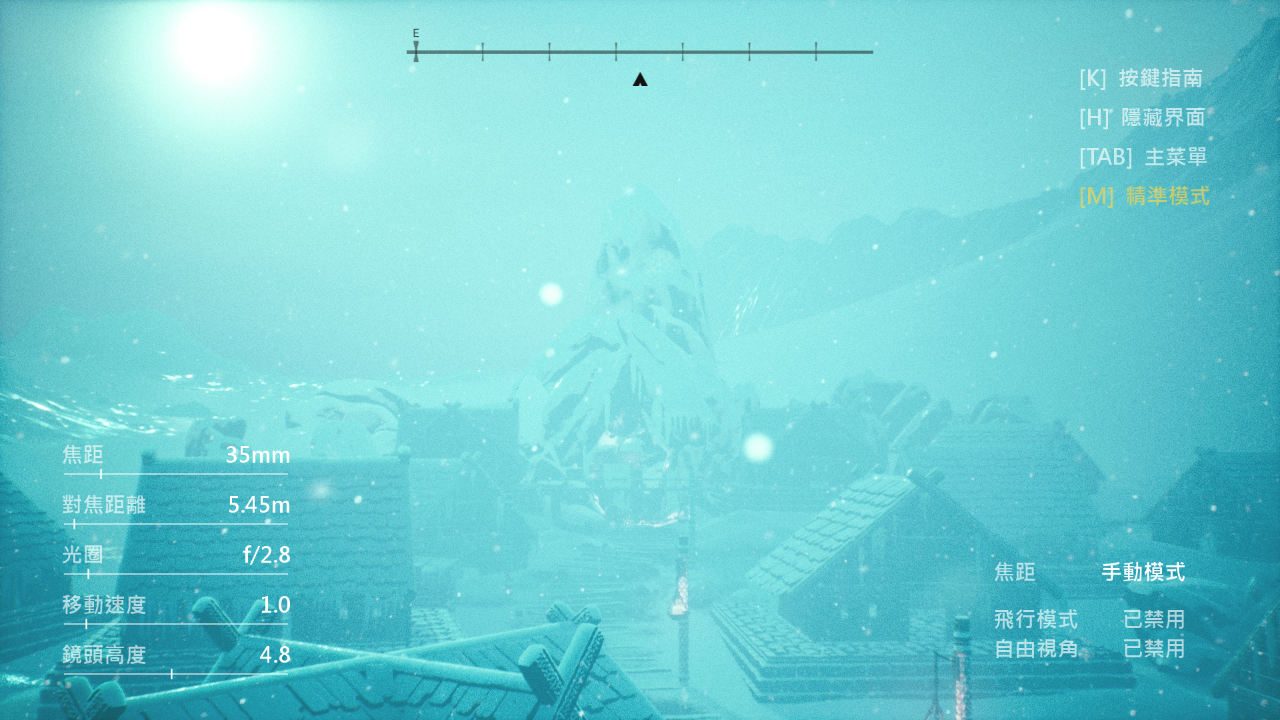
This is the most updated content in the updated version of history. The first is the core content that each version will pay attention to. The content this time is the surface and the largest map currently. In order to adjust the ease of running the map, the moving speed of the protagonist has increased by 10 times, of course, the original speed is still retained (less than 1.0 speed). This update is divided into three small updates, this is the first update package, there is only one map. But rest assured, the content is enough for you to play for at least 3 hours.
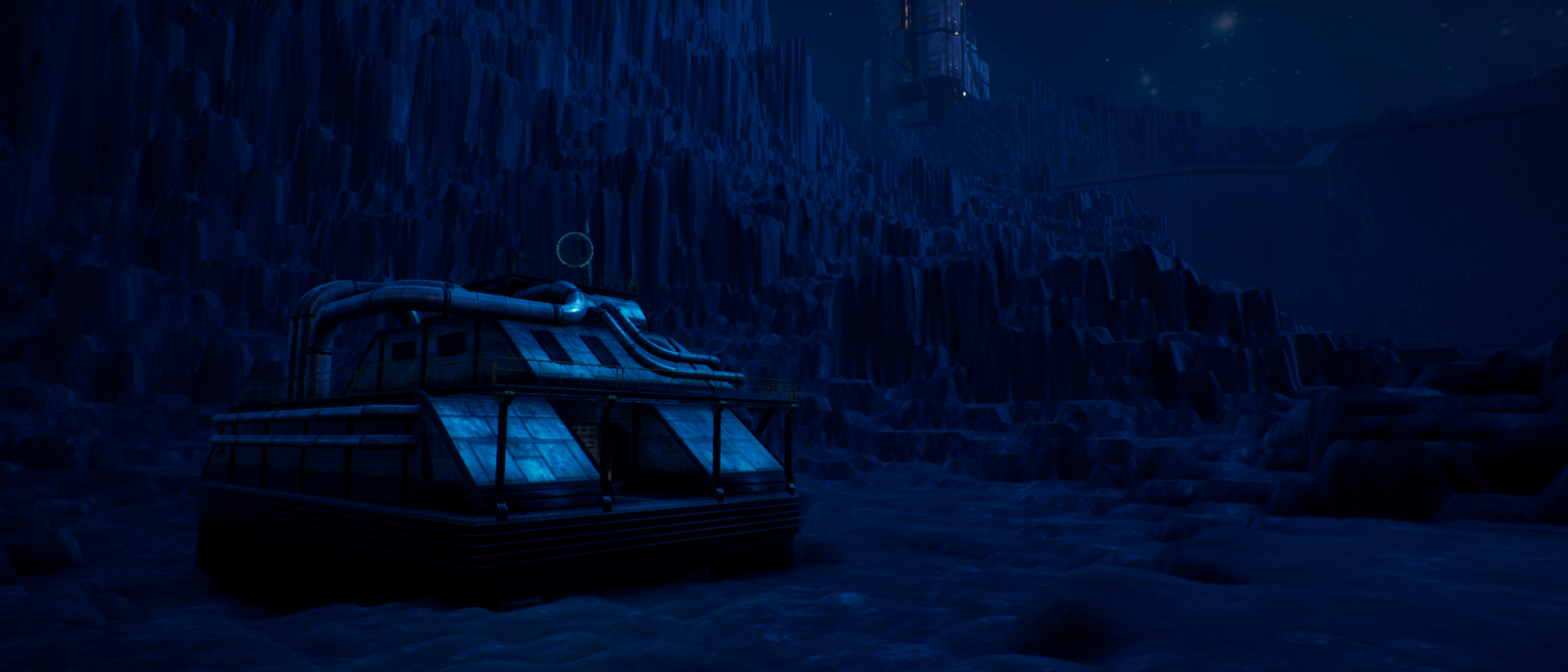
Let's first introduce the contents of the map. First of all, this map has seven areas, namely:
1. Dimension line (birth point of the player)
2. Dead space zone
3. No man's zone
4. Voidai Zone (the plot content will appear in the second update package)
5. Collapsed space (the plot content will appear in the third update package)
6. Blink laboratory
7. Dead zone
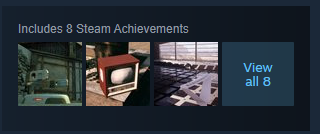
In addition to the seven major regions, we have added more than 10 in-game achievements and 3 steam achievements this time. Welcome to collect them!
In addition, we have reworked the navigation system, and now you can experience the usefulness of navigation on the Surface map. In addition, Surface map comes with saving the position of the character, which is the saving of the trigger mechanism. You need to find this saving mechanism.
At last! We now support Steam Cloud Archive, the map design you made earlier and the automatic saving of this update (for the time being, only Surface has an automatic saving function)
Then ...
It's time to Blink!
Blink Cam V1.2.0.1 update
This update is common update, we fully merge the STEAM system inside our game, later will release more update packs. All is steam updates.
Blink Cam V1.2.0.0 update
V1.2 is almost a revolutionary development. Finally, in the V1.2 version, there is a plot, and with the update, the plot will increase. When the finale is over, you will naturally know why it is called the BLINK camera.
There will be a total of 30 maps in the game, and three maps will be issued in each period. For example, in this issue we are extinction. Each World Extinction Map has different achievements, objects, and even a map with a super-sweet voice.
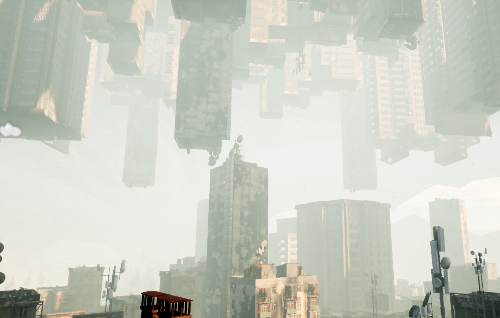
First of all, one of the maps of this theme: Rhapsody. As the English name, Rhapsody, as you can see, the world is upside down, but is it really upside down? Or is it like this? I also invite you to explore and discover
This is a young map of the era of extinction, named: Melancholy. This map is the first time you see an alien spaceship ~
By the way, every time after the update, some maps will change a little, and will not stay the same. So after every major update, please go to see if there are any changes on the map ~
In addition to the plot and the changes on the map, this theme map has new gameplay, that is, after entering the precision mode, click on the object, you can drag, rotate or even partially zoom in some objects (of course not all objects can be dragged ). This time I will give you a buffer for V1.3. Some achievements or objects will need to be pulled apart before you can see it ~
So everyone
It's time to Blink!
Blink Cam V1.1.0.6 update
Hello, Blinkers. Here is the ZLM Crafter. This is not a major update, but this update changes the game framework.
We have rectified the entire game and added a global element: the achievement system. as the picture shows
After entering any Blink world, press [Z] to open the achievements panel. In addition, we also set a button to clear all achievements, just press [I] (is i, not L) to clear, this is For people who want to record video. (Note: The clearing action is irreversible)
In the next V1.2 version or higher, achievements are added for each theme map, and some maps also have interactive elements
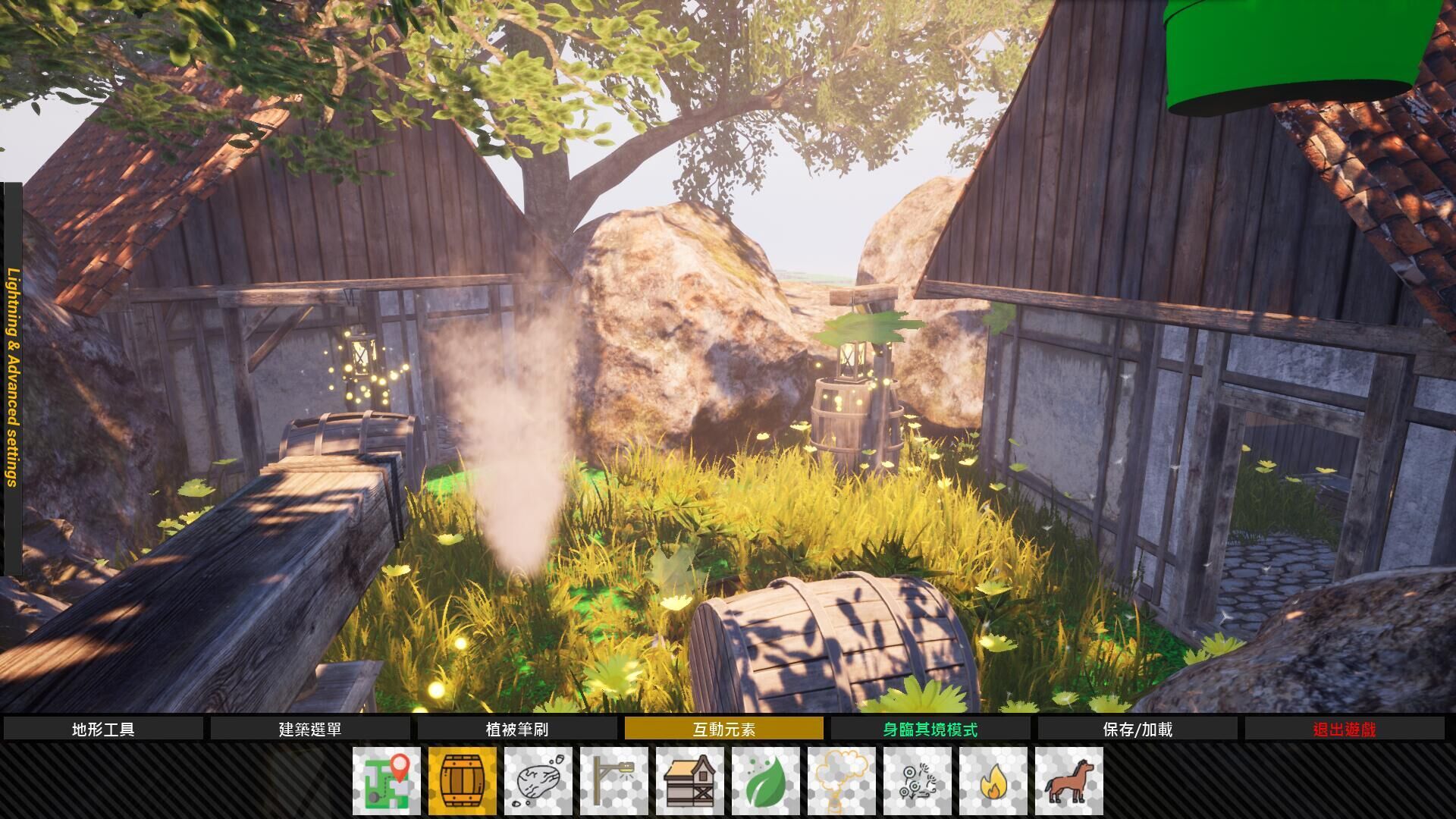
Map editor is the core gameplay of this game, its content depends on the final decision of each big update If the Epoch map is selected in the big update, all elements appearing in the Epoch map will be added to the map editor, and the selected map will be selected to add the elements that appear in the map to the map editor. The picture shows the messaging tower of the Years map If Years is not selected, the messaging tower will be added to the map editor, but since Years is a Blink ancestor map, this map will not participate in the selection The picture shows the Wonderland map At present, the materials of the map editor are from Wonderland. If Wonderland is unsuccessful before the next major update, the contents of the map editor will not be deleted, but the map will disappear permanently (or enter the map with some magic operation) The picture shows a custom map of the map editor