Name change, all new story, random-access bosses, mini bosses, currency, rendering improvements, more!
Name and Story
A brand new name, and a brand new story to go with it. I won't go too much into the reason for the name change, however I think it's a good thing for moving forward. As per the story, it's much more compelling now and a little more serious. The dialog at the start of a new game has been replaced with an introduction similar to that in the new trailer, and the boss dialog has been rewritten and the story generators for missions have been reworked as well.
Bosses and Mini-bosses
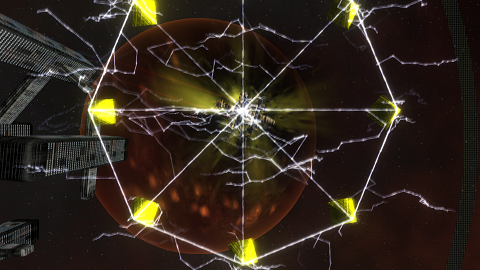
You can now fight bosses in any order, provided you destroy the shield generator stations protecting the planetary area that the boss guards first. There's 2 to 6 shield generator stations in the zones preceding the boss area that must be destroyed in order to drop the shield. The shield generators themselves don't do direct damage, however they have a lot of hit points and will rapidly increase the spawn rate of normal enemies until they are destroyed (or you escape).
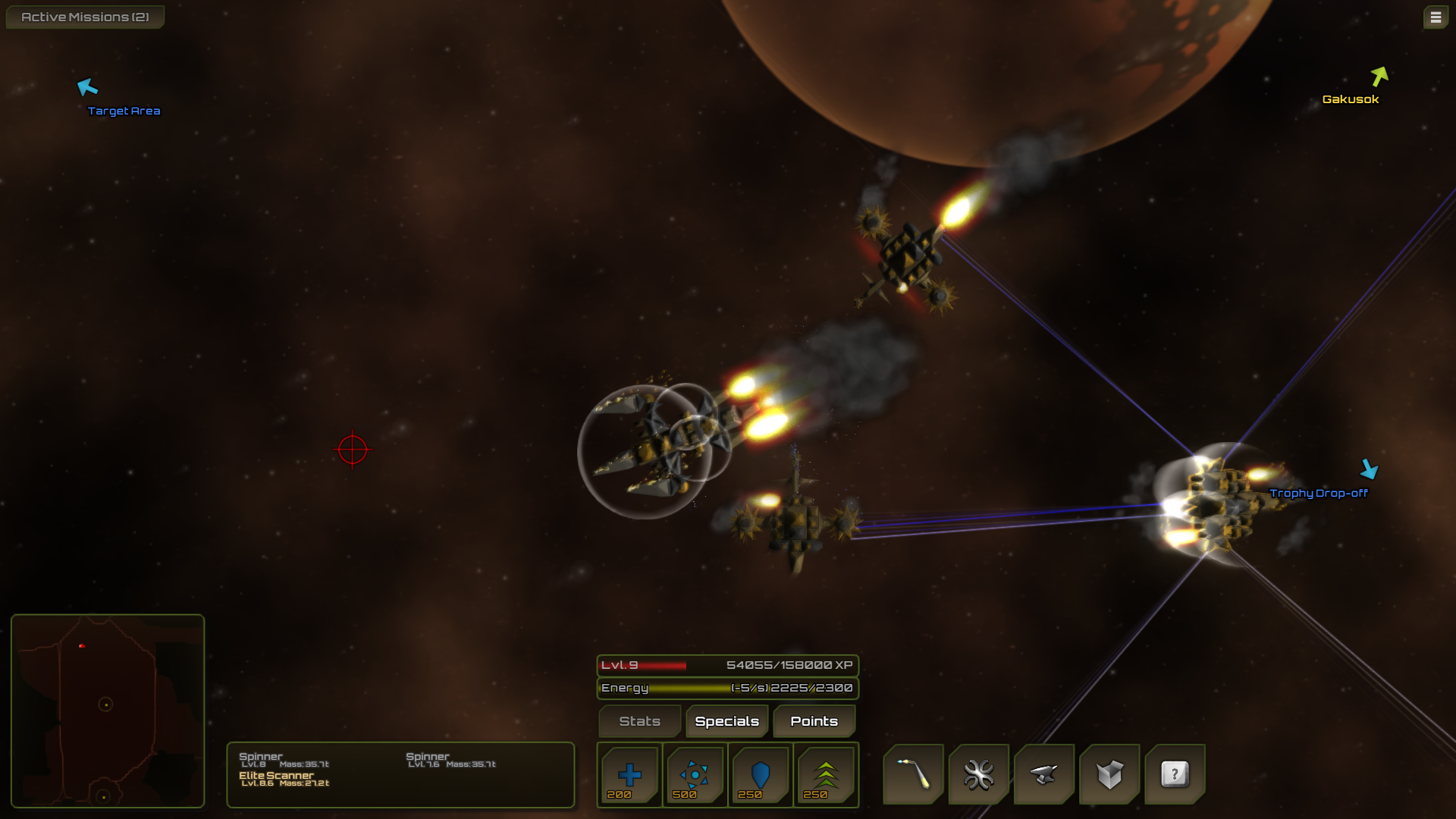
Also all bosses except for the final one (which has drone launchers), now spawn support enemies that fight along side them, although the actual boss ships have been made a little weaker, boss fights are still challenging and now even more interesting.
Pyramids and Wormhole/Portal
Defeating each boss gives you a pyramid, once you have all 8 Pyramids (you start with 1), you can initiate them with a button click. Currently this triggers the new wormhole animation followed by the "To Be Continued..." screen, however once the second episode is released this will take you to the new star system where that takes place.
Currency/Gold
Gold (Au) has been added as a crafting element, although nothing is crafted with it, it can be used to purchase components from freight ships as an alternative to trading.
You are award gold for kills, the amount depends mainly on level, at categories of what you destroyed (normal enemies, elite enemies, bosses, stations, etc).
You can also take gold as an alternative to gambling for sets of ship components for completing a secondary mission.
Better ship component models
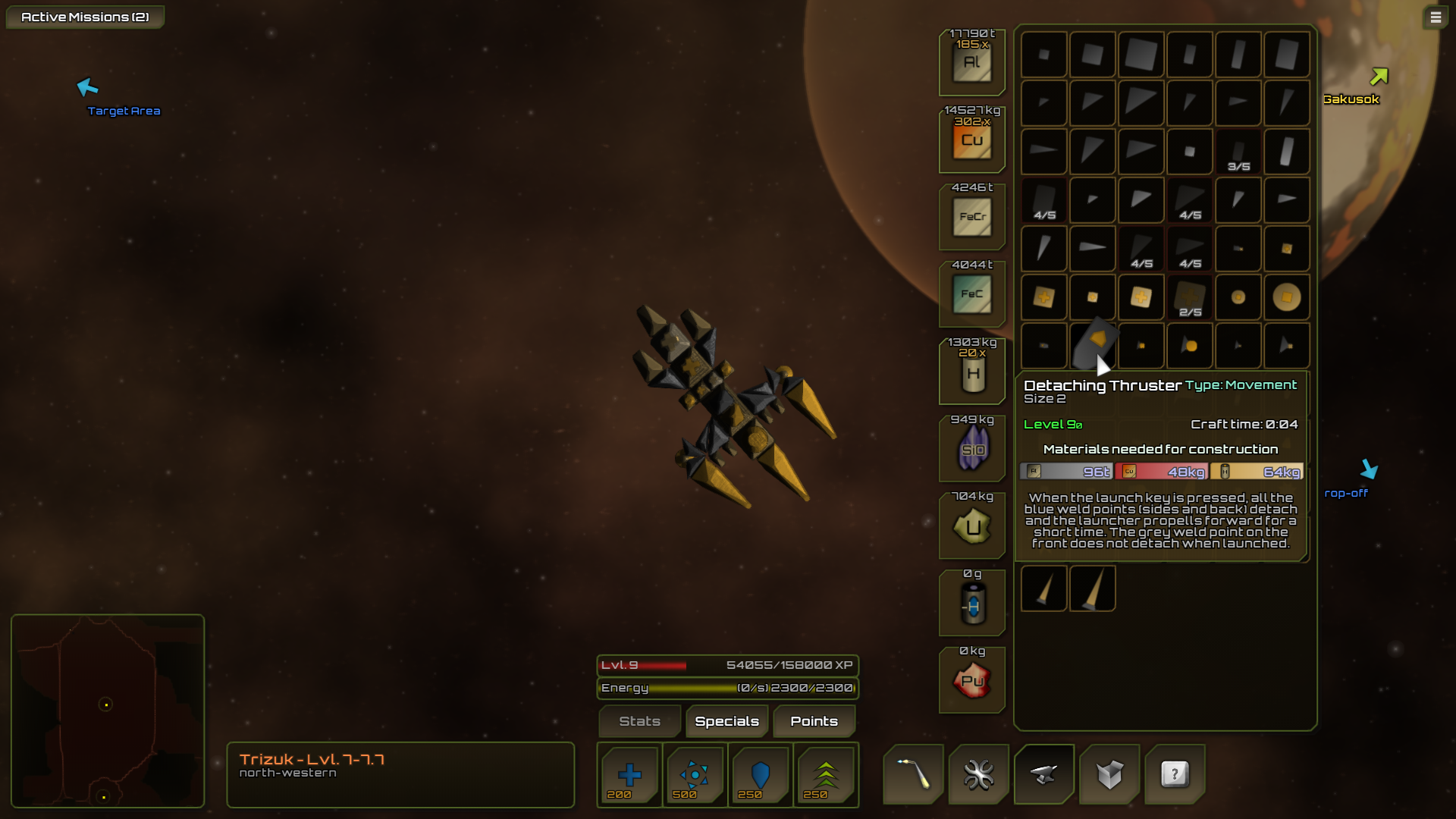
Many of the ship component models have been improved, especially thrusters. And ship component texturing and normal mapping has been significantly improved as well.
Zone boundaries now shown in parallax background
This makes it easier to know when you're crossing into a new zone with different (maybe harder) enemies.
Shrapnel Fields Improved
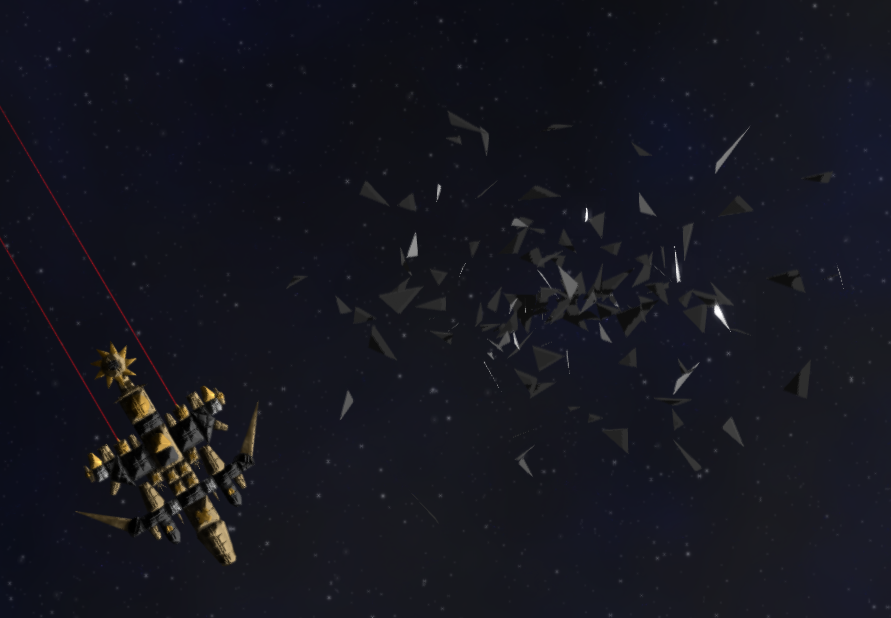
Shrapnel fields now slow you down a little less, and their rendering has been improved significantly.
Misc.
The tutorial has been updated, some more things trigger screen shake, as well some bugs have been fixed, and lots of other smaller tweaks and fixes.
Projectile Juice, Screen shake (optional), Increased max save game slots to 8
A small update tonight, added some extra graphical "juice" and increased the maximum number of save game slots.
Details:
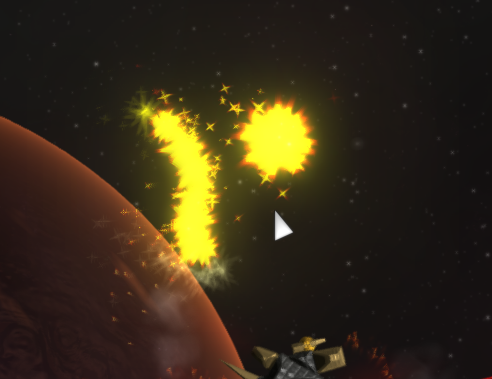
Added extra particle effects to all projectile weapons except for Railguns
Added screen shake back, which can be disabled from the graphics settings menu
Increased maximum save game slots to 8 from 4
Some gameplay footage of these changes:
https://www.youtube.com/watch?v=w97Orhtx1HY&hd=1 https://www.youtube.com/watch?v=DMw9QKUlj3w&hd=1
UI Scalabilty, Sandbox Test Mode Update, and info on what's next
BlockShip Wars: Roguelike has been in Early Access for nearly a year now, and I think the game has enough core features to go ahead and starting working on the rest of the content.
One episode is complete, two more remain. These are roughly planned out, and most of the work involved is creating new ship components, special abilities and AI ships to fill out these episodes. All of the new components & specials for the second episode are planned out (however there may be additions, removals, and changes), and the plan is to have this 2nd episode in the game by the end of January, and the final episode within a few months of that.
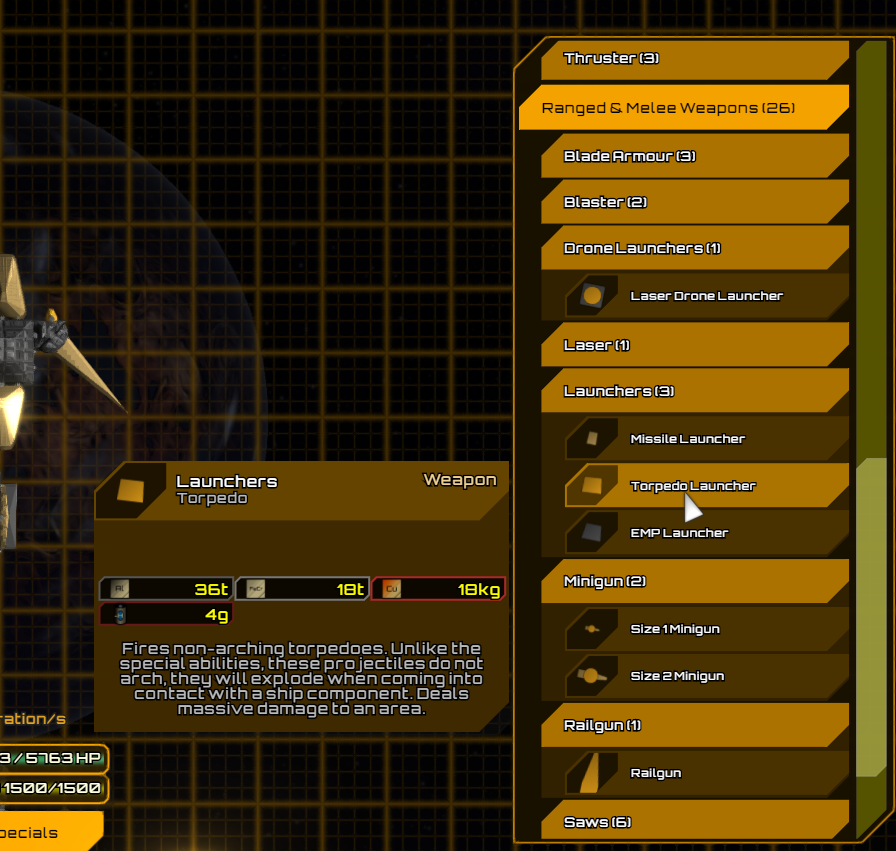
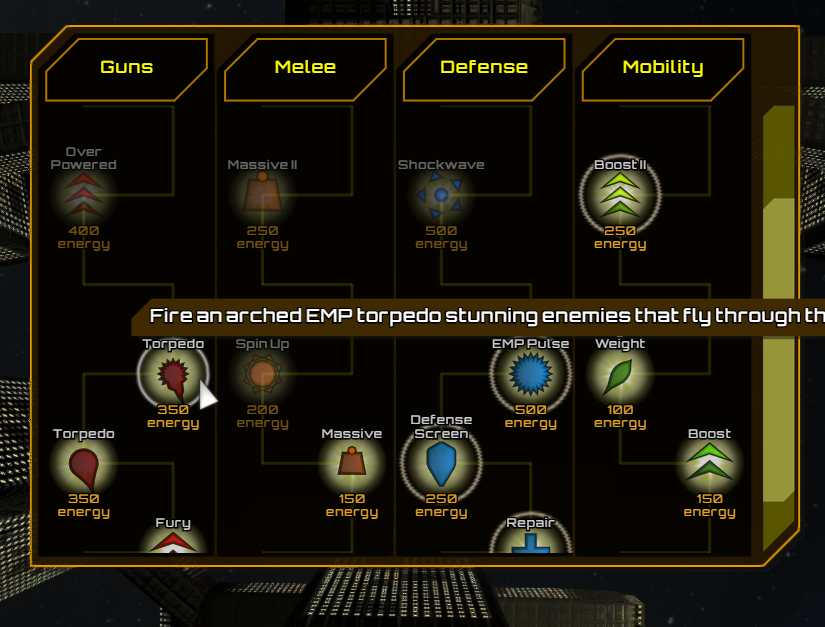
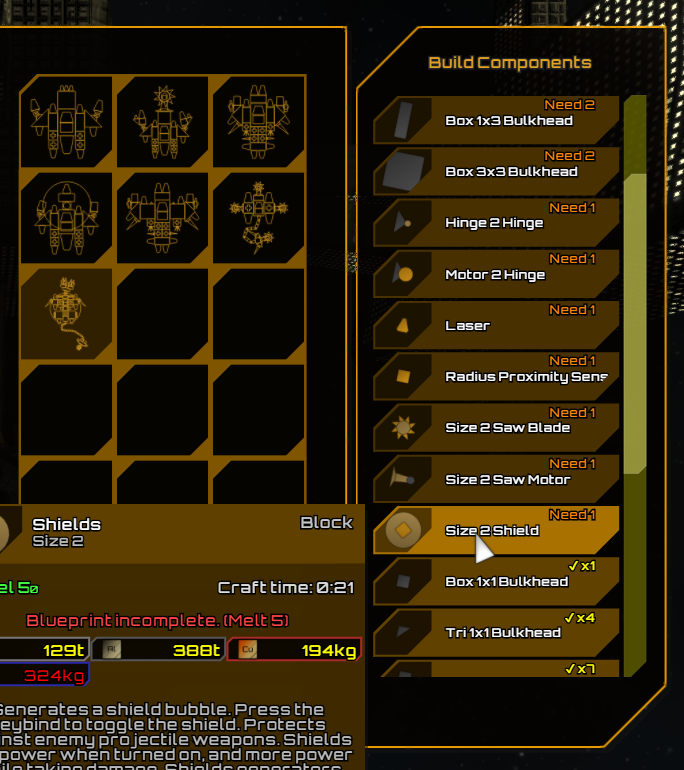
In order to get started on this the first task was to redesign parts of the UI to allow for much larger number of ship components and special abilities, which is the majority of this update, as a result many parts of the UI have been redesigned to scroll, and to allow for better finding of things with a large number of items.
Here are some screenshots of some of the changed UI:
The new component palette in the Ship building mode:
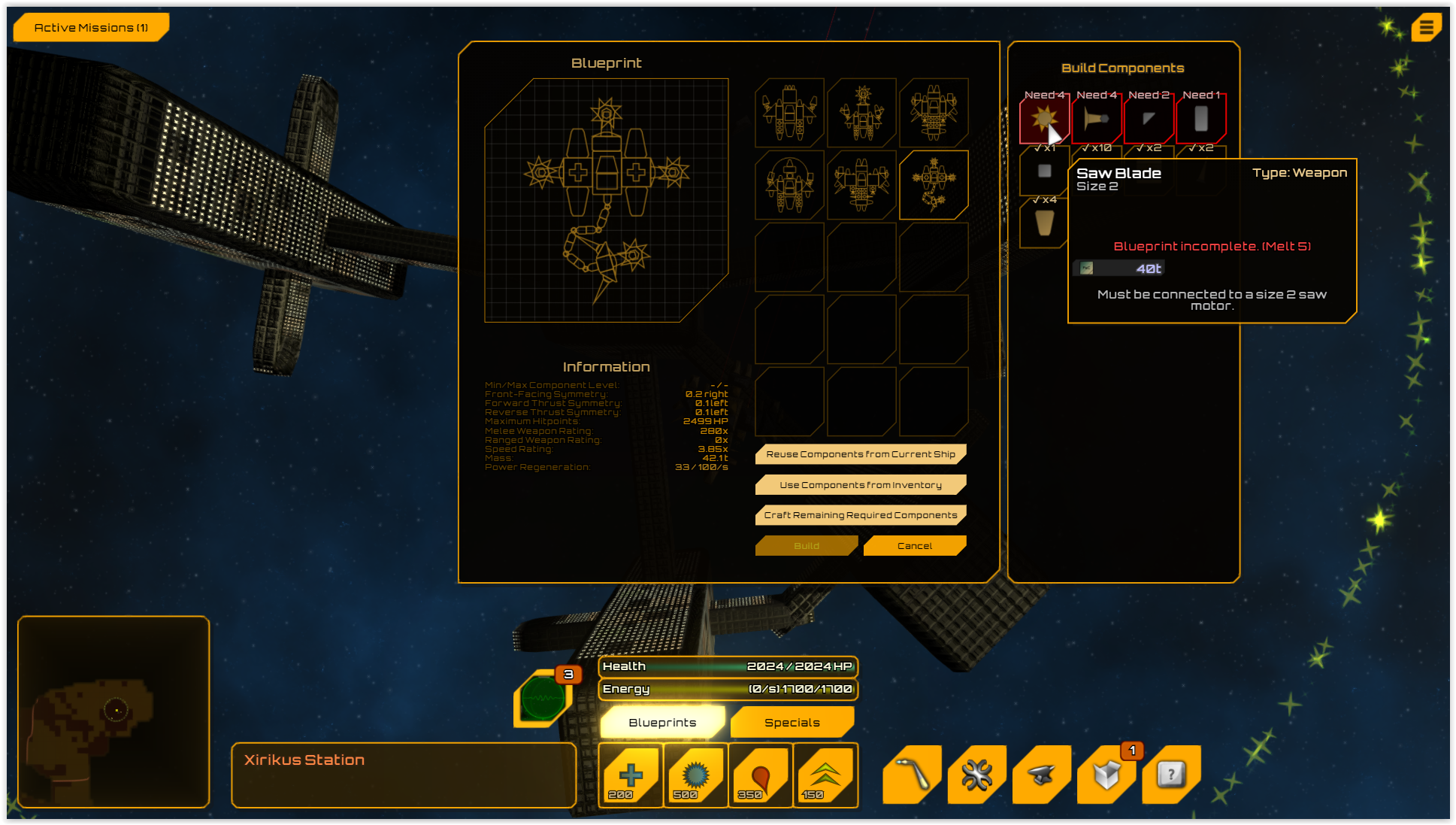
The new crafting window:
Scrolling special abilities/unlock screen window:
And scrolling component lists for the blueprint builder and info section in the blueprint library:
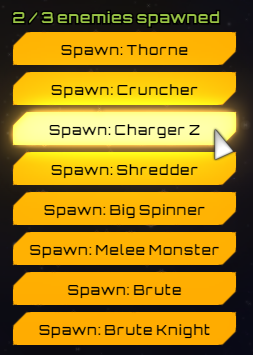
Also in this update a test mode has been added to the free ship building mode, click a button to enter test mode, your current workspace is saved to memory, and you can spawn AI controlled enemy ships (currently 8 to choose from in the mode, and up to 3 at a time) to fight against. Clicking 'Stop Test' will exit out of test mode, despawn any enemy ships and scrap laying around, and return your ship to the state it was before starting the test.
My focus will be completing the content for the next several months, but I will still be releasing updates with bug fixes, smaller features, optimizations, etc. and still would love to hear your feedback.
Also looking forward to seeing and testing out some of your own ship designs in the Steam Workshop!
November 29th Patch
Some smaller fixes and graphical tweaks relating to the recent update.
Changelog:
Fixed damage propagation algorithm for pooled HP
Creatures now leave Crystal and/or Antimatter and/or Uranium when destroyed
Graphical changes to asteroid & shrapnel field hazards
UI graphical tweaks and fixes
November Update: Blueprint Library, Steam Workshop, Sensors, Space Lifeforms, Pooled HP, UI Overhaul
This update has been in the works for a couple months, and so there's a lot of new features and changes:
Major Updates
Blueprint Library & Steam Workshop
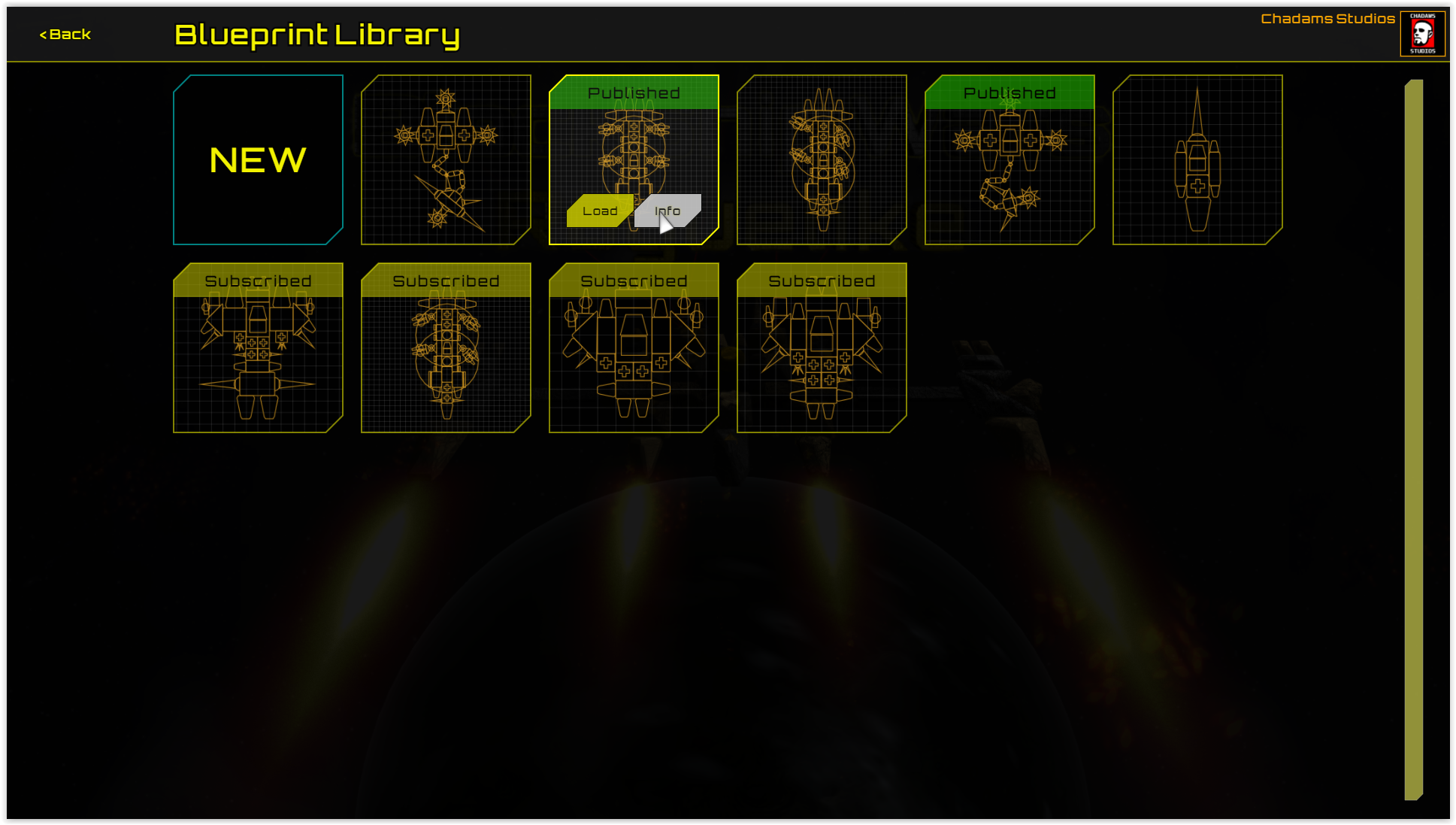
The main Blueprint Library allows you to collect and make blueprints without loading or starting a game. You can also publish your ship Blueprints directly from this interface to Steam Workshop, and create or load & test blueprints from a special 'Sandbox' mode that you can initiate from the Blueprint Library. In the Sandbox mode you can equip any special, and have access to all types of ship components.
Your blueprint library will be seeded with 4 blueprints automatically (3 fighter type blueprints and one late-game destroyer), and any blueprints that you subscribe to on Steam Workshop will automatically be added to your library.
Each of your save games has a blueprint library with 15 slots, you can import/export blueprints from/to your main library, and build ships instantly when over a space station provided you have the required components and/or crafting materials.
Pooled HP
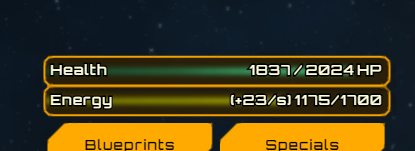
Your ship now has pooled HP, there and a Health meter has been added to show your total hitpoints. No component on your ship will be fully destroyed until your total health is depleted. If an individual component drops below 1 HP then it becomes 'Totaled', but not fully destroyed. Totaled components can only be repaired by entering build mode and clicking 'Repair Totaled', which costs crafting materials. If you have a blueprint of your ship saved you can also use the Build option in your Blueprints menu to rebuild your ship with fully function components.
Although most powered components will stop working when totaled, when a Thruster is totaled all thrusters on your ship will loose effectiveness evenly, so your ship will continue to fly as it did, only slower.
Sensor Blocks
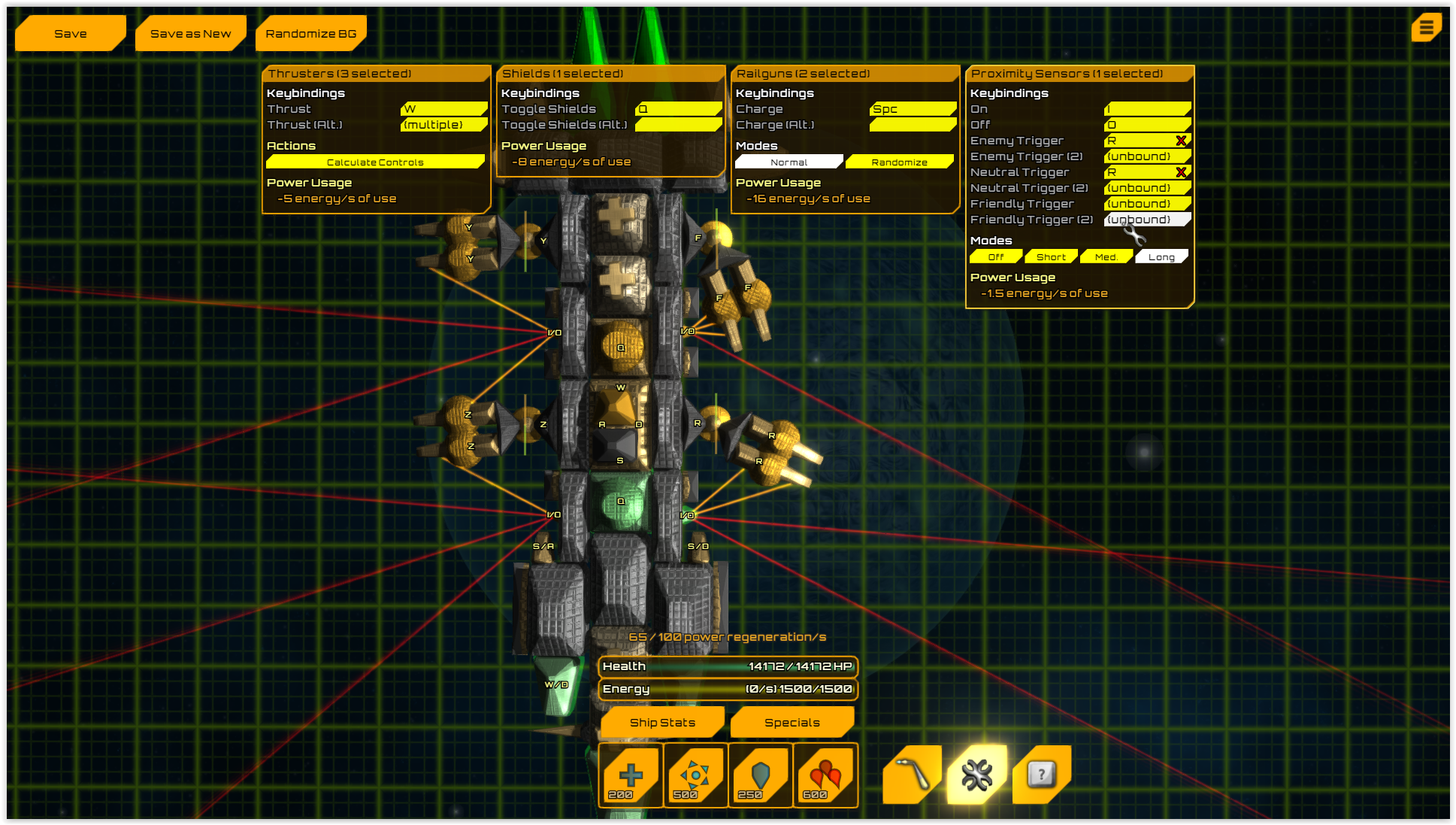
Five Sensor type components have been added, when on they project what are essentially trip lasers that detect blocks that intersect them. In most cases these can be configured to simulate a key press on your ship which gives allows you to essentially program parts of your ship to react to sensor input. The three types of blocks a sensor can differentiate between and react differently too are: Enemy, Friendly/Self, Salvage/Creature. Most of the sensors can also be bound to hinge/turret keys and in that case will automatically target the turret at the block or ship that the sensor is detecting. Like-wise, if bound to one of your 4 special ability key binds tripping the sensor will cause immediate use of the special ability and target it at what the sensor detected if it is an active special ability.
The 5 types of Sensors are:
Single laser sensors
Short angle sweep sensors
Wide angle sweep sensors
Radial sensors (sensor lasers don't collide with your own ship)
Pick-up sensors (single laser, salvage will automatically be picked up or melted when tripped)
All existing save games and new games will automatically have these 5 types of sensors unlocked in the crafting menu.
Space Lifeforms
These spawn generally while you are sitting still and there are no (or very few) enemy drone ships around. They have randomized body configurations and personality traits.
There are three main types of space life forms: Ones that do damage, ones that EMP you, ones that Heal you. Generally speaking they are not dangerous, however are very inquisitive and like examining various ship components that they find interesting. If you attack them they will either run away or get angry and attack the component on your ship that did the damage.
In later updates there may be missions involving these creatures.
Other Updates
Lots of other changes and additions to this update, including:
UI Overhaul: Better looking, more consistent, more contrasting UI.
Shields no longer protect against melee/impact, they only protect against projectile weapon damage. This makes some enemy ships easier to attack with melee, however you are more vulnerable to things like Little Chargers and Big Spinners. Combing Shields with Razor armor is good way to protect your ship in late game, also sensors triggering a defensive special like Defense Screen or Shockwave can help with your defense.
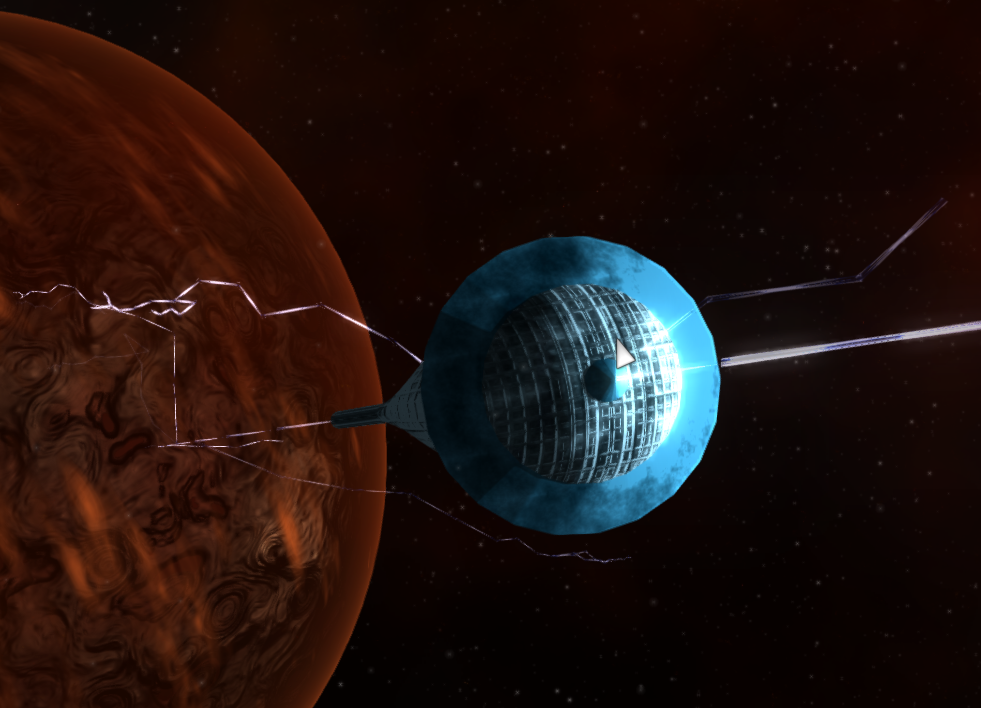
Planet Rendering: Improvements to planet rendering including dynamic atmosphere rendering
Shinier, more metallic and brighter ship component rendering
Enemy ships now use a detached radial sensor to spot you before a battle begins, neutral components and other enemy ships can block an enemy's sight
Updates to 20 enemy ships to make use of sensors and/or be better armored against melee attack
Off screen enemy ships now disable a blueprint-style icon of the ship to make them easier to size up
In the RPG modes, enemy ships no longer de-spawn when crossing zone boundaries, except when crossing into a planetary/boss zone
Thrusters sputter and pop and leave longer smoke trails when damaged
Various other bug fixes and smaller improvements
That's it for this post, if you have any feedback or questions feel free to respond to this post or start a discussion.
Graphics, Gameplay, Optimization Update - Late September '18
First of all, big thanks to Megan for providing me with great feedback and ideas, many of which that went into this update.
I've added a new trailer to the store page, which is also on YouTube here: https://www.youtube.com/watch?v=V-x4_AzxhK0
Here's the list of updates:
Heavy optimizations
Particle based explosions
More balanced RPG mode gameplay
More balanced crafting material drops
More metallic/shinier looking ship & asteroid rendering
Asteroids now fly through target area and only explode if something collides with them
Thruster fire does damage and pushes things away
ESC Menu now pauses game
Hold shift at (almost) any time to enter quick-pick mode, where edge panning is enabled, left click picks up items, and right click melts them.
Number of inventory pages now increases with level, up to 8 pages of inventory to store items in.
Long charge weapons no easier to see charge state (Railguns, Torpedo/EMP Launchers, Drone Launchers)
Inventory Sort button
Inventory auto-repairs when at space stations
Can set angular range of power hinges/turrets
Laser beams now tapered and do more damage up close
Bug fixes and more!
Also if you have ideas or feedback, or would simply like to chat about the game, feel free to join the BlockShip Wars: Roguelike Discord Server: https://discord.gg/tGpE6Dn
Environment Update, Linux Steam Release
The main focus of this update is new environmental aspects that make you feel more connected to the environment in the game; The two main environmental elements added are hazards that can either hurt you or can be used by you as traps for enemy ships, and a freight ship system, over 200 freight ships that fly back and forth between nearby stations, react to nearby enemies and battles, and as well can be communicated with and traded with.
Besides the freight ships there have also been numerous optimizations, tweaks, and improvements across the game, and a Linux build! The Linux build has only been tested on the latest version of Ubuntu so far, however should be compatible with most newer graphical consumer focused 64-bit Linux distros. I would suggest you use vendor graphics drivers If possible on Linux.
Changelog:
Freight ship system with trading (You can trade lower level items for a higher level item, both which can be found along the ship's trade route. Each freight ship also has a procedurally generated bio.)
Shrapnel field hazard/trap (Slows ships moving through them, blocks missiles and component sourced torpedoes)
Asteroids (Deals a large amount of AOE damage to ships near them when they collide with eachother. Shields provide good protection against these.)
Ion Storms (Massive EMP blasts that knock out shields, and stun ships within their radius)
Linux build
Overhauled Planet graphics
Overhauled EMP/Lightning graphics
Explosion graphics improvements
Graphics optimizations, and graphics card compatibility fixes
Fixed missiles
More!
For yet-to-be users, please note that demo version has not been updated yet, however will be updated in the near future with a Linux version as well. Also a Mac build is coming to Steam soon.
PATCH: Updated tutorial, mouse controls help, minor fixes
Just a quick update to help with ease of use (especially for new players), and some minor fixes.
Added mouse controls help (can be disabled in new gameplay options menu)
The tutorial can now be retaken (via the gameplay options menu)
Rotating a piece in build mode is now done with the right mouse button instead of holding ALT
Fixes to enemy ships (mainly Goliath)
Miscellaneous fixes
As well within the next week or two I will be releasing a free Demo version on Steam, so stay tuned for that if you haven't purchased the game but would like to try it out first.
MAJOR UPDATE: Secondary Missions/Space Stations, Graphical Improvements, AI Improvements, Optimizations, more
Glad to finally get this update done and released!
Many thanks to Jolenar for helping me improve the graphics in general, and for doing some game art as well. Also shout out to GentleCrimson and everyone else who helped test this update while it was in development!
Secondary Missions/Space Stations
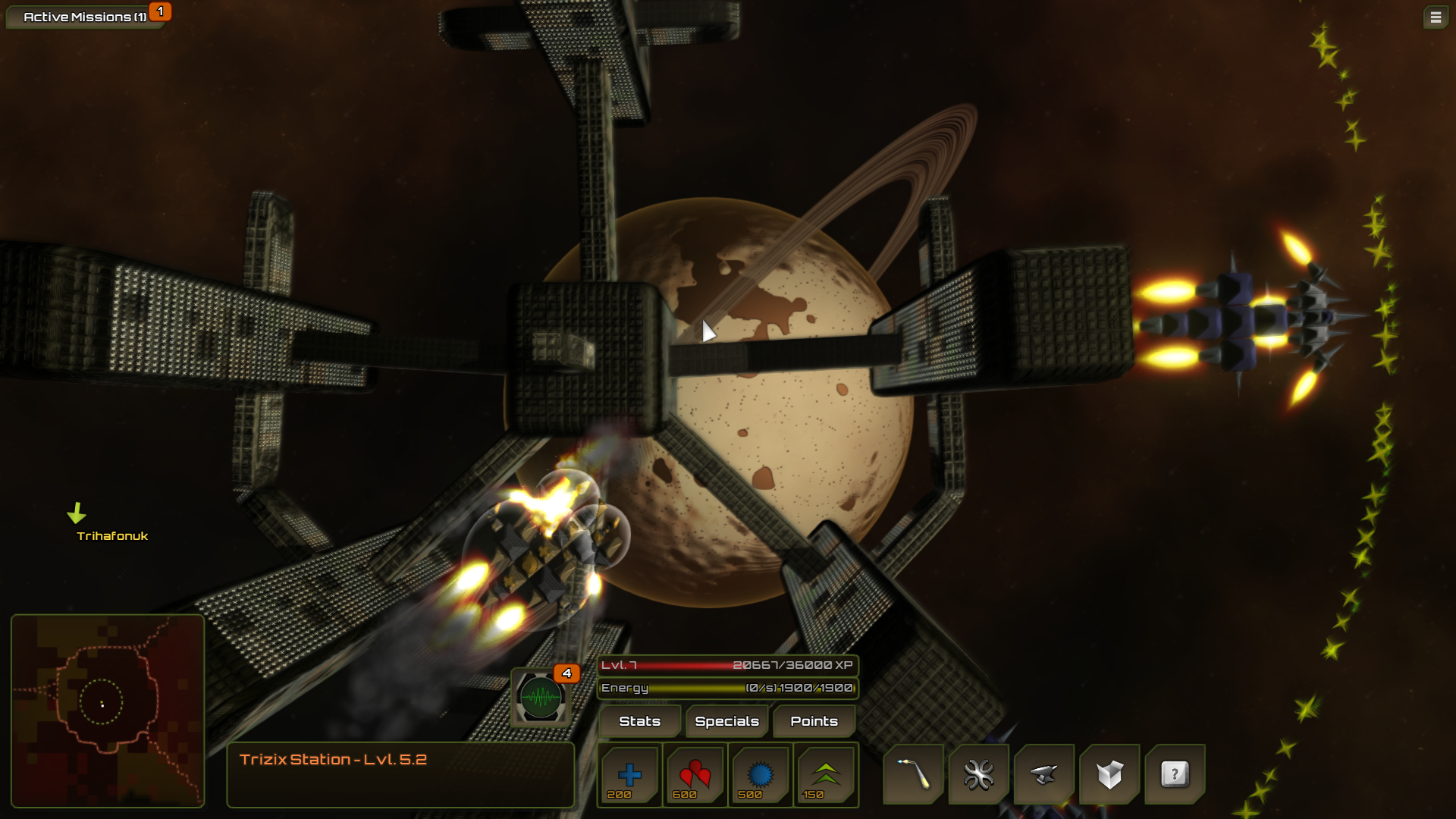
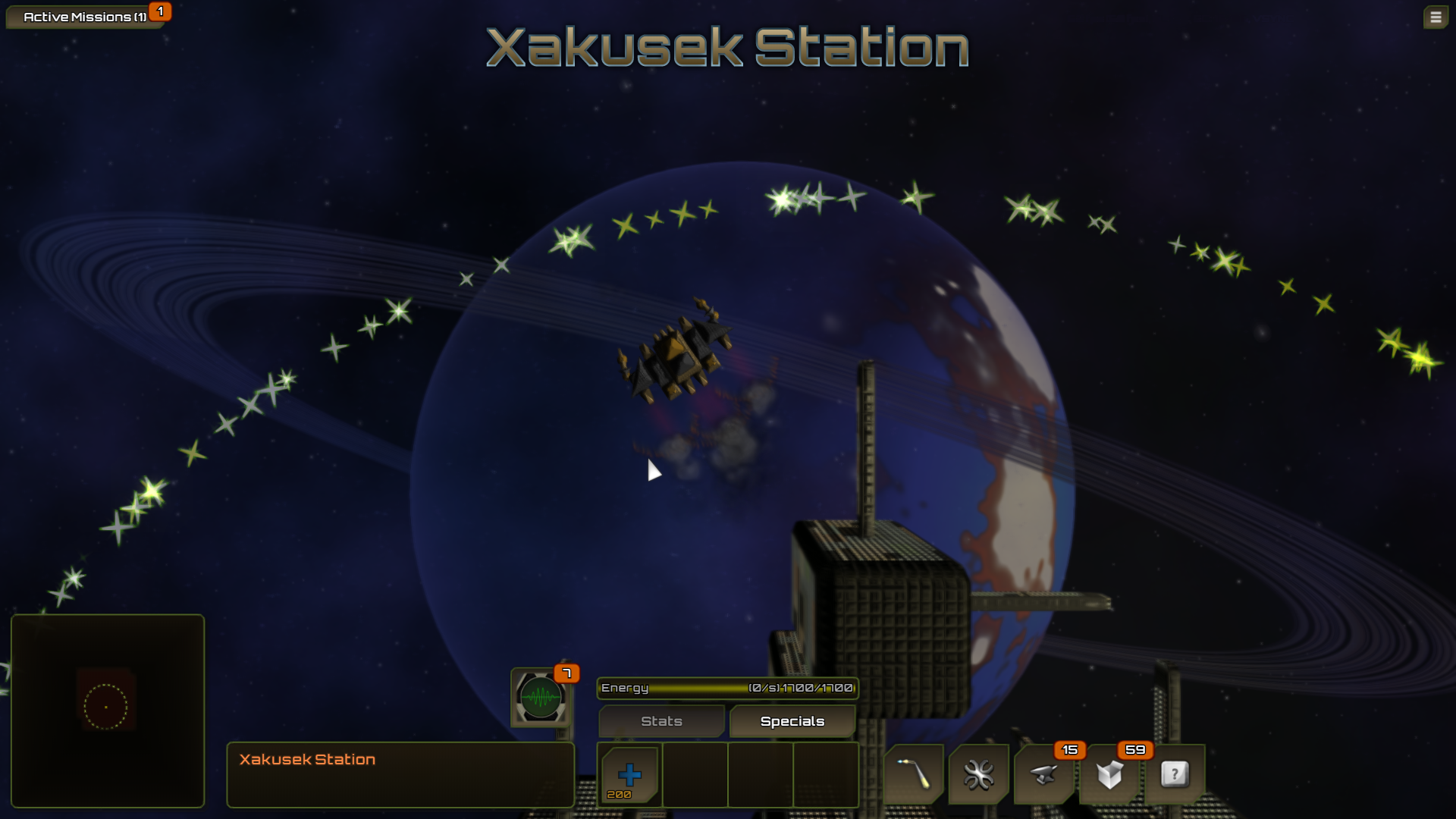
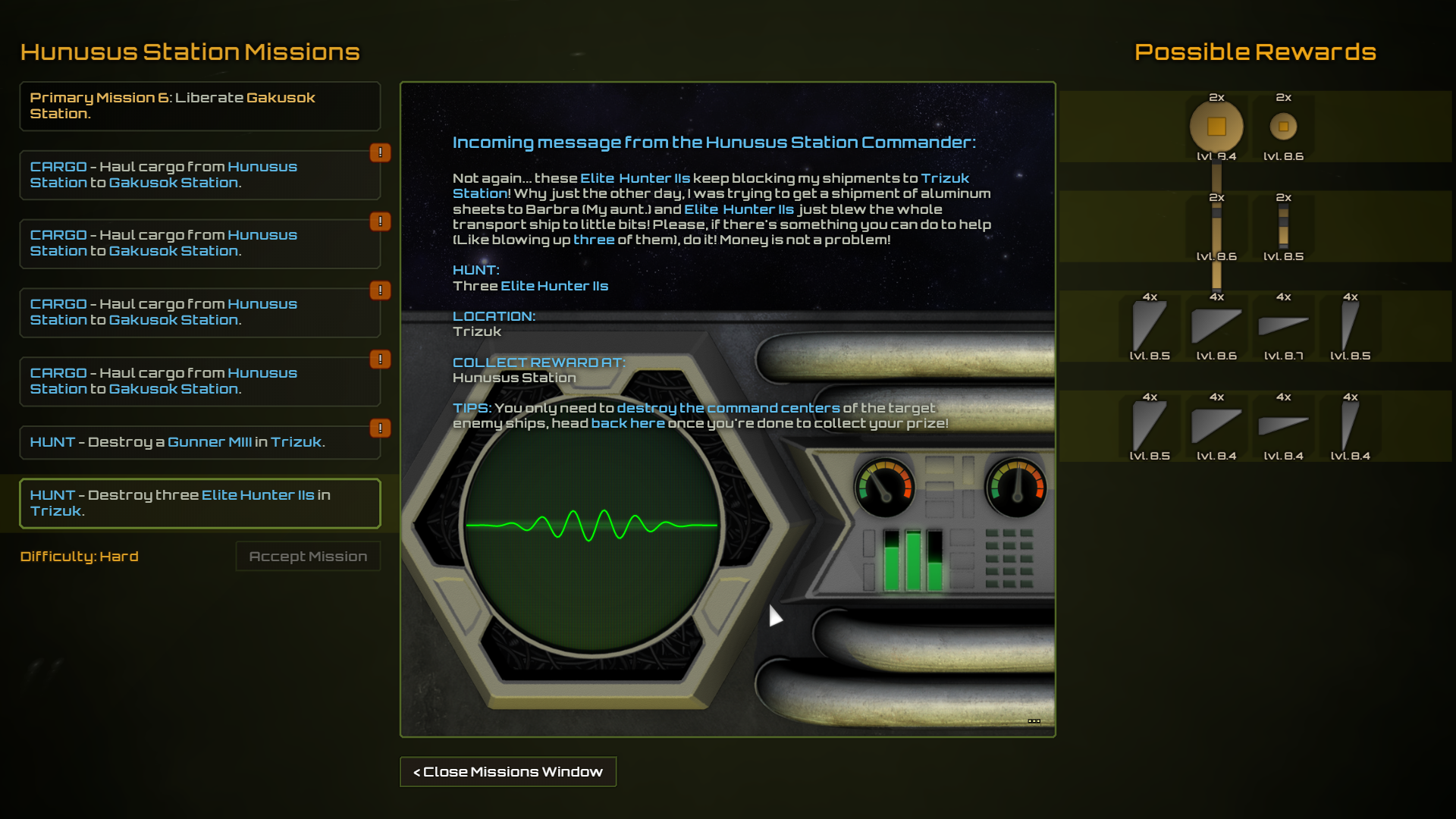
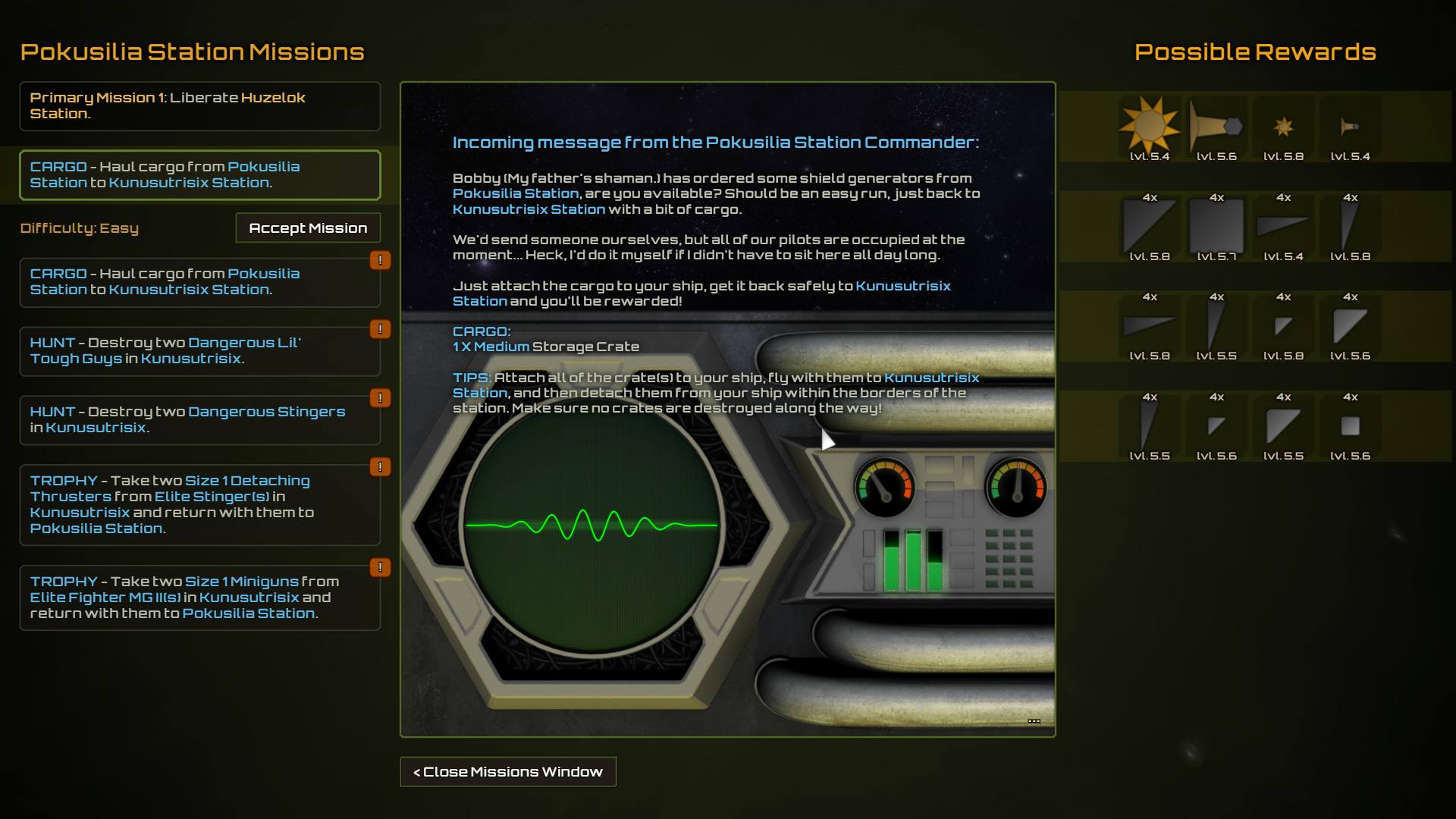
Now every area has a space station at the center, and each space station has randomly generated missions that you can accept.
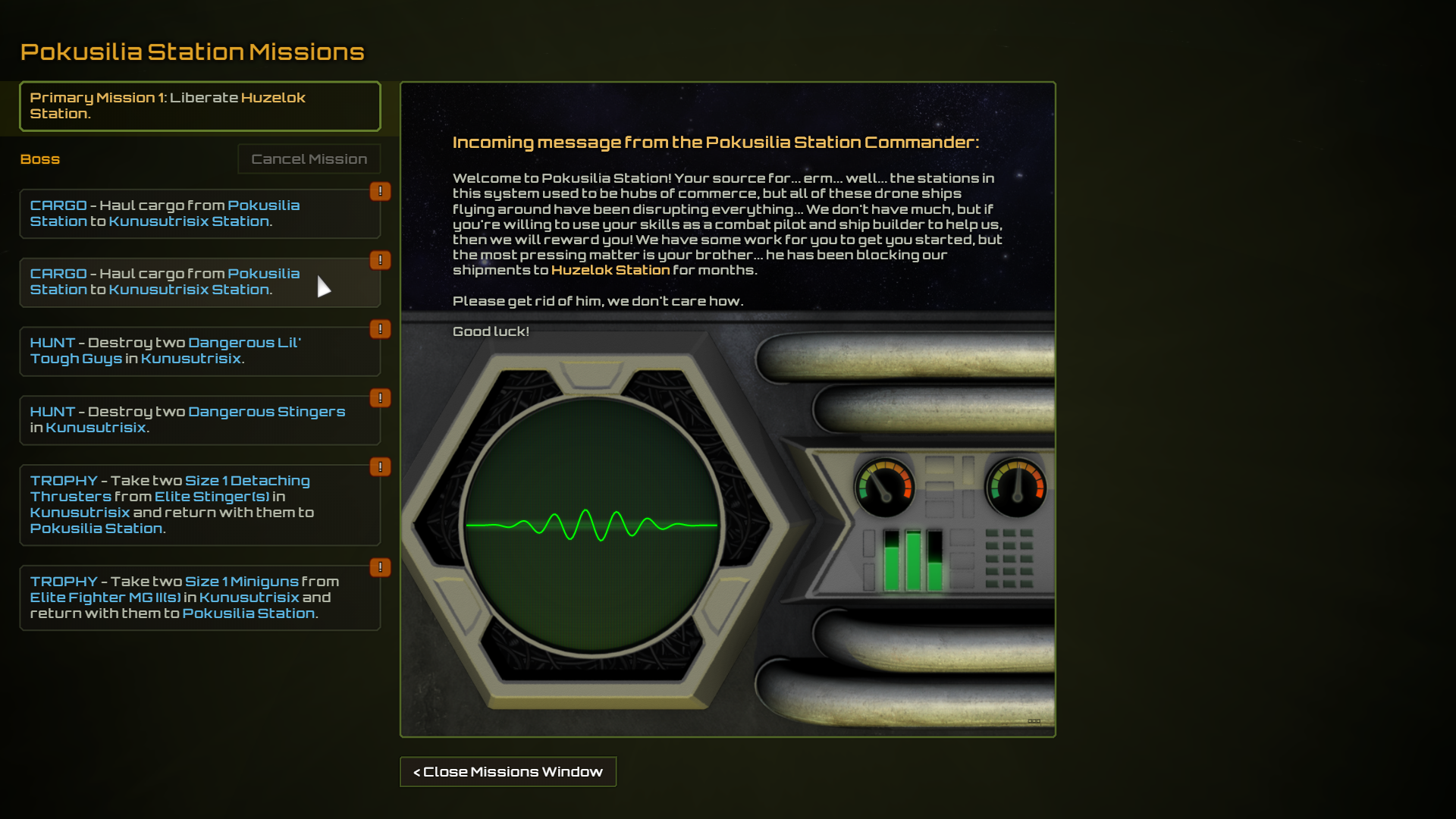
The original objectives (defeating the Zef clones and travelling to the next system) have become Primary Missions, and are automatically accepted/completed as you defeat the bosses.
You can have one active secondary mission at a time, and upon completion of a mission you will rewarded with one of 4 sets of components shown to the right of the mission description.
There are three types of secondary missions now, but more will come later:
CARGO missions: Attach and build a ship around cargo containers, fly them safely to the destination space station and then disconnect them from your ship to drop them off. Cargo containers have a lot of armor, but they are very heavy and will slow your ship down.
HUNT missions: Take down a number of a specific type of enemy ships from the target area.
TROPHY missions: Salvage a number of a specific type of component from a specific type of enemy ship from the target area and return with them to the station to get a reward. (You don't necessarily have to destroy the enemy ship's command centers to complete these missions)
Enemy Ships and General Gameplay
Decreased the amount of drag in the physics system, so you go a little faster, and the movement feels less rigid
Base enemy movement AI has been redone
Now up to three enemy ships at a time, and added more inter-enemy dynamics as well as different personality traits for each type of enemy.
Now get more XP for destroying dangerous, elite, and boss enemies in the RPG game modes
Railguns now use twice as much energy
Shields now turn off under 10% health instead of being destroyed as soon as they are disabled.
Increased speed of blaster, minigun, and missile projectiles
Hinges, chain links, saws can now be separated if you hit them with enough force. Sliders and hydraulics can now be destroyed if hit with a very large impact.
Enemy sight cones are now shown, to help you avoid battles if you want to.
More!
Graphics and Optimization
Overhauled ship component graphics
Overhauled color palette
Removed background asteroids, replaced them with mid-ground nebulas
Improvements to planet rendering
Large text option in graphics settings
Heavy optimizations affecting both CPU & GPU usage
Misc.
Many bug fixes and smaller adjustments
Media:
Hydraulic Extenders & Sliders, Shipwrecks, 20 new and changed enemy ships
Hydraulic Extenders & Sliders
Two new types of articulating components, 3 sizes of each.
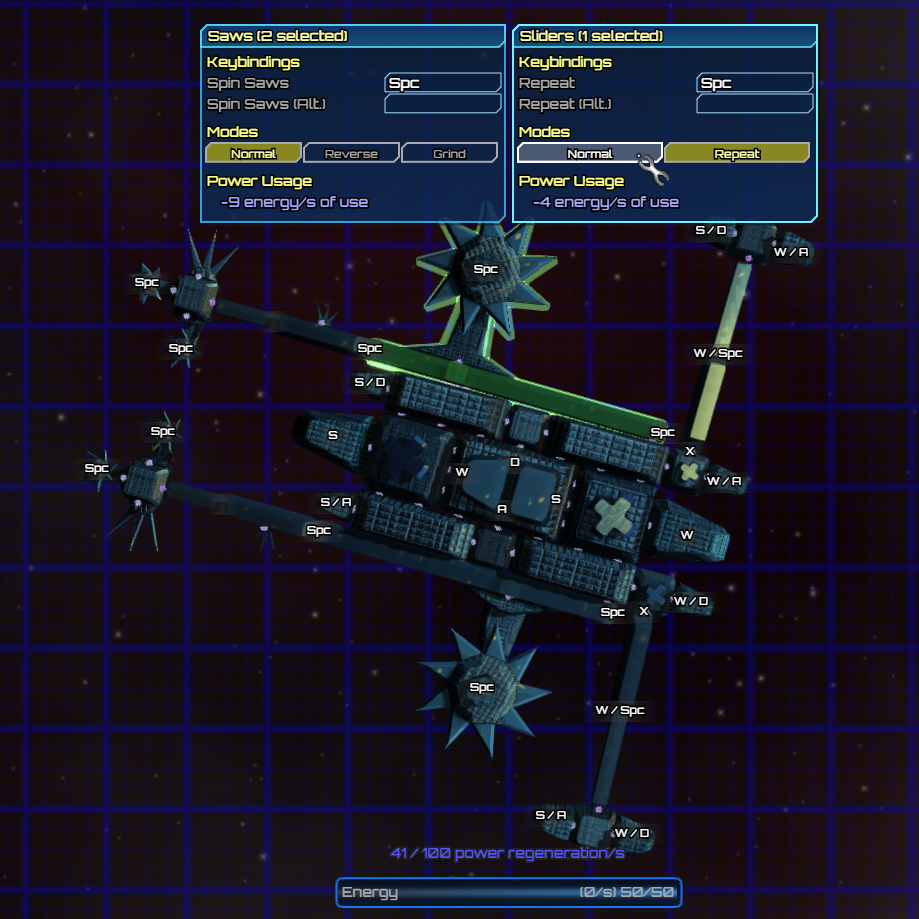
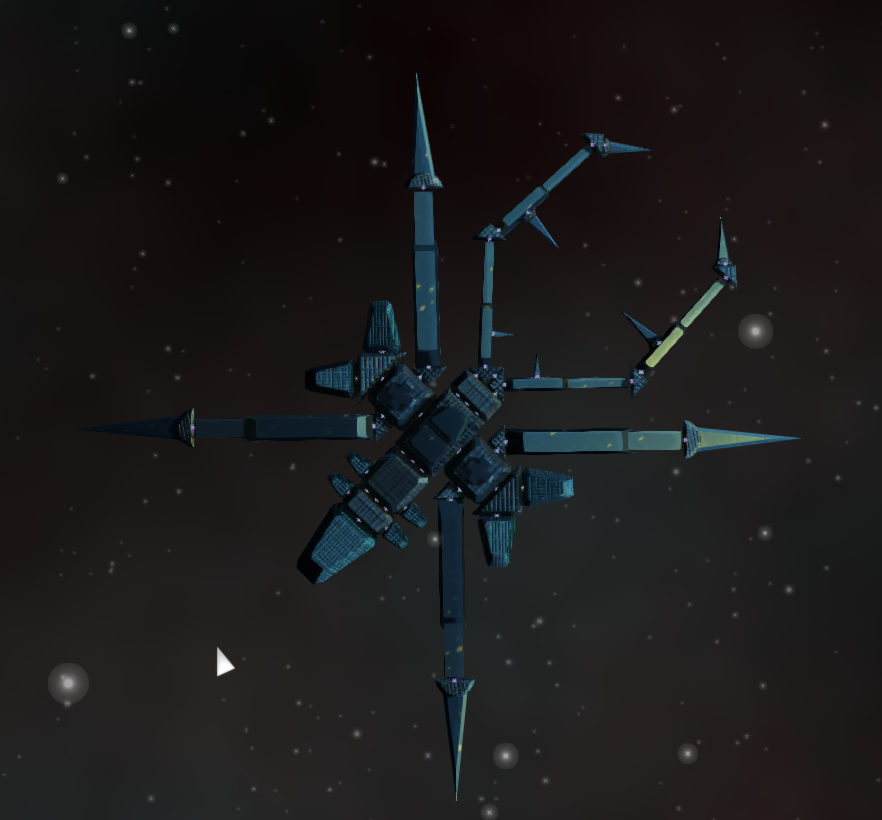
Hydraulic extenders consist of a long beam with a smaller one inside, that extends and retracts when bound keys are pressed. There are two modes that can be set on any of these; Normal (Two distinct key binds, one for in and one for out). Pump (One key press automatically pumps in & out, useful to construct a stabbing weapon)
Sliders consist of a long beam with a small cube in the metal that slides either way along the length of the beam. It has similar modes and controls to Hydraulic Extenders. Useful for both mounting melee weapons and projectile weapons.
Some of the new & updated enemies using these components
"Pumper"
"Little Spider"
"Menacing Feeler"
"Spider"
"Menace"
Salvageable Shipwrecks & Persistent Salvage
Now when you start a new game (or load a game for the 1st time after downloading this update), around 250 shipwrecks will be spawned around the map.
As well, now any ship components you leave anywhere on the map will persist for an indefinite amount of time.
Miscellaneous Changes
You can now regenerate the procedural background for the game you are in from the Graphics settings menu.
You start off with some crafting materials when you create a new game, as well as extra components in your inventory.
Graphics optimizations, some fixes for AMD GPUs, and numerous graphical tweaks