 Genre: Indie
Boom! Boom!
The shadow patch!
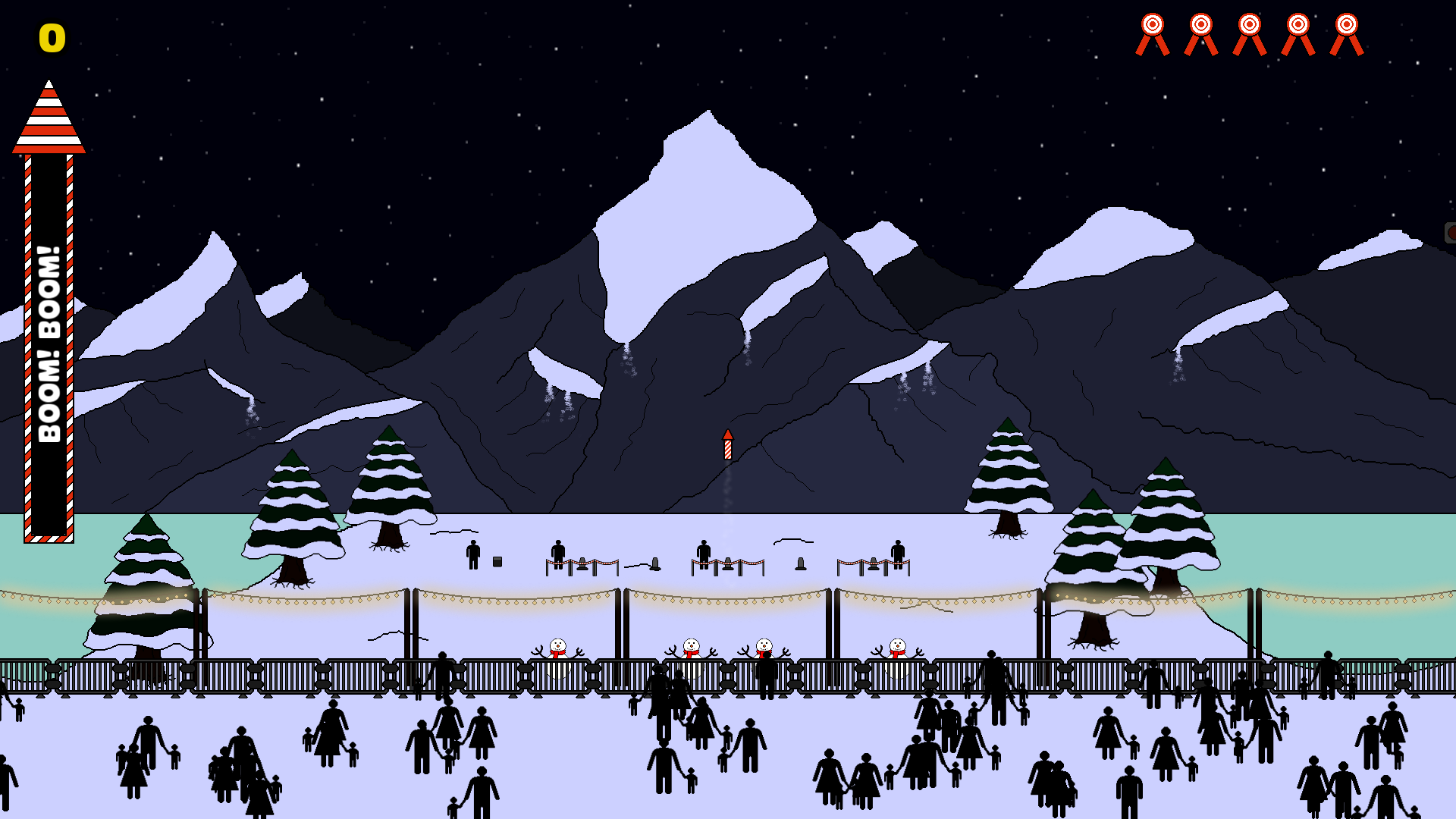
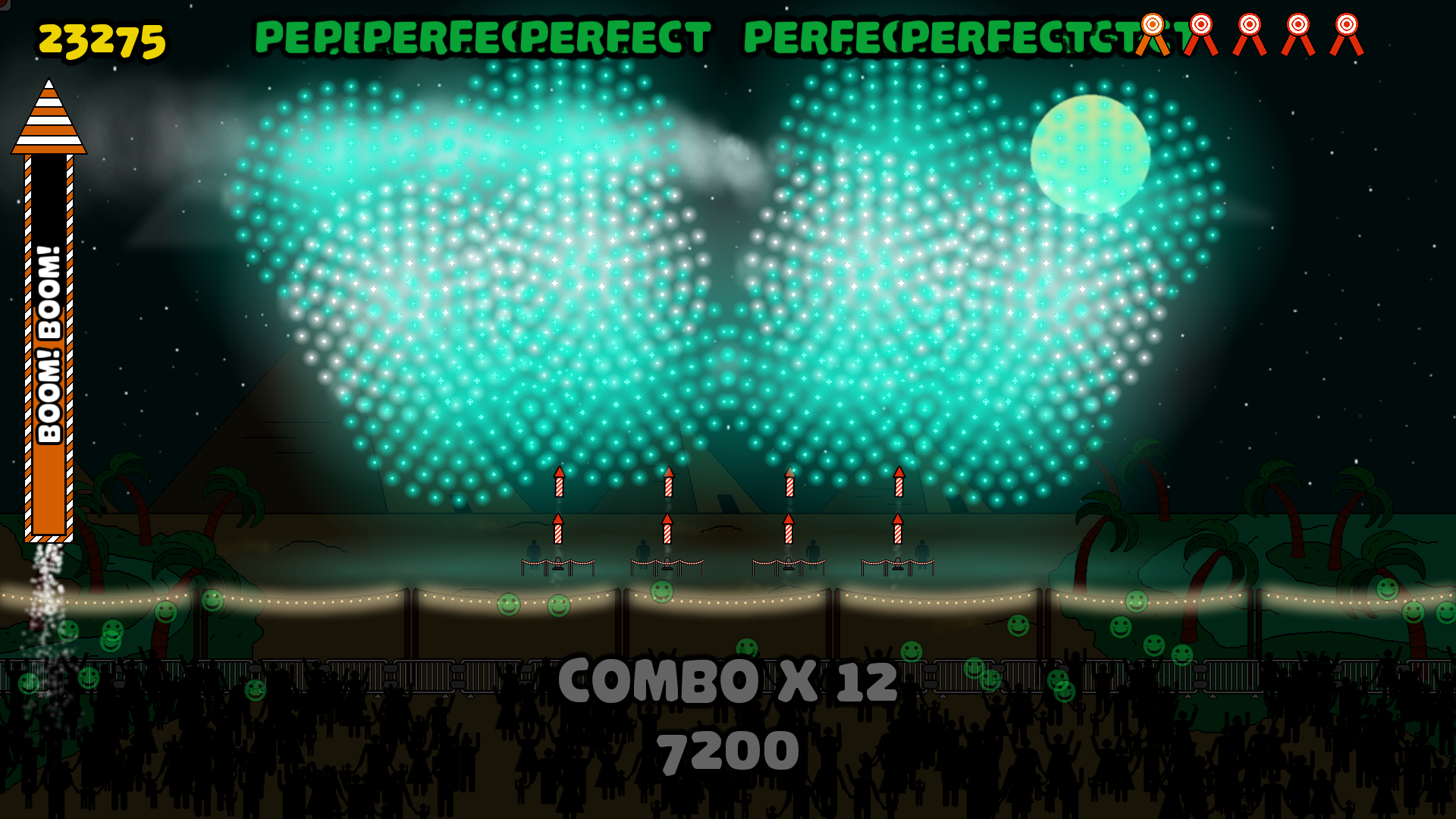
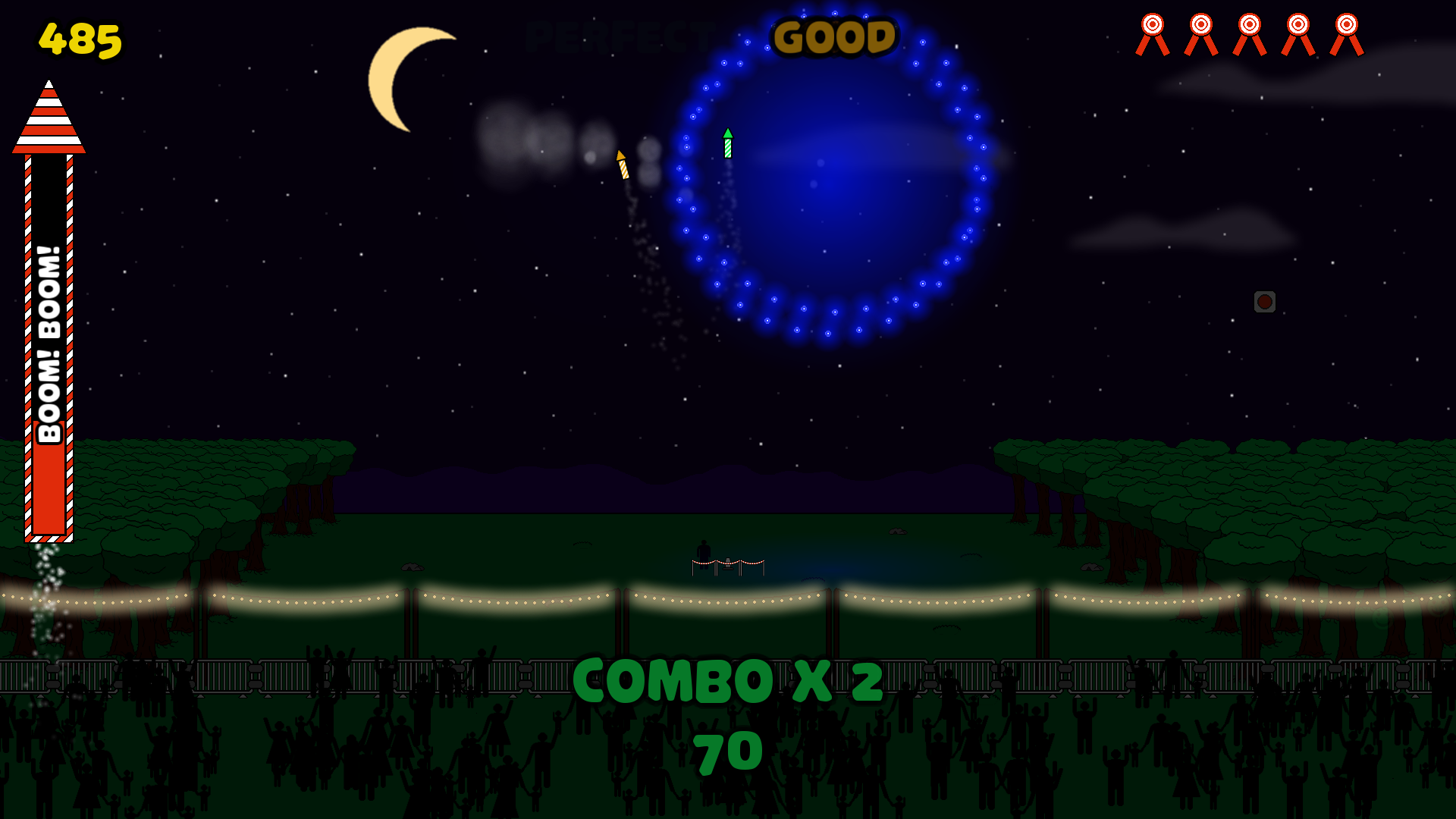
This patch is about shadows!
Adding shadow details to all levels
Let's see some improvements :
Before :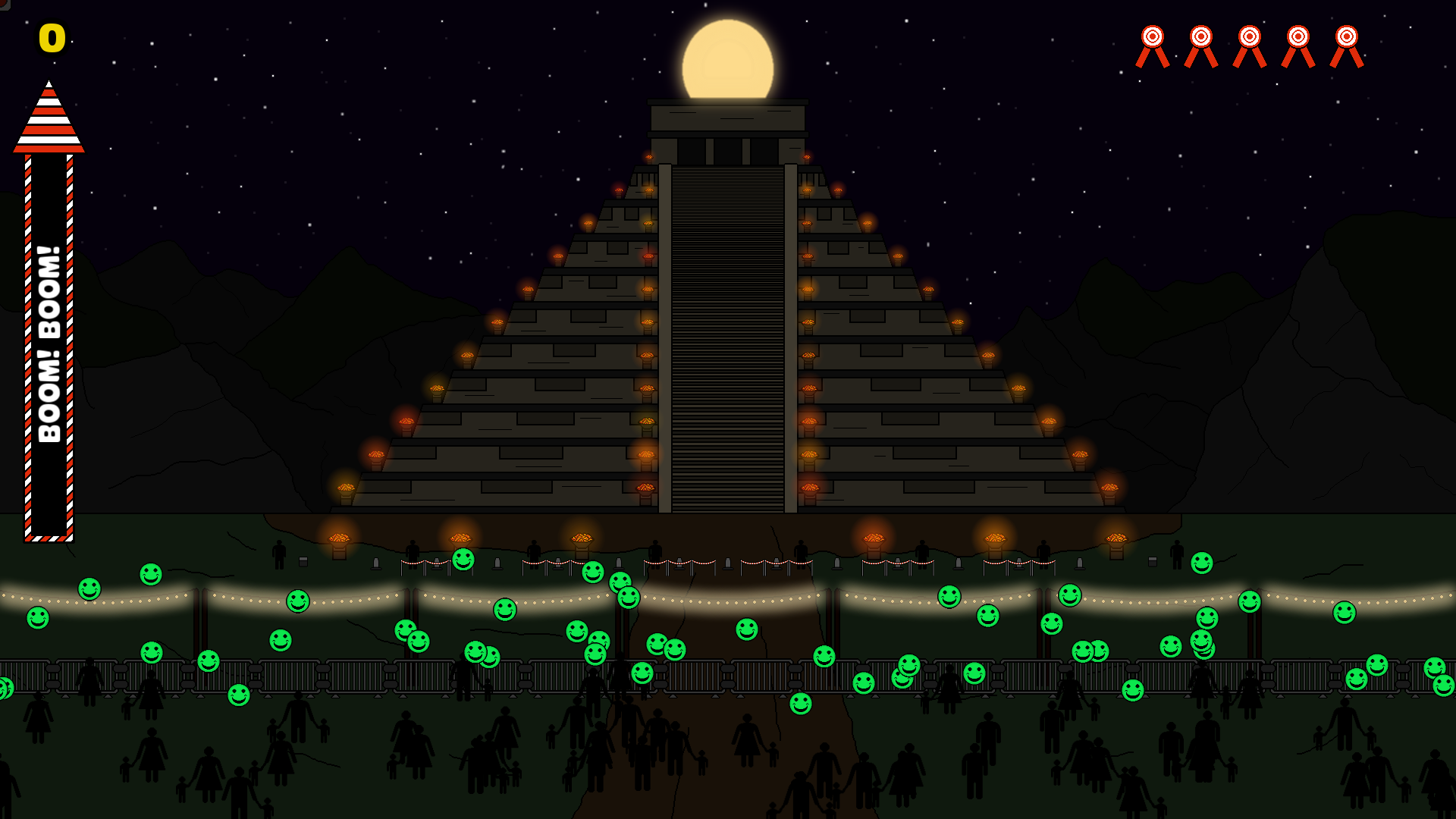
After : 
Before : 
After :

Before : 
After : 
Before :

After :

Have fun! V1.0!
Hello,
The final patch until the release is now up!
Content :
- Add the level 15.
Have fun! Patch V0.7
Hello,
The patch V0.7 is now live :
- Add level 13
- Add level 14
Have fun! Patch V0.6 is up!
Hello,
Here is the patch note :
- Level 12
- Level 11
- Add graphical detail to level 2, 7, 11, 15
- Add a UI text when boom boom power is ready
- Change to the "Space" button indicator when Boom Boom Power is ready
- Add graphical detail to some assets
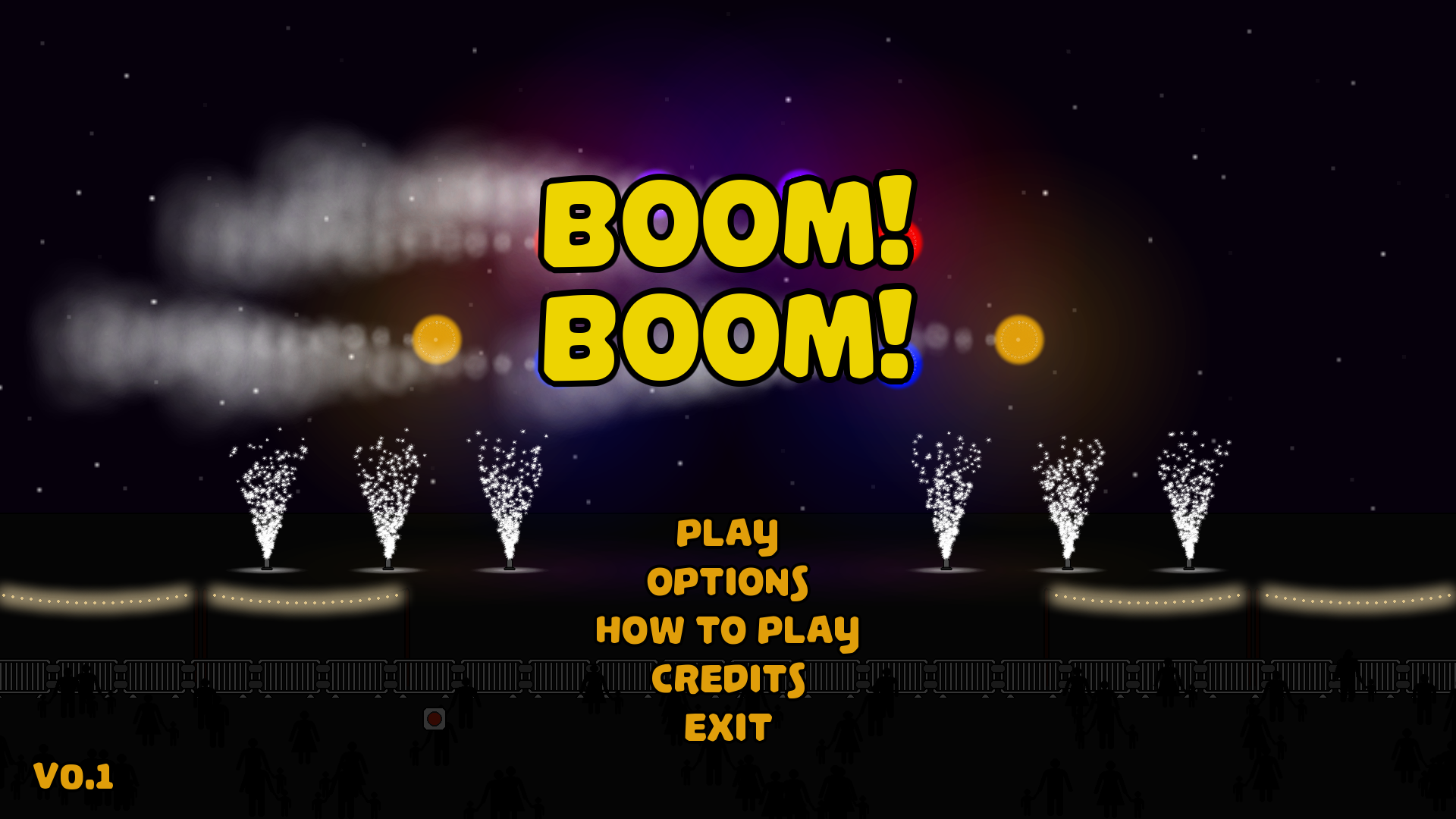
- Rework the main menu
- Add icons to the mission screen to tease the mechanics used
- Add a "Close" text to indicate how to close a leaderboard
-
Have fun! Patch V0.5 is up!
Hello,
Here is the patch note :
- Add a better bomb icon for the split bombs
- Rework the smoke effect for the split bombs
- Add moonlight in all levels
- Add icons to the mission screen to explicit the mission's unlock's mechanism
- Add "Jamar Prod" to main menu
- Change the typo for the version number used in the main menu
- Graphical update to the Boom Boom Power gauge
- Graphical update to geyser launcher UI
- "Reduce the alpha channel of the stars in all levels
- "
- Color correction of the vesion number and production label
- Bug : Particle emitters should be properly stopped during pause
- Bug : Particle emitters should be properly drawn during pause
Have fun! Patch V0.4 is up!
Hello,
Here is the content of the patch V0.4 :
- Add a smoke effect to sparkle geysers
- Add a smoke effect to bomb's launchers
- Add flying score UI when exploding bomb
- Add an option to hide flying score UI
- Shorten the text of the call bomb's timing indicator
- Reduce the alpha of the geyser smoke effect
- Reduce the alpha's decreasing's speed of the geyser smoke effect
- Bug : Launchers should no longer be drawn in front of smoke effects in the main menu
Patch V0.3 is up!
Hello,
Here is the content of the patch V0.3 :
- Stars added to the main menu screen
- Add some graphical details to levels
- Add a geyser smoke effect to alternate geysers
- Add more speed to the smiley's vertical speed
- Add speed randomization to the smileys' vertical speed
- Add special timing indicator for the call's bombs
- Add score for the call's bombs
- Bug : unlock animation should now be properly played when player unlocks Fjord level
- Bug : Correct a bug where smileys overlap the combo indicator
- Bug : Correct a bug where smileys overlap the Boom Boom gauge
Patch V0.2 is up
Hello players,
Here is patch log :
- Level 9 added
- Level 10 added
- Font change in the leaderboard to increase names' lisibility
- Add cloud generators in some levels
- Add animated clouds in some levels
- Add animated stars to all levels
- Add some graphical details to all levels
- Rework the "underconstruction" icon
- Add sound effects when Boom Boom Power is used
- Add a better crowd's response to Combos
- Add a better crowd's response to the end of levels
- Bug : The leaderboard should now properly be updated after a long session of play
- Bug : The "leaderboard" tooltip should no longer disappear after exiting a level
- Bug : Correction of an overlap of trees in level 3
Have fun!
V0.1 is up
Hello players,
Here is the content of the V0.1 :
- Add some graphical details to levels
- Add smoke effect to bomb explosion
- Add details to the main menu screen
- Add the "Bomb lock" to the tutorial panel
- Correction of the position of the ground flares
- Combo's score is now displayed under the combo number
- Add a sound effect when the Boom! Boom! gauge is filled
- Improvements to the Boom! Boom! gauge
- Improvements to interface texts
- Player's rank now appears at the top of the leaderboard panel
- Adding ribbons indicator to all level
- Adding a version number to the main screen
Have fun!