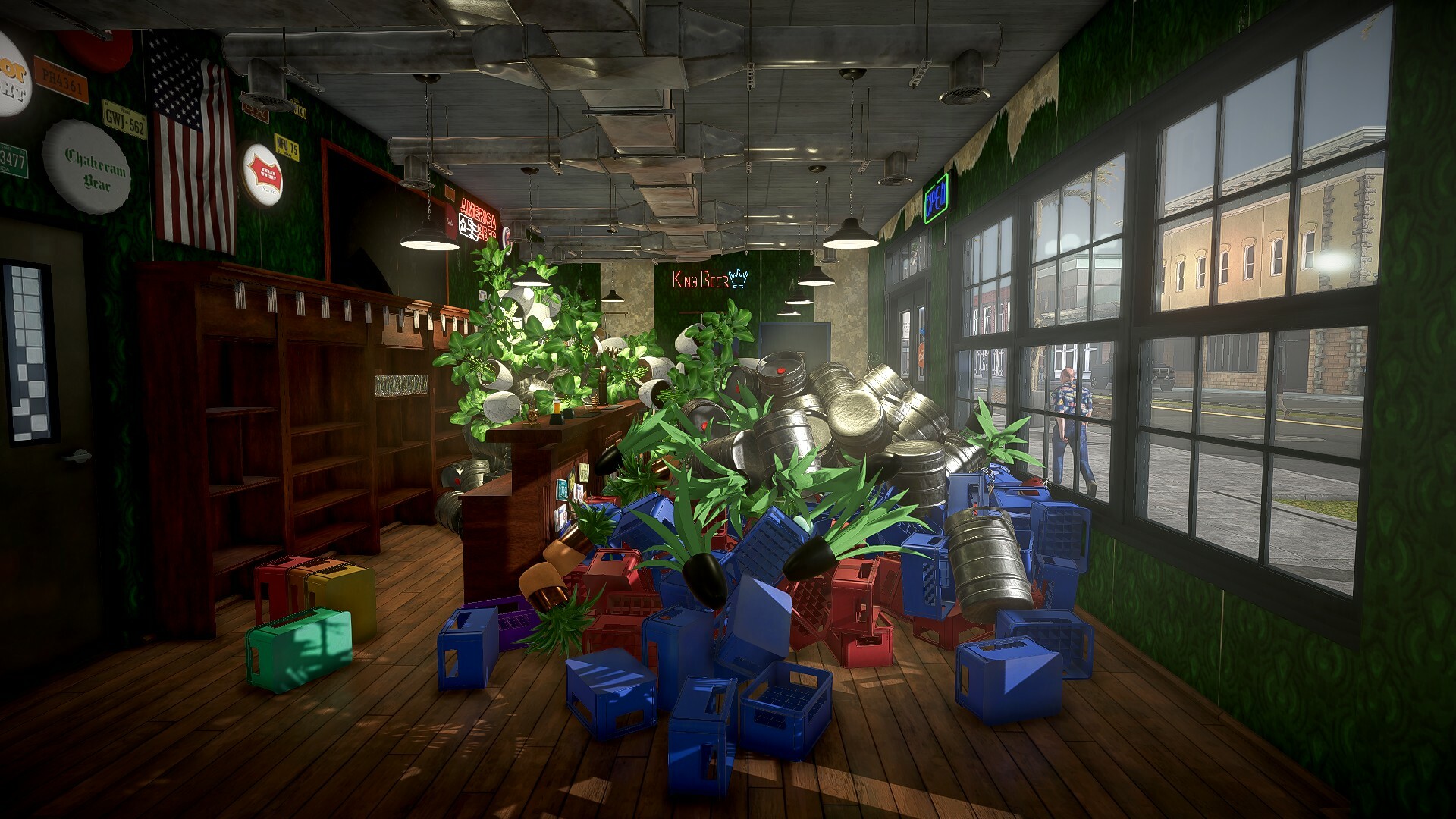
So, what beer type are we exploring today? One of the most common types in the world, lager!
Buckle up, brewers, we’re embarking on a short lesson about yet another great beer.
The best-known form of lager is the light-colored and clean-flavored beer. However, lager is a very versatile beer. It can be amber, or even dark in color. Its defining feature is the high carbonation of the drink.
Lager was invented in Germany from where it also gets its name. The name means “stored” – because the beer was stored in cold caves or basements. Lager is fermented in a cold environment, around 5-10°C (41-50°F), and the process is slower and less volatile. It means that much fewer additional flavor and aroma substances are produced, so the profile of the ready beer is cleaner and more all-purpose.
See more in the video!
Patch 5 incoming! See what’s in today
Brewers, time for patch 5! This one comes with keybinding fixes for your gaming convenience.
Patch Notes
The keybinding responsible for the equipment now works as intended.
When changing keybindings you will no longer see a white box instead of a tip message showing the intended keybinding.
When changing some keybindings they will no longer show as “W” in the UI.
”Reset to default” option added for the keybindings options tab.
The bartender will no longer bug after trying to pick up glasses from the shelf closest to the kitchen entrance.
Other minor fixes.
And, once again, if any of the fixed issues continue to occur, please try starting a new game. If the errors persist, please report them to us so we can fix them!
Report the bug through this form: https://mov.gs/support/
Include your PC specification: CPU, GPU, RAM.
If you encountered a crash, include a crash log from this folder: C:\Users\Username\AppData\LocalLow\Star Drifters\Brewpub Simulator - simply zip up the whole Brewpub Simulator folder and attach the compressed file to your message.
Out of pure curiosity, which keybindings do you most often change and to what?
Keybindings patch (beta) just landed!
Happy International Beer Day, Brewers! Hope you have the time to celebrate the best day of the year 🍺 And of course, we’re celebrating too, with a new patch!
We have introduced the keybindings you have been waiting for. From now on, you will be able to set key assignments to your liking. We are aware that there are a few bugs along with the keybindings remapping system, but we were very anxious to bring it to you as soon as possible. While you enjoy the new patch, we are brewing fixes of known issues in the keybindings system for the next upcoming patch.
Problems we are aware of
After changing the keybind for inventory, you can still only open the inventory with I
After changing keybindings, some characters do not display correctly in the UI, white squares are displayed instead or incorrect keybind is shown
Additional macro keys available on keyboards and mouses can’t be used to change keybindings
Besides adding keybindings, we also fixed a few bugs. Full patch notes below.
Patch Notes
The items will no longer fall underground. For sure.
Items will no longer bug after glasses break.
The game will now recognize a big pot being put on a hob in the tutorial.
You can now buy pub extensions without problems.
Other minor fixes.
If any of the fixed issues continue to occur, please try starting a new game. If the errors persist, please report them to us so we can fix them!
Report the bug through this form: https://mov.gs/support/
Include your PC specification: CPU, GPU, RAM
If you encountered a crash, include a crash log from this folder: C:\Users\Username\AppData\LocalLow\Star Drifters\Brewpub Simulator - simply zip up the whole Brewpub Simulator folder and attach the compressed file to your message
Let us know how you celebrate the Beer Day and don’t forget to brew your own in-game!
Patch #3 out now! More to come soon
Hello there!
We realize that some of you are still experiencing issues with the game, but we would like to assure you that we are not slacking off, and another patch is in preparation :) We want to thank you for your feedback on the game. Thanks to you, we are closer to creating the best possible version of Brewpub.
Today, we come with new fixes, including no more randomly smashing glasses! You will find below a list of fixes in this patch. And rest assured, we continue to work on more fixes and other features. Keybindings are on the way!
Patch Notes
Fix for objects falling into furniture and other objects (no more disappearing items).
Fix for player-carried items - they don't get lost along the way.
Fix for a tablet that stopped being interactive in some cases.
Glasses will now follow the player’s movement so they cannot randomly break while being moved from a lower counter to a bar counter.
Glasses can no longer break while being put down.
Pub employees will no longer disappear after loading a save.
The game will no longer freeze after loading a save.
Other minor fixes.
If any of the fixed issues continue to occur, please try starting a new game. If the errors persist, please report them to us so we can fix them!
Report the bug through this form: https://mov.gs/support/
Include your PC specification: CPU, GPU, RAM
If you encountered a crash, include a crash log from this folder: C:\Users\Username\AppData\LocalLow\Star Drifters\Brewpub Simulator - simply zip up the whole Brewpub Simulator folder and attach the compressed file to your message
Don’t forget to leave a Steam review (or update your review if you already left one).
Thanks for believing in us and for your support! Dev Team
Fixes are here! New patch is out
Hello!
We are coming with more fixes! We would like to report that the issue of falling objects should no longer occur. You can be more at ease about your belongings; they should no longer fall into limbo under the bar.
Below is a list of fixes for this patch, and in the meantime, we are returning to work to deliver the next fix as soon as possible. Besides fixes, we are also working on other things to make the game as enjoyable as possible for everyone, such as keybindings.
Patch Notes
Items no longer fall through the floor.
The tablet UI will no longer be non-interactive after opening it.
Liquid from the fermentation bucket will no longer disappear.
Stains generated by the clients will no longer float in the air.
Fixed the issue with items that stopped being interactive in certain circumstances.
Glasses placed in the dishwasher will no longer disappear after loading a save.
Strawberry will no longer appear as chilli peppers in the pop-up about items collected from the delivery box.
Other brewing and recipe-related fixes.
Other minor fixes.
If any fixed issues continue to occur, please try starting a new game. If the errors persist, please report them to us.
Please continue to report the bugs and problems you encounter in the game. If we know about them, we can fix them. :)
If you encountered a crash, include a crash log from this folder: C:\Users\Username\AppData\LocalLow\Star Drifters\Brewpub Simulator - simply zip up the whole Brewpub Simulator folder and attach the compressed file to your message
We will continue working on fixing other existing problems and making the game better, more patches will be added to the game, and we hope you’ll already have a smoother experience playing!
Don’t forget to leave a Steam review (or update your review if you already left one).
Let’s continue the beer lessons! Today - American Porter
Brewers, remember our old lessons about beer types? Well, as we now have much more of them than we used to in the early demo, let’s learn more about our in-game beers!
Today’s topic is American Porter.
So what is it?
American Porter is the youngest sibling to all porters – it’s only 40-years-old! It is an American version (duh) of the English porter. It’s characterised by a more hoppy and more roasted (or burnt) flavor. While creating their own version of the porter beer, American breweries experimented with adding coffee or chocolate to compliment the peculiar burnt taste.
Check out more in the video!
Which beer would you like to see next?
The Patch Is Up!
Hi All!
At the beginning, we would like to thank everyone for playing our game. We see how much you enjoy the gameplay, even with encountered bugs. We will do anything we can to fix as many issues as you have encountered asap. We are launching the first update NOW. You can check the patch notes below :)
We also want to thank all those who reported their errors to us. Each submission with a description, attached save, or recorded video of the error allows us to find and fix the problem faster.
If you’re still experiencing problems, please share them with us so we can fix them.
If you encountered a crash, include a crash log from this folder: C:\Users\Username\AppData\LocalLow\Star Drifters\Brewpub Simulator - simply zip up the whole Brewpub Simulator folder and attach the compressed file to your message
Patch Notes
Please mind that in order to work, some fixes will require you to start a new game.
If you choose to start a new game, head to the following directory on your PC: C:\Users\Username\AppData\LocalLow\Star Drifters\Brewpub Simulator, and delete the Brewpub Simulator folder.
Doing this will ensure deletion of issues present in the previous game version. Please keep in mind that deleting AppData deletes all save data.
Reduced the risk of crashes.
Improved general optimization.
Fixed the issue where connecting kegs to the bucket disabled interaction with the latter.
Fixed the issue with items that stopped being interactive.
Patrons don’t break the minigames when you ask them to leave anymore.
Long game sessions now do not cause the game to slow down.
Restarting a day does not cause you to lose bonuses anymore.
Levitating stains now follow the rules of physics.
Fixed the American Black Ale recipe.
Brewing Black Ale does not result in a Porter anymore.
Fixed the dialogue windows not being able to contain all the requirements of more demanding customers.
Other brewing and recipe-related fixes.
Other minor fixes.
We hope that this update will improve your experience, Brewers! And don’t forget to leave a Steam review (or update your review if you already left one).
Fixes, Solutions + Guides for Common Issues
Hi everyone!
Our team is working on fixes based on your feedback, but there are ways to overcome some issues that you frequently report. Here’s a quick FAQ that might help you right away, and also ensure you get a response from us ASAP.
If you want to report a problem not addressed below, you can do it in our forum thread.
Table of contents: A. Tips for all players B. Difficult recipe guides
A. Tips for all players
1. My game is not launching / crashing
E-mail us (support@moviegames.pl) with your full PC specifications and crash logs from the following folder after you have tried to launch the game and it crashed: C:\Users\Username\AppData\LocalLow\Star Drifters\Brewpub Simulator - simply zip up the whole Brewpub Simulator folder.
Additionally, here is a list of things that you could try right now in order to fix this issue: - Clear Download Cache in Steam - open Steam and go to Steam settings, open Downloads tab and use the option "Clear Download Cache". After that restart Steam and see if it helped, - Repair Library Folder - open Steam and go to Steam settings, open Storage tab, choose the folder that you install your games on, find an icon with 3 dots (settings icon), click on it and then choose option "Repair Folder". After that restart Steam and see if it helped, - Verify integrity of game files on Steam - select the game you are having problems with from your Steam library, open its Properties panel, open Installed files tab and select option "Verify integrity of game files". After that restart Steam and see if it helped, - Delete game folder from AppData - go to the following location on your PC: C:\Users\Username\AppData\LocalLow\Star Drifters\Brewpub Simulator and delete the entire Brewpub Simulator folder. After that restart Steam and see if it helped, - Reinstall the game and run Steam as an administrator - if you find that all of the suggestions listed above won't help, you could also reinstall the game and run Steam as an administrator to see if that helps, - Update all drivers on your PC - having the latest software installed on your PC might help you with launching the game, - Lower graphic options in the game, - Close 3rd party programs that may noticeably affect your PC while playing the game - this includes software like OBS, MSI Afterburner or other software made for recording or altering PC performance.
2. I can't click or interact with anything
Load a save where the problem did not occur and try to continue playing. Alternatively, check the integrity of the game files and clear the AppData (C:\Users\Username\AppData\LocalLow\Star Drifters\Brewpub Simulator), but be aware that clearing the AppData will reset your progress.
3. Items disappear/fall through the map
Open your inventory (“I” on the keyboard) → use Enter on the keyboard to trigger the function "Hide all" → confirm the warning pop up → unretrievable items should be now available from within your inventory.
Using this option will also hide the rest of the items placed in the pub to your inventory which might be inconvenient, but you should recover lost items that way. To avoid this bug in the future, try placing items on the map at a slower pace, this should help you prevent this issue from occuring again.
4. Longer sessions may decrease game performance
Turn the game off and on again, longer sessions can cause the cache to get clogged, so you need to clear it and performance should return to normal. If not, send us (support@moviegames.pl) the PC specs and AppData (C:\Users\Username\AppData\LocalLow\Star Drifters\Brewpub Simulator), the problem should be fixed in the patch.
5. The tablet interface does not work properly when opened, the player can move the character in the background, and there is no cursor and the tablet cannot be used.
Exit to the menu and reload the latest game save.
6. “Continue” button stops working in the nightly summary UI
Press ESC to exit the interface.
7. The game itself switches from window mode to full screen when exiting to the main menu
Change it back manually in the game settings.
8. In the recipe for American Black Ale, the amount of magnum hops in the ingredient list (7G) does not agree with the amount in the preparation steps (8G).
8G of magnum hops is the correct amount. We will fix this in the patch.
9. Brewing American Black Ale according to the recipe can wrongly result in American Porter.
This issue should not be occurring each time you brew Black Ale, but there is a chance of encountering it. We will fix this in the patch.
10.After expanding the pub area, there will be a piece of paper on the floor that cannot be picked up.
Remove it by clicking on the gray dot next to it.
11. Mini-games will become inactive if the player asks the customer out while the customer is using them.
The problem fixes itself after loading the game or purchasing a new mini-game. Darts and Arcade Machine also fix themselves after finishing and starting another night.
12. I can’t see the remaining trash to pick up or places to clean.
Click Shift on the keyboard to see all the mess - even in the air.
B. Difficult Recipe Guides
Sweet Beer: Brew American Pale Ale from the recipe, and after you have transferred the mixture to the fermentation bucket, add 10g of strawberry to the bucket and start fermenting the beer.
Fancy Beer: Brew American Pale Ale from the recipe, and after you have transferred the mixture to the fermentation bucket, add 10g of cocoa powder, coffee and vanilla (or something else, experiments are welcome) to the bucket and start fermenting the beer
I created my own beer! Great! That’s what it’s all about. Share it on our Discord, in the dedicated thread!
We hope these guidelines will let you fully enjoy Brewpub Simulator before our fixes are in. If you have any other issue to report, do it in our forum thread, or contact support@moviegames.pl.
Cheers!
Fixes are on the way!
Hey All!
We're grateful to every one of you for playing our game! And especially for taking your time to write a Steam review. This gives us all the necessary information to make the game better.
We can confirm: fixes are coming!
We'll try to introduce them as soon as we can, dealing with the issues by the order of their frequency and persistence.
Thanks for your feedback, your engagement, and stay tuned for more info. Cheers!
Join us for the Grand Opening & See The Bundle Menu
Let’s raise a toast!
To the Grand Opening!
To the premiere stream!
To the game bundles!
To the 15% release discount!
Cheers!
Ready to take up the mantle of the best brewery in town? Get the game now and start your journey.