
- fixed bug when you can match one tiles without the second this could prevent you from completing the puzzle
- added autocompletion if only one tile left (just in case)
- added some visual improvements to the UI
- now when you unlock secret puzzle it will be first in the list for easier navigation
- added version to the menu
- fixed that you cannot open pause in splitscreen
- fixed some inner errors in splitscreen
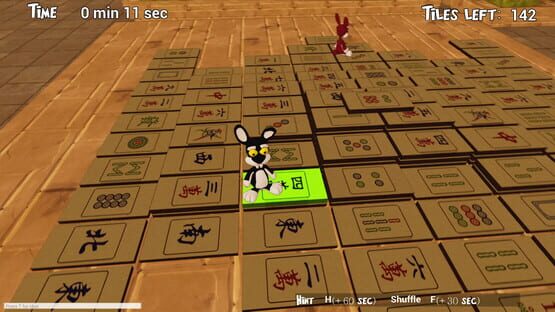
Bunny Mahjo
v7.1
#MerryChristmas from our Bunnies!🐰

New game - Bunny Sudoku!
Linux Support
We glad to announce that Bunny Mahjo now can be run on Linux OS.
Have a fun!
Update 7
- fixed some localization issues
- adjusted toggle music button
New game - Bunny Reversi!
https://store.steampowered.com/app/1098090/Bunny_Reversi/
Update 6 - Split Screen
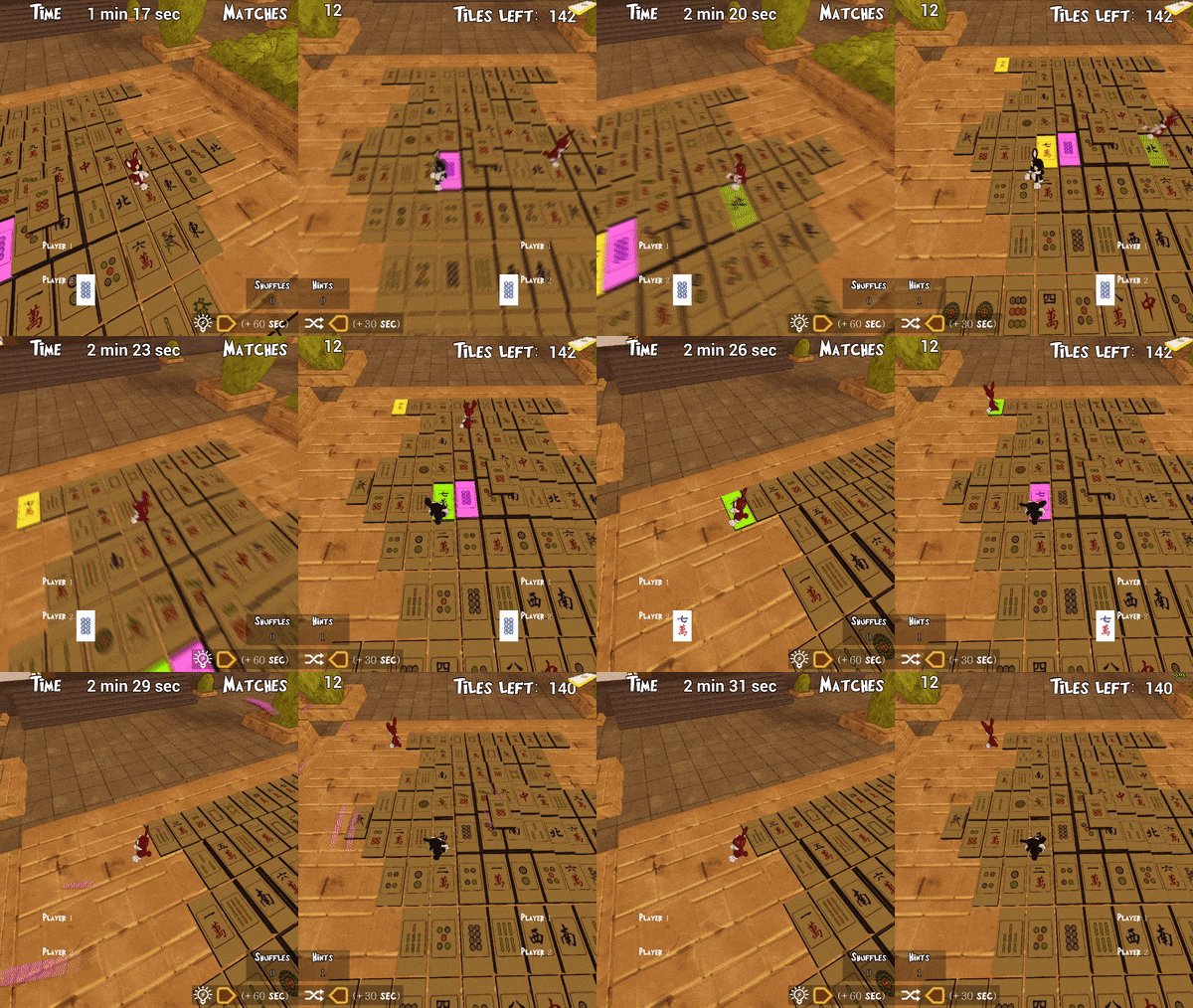
Split Screen mode came to Bunny Mahjo!
Enjoy playing mahjong on your couch with all your family or friends.
Look for matching pairs together!
2 controllers required.
Also added localization to Chinese, Korean and Japanese.
Bunny Parking Release!
Welcome to the kicking world!
https://store.steampowered.com/app/1039380/Bunny_Parking
Update 5

The game is translated to german now
If your operating system is in one of the supported languages then the game will start in your language automatically
If not (or you want to change language) go to your steam library, right click Bunny Mahjo, select Properties. On the tab General there is a button "Set launch options". Press it and in the window type: "culture="your language""
culture="en" (for english)
culture="ru" (for russian)
culture="fr" (for french)
culture="de" (for german)
Other
- fixed some localized text didn't fit the screen
- fixed the problem with shuffle menu when host and client both had it opened and after the host shuffled the tile the client menu remained on screen
Update 4
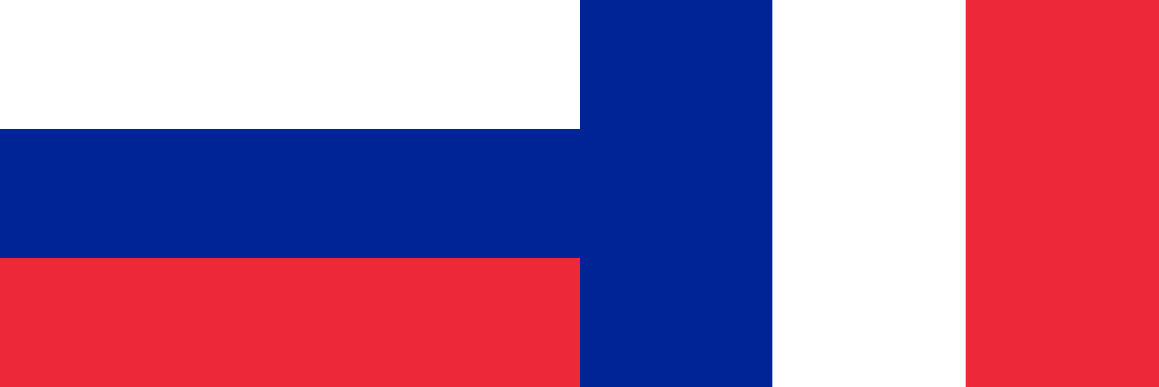
We localized the game to the following languages:
- russian
- french
If your operating system is in one of these languages than the game will start in your language automatically
If not (or you want to change language) go to your steam library, right click Bunny Mahjo, select Properties. On the tab General there is a button "Set launch options". Press it and in the window type: "culture="your language""
culture="en" (for english)
culture="ru" (for russian)
culture="fr" (for french)
If you find any mistakes in translation feel free to let us know in the steam discussians or e-mail and we'll fix it ASAP
P.S.: more languages coming soon
P.P.S.: achievements and the game page are localized too