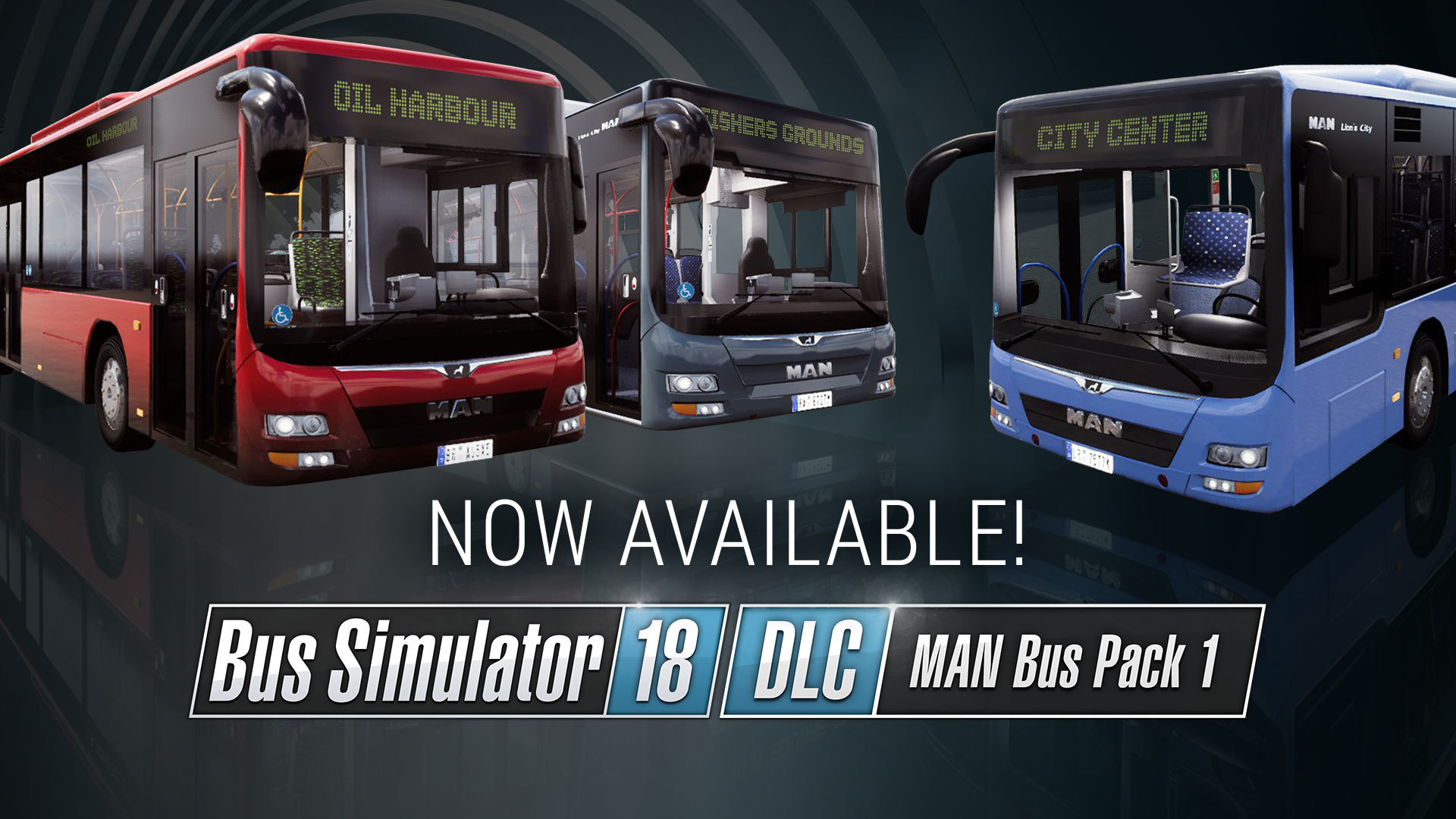
Bus Simulator 18
Hotfix - July 24, 2019
Update #9 incl. Multiplayer Rights Management available now!
New Feature:
Multiplayer Rights Management (Button next to any player > Window with all settings)
As a company owner you can set rights for other players to create a real structure in your company and in your game session. Those are the following options:
- Bus Shop: Allows to buy / sell buses
- Employees: Allows to hire / fire NPC drivers
- Route Editor: Allows to create, delete or edit routes
- Customize Drive Experience: Allows to adjust the drive experience
- Kick players: Allows to kick players from the game session
- Invite players: Allows to invite players to the game session
- Set Password: Allows to set or change the password of the game session
- Set Online Mode: Allows to change to the online mode
- Pin Players: Allows to pin players
Note: This feature isn't available for already existing games that have been created before the installation of Update #9! This means you have to create a new company to be able to use the Multiplayer Rights Management.
Bug Fixes & Game Improvements:
General:
- The speed limiter works now properly (so if you put the limiter on you can’t drive faster than 84-85 km/h and if you turn it off you can drive 85+ km/h)
- White glowing cubes at night near the oak street don’t appear anymore
- Zoom in and out in customization mode is now functional even if you have a mouse and a controller plugged in
- Missing rotation with the controller in Customization Mode was fixed
- Sometimes passenger keep stuck into the seat and keep standing next to it was fixed
- Text overlapping with icon when creating a new route was fixed
- Random inability to buy two buses in a row was fixed
- A problem while using full mouse steering and trying to shift gears, is not ocurring anymore
- In the Server-Browser the city names are not overlapping anymore
- A multiplayer related problem with buying buses was fixed
Buses:
- Mercedes-Benz Citaro G: While driving on rainy days, the left and the right front windows did not show rain properly, was fixed
- Mercedes-Benz Citaro G: Small visual updates (like small gaps between doors and seats)
- Mercedes-Benz Citaro G: Different scaling for floor interior was fixed
- Mercedes-Benz Citaro K: Skins and Ads apply now for the black parts around the Windows as well
- MAN Lion’s City A23: Some clipping issues were fixed
- MAN Lion’s City A37: A problem where the interior design didnt apply correctly on all seats was fixed
- MAN Lion’s City A37: Skins did not scale correctly on a cover is now fixed
- Iveco Urbanway 18: Visible rain effect inside the bus. This bug was fixed.
- MAN Lion’s City A21: Incorrect length in bus description was fixed
- MAN Lion’s City A21: Side mirrors randomly freezing issue was fixed
Map Extension:
- In Kerststadt there was a door stuck into the ground was fixed
- In Kerststadt was a trash bin on an inaccessible area was fixed
- Behind some building you could sink into the ground was fixed
- Some pedestrians walking randomly over plants was fixed
- The two purple trucks near the Zunisha Zupercheap market are displayed correctly
- Advertisements at the airport are now shown correctly
- A visual error which did not show some bus stops correctly was removed
- Invisible wall between Westfield and the map extension was removed
Update #8 including new features available now!
We just released Update #8 for Bus Simulator 18. This update includes a number of new features which will offer the option to customize your driving experience as well as the bus physics according your needs. Next to this the update includes numerous bug fixes and game improvements. Here are the detailed patch notes:
Patch notes – Update #8 (June 24, 2019)
New features:
- Drive settings (Menu: Start Drive > Open Advanced Settings)
- Speed bumps: The player can deactivate speed bumps entirely or set a custom threshold at which the player receives a penalty for driving too fast over the bump.
- Potholes: Similarly to speed bumps, the player can set a custom threshold at which potholes penalize the player or deactivate them entirely.
- Speed cameras: Speed cameras can be deactivated entirely or a custom "Speed camera tolerance" can be set.
- Speed bumps: The player can deactivate speed bumps entirely or set a custom threshold at which the player receives a penalty for driving too fast over the bump.
- Bus physics (Menu: Start Drive > Open Advanced Settings)
- Brake strength factor: This setting allows the player to adjust the braking strength of all buses. Higher values mean shorter braking distances while lower values lengthen the braking distance.
- Friction factor: The friction factor can now be adjusted freely - the higher the setting is adjusted, the more stable is the busses grip on the street.
- Mass factor: Players can adjust the mass factor of the buses. Increasing the mass factor will make the bus accelerate more slowly and it will become harder to reach the possible top speed of the vehicle.
- Suspension factor: The suspension factor can be changed from 0.5 to 5. A lower value makes the suspension softer and creates a "smoother" driving experience. Choosing a higher value makes the suspension stiffer.
- Brake strength factor: This setting allows the player to adjust the braking strength of all buses. Higher values mean shorter braking distances while lower values lengthen the braking distance.
Bug Fixes & Game Improvements:
General:
- A problem in the bus selection screen which caused the camera not working after using the right mouse button was fixed
- A problem with the „Buy Bus“ Button in the bus shop not working as intended was fixed
- A problem with decals not appearing correctly was fixed
- An issue with the Country-Skin & Decal Pack not appearing correctly was fixed
- A rare case that caused a game crash while finishing a route was fixed
- On Old Town district, some buildings changing color as the player approaches them was fixed
- Curve view value not getting saved was fixed
- Airport Terminal 2 and 3 are now used for passengers to get on the bus
Buses:
- MAN Lion’s City CNG: A minor issue on the bus ceiling was fixed
- MAN Lion’s City A47: The wheels no longer clip through the seat inside the bus while driving
- MAN Lion’s City A23: Gaps on the third and fourth door are no longer visible
- MAN Lion’s City A23: View angle of the right mirror was fixed
- MAN Interior Pack: Several minor issues with the display of the Interior Packs were fixed
- Mercedes Citaro K and Citrao G: Minor visual upgrades
- Iveco Urbanway 18: Front wheels are no longer clipping through the bus when lowered to the side
- Iveco Urbanway 18: Extra ignition key was removed
- Setra Buses: Missing collider in middle of buses was fixed
- Setra Buses: Water on dashboard in rainy days was fixed
Map Extension:
- Missing colliders on the „Wachowski Industry“- building in Kerststadt have been added
- A texture problem not showing the full detail of some buildings was fixed
- Several displaced objects on the new Map got fixed
Hotfix – May 24, 2019
we just released a small hotfix for Bus Simulator 18 to fix the abrupt braking behavior of the buses. The hotfix is now available for download here on Steam.
More fixes and game improvements will follow with the next official update.
Thanks for your support!
Your Bus Simulator team
Official map extension & Update #7 now available!
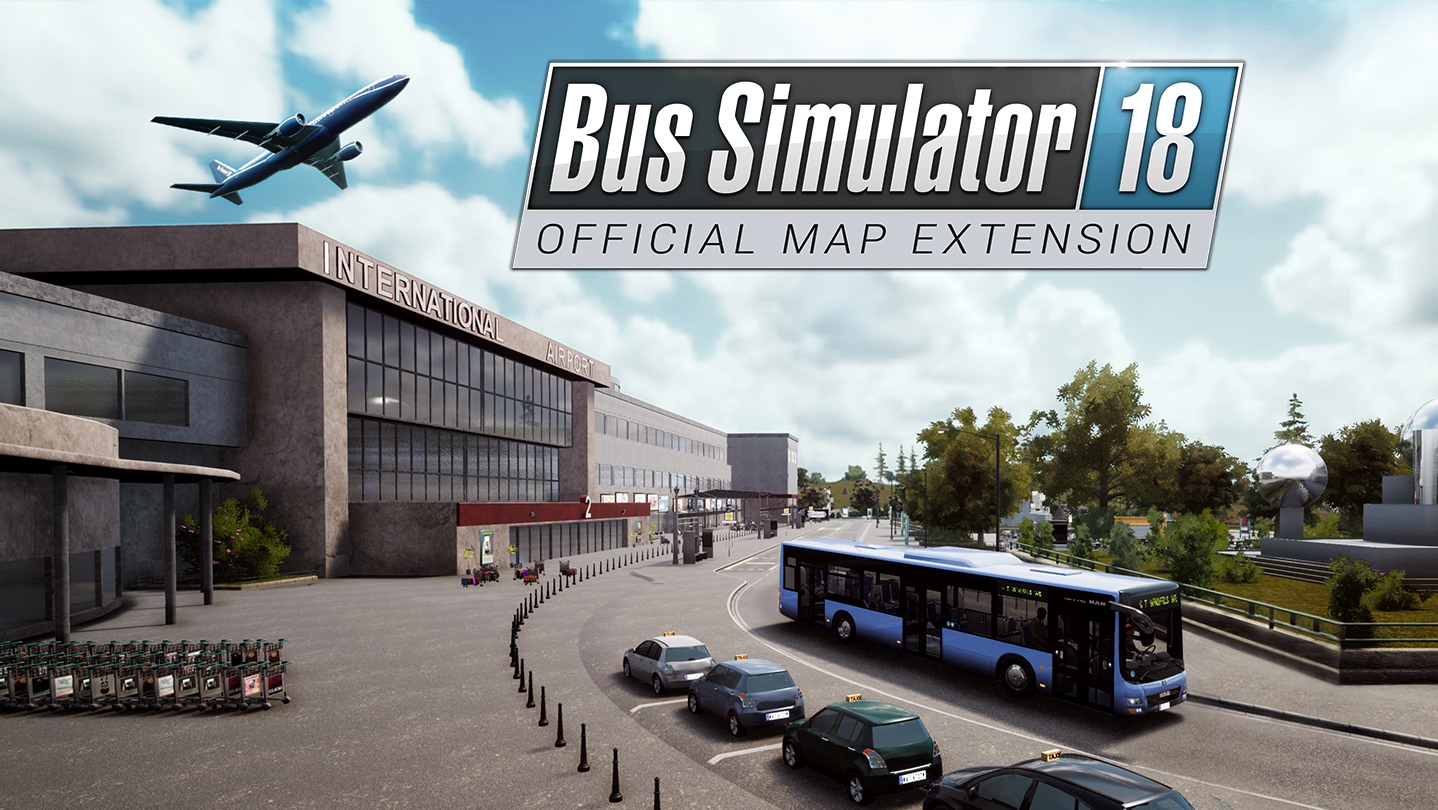
Good news: Our official map extension for Bus Simulator 18 is now available here on Steam! The DLC extends the game by two brand-new city districts as well as various new missions, numerous new bus stops and quite a number of additional street kilometers in Seaside Valley and its surroundings. And not to forget: Due to the numerous wishes of the community we are introducing a bus stop at the new airport of Seaside Valley for the first time in the history of our game series!
https://store.steampowered.com/app/1058190/
FEATURES:
- 9 new missions with a playtime of approx. 10 hours (the playtime may differ from player to player)
- Extend your game by 2 new city districts, 2 skins, 4 decals and 20 bus stops.
- Numerous new street kilometers in the varied city districts of „Kerststadt“ and „Sonnstein“.
- Link the airport and the tourist areas with the inner city of the Bus Simulator metzropolis Seaside Valley.
- Meet new characters such as the city development consultant Michael Bach. He will instruct you in the new missions.
- The advanced voice overs of the bus passengers are providing even more variety during your drives. (Englisch and German).
Update #7 available for download!
Next to the official map extension for Bus Simulator 18 we have just published an extensive update for the game here on Steam. The update includes countless of smaller and bigger bug fixes and game improvements. These include an improved behavior of pedestrians and passengers, passenger's left behind items can be picked up again etc. Counting all of the fixes and improvements would go beyond the scope, so here is a short conclusion of the most important changes:
The most improvements are based in these areas:
- Behavior of pedestrians and passenger
- Bus fixes
- Game stabilty
Next to this we fixed these bugs reported by the community:
- Invisible collider in harbor
- Left behind items floating
- Tobii Eyetracking and Mouse steering
Livestream: Bus Simulator 18 - Official map extension
To celebrate the release of our official map extension for Bus Simulator 18 we have planned a livestream event for you. The livestream will start on May 22, 2019 at 6pm (CEST). During the livestream Julian of the stillalive studios developer team will not only present you the new city districts, routes and tourist attractions, but also answer questions of the community. We hope you are looking forward to it the same as we do!
The livestream will become available via the following channels:
Steam: https://store.steampowered.com/app/515180/
Facebook: https://www.facebook.com/BusSimulatorGame/
YouTube: https://www.youtube.com/user/astragonGames/live
Twitch: https://www.twitch.tv/astragon_entertainment
Mixer: https://mixer.com/astragon
Coming soon - Official map extension
https://store.steampowered.com/app/1058190/
MAN Interior DLC available now!
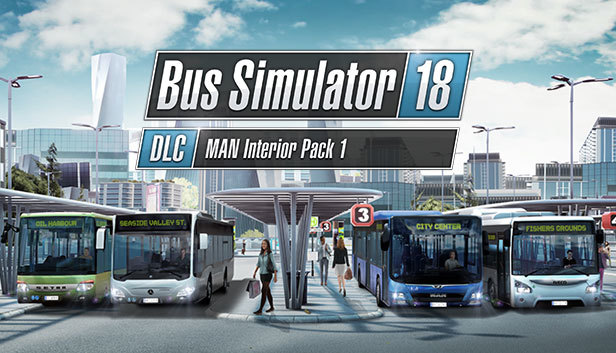
Good news: Our brand-new MAN Interior DLC for Bus Simulator 18 is now available on Steam. The DLC includes four new interiors for your MAN buses. Thanks to the original color patterns for your seats and classy floor designs you will be the next urban transport trendsetter.
https://store.steampowered.com/app/968910
Next to the DLC we also published some smaller bug fixes for the main game. Here is an overview of the game improvements:
Changelog - Fixes:
- Notifications in multiplayer: notifications will only be shown on clients who caused or are affected by a notification
- Fixed wheel clipping issue in MAN A47
- Wrap scaling should lineup better with the upper corner of the bus
Note: The next update including fixes for the “Lost items” and “Passenger is blocking the rear door” as well as a number of other issues is currently in development and will be released as soon as possible.
Hotfix – February 07, 2019
we just released a smaller update which fixes a number of issues reported by the community as well as issues of the new buses included in our latest MAN Bus Pack 1. Here is an overview of the fixes and improvements:
Hotfix – Changelog:
Fixes:
- Fixed issues with passengers blocking the door at the cashier and blocking each other inside the bus
- Fixed Multiplayer games not loading properly / players not being able to join
- Decreased size of the (H) icon on the minimap.
- Player seating position in several MAN busses has been adjusted.
- The front and rear doors of the MAN A23 were clipping through door frame. This issue has been fixed.
- The left sunscreen of the MAN A23 was clipping through the handle of the driver window. This issue has been fixed.
- In the MAN A23 the area to interact with the passenger mirror was outside of the mirror. This issue has been fixed.
- In the MAN A23 the mirror’s camera position was located behind the mirror, so the view was blocked completely. This issue has been fixed.
- When changing interiors of the MAN A23 the bus was always showing the "Neon" interior skin. This issue has been fixed.
- In the MAN A23 passengers weren’t able to leave the bus through the second door. This issue has been fixed.
- The buttons for the doors of the MAN A23 were falsely labeled. This issue has been fixed.
- The left mirror of the MAN A23 appeared horizontally inverted. This issue has been fixed.
- The center mirror of the MAN A23 appeared upside down. This issue has been fixed.
- Decals couldn’t be placed on the top of the MAN A23 bus (front section). This issue has been fixed.
- Decals at the back of the MAN A23 were partially overlayed by the bus color. This issue has been fixed.
- Custom license plates weren’t displayed correctly on the MAN A23. This issue has been fixed.
- Fixes for Several problems with skins on the MAN A47.
- The rear mirror camera of the MAN A47 was outside of the bus. This issue has been fixed.
- The doors of the MAN A47 were clipping through the frame. This issue has been fixed.
- License plates of the MAN A47 are now shown correctly.
- Fixed some issues regarding the windshield wiper of the MAN A47. It is now removing the water from the front window again.
- The cockpits of the MAN A47, MAN A21 and MAN A23 were overlapping a part of the cashier. This issue has been fixed.
- Changing the "Show skin on windows" option to "off" in the customization menu of the MAN A47, MAN A21 and MAN A23 the bookworm skin was shown around the windows. This issue has been fixed.
- Partially false descriptions of the MAN A21, MAN A47 and MAN A21 in the bus shop have been fixed.
- The backrests in the standing area of the MAN A37 didn’t change the design when choosing an alternative interior. This has been fixed.
- The sun-shield of the Lion's City buses could be pulled down too far, so there was a visible gap between the sun-shield and the top bar. This has been fixed.
- Fixed double "Loading Company popup"
- Fixed indicator lights in IVECO buses
- When hovering the mouse over the door buttons of the MAN A21 a third button was shown. This has been fixed.
- Fixed a problem with the illumination of the indicator lights of the MAN A21.
- Light in rear section of bendy buses was extremely bright after turning the passenger lights off. This issue has been fixed.
Bus Simulator 18: MAN Bus Pack 1 DLC available now!
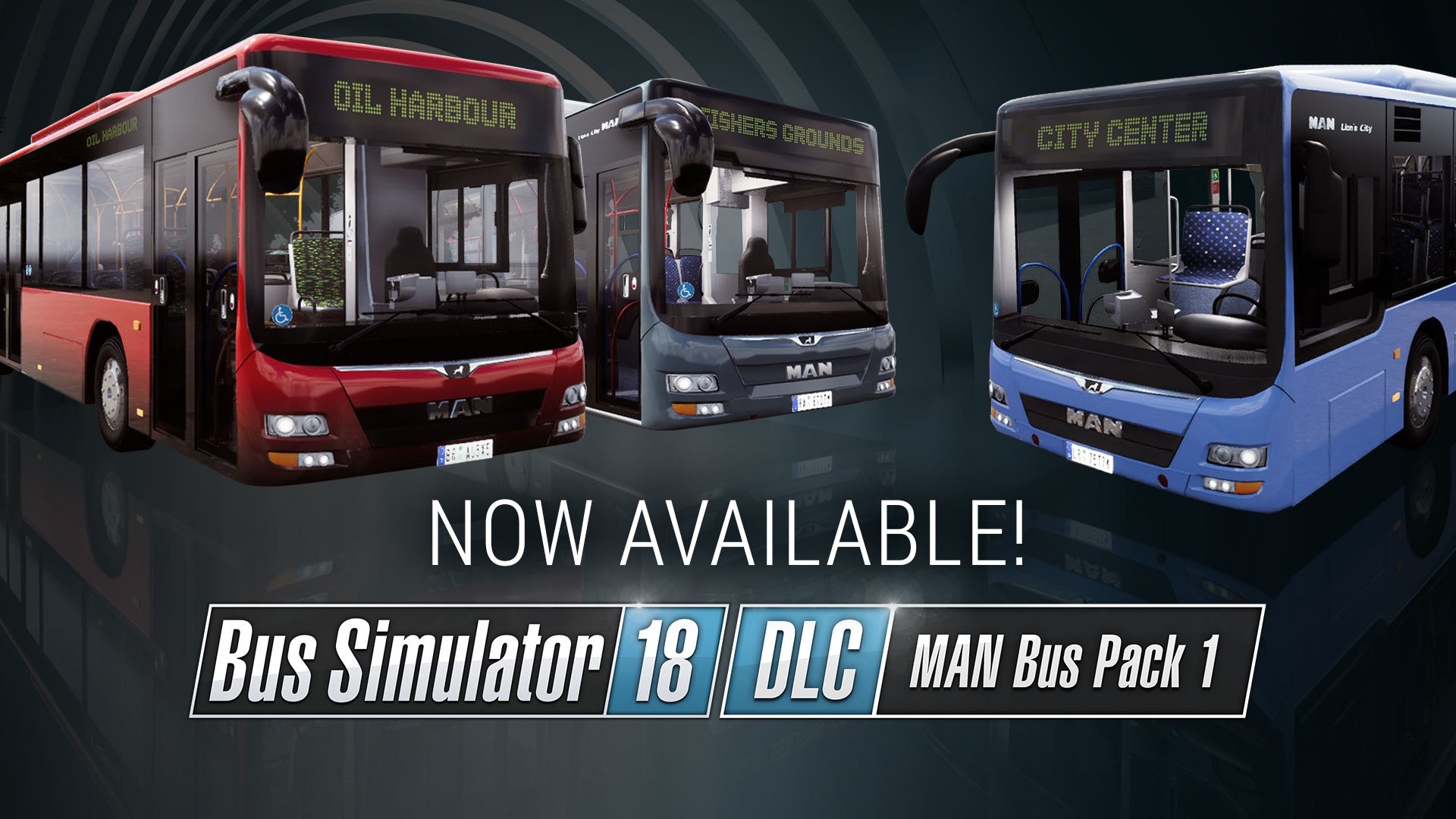
Good news: Our brand-new MAN Bus Pack 1 DLC for Bus Simulator 18 is now available here on Steam. The expansion pack offers access to three additional city buses of the popular Lion's City series by the German bus and truck manufacturer MAN: the 10.50 meter long MAN Lion’s City A47, the 11.98 meter long MAN Lion’s City A21 and the 17.98 meter long MAN Lion's City A23 articulated bus. We wish you a lot of fun with the new vehicles!
https://store.steampowered.com/app/886920