Free Halloween DLCs & Bus Simulator 21 with a 40% discount!
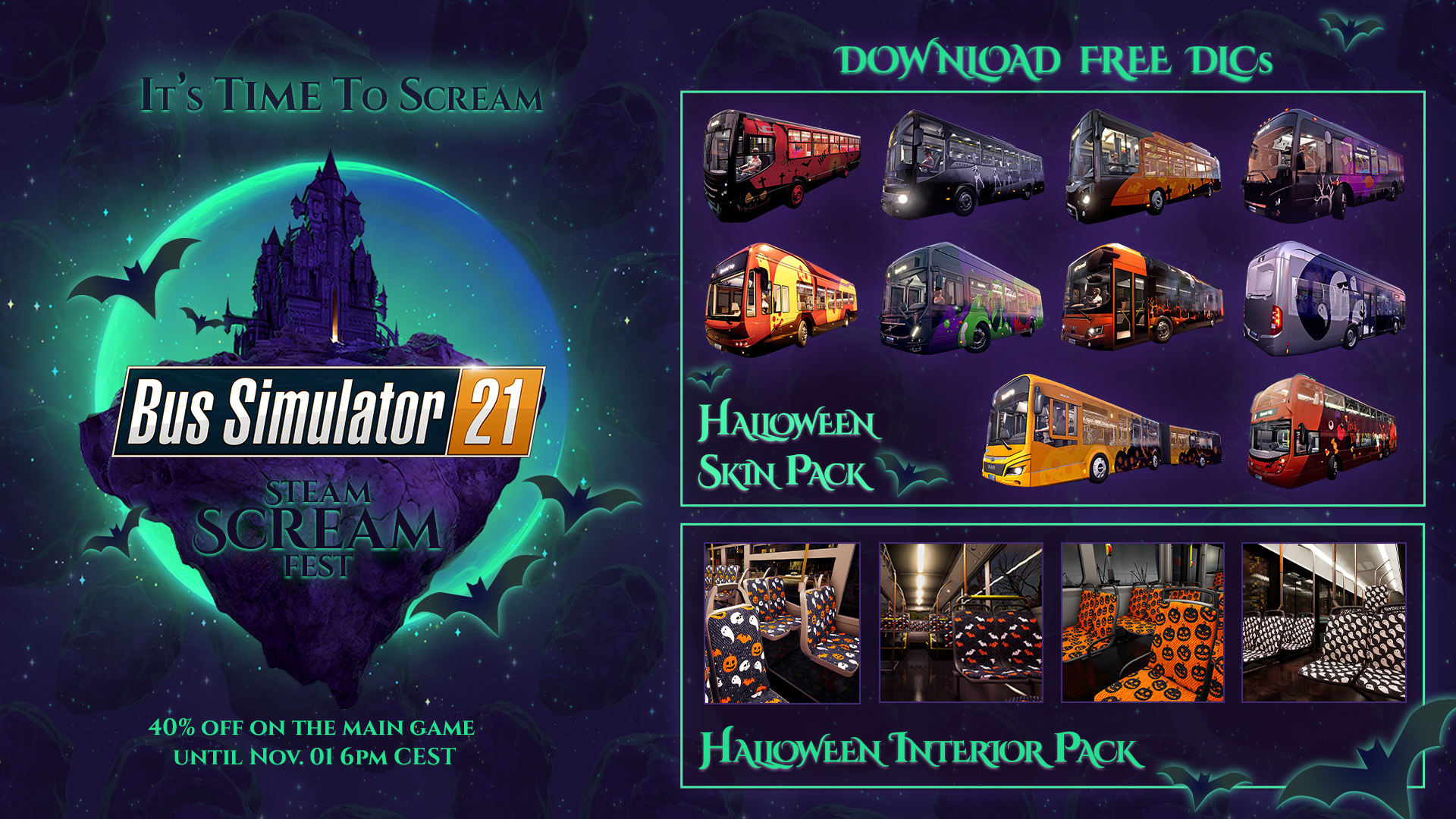
It’s time to scream: Get the spooky and beautiful Halloween Skin Pack and the Halloween Interior Pack DLCs for FREE...and...get Bus Simulator 21 for PC here on Steam with a whopping discount of 40%!
Bus Simulator 21 - Free Halloween DLCs available now!
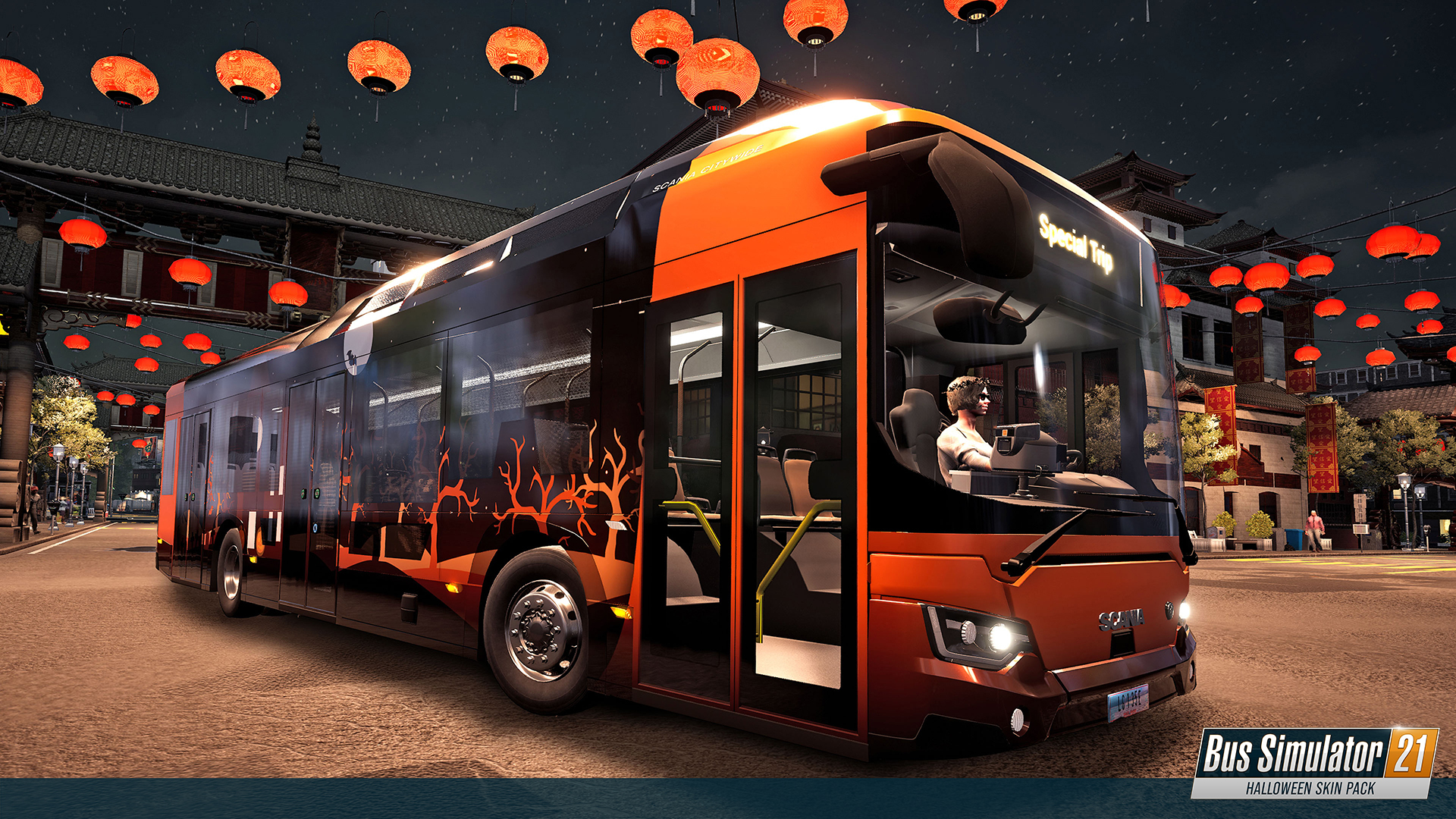
Are you already looking forward to Halloween? So, here are some good news: We just released the brand-new Halloween Skin Pack and the Halloween Interior Pack for Bus Simulator 21. Download both DLCs for FREE right now to be prepared for some spooky Halloween rides!
Bus Simulator 21 – Update 2.22 available for download
We just released our latest update for Bus Simulator 21. This update includes a fix for the “Perfection” mission in Angel Shores, some smaller traffic AI improvements as well as some crash fixes. Here are the detailed patch notes:
Patch notes: Bus Simulator 21 - Update 2.22:
Fixes:
The blocker in mission Perfection is resolved
Cars waiting too long at intersections is resolved
Cars getting stuck for no reason is improved
Crash fixes
Your Bus Simulator team
Bus Simulator 21 - Steering Wheel Survey
Hey, drivers!
We’d like to give an update regarding steering wheel support. We’ve been investigating these issues for quite some time, but getting a fix out is very tricky, as it’s not exactly clear what even causes it, since we can’t reproduce the problems on our side. That’s why we’ve added a special diagnostics tool to the game – Steering Wheel Diagnostic Tool – and we’d like to ask you for some help right now!
By following this link – Bus Simulator 21 Steering Wheel Report: https://airtable.com/shrGlgvpOXE6jegdQ – you can file a report and send us the diagnostic data of your input device. If you are using an unofficial controller and are experiencing problems with it, feel free to submit a report as well. The full instructions, as well as the video guide, can be found inside the report tool.
These reports will give us a lot of data and help immensely to improve the current situation with steering wheel support. Thank you for taking your time to submit the report. We’ll have more interesting news soon so stay tuned!
Have a nice day!
Your Bus Simulator team
Bus Simulator 21 – Update 2.21 – Pedestrian Update
Good news! Our latest update for Bus Simulator 21 is now available for download. This update is offering numerous pedestrian AI improvements, solves crash issues in multiplayer and includes a number of bug fixes. Here are the detailed patch notes:
Patch notes: Bus Simulator 21 Update 2.21:
Pedestrian Fixes:
Prevent pedestrian from walking/falling through bridges
Reduced the chance of pedestrians jaywalking in Angle Shores (especially on Golden Island, in Timber Ridge and Coyote Bush)
Reduced the chance of pedestrians jaywalking in Seaside Valley (especially on highways and around bus stops)
Introduced new pathways to Golden Island and Arnold Park for NPC´s
Passengers do not get stuck when the bus is full anymore. They leave if they are not able to find a proper seat. (Please note that you can observe fewer people standing in the bus, but they will now use the intended standing positions.)
Improved pedestrian behaviour at crosswalks
You (as a player) can honk [H] at pedestrians in the front of the bus to make them go faster and block people from crossing for a short while
Waiting passengers at a bus stop and passengers that get off a NPC driven bus do not push each other onto the street and won't block the bus stop anymore
Waiting passengers at a bus stop wave at the bus they are waiting for
Waiting passengers always get on your bus (if there is still space in the bus)
No open umbrellas can be found within the buses anymore and all pedestrians are holding umbrellas when it is raining
Passengers are now always showing their ticket (didn't show it when on phone before)
NPC drivers hands do not jiggle while steering anymore
Fixes:
Fixed crash which could happen when players were joining a multiplayer session
Interior selection can scroll if it gets full (PC only)
Minimap: The positioning of the cloud borders is adjusted so the minimap is always visible
No lightning/flashing when buses spawn anymore
Fix for the PT-BR translations in the in-game news
Floating car in Sunkiss is fixed (Angel Shores)
Flickering on an advertisement in the Harbor Area of Seaside Valley has been fixed
Several loca issues have been fixed in the tutorial, menus, popups, and settings.
Bus Fixes:
[All buses] Fixed several mirror issues in buses so they work properly again
[Volvo 7900] Hint for the ignition key moves to wrong position fixed
[Volvo 7900 Articulated] Flickering information on the right LED panel has been fixed
[IVECO BUS Urbanway Articulated, MAN Lion's City M (A47), MAN Lion's City CNG Articulated, Mercedes-Benz Citaro K] The floor texture was rotated by 90° on certain busses. This issue has been fixed
[MAN A37] Bus can be painted again
[VDL Citea SFL-120] Cockpit light bulb was glowing after turning on passenger lights instead of cockpit lights- This issue has been fixed.
[VDL Citea SFL-120] Missing switch and dashboard indicator for "toggle Engine" was fixed
[Setra S412 UL] Bad view through the glass windows while raining has been fixed
[Setra S412 UL] Issue with advertisement 6 covering the windshield has been fixed
[Man Lions City 18] Missing light source for the passenger light has been fixed
[Man Lions City 12C] Passenger lights were missing a light source. This issue has been fixed.
[IVECO Urbanway Articulated] The cashier lights can now be switched off again
[Mercedes-Benz Capacity] Scale of rain on windows and front door was inconsistent and is improved now
[Setra S412 UL] Bright light spot on top of the bus if the passenger lights are activated is fixed
[All buses] Engine Toggle button is now showing a visible change when pressed/unpressed
Your Bus Simulator team
Bus Simulator 21 - Hotfix 2.20 available for download
We just released our latest update for Bus Simulator 21. This hotfix solves some issues that slipped in with the previous patch. Here are the detailed patch notes:
Patch notes: Bus Simulator 21 - Update 2.20 (PC):
Brazilian-Portuguese language is activated as expected again
Passengers: The issue with passengers getting stuck in overcrowded buses has been fixed