

Caïssa Board
I see people in the basement!
Tactics Update
The various tactical diagrams have been reviewed and corrected, displaying less whimsical information than before. For example, a fork will not be validated if the attacking piece can be captured by one of its targets, unless it is itself defended and of a lower value than the target.
You can now view tactical information about a piece by dragging the mouse cursor over it.
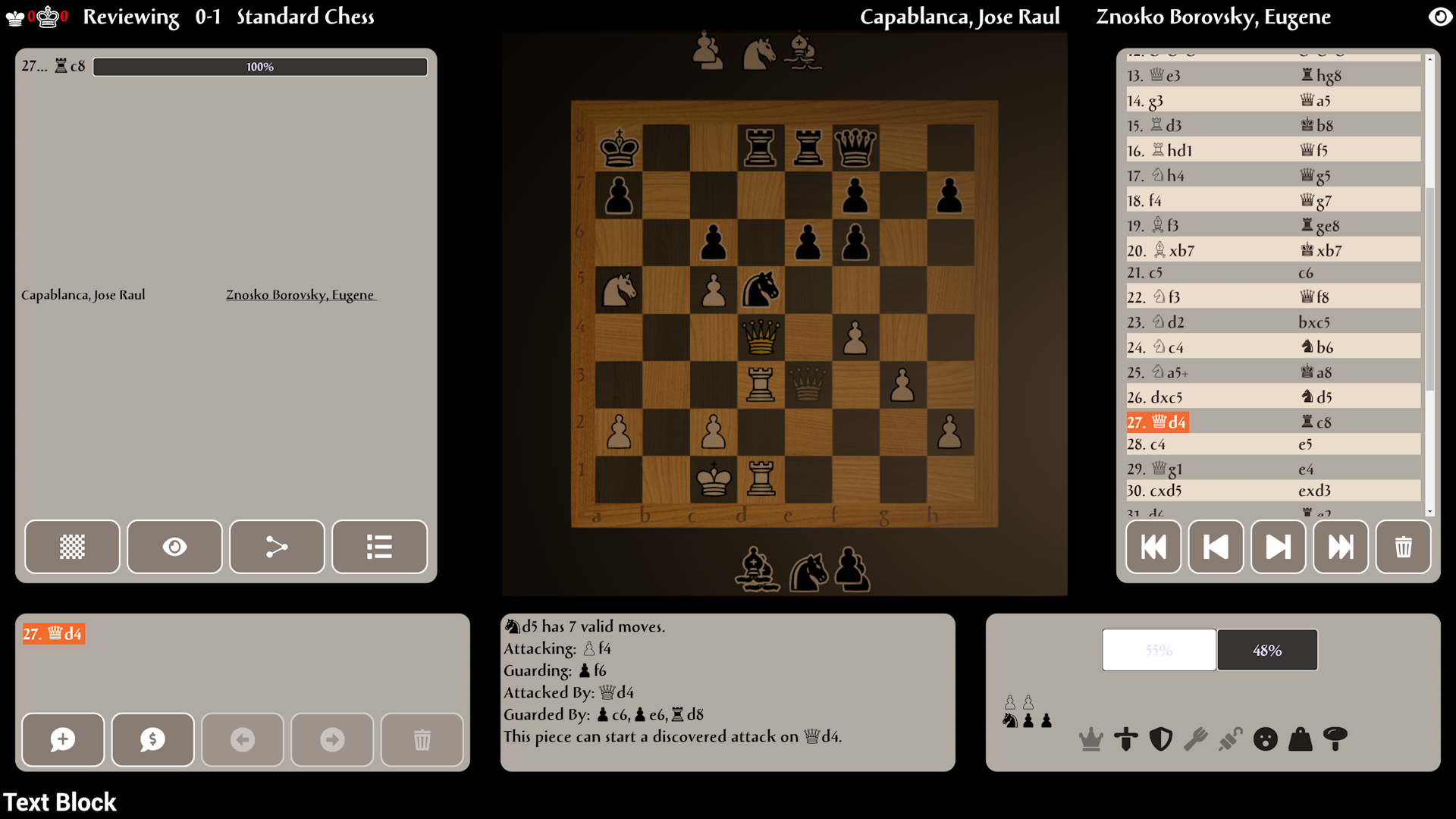
For example, here the knight can launch a discovery attack against the opponent's queen.
Game selection has been slightly improved, although this is not the final version. You can now also select positions for analysis.

Fixed a bug in 2D, the moved part was displayed incorrectly.
Please let me know if you're not happy with the new way of calculating tactics.
I now need to improve the user interface and special effects before leaving early access.
Finalizing the review mode
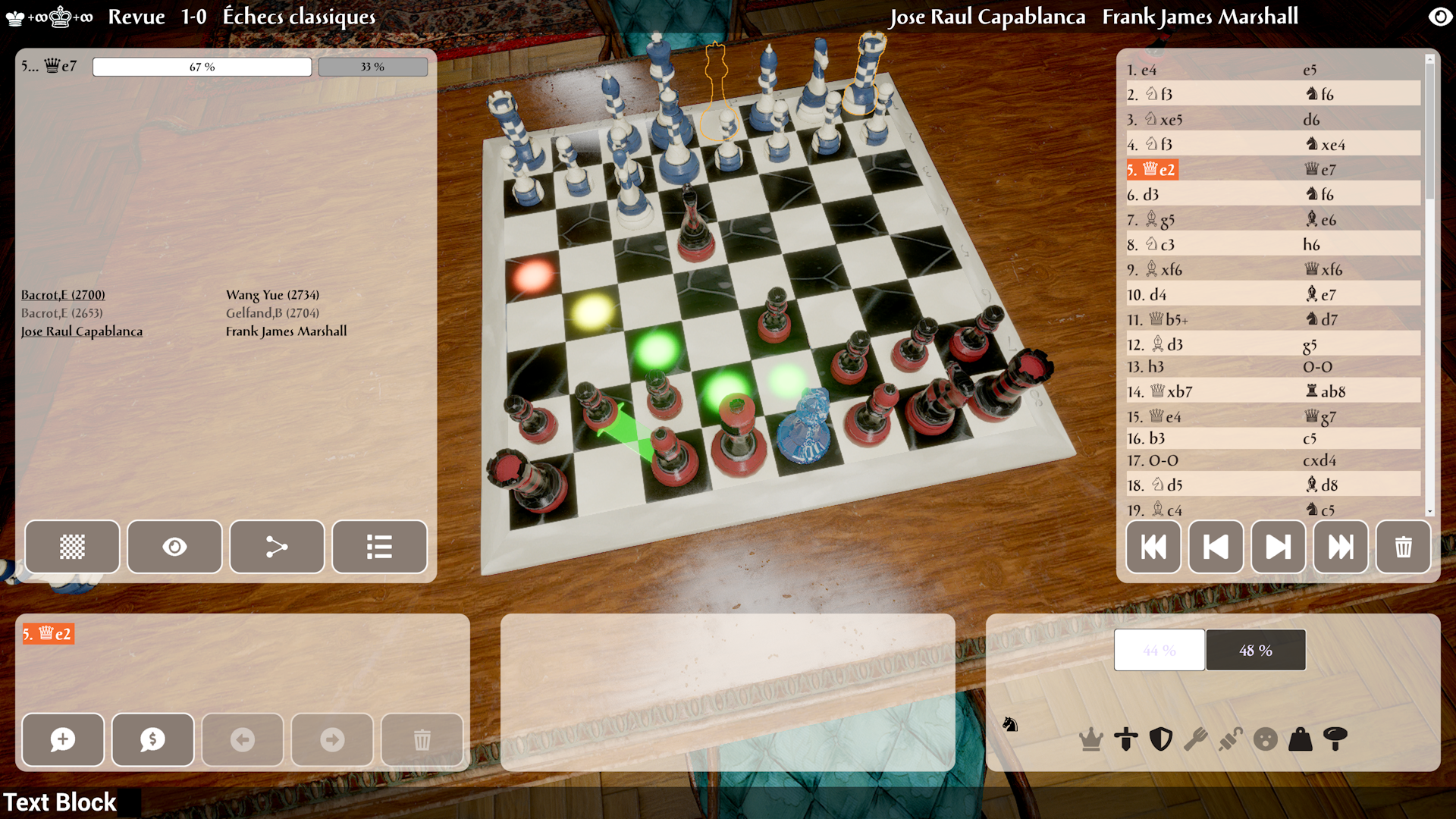
In order to finalize it, I had to add the letters and numbers of the squares, the markers for the last move and the possible moves. These are colored in review mode (but not in game mode, as this would be considered cheating).
A green marker means that the square is guarded by another piece.
A red marker means that the square is being attacked by the opponent.
A yellow marker means that the square is challenged (guarded and attacked).
A white marker means that the square is neither attacked nor guarded.
I may change the white and yellow markers later, as the white marker is sometimes difficult to see. Thus, the marker for challenged squares would become orange and the white marker would become yellow.
Next I will need to fix the tactics, fix some minor issues and maybe add the status bar now and the cursor for the gamepad and then I will be able to move onto other parts of Caïssa Board. Those are less demanding so the finalization of the whole app is not very far now.
Multiple Evaluation Bars
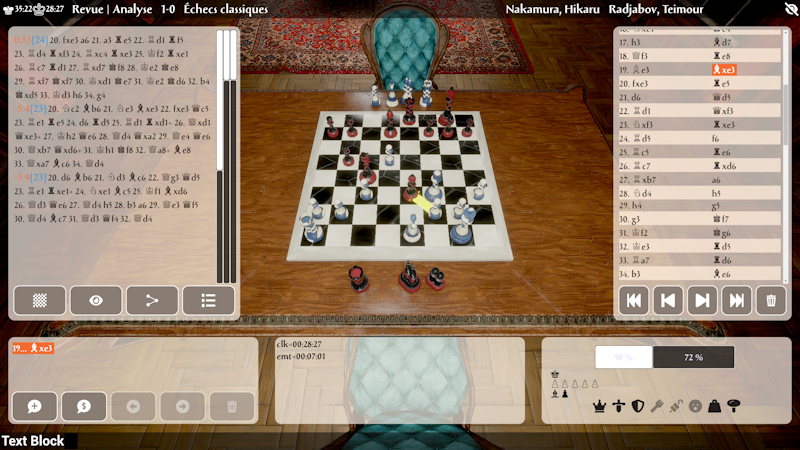
Fixed a display corruption issue when reviewing the game
Various Fixes
Some PGN files were not imported correctly
Arrows are back!
- Arrows are back! The arrow from the analysis engine will be displayed in yellow, and you can add new ones with the right mouse button. A left-click will remove the arrows from the board.
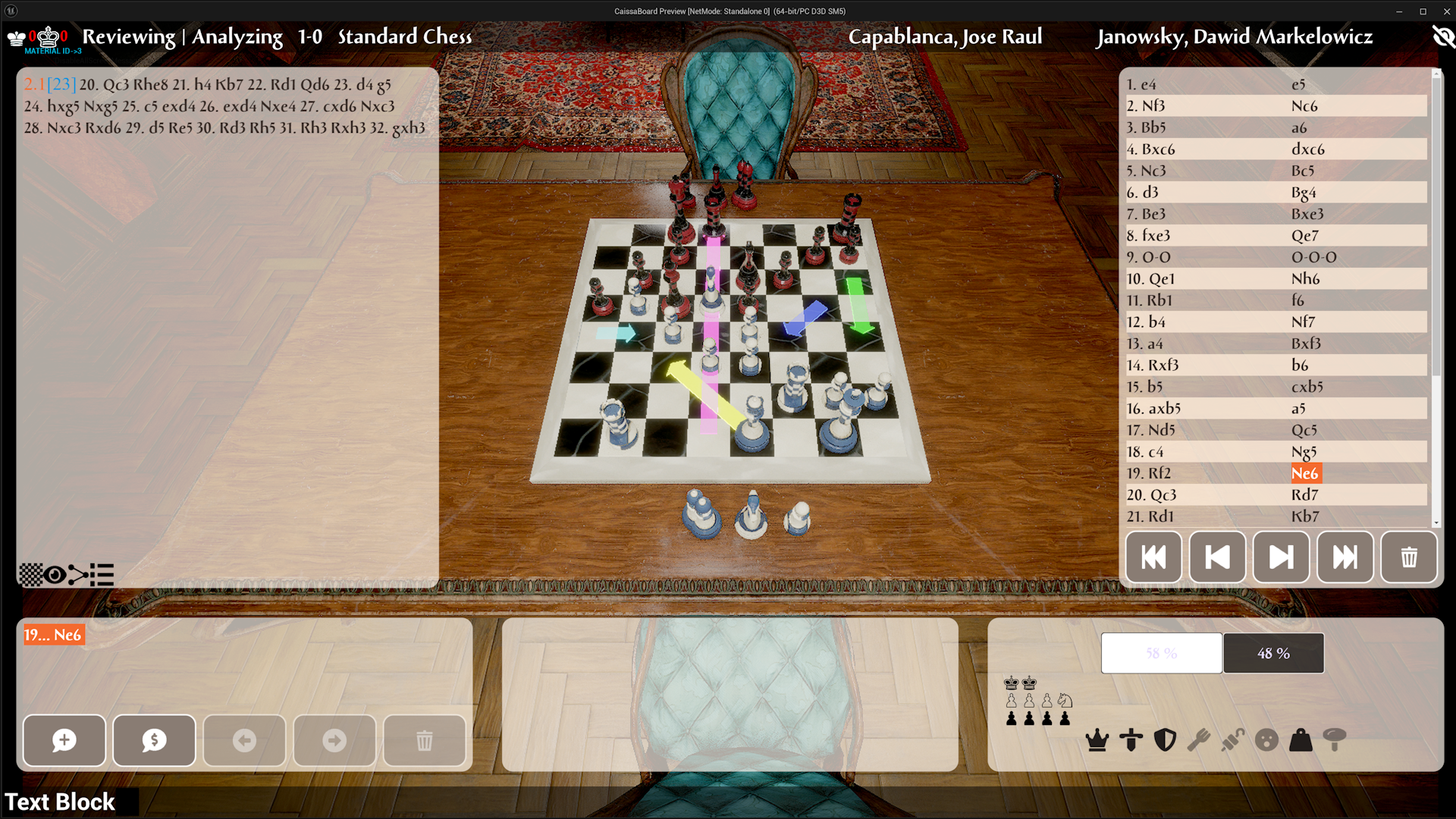
- In review mode, you have now access to the history of consulted games.
- It is possible to delete moves from the main line.
- Fixed a bug that prevented clicking on an empty square when the mode had been toggled from 2D to 3D several times.
- The lighting has been improved
Position Finding
Gameplay Stability
Graphics Update
Various Bugfixes
Variations in PGN files were not imported correctly.