
Caromble!
Caromble! Friday #522: Gameplay without a paddle
Our Caromble! project started as a technical prototype, mainly tot test the capabilities of our self-build game-engine. This was over 10 years ago. We started out as die-hard techies, but as our inner designers emerged and as we grew confidence in our level design skills, we dared to use the potential of Caromble! to investigate the gameplay possibilities of a brick breaker (breakout/arkanoid) game beyond what was done before.
We believe that with Caromble! we found ways to add new layers of gameplay, elements of other genres, into a brick breaker game which hasn't been done before.
Because of this it is still exciting for us after all these years to be making this game.
Because of this it is exciting to play.
We hope you'll be surprised in every new chapter with the new types of gameplay we introduce. There are still many ideas to explore, but we're currently working on the final level of Caromble! and we can't do everything. Feature creep is a pitfall we stepped in over and over again. But looking back, it also helped us to make Caromble! into something unique. Something that's become more than a brick breaker. It's a... ehm... well, it's Caromble!.
In the final level there is one thing we still wanted to explore: is there gameplay without the paddle? Caromble! provides special powerups in the form of Arkatrons. Are these gameplay elements powerful enough to justify the absence of a paddle? We will now premiere some footage of chapter 6. The development of this level is currently in the gamepay phase, so lighting, graphics and polish are not yet there. Take a look at gameplay from our last level and let us know: Do you think there is interesting gameplay in Caromble! without a paddle?
[previewyoutube="FOZ5W2OTQFU;full"]
Thanks for reading and we believe 2020 will be the year!
Caromble! Friday #509: Chapter 6 and narrative elements
As mostly in our announcements we'd like to say: sorry it's been a while for a progress update. We hope that by now you know Caromble! is always going forward!
At the moment we're working on 2 major things:
1. The last level of the story mode
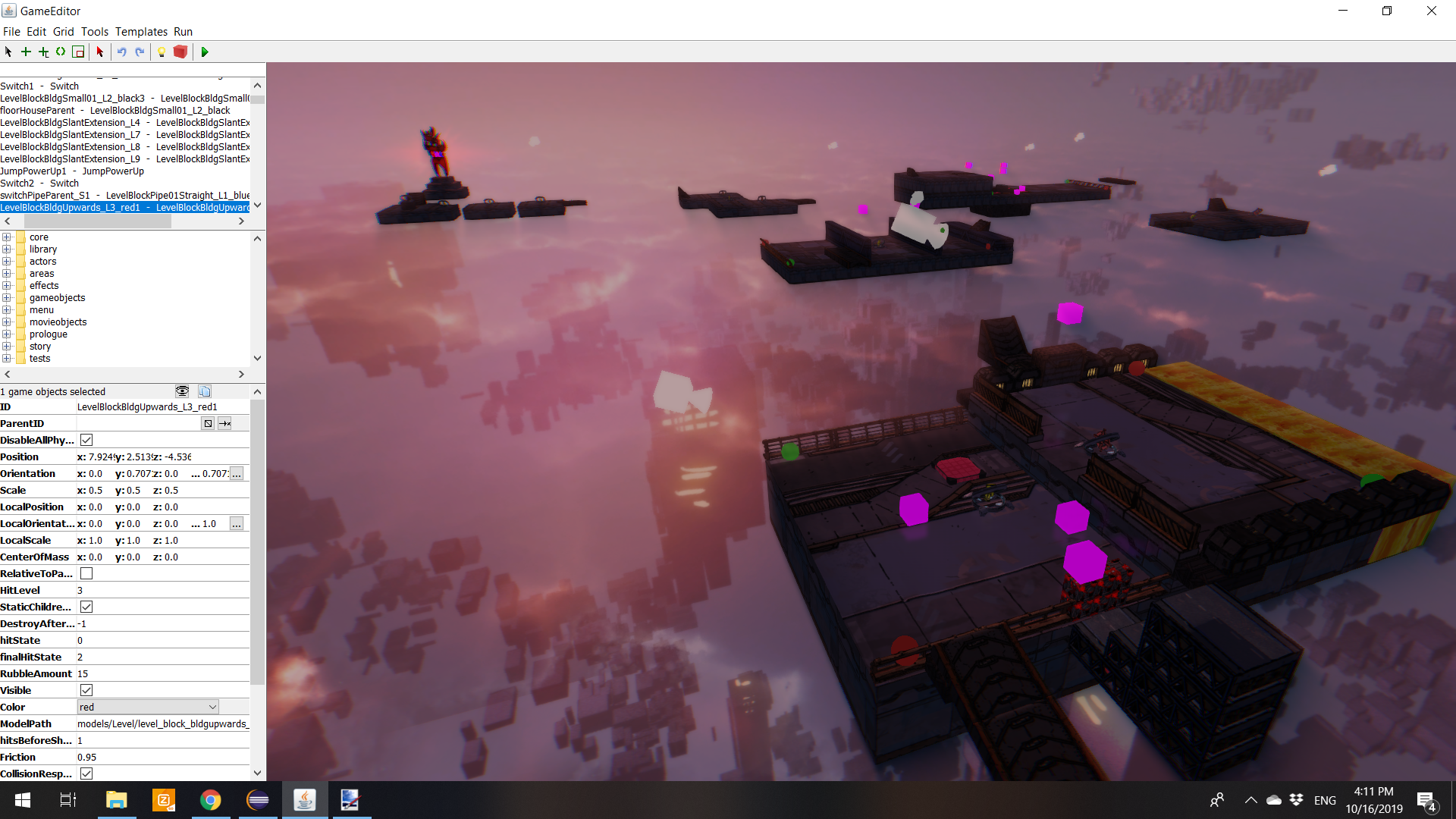
The last level of the game is going to be the largest area we've ever made. We're really trying to come up with new combinations of gameplay mechanics and powerups that can provide new challenges and we're happy to say that there is still enough gameplay to explore. Chapter 6 introduces the last and final Arkatron powerup, namely jump, which gives the player more agency. Here is a sneak preview from our level editor:

2. The narrative/story of Caromble!:

The game will give some more insight in what is happening and why you are trying to beat the red angry alien and retrieve the Arkatrons. It will be told in a comic-book style. We're currently working on coloring the separate panels and after that we're animating separate images in the panels. Finally we will place all panels in a 3D-environment and create awesome camera curves to bring the story to the screen. We hope you'll like it!

Caromble! Friday #497 - Clean Slate Leaderboards
Fast forward to today.
Problem
That *someday* came a bit sooner than expected. We made a mistake in the Steam leaderboard configuration: some levels were set to measure seconds instead of milliseconds.
Because we cannot find a way to fix this. The only 'fix' is to reset the leaderboards.
Clean Slate
Today we have reset the leaderboards!
The timing of this is a blessing in disguise because we were already planning a leaderboard reset. Hopefully, you agree that this is fair.
We are thankful for your support and understanding!

Wall of Fame
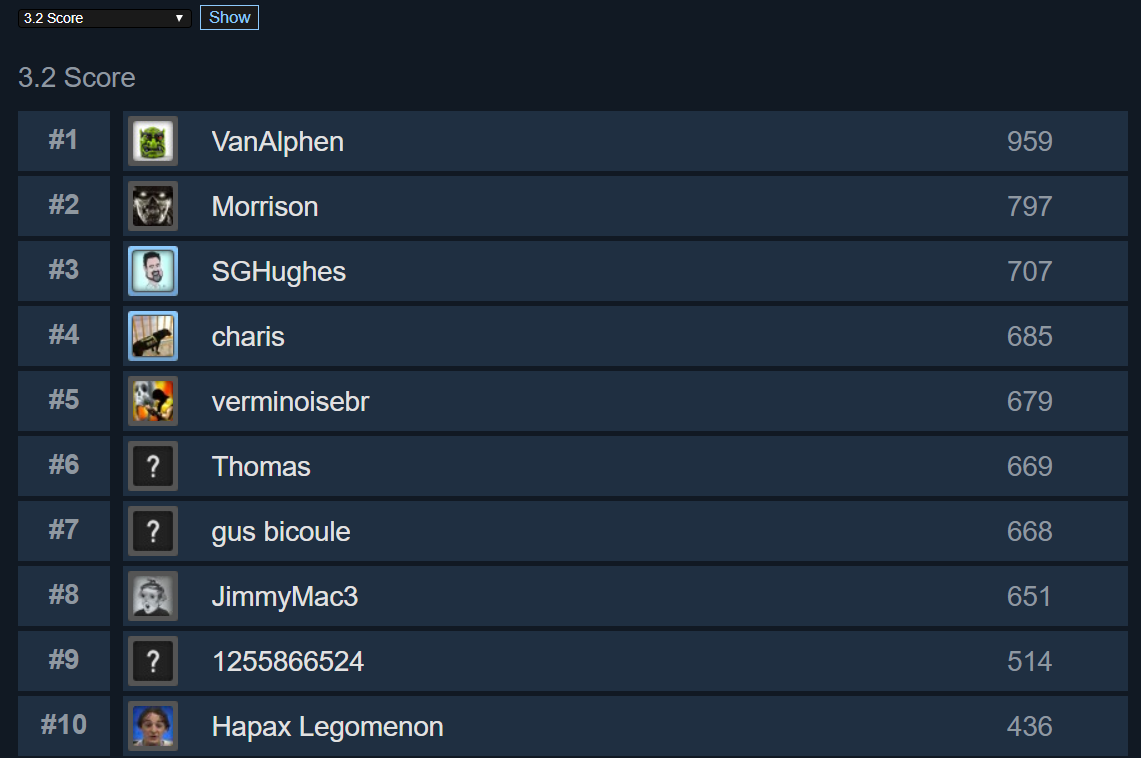
VanAlphen deserves a special mention for topping most of our leaderboards. Good job! To celebrate your victory we would like to share a Steam key with you. Give it to someone who might make a worthy competitor. Please send a mail to info@caromble.com so we can set you up.
Here is a screenshot of one of the leaderboards he owned:
Happy gaming!
Chapter 5 out now! Also features Mac support.
Chapter 5 introduces a new Arkatron, the Ball Direction Shooter*, 4 new story levels and two new skill levels. On top Caromble! finally runs on MacOS X.
We have been working on this chapter for a long time, and we are very happy to finally share our work with the community.
As ever, we are very curious to hear your feedback!
https://www.youtube.com/watch?v=aD-pqhK33ww
* Yes we are open to naming suggestions.
The ball is still rolling...
We will have something concrete to show in the very near future.
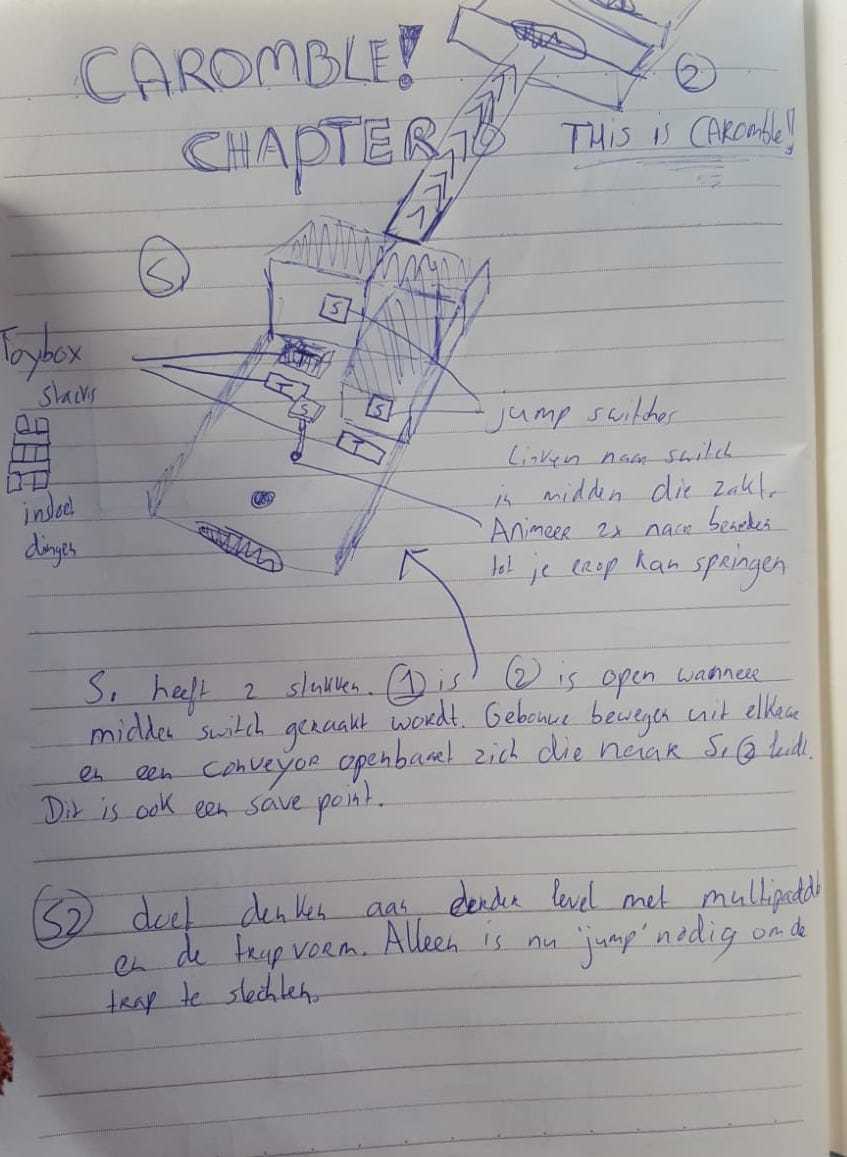
And here are some sketches for the epic final levels of Caromble! that we are working on for a bit later.
Caromble! Friday #474 - Our Procedural Texture Workflow
First, here you can see the original texture I created back then. I tried pencils to draw the details, which gave a nice look in black and white.
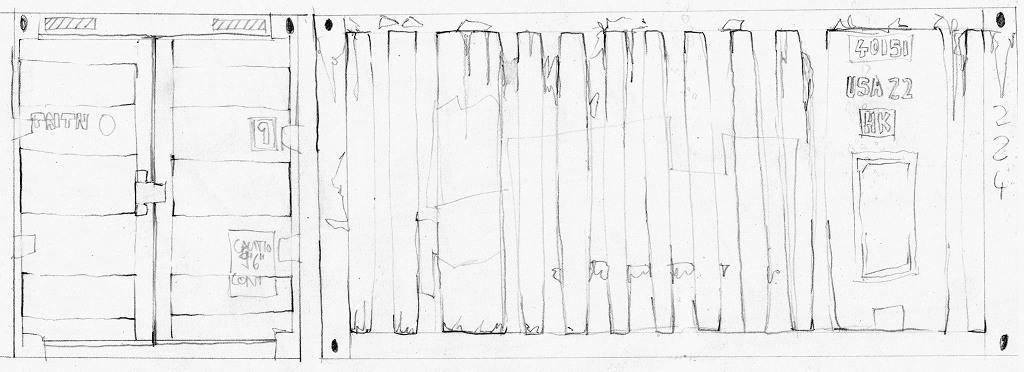
The first texture, done with pencil on paper and scanned.
But on the final object, when adding color, it’s actually a bit hard to see. Mostly you would not even get this close. Additionally (and this weighted even more in the decision), it was a lot of work. It’s hard to get the inevitable digital fixes to look exactly like pencil. Imagine cutting and rotating a piece – the parts would not have the same direction of the hatching anymore.

Screenshot from the game, with a color overlay on the texture.

For better comparison, I’ve made a more up-to date real-time shot of the asset. As you can see – with more effects like reflections and normal map shading, it’s even harder to notice the style.
And here is the updated approach – with just a black pen as base. There is a bit analogue detail in there, like irregularity in the lines, but it’s more subtle and easier to move around.
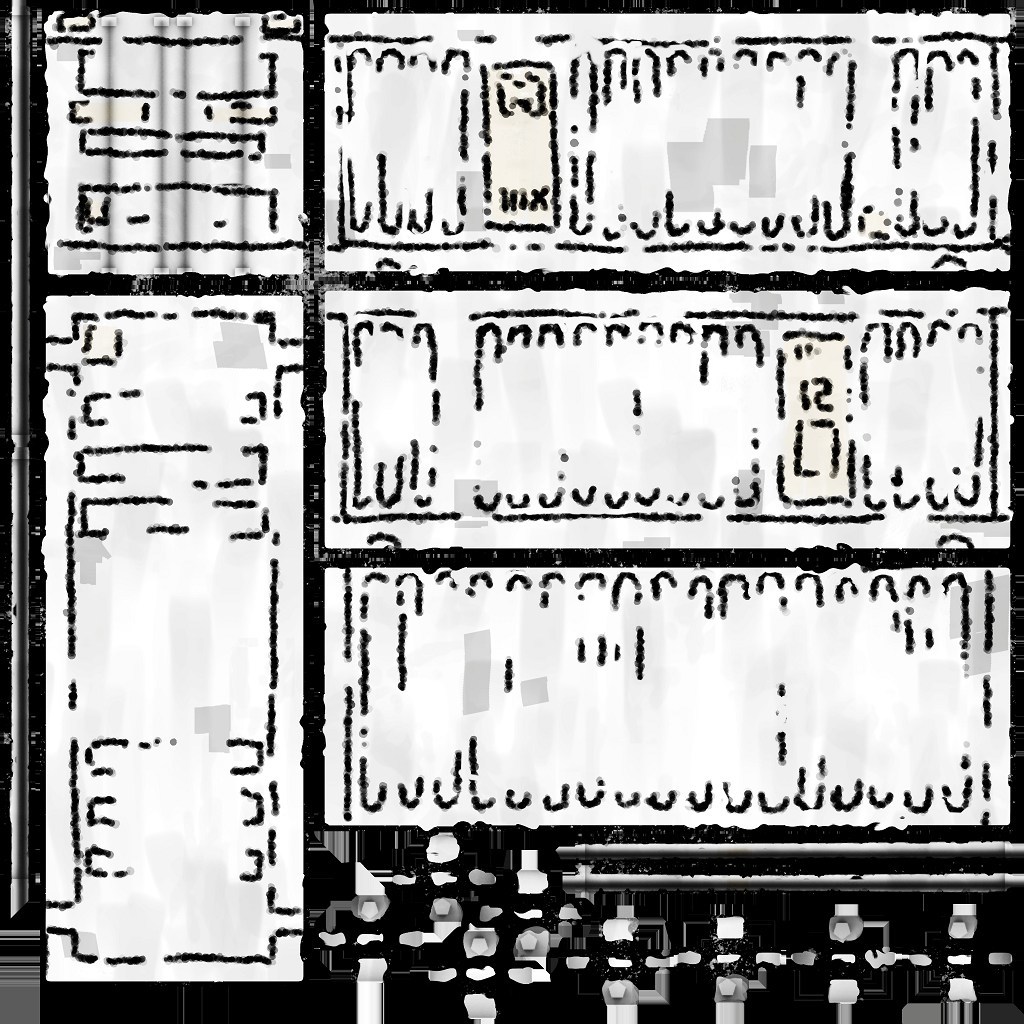
The new texture – this time done with Substance Painter, with some tweaks.
In an earlier posting, I described the procedural workflow for these 3D assets. A lot is automated – and then I go over and do manual tweaks. Later the programs help me to create variations like different colors or damaged stages, often with just one or two clicks.

Here is the new version with a texture based on pen line-art. It does have an updated normal map, and the effects, but the line-art shows.

The damaged version – it’s naturally even more noisy, but still reads as stylized.

Furthermore, I generate color variations. Currently as separate textures – though we may switch to a shader that allows the programmers to change the color on the fly.
All objects have this style, with old objects being updated. I have a series of asset-shots on the Caromble blog, to show them off.
Caromble! Friday #473 - Our Procedural Texture Workflow
I should first describe what procedural art means. You can think of it as the artist not doing the actual artwork anymore, but describing rules to the computer that it then executes. This has some disadvantages: it takes longer, and needs a different skill set that you have to learn (e.g. knowing how to program is useful). The upside is that you can then just tell the program: Do some more variations. So the more assets you need, the more the initial effort will pay off.
A specific twist in my use-case is that I'm trying to emulate a unique style.
Let's first take a look, of what a final object looks like:
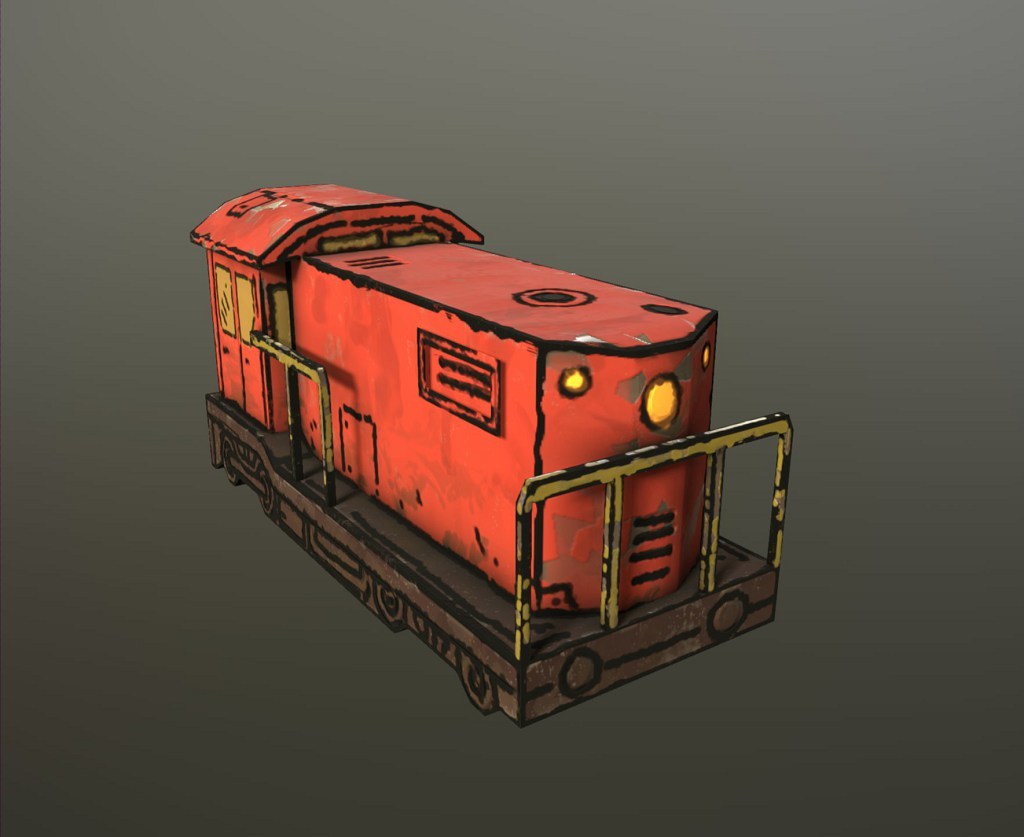
Starting out here with the final look of the diesel locomotive, so you see what the target look was. It has a bit of a comic style, but still shading and some little details.
Five years ago, there was not much in usable procedural tools out there. Now tools like Substance Painter became essentially industry standard. A lot of texturing-work you once had to do draw by hand in Photoshop - a tool that was made for ... well, editing photos - you get now done near automatically. With Painter you can for example just take a 3D object, and drop a material like "wood" on it, and *boom*, your asset looks like made from wood.
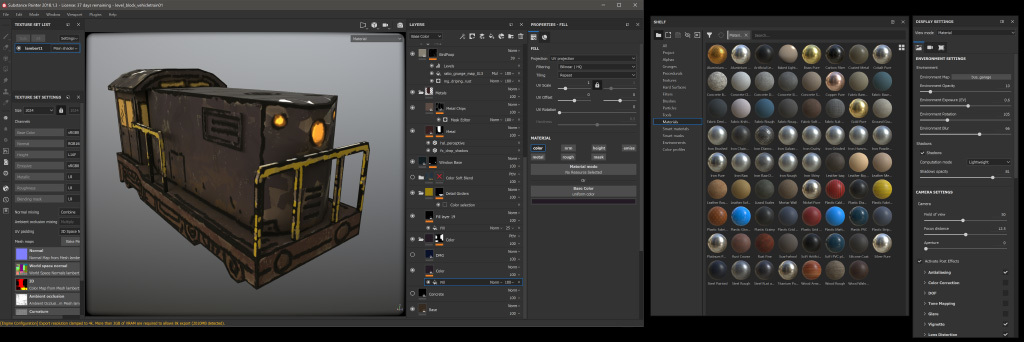 A working view of Substance Painter. You can see for example the swaps on the side that I could drag on an object to give it a specific material.
Painter is in essence made for painting details onto the 3D object - so here is the final result I export and then use in our game engine.
For the actual process, the program first calculates various properties of the 3D mesh. These I can then use to create rules - like "where the object has little hidden corners ... make it more dark, to simulate shadow". Notice how this is a flexible process. Depending on the object, I could also say "put dust in these hidden corners". Here is the object with this calculated data projected on it - in this case it's called Occlusion-Map.
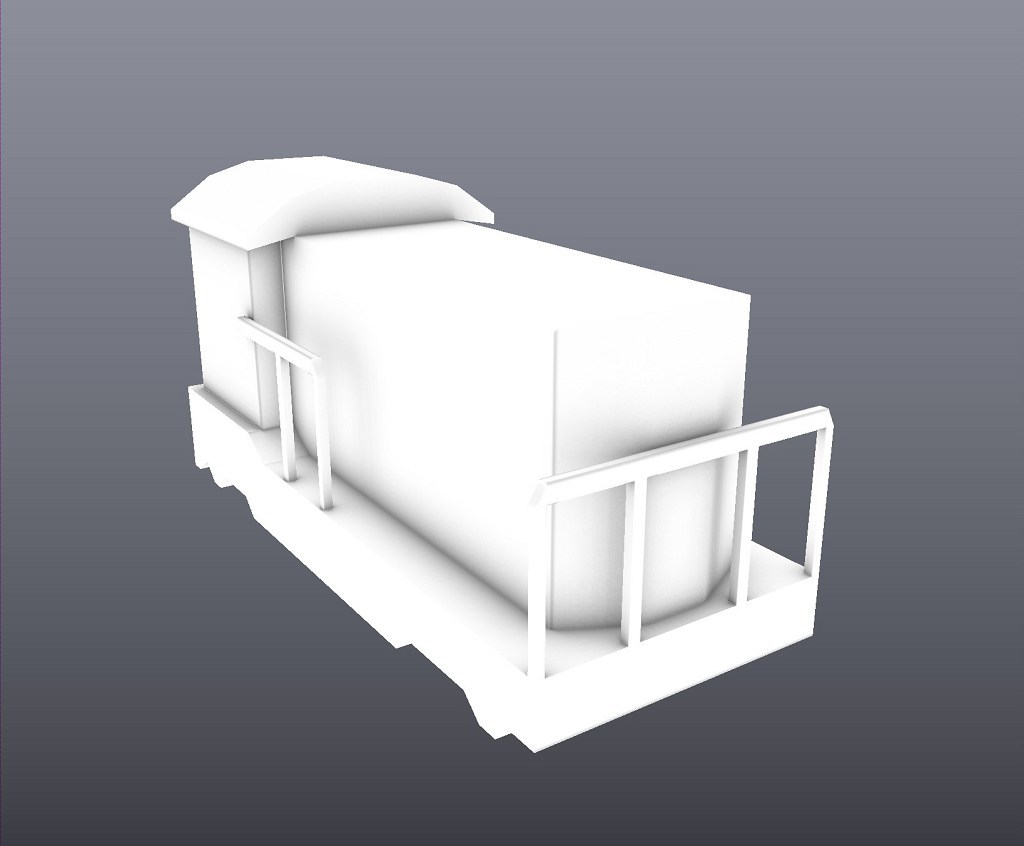 A map that shows shadows on the object, called Occlusion-Map - like how it would get darker in corners. It makes the object more readable.
Another such map shows me the elements of the object. It fills them with flat colors, so that with just a few clicks then I can define unique properties for an element.
 This map automatically color codes elements. This way I can then easily say "make all girders yellow".
Other examples are a map for showing the thickness of elements:
 For this thickness map, the computer automatically calculates every element that is thin (and becomes black here) or thick (white)
Or the location:
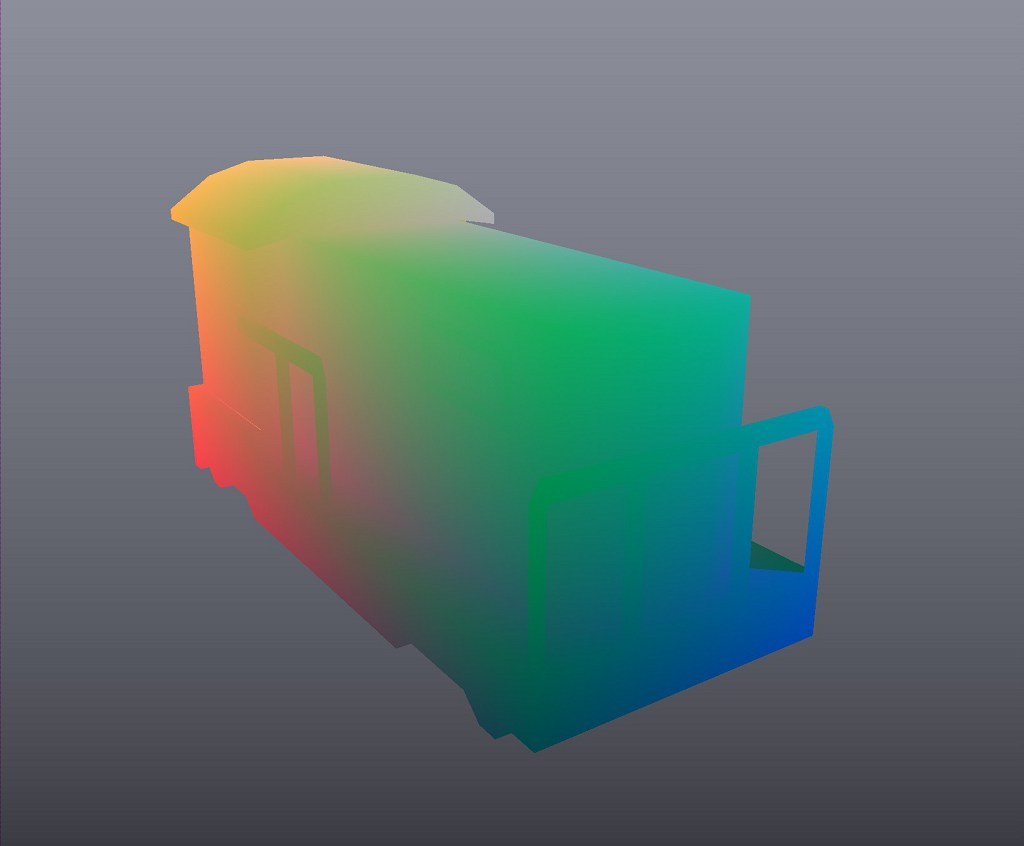 The position map is a bit harder to read - but you can see for example, how in one corner everything becomes red. This way you can tell the program for example: "Color everything that's on the bottom in a certain way".
Specifically for my use-case, a map showing the edges is useful.
 Here is the "Curvature-Map" - it shows edges that point outside as white, and inward pointing ones as black. I used this one as source to create the first step of my texture.
After all, my style has black lines that mimic how in comics elements are separated - which I try to make look like simple ink line style. Using the map you see above, I told the program to automatically draw a black line on all inner and outer edges. Here is the result.
 This outline is completely automatically generated - I told the program to add some distortion, to have more natural look.
It all still needs a more detailed artists input. In the following step, I go in and add by hand all details that the program by itself can not know. Like that locomotives have little lines and exhausts.
 I went in and painted in the 3D view, to add specific details like lights.
Using the earlier mentioned Position-Map, I then add variation to the surface.
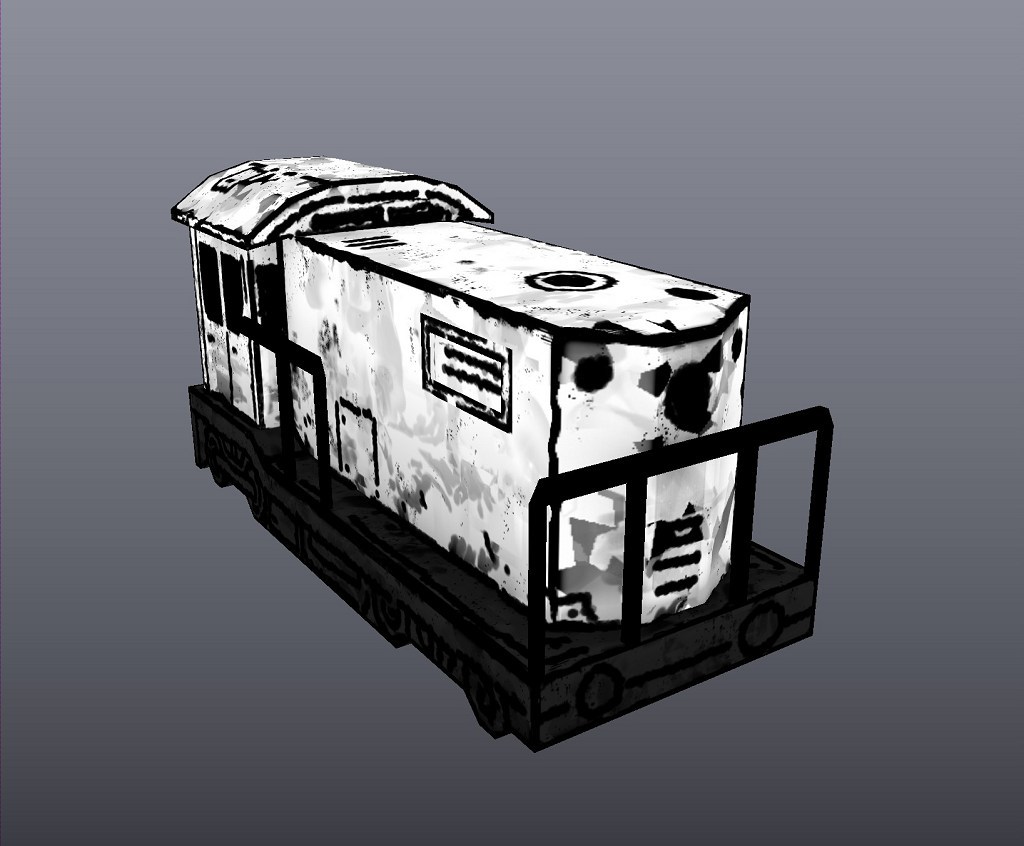 This step is now automatic - it adds variation. I'm using the height information from the earlier layers, to tell the program: Add more damage at the bottom (as there would be more dirt and such on a train)
I can then easily color it all and export the final result - in this case the flat map with all color details.
 The actual texture in the flat view.
There are some more twists and turns to it all, for example Normal maps. These are nowadays used in all 3D engines, to show the shape of small details on a flat surface. But for sake of brevity I'll skip some finer points.
 The Normal-Map - it shows the 3D engine what 3D shape the smaller elements have. Again, a lot is automatic - I've put for example a wobbly structure on it, to make it seem a bit damaged.
With this result I can use another procedural program, called Substance-Designer. I can then process the export images and create new sizes and color variations with one click.
 I use Substance Designer to take the base texture and automate the creation of color versions.
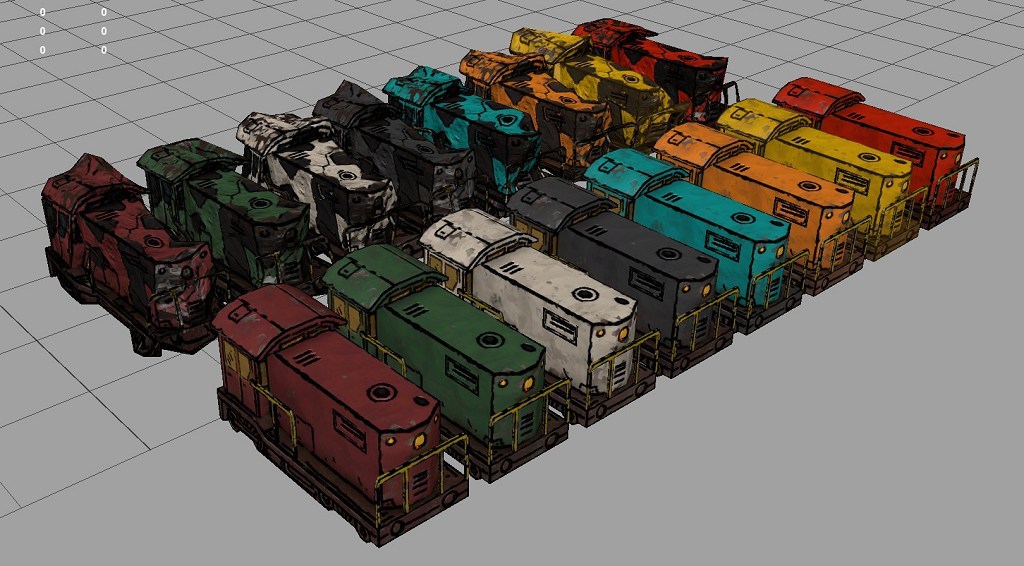 [caption] These are colors I let Substance Designer create for me.
Another such program is Houdini.
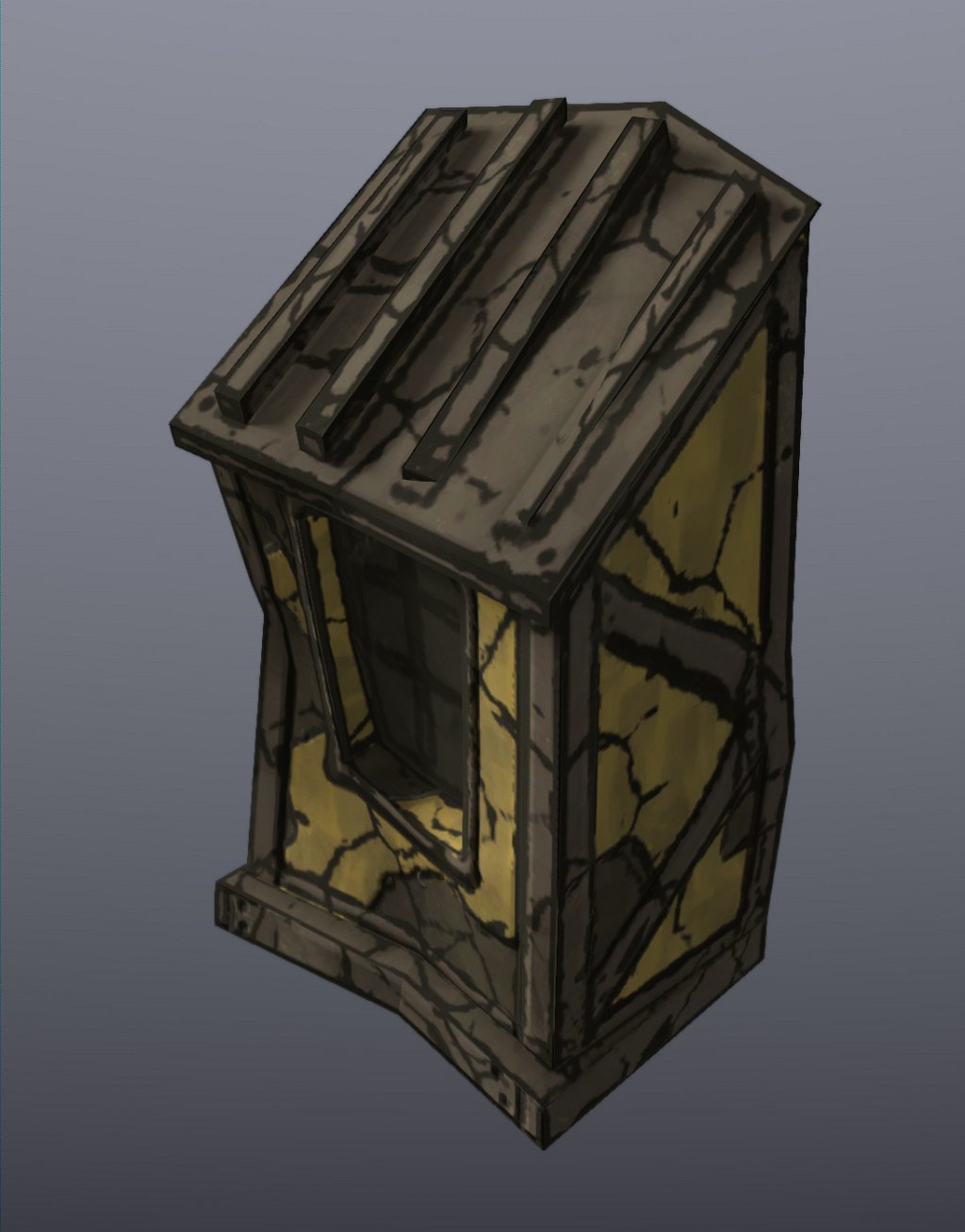
 This is a damaged version, which also includes some distortion of the 3D model, which I do in Houdini.
And just as an example, here is a completely different object - but since I could just reuse the rules I've set up for the train, most of the result comes for free.
 It's a little cabin/exit (kinda like one you would see on a top of a building). It has all the style-elements used for the train, just adapted.
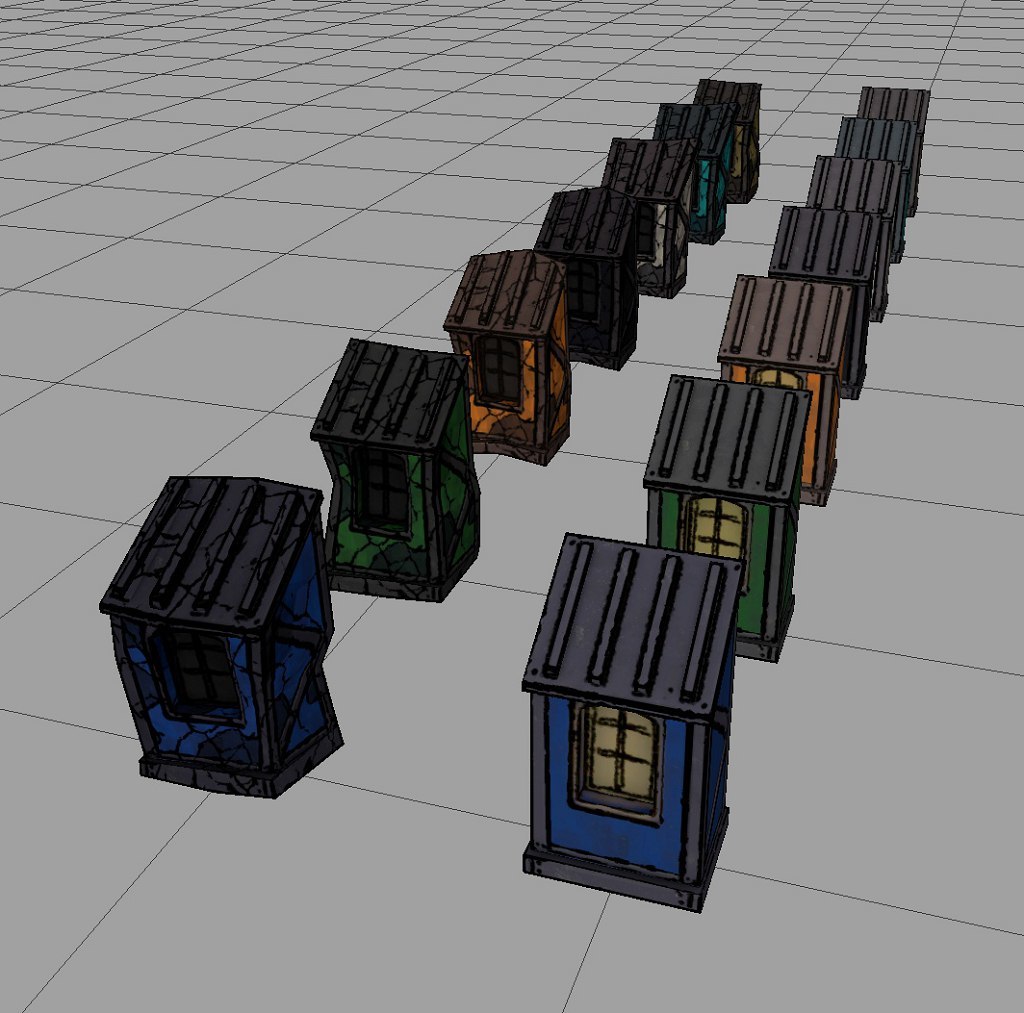
 Again, thanks to the automation, it's just one click to get all these color versions.
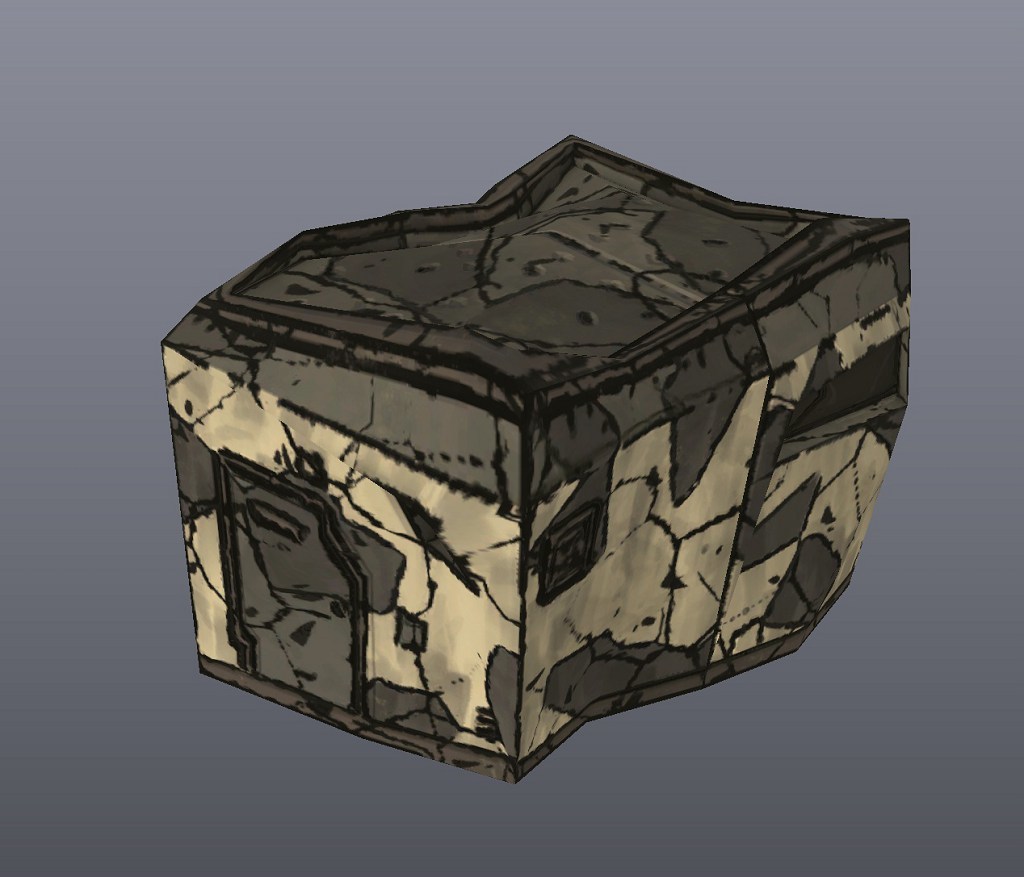 The damaged version of the building could use the same procedure as the train - with only some adjustments, so that chipped paint for example wouldn't expose metal, but rather concrete.
Caromble! Friday #472 - Commercial Chapter Asset Collection #2
As shown in the first asset update last time around (thanks for the positive comment about them :)), they all now have a nice default version, a proper damage state and color variations.
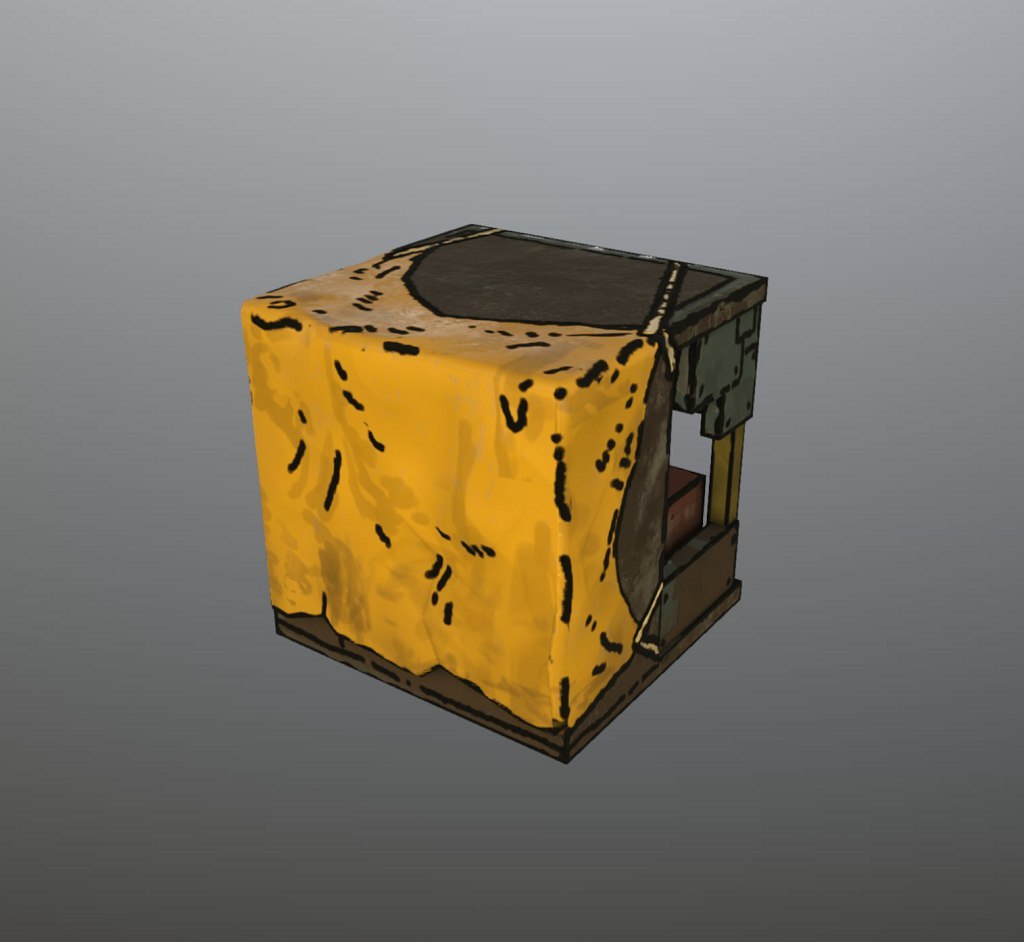
Building in Construction
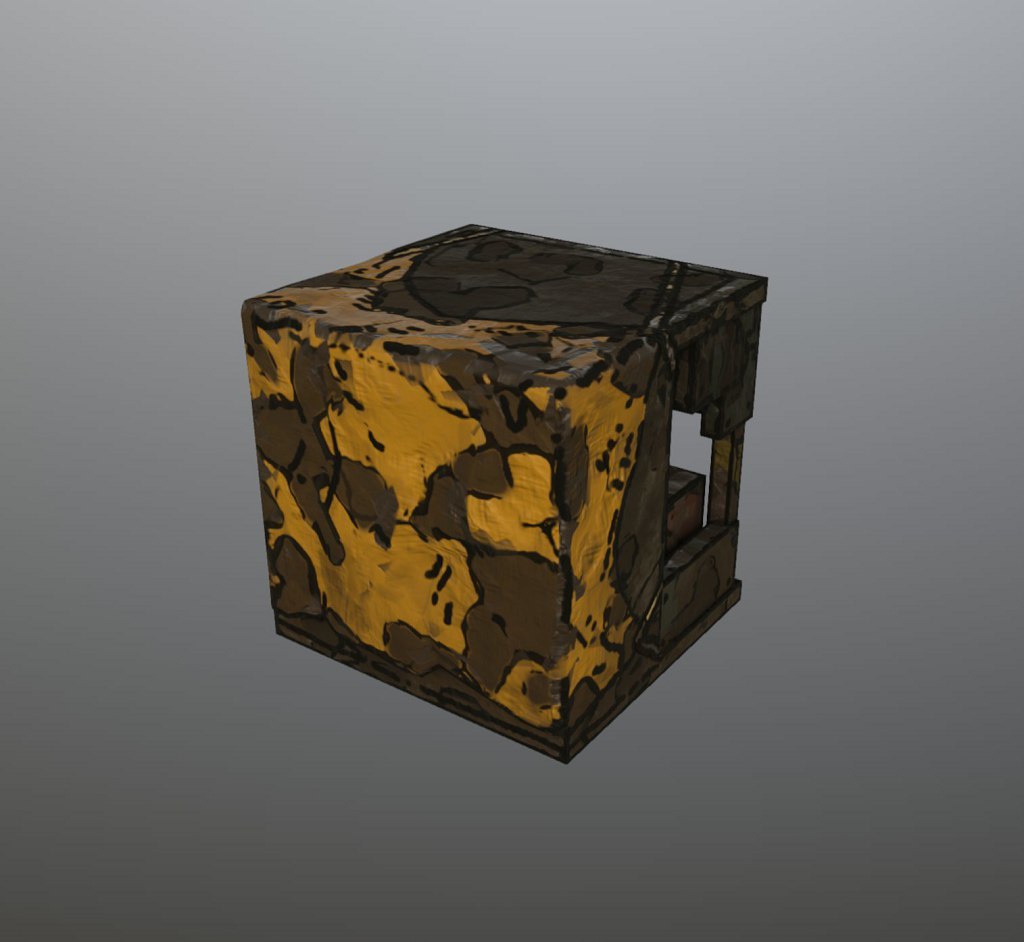
Damaged construction building.
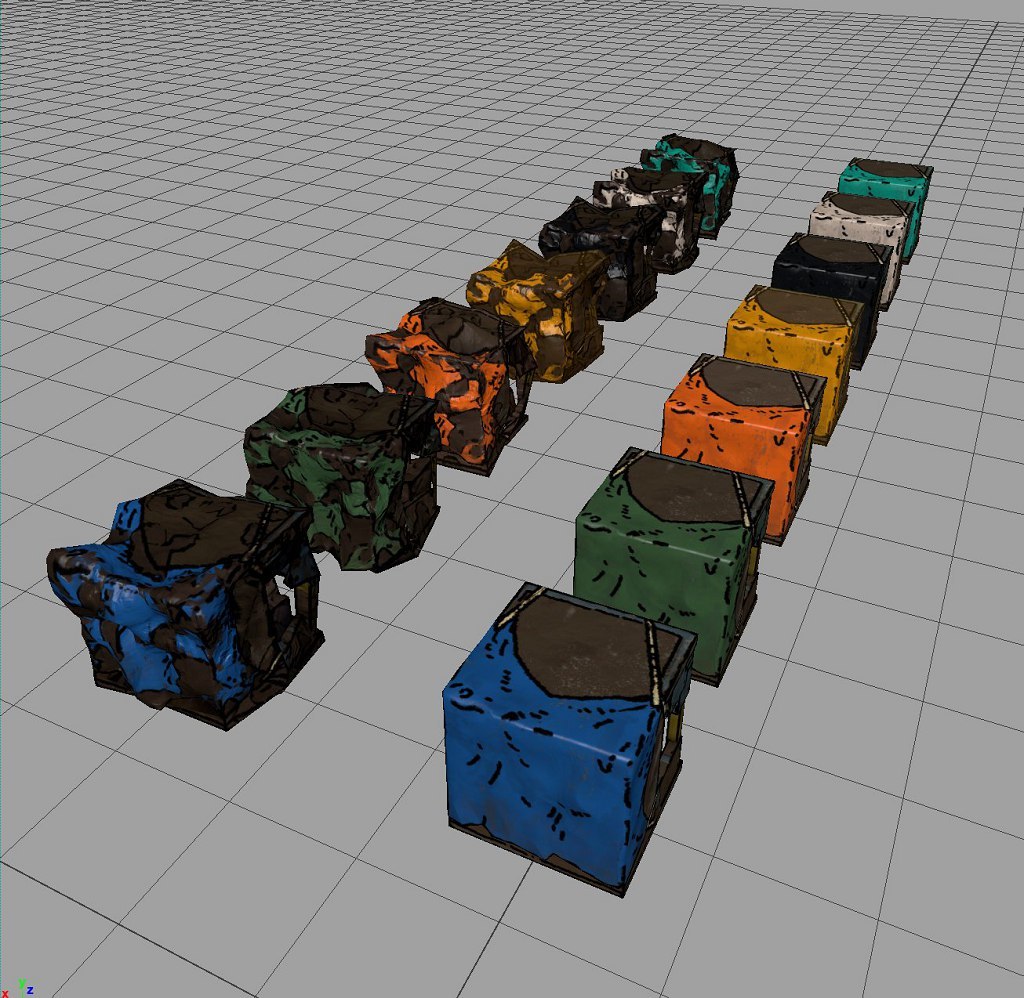
Color Variations of the building.
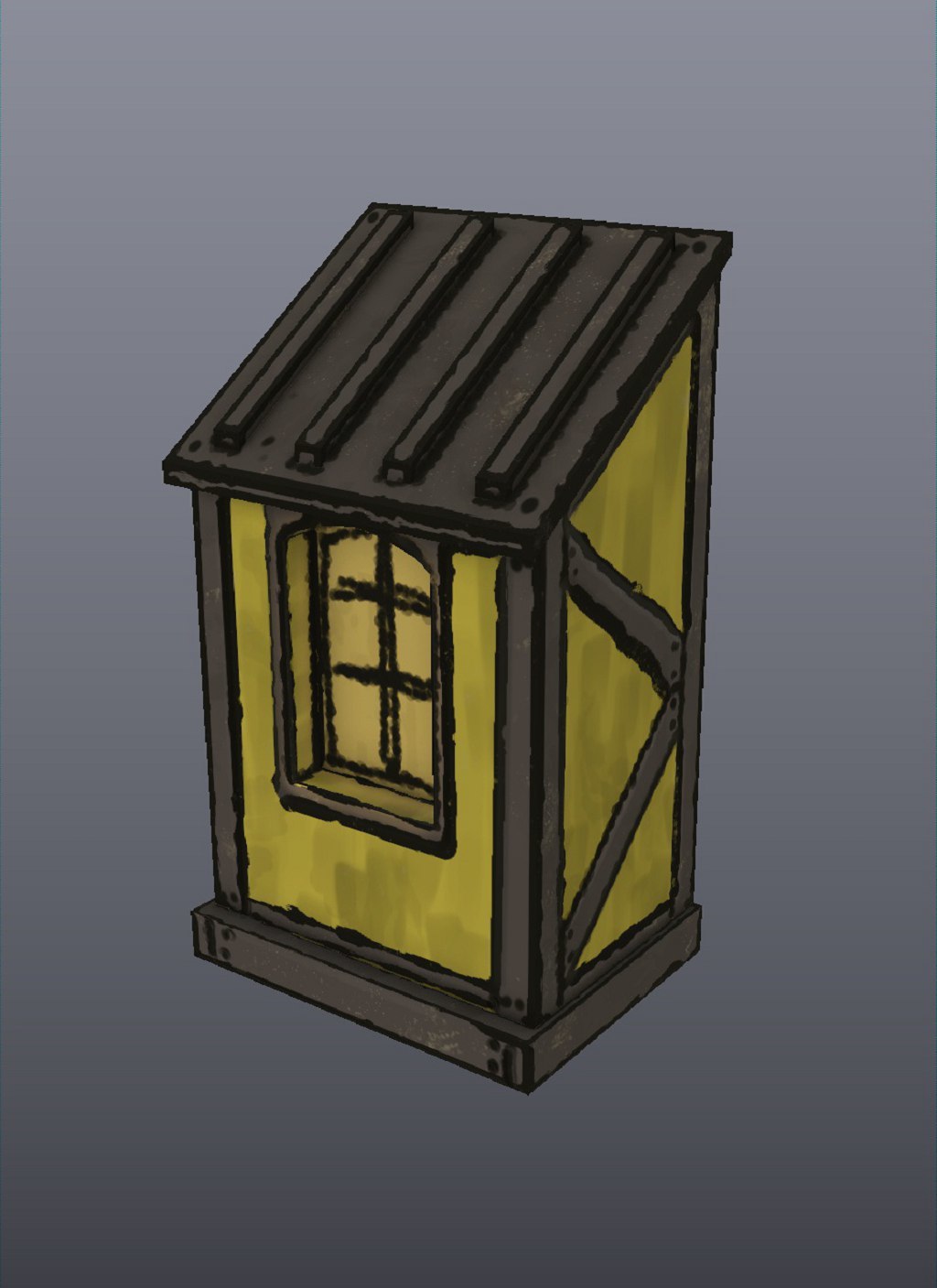
Little extension building
Broken version
Color variations of the extension.
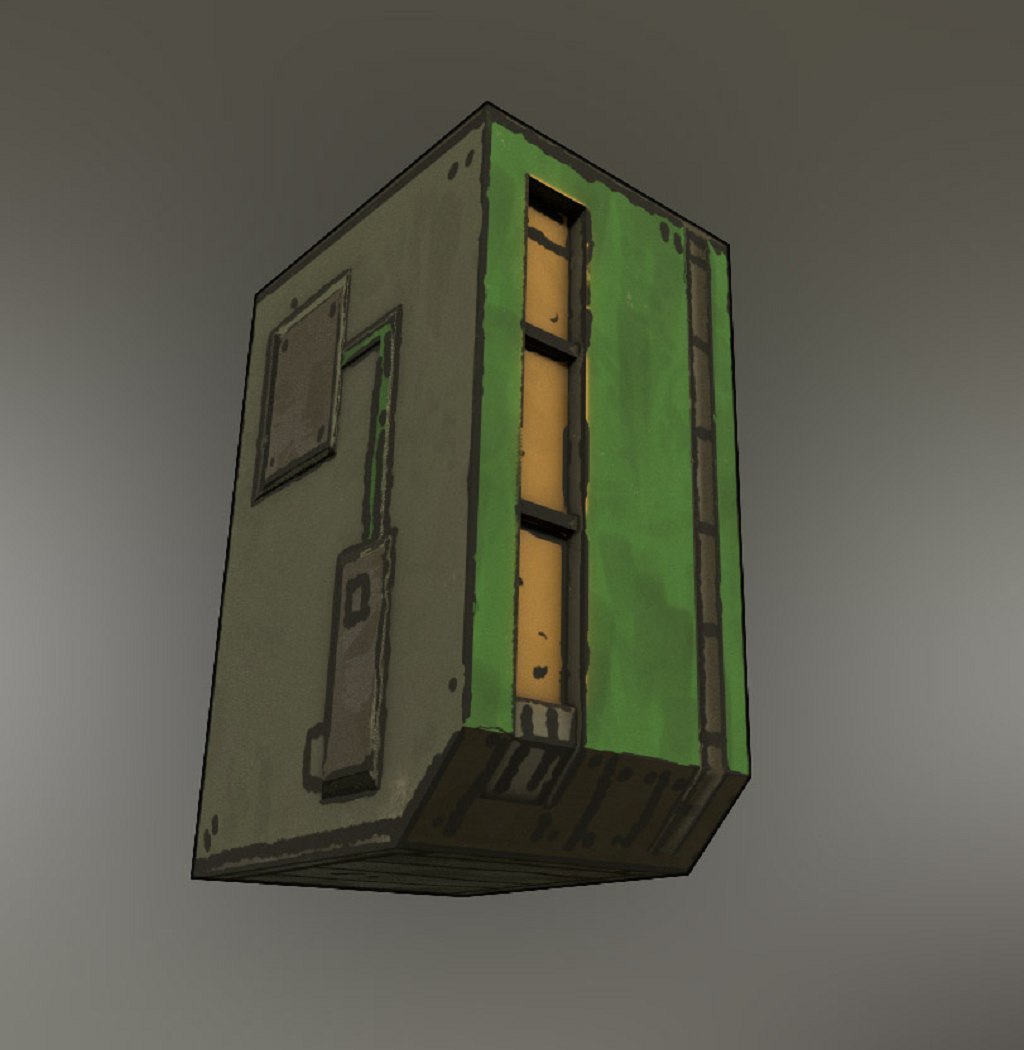
Apartment block - base version.
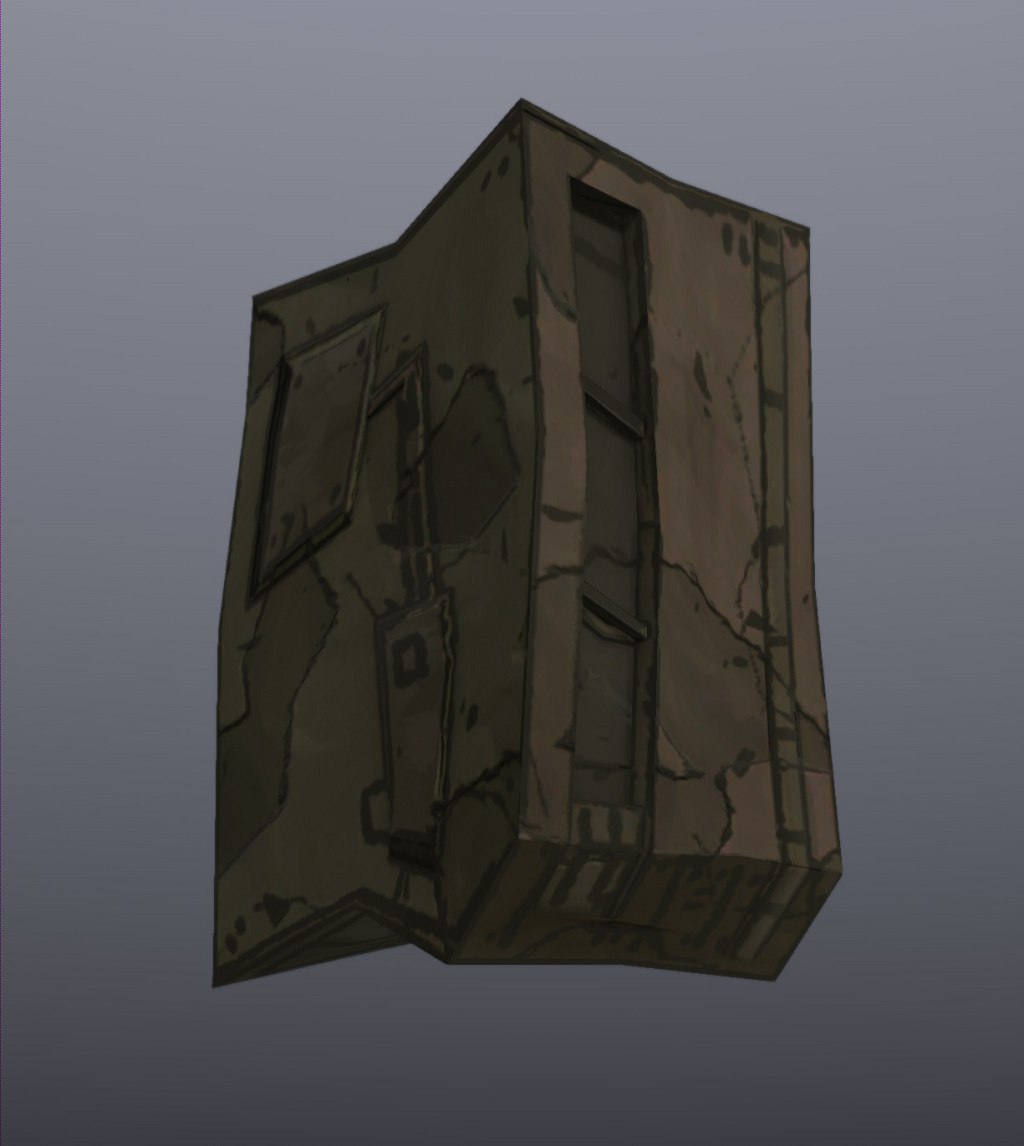
Destroyed version.
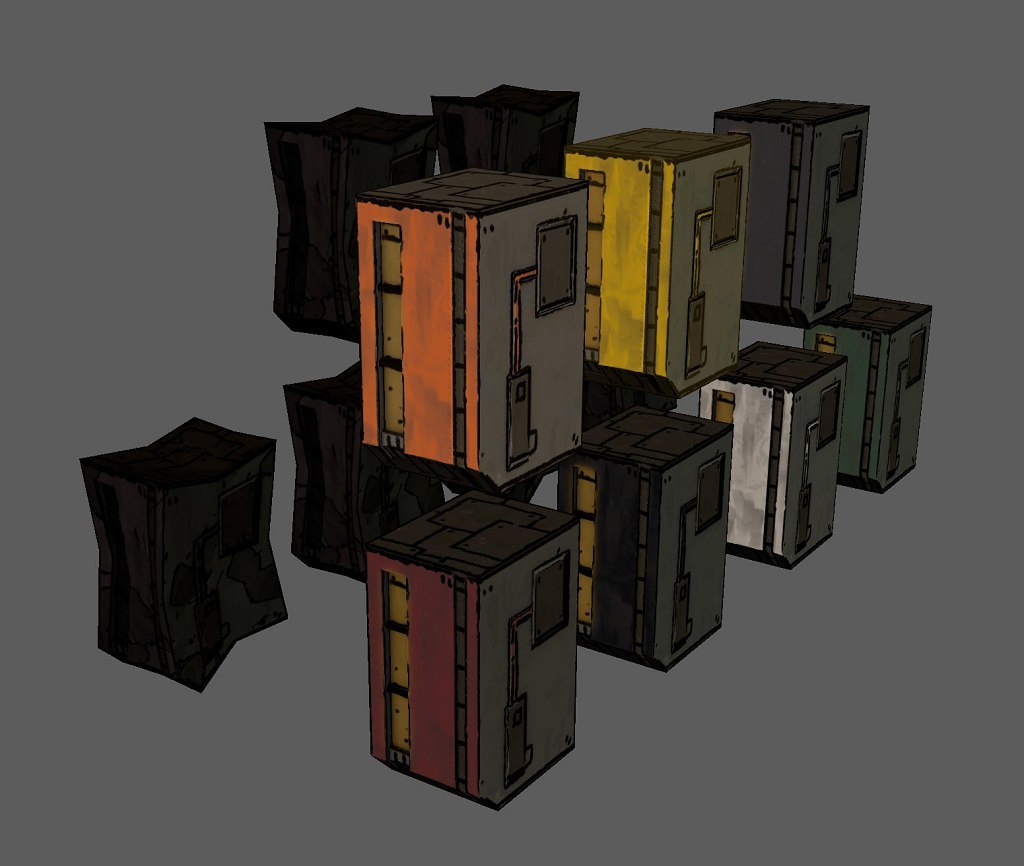
Apartment colors.
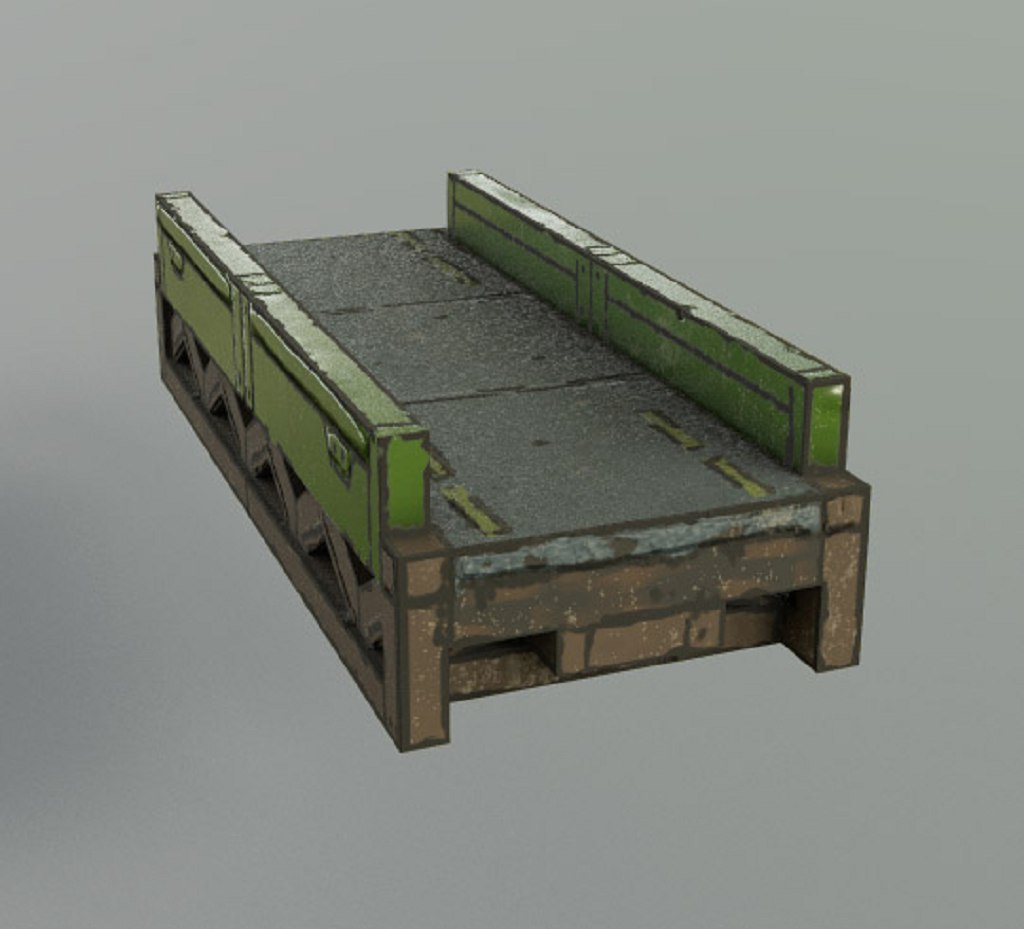
Bridge for Pedestrians.
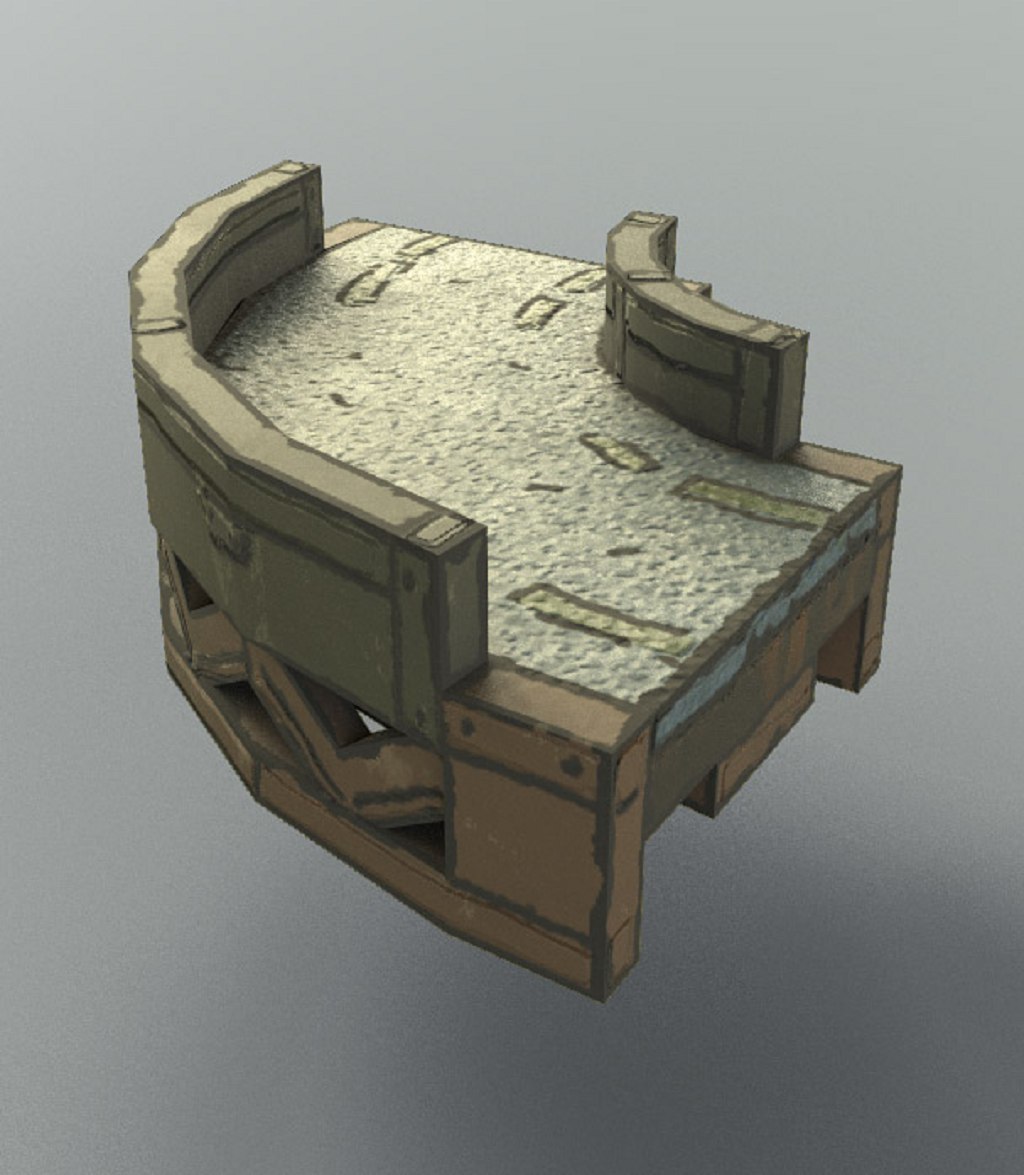
Curve of the bridge.
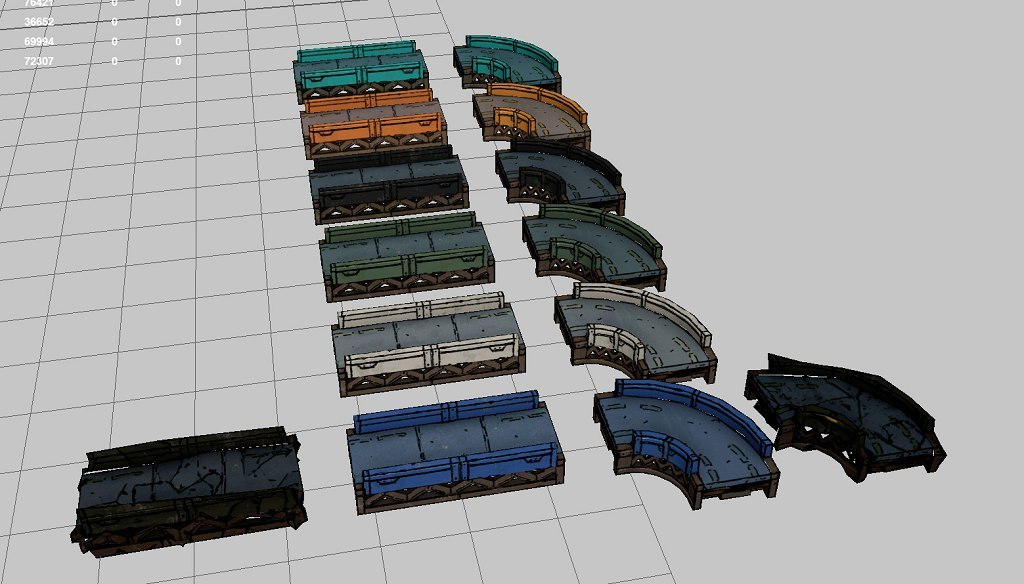
Color versions for the bridges.
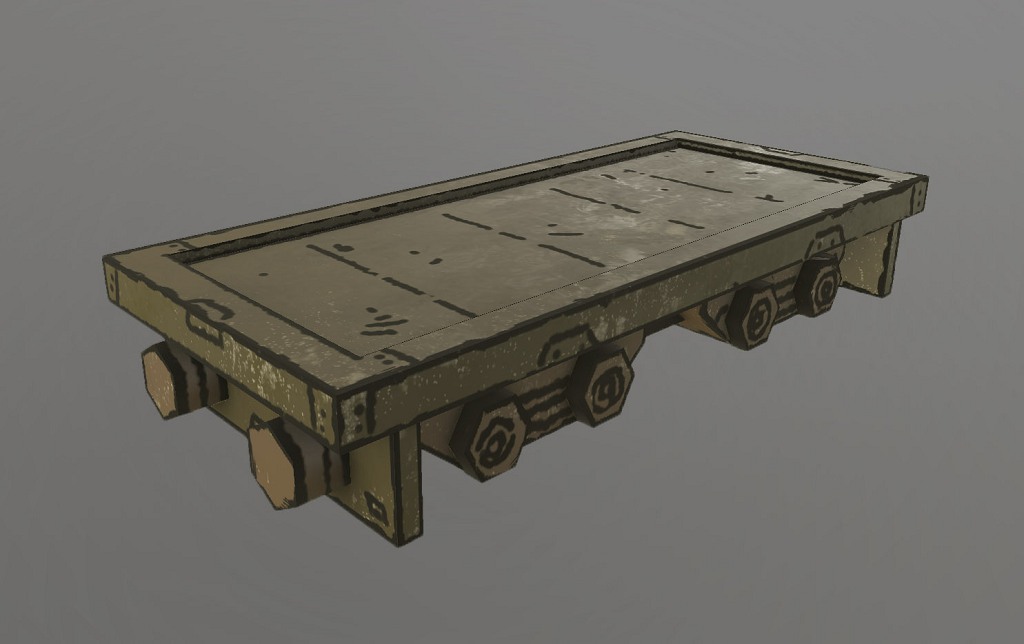
Wagon for a train
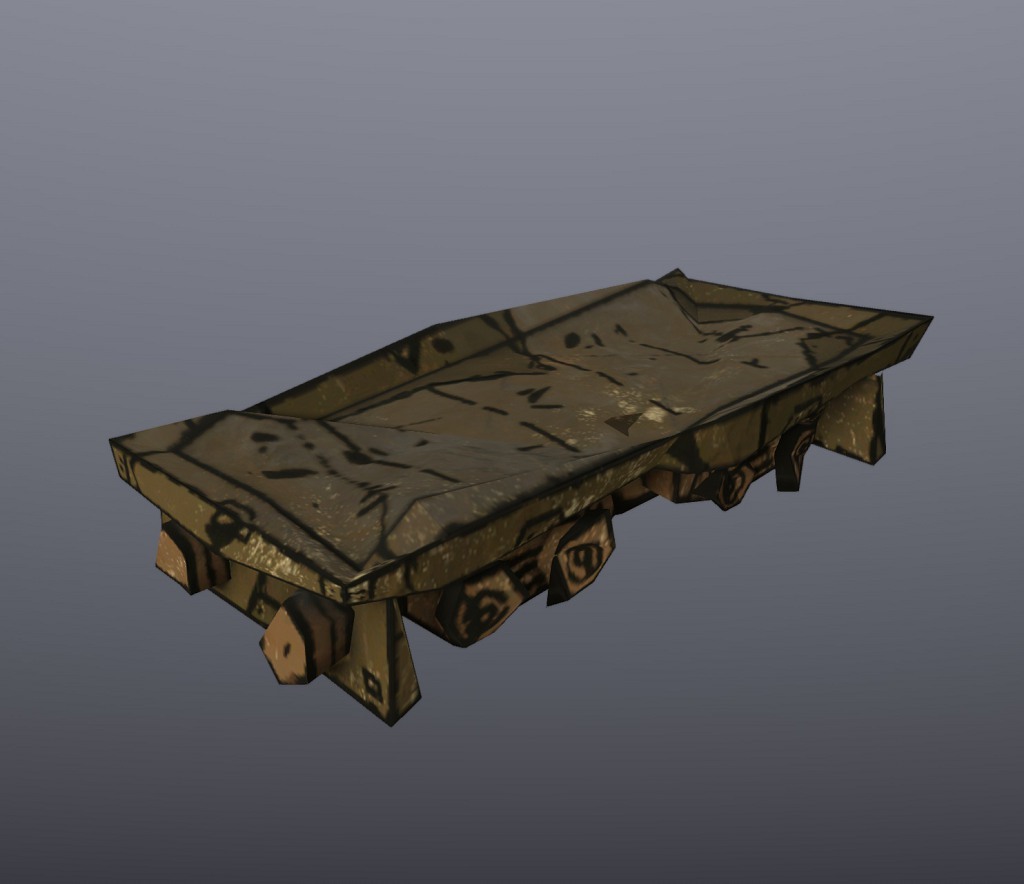
Damaged wagon.
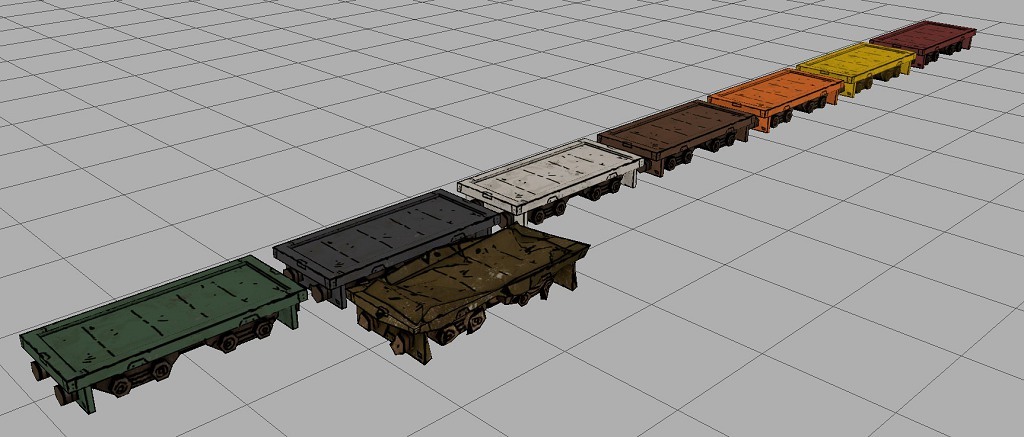
Colored wagons
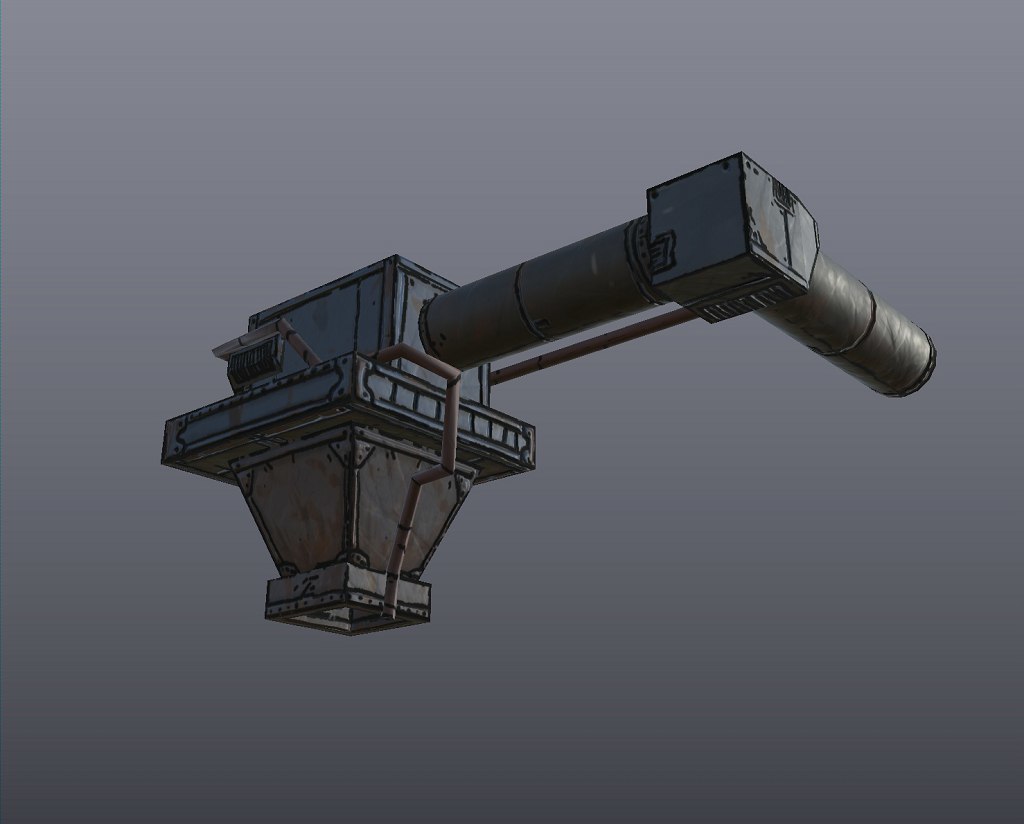
And as a special building with no destruction or colors: An industrial funnel.
Caromble! Friday #471 - Commercial Chapter Asset Collection #1
We have received questions on whether the development is still ongoing. Well, of course it is! Development is certainly ongoing. We expect to finish Chapter 5 and new narrative content (yes, there will be story!) in December. We plan to release this, with 2 new skill levels, after testing in January. Then there is only one more Chapter left!
Development, though slower than everyone in the world would like, is always ongoing. Always! Thanks for sticking around!
Until our next release Thomas Schmall, the one who likes art, will share some insights on the asset creation process. In this post and the next, an overview of some of the assets in the Commercial theme featuring in Chapter 4 and 5:
Art production for the “Commercial Chapter” of Caromble went to full steam (pun intended) the last months. Most objects were place-holders before, with the fitting shape, but not much details in the 3D meshes and no proper textures. By now all objects have gone though the final process.
I’ve made pictures when I finished an asset, so here is a first collection. One version is always the normal block, the next one is a destroyed version (once the ball has hit the object), and the last is the color variations in an overview).
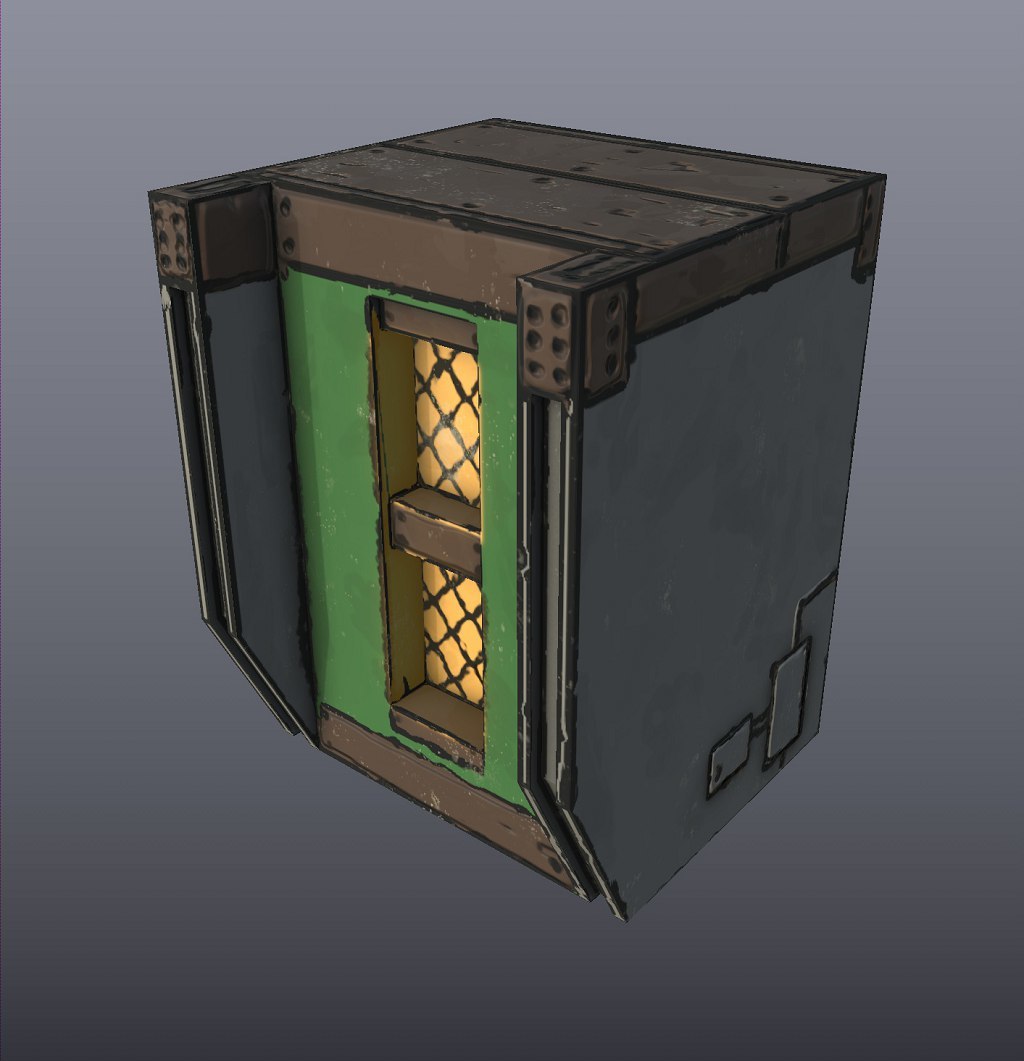
Building with Trims
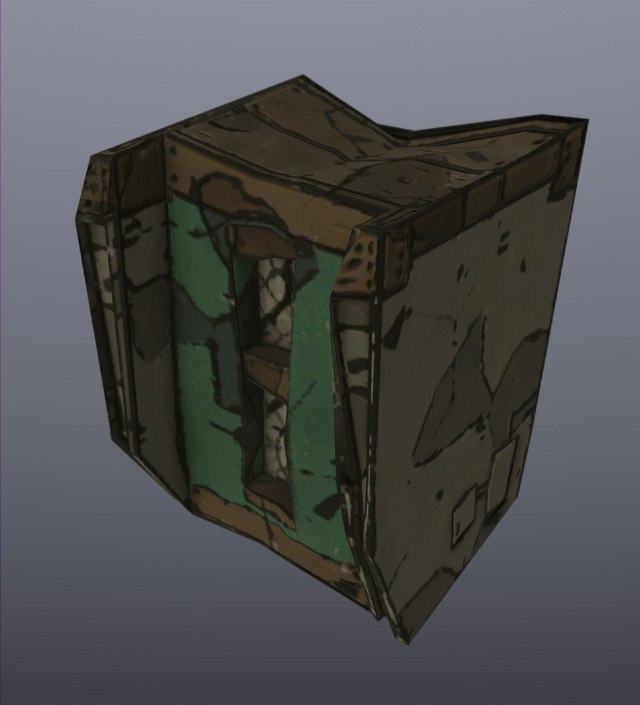
Damaged version of the trimmed Building.
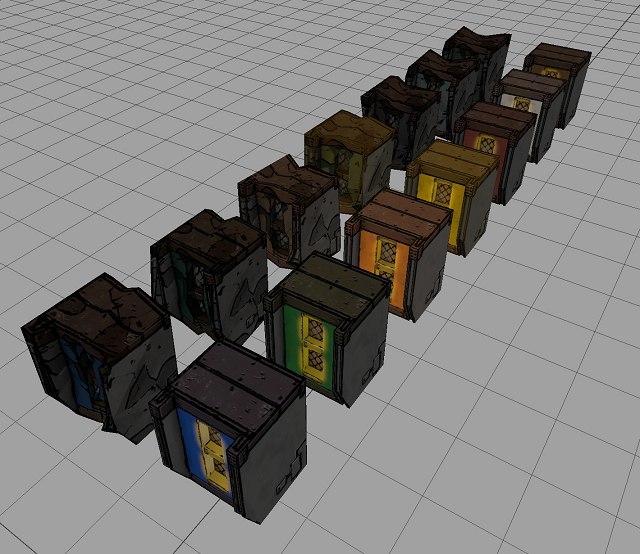
Color versions of the trimmed building.
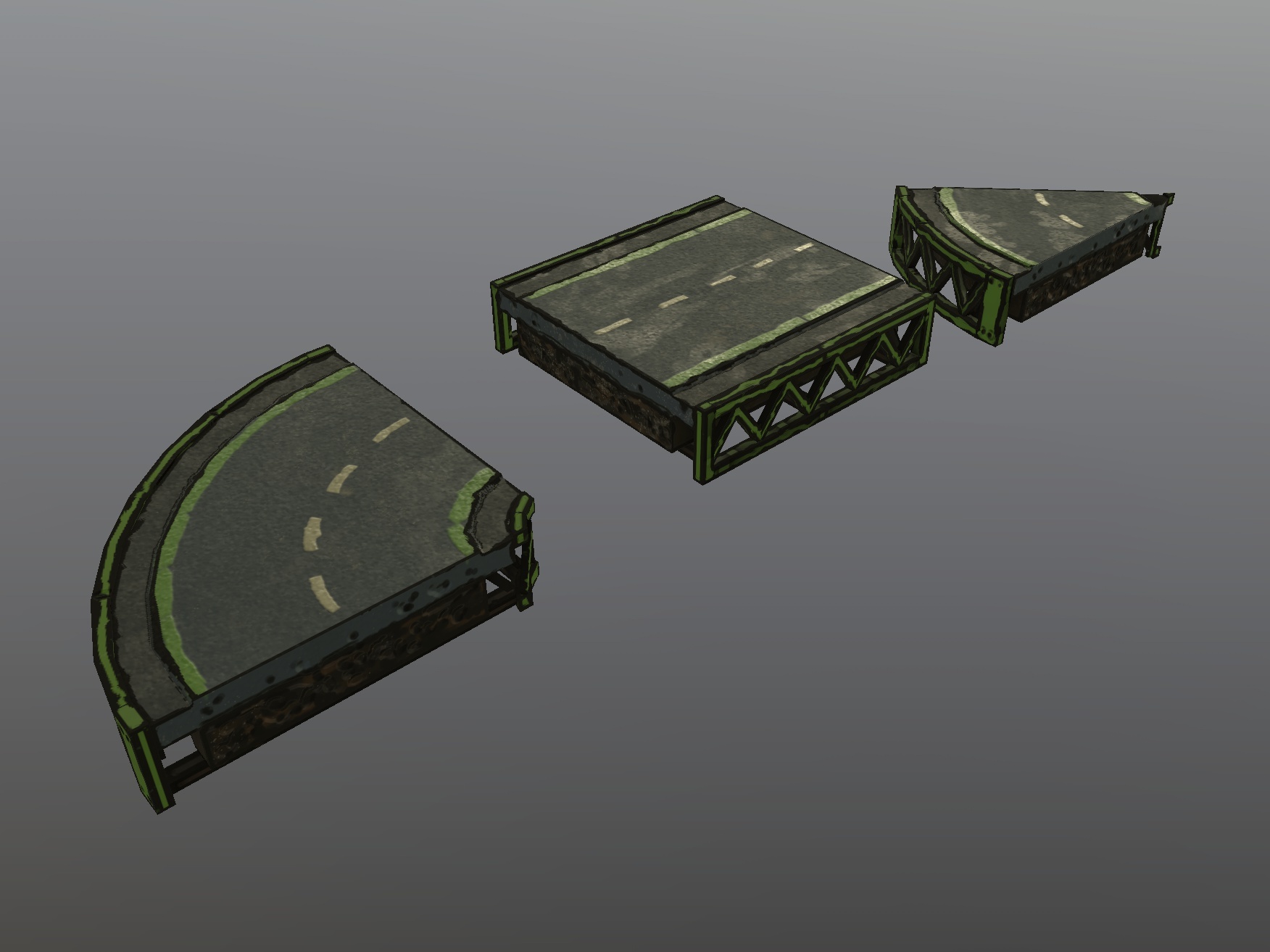
Road with curve.
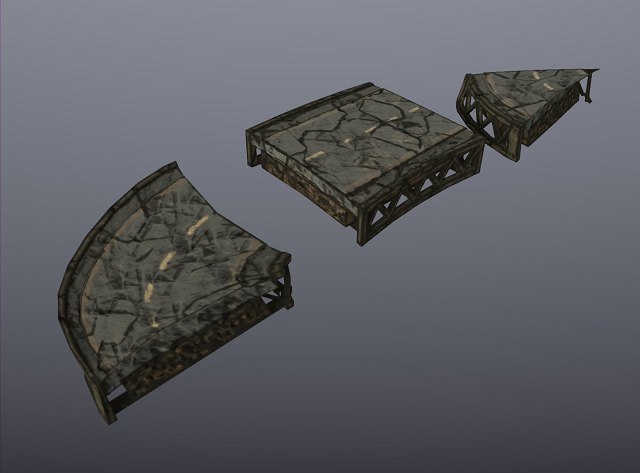
And the damaged road.
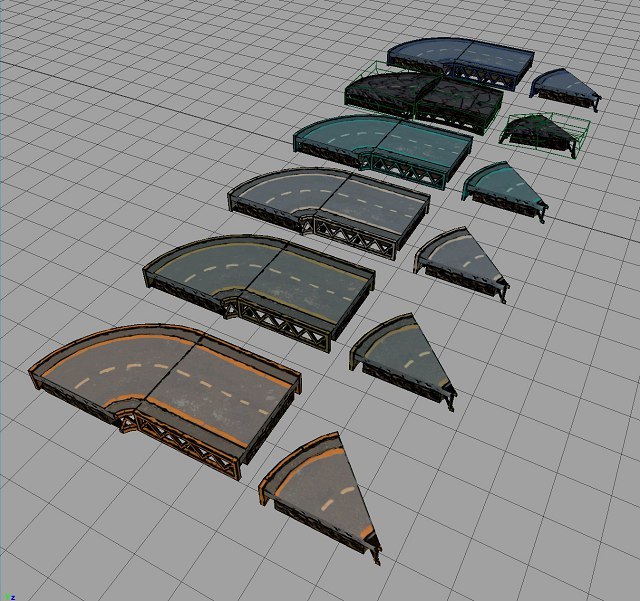
Road colors.
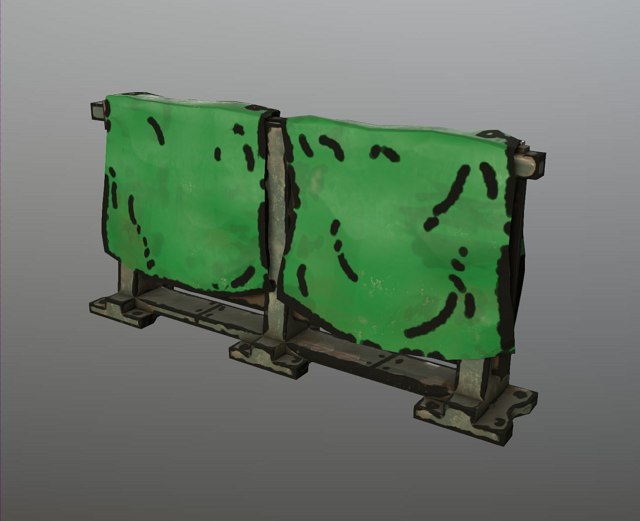
Fence Cloth.
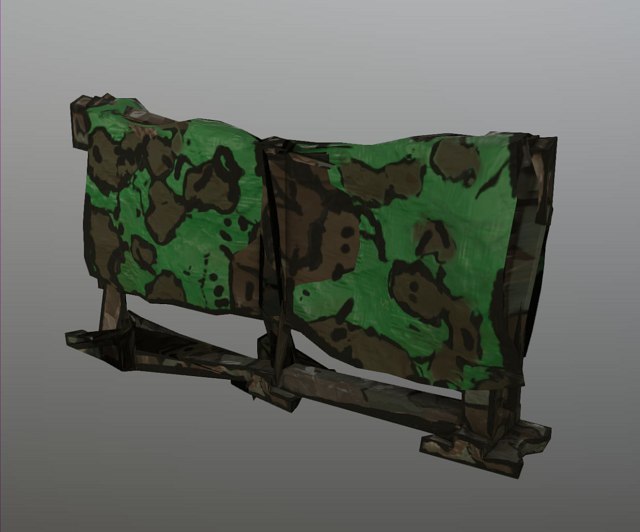
Damaged fence.
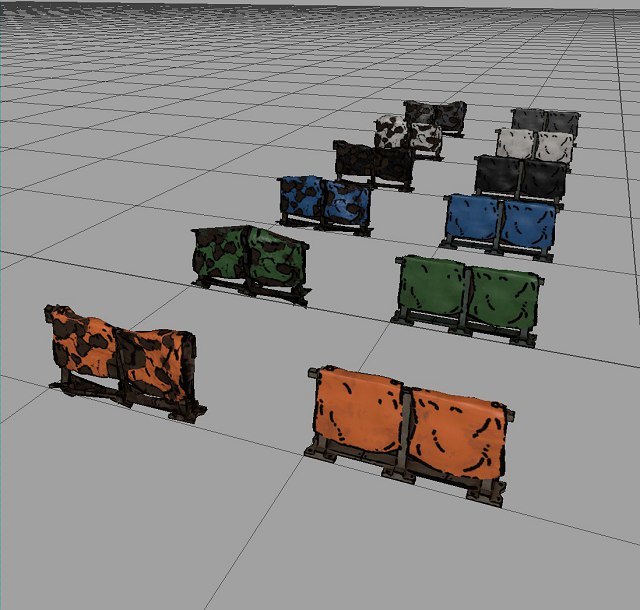
Color versions of the fence.
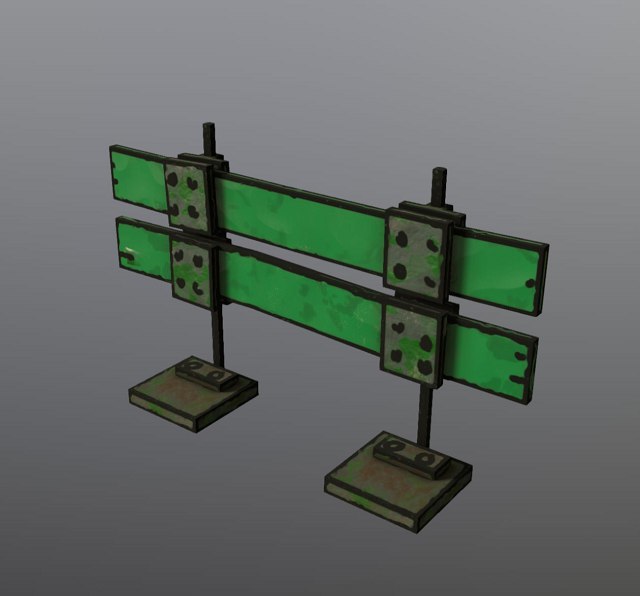
A fence made from wood.
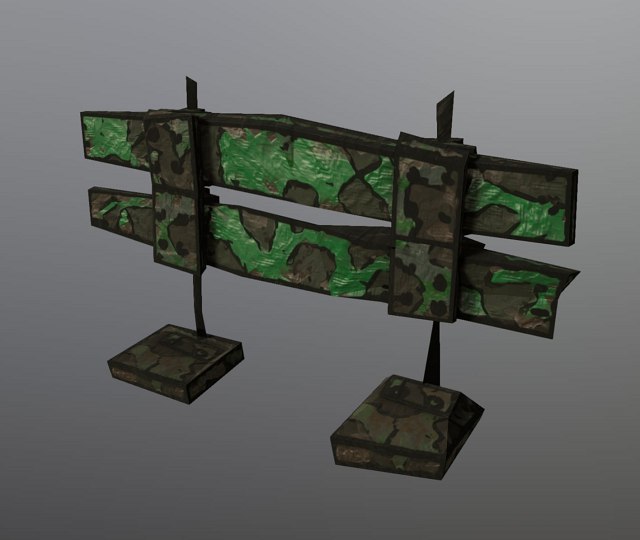
Damaged wooden fence.
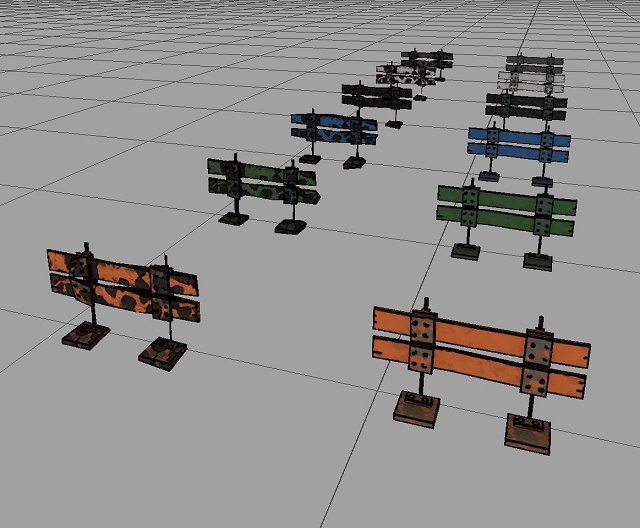
Wood fence colors.
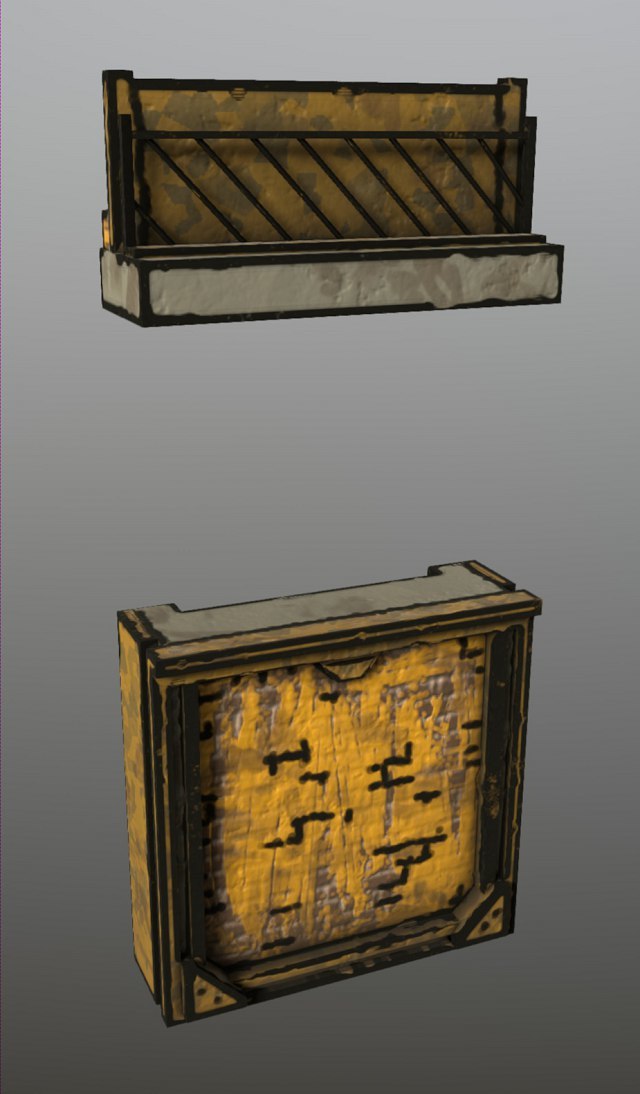
Brick Wall
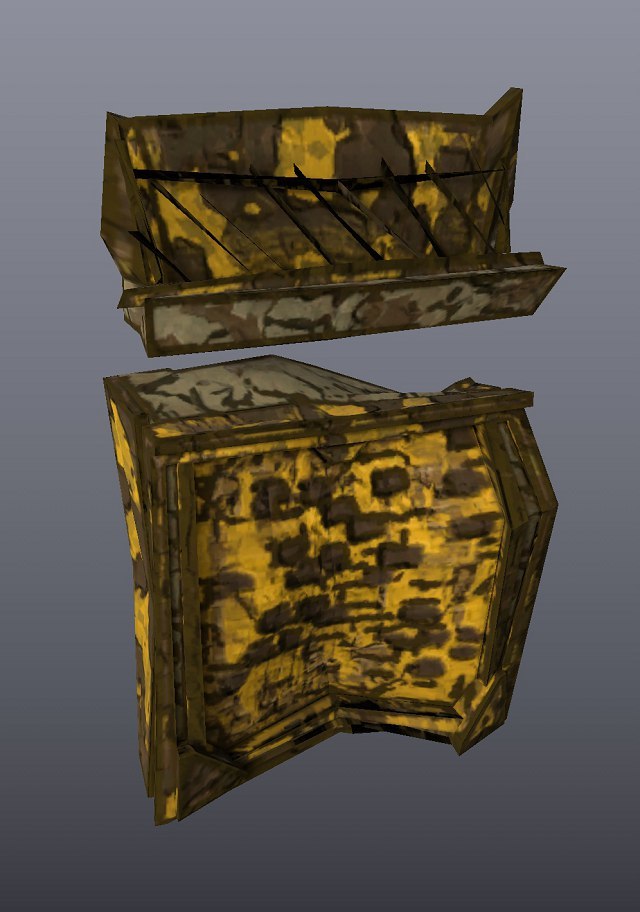
Damaged brick wall.
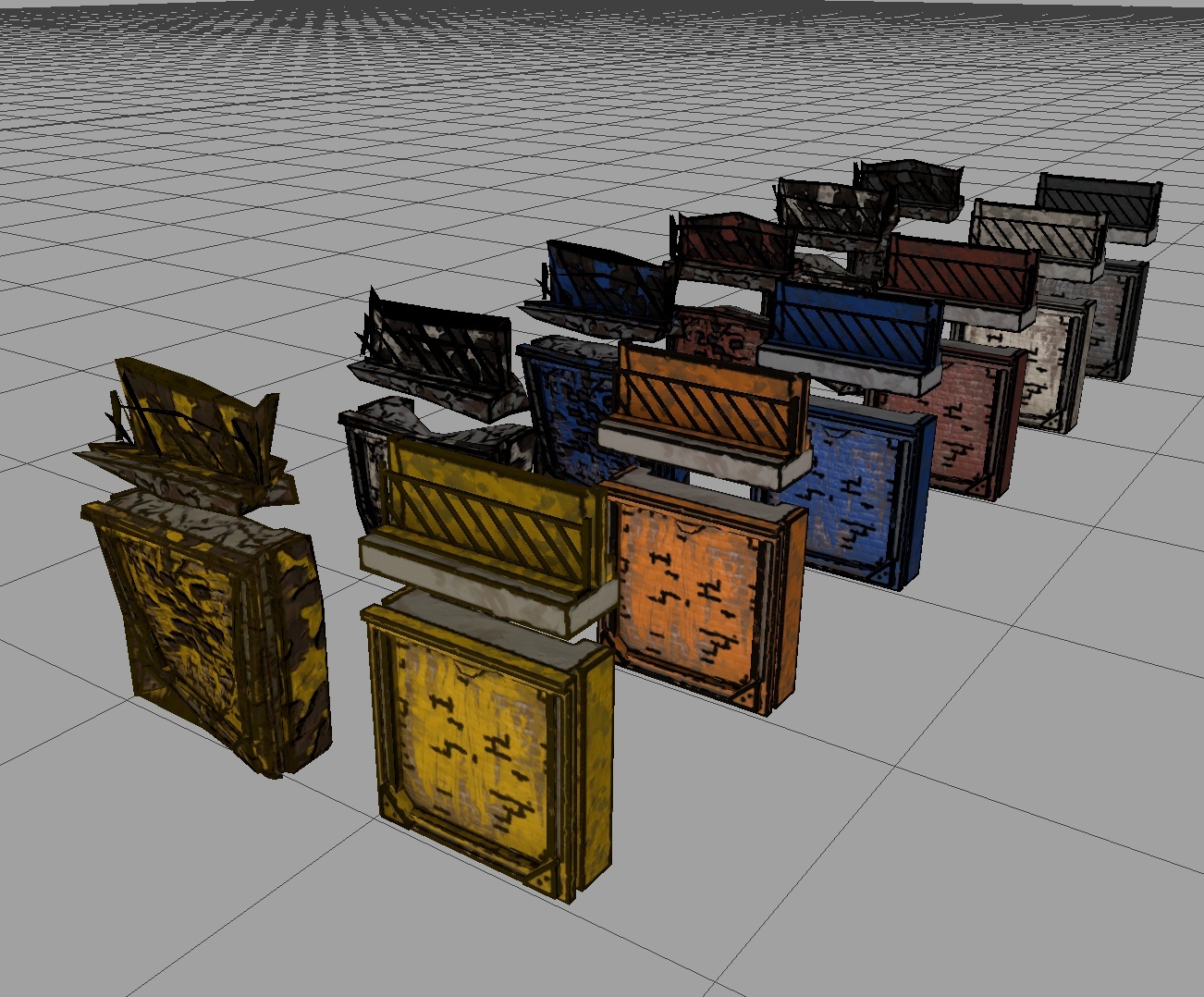
Colors of the brick wall.
Caromble! Friday #450 - No-budget Early Access Update
As Thomas D. mentioned in the previous announcement, as a team we've had a hard time due to several personal circumstances. Last October we had a major content update and released Chapter 4. We also made a new team video to update you on this Early Access adventure. Unfortunately, due to said circumstances, we never got to actually finish and release it.
We thank you for all your patience and we're happy to say that time for Caromble! is finding its way again. We were able to wrap up our update video and are happy to finally share it with you.
https://www.youtube.com/watch?v=JxzZ8yigZhE
We hope you like it and that it shows our appreciation for our community.
Chapter 5 is coming along nicely and we'll show some ingame footage in the following announcement. Stay tuned!
Happy gaming!
Crimson Owl Studios