CarX Drift Racing Online team is happy to announce, that version of the 2.19.0 is already here and we’ve prepared something really special this time.
You’ve been waiting for this for a really long time and finally this day has come: now you can add your custom maps to the game with Steam Workshop!
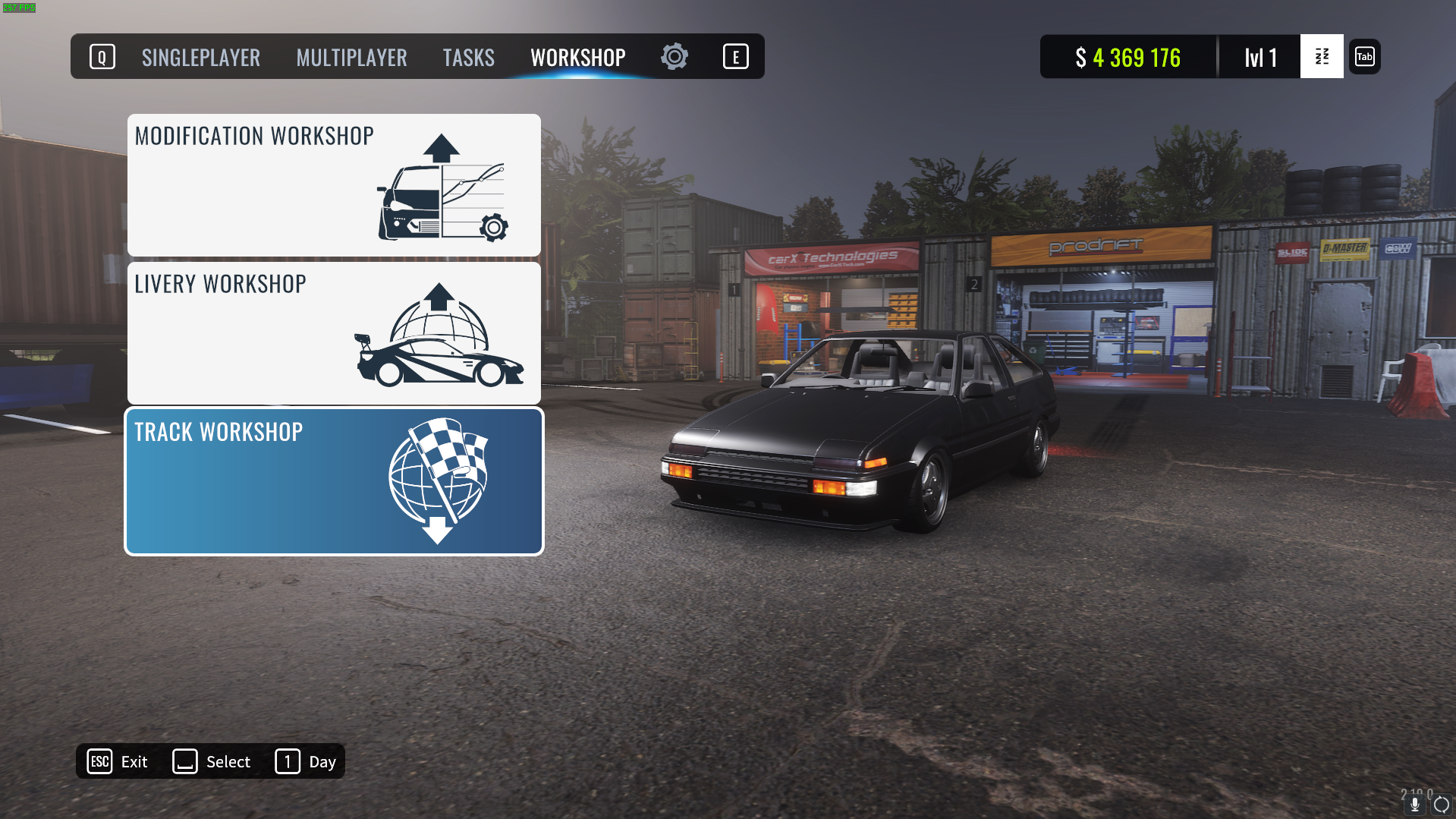
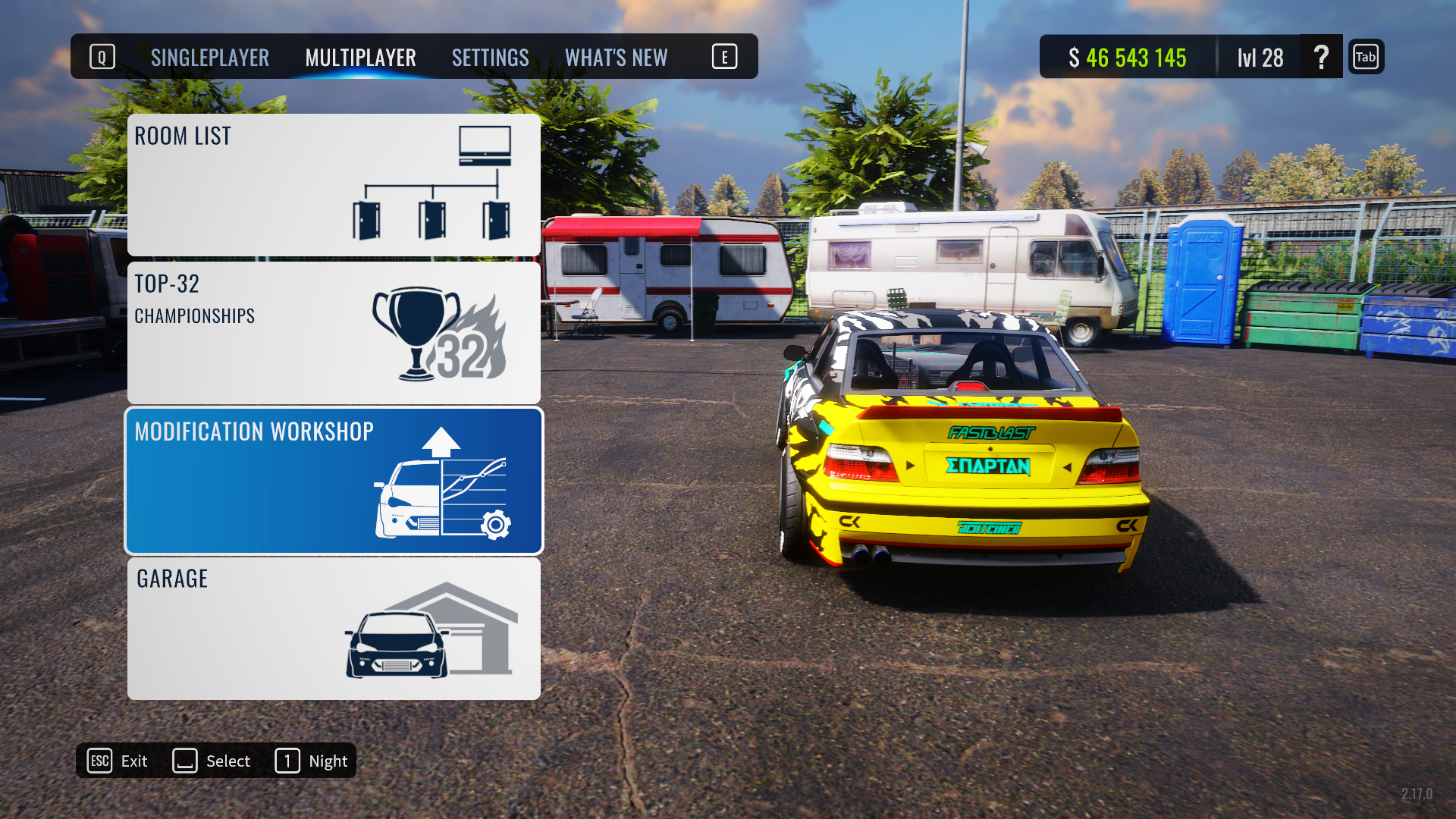
In the main menu, you can find new WORKSHOP tab where you’ll find LIVERY \ MODIFICATION and TRACK workshops. The last tab - is the place where you can find maps created by our amazing community.
As for now, we’ve added small test map, just to test this feature properly, so feel free to try it out.
We’ve also prepared a special video guide on how to add your custom map to the game for map creators
The project you’ll need to add your maps into the game is available HERE
And we’ve also added a new car (Zephyr) and new body kits: Atlas GT - ProFlow Zismo Z4 - R&T ELEGANTO - StreetX
PTR 2.19.0 v2
Patchnotes:
Optimization and bug fixes
Added to the Track Converter:
Support of "Joint","Animator","RawImage" components
New additonal component "CaptureCamera", which allows to take screenshots of cameras
PTR 2.19.0
What’s up drivers!
CarX Drift Racing Online team is happy to announce, that PTR version of the 2.19.0 is already here and we’ve prepared something really special this time.
You’ve been waiting for this for a really long time and finally this day has come: now you can add your custom maps to the game with Steam Workshop!
In the main menu, you can find new WORKSHOP tab where you’ll find LIVERY \ MODIFICATION and TRACK workshops. The last tab - is the place where you can find maps created by our amazing community.
As for now, we’ve added small test map, just to test this feature properly, so feel free to try it out.
We’ve also prepared a special video guide on how to add your custom map to the game for map creators
The project you’ll need to add your maps into the game is available HERE
And we’ve also added a new car (Zephyr) and new body kits: Atlas GT - ProFlow Zismo Z4 - R&T ELEGANTO - StreetX
Hotfix 2.18.1
Bug fixes and optimization
Update 2.18.0
Patchnotes: Intro at game launch The CarX branded video will now play at game startup
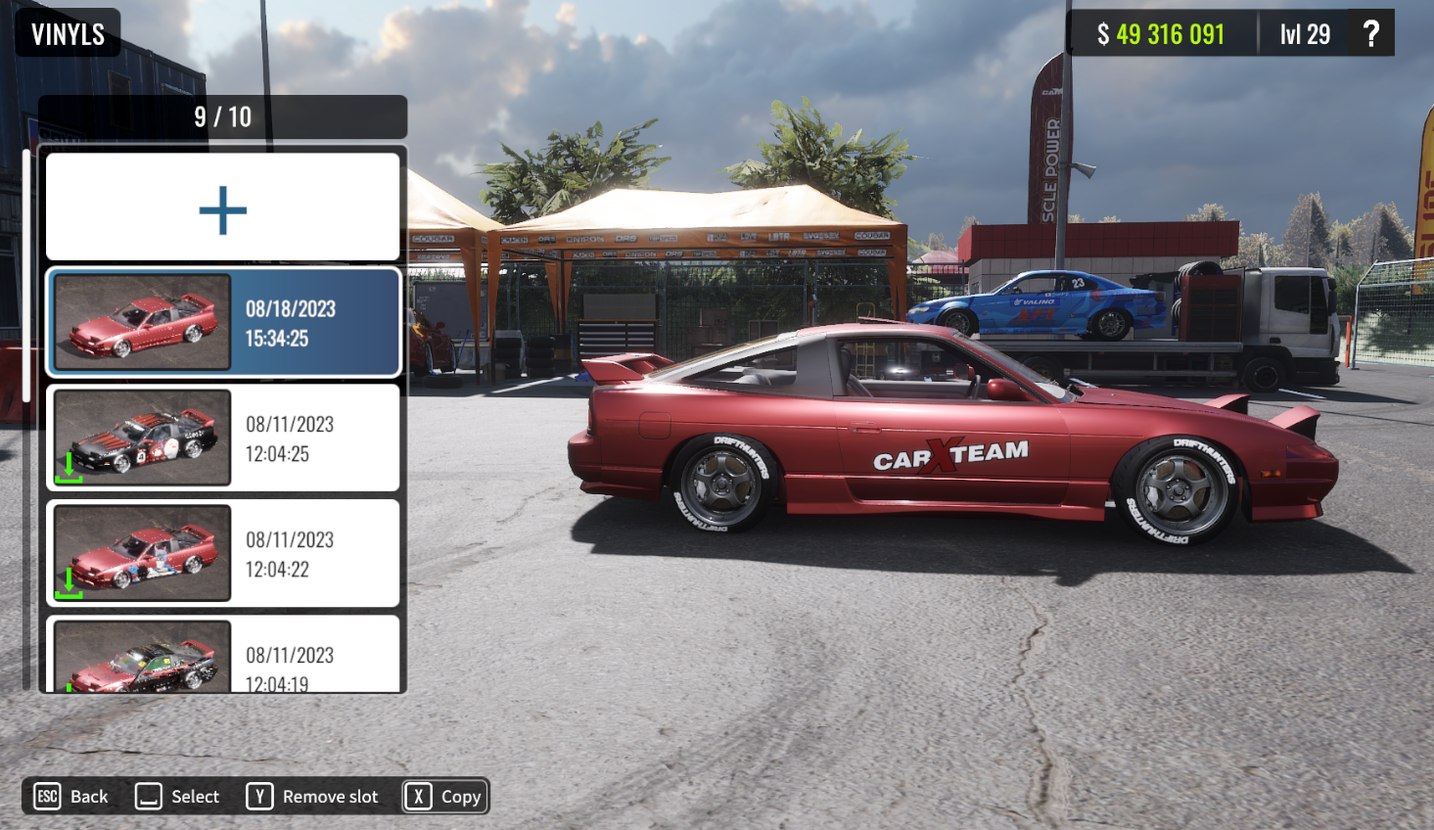
Livery Workshop section It is now possible to share your own livery in the game or upload already made livery from the community list Livery cloning
We’ve added the option to clone liveries you made, but liveries you’ve downloaded from the workshop are not available for cloning. Private livery We’ve added an option to publish your livery privately, so it won’t appear on the workshop for everybody, but it’ll be available for download by its code. Snapshots in a car showroom We’ve changed the way car previews in garage are working: since now on, snapshots of the cars will show car’s default state when entering for the first time, and any customization change will apply to snapshots also. Improvements and optimization of tracks Springstone, Kami Road, East Touge, Pacific Hills tracks were updated and improved.
Quest System In a special section, players can complete different tasks and receive rewards.
XDS configurations at San Palezzo and Kami Road tracks Zones of allowed deceleration for XDS configs on Kami Road and Red Rock tracks On some configurations there are special zones in which the deceleration of the leader in XDS mode is regulated.
StreetX for Piranha <*> StreetX for Nomand GT <*> StreetX for Asura GXR
Setting a second color for the "Chameleon" material All shades of the "chameleon" material can now be manually customized regardless of the color palette
Disabling player collision when sending a report
After sending a report against a player, his car will become transparent to the sender. First-person camera rotation
PTR 2.18.0 (v2)
Parchnote:
Livery cloning We’ve added the option to clone liveries you made, but liveries you’ve downloaded from the workshop are not available for cloning. Private livery We’ve added an option to publish your livery privately, so it won’t appear on the workshop for everybody, but it’ll be available for download by its code. Snapshots in a car showroom We’ve changed the way car previews in garage are working: since now on, snapshots of the cars will show car’s default state when entering for the first time, and any customization change will apply to snapshots also. Improvements and optimization of tracks Springstone, Kami Road, East Touge, Pacific Hills tracks were updated and improved.
PTR 2.18.0 (v1)
Intro at game launch The CarX branded video will now play at game startup
Livery Workshop section It is now possible to share your own livery in the game or upload already made livery from the community list
Quest System In a special section, players can complete different tasks and receive rewards.
XDS configurations at San Palezzo and Kami Road tracks Zones of allowed deceleration for XDS configs on Kami Road and Red Rock tracks On some configurations there are special zones in which the deceleration of the leader in XDS mode is regulated.
StreetX for Piranha <*> StreetX for Nomand GT <*> StreetX for Asura GXR
Setting a second color for the "Chameleon" material All shades of the "chameleon" material can now be manually customized regardless of the color palette
Disabling player collision when sending a report
After sending a report against a player, his car will become transparent to the sender. First-person camera rotation
Server hotfix
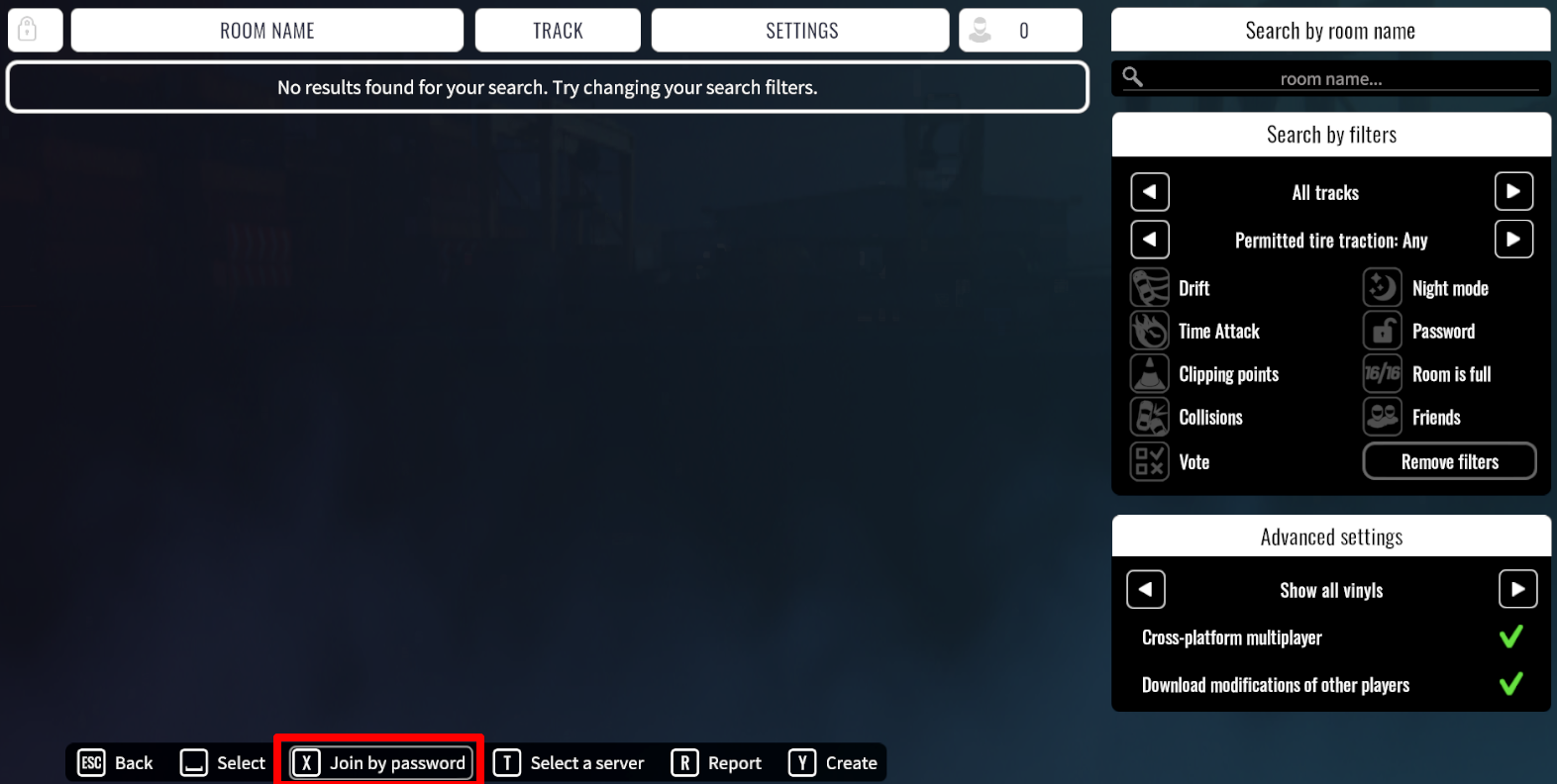
What's up drivers! As part of our plan on increasing game server's security, we've reworked player's connection to private rooms: since now on, private rooms won't be available through the overall list of online rooms. To join one, you should use "Join by the password" option.
We will continue to work on increasing security of our servers and player's lobbies and we will share information about our next steps a bit later. Thanks a lot for playing with us.
2.17.0 Update
We are happy to present CarX Drift Racing Online 2.17.0 update! And that’s what we’ve been working on for the last months.
Modification workshop.
2.17.0 brings one of the most anticipated features for the players - setups sharing. Now, you can share your custom tunes with other players!
Controller setup reworked.
We’ve significantly reworked controller settings and now CarX Drift Racing Online supports a great number of wheels, shifters and other controllers. Moza, Simcube, Simagic and many other controllers are now supported by the game. All you have to do - is to open game settings, go to controls - advanced settings and set up your controller scheme.
After that you’ll have to choose type of your controllers in the game settings - controls - devices and choose device to make feedback active (FFB or controller’s vibration) and set up your buttons.
Binding’s tab reworked.
Added option to use mouse wheel for gear change.
New XDS configurations.
New XDS configurations for Atron and L.A Block were added.
XDS deceleration zones.
We’ve added control over leader’s run speed on the following XDS configurations - ST.PETERSBURG 2, ATRON 3, SAN PALEZZO 1, L.A.BLOCK 2. In case, leader’s car will be too slow outside those zones (or even, too slow inside them) - leader will get relevant message. In case such slowdown will lead to crash - that’s going to be a leader’s fault.
New cars.
New cars were added:
Kizoku
Yakuza
Bimmy P31
Kei Truck
New DLC "Young Timers" added:
Loki 4GT
Asura GXR
Zismo Z4
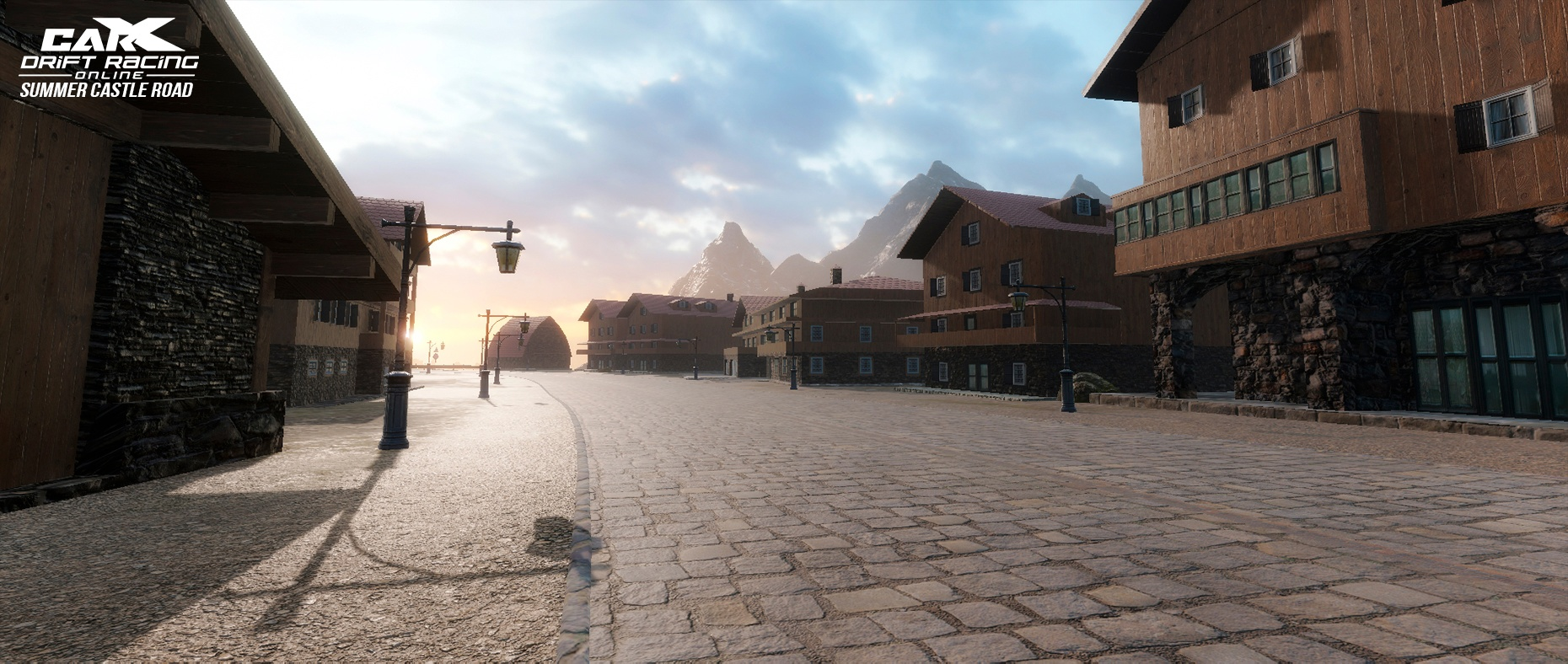
Location reworked: Castle Road Summer.
Crash sensitivity.
Sensitivity has been tweaked for XDS modes, increased for collision with location with objects and decreased for car's collisions.
Stickers.
New tire stickers are coming with this update, with some new sticker-packs
More.
Rims sorting by category updated; Garage camera settings; Bug Fixes;
Have fun!
PTR 2.17.0 (v.4)
New map Summer Castle Road.
How can you play the PTR version of the update? 1. Go to the Steam library 2. Right Click on CarX Drift Racing Online 3. Select properties 4. Go to the BETA VERSIONS tab 5. Select latest PTR version We will be very grateful for feedback containing models of steering wheels that you were or were not able to use in the game.