City Game Studio cover
City Game Studio screenshot
Linux PC Mac Steam Gog
Genre: Simulator, Strategy, Adventure, Indie

City Game Studio

Patch v1.19.0-rc4


Default version of the game, we want to make sure to have a chance to discover bugs and adjust the balancing, to give you the best game experience possible.

Access the Unstable branch on Steam by right clicking City Game Studio in your Steam library, and then select ‘Properties’. In the new window, select ‘Betas’. The Unstable branch should now be available for you to choose from.

Please leave any feedback you may have in the appropriate channel in our Discord, or in the subforum on Steam.

As always, remember to be considerate towards players not partaking in the Unstable, in case they want to avoid spoilers.

Please make sure to make backups of your save files before playing.


Changelog


Twitch

  • Viewers can help naming games
  • Viewers can help naming engines
  • Viewers can help naming remasters
  • Viewers can help naming convention centers
  • Viewers can help naming universities
  • Viewers can help naming consoles
  • Viewers can help naming the digital store

i18n

  • Add UK translations (Thanks to TheCyberAngel)
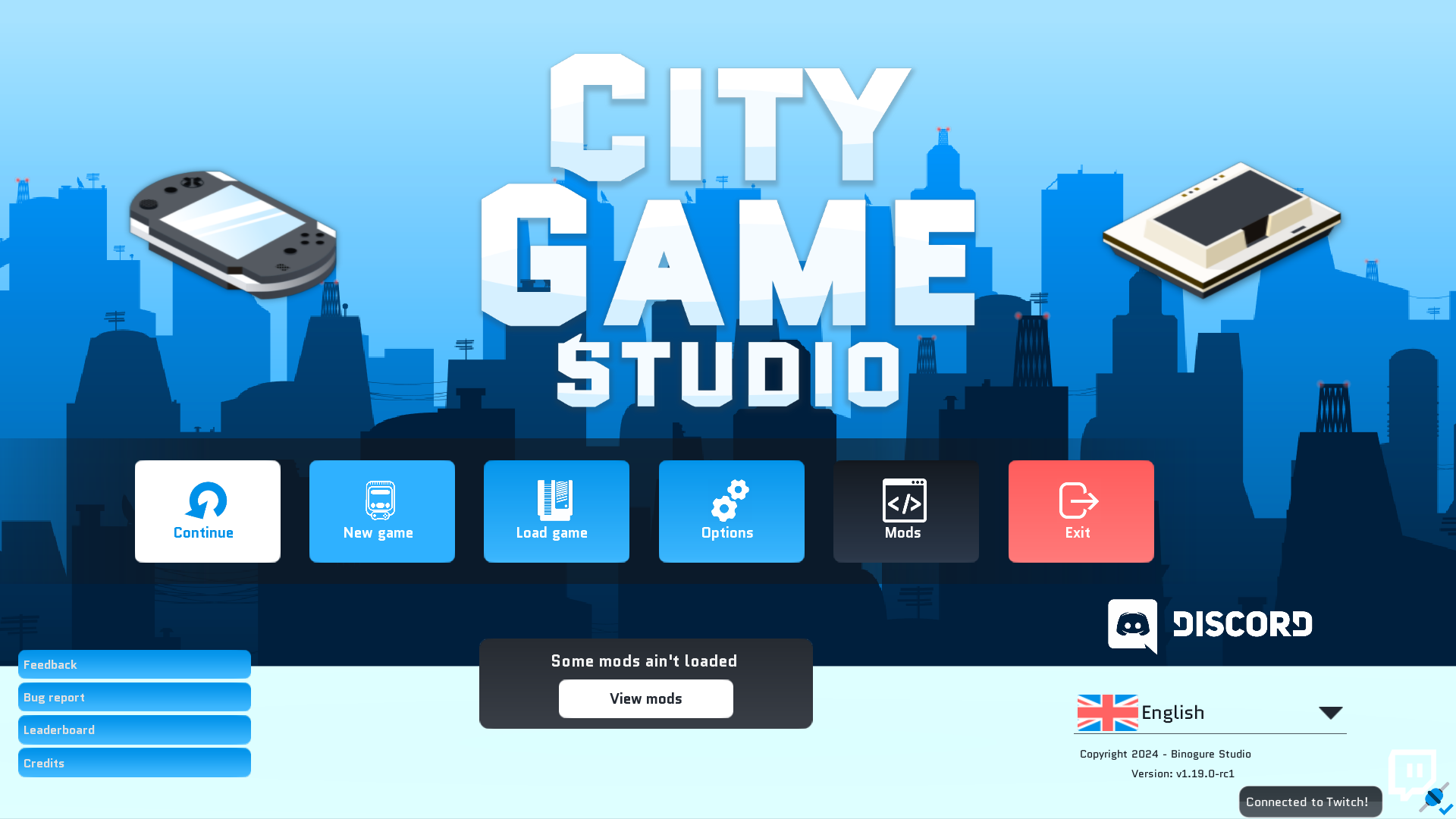
Twitch part 2

Hello all, everyone,

I'm having an incredibly busy week, but I've got time to read what you have to say.
I appreciated all the ideas you gave me in the comments to the last devlog. Besides, they're great ideas.

Now, without further ado, here's what I've been up to this week.

Twitch integration


Now it's available, but it's not finished yet. I've made a lot of improvements to the IRC client that connects to Twitch, and I think it's stable enough to be tested. If you have any comments on the Twitch integration, go ahead. For the moment, I find it very smooth, as all you have to do is enter your information and the game connects. And when you want to disconnect, you remove the information and the game disconnects itself.

Back to interactions, your viewers can now join the list of available recruits. All this happens directly in Twitch chat, no need to install an extension. By typing !help, each viewer has his or her own command. There are only a few available, and I'll be adding to them as I go along.

A few ideas include asking spectators to name things: a game, a building, a studio, a company... There's also the possibility of recruited spectators posting emojis on their heads. That should make the game a little more interactive! I'll get to all that next week, if I have time.

Other changes


I've also made a few minor fixes. I haven't yet started on the studio furnishings feature, but I plan to work on it in the coming weeks.

In any case, I thank you for your ideas, most of which will be incorporated into the game, and as always :
I'll be reading you in the comments as always!

In the meantime, I wish you a great weekend.
Xavier aka Binogure

Patch v1.19.0-rc2


Default version of the game, we want to make sure to have a chance to discover bugs and adjust the balancing, to give you the best game experience possible.

Access the Unstable branch on Steam by right clicking City Game Studio in your Steam library, and then select ‘Properties’. In the new window, select ‘Betas’. The Unstable branch should now be available for you to choose from.

Please leave any feedback you may have in the appropriate channel in our Discord, or in the subforum on Steam.

As always, remember to be considerate towards players not partaking in the Unstable, in case they want to avoid spoilers.

Please make sure to make backups of your save files before playing.


Changelog


Twitch

  • Connect to a Twitch channel
  • Disconnect from a Twitch channel
  • Viewers can type !help in the chatroom to get informations about how to interact with City Game Studio
  • Viewers can become producer, artist, tester, developper, accountant, marketing manager, networking manager or HR

Bugfix

  • Fix a bug with custom-platforms and genre overview (not impacting the gameplay)

i18n

  • Improve CS translations (Thanks to MasterStudioCZ)

Twitch please!


Hello there!

Many thanks for reading as you do every week. I try to be a little more concise and efficient every time!
So no jokes just information about what's coming up.

Over the past few days, I've been working on some fixes, and adding the hidden possibility of setting City Game Studio to borderless mode. A mode that works in windowed or full-screen mode.

However, this week I also started to tackle the meaty part of the next update!
A big chunk of code to write, which will take me several weeks.
Right now, City Game Studio is able to authenticate to Twitch's chatroom (via a rather neat IRC client), and I've also put up a web page to retrieve the authentication token.
Here's the link, but please note that the link alone doesn't connect City Game Studio to Twitch.
Once you click on the authentication button from within the game, this web page will open. If you open it in your browser, you won't see much of interest.

To sum up, today the IRC client in City Game Studio already connects to the twitch IRC server, but it's disabled. The reason is simple: it hasn't been sufficiently tested to be activated yet.

Meanwhile, the following commands will be available via the Twitch chatroom.
  • !developer: You become a potential developer for the streamer to hire.
  • !accountant: You become a potential accountant for the streamer to hire.
  • !network_administrator: You become a potential network administrator that the streamer can hire.
  • !marketing_manager: You become a potential marketing manager for the streamer to hire.
  • !human_resource: You become a potential HR that the streamer can hire.
  • !producer: You become a potential producer for the streamer to hire.
  • !game: You can suggest a game name.


Having created these commands fairly quickly, I still have a lot of work to do before I can really integrate them into City Game Studio.
Nevertheless, I'm open to suggestions. Any ideas for commands? Any outlandish ones?
As always, I look forward to hearing from you in the comments!

I wish you all a great weekend.
Xavier aka Binogure

Patch v1.19.0-rc1


Default version of the game, we want to make sure to have a chance to discover bugs and adjust the balancing, to give you the best game experience possible.

Access the Unstable branch on Steam by right clicking City Game Studio in your Steam library, and then select ‘Properties’. In the new window, select ‘Betas’. The Unstable branch should now be available for you to choose from.

Please leave any feedback you may have in the appropriate channel in our Discord, or in the subforum on Steam.

As always, remember to be considerate towards players not partaking in the Unstable, in case they want to avoid spoilers.

Please make sure to make backups of your save files before playing.


Changelog


Misc

  • Add borderless window option (only by adding `borderless_window=true` to the `configuration.cfg.local` file)

Bugfix

  • When gaining/losing fanbases via events (from vanilla or mods), you won't be able to make the game imba anymore.
  • When renaming a convention, attendance changes

Work In Progress

  • Twitch Commander: the code is here, lurking in the shadows, waiting for the opportunity to strike.... [2024/04/26 - Pwa]

The next update is on its way


Hello All!

I hope this announcement finds you in good health! Can an announcement tell the difference between a healthy person and another? Can an announcement find people?
This catchphrase isn't going as planned.

OK, now to City Game Studio this time, I'm very pleased with the response to the new update.
Many of you have left reviews on Steam, and it definitely helps me tremendously by posting reviews of City Game Studio and even my other games too for that matter.
There were patches that brought us to v1.18.3.

Since that update, I've been collecting your comments and feedback, so I've started work on the next update.
As usual, a first version of the next update is already available on Steam's unstable branch. It contains fixes and optimizations as well as a couple of additions.

So what's in Santa's bag for v1.19.0?
We're going to rework studio management and furnishings in particular. I'm not going to be more specific on that front, but I'll keep a few surprises in store for you.

In terms of interface, I'm going to add some useful information to the studio list (bottom left), so that you'll know if a studio is unhappy or not working.

I'm thinking of adding one last point: integration with Twitch. Allowing the streamer to rename employees according to who's in the chat room. By the way, if you have any suggestions for this part, let me know in the comments, and I'll be sure to read them!

That's all for today.
Xavier aka Binogure

Patch v1.19.0-rc0


Default version of the game, we want to make sure to have a chance to discover bugs and adjust the balancing, to give you the best game experience possible.

Access the Unstable branch on Steam by right clicking City Game Studio in your Steam library, and then select ‘Properties’. In the new window, select ‘Betas’. The Unstable branch should now be available for you to choose from.

Please leave any feedback you may have in the appropriate channel in our Discord, or in the subforum on Steam.

As always, remember to be considerate towards players not partaking in the Unstable, in case they want to avoid spoilers.

Please make sure to make backups of your save files before playing.


Changelog


Misc

  • Add 14 new logos for your company

Optimization

  • Creating games with a lot of employees, over 1000 makes the game feels laggy

Minigame

  • DDos protection: Can press enter or space to simulate a click (first click on the button you want to press)

Bugfix

  • When unlocking a game engine feature it always says it's a design feature
  • Logos on the city might be too big
  • Logos in the studio can be cut if they are imported
  • Demolish a building (convention center or university) doesn't reset its land price
  • Universities and convention centre ain't taken into account to the company value

Custom platform fixes

Hey folks,

Today I'm pleased to announce the release of v1.18.3.
Many fixes, especially for console creation.

Well, first off, console creation could cause the game to crash. I'm very sorry about this bug, but it's now fixed.

Yet another change: creating portable consoles was easy, turning them into a profitable business was mission impossible. Because the game rated portable consoles too harshly. This part of the algorithm has been revised to make it easier for everyone to create portable consoles.

In addition, the magazine that rates your console will still display a score for the graphics part if your console has graphics capabilities, to help you better understand the rating of certain consoles, notably when there is no graphics card.

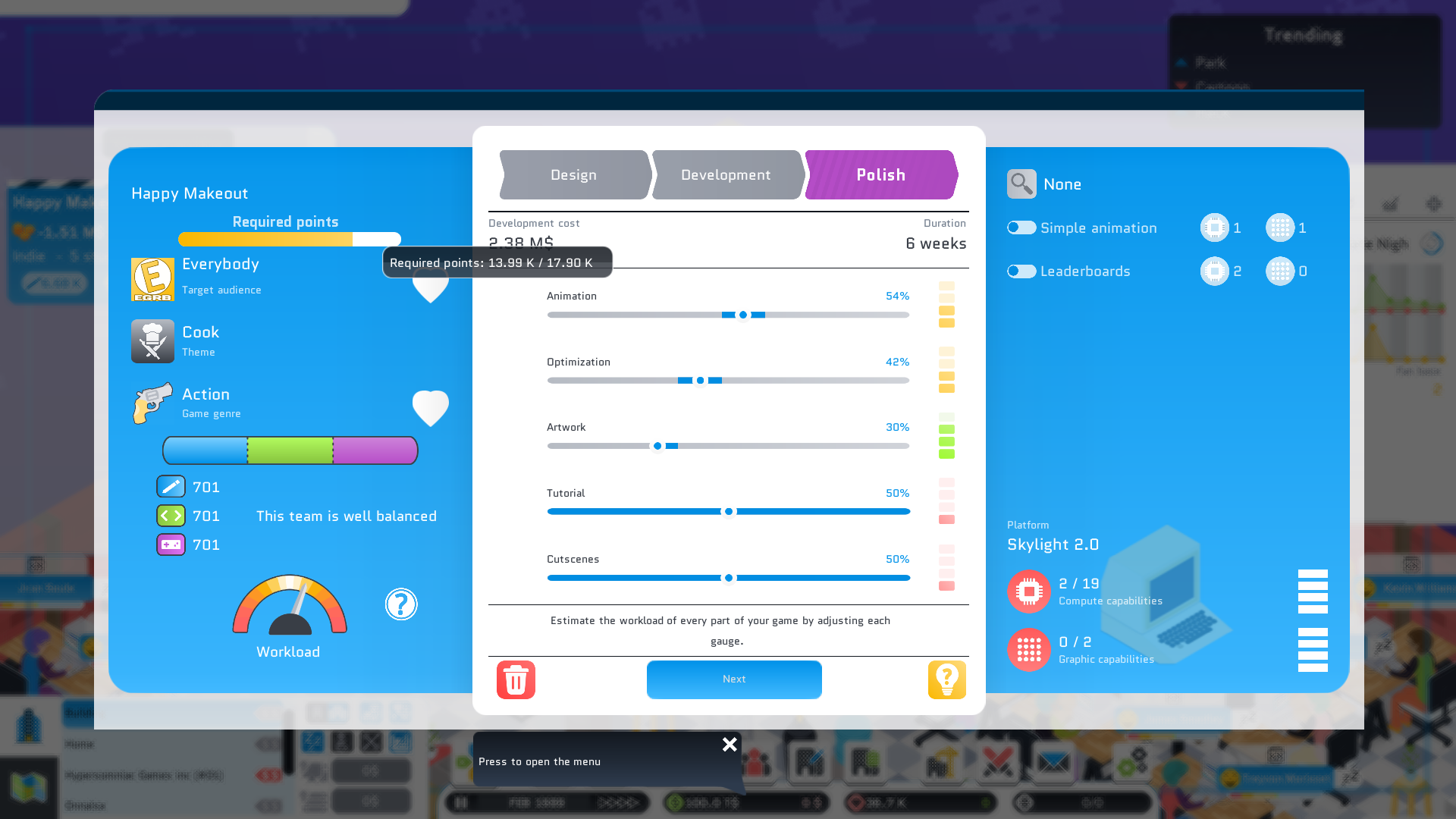
Regarding game creation, it has been pointed out to me that the number of points required in the various game creation panels should be shown at every stage of game creation.

Finally, notifications. From now on, new components will be announced twice a year. This considerably reduces the number of notifications. Furthermore, notifications will no longer be sent out when you purchase a console license, as this information is already available in the game creation panel, making the notification redundant.

That's all for today.
Enjoy the game
Xavier aka Binogure

Changelog


UI

  • Marketing panel was out of screen when using mod on very low resolution

Console creation

  • Handheld consoles are imba, it's almost impossible to make a good handheld console in the early 80s, and quite hard afterwards.
  • Magazine reviews now show the GPU score if the console has PGU capacities (for handheld console before 1990)
  • While releasing a console, the game might crash

Game creation

  • Add the required number of opint when making a game with a producer

Notifications

  • Remove notification when you buy a platform
  • Group the custom platforms component notification


Upcoming games


https://store.steampowered.com/app/1810050/Fortune_Avenue/

Bugfixes

Hello everyone!

Just like every update, many of you are coming back and giving me feedback. But as with every update, I'm introducing a small bug just to see if you're keeping up.
I'm sorry for Mac gamers who had the terrible experience of not being able to create multiple games - the game creation panel was all white.
I had to rework all the game panels to fix the bug, which was a poorly referenced nested scene. This should now be corrected.

Other bugs have been corrected concerning consoles, namely the console creation panel inverted the computing power with the graphic power. The reviews also had a little bug saying that consoles were Internet-compatible as early as 1970, amazing isn't it?

The Italian translations have been improved by frankieorabona, thanks to him!

Thank you for playing City Game Studio in such large numbers, and thank you for your valuable feedback.
Feel free to join the discord server to make things go even faster.

Have a good weekend!
Xavier aka Binogure

Chanlog


Custom platform

  • CPU and GPU was inverted from the creation panel
  • When releasing a console (under 8th gen), it always says the console is internet capable

UI

  • Fix an issue with the close button of some panels

MacOS

  • Cannot make more than one game, the game creation is blank

i18n

  • Improve italian translations (thanks to frankieorabona)

The changes that were missing


Hello everyone!

It's been three months since the last update.
And you know how much you can do in that time?
Let me tell you.

Magazines


To date, magazine reviews and websites have been used to show game scores and sometimes useful feedback. However, the idea behind these magazines is to provide useful feedback prior to making a game report.
That's why the magazines have been redesigned. More vibrant colors, and punchlines that adjust automatically. The fifth magazine gives useful information on the game you've just produced and on each of the gauges. In this way, you can find out which gauges are in the right place, and which need adjusting.

Game creation


The development costs involved in creating a game are now displayed directly on the game creation page. Hover your mouse over them for more information.
Until you assign a producer, the number of points required to create a new quality game is now hidden. What's more, producers specialize in a particular type of game, and they'll give you clues to that type of game. Not to mention that if you make a game whose genre is the producer's specialty, then the productivity bonus will be doubled.

Console creation


We're now getting to the heart of this update. It's easier and more enjoyable than ever before to create a console. Henceforth, to create a console, you'll need to select a manufacturer. This manufacturer is in charge of assembling the console, and therefore of its final quality. Making a good-quality console will cost more, but a console that costs nothing to produce won't necessarily need a quality manufacturer, and will therefore cost less.

The quality of a console impacts directly on the return rate. And when a console is returned, it costs you the price of a whole console. So, to help you set the right price, a selling price will be indicated in the game, which you are free to follow or not. Obviously, too high a price means zero sales, while too low a price means bankruptcy, but high sales.
When you publish your console, a specialized magazine gives you feedback on it. In this way, the magazine can tell you whether the console's graphics and calculation capabilities are sufficient, or whether it lacks power. The whole thing remains simple, but I hope it will add to the immersion, especially as this magazine rates the console. And this rating influences the sales of your console.
Other changes include the ability to see what game genres match your console before you create it. Games can also be created before your console is ready, but this is nothing compared to the changes in the console sales algorithm. As soon as your console starts to sell a little, more and more games will be published on it. And reaching 15% market share is feasible without micromanagement.

Notifications


I know that the game tends to send you too many notifications. So I've taken the time to rework some of them. No more notifications when you announce a game, the information is visible directly on the game. I know that conventions also tend to send a lot of notifications, and now that's over. Conventions will no longer send notifications instead, they'll be displayed directly in-game via a little red bubble. I'm aware that there's still some work to be done on this front, but that's for the next update.

The interface and fixes


A few years ago, employee capabilities were reviewed. Stars were replaced by circles. I thought it was better, but you told me you preferred the stars. And you know what, we're back on stars again, but prettier. The colors of the stars correspond to the different stages of development.

There are other visual changes, but I'd rather talk about fixes because they're numerous and important. The first is the Game Of The Year bug, which allowed players or competitors to win Game Of The Year more than once with the same game. Another visual bug concerned employees going on vacation for a micro-second, now fixed.

In this post, I've tried to cover all the changes, but there are too many, so I've only covered the most important ones. I strongly urge you to launch the game and have fun discovering what's new.

Enjoy the game!
Xavier aka Binogure

Upcoming game


https://store.steampowered.com/app/1810050/Fortune_Avenue/