

Coloring Game
Coloring Game: Studio is available in Early Access
https://store.steampowered.com/app/2231040/Coloring_Game_Studio/
https://store.steampowered.com/news/app/2231040/view/3660917344828721029
Announcement of Coloring Game: Studio
The game will be premium (not free).
https://store.steampowered.com/app/2231040/Coloring_Game_Studio/
In the meantime, we are waiting for the release of Coloring Game: Studio, you can play Elle Demo.
https://store.steampowered.com/app/2291410/
https://store.steampowered.com/app/937930/Elle/
Update 2.4.4
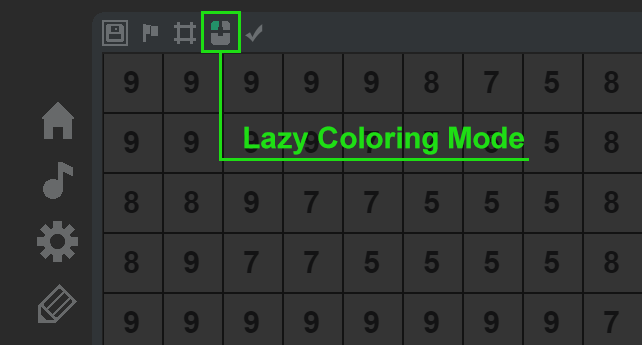
Update 2.4.3
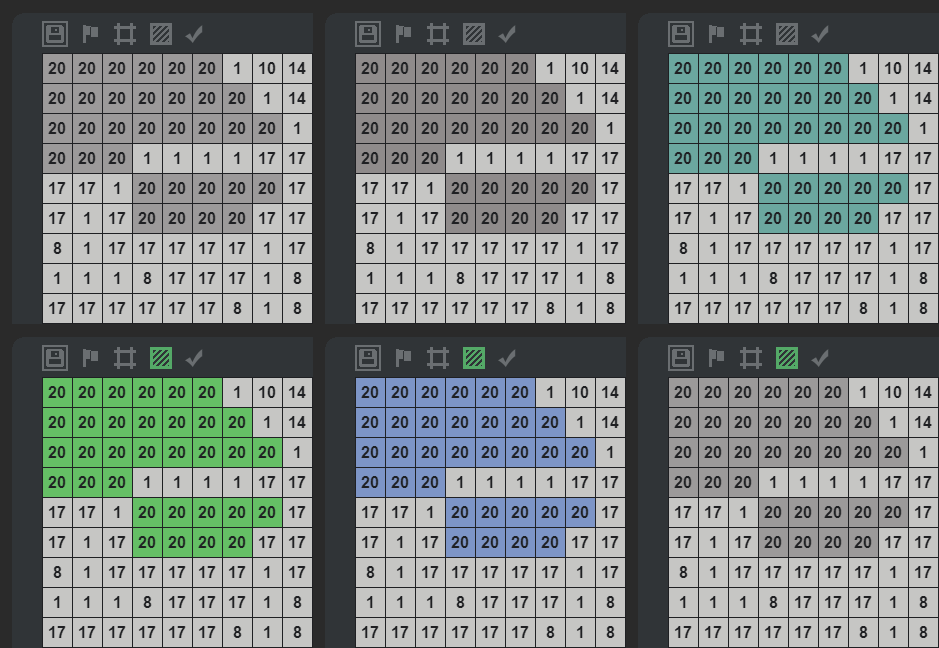
- Increased window size in windowed mode;
- Minor bugs fixed.
Обновление 2.4.2
This update features:
- autosave on/off button;
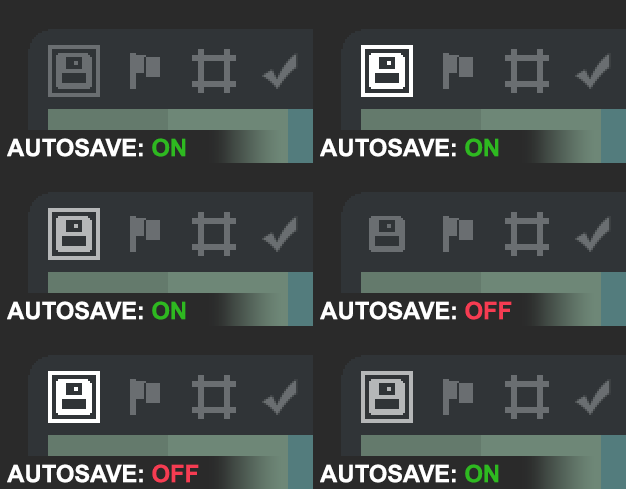
- The interaction between the users with screens of different resolutions has been improved. Now you don’t have to include your screen’s resolution in the settings file (config.json). Besides, the number of resolutions available for the window mode has increased.
Note: the settings file doesn’t have "auto_save" field anymore since the earlier updates have provided the opportunity to use this option through the game interface.
- For two years I studied the screen flickering problem that appeared when playing on graphic tablets. In the course of a comprehensive testing, the cause of the flickering has been identified, and a new app operation mode has been added. To use a graphic tablet, it is required to select the tablet coloring mode in the resolution selection menu.

Update 2.4 + Announcement: CG4
The game’s progress saving system has been revised, and the following new features have been added:
- data compression;
- file integrity verification;
- duplicate saving files. The system is now going to store the second-to-last saving. In case the latest saving is damaged, the game will load the previous saving automatically. This improves the overall system reliability and helps minimize progress loss in case of a failure.
The panel for running image/animation scaling has been added. Previously the animation scaling option did not exist.

The opportunity to control the scrollbar visualization has been added.

Coloring Game’s fans will be able to play the franchise’s last part very soon.
https://store.steampowered.com/app/1554790/Coloring_Game_4/
Update 2.3
- Added new cell scale 1.5x
- Now it is possible to switch between display modes of the number of pixels filled/not filled.
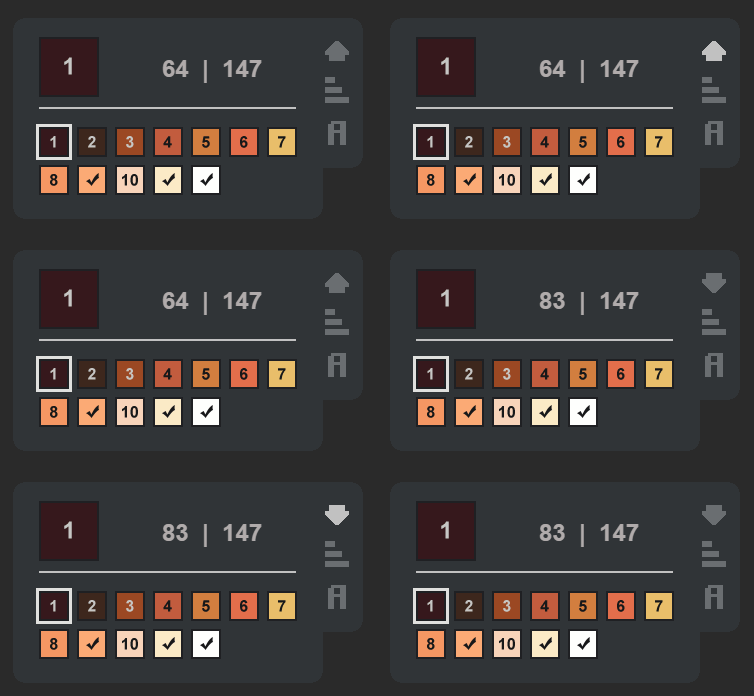
- Color completion indicator.

- Added a mode for displaying data by the current color at the top of the panel.

- If the save file is broken and you cannot start the level, it is now possible to delete the save from the main menu by pressing F3.
You may have missed the Coloring Game 3 DLCs release.
https://store.steampowered.com/app/1362601/Coloring_Game_3__Video_Game_No_1/
https://store.steampowered.com/app/1362600/Coloring_Game_3__Season_Pass/
Update 2.0 + Coloring Game 2 Release
Update 2.0
After the update 2.0 is released, all the new features which were introduced in the Coloring Game 2 will become available in the Coloring Game.
Coloring Game 2 Release
You now have access to 15 new images.
https://store.steampowered.com/app/1216200/Coloring_Game_2/
Great New Year Announcement

https://store.steampowered.com/app/1216200/Coloring_Game_2/
The free Coloring Game 2 is going to be released on January 10.
The DLC which will feature the option of loading user images is currently a work in progress. The release is scheduled for the second half of February.
The price of the DLC will be $4.99.
In January the Coloring Game: Pixel will be complemented with a free update containing 10 new images.
https://store.steampowered.com/app/1173830/Coloring_Game_Pixel/
Sign up for the developer’s group so you don’t miss the release of new games!
Update 1.4.1
- I don’t want to color large images, and Joe is working too slowly. What can I do?
- Now Joe’s efficiency depends on the number of the DLCs you have installed.
- 1 DLC +10%
- 2 DLCs +30%
- 3 DLCs +60%
- 4 DLCs +100%
- 5 DLCs +150%