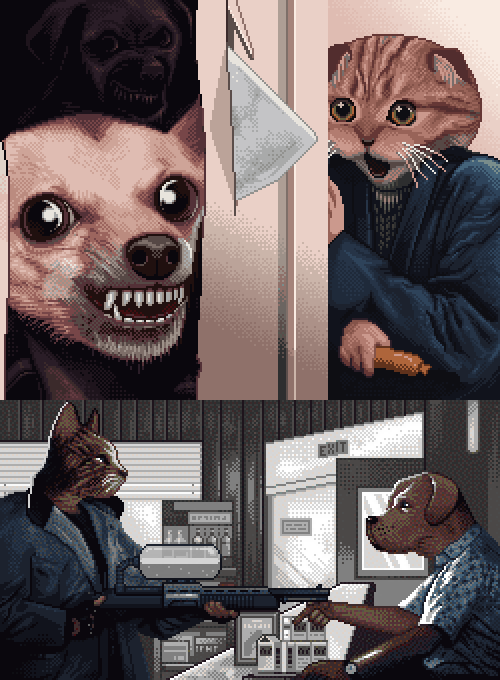
Since the previous DLC was released, I’ve received numerous requests to complement the next one with more images of Mike and Emma. I’ve decided to create a whole new DLC called “The Family”.
This is the first theme-based DLC for the Coloring Game which is fully dedicated to a single family.
The DLC is going to be released on June 21.
It will include 30 images. The total size of all the images will be over 1,700,000px.
Unfortunately, we won’t be able to prepare the whole package till June 21 (due to a big number of large images), and that is why the release is going to be divided into 3 stages:
June 21 – release of the first 25 images (~720,000px).
July 3 – addition of another 3 400x400 images (480,000px).
July 12 – addition of the last 2 500x500 images (500,000px).
The base price of the DLC is $7.99. The players who are already in possession of the previous DLCs will be able to purchase the new one with a 20% discount (a corresponding bundle is going to be offered).
In light of all the latest news, the EP2 release is postponed for July (the approximate release date is July 26). EP2 will most likely be the last DLC for the Coloring Game.
Updated information on the Trading Cards. Unfortunately, in order for them to be added, the free game should feature either in-game purchases or items. Besides, to obtain trading cards in the free game, players would have to spend not less than $9. That is why the addition of Trading Cards has been canceled.
Update 1.3.0
In this update the following options have been added:
Hints system: H key. Highlighting of uncolored pixels on the minimap.
Opportunity to draw lines at an arbitrary angle: Ctrl + the left mouse button.
Disabled display of the pixels on the minimap once they are colored.
Automatic color switch after the completion of the current color in the full-screen workspace mode.
The buttons have been added which duplicate several of the functions that feature in the game with the update 1.2.0.
From now on the save indicator can be disabled. To do this, go to the file config.json and substitute the line "save_indicator":true with "save_indicator":false.
Trading cards are going to be added on June18 simultaneously with the release of the third DLC.
UPD: Trading cards will not be. Trading cards are canceled. For paid DLСs players can not get cards. ːsteamsadː
Hot news!
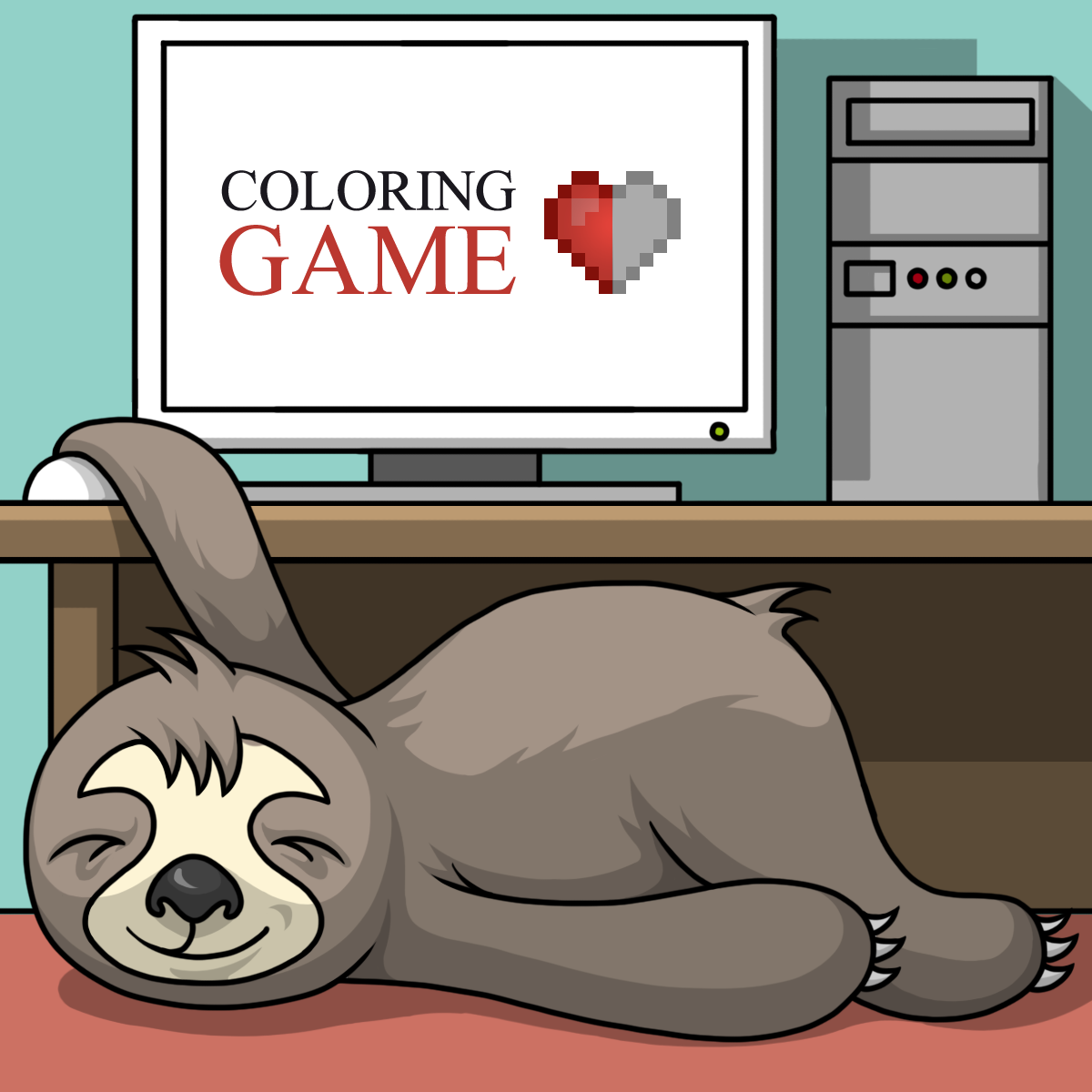
Our secret laboratory has bred a cute animal which is to become your assistant – Joe, the three-toed sloth. Currently Joe is undergoing the preparatory training.
In case for some reason you need assistance in coloring the image, Joe will always be there to help you.
Joe’s skills:
four coloring modes;
the coloring speed is 3-4 times lower than that of an average player.
Joe is going to be added in the update 1.4.0 which is planned to be released in the first half of July.
I’ve received numerous requests to make a small and low-cost DLC for the game. Though I initially didn’t plan to develop such a DLC, I’ve eventually decided to release a “Mini Pack”. Unless some unforeseen circumstances take place, the DLC will be released on May 31 (UPD).
The DLC is going to contain 20 original levels. The total size of all the images will be 340,000px, which is one and a half times more than the base game and three times less than EP1.
The “Mini Pack” will delight not only the loyal fans of the game who are waiting for EP2 but also those users who enjoy playing but don’t like coloring large images.
The base price of the game is $1.99 but I’m happy to offer a 15% discount on the occasion of the game release.
As with EP1, before purchasing the DLC you’ll be able to preview its contents.
A new level 30 has been added to the DLC. It is two times larger than the one which has been lost (330,000 vs. 160,000). ːsteamhappyː
The update includes:
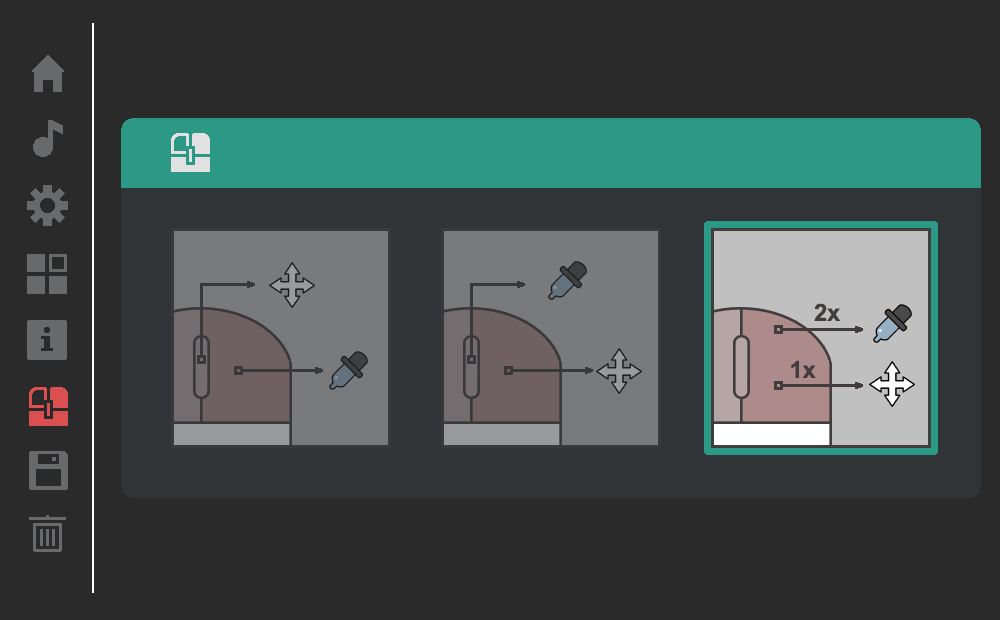
Workspace scrolling by moving the mouse while holding a button. Three options for programming the buttons are available.
I recommend the third option:
hold the right mouse button and move the mouse to perform scrolling;
double click on the right mouse button to select the color.
Full screen workspace mode has been added (removes the right side panels). F key.
Size setting for the right side panels. P key.
Color selection by number by using number keys. For selecting double-digit colors, hold the Shift key and use the number keys.
I have introduced restrictions on the preview window update for large images (>= 50,000). From now on an image will be updated only after at least 10px are colored. Fine tuning of the preview windows will be added in the update 1.3.0.
The update 1.3.0 is going to be released in the first half of June. It will feature new tools for comfortable playing.
F.A.Q.
How many DLCs are going to be released?
- I initially planned to make four commercial DLCs: three DLCs with images and one workshop. The first two DLCs are sure to be released while the creation of the third and the fourth one depends on the sales of the first two DLCs.
The game development is not a hobby for us but the main source of income. Our development team consists of two full-time office employees. Therefore, the decision concerning the release of DLCs is always taken on the basis of economic viability.
- What’s coming next?
- Notwithstanding the commercial outcome of the first CG, Coloring Game 2 is going to be released in August (with the free base game).
Unfortunately, there is a small hiccup with the last level. ːsteamsadː Due to technical problems, one (almost finished) image has been lost (400x400px) since I didn’t have enough time to make a backup copy.
However, my bad news always come together with some good ones, so on May 17, along with the update 1.2.0, level 30 is going to be added. The new image will have 90.000px more than the previous one (500x500px) and will definitely be much better.
If you have faced game problems due to the earlier updates, please consult the following information note.
Hot news on the DLC
The last three updates have made me postpone the work on the DLC for a much longer period of time than initially planned.
I hope that the community will forgive me for putting the release date off again. After all, the players have undergone a course of art therapy ːsteamhappyː
I know that this is already the third postponement of the DLC release, and you are probably on the verge of stoning me. The resolution of the app performance problems was a priority for me, and all this time I‘ve been preparing the long-awaited Update 1.1.2 in which the critical memory leak error has been fixed. Now I can finally concentrate on bringing the first commercial DLC to perfection.
You may rest assured that the DLC will be released on May 10.
Meanwhile let me show to you several cat images from the upcoming DLC.
During the three weeks that have passed since the game release I’ve been constantly receiving complaints on the game performance. Unfortunately, all the attempts to fix the problem have failed, and no update has helped improve the game performance, despite the fact that this was a priority task for me.
I came back to the problem after the update 1.1.1 was released. Four days of a rather hard work produced a positive result – I’ve managed to identify the root of the problem and to fix it.
It turned out that the game performance was undermined by a third-party library which used to cause memory leak and, consequently, occasional app collapses.
In this update I have:
fixed the memory leak error;
performed the code refactoring which will additionally improve the app performance;
done so that the coloring mode won’t be cancelled anymore in case the cursor is moved outside the workspace.
Update 1.1.1 + 55,000px
5 new levels to the base game.
Update 1.1.0
Improved game performance.
Five times faster color selection for a large number of elements.
Smooth scrolling of the workspace with the use of WASD/Arrows. The Shift key will speed the scrolling up threefold.
Ctr + WASD/Arrows will scroll the workspace for its entire width/height.
On April 27 the update 1.1.1 is going to be released. It will feature 5 new images for the base game.
Finally, I’m going to get down to the update 1.2.0 after the DLC is released.
The update 1.2.0 will include:
Scrolling of the workspace by holding a mouse button (similar to the Spacebar function + the mouse movement in Photoshop).