Version 0.23: Unity Upgrade, Steam Workshop Support, Full Tutorial!
Hello everyone!
After a long break, I am pleased to inform you that the development of the game continues and a new version has been released!ːsteamhappyː Now let's talk about the main changes and future plans.
Engine Upgrade
First of all, it is worth noting that the engine was updated from Unity 4 to Unity 5 (yes, yes, this is the century of dinosaursːsteamfacepalmː, but the project started a long time ago on Unity 4). The upgrade took a lot of time, graphics moving passed with song and dance, some items could not be configured properly. On the other hand, the game began to look somewhat better, so the upgrade was worth it.
The physics engine also delivered a lot of trouble, I had to rewrite some functions of the main scripts, and set up physics in a new way, since Unity 5 uses the PhysX3.3 instead of PhysX2. And yes, it will improve the behavior of models on scene.
In addition, I had a hard time with the sounds, interface, and many other little things.
What has become the leading cause of Unity update? Steam Workshop!
Steam Workshop
Yes, workshop support is running. Everything happens in a simple way: You can send any saved model to the workshop with just one button in the menu. You can pick the angle for the thumbnail, and screenshots and videos can be added directly in the workshop itself.
Downloading other player models is also easy: subscribe to an item, click refresh button in the main menu and load the model! You don’t even need to close the game.
This is the first version of our workshop, I will improve it according to the players feedback =)
https://www.youtube.com/watch?v=aEkPpw29uXQ
Tutorial
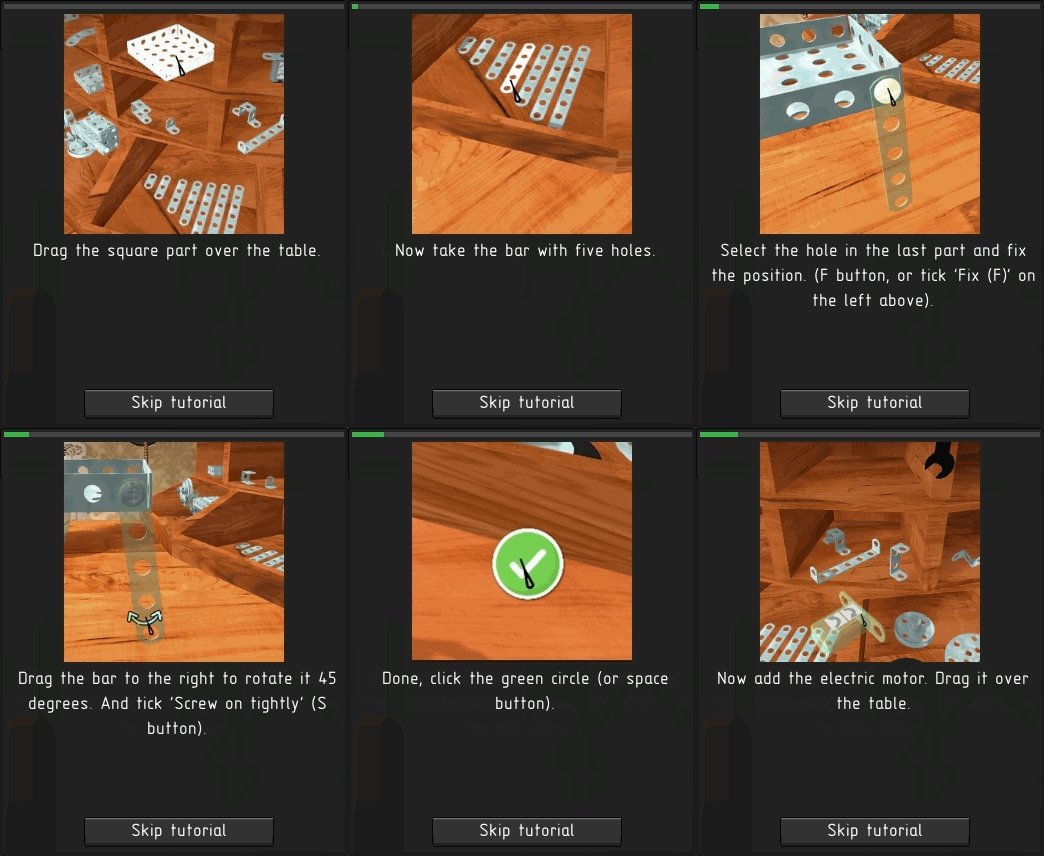
According to the players feedback I added full tutorial to the game. You will build your first model in stages and you will be able to drive it! Each step is accompanied by animation, all tutorial will take you no more than 10 minutes.
New rounds
Listening to councils of beta-testers, I added a gradual increased complexity. In the first round, you only need to get to the finish line, in the second round take down three flags. Then obstacles will be added. Now 15 rounds with new obstacles!
Model description and rename
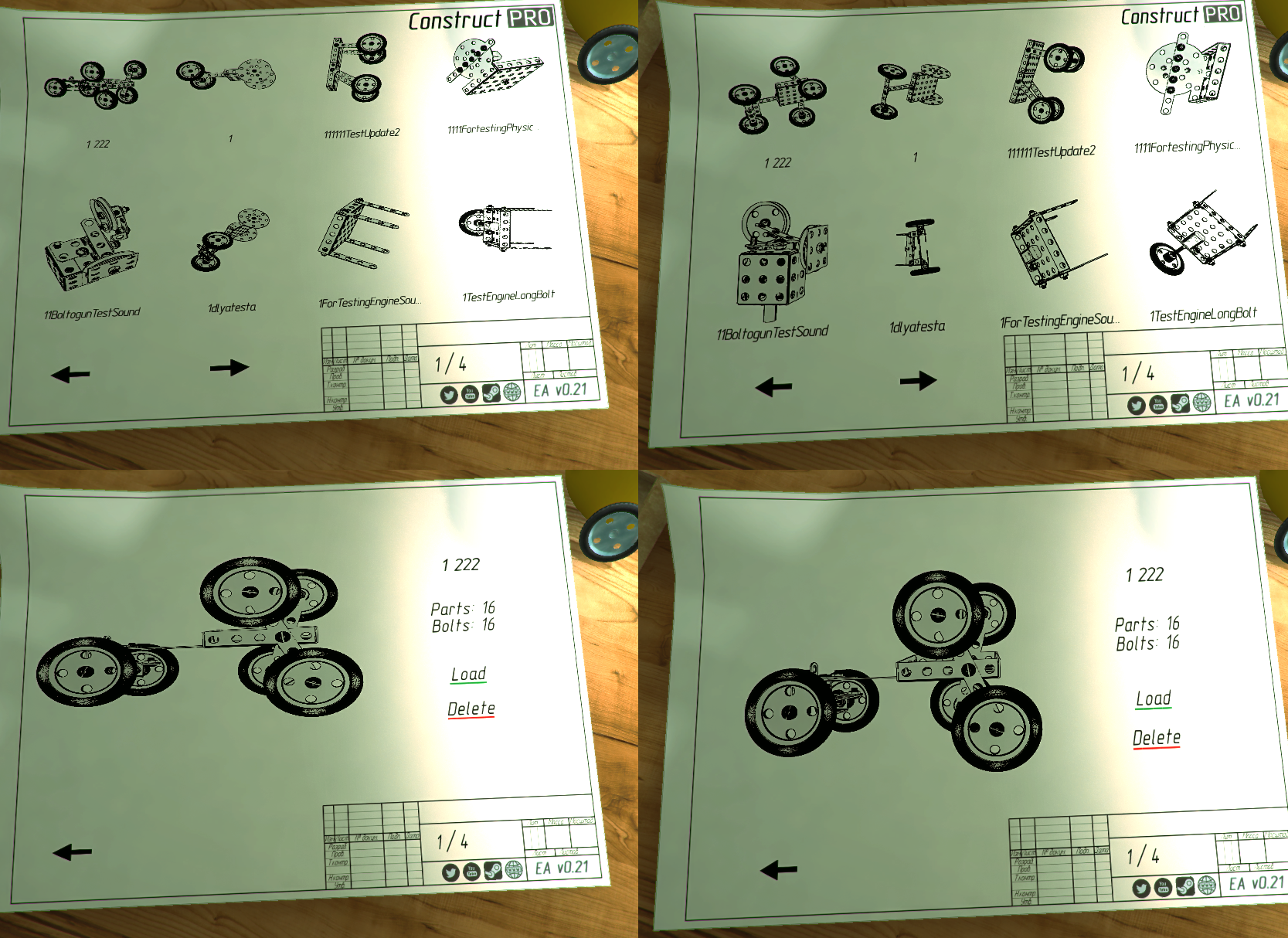
Now saving the model, you can add a description to it (the default is the save time). Also a rename button appeared in the menu. By the way, this description will be sent with the model to the workshop if you want to upload it.
In addition, the integrity test of the file is added.
Saved models are now loaded gradually, and not entirely.
45 degree angle
Now you can align the part not only by 90 degrees, but also by 45, which makes the assembly of models more easy.
How to turn
Many players have the question "how to turn the model in the game, if there are no relevant parts?" First, after completing the tutorial, you build a rotatable model. Secondly, in F1 assistant you can watch two new videos: the first is how to use the workshop; the second (see below) - 7 ways to turn the model with ready-made examples. You can build any example from the video yourself, or show all your imagination and assembly something more cool! Some players assembled moving models even without wheels!ːsteamhappyː
https://www.youtube.com/watch?v=wk10lG7AtNI
Plans
In the full version of the game, I plan to add some, in my opinion, interesting game modes that will be the foundation for the campaign. Of course, a beta test and player reviews will be needed to understand which modes deserve attention. But before I start developing the full version of the game I need to add new parts, as well as some important changes in the assembly of models, for example, the ability to connect three or more parts with one bolt.
Thanks for attention! Share your suggestions, ideas, positive or negative impressions, the game is built before your eyes!ːsteamhappyː
Version 0.22 uploaded!
Hello friends!
Today I uploaded a new version of the game and now I will tell about the main changes of the latest version.
Camera
First of all, we pay attention to the camera. I completely redid her behavior, I hope now she will not bother you =)
I want to note that I renamed the "Sensitivity" setting to "Camera Rotation Speed", since it does not affect the mouse as a whole. As well as inversion - only for control the camera.
Added checkbox "Auto Camera": the camera is completely under your control.
Fix the part
Added a comfy tick "Fix the part (F)". When we have chosen a place for the part, press F and calmly work on.
Delete with the model
Now you can delete the whole model on scene, choosing "With model (M)":
Delete the model
In addition, the ability to delete a saved model has been added:
I noticed a strange aspect ratio of the main menu, which was fixed right there:
Auto backup
"Auto backup" setting added in the options at the request of players.
Highlighting and saving engine buttons
Pressing the arrow once - all the buttons on all the motors are highlighted for a second. Also assigned buttons are saved both on scene and in saved models.
The remaining minor changes and corrections can be seen in complete changelog.
Thanks for attention! Share your suggestions, positive or negative impressions, the game is built before your eyes!ːsteamhappyː
Launch!
Hello, friends!
I apologize for the missing of news lately, but I didn't waste time lately. For a month and a half I was working on the game and preparing a new version for release!
November 19
The game will be available. And yes, this is the final date =)
Now some words about the main changes:
Fully redesigned system for connecting of parts
Select the first hole with the cursor, then the second one - that's all!
Changed the movement and rotation of parts
Now the details are dragged with the mouse, rotated with the mouse too. Simply and tastefully.
Added rounds and flags
To pass a test prototype, you need to knock down five flags and deliver your model to the finish. With each round the difficulty increases.
Added short tutorial videos
Having looked once, you can easily master the game. In addition, they are always at hand, just press F1.
Added backup system
Every 5 minutes the game saves your model called "BACKUP".
Added demo version
I have created a page with a demo version of the game. Currently is checking by Steam.
I also added a few new achievements, dozens of minor changes and improvements that I hope will make the game more enjoyable.
Thank you for your interest in my project, but for now watch a new trailer!
Launch trailer here:
https://www.youtube.com/watch?v=eeceeZKtySs
The Big Wheel
While I'm working on new version of the game, Kevin Sawyer had the patience to assemble an incredibly large model. I thought it was impossible =)
https://www.youtube.com/watch?v=QnvuoK0ZMP4
Available: ? October
Hello everyone!
Some project news here. Now we have first let'splay video and beta tests. It is necessary to fix a number of critical bugs that can seriously bother the players. I therefore change the release date previously by one week. It's not problem to fix small bugs, but the main thing I'm working on right now - completely rewrite the connection of parts, it will be much more userfriendly, just choose two parts with the mouse (see the animation below). Tons of your nerves are saved! =)
Thank you for your attention, and I return to the scripts!
Good News!
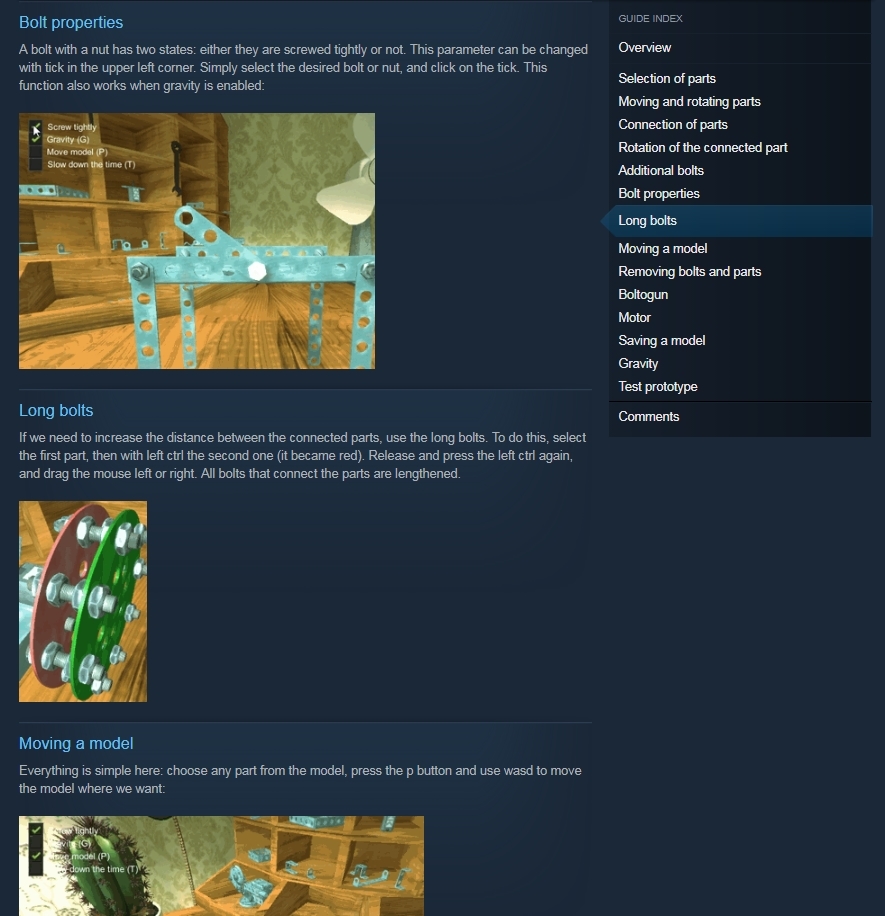
Hey everyone, I am glad to tell you, that Complete Guide to Constrcut PRO is finished!ːsteamhappyː Check out all game functions with gifs!
Check out new short gameplay trailer!✌️👀
https://youtu.be/PqUeiQIgyvc
Official Twitter for Construct PRO!
Hello everybody!
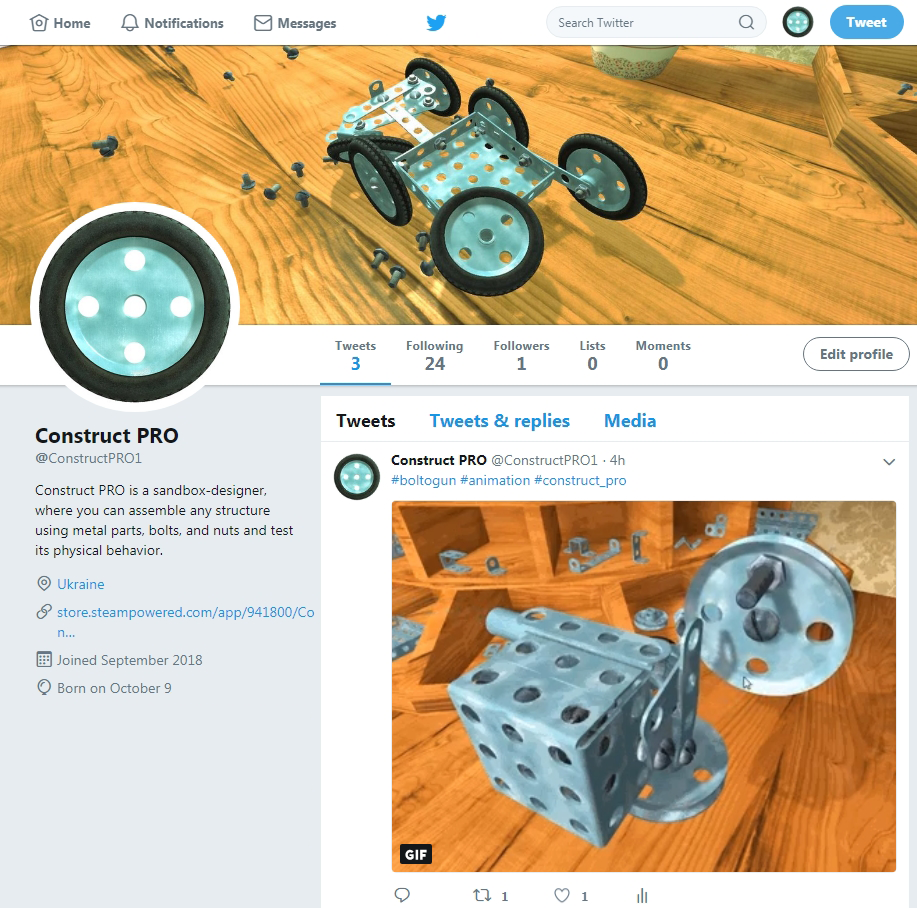
Finally, the game has a page on Twitter, follow to be aware of all the news and changes about the game. Also you can find arts, animations and other materials from the game.
This is the first news update for my game and a few words about. The game passed Steam checklists and now we have Early Access release date: October 9. Do not forget to add this item to your wishlist =)
What about the build: first public build is available here, in Steam, earlier the game was not published anywhere, for some time it was lying on the shelf and now I'm ready to continue the development.
Now I'm planning to record video tutorial of model building, since in the game itself there is no tutorial, only F1 with keyboard management. This is done specifically to make the gameplay difficult and match the puzzle genre. I do not want to lead a player and show him where to press now, this is not casual game =)
What about the campaign: I plan to create a campaign with interesting tasks, where you will need not only to complete certain challenges, but also to assemble models according to the sketch. At the EA stage there is a test prototype with possibility to complete the game with it. Honestly, I did not assemble such a machine myself, which would have reached the finish, but I'm sure it's possible =)
I hope you like my game! I will take into account your suggestions and add them to the "to do list"! Thank you for reading, share this link with your friends!