

Contraption Maker
Build 1.4.23: Puzzle Adjustments
Build 1.4.21
- You can now see the solutions of community puzzles if you have already solved them.
- Made adjustments to Incredible Puzzles Pack puzzles: 39, 42, 47, 61, 65, 77, 78, 82, 89, 96, 98, 107, 115, 123, 138, 139, 144, 148, 149, and 159.
Profiles, Solutions, and Puzzles (Build 1.4.20)
Profiles
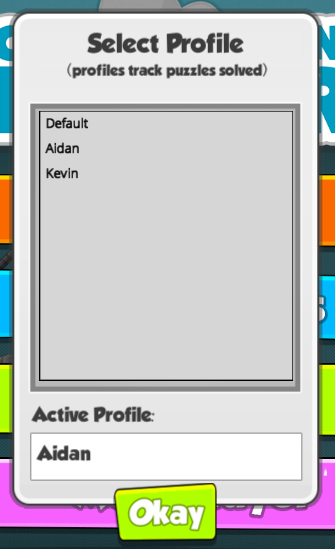
I added a requested feature - profiles that will track solved puzzles for different users. This can be found on the setting dialog.
Official Solution
Once you have solved one of the official puzzles a little yellow goal button will show up if you ever go back to play the same puzzle. Clicking on the button will show you the official solution.

Puzzle Adjustments
I've made a few adjustments to the Incredible Puzzle Pack puzzles based upon feedback received here.
Build 1.4.20
- Added support for user profiles (tracks which puzzles have been solved).
- Added a Show Solution button for puzzles that player have previously solved.
- Adjusted Incredible Puzzles Pack puzzles 2, 5, 7, 9, 14, 16, 17, 21, 26, 27, 28, 58, 78, 105, 140, and 159.
Update Notes for January 2nd
- Added checkbox to settings so that the default of part snap-to-grid can be set to off or on. Holding shift key while moving a part will do the opposite of the default setting.
- Fixed the record button overlapping another button on the play screen.
- Gave the "Two Pumpkins..." puzzle a more complete goal description.
- Adjusted a couple of the Incredible Puzzles Pack puzzles.
Incredible Puzzles Pack Releases
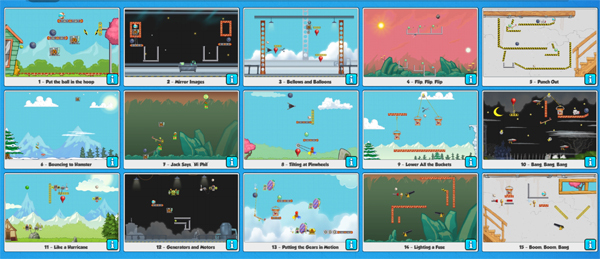
All 160 New Puzzles


Build 1.4.17: Added Support for Incredible Puzzles Pack DLC
- Added needed changes for the new DLC.
- Fixed a very rare crash bug connect to dragging multiple belts at the same time.
Incredible Puzzles Pack
Capsule Image Sketches
These are the three different concept sketches for the capsule image used here on Steam. The artwork on the final concept should be completed sometime in the next week and will replace the current capsule.
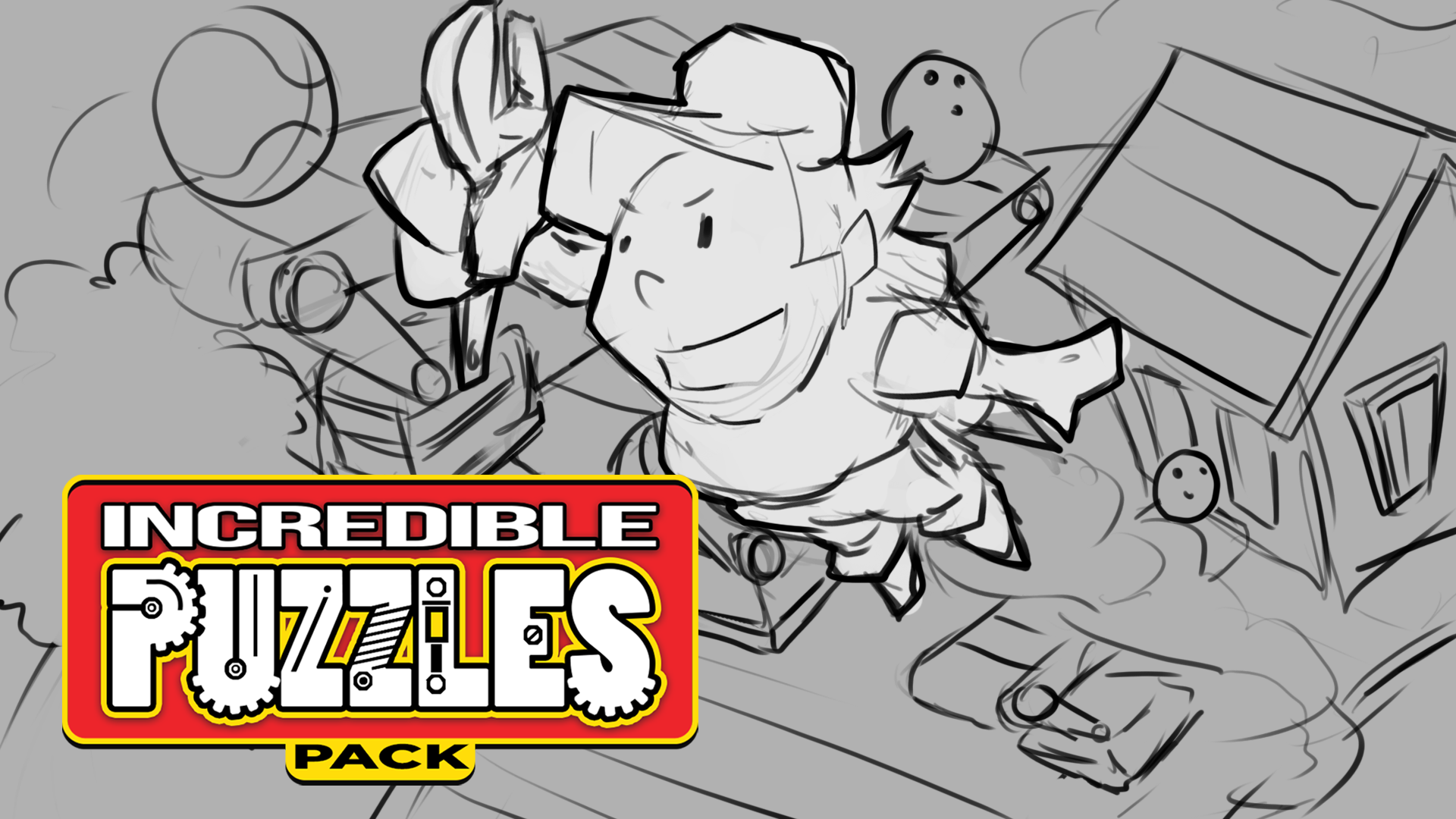


I went with the one with Toolman Tim and Waldo the cat. The version with Tim flying through the air makes me want to make a game called "The Adventures of Toolman Tim!"
https://store.steampowered.com/app/464480/Contraption_Maker__Incredible_Puzzles_Pack/
(Price will be $2.99)
Design Work
I'm working away on the 160 different puzzles. Testing things - adding more scenery - setting up music - basically tons of different stuff. Gonna be very busy the next few weeks.
30 Year Old TIM Doc
After creating almost all of the puzzles in The Incredible Machine, I then sat down and went through them to get them in a nice order to be played. This is one of the sheets from way back then showing the order of some of the puzzles.

Sunday to Monday
I'll be driving from California to Oklahoma on Sunday (and Monday too - long drive). Christmas with my granddaughters! Looking forward to getting that drive over - driving straight through - trading off driving with my wife.

Build 1.4.15 (hot fix)
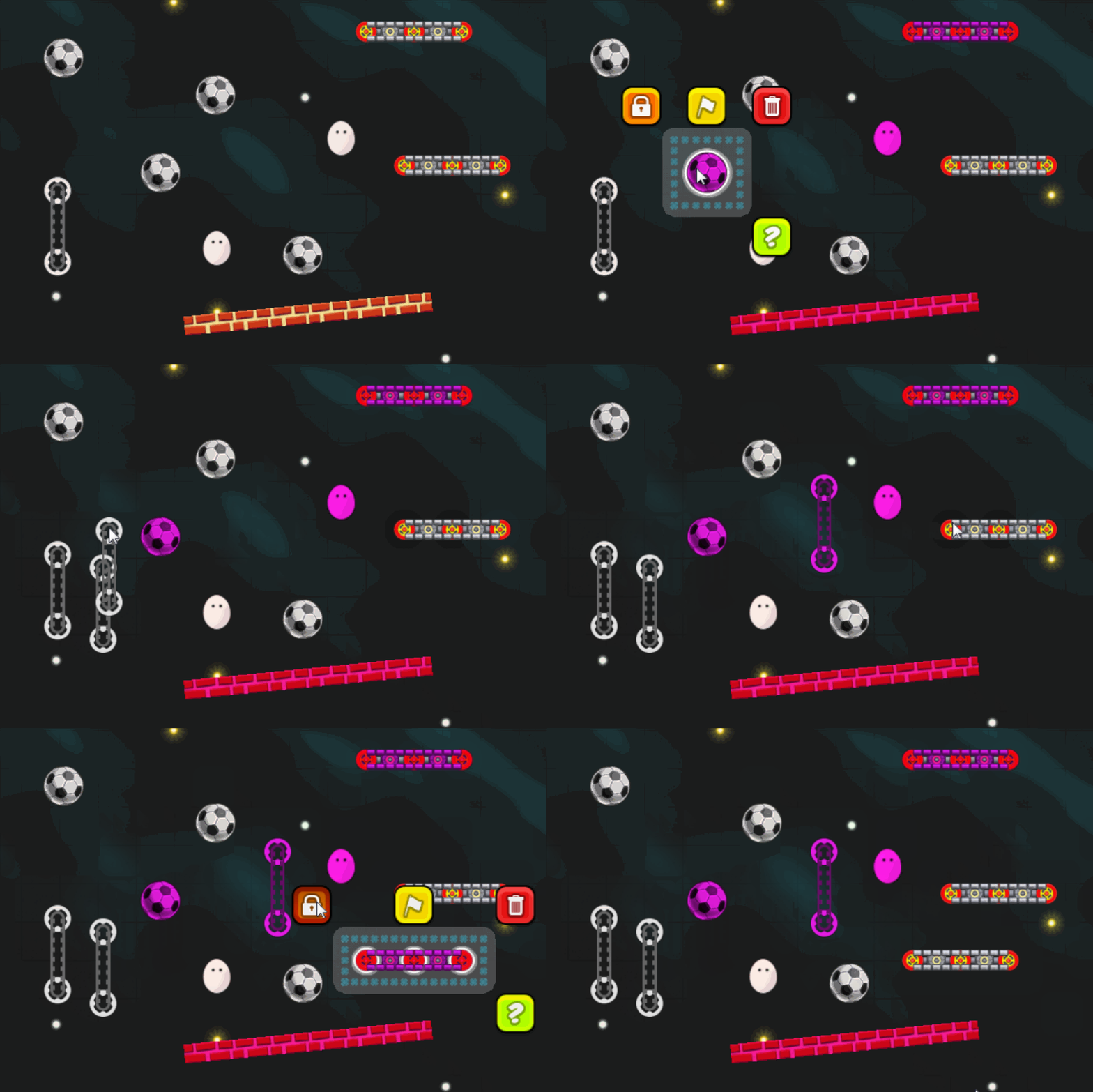
- Fixed crash bug when duplicating Belts.
- Changed locked color to Purple so it is easier for Red/Green color blind folks to see.
- Also locked Conveyor Belts weren't being tinted color when locked.
Here are all three of the fixes in action:
Build 1.4.14: New Hotkeys
'L' - Toggle Showing Locked Parts
One of the new hotkeys is 'L' which will toggle showing all the locked parts with a red tint. This can be really helpful when you have a level full of a tons of parts and you want to be able to tell at a glance which parts can be moved around. Here it is in action:
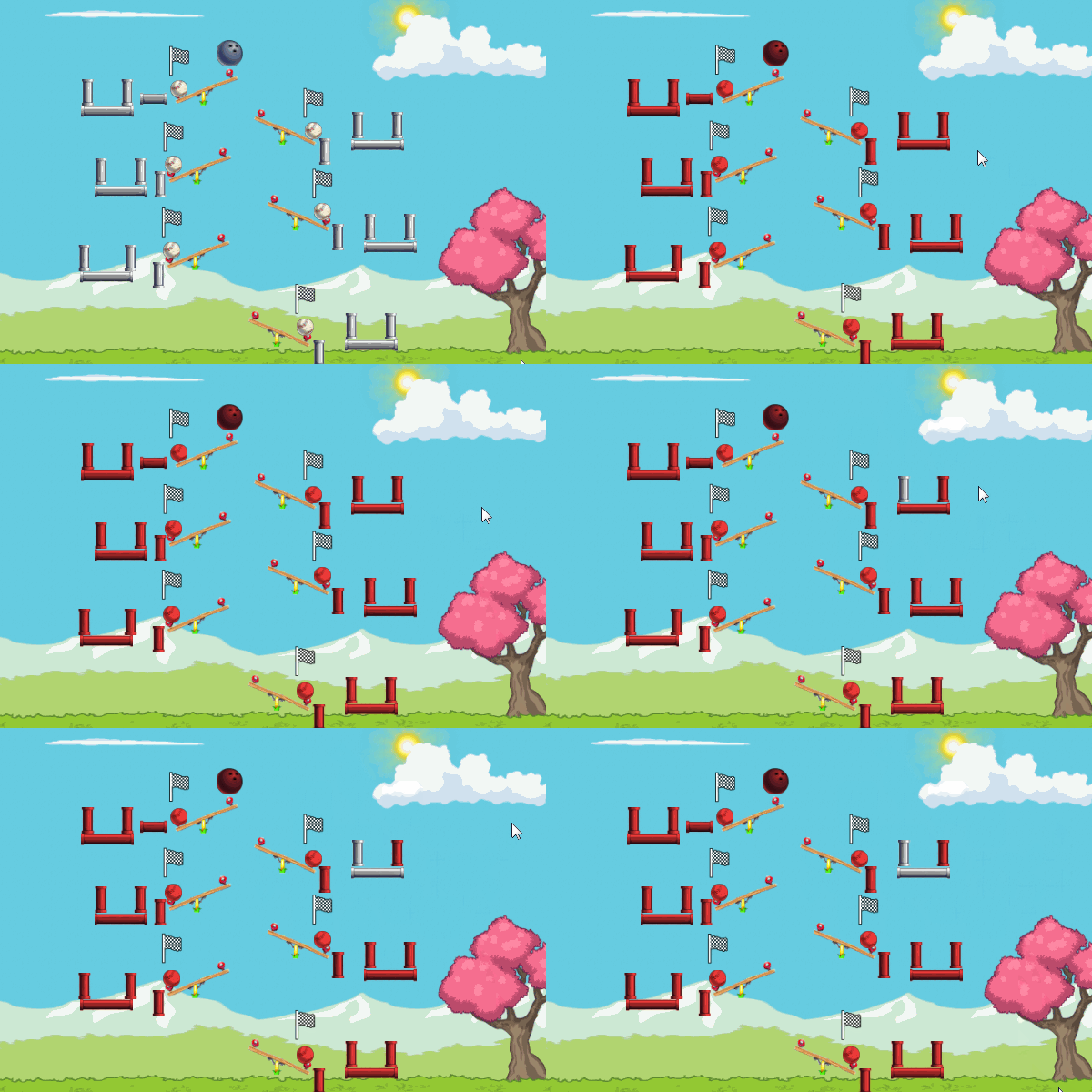
'G' - Toggle Showing Part Goal Locations
The other new hotkey is 'G' which will toggle showing all the various part goal locations. For example on this puzzle, I wanted to make sure I had all the goal locations lined up correctly and rather than having to click on each part I wanted to see all locations at once. This is one of the new puzzles.

Incredible Puzzles Pack
Still have some more work to do to get this out the door, but am very close now. The puzzles are inspired by the puzzles in The Incredible Machine that I made a long, long time ago (but still in this galaxy).
