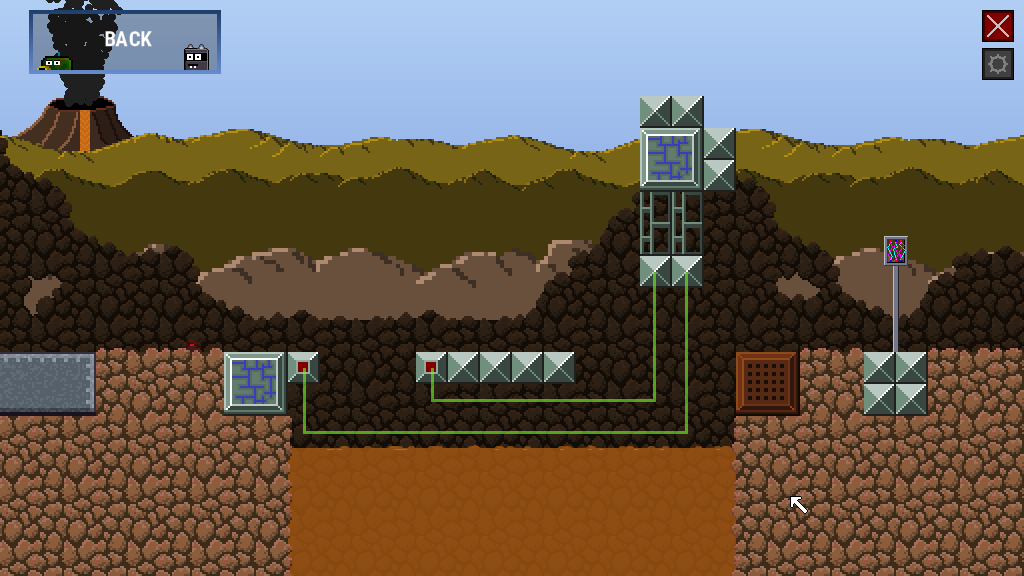
Cool Headed has been launched for a while now, I am happy that no bugs have been reported yet, and first player ever managed to beat the game.
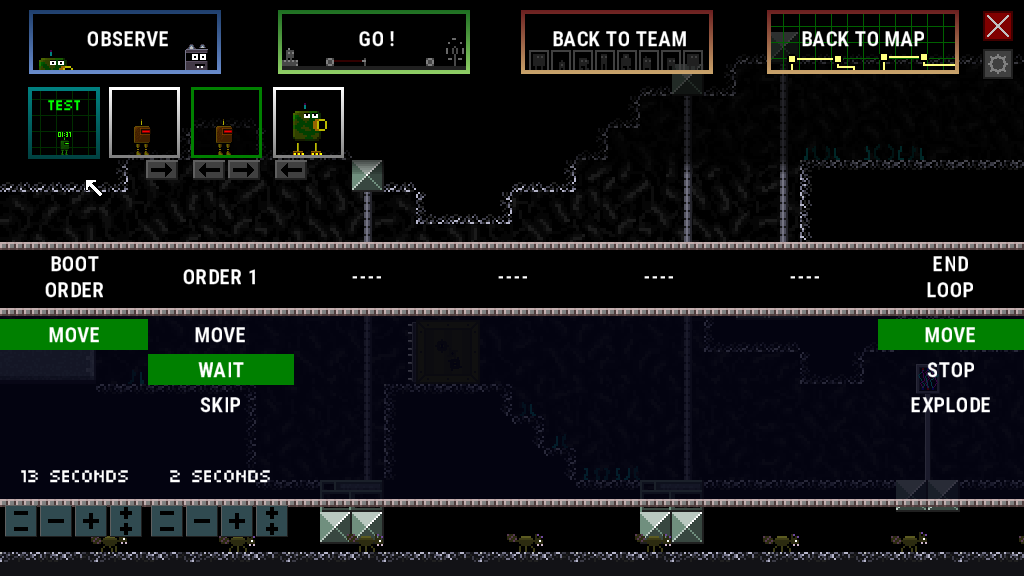
2 new features have been added in 1.0.2 to improve "test/simulation" mode:
1- you can now see interactions between switches and what they trigger
2- with mortar and duckface, you can now see the trajectories projectiles will have
By taking advantage of those features, in addition to the existing ability in to add and remove artificial blocs, you can do some creative thinking to improve the implementation of your solution in lots of levels!
Other than that, a typo has been fixed and an important clue added for one of the levels.
If you are checking Cool Headed for the first time, demo is available to try the game.
Don't hesitate to leave a review, the game is quite confidential and could use a few more :)
Next big update will probably be focused on an optional bonus level or other improvements to test mode.
Have fun!
update 1.0.0.9
Hello fellow players!
New update is effective as of today.
Let's start with the minor things:
more emphasis on 1st level yellow highlights to guide player a little less discretly
the bridge in first overworld deploys only when you have finished first bottom level. This is to prevent situations where a player would miss 1 point to choose the necessary bots to finish the level (all levels are supposed to be doable, as soon as you access them)
first fork level reward display is fixed (finishing the level give +1 point)
More importantly, the simulation button -TEST- has been made more obvious.
So what is simulation exactly ?
You access simulation by clicking on the -TEST- button which is available in give order phase.
Simulation will allow you to test the behavior of any bot straight away. This is an optionnal feature, but if you understand it well it will make your playthrough much more enjoyable
simulation runs at speed x2, making it easier to adjust one of your bots
boxes and ennemies are not taken into account: you walk through them
there is a small timer on the bot's head to help you
in simulation mode, elevators are where they will be when the bot will be deployed for real. It takes into account the position of the bot in the team.
you can add virtual blocs and delete them - this is mainly to offer a tool to help you plan situations where one bot walks on another bot's head.
I will probably tweak one or two little details with simulation later, and am pondering if it should be explicitely explained upon manually clicking on add-on icon on overworld.
In the meantime, simulate is very useful, use it !