

Dark Nights with Poe and Munro
Patch 1.02 - The controller mashing update...
+ Added Korean Translation
+ When using the TrackerFreeze option, you can now select choices that would only normally appear after running out of time
+ The mouse will now be hidden automatically hidden while using a controller
+ New medium and large subtitle sizes
+ Trackers when out of time using TrackerFreeze now stand out a bit more from background videos
+ Added mashable trackers for controller users
[Fixed] Pausing when using the FreezeTracker option would cause the video to resume / repeat
[Fixed] The current tracker will now be properly selected when resuming the game using controller
[Fixed] Updated a number of instances where buttons weren't being highlighted when transitioning between menus while using a controller
[Fixed] A stats display bug that would be caused by accessing the stats screen near the end of an episode
[Fixed] Updated subtitles in Simplified Chinese
[Fixed] Some stats were displayed incorrectly in episode 3 if using Simplified Chinese
[Fixed] Certain cases where settings tooltips would remain active despite leaving the settings menu
Patch 1.01
+ The currently selected button when using a controller is now clearer
+ A skip option has been added to the options menu when first completing the game, which is persistent across new save games.
+ Added controller support for Switch Pro Controllers
+ Updated the existing controller support, allowing for the use of dpad for menus and choices
[Fixed] Updated subtitles, music tracks and videos which weren't being shown as intended
[Fixed] Buttons in the Dekker section are now always positioned within the video frame
[Fixed] Previous choices in episode 6 are no longer carried forward when replaying it. This should remove any crashes / softlocks that were caused as a result of not having any choices to pick
[Fixed] Videos are now much smoother when using the frozen trackers option
[Fixed] The 'Screen' dropdown will now be immediately translated on switching language
[Fixed] Crashes should now no longer occur after making certain choices in episode 4
[Fixed] Subtitles split across multiple lines were sometimes missing spaces, as well as some subtitles staying on screen longer than intended
[Fixed] 'Let's be Frank' choice thumbnail will now show correctly according to your choice
[Fixed] 'It Started with a Wish' and 'Return to Menu' are now properly accessible in the episode menu when using a controller
[Fixed] Reduced the amount of hitching when skipping lots of videos quickly
[Fixed] The continue button will no longer appear after completing the game
[Fixed] Choices should now be properly reset on subsequent playthroughs when accessed through the episode summary screen
[Fixed] The game will now correctly lock future episodes after starting a new game
[Fixed] Multiple subtitles
[Fixed] Slightly updated end video for ep6 clarity
Steam trading cards now available
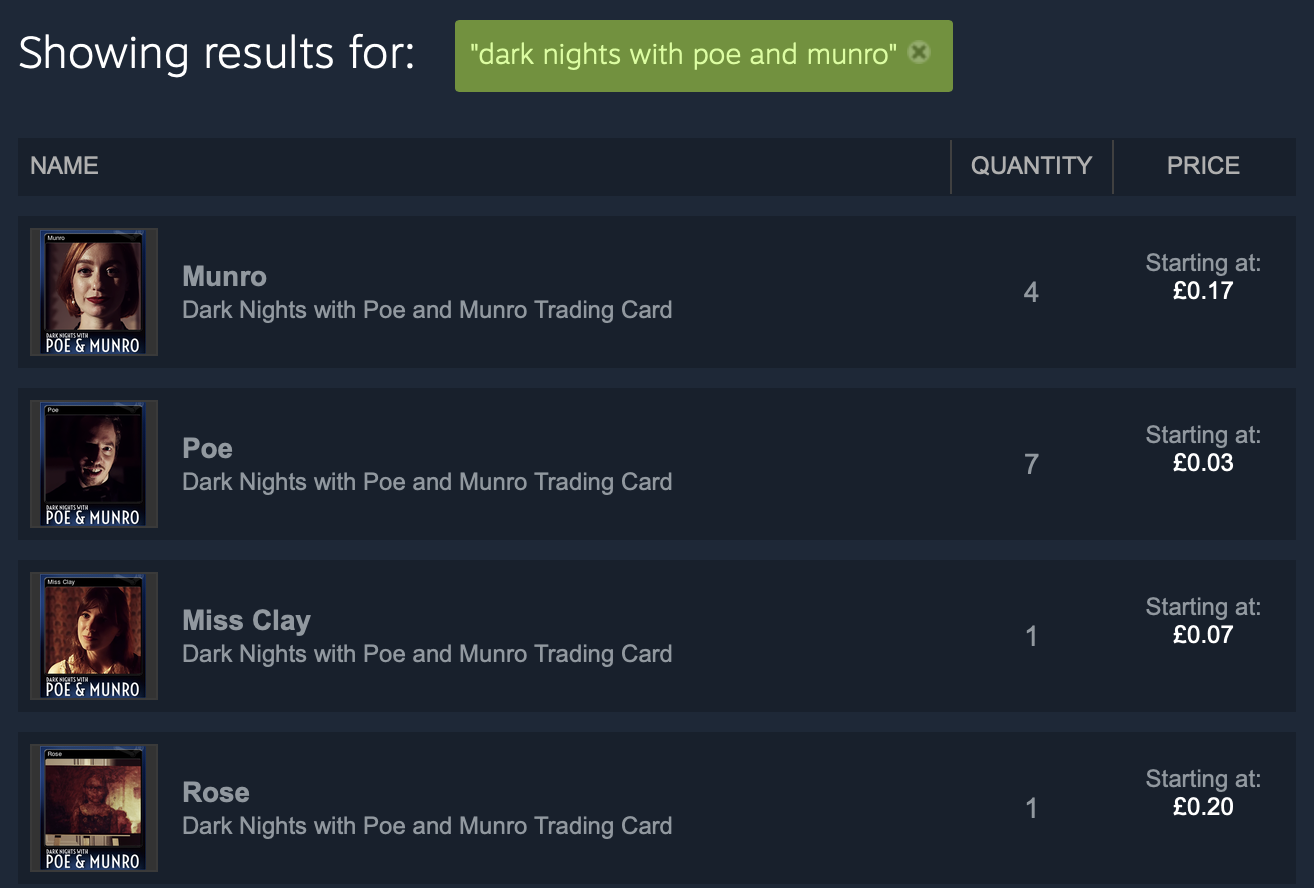
Rejoice and visit your inventory immediately to see your new "Dark Nights with Poe and Munro" trading cards! Collect all 15 of your favourite characters (we couldn't fit them all in!) and trade for badges, backgrounds and emoticons.
Patch 1.01 is also coming soon, with some fixes and improvements to make your next playthrough more enjoyable including a "skip" toggle option that becomes available after playing all six episodes.
Thank you for all your support!