Thanks! The more the Wishlist and Follow the better discounts we can give at full game launch and later!
The release date of Demolish & Build 3 on PC (Steam) is set for Q2 2024.
In 2025, the game will also be available on PlayStation 4, PlayStation 5, Xbox One, Xbox Series X|S and Nintendo Switch.
Demolish & Build 3 is a new installment of the construction and demolition owner company simulator series.
The gameplay focuses primarily on performing various demolition and construction works, as well as developing and managing a business.
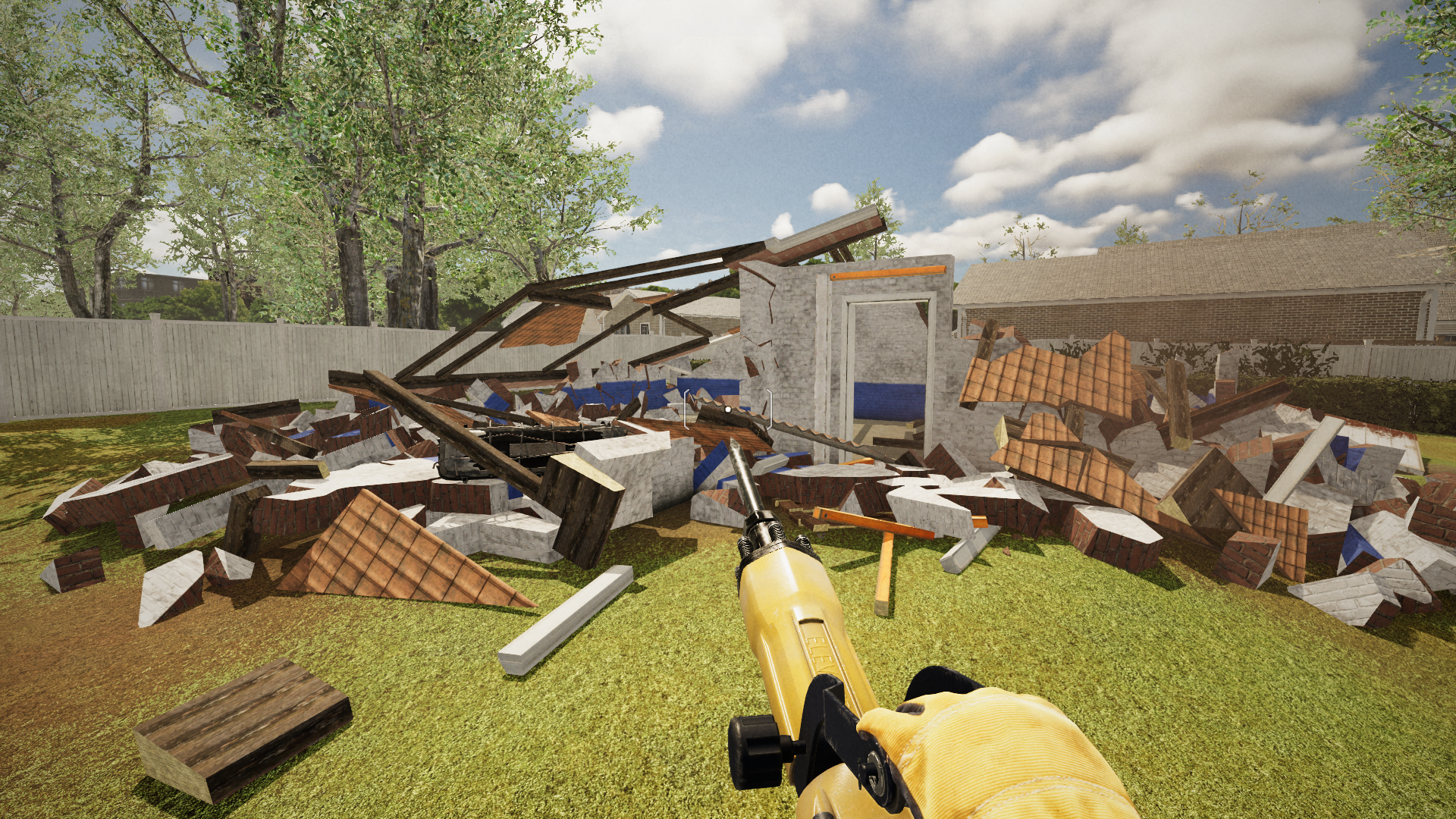
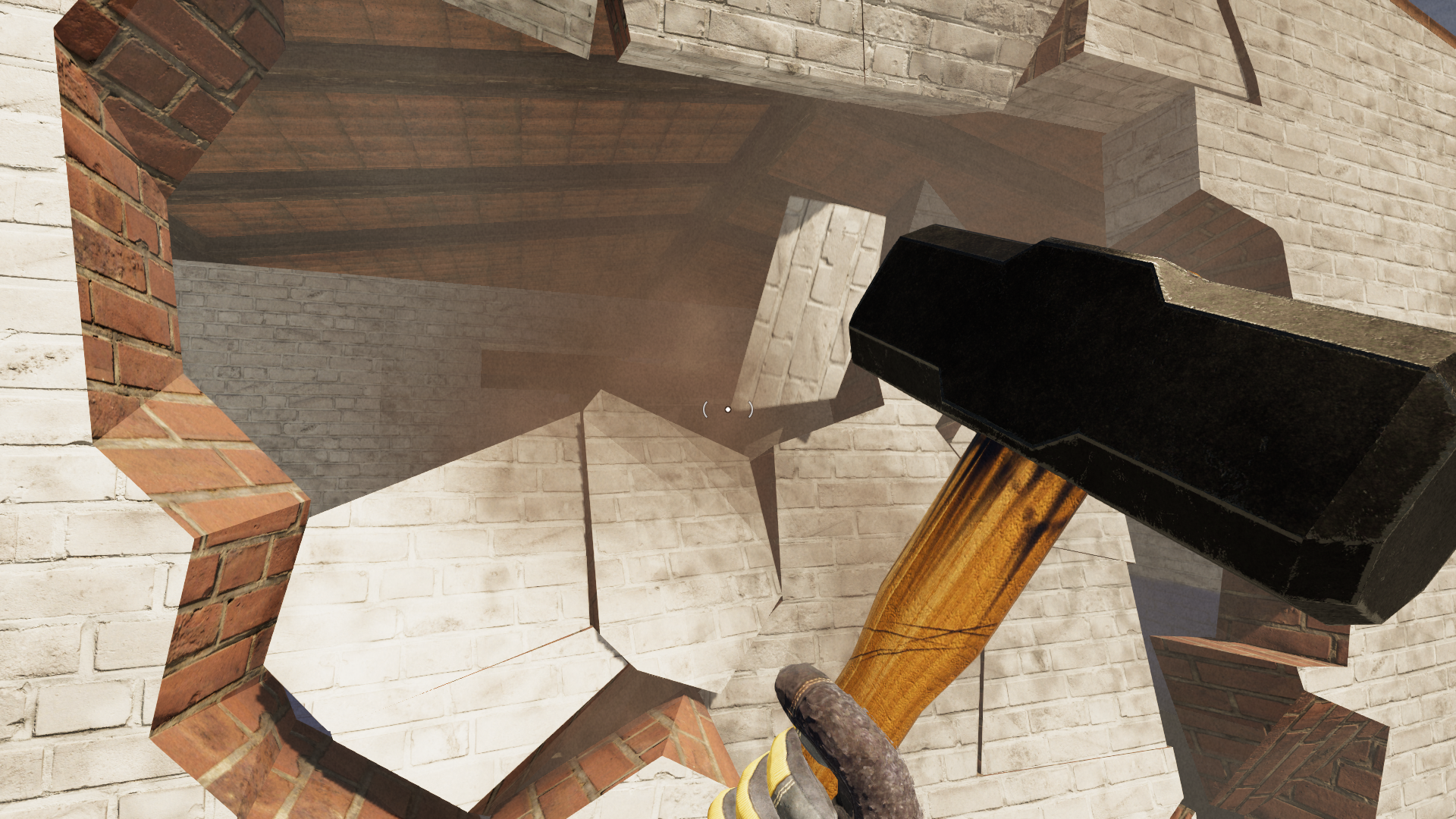
We are preparing, among others, a realistic destruction system.
Each fragment consists of a specific material with specific parameters of resistance to various types of damage. Even greater realism is ensured by taking into account the interaction of individual objects and structures.
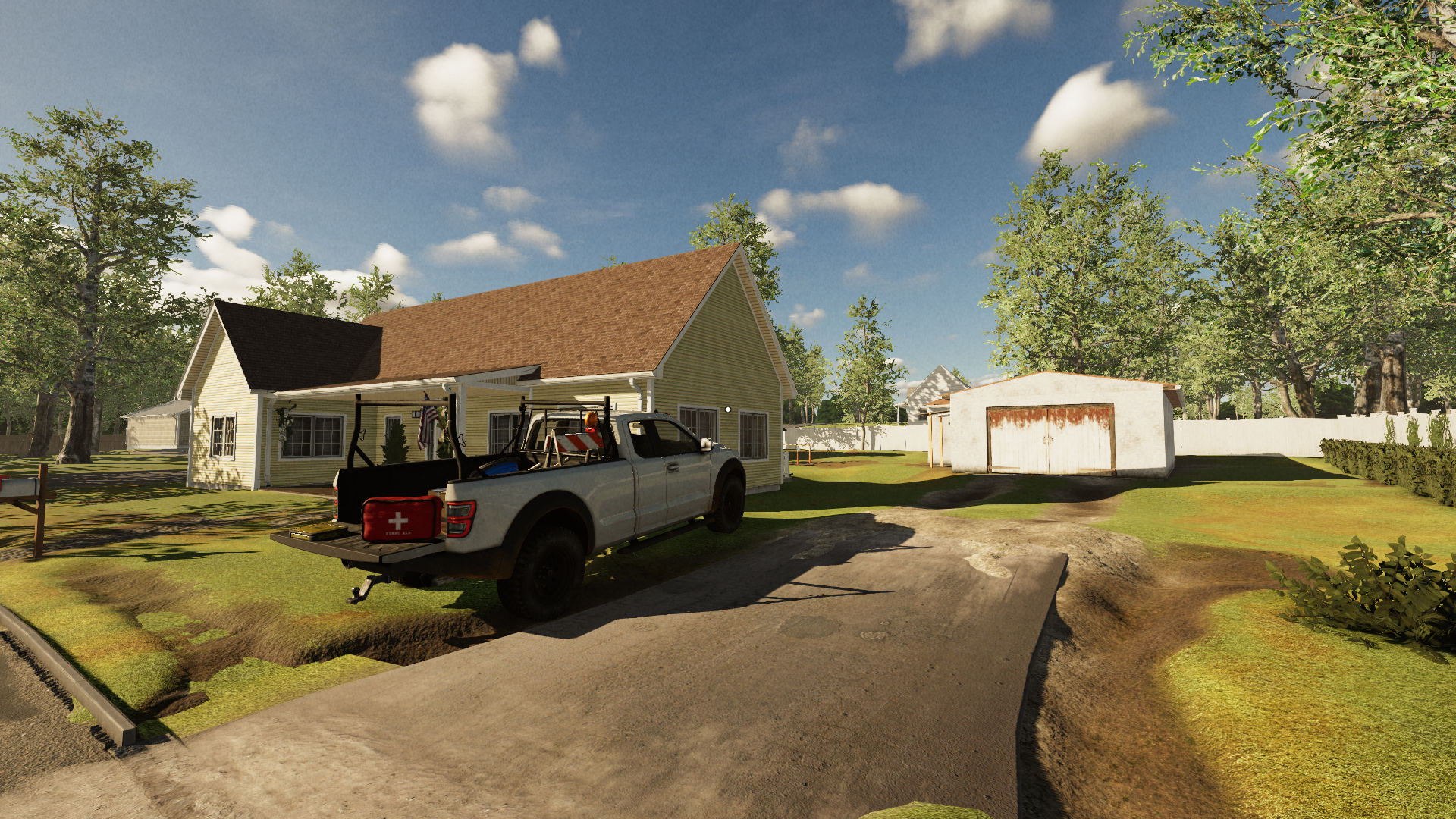
InDemolish & Build 3 Prologue, you take your first steps into making a construction company by learning the ropes and operating hand tools, demolition hammer, and heavy machines on the job site. Do the job and earn your pay.
Demolish & Build 3 Prologue will include the first few missions from the main release and features mostly but not only:
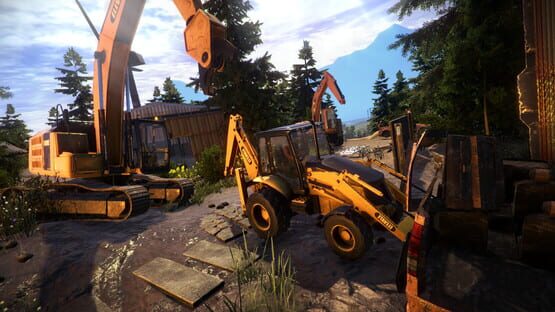
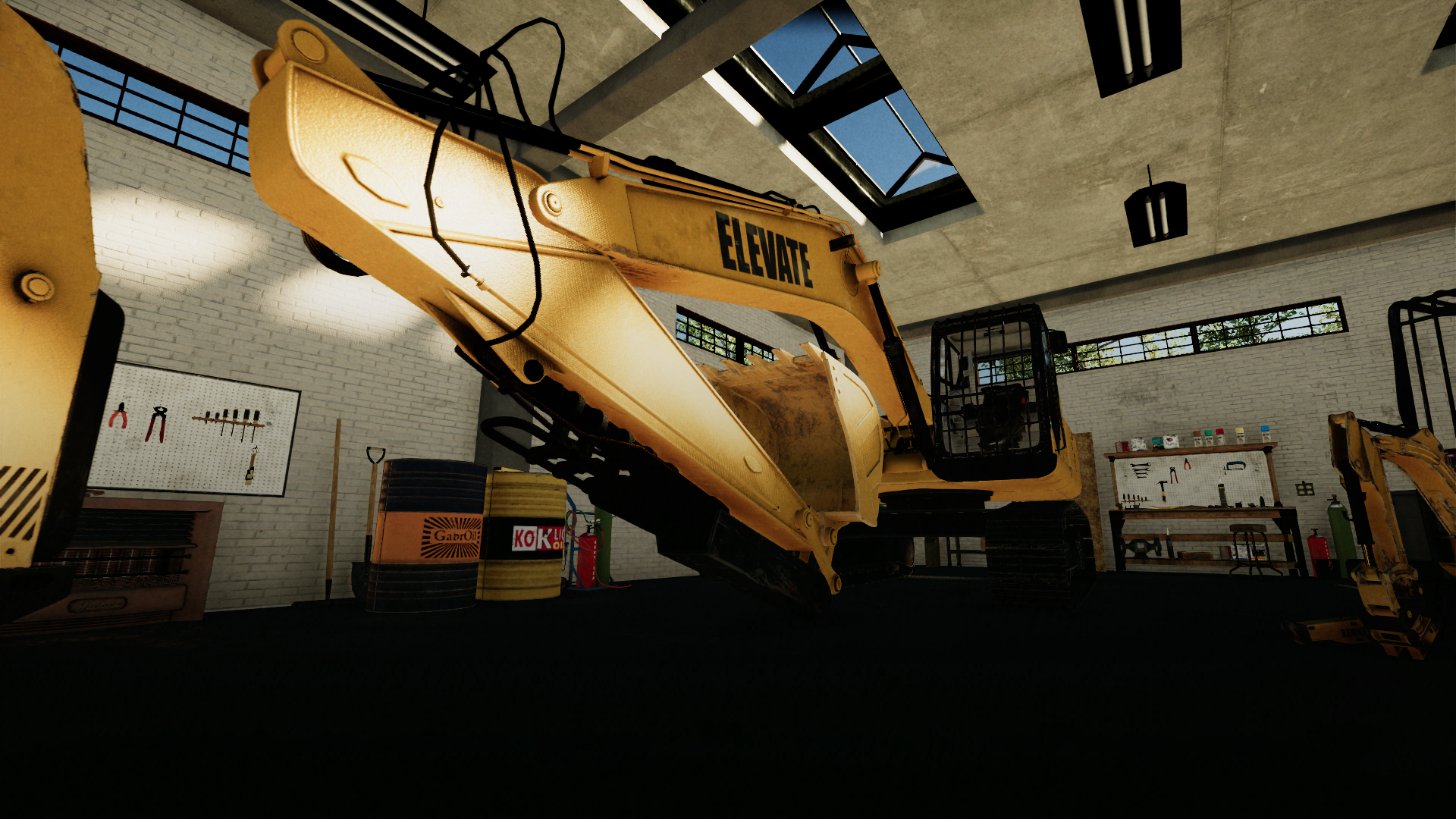
🚧 Vehicle controls based on real construction machines, 🚧 Physics-based track mechanics, 🚧 Large excavator, 🚧 Skid steer, 🚧 Specialized attachments for both vehicles, 🚧 Controller support, 🚧 Fully destructible objects and structures, 🚧 Third-person and first-person camera modes,
The main game will bring in the future:
🏗️Running and growing the company, 🏗️Randomly generated missions, 🏗️Varied locations, 🏗️Languages translations, 🏗️More tools and machines,
Join the crew on Discord or follow our channels for updates: Discord: https://discord.gg/qJSWEk3vWs
Demolish & Build 3 Prologue - Release Date Trailer
🏗️The site is ready, and the deal is set on both ends.
Turn up the radio and mood for the job as heavy equipment is coming to do the heavy lifting. Tools and materials provided, bring your safety gloves and shoes and mark the day.
Demolish & Build 3 Prologue is set to start construction works on March 1st, 2024.
🥾⛑️🦺🧤🎧⚠️👷✅Ok, you are ready to go. Demolish & Build 3: Prologue will include the first few missions of the full game and features:
🚧 Large excavator. 🚧 Skid steer. 🚧 Attachments 🚧 Physics-based track mechanics, 🚧 Vehicle controls based on real machines. 🚧 Full controller support, 🚧 Fully destructible objects and structures 🚧 Third-person and first-person camera modes,
Stay tuned for details of the contract. Stay cautious on the job site!
Dear Foremen,
Today is the day we lurk out of production to showcase what we were building in the last couple of months. Bringing this game together is a real challenge, but we are quite proud of what we have achieved so far and more than optimistic about what is to come.
In the upcoming weeks, we will share a little bit more of gamepad gameplay with vehicle controls and some other goodies.
We hope you'll enjoy it.
Yours, Demolish & Build 3 Team.
Demolish Games - Steam Winter Sale
Merry Christmas, everyone!
We wish you all a holiday season filled with joy in your newly renovated home, where you can play and relax with awesome games.
Our games are now available at a whopping discount, so secure a copy for yourself or as a gift.
A new demo Demolish & Build 3 is LIVE! We're thrilled to announce that our highly anticipated game is participating in the Steam Next Fest, and we've released a special demo just for the event. Get ready for exciting work! https://youtu.be/uz4ShEaG2pY
Don't forget to wishlist the game on Steam to stay up-to-date with the latest news and updates.
The release date for Demolish & Build 3 on PC (Steam) is tentatively set for the Q1 of 2024. Versions for PlayStation 4, PlayStation 5, Xbox One, Xbox Series X|S, and Nintendo Switch are planned for a later time.
Please write us suggestions on our Discord, your feedback is important for us.
Stay safe and happy demolition! Demolish Games crew
Play demo Demolish & Build 3 on Steam Next Fest June 2023
Hello, demolishers!
We would like to apologize for the long silence. We are still working hard on Demolish & Build 3 and have a surprise for you. A new demo of our game will be available on June 19th, which you can test for free at Steam Next Fest June 2023! Excellent news, right?
Check out the latest trailer of what awaits you in the upcoming demo. https://youtu.be/FxOdq36R3Zw
In the demo version, your task will be to complete one full order. Who knows what surprises you will find there? Let's quickly introduce you to a few features:
- First-person player character (FPP)
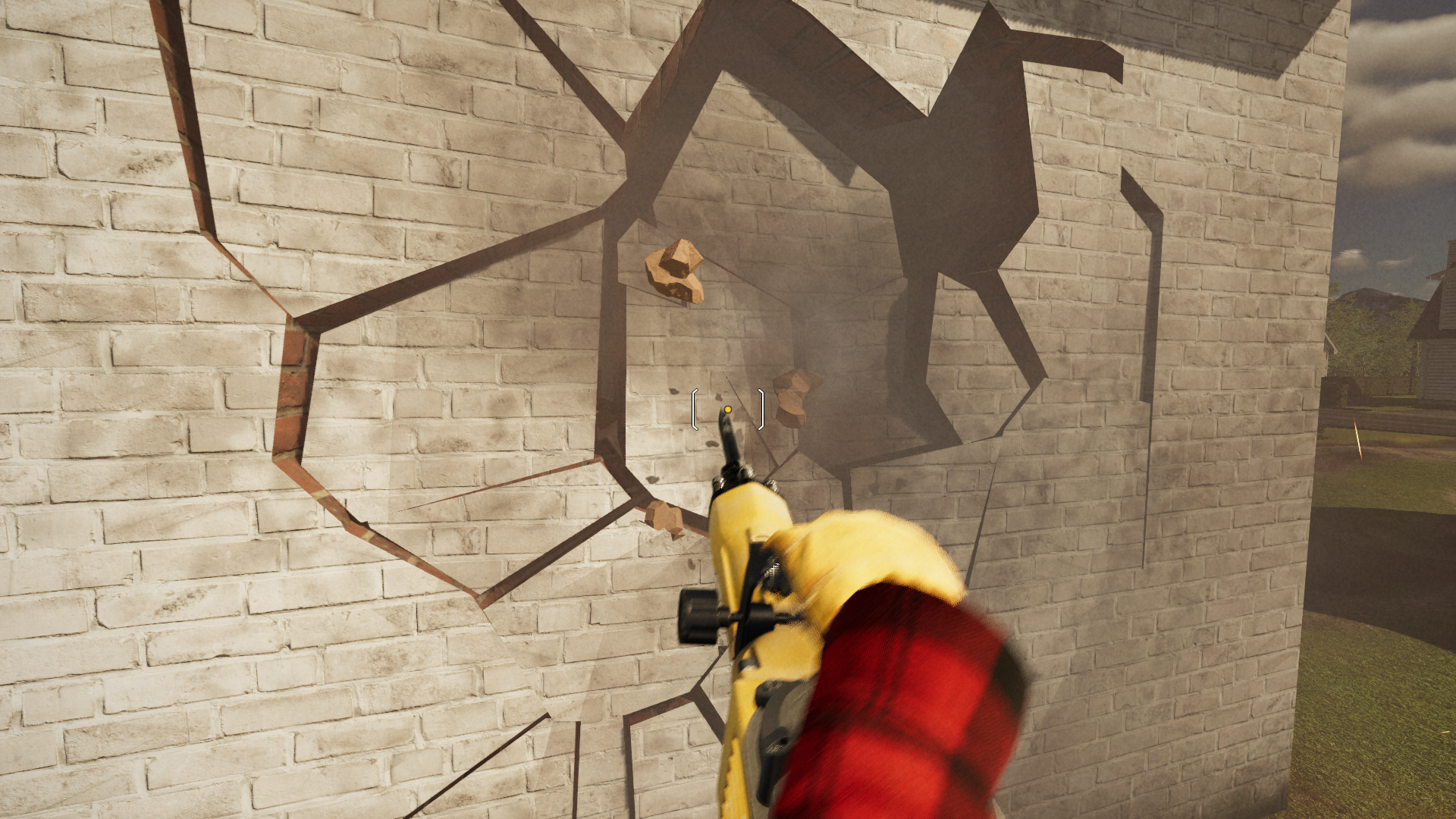
- Improved damage system
- NEW! Player damage - Be careful how you demolish objects, falling fragments can injure the player
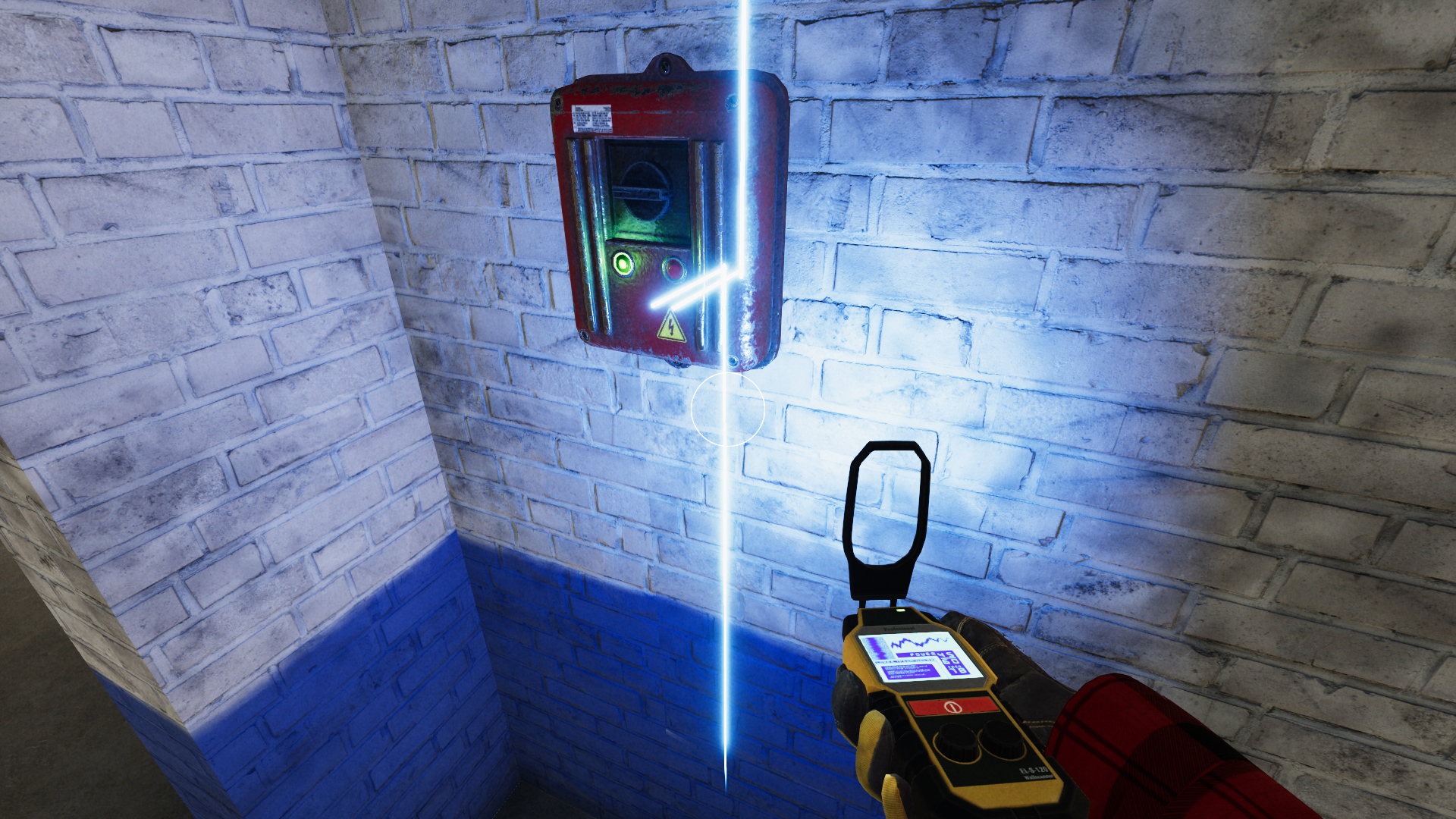
- NEW! Electrical installation
- Tools such as a jackhammer, sledgehammer, and electricity sensor
What do you think about the changes? Don't forget to add our game to your wishlist so you don't miss the demo and main game release.
We will be grateful for any suggestions you can write to us on our Discord. We are creating this game for you and your opinion is very important to us!
Stay safe and happy demolition! Demolish Games crew
Update demo - full customization for controllers/joysticks/steering wheels
Demolishers!
Many of you have asked for the addition of full optimization for controllers. Especially for you, we have prepared an update related to these changes. As of now, you can assign any function to a button or axis in our demo - Demolish & Build 3: Excavator Playground.
We took great care to create a system that is both flexible and easy to use. With it you can use any number and any type of controllers. Also, we did our best to allow you to assign whatever button or axis to every important function. In the future we will also add options to calibrate and fine-tune your axes to give you the best experience you can have.
In the instructions below, we show you how to setup custom controls.
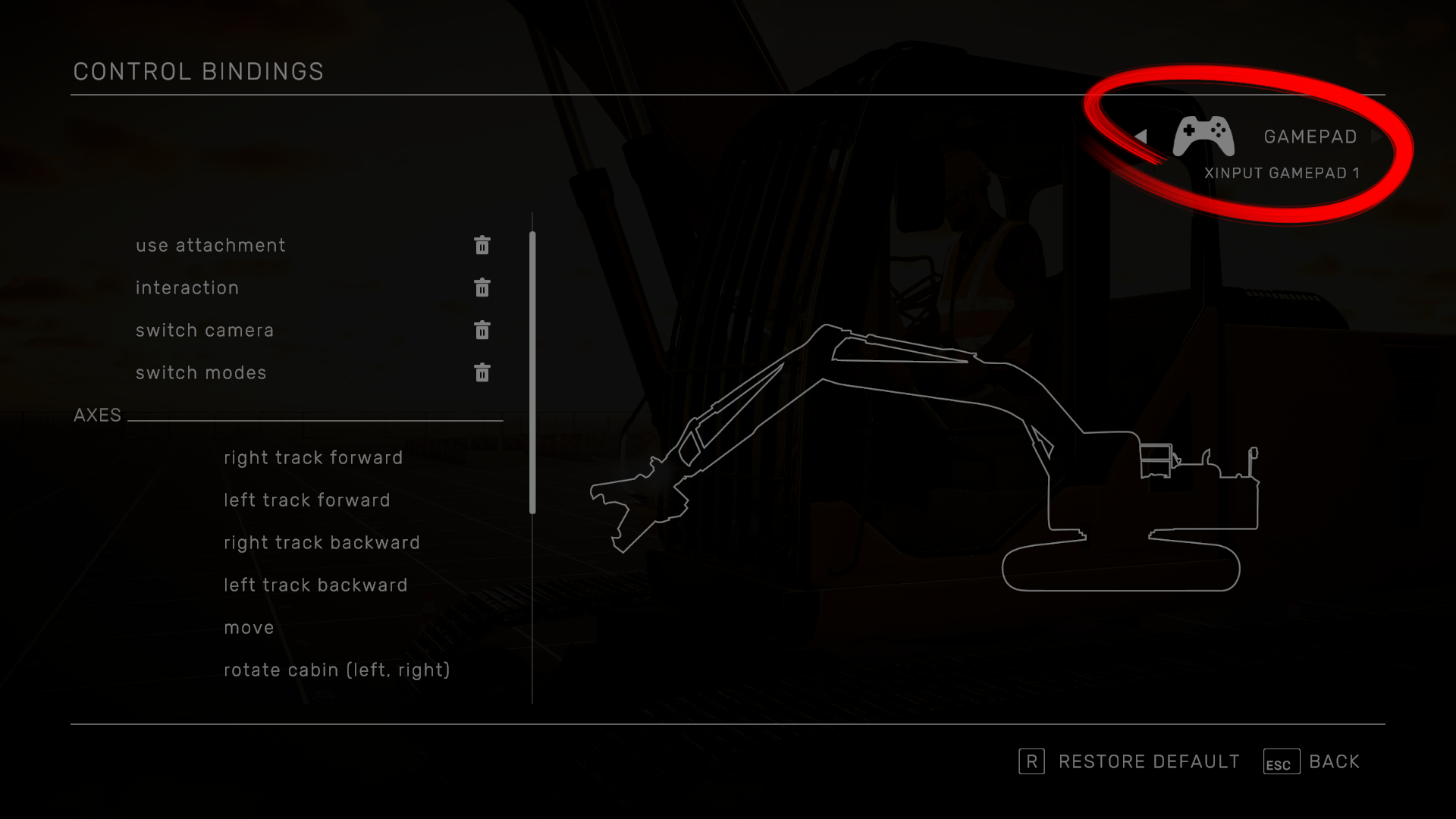
⦁ Select your controller here:
⦁ This button allows you to remove the current assignment.
⦁ To assign a button select a function…
… and press the chosen button. Only buttons from the selected controller will be pooled. You can also assign an axis as a button (for ex. LT/RT on a controller).
⦁ To assign an axis, first select chosen function from the list
⦁ There are 4 modes available: Axis, Buttons, Axis with a modifier, Buttons with a modifier
⦁ Axis/Buttons To assign simply select the function and use chosen axis or button
⦁ Axis/Buttons with Modifier Axis/Buttons with Modifier is a special function that allows you to use the same controller axis for multiple functions. In practice, the Modifier works like a Shift Key – pressing it will override the default function and use this one instead.
EXAMPLE:
Let’s use this method to setup the Xbox 360 controller to the SAE pattern instead of the default ISO. For the sake of this presentation, we’ll use an empty layout but you can just as easily modify an existing one.
⦁ Start by assigning button functions:
⦁ Assign the RT/RB to the right track ⦁ Select right track forward
⦁ Select no binding and press RT to assign it
⦁ Return to the list
⦁ Select the right track backward
⦁ Choose BUTTONS mode
⦁ Select no binding next to RIGHT TRACK BACKWARD + and assign RB
⦁ Repeat the same for the left track
⦁ Select rotate cabin (left, right), axis mode, and assign left stick X (horizontal) axis.
⦁ Select rotate boom (up, down), axis mode, and assign left stick Y (vertical) axis.
⦁ Now, let’s move on to the right stick. Select extend attachment, axis mode, and assign right stick X axis.
⦁ Select rotate arm (up, down), axis mode, and assign right stick Y axis.
⦁ We also need to rotate the shears
⦁ Select rotate attachment horizontally
⦁ Change mode to BUTTONS
⦁ Assign D-Pad left/right to the appropriate functions
⦁ That leaves us with camera controls. Since we’ve already assigned all controller axes we’ll use the modifier.
⦁ Select rotate camera
⦁ Choose AXIS WITH MODIFIER mode
⦁ First assign the left stick button to the MODIFIER
⦁ Now let’s assign the right stick axes to both functions This means that when we press the right stick button the left stick will control the camera instead of the excavator’s left joystick.
⦁ Repeat the same steps for camera zoom with the right stick button and left stick y.
That’s it. We’ve created working SAE controls for our controller from scratch.
Some additional rules/tips when creating custom control schemes:
⦁ A single axis can be assigned to only one function without modifiers. ⦁ You cannot use the same button for the modifier and a normal function. ⦁ On the other hand, a button can be used as a modifier for multiple functions. ⦁ You do not have to assign every function for a single controller. ⦁ If you want to assign a full axis to one of the tracks, best assign it to the left/right track forward functions.
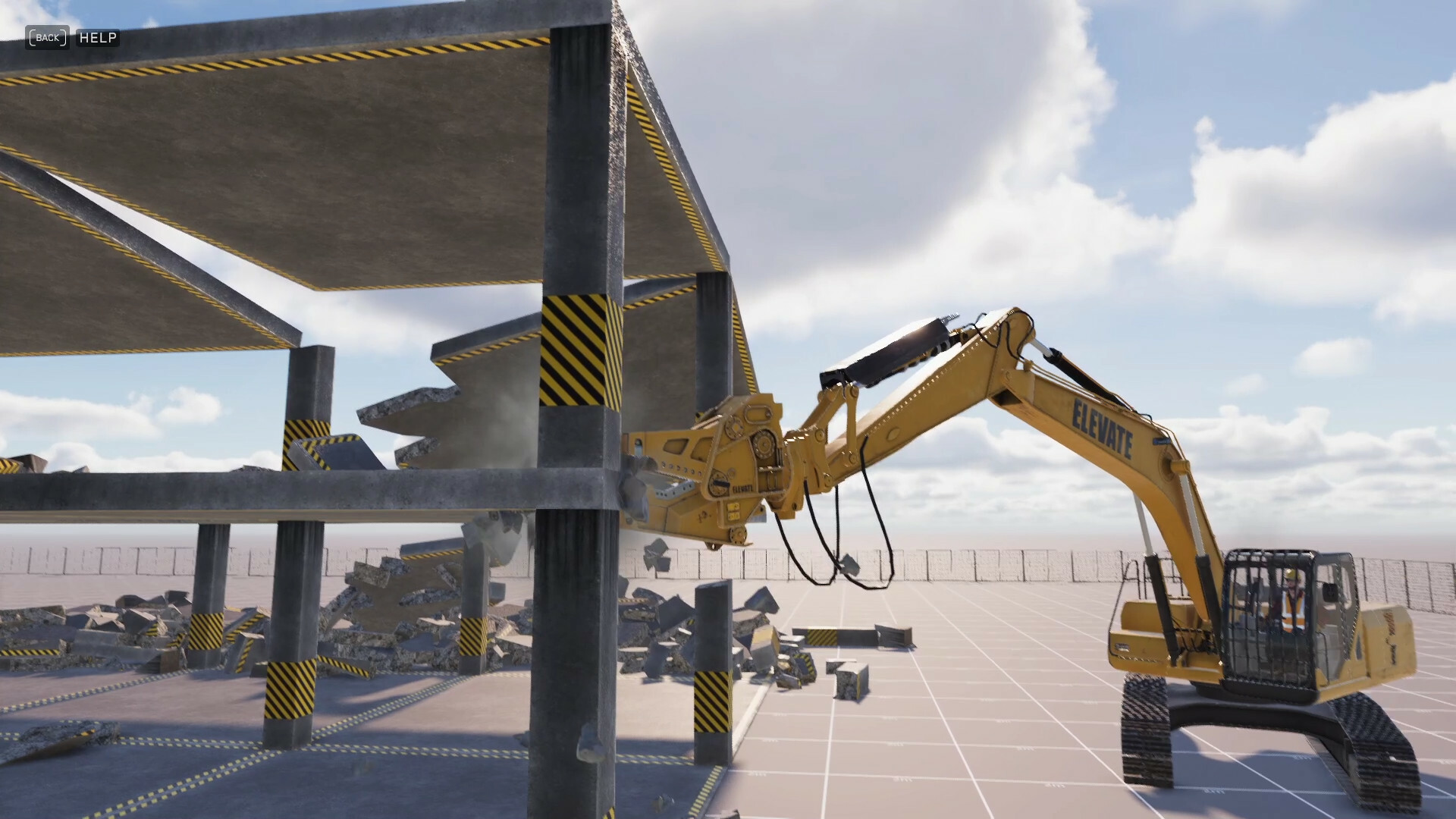
Demolish & Build 3: Excavator Playground is a playable sneak peek at the driving and demolition physics from the upcoming Demolition & Build 3. In the game, you take control of a modern excavator and drive around a small test track or demolish structures.
Demolish & Build 3 will include brand new demolition and driving physics. This short tech demo allows you to try them out before the final release.
The full version of the game - Demolish & Build 3 is coming in 2023.
Some of the main features of Demolish & Build 3: Excavator Playground include:
A large excavator equipped with demolition shears
Vehicle controls based on real excavators
Vehicle controls based on real excavators
Physics-based track mechanics
Full controller support
Fully destructible objects
A small test track
Ramps
Concrete structures that can be demolished
Third-person and first-person camera modes
And more…
Play the demo now and send us your feedback!
Cheers! Demolish Games Team
Steam page started - Demolish & Build 3: Excavator Playground
Hello destroyers!
We are happy to announce that the Steam page Demolish & Build 3 Tech Demo: Excavator is now available on Steam!
Demolition & Build 3 is a first person simulation game in which the player becomes the owner of a demolition company. Your main tasks involve demolishing and building various structures and managing your company. To help you with those tasks you can use various tools and vehicles.
NEW PHYSICS
Demolish & Build 3 uses a brand new, realistic destruction model. Every fragment is physically simulated. Different parts of the structures interact with each which means that for example a few strategically placed explosives can collapse an entire building. Our destruction model provides a perfect balance between realism, performance and fun.
NEW COMPANY MANAGEMENT
You’ll start the game with a small plot of land and a simple shack. By the end you’ll build an empire with multiple vehicle parks and offices. Company management will include features like:
hiring workers
buying tools and vehicles
buying land
building your own offices
managing finances
managing your workers
NEW VEHICLES
Throughout the game you can use a variety of vehicles, all with detailed models and sounds. Each vehicle can be driven from the cabin as well as from the outside. Some vehicles, like the excavator will also include several different attachments like shears or jackhammers to help you with your tasks.