Huge thanks to the translators Евгения Егорова and XiaoRan!
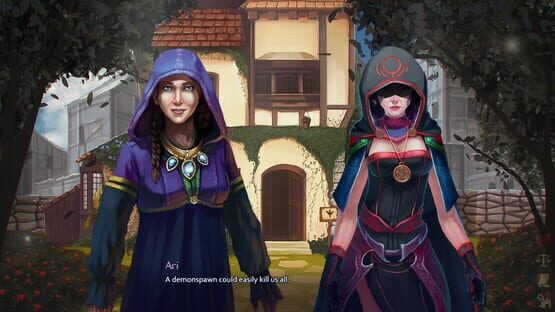
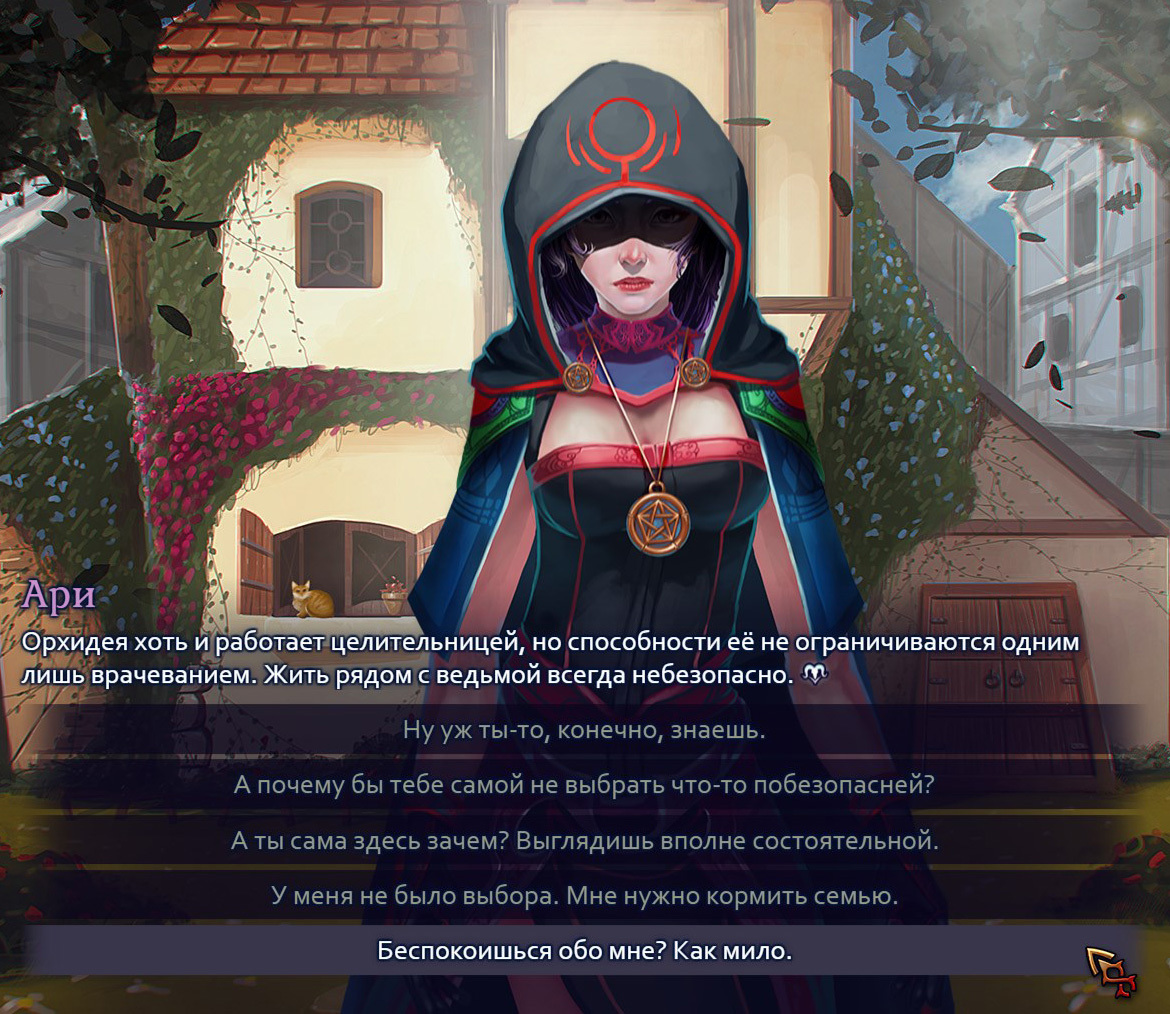
Update v1.60 adds a choice of languages in the in-game settings (currently there are English, German and Russian), and the game will first attempt to set the same language as your Steam client.
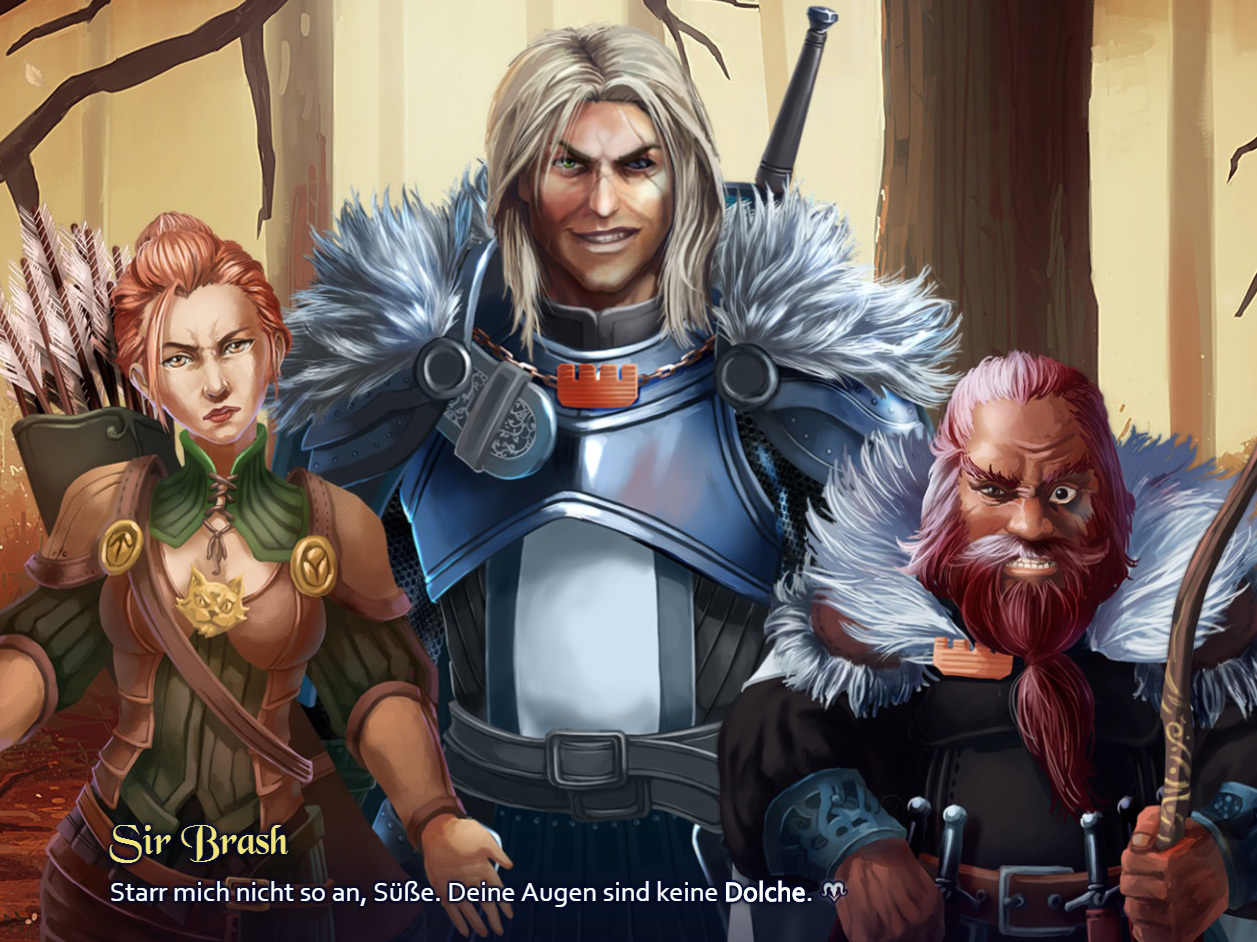
Demonheart in German!
Demonheart is now available in German.
Many thanks to Cesear for the translation, and to Sylveranty and Xaladin for proofreading!
How to set the language:
If your language on Steam is set to German and you don't have Demonheart installed, the game will get installed in German.
If the game is already installed in English, you'll need to uninstall the game, set your Steam client language to German, restart the Steam client and install Demonheart again.
Also, the Russian translation is almost done! If more people want to help with translating into other languages, you're welcome to!
Demonheart ist jetzt auch auf Deutsch verfügbar.
Vielen Dank an Cesear für die Übersetzung, und an Sylveranty und Xaladin für das Korrekturlesen!
Um die Sprache einzustellen:
Wenn die Sprache bei deinem Steam Client auf Deutsch gestellt ist, und du Demonheart noch nicht installiert hattest, wird das Spiel automatisch auf Deutsch installiert.
Wenn du das Spiel schon in englischer Sprache installiert hast, musst du das Spiel deinstallieren, die Einstellung der Sprache deines Steam Clients auf Deutsch stellen, den Steam Client neustarten, und Demonheart erneut installieren.
Außerdem ist die russische Übersetzung fast fertig gestellt! Falls mehr Leute dabei helfen wollen, Demonheart in andere Sprachen zu übersetzen, seid ihr herzlich dazu eingeladen!
Demonheart: Hunters - in the making!
As foreseen, I am still working on the world of Demonheart and the story of Bright. The next game is called Demonheart: Hunters and it has a coming soon page on Steam - please add it to your wishlist!
Hunters is still in the making and will be undergoing more polishing and shaping up of the story and gameplay, but the screenshots can give you a general idea. As requested by fans, character closeups / busts may be added in the future to bring back the VN feel.
Demonheart: Hunters will come out as a whole game at once, and not in chapters like the first game. Additional content may come later in DLCs.
Thank you for following the Demonheart series!
The Final Chapter Is Out!
Update Notes (v1.50)
Chapter 5 added to the game, with some "good" and some "bad" endings.
12 new achievements.
Added some voice lines to Raze near the end of Chapter 4.
In the future, I will be working on a new Demonheart-themed game, most likely a direct sequel. News will be posted in the Steam discussions when there is something to announce. Also, you can follow Demonheart on Facebook and Twitter. For now, enjoy the game!
Chapter 4 Released
This Christmas, a demonspawn arrives from Inferno to entertain you! Ouch.
Demonheart has been updated and now includes the fourth chapter.
Update Notes (v1.41)
Content:
Chapter 4 added to the game.
Added six new achievements that can be unlocked in Chapter 4.
Added a disturbed expression to Tunes model.
Replaced one forest background in C2 with a more detailed version.
Improved some Brash lines in C3 if Bright did not try to run away so they make more sense in the current situation.
Features:
The character/alignment screen now displays your current character points as a percentage when you mouse over the white heart. (The game starts at 50% Tactful, 50% Good.)
Added a message in the upper corner when an anagram starts for clarification - "Decipher the message!"
Fixes:
Fixed a couple of misused words/typos in C1 and C3.
Improved the way Jasper is displayed, so that his sword is in front of the other characters.
Added one more fix for displaying animated characters.
Fixed a bug that could happen when starting the game and immediately clicking on another window, where you'd get Raze's floating head instead of his whole model. 😃
Added a fix for the game window flashing white on game start.
Fixed the visual effect when entering Orchid's library.
Fixed some grey button flickering that could sometimes happen when selecting chapters.
Merry Christmas to all those who celebrate it!
Update v1.35 - Skip Option
<*>A skip option will appear in the lower right corner of the conversation space. You can also activate it by pressing the arrow right key. Skip will fast forward through parts of the game you've already seen, until the next choice or new content.
<*>From now on when you play, the game will remember which parts you've already seen. It will also attempt to register content from your saves. Depending on how often you saved, you might have to replay some parts before they become skippable.
Initially I thought the skip function wouldn't do much because choices are everywhere, but it does help to save some time, and there are some sequences of 10+ lines without choices. :)
Chapter 3 Released
Chapter 3: Deception has been added to the game. Two more chapters to go!
Thanks everyone for your support and continued interest! :Demonspawn:
Chapter 2 Is Out
Chapter 2 has been included in the game build! Just let the game update itself and you will have access to it.
Continue the journey and you will soon be contacted by your Infernal patron. The good times are about to begin.
Starting Chapter 2
- If you are playing Chapter 1, the game will continue automatically.
- If you want to start Chapter 2 separately, you will need at least one autosave from the end of Chapter 1.
- When you go to "New Chapter -> 2: Reverie", the chapter will start from your latest autosave from the end of Chapter 1. If you want to use a different save, you should go to "Load" instead.
Steam Overlay
If you want to access the Steam community in-game and be able to take screenshots, you should go to "Settings" and check the "Steam Overlay" checkbox. (We disabled it by default because a certain setting in the engine we are using both enables the overlay and causes performance issues on some system specs.)