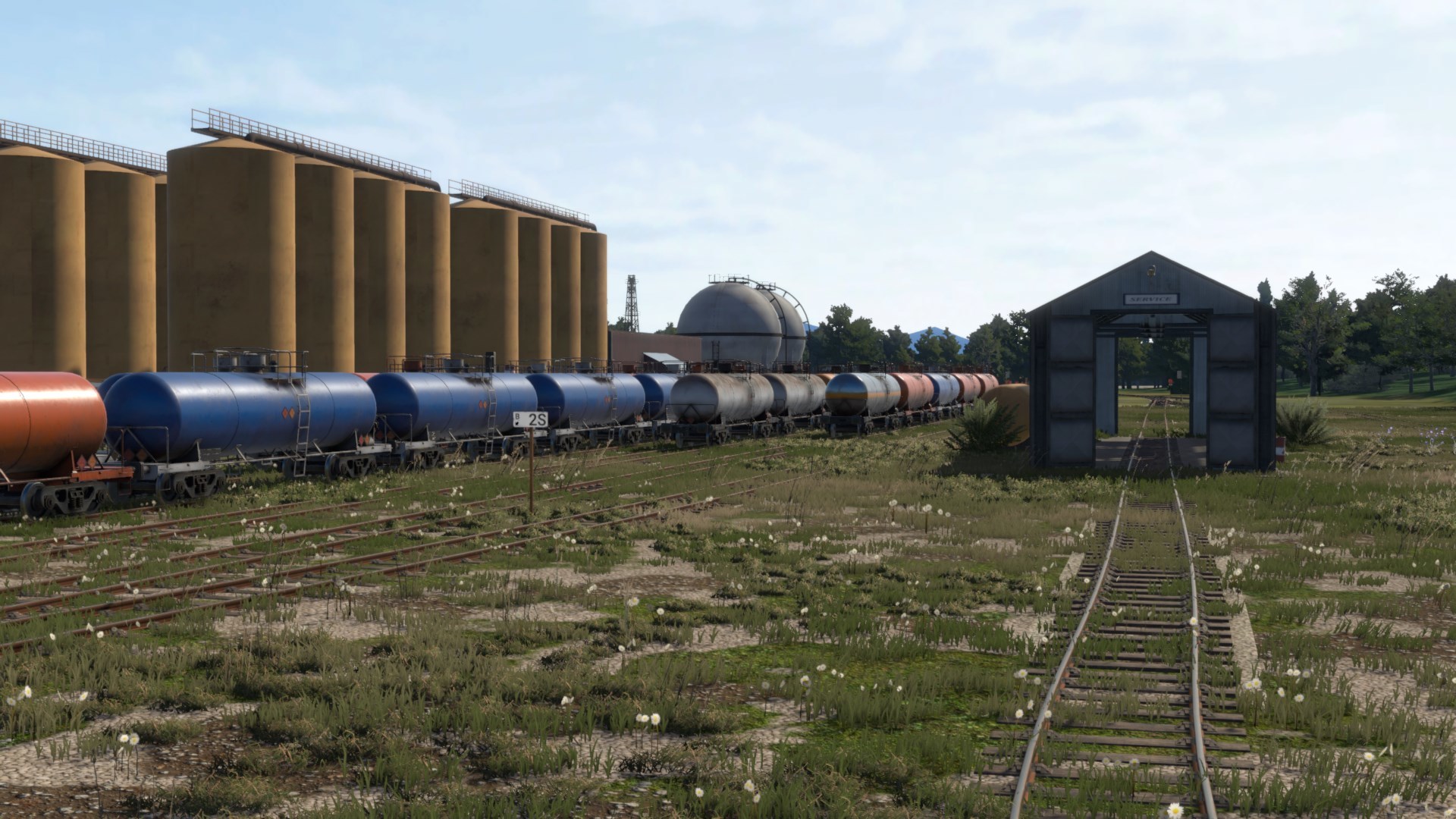
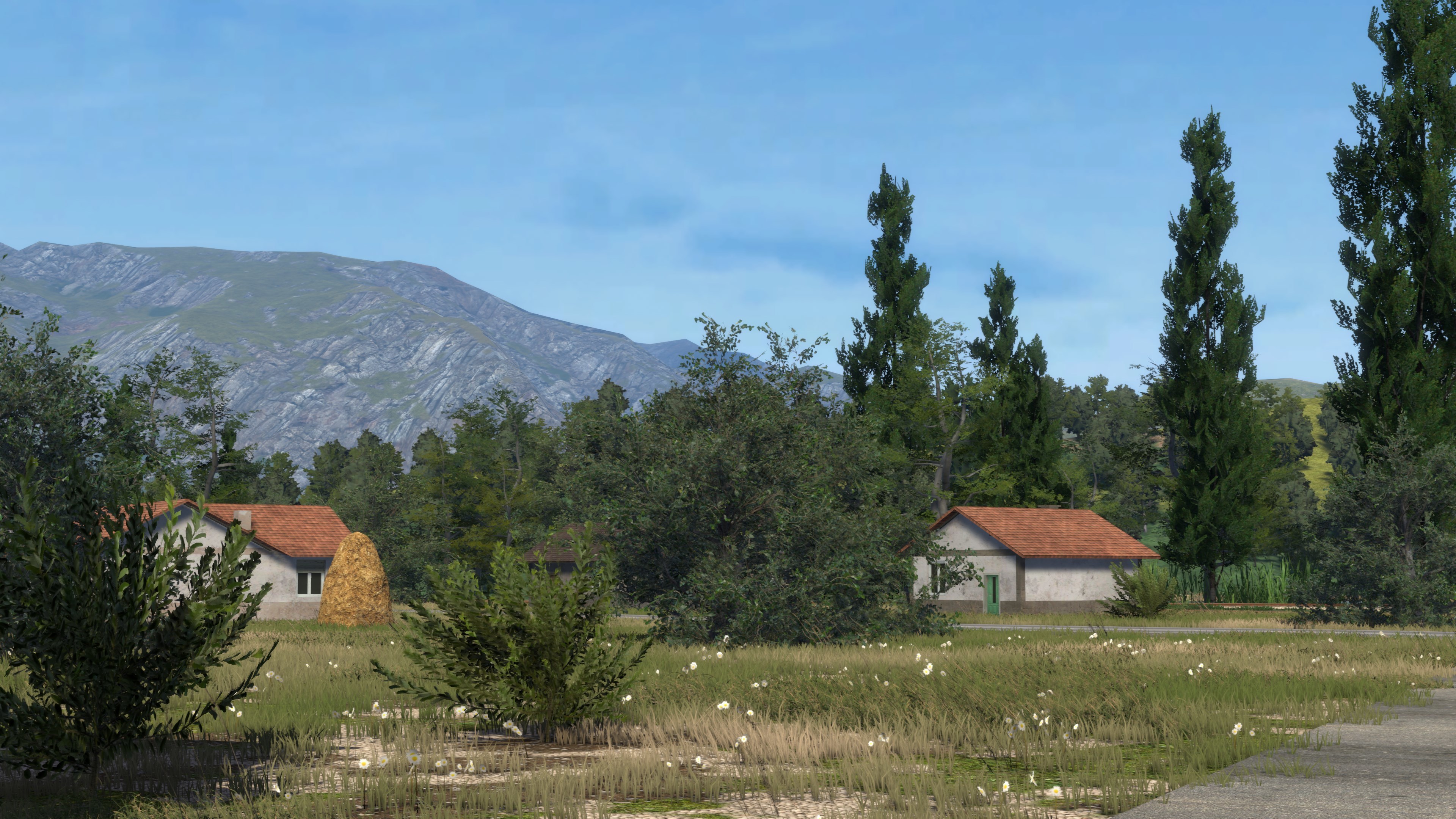
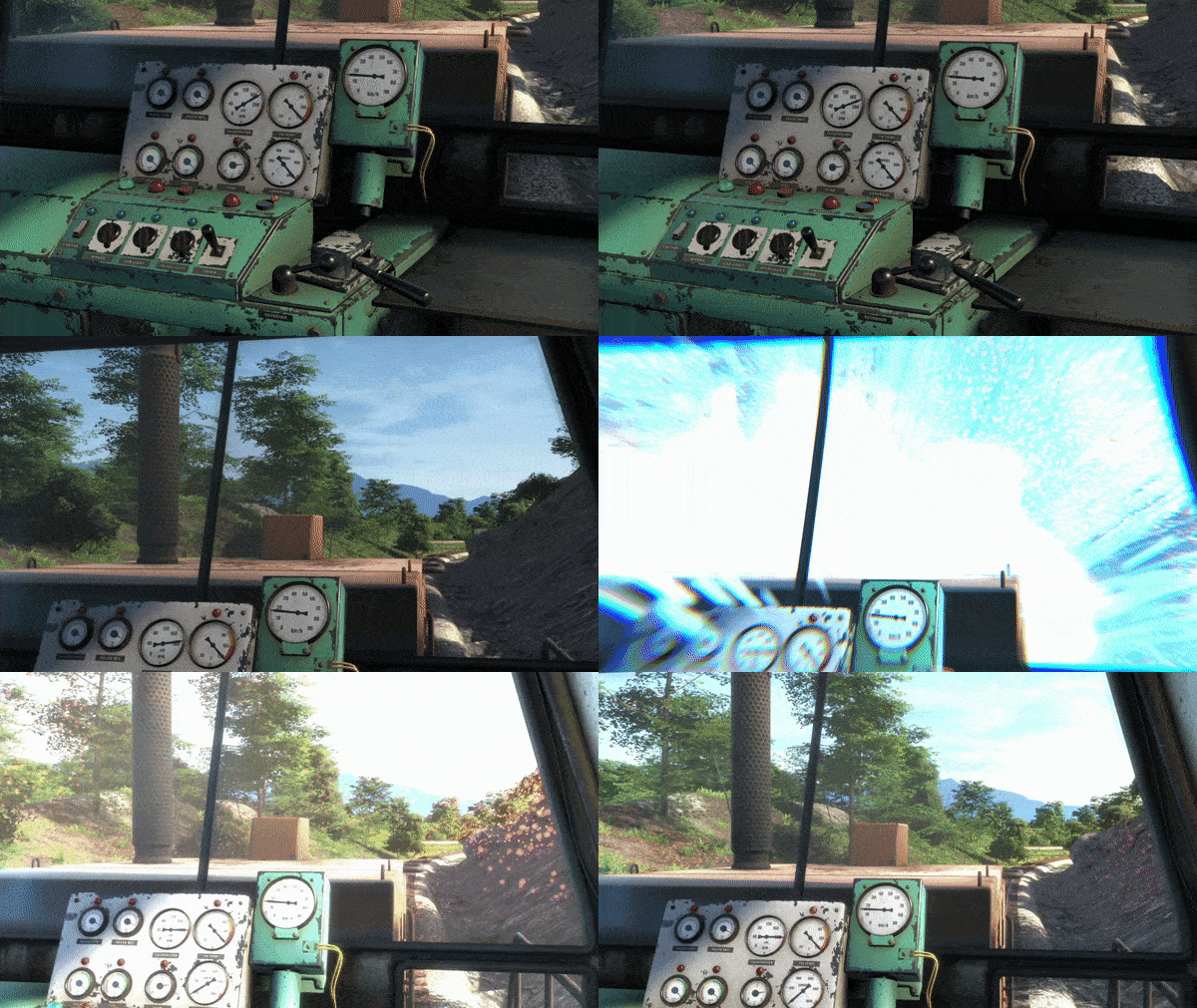
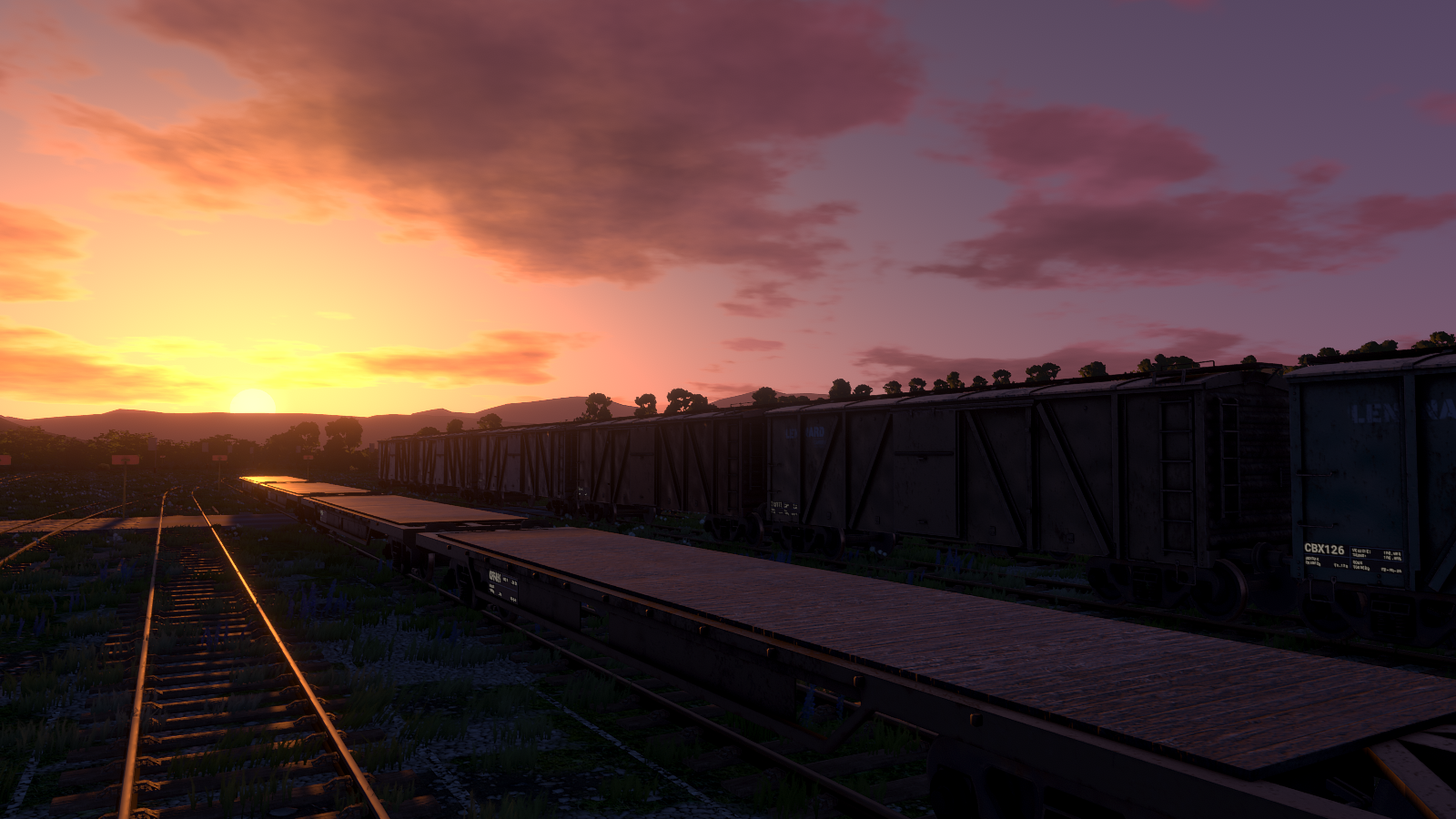
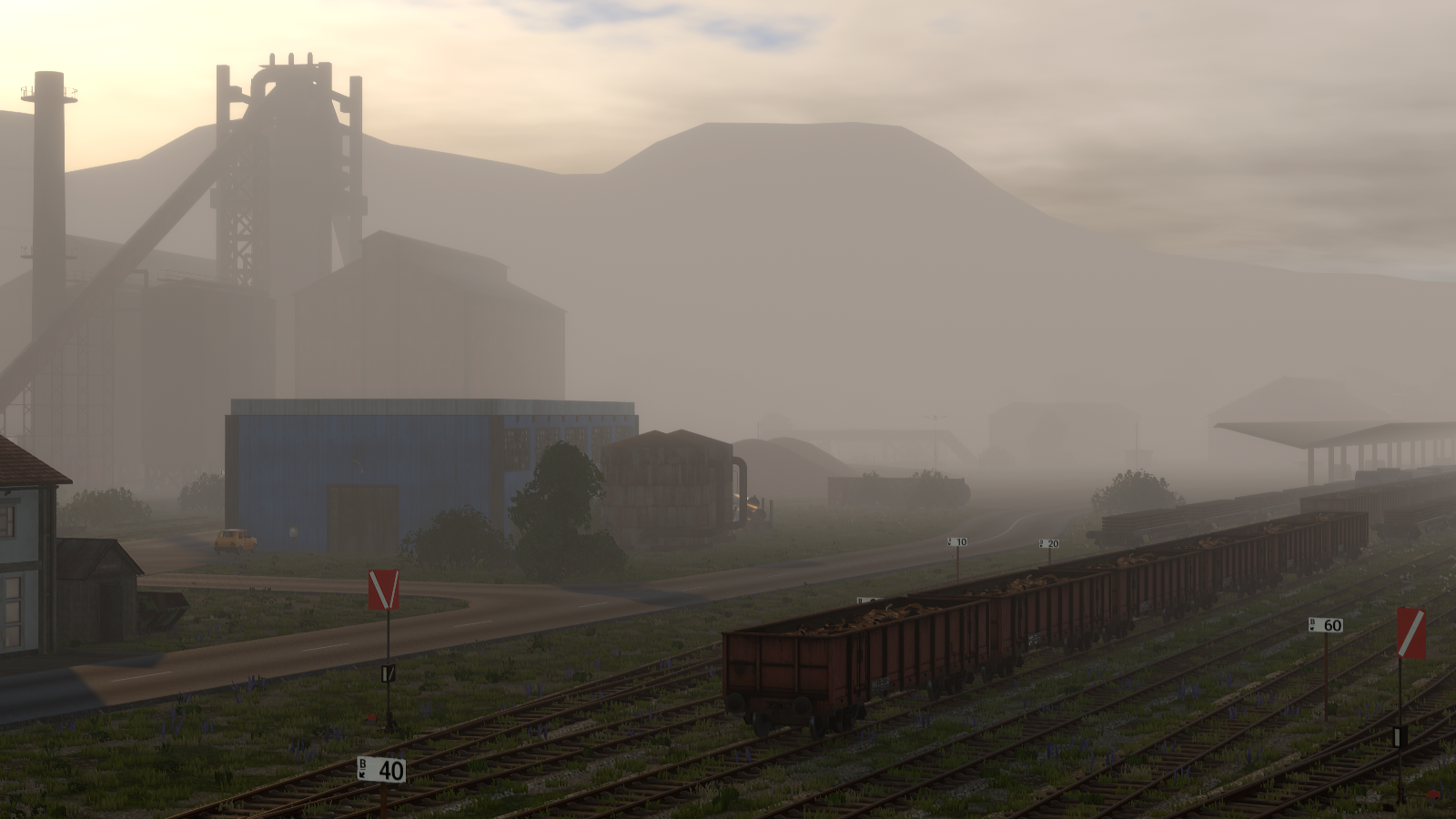
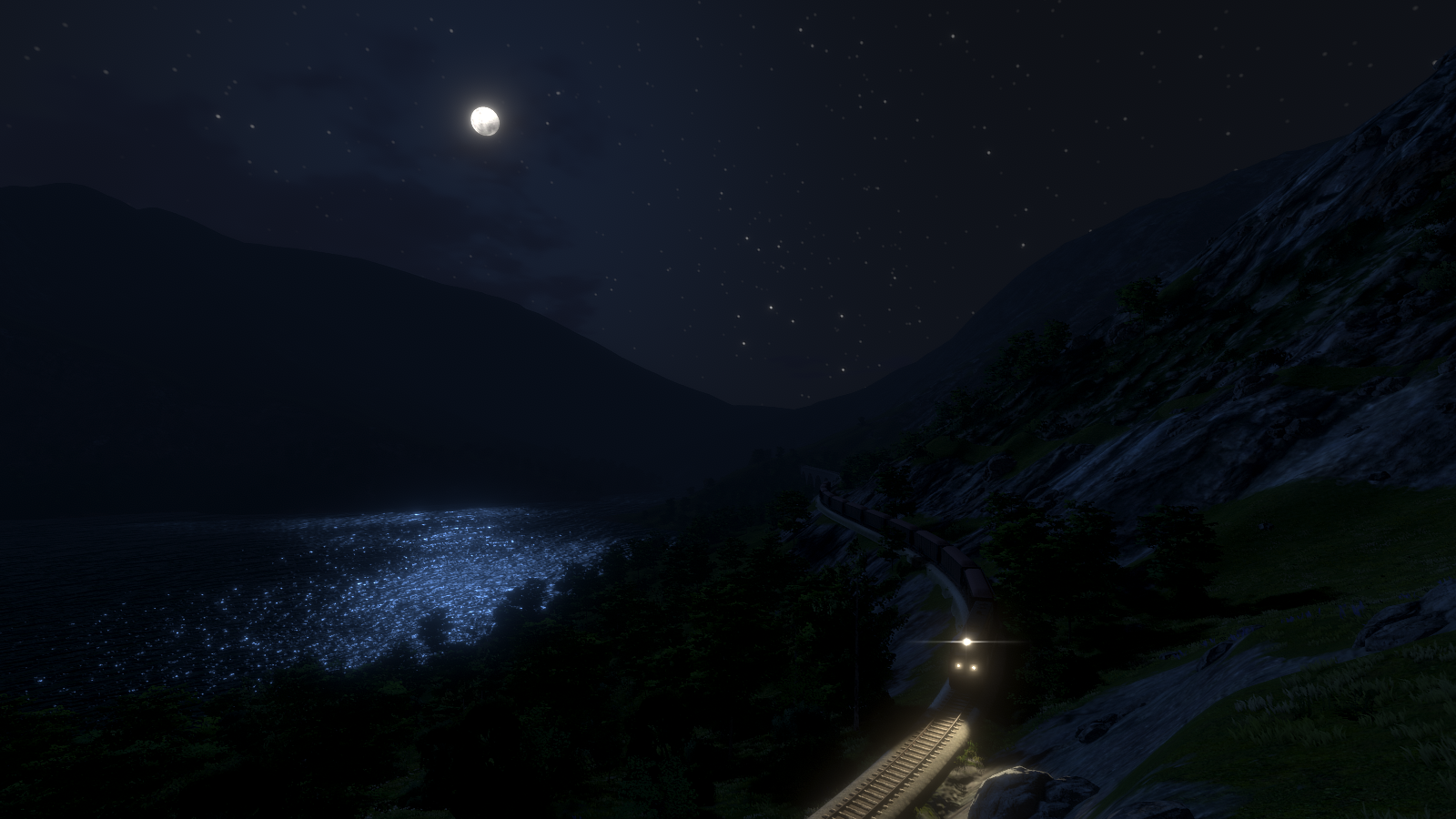
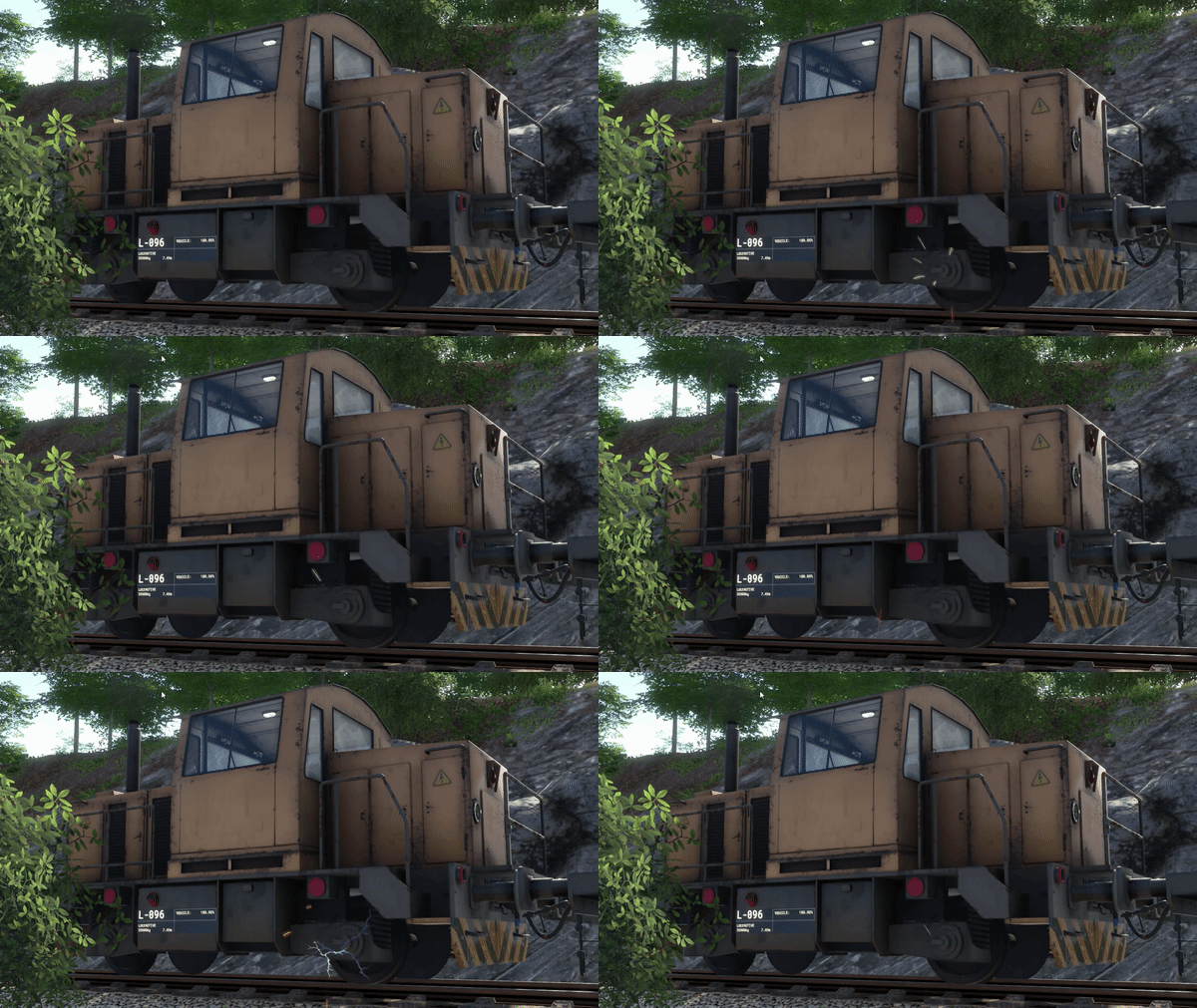
We've listened to all your feedback over the weekend, and have just fixed all the issues introduced in #92, regarding stability and vegetation.
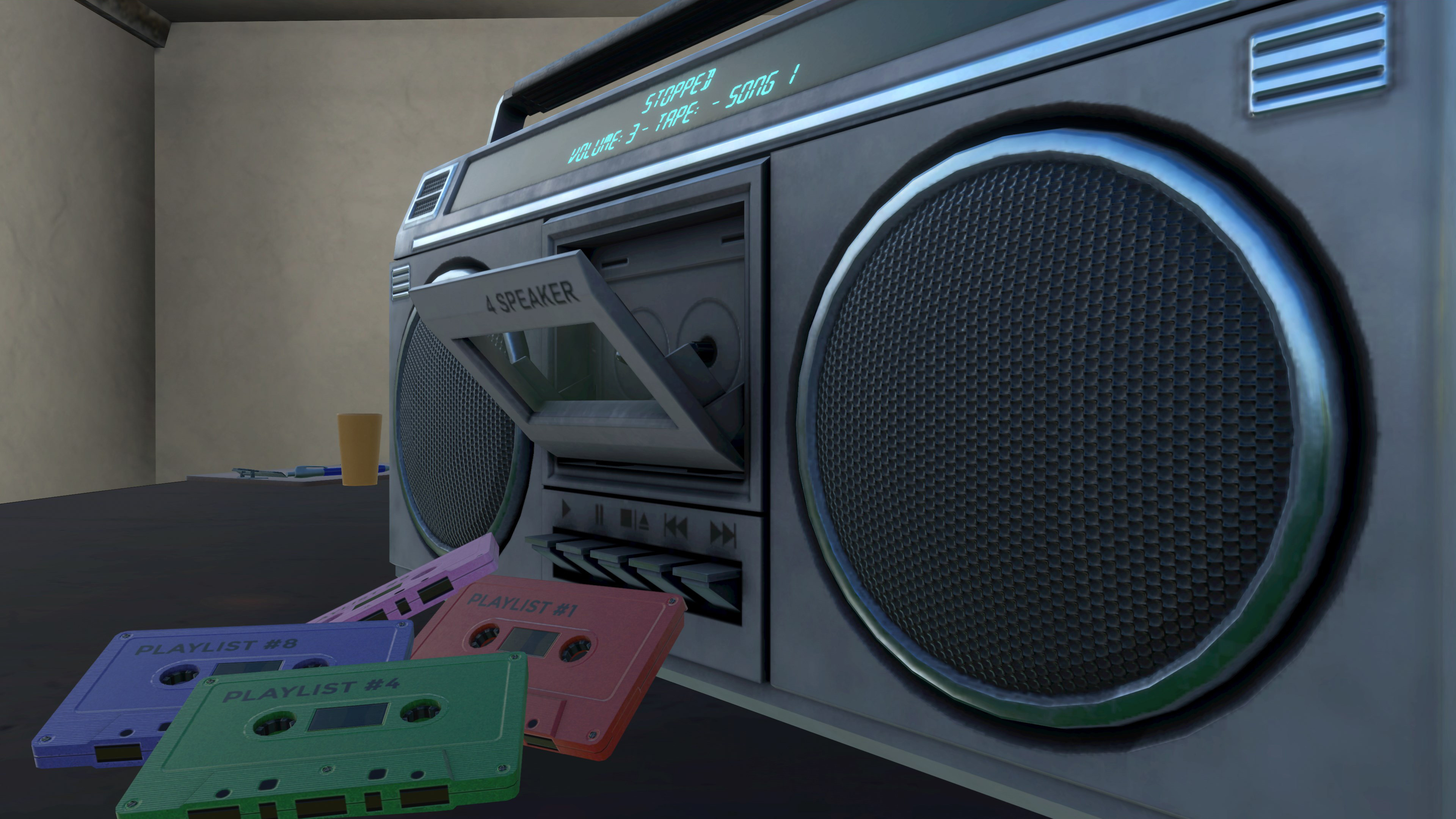
Inventory order will no longer shuffle when you restart the game, items won't pop out of your hands or the Boombox, and belt orbs will work in VR now.
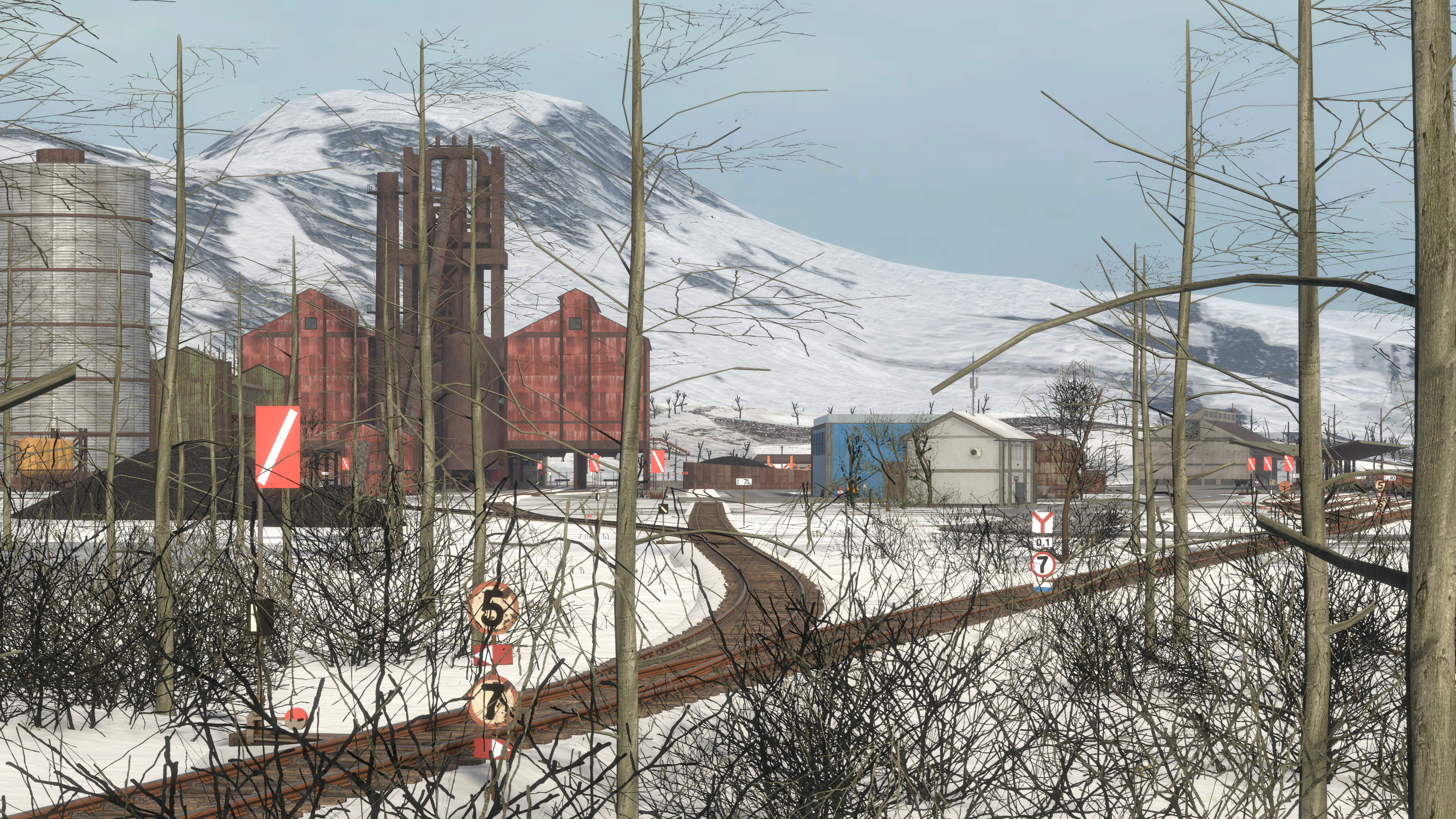
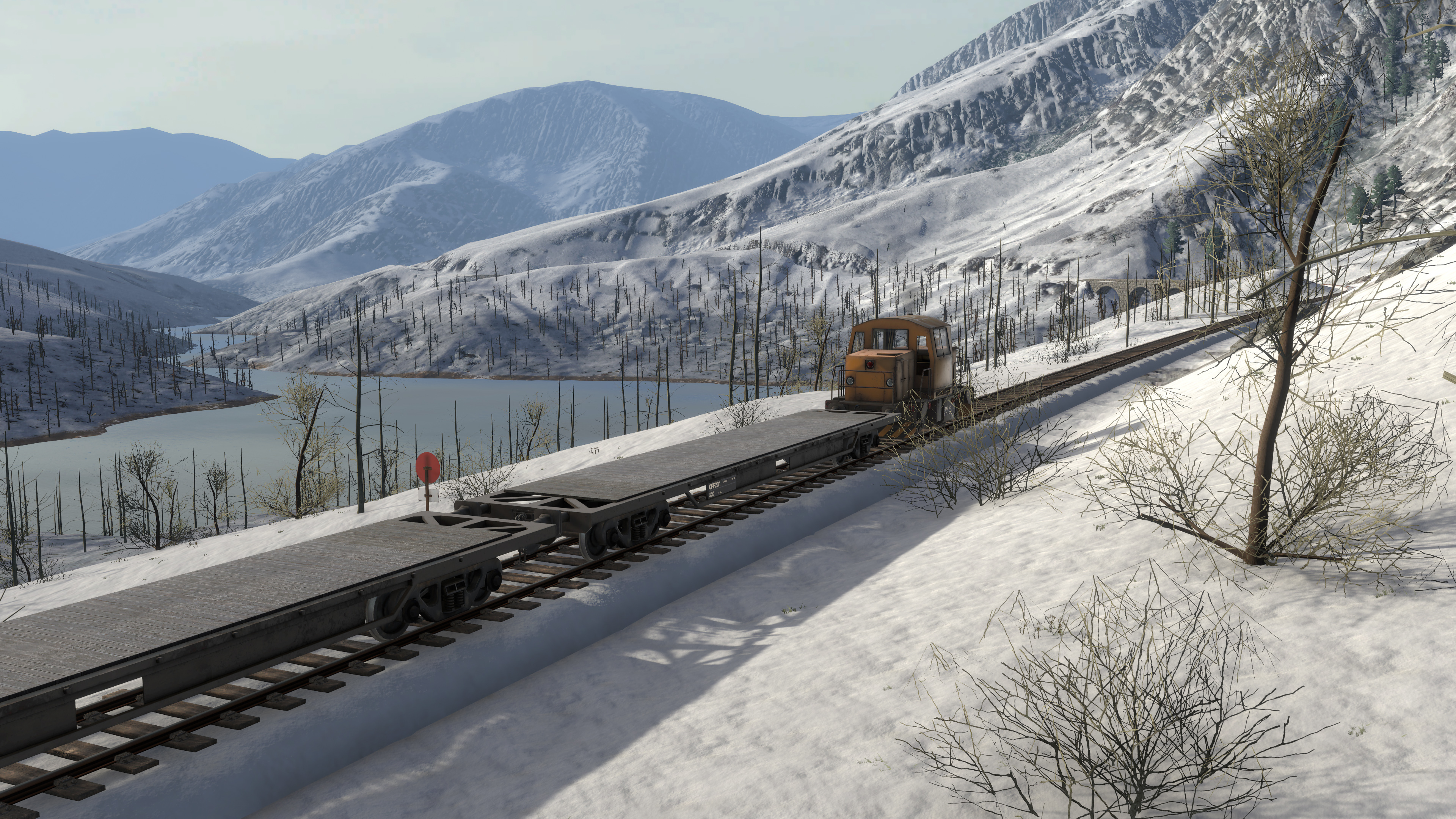
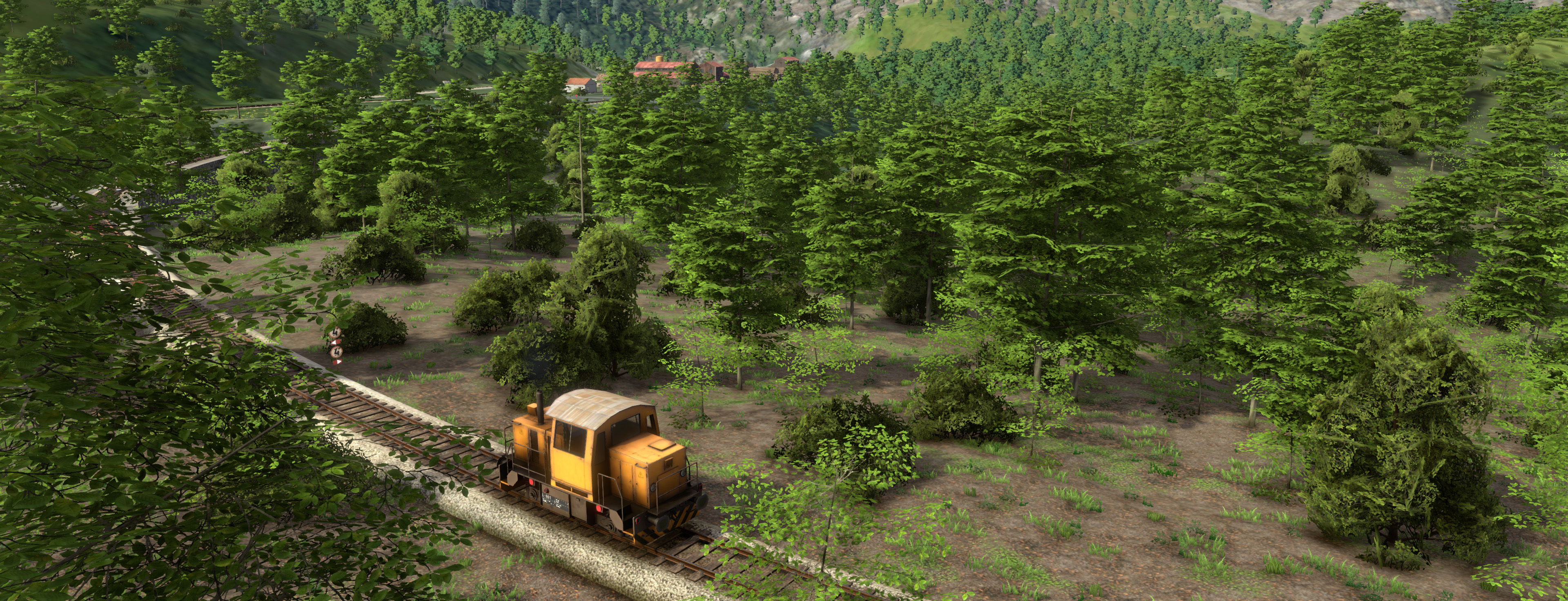
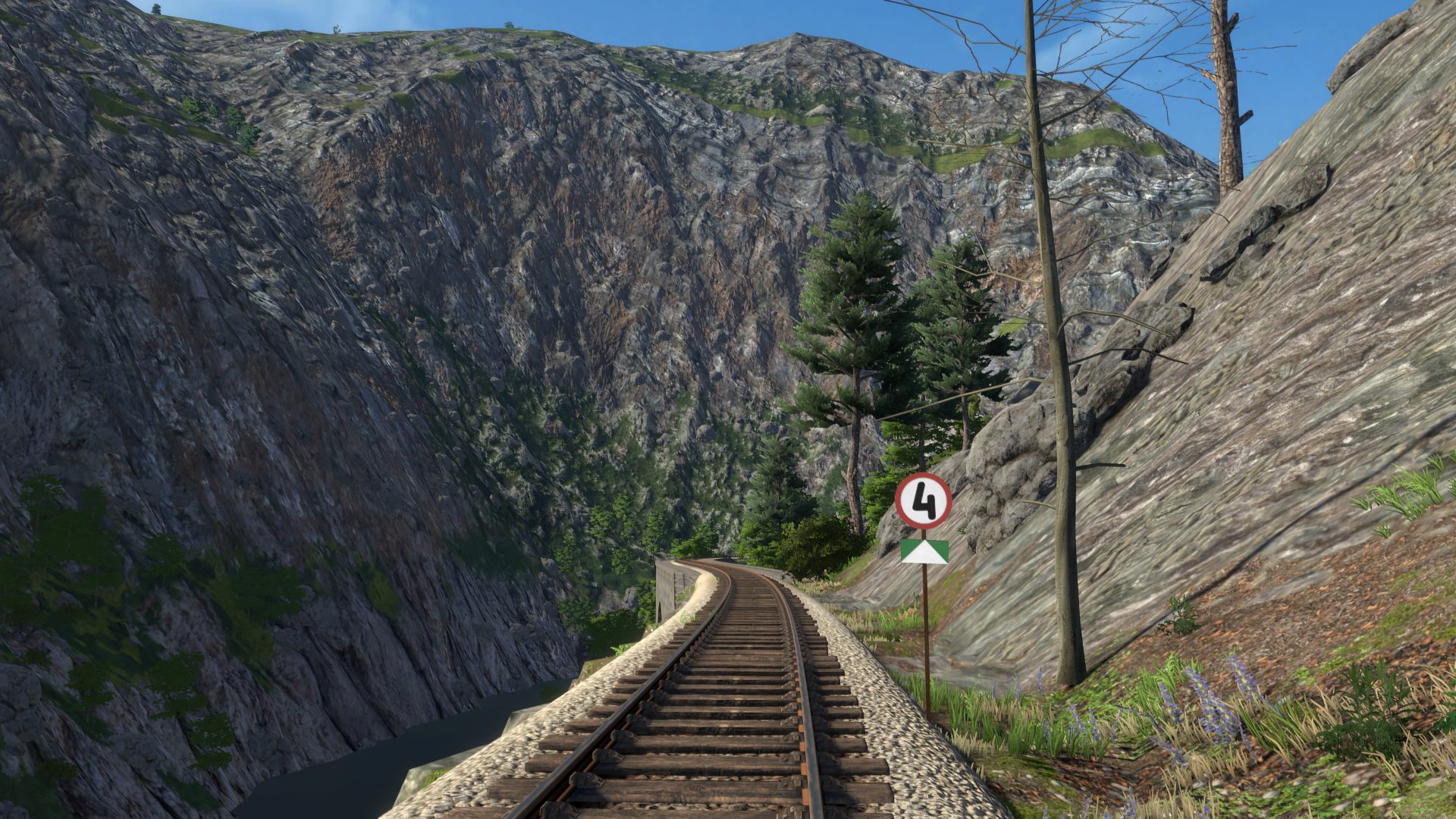
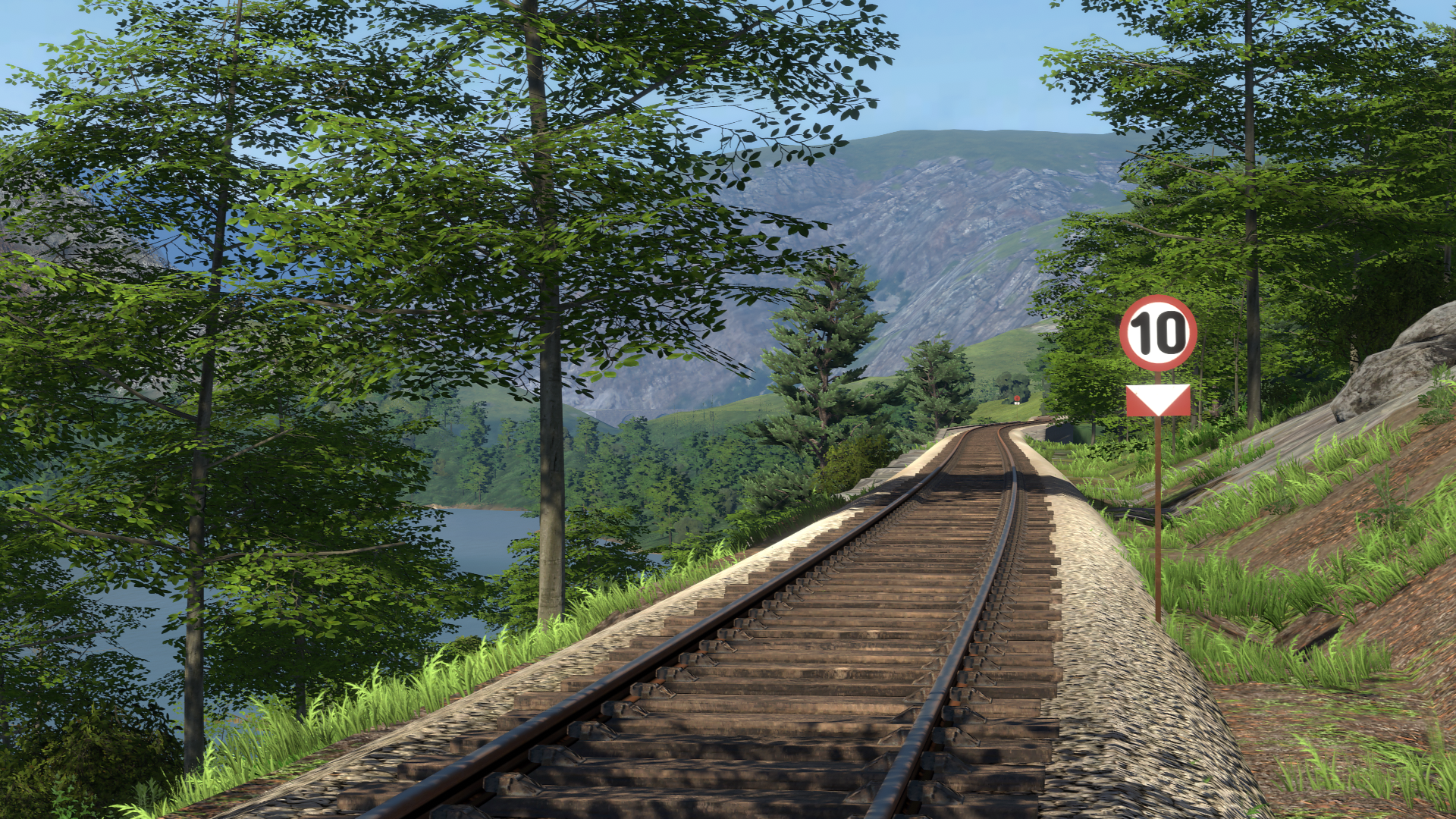
We've also done some minor fixes to vegetation, such as grass having too short render distance on the High setting, or it being too tall in yards. It was lowered just enough so that the rails are now clearly visible.
These were the issues with the vanilla game -- note that mods could cause their own issues. Have fun playing!
-Your DV team
Stability:

- Fixed inventory order getting messed up, as of #92
- Fixed belt slots in VR not working when on vehicles, as of #92
- Fixed items falling out of players hands when going from one vehicle to another, as of #92
- Fixed cassette falling when placed in Boombox while on vehicle, as of #92

World:

- Increased grass render distance on High settings
- Reduced grass height in yards
- Reduced grass popping
- Improved shading and shape dynamics of green crop plants
Build #92 - New Vegetation & More!
Hi everyone!
Recently we’ve announced our next major update, Derail Valley: Simulator. The feedback was phenomenal -- we’re close to 1000 likes on that post, almost three times the amount Overhauled had when it was announced. Thank you! This makes us incredibly excited for the future.
In the meantime, we’ve worked on an intermediate small update, #92. As always it’s got one prominent new feature, and this time -- it’s the all new vegetation!
[previewyoutube="3rksHgt_Mis;full"]
Vegetation in Derail Valley has always been lacking in fidelity, so in our common fashion we decided to give it an overhaul. Not only does this greatly improve the look of scenery but it also adds a few additional types of flora and makes cliffs look more natural. Along with the beautiful plants themselves, vegetation settings were changed too.
Unchanged performance:
While the new vegetation looks better, we were extra cautious not to impact performance negatively, and also to provide even higher levels of fidelity for those who have the hardware for it.
Formerly, the vegetation was meant to be fully compatible with VR, even at the highest quality settings. However, modern hardware can do so much more in regular non-VR PC gameplay. Thus, we’ve done some renaming. What used to be Ultra High is now simply High, retaining the same frame rate as Ultra once had, but offering more lushness and detail. This is what we recommend as the maximum setting for VR.
The new Very High and Ultra High settings, on the other hand, take things to the higher level of fidelity by taking full advantage of your GPU. We’ve confirmed with our beta testers that non-VR players of build #92 with GTX 1080 Ti and higher can max out all graphics settings and play at stable 60 FPS.
If you had your vegetation set to Very High or Ultra High in a former build, it will automatically be rolled one step back to compensate for the new higher fidelity. Players with low-end hardware will also benefit from this update, as vegetation set to Mega Low and Very Low levels will now render faster than it used to. In that sense the new vegetation now covers a broader spectrum of performance for all kinds of hardware, and we will tweak it further as needed.
Apart from revamping vegetation, we’ve also made some notable bug fixes and small improvements in this build. For example, we’ve added a new radio station - TruckersFM, we’ve improved the Boombox cassette file reading, we’ve fixed remaining cases where trains could get damaged unfairly, added a second row of cars to the job booklet for better clarity and made junctions highlight when aimed at -- to name a few. For the full listing, see the changelog below.
Finally, in case you missed it, we’ve recently updated the Community Unlocks with more details and information. Be sure to check it out!
That’s all for this update! As always, we’ll keep you posted as we get closer to another release. We’re most active on Discord, so make sure to join our server!
-Your DV Team
Build #92 - August 20, 2021:

  Stability:

  - Fixed trains getting damaged on game load if a consist was compressed
  - Attempted fix at locos getting damaged very rarely when player spams teleport

  World:

  - Revamped vegetation
  -- All new trees, bushes, grass and rocks
  -- Added some additional types of flora
  -- Modified vegetation settings (auto-reduces by one level if Very High or Ultra High)
  -- Now defaults to High

  VR:

  - Fixed trigger and grip buttons getting swapped sometimes
  - Fixed HP Reverb G2 having bad beam angles
  - Fixed controllers being drawn behind menus
  - Fixed couplers and brake hoses not following the "item grab" setting principle
  - Fixed being able to feel map buttons during fast travel in OculusVR
  - Changed default setting for movement orientation to Headset
  - Fixed VR tutorial not pointing the correct inventory button on Vive Cosmos

  Misc:

  - Boombox improvements
  -- Added TruckersFM radio station
  -- Now can play .wav files
  -- Now can play .mp3 files with embedded album art
  -- Now can change volume with scroll or trigger+joystick when held
  -- No longer stutters when changing songs from HDD
  -- Fixed Boombox audio not ducking when overshadowed by explosions or horns
  -- Changed cassette item collision sound
  - Fixed several bugs that would prevent lost items from going to L&F
  - Fixed items being unreachable when in interaction collider (e.g. lighter on firebox sill)
  - Job booklets now show two rows of cars for better clarity, if train has over 10 cars
  - Added highlight to aimed junctions (can be disabled in settings)
  - Added item placing (R) to nonVR tutorial
  - Fixed item placer gizmo getting stuck on screen if pressing esc while placing
  - Fixed bad loco remote and world map orientation when item placing
  - Fixed Boombox volume not working properly when mouse-scrolling
  - Clearing the Caboose now moves it to depot together with items inside
  - Fixed player movement being choppy when going down the hills
  - Made the console key remappable (default ~)
  - Fixed items in Caboose dropping through the floor when in drawers
  - Made service station controls easier to use with mousewheel
  - Fixed being able to cause an empty inventory slot with wallet by a certain action
  - Fixed being able to squeeze into locked garages
  - Fixed Item hanging in the air if the game is paused during telegrab
  - Only show 'Press LMB to deposit' when a transaction requires money
  - Allowed banknotes and coins to be used in nonVR for transactions
  - Fixed clipping house floor in GF
  - Flipped loco spawner orientation in FM
  - Cleaned "missing script" log spam (OculusVR will still have some)
  - Cleaned "There are no audio listeners in scene" log spam
  - Fixed "Oxydizing" typo on a hazmat placard
  - Updated Readme.pdf
Announcing Derail Valley: Simulator, coming end of 2021
Hi everyone!
It’s been a long time since our last big news. Today we’re announcing our second major update, Derail Valley: Simulator, slated to come by the end of the year!
Back in October we hinted at some of our plans for the update. Today we want to share those plans with you in greater detail. For many months, we’ve been working on lots of big and essential features, with the primary goal of fortifying Derail Valley as a well rounded train simulator product. Without going too much into detail, these are the main changes you can expect in the update:
Revamped Train Simulation:
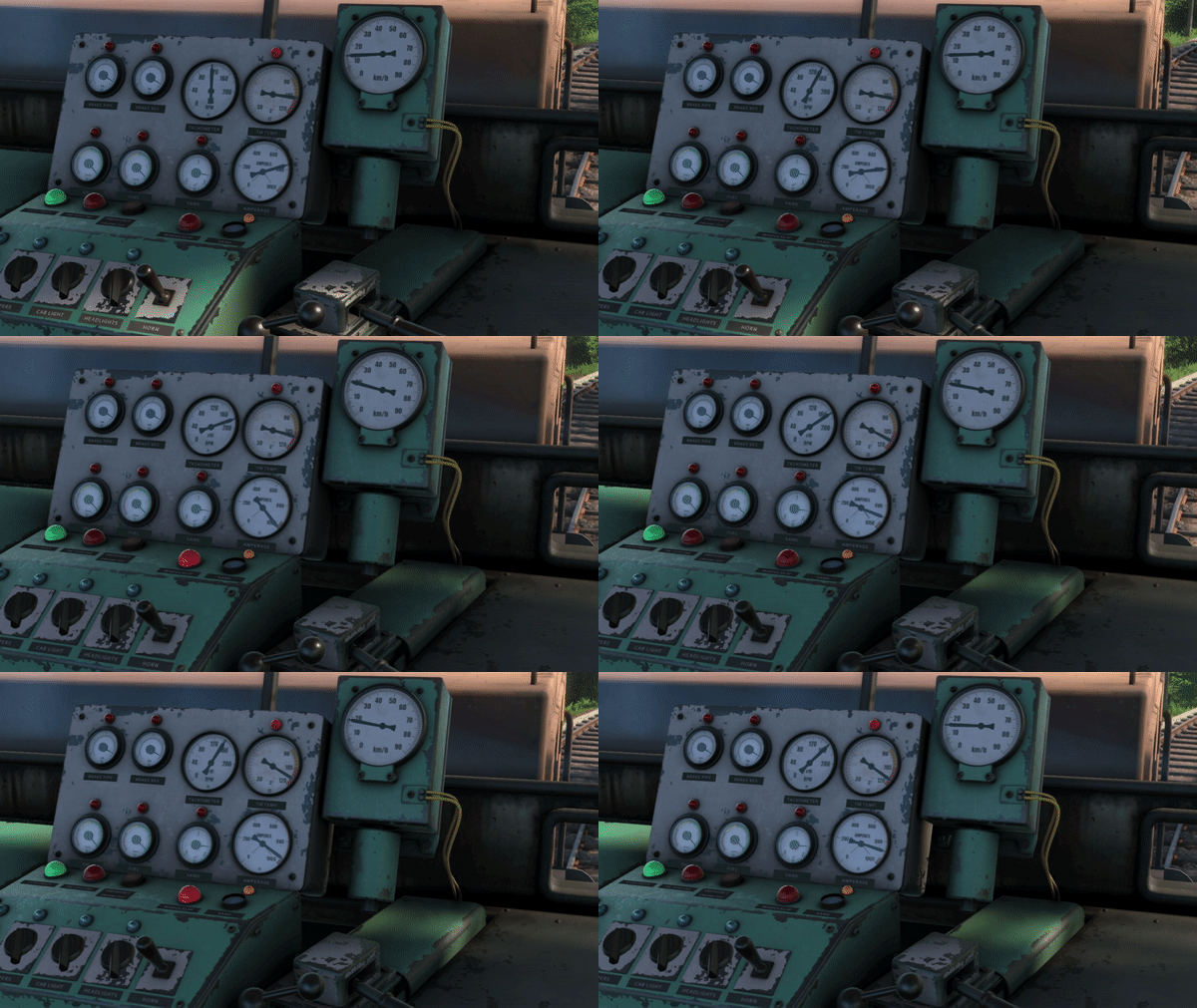
Simulation of the steam engine and diesel-electrics will be completely remade. With further emphasis on realism and details, as well as fully finished controls and manuals, the locomotives will be complete. There will be very few visual changes, and more in how the locos behave - with actual amperage, traction motors, cylinder cocks and other specifics simulated. We’ll go into more detail when the update is close to release. Driving trains in Derail Valley will remain accessible and fun, in our standard fashion, but will also be much closer to how the real trains work. Big thanks to the select few of our highly trusted and knowledgeable beta testers who have been selflessly helping us get this right!
While working on the sim revamp, we’re also laying the groundwork for adding more locomotive types to the game in the future, such as pure electrics and diesel-mechanicals. For Simulator, we’re creating the new simulation platform in such a way that no coding is required to create a new locomotive. While still complex to use, the new platform will greatly increase the output at which both us developers and eventually the modding community can churn out new locos to the game, of virtually any kind. The train mod support and the new loco types won’t be part of the Simulator update on release day, but they’re actively being worked on as part of the sim revamp as we speak.
Day and Night Cycle and Dynamic Weather:
As an addition to its beautiful natural landscapes, Derail Valley will receive seamless cycling of day and night, as well as dynamic weather conditions. This will include clear, cloudy, foggy and rainy conditions that will all spontaneously morph into one another, as you’d expect. The locomotives will, of course, feature wipers and proper headlights to accompany the addition, and the rain will affect traction quality.
While not set in stone yet, the frequency of the day and night cycle and weather changes will be probably set to a certain rate in Career mode (e.g. 24h in game will equate to 1h real time), and will be completely adjustable in Free Roam mode (more on that further below). Players will be able to interact with beds in order to sleep and pass the time. The concept of time passing be further incorporated into gameplay later on, although this remains to be seen.
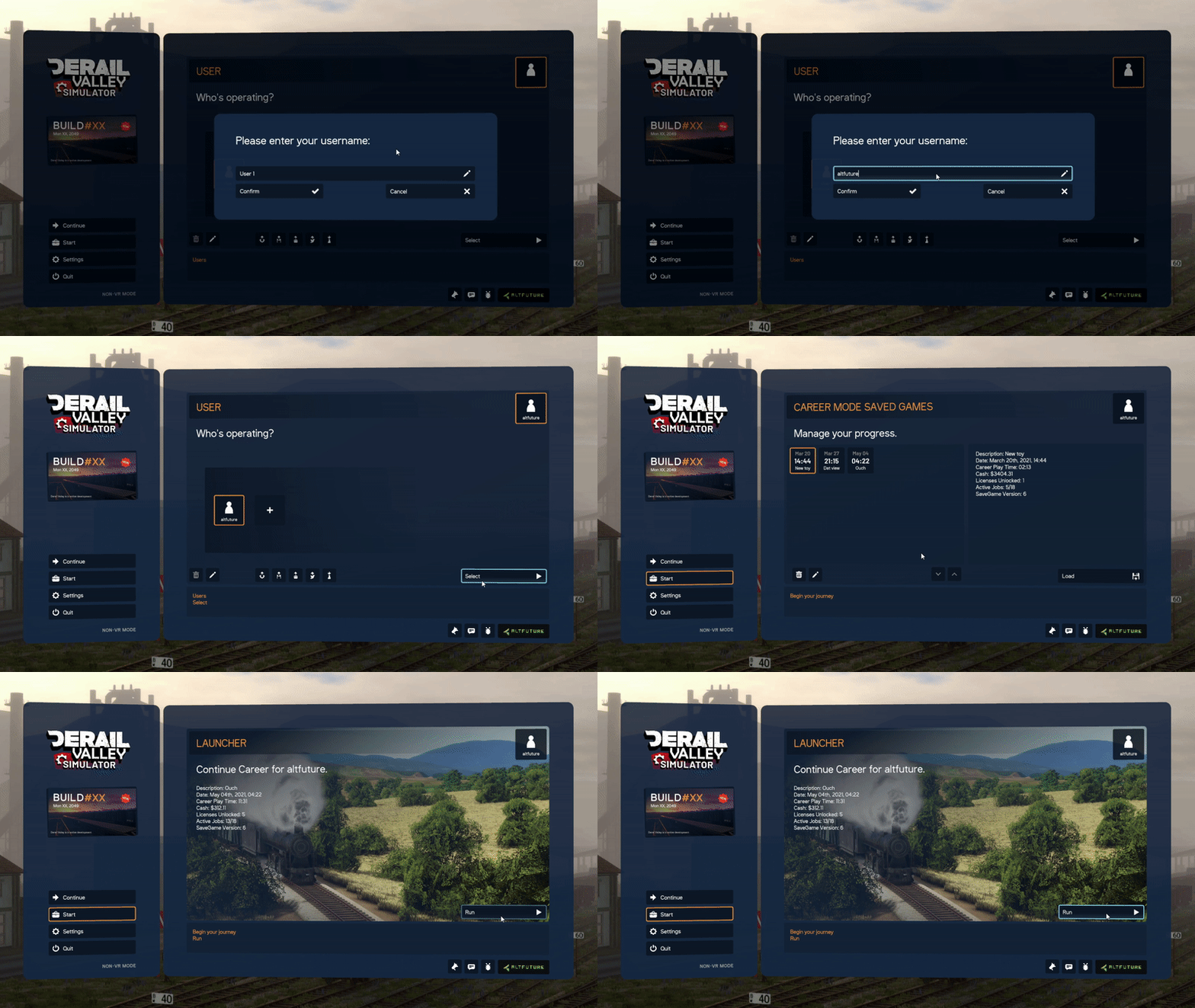
Perhaps one of the most critical improvements in Simulator will be the complete GUI architecture revamp. Starting Derail Valley won’t throw you directly into gameplay anymore. Rather, a proper main menu that welcomes you first will finally be in place, where you’ll be able to select a user, load and save your progress, start a new game, and do other usual game actions that have been lacking in Derail Valley for so long. The reason this comes this late is that it is much harder to pull off than it may seem -- the game couldn’t be made restartable without some bigger changes that we’re working on, which is a prerequisite for lots of related features.
The new interface is made flexible in such a way that over time we can easily add new settings, such as the “skip tutorial” button when starting a new career game, and alike. The new GUI is also fully consolidated between PC and VR, which wasn’t the case previously, making it easier to maintain it on both platforms.
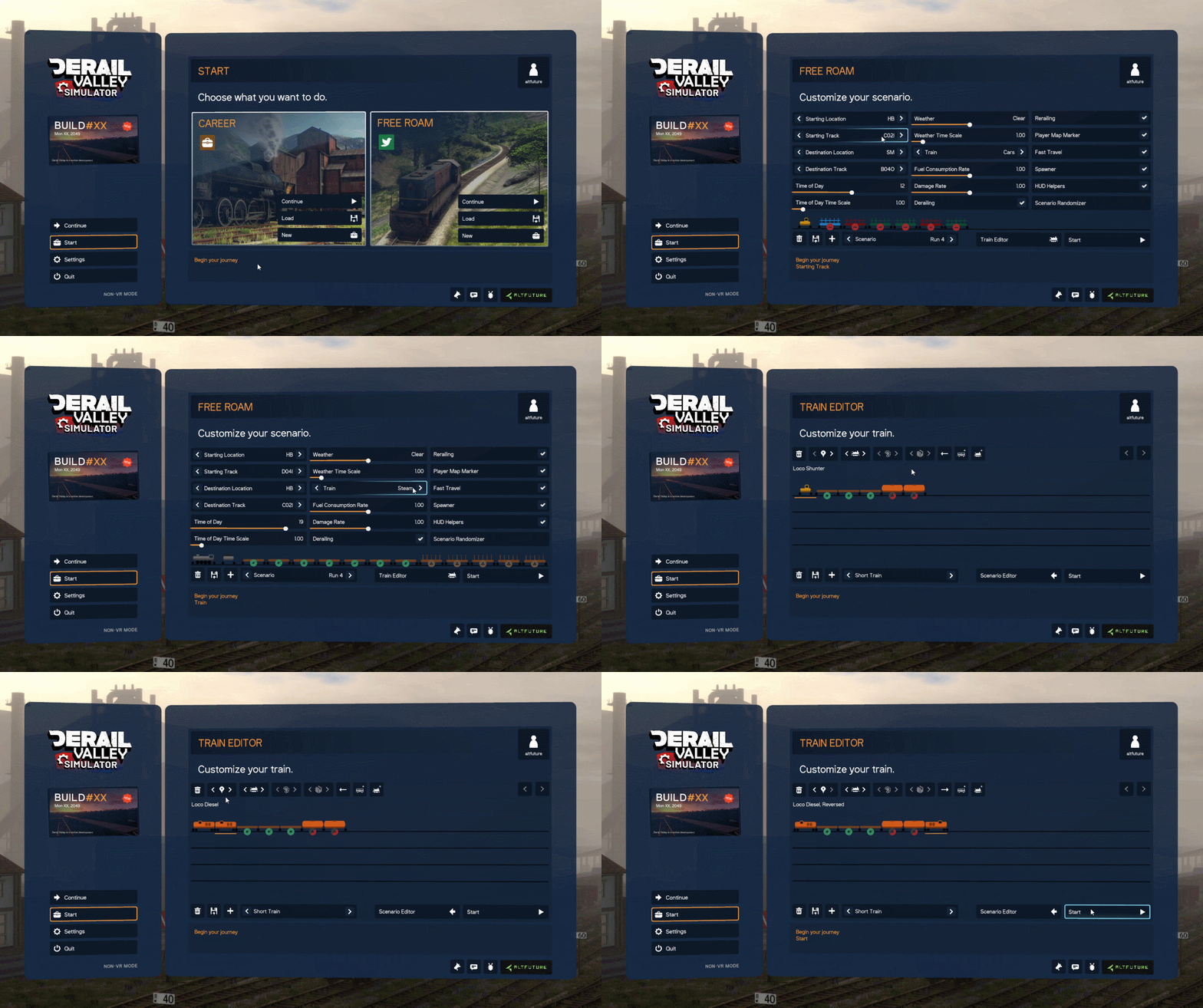
Welcomed by many players will be the new Free Roam mode. It will let you play without worrying about fees, licenses or earning money. You’ll be able to pick your own scenario parameters, such as starting location, destination, time of day, weather conditions and train, and just do whatever you want without consequences. Only the base locomotives of each kind will be available on fresh start in Free Roam. You’ll need to unlock the higher classes by buying the license for them in Career first, thus incentivizing the player to play the much more engaging Career mode. Of course, the players who insist on having everything unlocked right from the start will still have the option of asking someone for a save file with everything unlocked.
You’ll be able to design your own consists for use in scenarios, and share both consists and scenarios with other players. In Free Roam the jobs, trains and locomotives will still spawn in the world as they do in Career mode. You’ll be able to complete those jobs, but without any monetary rewards, nor penalties.
Localization:
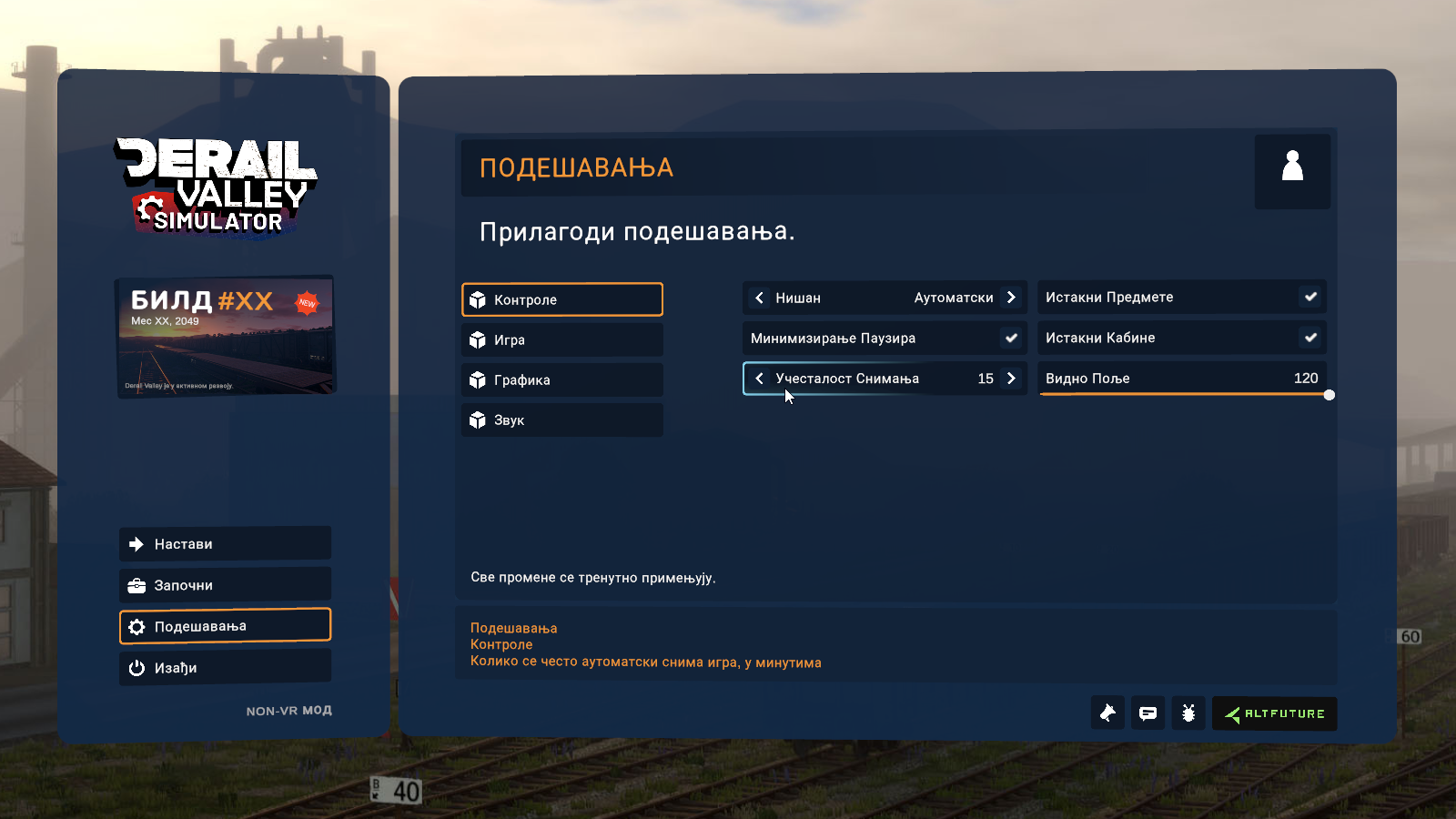
We’re making Derail Valley multilingual, which should increase the game’s reach in many countries around the world. Currently, we’re aiming for German, Russian, Dutch, Japanese, French and Serbian languages, and we’ll likely also include Spanish, Portuguese, Italian, Chinese, Korean and Polish. If there’s demand for these or more languages, please let us know -- your input means a lot. We’ve been preparing all of the game’s string database, GUI and booklets for localization, and the only things that will remain universal (in latin script) will be the IDs of locos, tracks, locations, jobs and licenses.
In The Meantime:
We expect to have Derail Valley: Simulator ready for release sometime by the end of this year. This is not set in stone, however, as there’s still a bunch of work to be done and things could be pushed further. When we’re ready to fully reveal the update, we’ll do an In-Depth series going in detail about each of the new features, like we did with Overhauled.
Until then, we’re looking to release 2-4 small updates, similar in scope to builds #89-91, which too were worked on during the ongoing development of Simulator. The small updates will be focused mainly on bug fixes and small improvements, but with each also having a prominent new feature.
Price Increase:
With the release of Simulator, we’ll increase the price of Derail Valley from $19.99 to $35.99. This increase has been long planned and announced, and despite staying in Early Access, we feel that at that point Derail Valley will be worth the new price. Of course the increase will not affect those who bought the game prior to the price increase.
Beyond Simulator, we plan to focus on adding a lot of new content to Derail Valley and making the late game gameplay more strategic and goal driven. That too is heavily under development, but we’ll probably discuss it more next year.
That’s all for this news update! Thank you all for your support, patience and understanding that these things take time! Despite not having released many updates lately, we’ve been busy as always working on Simulator, and our goal remains to make Derail Valley the best train simulator in the world. See you soon with the next small game update!
-Your DV Team
Build #91 - Boombox & More!
Hi everyone!
It’s been a couple of long months, but we’re back with a new update! This time, the snow has melted, and lovely music took its place! As always, Ivan accompanied this update with an awesome video:
[previewyoutube="Vw177ABbUX8;full"]
Boombox comes with a variety of music cassettes that you can buy in shops, as well as the ability to play radio. It can be customized to play your favorite online streaming radio stations, as well as playlists of your local music files! We strongly recommend you to read the new readme.pdf file before playing with it, located in the game installation's root folder.
With the boombox came the need to precisely place items in nonVR, which is another addition in this build. Placing items is done using the key 'R' and the mouse wheel.
Having watched your videos and streams, we also acknowledged that rerailing should be made free at the early phase of the game, so we’ve made that change. Additionally, we’ve improved item belt orb slots in VR, booklet saving, fixed trains spawning in each other, and a lot more small things.
Finally, we’ve removed the snow as promised and it won’t be available at least until another Christmas. We know many of you would like us to keep it as an option, but technically that’s not possible right now. Maybe some other year in the future.
If you’ve been wondering about the status of the 2021 major update - it’s heavily in progress, but there’s still a LOT of work remaining to do before we can share anything. Until we have more information, we’ll have small updates coming out, such as today’s one.
We’re looking forward to hearing what you think about the new boombox and the rest of the changes! Have fun driving with your new companion!
P.S. While finishing up this update, we learned that the inventor of the cassette tape, Lou Ottens, had died yesterday at age 94. May this update be in his memory.
-DV Team
Build #91:

  Stability & Internal:

  - Attempted fix for trains that occasionally spawn inside other trains, causing unfair fees
  - Drastically improved automation of terrain build preparation process
  -- This speeds up internal workflow for build making and testing
  - Preferences optimization
  -- Increased preferences reading speed
  -- Added functionality to auto-upgrade preferences
  -- Made anisotropic filtering auto-upgrade to Ultra, if was on High in previous build
  -- Added versioning to preferences file
  - Updated Post Processing

  Items:

  - Added Boombox
  -- Can be bought in CitySW
  -- Features two modes, Radio and Cassette player
  -- Radio can play real life online radio stations (included https://simulatorradio.com/)
  -- Players can add or create radio stations (see readme.pdf for details)
  -- Radio features audible signal loss effect when going through tunnels
  -- Cassette player can play cassettes that can be bought in shops
  -- Some cassettes contain music, whereas others point to players’ local playlist folders
  -- Players can add their own music to those playlists (see readme.pdf for details)
  - Added item placing feature in nonVR
  -- Hold R while holding an item and aim at a surface to see item gizmo
  -- The gizmo will show warning color if aimed location clashes with another surface or item
  -- Use mouse scroll to rotate the gizmo
  -- Release R to place the item in place of the gizmo, at the aimed location
  - Booklets now save the page they were on
  - Fixed issues with Loco Remote
  -- Fixed nonVR mouse interaction not working with joysticks when ungrabbed
  -- Improved couple knob to react better to mousewheel
  -- Fixed item preview being offset in VR inventory
  - Fixed issues with Pocket Watch
  -- Fixed occasional scrolling  jam in nonVR
  -- Fixed wind knob chaotically colliding with the environment when held
  -- Fixed falling too slow
  - Fixed the inability to pick up the items remaining on the turntable control panel in nonVR
  - Item highlighting is now disabled by default in nonVR
  - Optimized shovel texture size

  VR:

  - Made improvements to belt orbs
  -- Their position is now saved
  -- Items stored in them are now saved too
  -- Orb rotation now snaps to 90 degree angles when in close proximity
  -- Rotation gizmo now appears when hovering over the orb
  - Improved controller anchors for Cosmos users (thanks Niko!)
  - Fixed draft lever (and DE6 windows) not working on some headsets
  - Fixed shovel in VR getting dropped when holding it a certain way and teleporting

  Career:

  - Rerailing is now free until buying licenses CCUR1 or LONG1
  - Improved randomness of destination input tracks in job generation
  - License printouts now list license dependencies
  - Removed the ability to click trash bin to delete job (throw it in instead)

  Tutorial:

  - Fixed taking money via wallet-click in tutorial breaking the tutorial
  - Tutorial now introduces the player to mouse-scroll train controls in nonVR
  - Fixed various rare bugs with reloading the game while in tutorial part 2 or skipping tutorial

  Misc:

  - Removed snow, at least until next Christmas
  - Improved interactable control aim precision in nonVR
  - Limited junction speed limit to 60 (was 70 before), to prevent unexpected derailments
  - Money left in cash registers, career managers, etc. is now returned to wallet on game quit
  - Fixed receipt not being able to flip pages
  - Fixed missing crosshair tooltip in nonVR if starting the game with Cab Highlight option off
  - Fixed nonVR inventory bugging out when retrieving items via pause menu
  - Improved tender water hatch to be easily grabbable in nonVR
  - Tweaked shape of controller tooltip background in VR
  - Added readme.pdf to game root folder
Build #90 - Snow, Snow, Snow & More!
We have a very special update for you today! It's Christmas and snow fell upon the Valley. It will only stay like that for a limited time - about a month, - so make sure to make the best of it!
[previewyoutube="ZCsZR8JTlIo;full"]
2020 was a strange year, yet also the best one for Derail Valley so far. With your support and the release of Overhauled, we've had a blast further strengthening our goals — to make Derail Valley both the best train simulator in the world, and one of the best VR games. We are continually working on amazing things, many of which are yet to come in the major update in 2021 and after it.
With today's update we wanted to give you all a massive thank you, and wrap up this dull year with something exciting. The snow doesn’t affect game mechanics as it is a purely aesthetic feature, but it does bring a whole new mood to the game. In order to keep the experience truly special, we will remove snow from the game in about a month, for at least until next Christmas. Make the best use of it in the following couple of weeks!
Apart from introducing snow, the update adds a few more new things, such as new trash bins, station office beacons, expert shovel (a new item to buy!), and various other fixes.
With this update we're closing the year, and can't wait to see what the next one will bring! Until then, from all of us here at Altfuture, Happy Holidays!
-Your DV Team
Build 90:

World:

- Made the world snowy
-- Limited time only (till late January)
-- Features new snow textures and sounds
-- Adds Christmas trees to Station Offices
-- Contains new snow-themed loading screens
-- Derailed cars make sleigh bell sounds
- Added antenna beacons to all Station Offices (easier to spot)
- Fixed CSW not having a 30 kph sign
- Loosened a tight southbound entrance curve at SW
- Fixed OWN loops not having signs
- Fixed FF LP tracks having faulty name in built game
- Fixed IME service station platform not aligning with tracks
- Fixed phone pole in MF next to coal shed having offset LOD
- Fixed terrain ballast texture having flipped normals

VR:

- Belt point positions are now being saved
- Fixed bad item orientation in hand when using Oculus VR mode
- Fixed a bug with the first job booklet able to disappear when finishing tutorial
Career & Gameplay:
- Added Expert Shovel
-- Can be bought in a shop
-- Adds less coal than default shovel (for precise firebox control)
- Remade trash bins
-- Bigger, solid design
-- Now suggests that jobs can be thrown in
-- Fixed position, no longer an item
- Removed dash from Job Booklet track ID for consistency with track signs
- Fixed Job Denied page falling through Job Validator as of #89
- Fixed being unable to unlock garages as of #89
- Fixed Caboose Career Manager not working as of #89
- Fixed being unable to pick up money while holding wallet in nonVR
- Fixed items dropping out of hands if alt-tabbing during pause
- Reduced volume of footstep sounds

GUI & Settings:

- Added sliders to the rest of the options
- Made turntable key bindings configurable
-- Can only be used inside a turntable booth
-- Default keys: [ ]
While we work on the yet unnamed big 2021 update, we also want to include a couple of small updates in the meantime. Today we're launching the first one of them, the build #89! As always you can find more information in the video below:
[previewyoutube="uYnswR8n2Vw;full"]
The update makes various small improvements for both VR and nonVR players. The highlights are:
- Oculus Quest 2 support (via Oculus Link) - HP Reverb G2 support - Remade VR shovel behavior - Footstep sounds - FOV, Always Run and Cab Highlight settings (and sliders) - Fixed crash on quit
Oh, and don't forget to check back next week for a humble surprise!
BUILD #89:

Stability:

- Fixed the hang on quit causing the “not responding” prompt to appear
- Fixed rare case where sounds could become permanently disabled in a session

VR:

- Added support for Oculus Quest 2 (via Oculus Link)
- Added support for HP Reverb G2
- Revamped shovel interaction
-- Allows twisting and using with both hands
-- Entirely rewritten code (for dual-handed item interaction in general)
-- Fixed visually adding coal on shovel from empty tender
-- Decreased amount of shoveling needed to fill up the firebox
-- Coal fling yet todo
- Items in hand can no longer bump into train controls (levers, valves...)
-- They still collide with solid objects however
- Fixed steamer rope not adhering to the “use trigger to interact” setting
- Belt orbs now only show directional gizmos when grabbed

Movement:

- Added footstep sounds
-- Includes 40 new sounds
-- Dynamically changes based on surface underneath
-- Applies to movement, teleporting and falling
- Improved headbob

GUI & Settings:

- Added sliders to menu GUI (yet to be added to all settings)
- Added “FOV” setting (vertical angle)
- Added “Always Run” setting
- Added “Cab Highlight” setting
- Mousewheel can now scroll through nonVR inventory slots while holding Tab
- Fixed “Press F to enter” appearing while looking at an item (e.g. map)
- Split VR and Graphics settings windows into two rows in VR menu
- Tidied up menu layout misalignments

Items:

- Loco remote charge speed no longer depends on sun direction
- Schematic map now sounds like a heavy book upon impact

Misc:

- Made minor schematic map corrections (IMW, IME)
- Slight physics collisions optimization
- Fixed ISO tank container using wrong LOD texture
- Updated Career Manager default screen text to “Please select:”
- Fixed bad character in a tutorial text message
- Derail log now also prints vehicle’s ID and job ID
-Your DV Team
Our plans, going into 2021
Hi everyone,
We wanted to give you a quick rundown on how things are going, and where we’re headed. Usually we don’t reveal a lot about what we’re working on, so that our priority shifting would remain agile. This time, however, it will take us longer than usual to show significant results, and we want to keep you informed.
We’re steering our focus toward more long-term development goals. For the next many months, our team will be working on these features, some of which are already in progress:
Day and night cycle
Dynamic weather
Improved simulation for diesel-electric and steam locos
Support for more locomotive types (for future use)
Basis for train mod support (for future use)
Save & user manager
Main Menu
Sandbox game mode
Language localization
We know you’re excited to have these things out as soon as possible, but there's still a long way to go. We’re already doing major changes to locomotive simulation, seeing how other future locomotive types and mod support will tie into it. We’re also deep into testing solutions for day and night cycles and weather changes. Regarding the save manager, main menu and sandbox mode, there’s quite a bit of work to be done too.
All those things will take a while to finish, around the same time actually. We’re slowly starting to see them all grow into a single, major update, coming sometime in 2021. There are no specifics on the date at this point, and there likely won’t be any until the update is almost done and ready to reveal. With this update we’ll probably also roll out the previously announced price increase for new buyers - but more on that later.
Until then, we’ll definitely have several smaller updates, but they won’t include any of the things listed above. We’ll also use this time to squeeze in a few days by the end of this year to release the long-awaited update of our former game, Switchcars.
Our team now counts five developers, three of which are dedicated programmers. We definitely want to speed up development, which is why we’re still hiring. Turns out, finding the right people for the job during the virus outbreak is hardly any fun.
With this news we wanted to set the right expectations for the next couple of updates. It will take us some time to release the stuff that really adds significant value. That said, rest assured that even though it’s not currently visible, our top effort is being put into Derail Valley on a daily basis. The game consistently gets better. Like with Overhauled, the wait will be worth it, and probably also shorter.
That's all for today, and we'll see you in a couple of weeks with another small game update!
-Slobodan
Hotfix for the rare case of players missing items/money
Thanks to your reports we've tracked down a bug that affected a small amount of players, where their items and/or money disappeared with the most recent build. This occurred to players who had a derailed caboose when their game updated. There's more to it, but in short, the derailed caboose would cause an error that would propagate to the rest of the saving process.
If you're affected (a few players)
(your items and/or money are missing since updating to #88, and you own the caboose)
Unfortunately you'll need to roll back to the save before #88, if you wish to retrieve the lost items/money. To do this, follow these steps:
Update Derail Valley (restart Steam to make sure the hotfix is downloaded and applied)
In Steam Library right click Derail Valley > Properties > Local Files > Browse Local Files...
In the new window go to folders DerailValley_Data > SaveGameData
Rename the file "savegame" to something else (e.g. "savegame-88-broken")
Make a copy of the file "savegame_old_version5"
Rename that copy to just "savegame"
This way you'll have replaced your current save with the latest working backup. Now you should be able to start the game, and it will continue where you left off in #87 without issues. Side note: in the future Derail Valley will feature a proper in-game save manager.
If you're not affected (most players)
(you have all your items/money, don't own the caboose, or you didn't update to #88 yet)
You can continue playing normally. This update won't affect you.
---
Despite thorough testing, both internally and with beta testers before releasing updates, this one slipped through. We're sorry for the inconvenience!
Build #88 - New Sign Generator & Many More Fixes!
Hi everyone!
Today's update is a bit of a surprise. We're working on some rather big features, and while that's cooking we decided to release what we have already, as a separate update. As always, Ivan laid out all the highlights a new video update!
[previewyoutube="a69SA0BDG-Y;full"]
With this update we're introducing the new, improved sign generator. Apart from reducing the clutter and turbulence of the speed limit signs, it helps indicate whether the next upcoming sign will have you accelerating or slowing down, among other things, all laid out in the updated Train Basics booklet.
Also improved are the vegetation rendering (less tree popping!), the Caboose being more permanent, the map graphics, controls for players using Windows MR headsets, and a lot more! As always, the full changelog is listed below.
That would be all for this week. Enjoy the update and have a great weekend!
-DV Team
Full changelog:
Stability:
- Fixed NRE in tutorial when approaching SM - Fixed “skip tutorial” breaking the game since last build - Fixed tutorial breaking if playing offset in seated/teleport mode in VR - Guarded against a case of locomotives falling under the world and causing NaN - Skip spawning of cars with corrupt world position in savegame - Fixed infinite loading screen if Alt pressed during fast travel - Fixed NRE when entering caboose while in roundhouse - Fixed more rare benign errors related to item grabbing - Potentially fixed a rare case where spamming inventory button in VR can freeze the menu - Slightly decreased RAM consumption -- Optimized textures of far buildings LOD -- Reduced size of some booklet textures - Fixed rare benign errors related to item grabbing - Slightly optimized saving states during tutorial
Graphics:
- Fixed vegetation rendering -- Fixed trees LOD fade effect being inverted and causing extra popping -- Trees in distance no longer pop into existence, but smoothly fade in -- Fixed distant trees flickering visibility while the player is moving, from certain angles - Improved texture clarity of some booklets (particularly in VR)
VR:
- Added preliminary fixes for WMR joystick drift -- Enable via Debug.WMRFix 1 and Debug.WMRFix 2 - Added sprint to WMR, activated by holding both joysticks up - Fixed being able to open inventory during pause in VR
Trains:
- In case of reset tracks, Caboose will retain items left in it - In case of reset tracks, Caboose will teleport with the player to the nearest station -- Will happen if the Caboose was attached to the train you were last using -- Will happen if the Caboose was within 1.5km of the player in the last session -- Will happen in #87 -> #88 build transition - Added charging sound to Caboose loco remote charger - Fixed MU plugs not aligning properly when connected - Fixed Handcar taking time to “refill air brakes” when just spawned - Fixed Handcar brakes taking long to respond (sticky behavior) - Fixed tender sometimes spawning uncoupled from the steam locomotive - Prevented coupling to handcar (both auto-couple and via remote)
World & Tracks:
- Improved sign generator -- Added speed ahead diff signs (shows on current sign if next limit is notably different) -- Significantly reduced sign clutter and speed limit turbulence -- Junction signs now display distance till actual junction (in km) -- Changed junction sign color to white and red -- Grade signs now display grade amount on them (in %) -- Increased grade sign sensitivity -- Updated Train Basics manual with new info on signs - Fixed being unable to teleport into the Military Base tunnel - Fixed various track kinks in stations - Moved various trees off the tracks, in stations - Increased LOD distance of signs text
Map:
- Updated world map -- Remade the world texture in higher detail -- Now features accurate track layout -- Increased size of player blip -- Player blip now draws on top of other blips -- Increased brightness of map text - Fast travelling with MU’d locos now takes all of them together - Fixed fast travelling with multiple vehicles playing coupling sound on arrival
Misc:
- Teleporting off a vehicle while sitting in nonVR will now unsit the player - Disabled Unity’s resolution dialog (previously started by ctrl + game start) - Fixed inventory items not loading in tutorial extension on restart - Fixed menu UI sounds having glitchy volume when used - Improved clarity of scrap metal texture when looked at level - Made Career Manager “copay paid” screen exit directly to item selection - Stylized “boosted signal” to “sgnl boost” on loco remote for consistency - Improved appearance and text of the “skip tutorial” prompt - Fixed a village house having slightly offset shadows
Build #87 - Multiple-Unit, Tutorial Fixes & More!
We're adding a long-requested feature today - Multiple-Unit Control! This powerful cable lets you connect multiple DE2 and DE6 locomotives together and operate them all from a single cab.
[previewyoutube="cUVihtYCSH0;full"]
As always the update includes many more fixes and improvements. Namely, tutorial fixes, crispier textures (Anisotropic Filtering Ultra setting), and many more. See the changelog below for more info:
Full Changelog:
Trains:
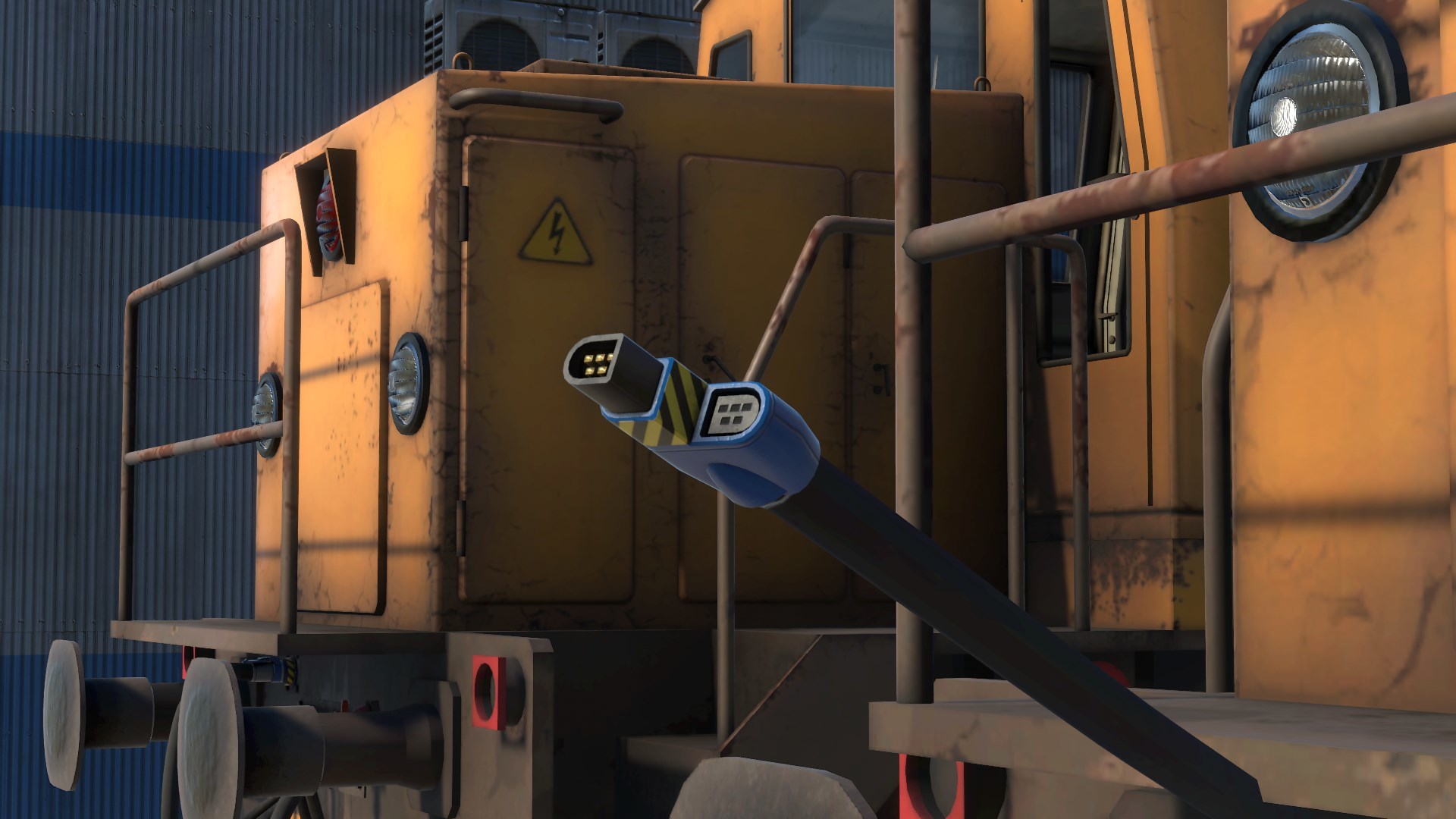
- Added Multiple-Unit Control -- DE2 and DE6 locos now come equipped with an MU cable -- When connected, locomotives will share all controls -- Compatible with Loco Remote -- Requires a new MU license to use - Randomized timing of engine shut-off due to overheating
Tutorial:
- Added a step in tutorial extension that teaches the player to pay the fees - Fixed a bug on tutorial extension restart that could spawn the shunter under the hopper - Fixed errors when loading the tutorial in certain states causing it to become unplayable - Fixed a bug with the “first crash” message able to appear multiple times, and too soon - Modified the turntable step resolution criteria to be clearer - Modified tutorial end criteria (prevented potential intentional game crash) - Removed locomotive blocker from service depot (could cause temporary item loss) - Fixed being asked to take out a Comms Radio when already holding it - Fixed a case where the tutorial wouldn’t detect the player entering the loco - Fixed missing belt points on save game load during tutorial extension (VR)
VR:
- Fixed player-camera misalignment caused by circular movement when smooth turning - Fixed switching from room-scale to centered play type not updating the player height setting
Stability:
- Fixed game crashing of you put a brake hose in the inventory - Fixed sound NRE on game quit - Fixed various small bugs with code-reused cars (stuck hazmat fx, stuck sounds, etc.) - Made a minor Gondola rendering optimization - Reworked how terrains are loaded, slight optimization -- Fixes bug with derailed trains falling through terrain
Misc:
- Added Anisotropic Filtering Ultra setting (sharper texture rendering) - Fixed bad position of Gondola brake cocks - Fixed visible terrain corners at the military base tunnel entrance - Fixed loco spawning not working properly at IME (and potentially other locations) - Fixed being able to take items through Career Manager when interacting with mouse - No longer showing “press ‘print’ for details” on a “you have no fees” screen - Fixed GF and FF service stations always drawing regardless of distance - Fixed Reginald poster always drawing regardless of distance to player - Made the VR centered play area mode popup take Trigger to begin -- Can be cancelled by opening the menu - Fixed sound not having interior effect when teleported to vehicles, sometimes - Standardized code settings regarding VR haptic feedback - Removed “shop” sign from gas stations - Added quotes to license names in UI (nonVR)