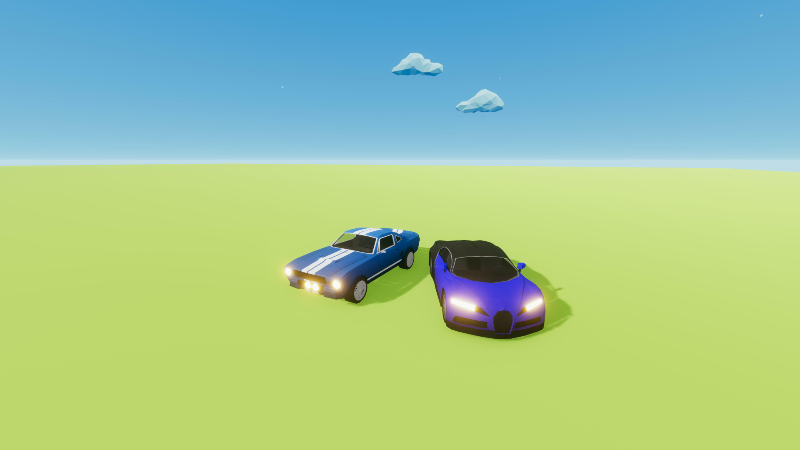
Hello everyone. In this update I have finally added cars to the game. For now there are 2 types of cars. More cars will come at 1.0 release. Cars can be used to break building to push objects when activated by a device.
Cars can be found under Normal Props -> Cars button on the bottom inventory panel.
Finally i want to announce that we are close to version 1.0. So from now on the updates will be on the Experimental branch, which will be pushed to the Main Branch at 1.0 release. The reason for this change is to make some drastic changes to the Physics calculations without hampering the main game in between. If all my calculations are correct then 1.0 release is going to be soon within a few months.
Thanks you all for staying with me the whole time.
Let me know if you are facing any errors. Please don't hesitate to share any ideas if you have any.
Discord Server Link - https://discord.com/invite/aBmPSBKT8C
Thanks, Agniv
Update - 0.7 (Ragdolls Added)
Hello friends,
Merry Christmas and Happy New Year in advance.
I finally present you the Ragdolls update which was requested a few months back.
After working on the performance stability of ragdolls has been quite satisfactory, so you can have quite a number of ragdolls on screen even on lowest settings.
However sometimes the ragdolls may get stuck with the mesh. (this may happen on highest collision settings with a dated pc, modern pcs should handle this quite better) This cannot be avoided as the Physics system has to calculate all those collisions and some collisions will overlap for some milliseconds.
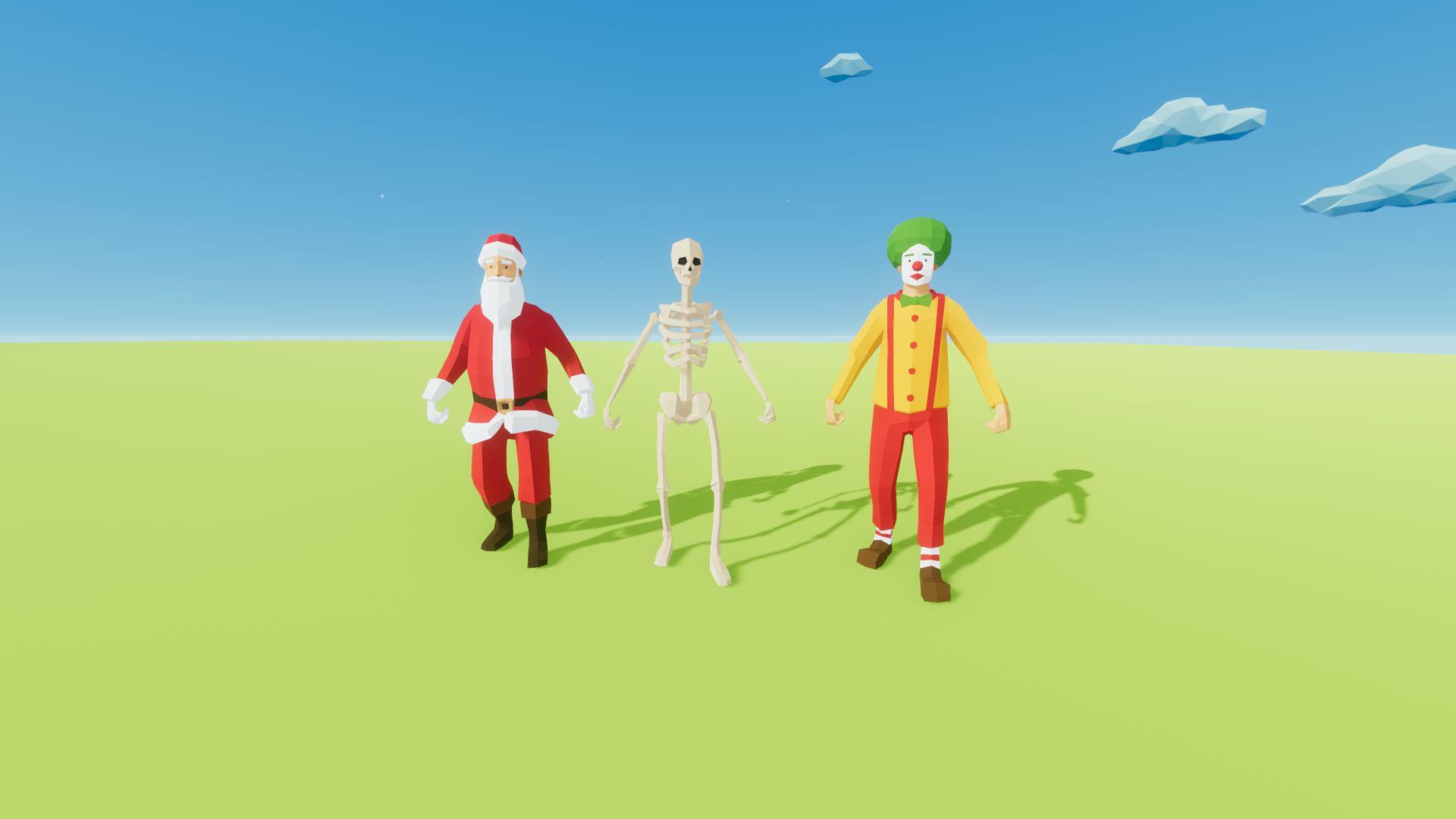
For now we are adding 3 Ragdolls. In the 1.0 release there will be more.
Santa Claus
Clown
Skeleton
Ragolls Enabled.
The ragdolls have 5 different animations that they will keep on playing during simulation until they get hit or they fall from some height. They can be changed via the properties panel.
Connection Visibility Toggle Button : - Added a button to show or hide the connections visibility as requested. In this way the scene will be less cluttered visually with all the connections lines. The button can be accessed from the top panel.
Bugs Fixed:-
Fixed Fireworks tooltips.
Fixed typos in some tooltips.
Control buttons are being changed dynamically in the shortcut panel without the need to restart the game.
We are closing to Full Release 1.0. Cant wait for that date. Thank you all for the support.
Discord Server Link - https://discord.com/invite/aBmPSBKT8C
Thanks, Agniv Gamergetik
Early Access Update - 0.6.0
Hello everyone. In this update I have added 2 more things as requested by you.
Here lets have a look what all props are added :-
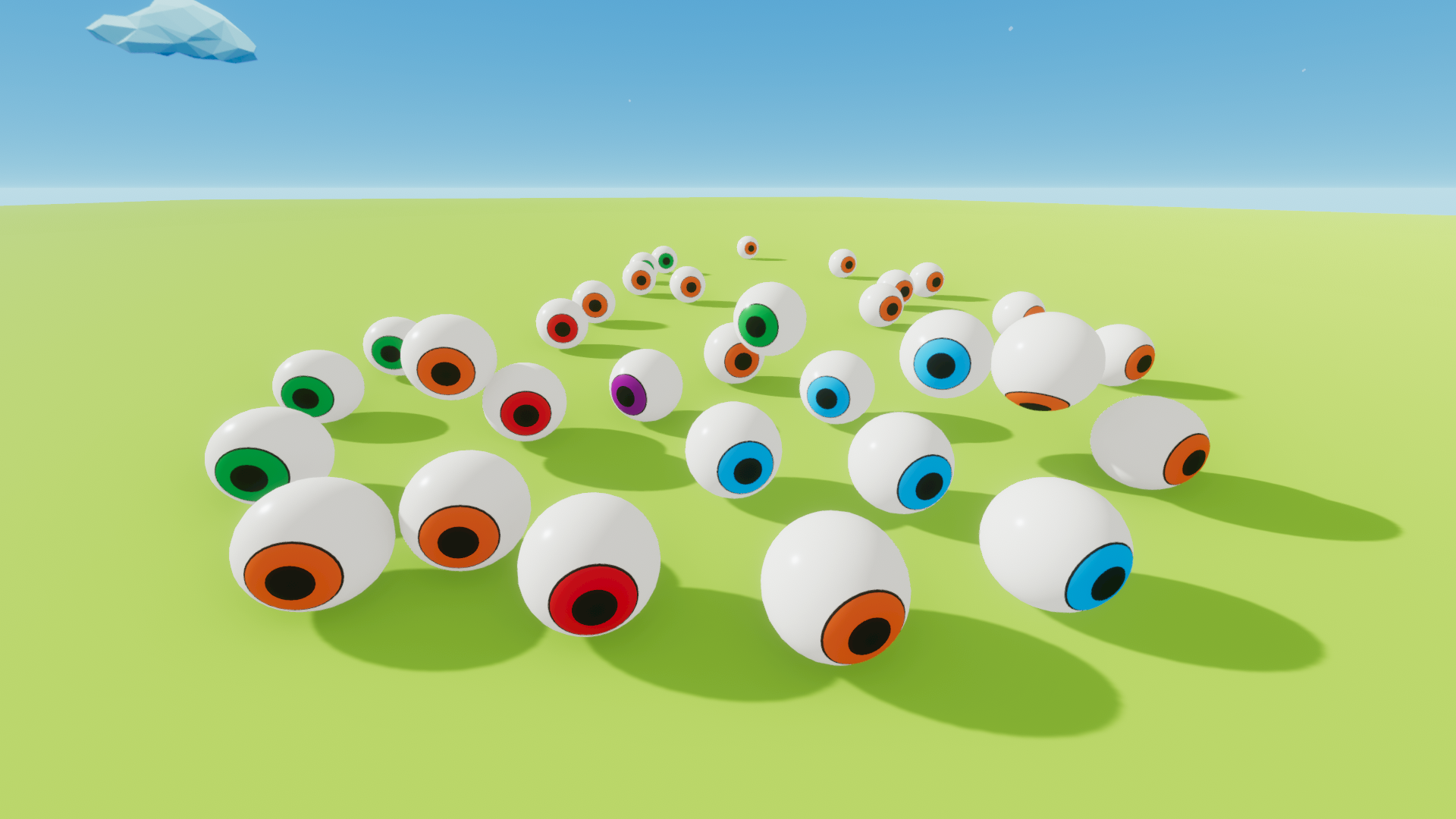
Eyeball :- Eyeballs work like other balls but are quite heavy. So use it to destroy buildings faster.
Fireworks Device can now be rotated from 0 - 180 degree. So you have complete freedom over the direction of the fireworks projectile.
Let us know if you are facing any errors. Please don't hesitate to share any ideas if you have any.
Discord Server Link - https://discord.com/invite/aBmPSBKT8C
Thanks, Agniv
Early Access Update - 0.5.0
Hello everyone. Happy Halloween in advance. In this update I have added Halloween themed props as promised.
Here lets have a look what all props are added :-
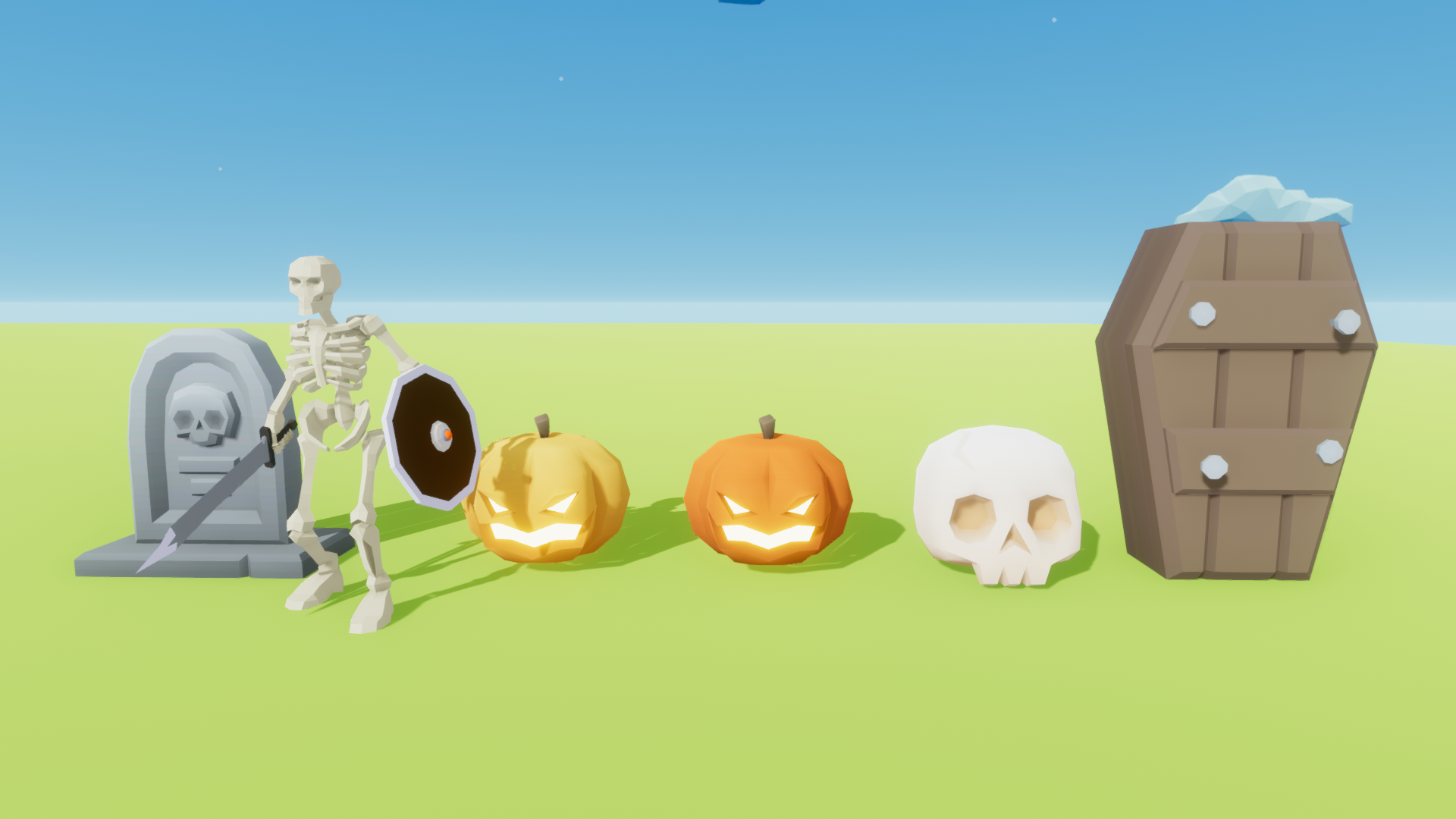
Skeleton :- The skeleton is a device which can break or push any object when activated.
Pumpkin - Jack O Lantern - Both Yellow and Orange colored.
Skull :- Can break or push objects due to its heavy weight.
Tombstone :- Can break or push objects due to its heavy weight. Can be used like a domino chain also.
Coffin :- Can break or push objects due to its heavy weight. Can be used like a domino chain also.
Instructions:-
The above props are found under :- Skeleton : Under Normal Props -> Devices Tab Rest : Under Normal Props -> Structures Tab
Let us know if you are facing any errors.
More Halloween themed props are in development. Please don't hesitate to share any ideas if you have any.
Discord Server Link - https://discord.com/invite/aBmPSBKT8C
Thanks, Agniv
Update 0.4.0 is Released (Night Mode & Fireworks)
Hello,
Here are the most important feature updates:-
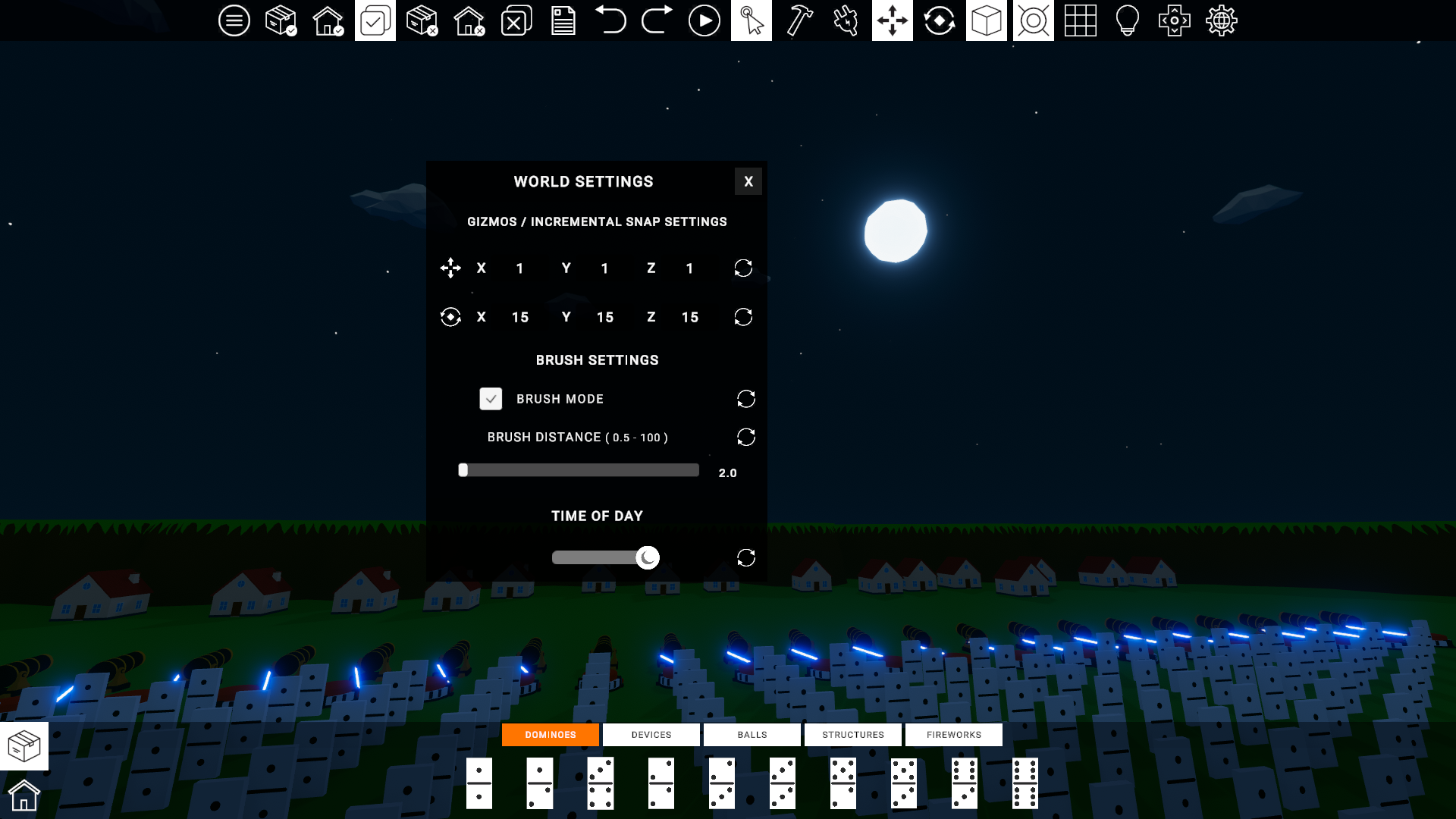
Night Mode - Finally the long awaited Night Mode is here. You can create your own levels with both day and night settings. To Enable Day / Night Mode simply go to World Settings panel --> Time of Day settings.
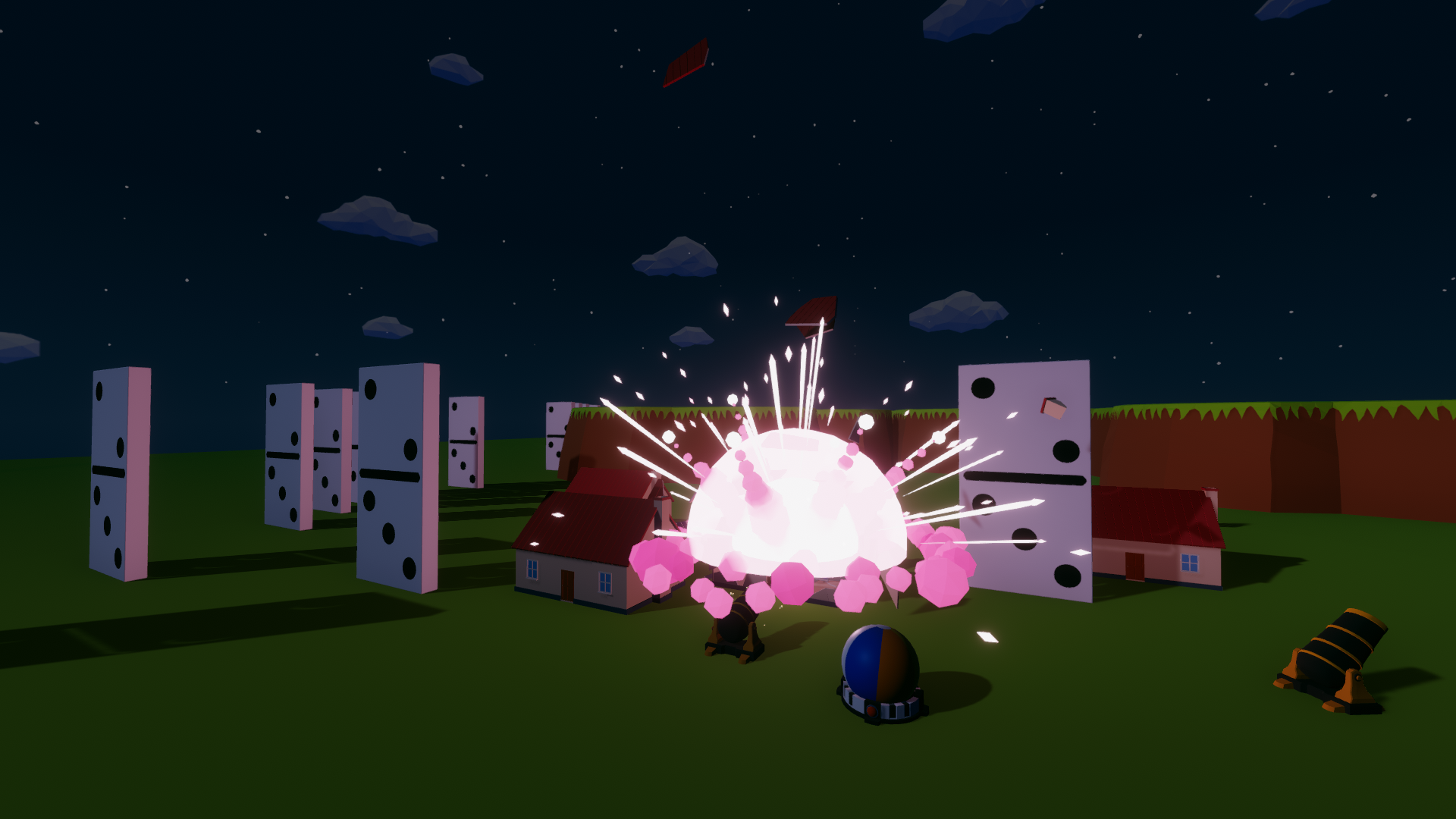
Fireworks - Also Fireworks are here. For starters i have added 5 type of fireworks. To enable fireworks you have to go to the fireworks tab and select them. They work like Connectible devices. So the process is same like that.
Localization update - The localization has been programmed and it is already in the game. But it is disabled since a lot of texts haven't been completely translated by our translators yet. So instead of delaying any further i have disabled the localization for now.
Bug fixes addressed in this update :-
Added a key binding for shortcut - Add To Selection.
Shortcut key changes are now updated automatically in the All Controls panel without needing to restart the game.
Beach ball and Football bugs fixed.
Textures now load 40-50% faster due to advanced and efficient compression.
Download and Install Size also reduced by 40% making the game more lightweight in performance.
Discord server link has been added in game.
Renamed Freezable and Non Freezable to Static and Dynamic for better understanding.
Now that a lot of the major change is done in the codebase the updates will be more frequent. Thanks for the patience.
Let us know if you are facing any errors.
Discord Server Link - https://discord.com/invite/aBmPSBKT8C
Thanks, Agniv
Update 0.4.0 Devlog #1
Hello friends,
I never expected that localization would become such a difficult thing to implement. In my last update i said that the localization was completed ie. the coding of the systems were completed. Little did i know that i was in for a surprise. My old way of doing localization had such a drawback that at some point i still didnt understand what the errors meant. I spent a few weeks in a last ditch efforts to fix the errors but it was of no use. Finally i planned to scrap the old system and redo the whole localization.
The new localization system is far more superior and extensible. So far it has been able to show most requested languages - Chinese , Japanese, Korean, Russian. So i am happy that my current system is able to show the text. However i am not 100% sure since a lot of texts have not been translated yet to some of the languages , but the coding is 100% done. So i can move on to other aspects for the updates.
I am also testing with the Night Mode of the scene since users have requested a night scene. Its not finalized yet but so far the tests seems to be positive and hopefully it will be integrated to the update also. Lets see what happens.
PS: - I am sure there will be errors in Translation. So if you can help fix it please let me know. I will fix it ASAP
Here are some screenshots for the localization system :
Major Update Is Coming Soon.
Hello ,
It has been 3 months since the last months. A lot of you have asked us on Discord and other social media handles about the current progress of the game. As promised I was quietly working on updating a lot of features. So, today I am finally disclosing some of the things that this major update will cover.
Localization Is implemented. (Kindly contact us if you can help us with more translations.)
A New map. Models are being drawn.
A lot more props as requested by our fans. Full List will be disclosed with the Release notes.
Expected Release Date for the update should be by April end - mid May 2023.
In the upcoming weeks i will add a development branch for this game , so that people can test the update and help me iron out bugs.
Happy New Year everyone. I wish you all the best for 2023.
In this update I have added STEAM ACHIEVEMENTS to the game. More achievements will be added as we keep adding contents to the game.
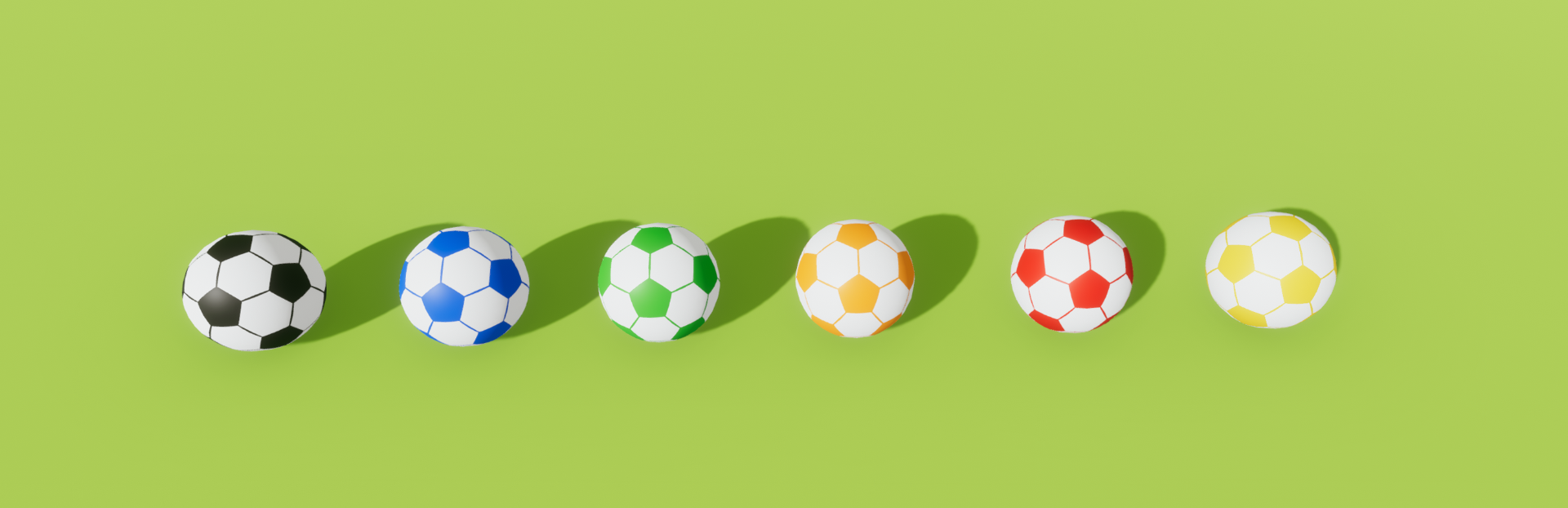
Also I have added football props to the game. This was expected to be released before the Football World cup but due to some reasons the update got delayed. But anyways its better late than never. So the football prop is being added to this update. Enjoy.
Let me know if you are facing any errors.
Thanks, Team Gamergetik.
Update 0.2.0 (Beach Balls & Separate Tutorial Scene Added)
Hello,
In this update first we added the following features :
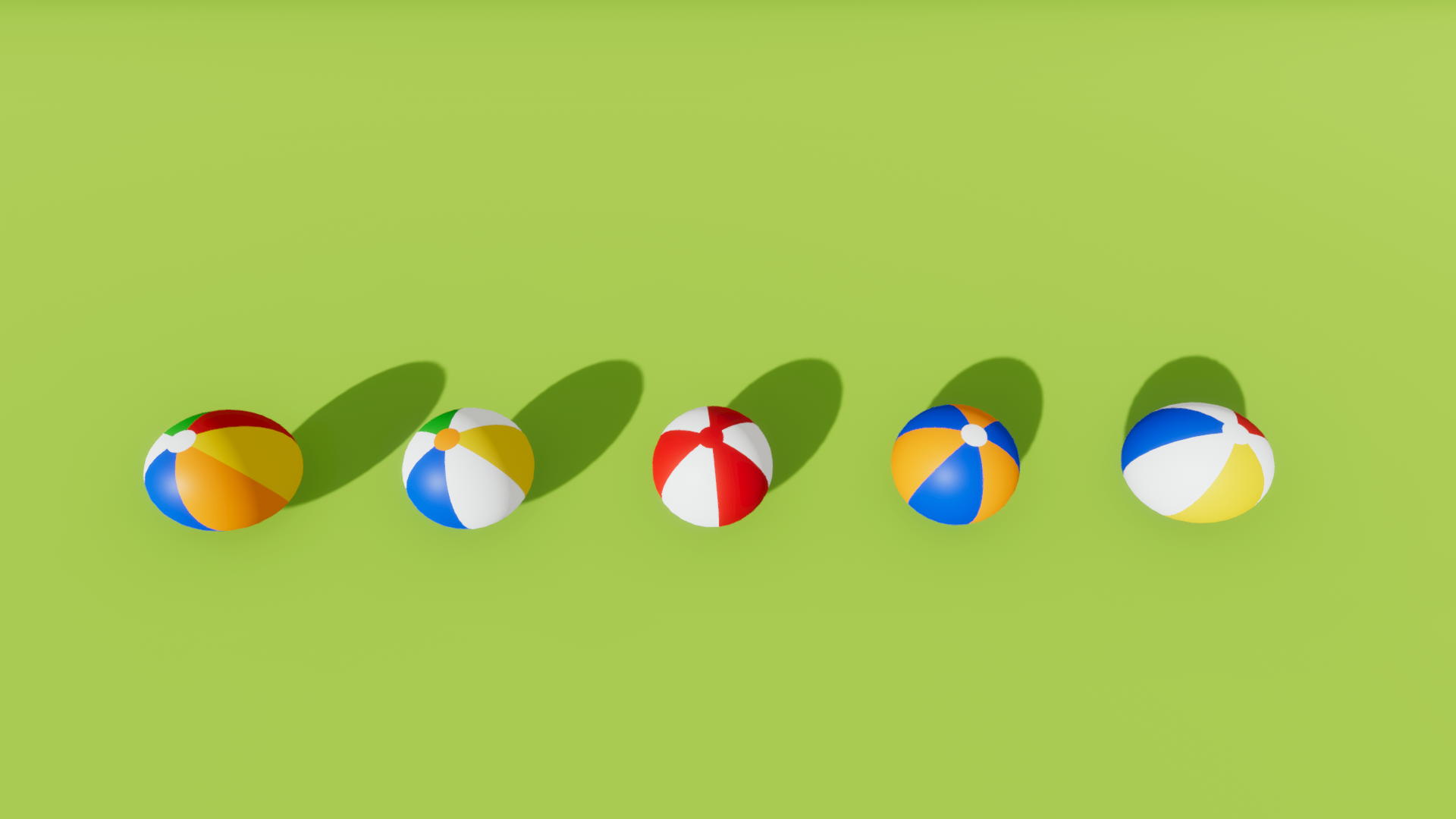
Added Beach balls as requested. There are 5 color variations.
Seperate Tutorial scene instead of ingame. You can access it from Main Menu.
Removed Show Tutorials on Startup option from settings menu since the tutorial is moved to seperate scene now.
Important Notice about Future updates.
Let me be honest with the current state of Destructive Contraptions and its future roadmap. As you already noticed the updates are getting delayed. Let me tell you the reason. My partner who was doing all the art work for this game has left working on the game industry in pursue of his dream job. So we parted ways. We are still friends and we are on good terms. He just wanted to do other things in life which i respect and i wish him all the best for that. Now, I was programming all the features and some of the features like ragdolls , new props, cars and some secret props are already programmed. But i can't really show them to you all since it uses all the prototype models. So now i have to go back and model the props myself. This is the reason why the updates are getting delayed. But don't worry i am not abandoning this game since the game is already finished (In terms of programming features). The update schedule from now on will be small and consistent instead of big but irregular.
I hope you will all stay with me.
Thanks, Agniv, Team Gamergetik.
Workshop Bug Fixes (Update 0.1.5.1)
Hello,
After releasing the Workshop update we found out some minor bug fixes. So this update will address those bugs.
The list of fixes include the following :-
Fixed : Workshop preview image not updating when the file is updated.
Fixed : Workshop title and description not updating on updating the file.
Following are the Design Choices Which are not bugs :-
Since Steam has a size limitation of having 1-2mb preview images, the preview image may not always be high quality. In that case you are free to add any custom image through the steam workshop page. We cant do anything in this case since if we raise the image size then the file will not be uploaded. So we suggest you to first update the file on workshop , then use the steam workshop page to upload custom images for workshop display. (However this would only be seen while browsing workshop.)
When the game is first loaded the downloaded levels will be empty from the load panel. In that case simply use the refresh button to refresh the levels. (provided steam has a internet connection). This is done to avoid duplication of downloaded files. This is again not a bug. Also you have to refresh the page a couple of times depending on your network. Just wait a few minutes before retrying.