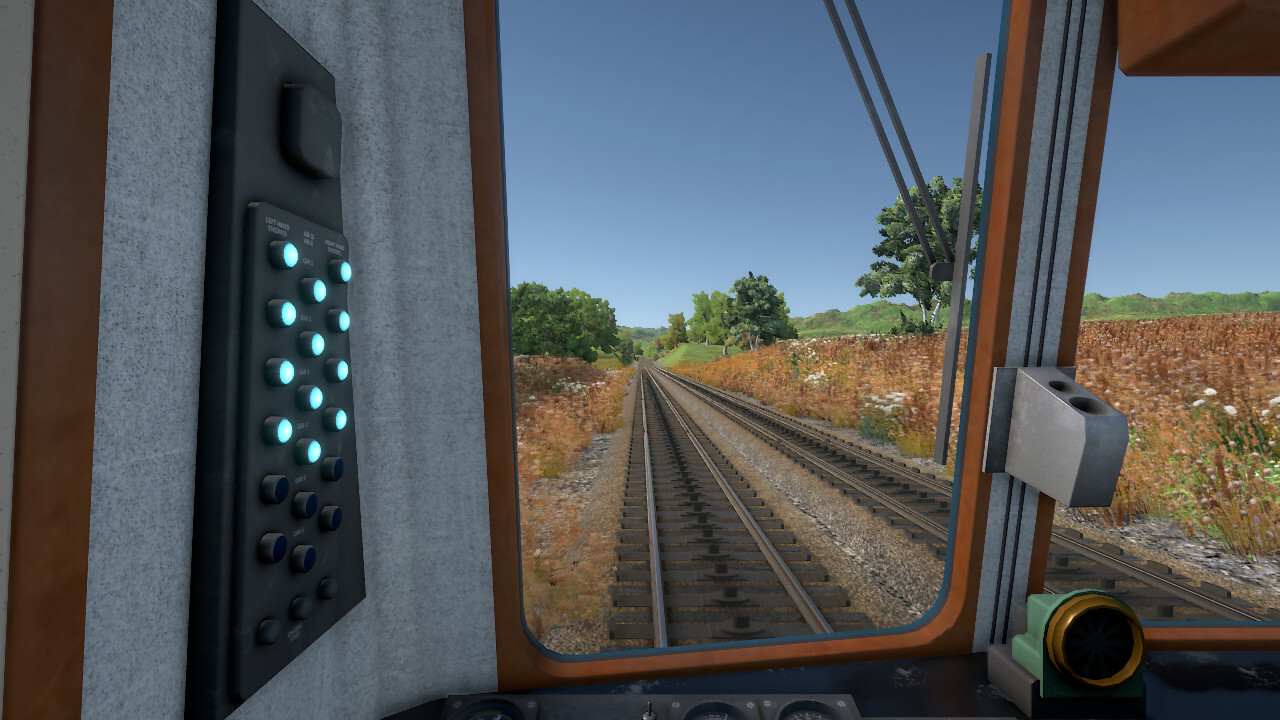
You can use Steam's remote play feature in Diesel Railcar Simulator to drive with a friend, for learning purposes or just for fun, taking turns driving from one station to another for example.
The base price of the game will be raised after the sale in preparation for the major scenery update and to account for inflation.
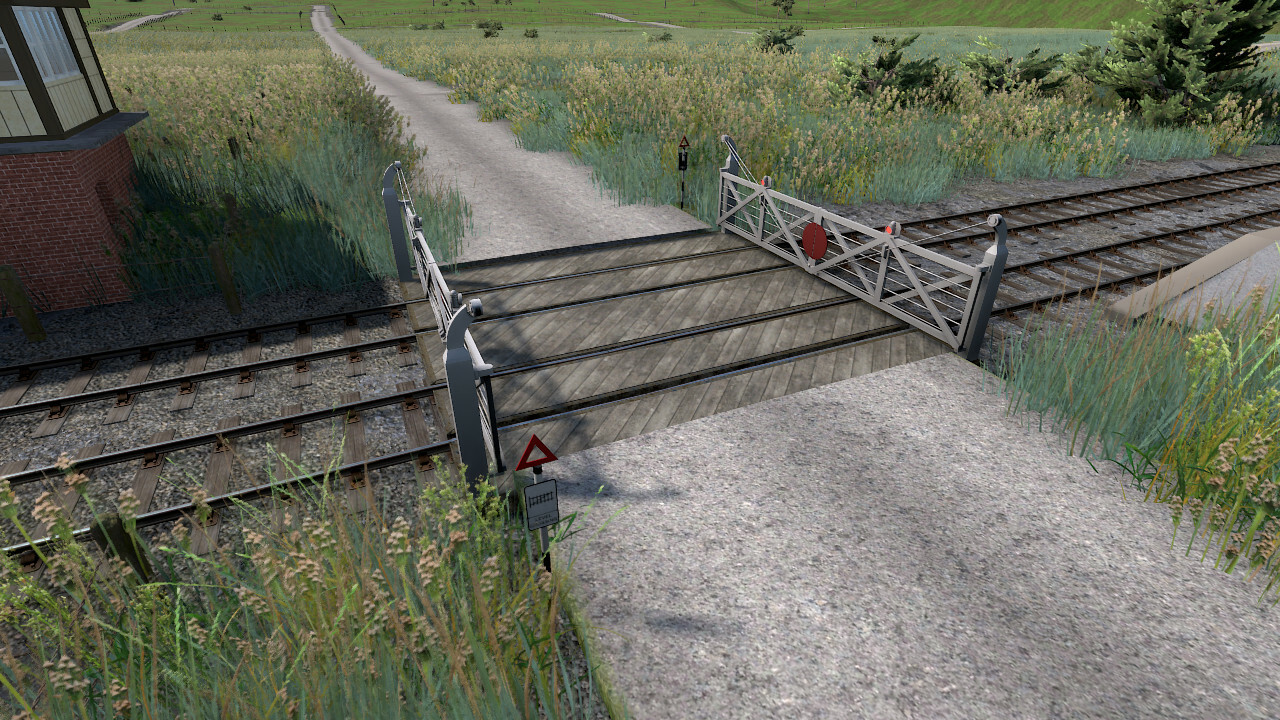
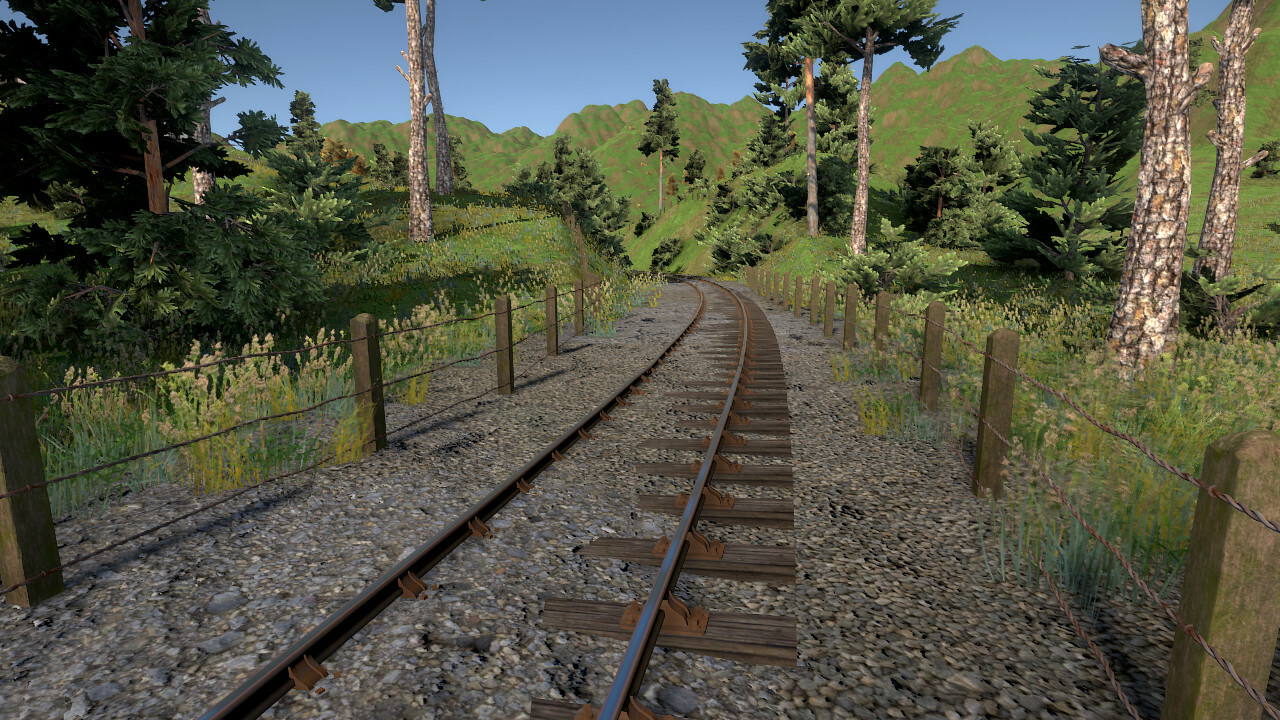
New fences for scenery update
Some new work-in-progress fences:
The beta testing for the scenery update was planned to start some time this month, but there's still much to do: new roads, buildings, stations, ground textures, dense forests, water and tunnels. Each of these will take 1-2 weeks to complete.
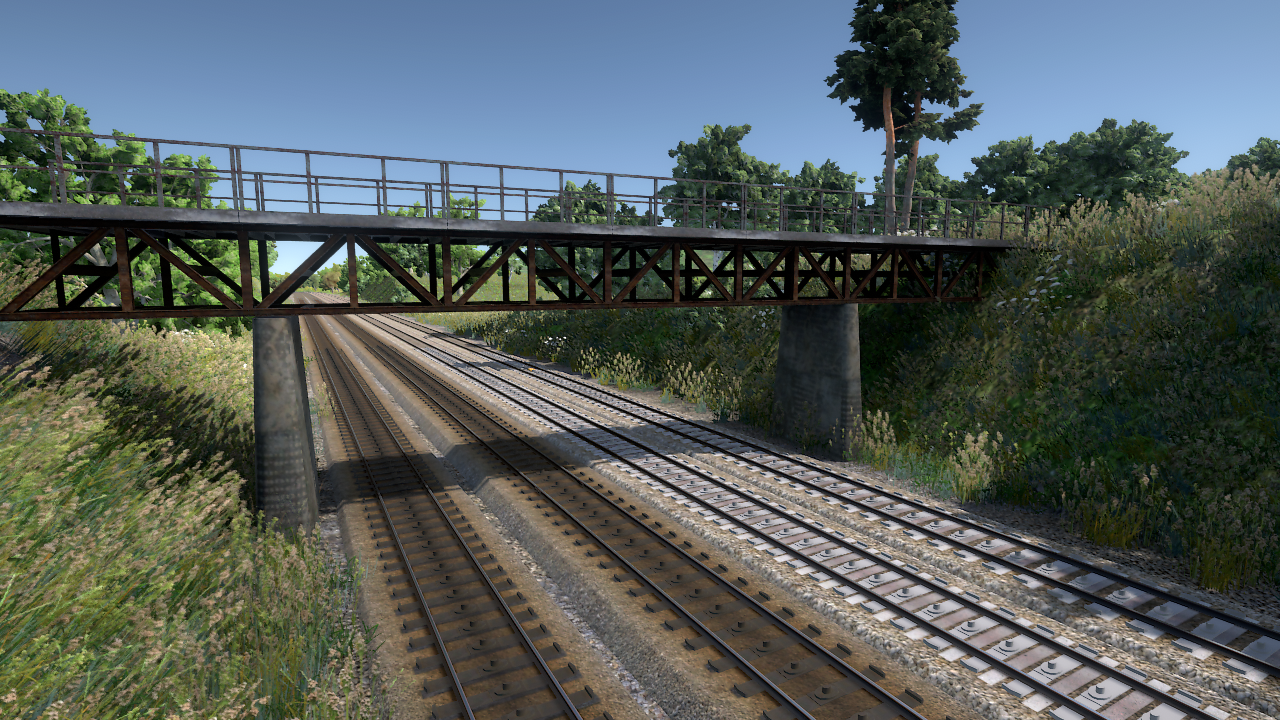
Work-in-progress bridges for the scenery update
Work-in-progress vegetation screenshots
Vegetation is auto-generated for existing routes
Distant terrain is now textured properly
Overall lighting has been adjusted
Track sleepers are placeholder objects (bogie bolsters)
Ground textures have not been updated yet
Some of the screenshots are from unpublished routes by 44TZL
Year end maintenance patch
Here's a small patch to address some issues brought up recently.
Changes
Fixed possible crash when clicking the "Start already" button
Fixed other possible crashes
Fixed scenery performance issue
Made several other minor optimisations
Improved LOD generation and the visual quality of some signal and train models when viewed from a distance
The editor now has a separate concept of formations that can be shared between different templates. There's a "formations" button at the top of the side panel for editing the formations. "Service vehicles" are now bound to a formation instead of a template, and templates have a drop-down menu for choosing the formation.
Old timetables will have formations auto-generated for each template. Similar formations are not automatically merged and shared between templates, but you can do so manually.
Each formation has a default train length that can be overridden in each of the templates. The default length can also be overridden in each of the services.
Vehicles belonging to a formation can now be marked as "variable". This means that when the train length is longer than the list of vehicles defined in the formation, the system will primarly repeat the variable vehicles instead of the whole formation. You can use this, for example, to define a freight train formation with one loco, one goods wagon (marked as variable) and one brake van. Changing the train length will then change the number of goods wagons, while the loco and brake van remain at the ends of the train.
When saving a timetable, the current name of each vehicle is also saved to the file. If a vehicle is missing, the error message will show the name of the missing vehicle instead of its ID number, which should be more helpful.
Environmental lights on/off times can now be customised from timetable properties.
Other changes
Fixed possible crash when loading a route
Fixed fences across tracks in some places
Fixed scenery performance issue
Adjusted Class 40 suspension
Added mouse-operable master keys to Class 37 and 40
Clarified tooltips for "expected energy use" and "your energy use" in evaluation screen
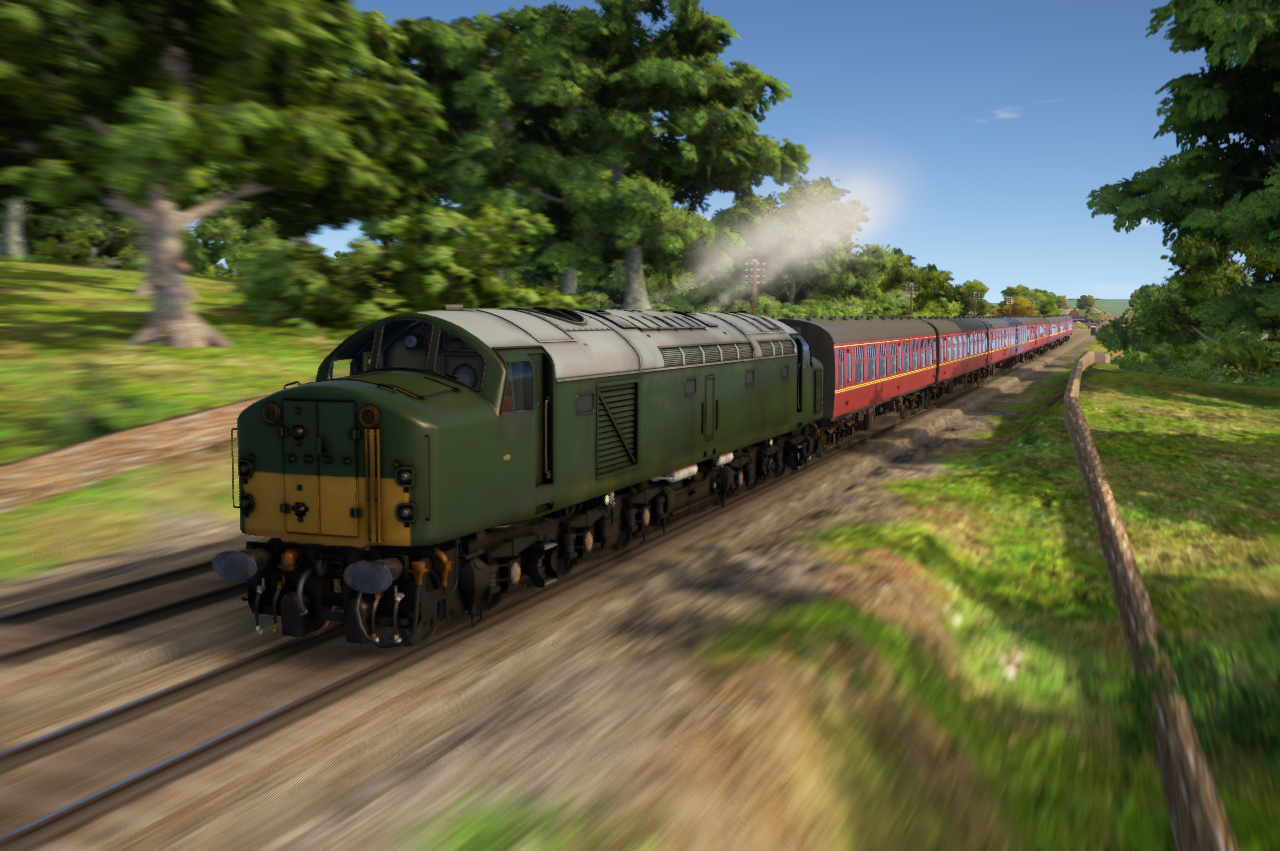
This update adds the Class 40 locomotive to the default North Landen timetable where it replaces the Class 37, and to the default timetable of Mountain Pass where it replaces the 37 in half of the express services.
The 3D-model of the locomotive has been kindly provided by Digital Traction
[previewyoutube="qM8WSITMMmQ;full"]
A number of other issues and crashes are also addressed:
Pathfinding and timetables
Fixed several pathfinding and rescue scenario starting issues
Fixed pathfinding through three-way turnouts
Fixed crash when removing an order from the timetable editor map while its properties are open in the side panel
Added per-order pathfinding options to the timetable editor (if you're a timetable creator you can use these to solve possible "path not found" problems for your services)
Trains
Fixed Class 37 horn sound positioning
Fixed Class 37 train brake being mouse-interactable through the air brake needle
Slightly improved Class 37 performance
Added optional names for pistons and reservoirs so that their pressure can be read unambiguously through two new variables: get("pistonpressure(name)") and get("reservoirpressure(name)")
Graphics
Improved the LOD generation algorithm
Fixed transparency issue for models loaded from files
Fixed fences across tracks in some routes (some still remain e.g. at Rickeridge in the Westfords route - to be fixed soon)
Coming soon: Class 40 as a free update, based on a model kindly donated by Digital Traction!
Small signal update
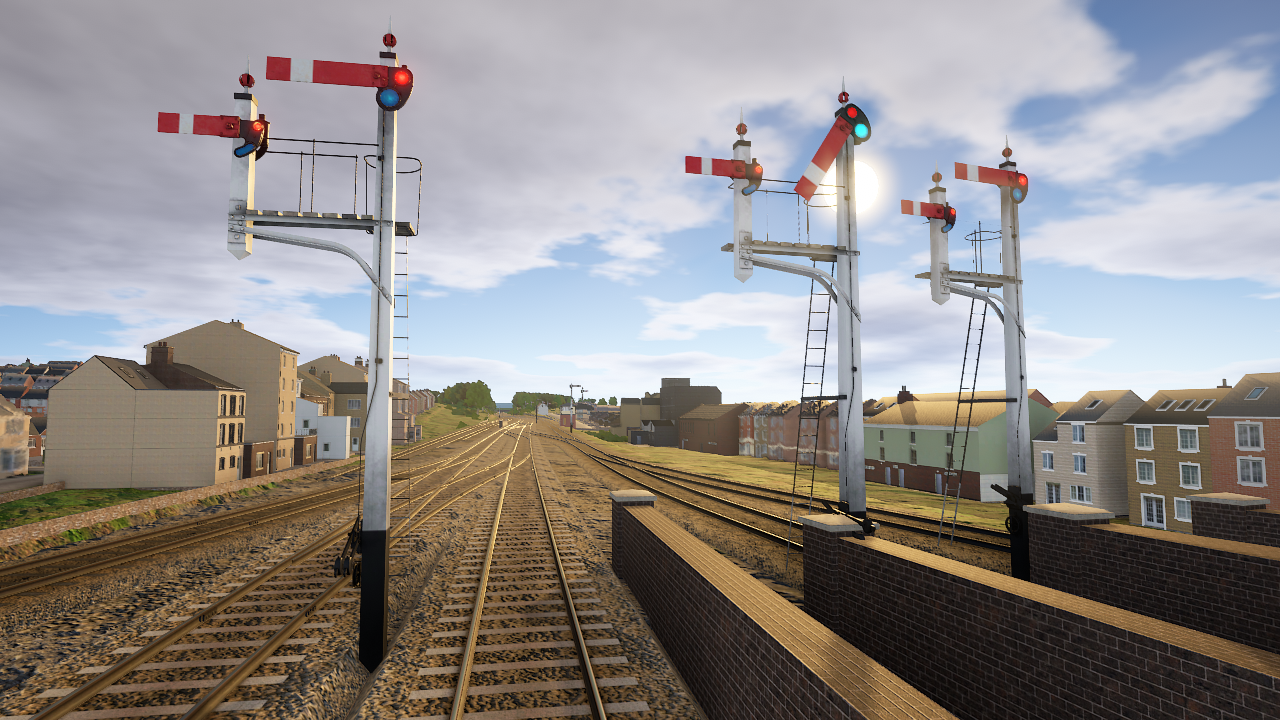
This update adds an alternative set of lower-quadrant semaphore signals in the Great Western Railway style. These signals have been fitted to the Westfords route.
If you've made a route yourself the easiest way to change the signals is by opening the Route properties in the editor and clicking the Swap signal types button. Signals can also be changed individually by left clicking them and changing the type in the side panel.
This update also fixes fences across tracks and too low road bridges in some routes.