Digger Online
New premium skin "Santa"
https://store.steampowered.com/itemstore/278970/detail/107/
Fixes:
1. Premium skins are locked in all combat modes
2. Saving between game sessions of the Police Girl skin
3. Animation of running back on Digpool
4. The dynamic skybox is now turned off if the skybox is redefined on the map with the mod so that everyone can see the same skybox
New mod system
Previously, mods up to 10MB were loaded quickly, all that took a long time. Now mods are loaded at the speed of your internet up to 100MB total size. The maximum size of the mod at the moment is 100MB.
2. Added modularity of mods
Previously, the entire mod had to be packaged in 1 assetbundle. Now you can compose a mod from several assetbundles. For example in one texture in another scenery in the third skybox. Thus, you can combine different resources with each other in a convenient way.
3. Browser of public mods
Mods are now hosted on Steamworkshop. This means that you can see a list of all public mods of the game at https://steamcommunity.com/app/278970/workshop/ Leave a comment for any mod, vote for the mod. Or subscribe to the mod. Then it will be added to your library and you can launch your maps with this mod.
To make your own mod read this guide: https://telegra.ph/Novaya-sistema-modov-12-07
Policeman
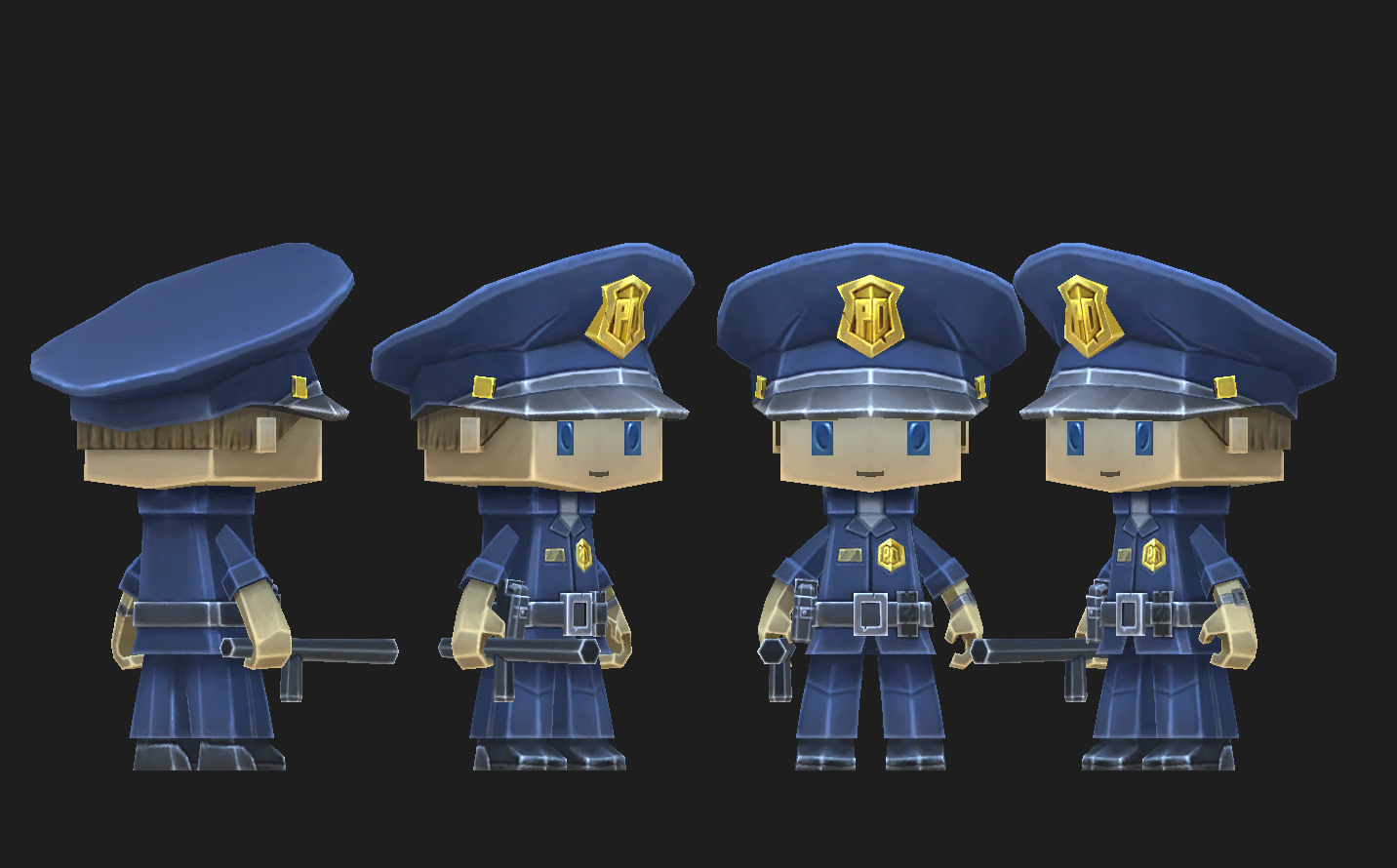
Buy:
https://store.steampowered.com/itemstore/278970/detail/106/
Bugfix: Doctor's skin was reduced and made brighter.
First person weapons for skins!
2. Added a night glow to the skin of the Queen of Death. Just see how it looks
3. Added FXAA anti-aliasing setting for the edges of objects to become much smoother
4. Returned support for the "glow" option in the settings
Fixes:
2. The video volume setting was not saved
3. Some types of maps did not work in the selection menu during generation
[previewyoutube="gCVsk-vp9WY;full"]
Doctor + bug fixes
- - The missing animals were returned. Animations were returned on some of them (chicken and others)
- - Some people did not see the purchased flat map.
- - In the Steam version it was impossible to rename slots
- - Sound settings were not saved in the Steam version
- - It was impossible to get out of the trolley through F
- - The letter Ё is now written in the chat
New Skin Doctor

Steam Inventory
1. Added a cool new Steam inventory menu to the game. The menu can be called while on the game map on F6. In the menu, you can select and install any purchased character image. It will be remembered between cards and between game sessions.
[previewyoutube="14ZvkbjQWmY;full"]
Fixes:
1. Bug with the inability to enter the game modes hunger games and hide and seek.
2. The Death Queen was slightly off-center
3. Some cards are broken due to stuck glowing decorations such as candles and lanterns.
Two new skins
Death queen
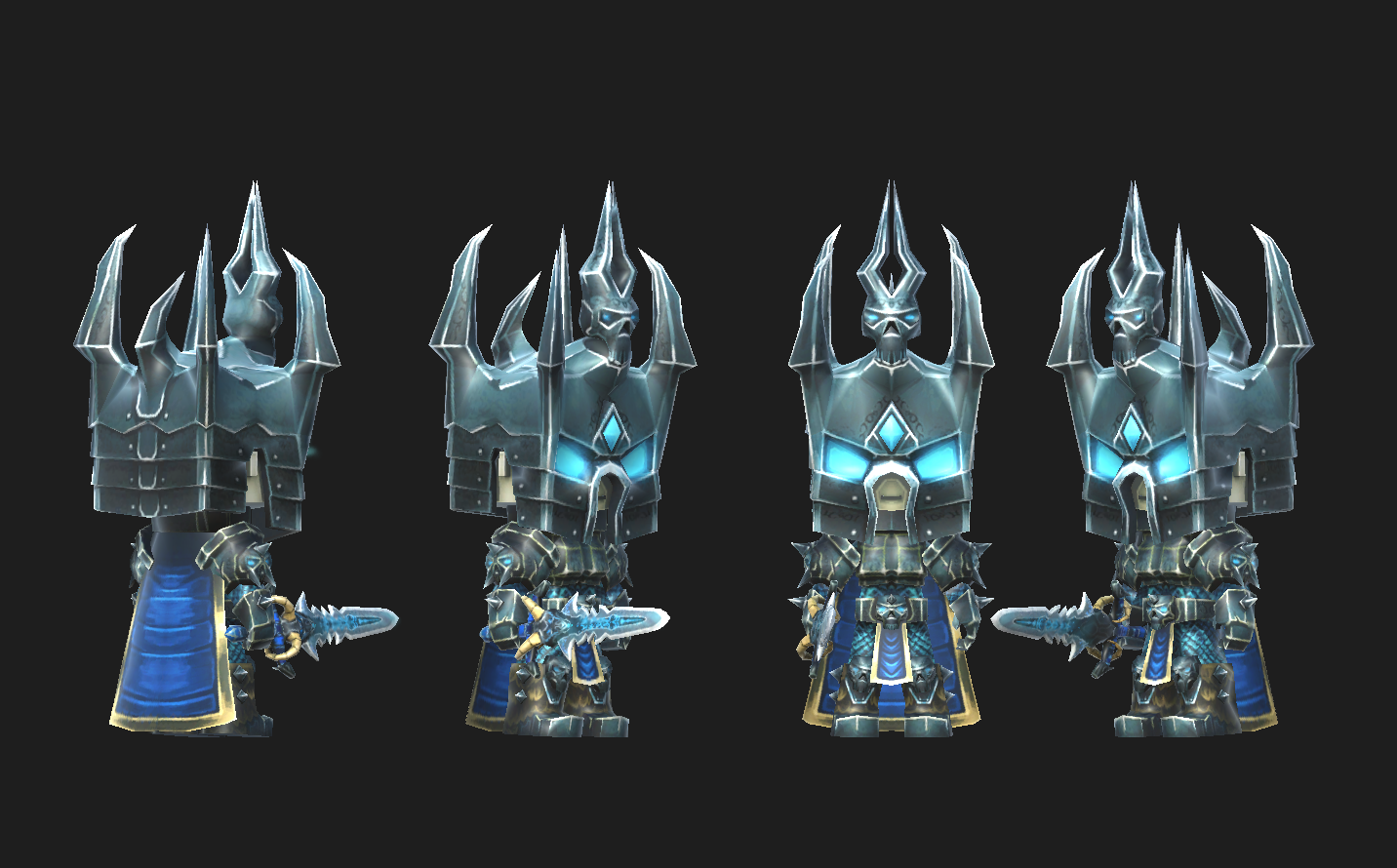
Digpool

Both skins are sold in the new item store: https : https://store.steampowered.com/itemstore/278970/browse/?filter=all
Assasin skin
We have added support for Steam items to the game.
They open up great opportunities for the development of the game. For example, a skin purchased through this system can be further exchanged with another player or sold on the Steam exchange.
As a test, we add the first Assassin skin. And 4 more skins are already ready, which will appear in the near future.
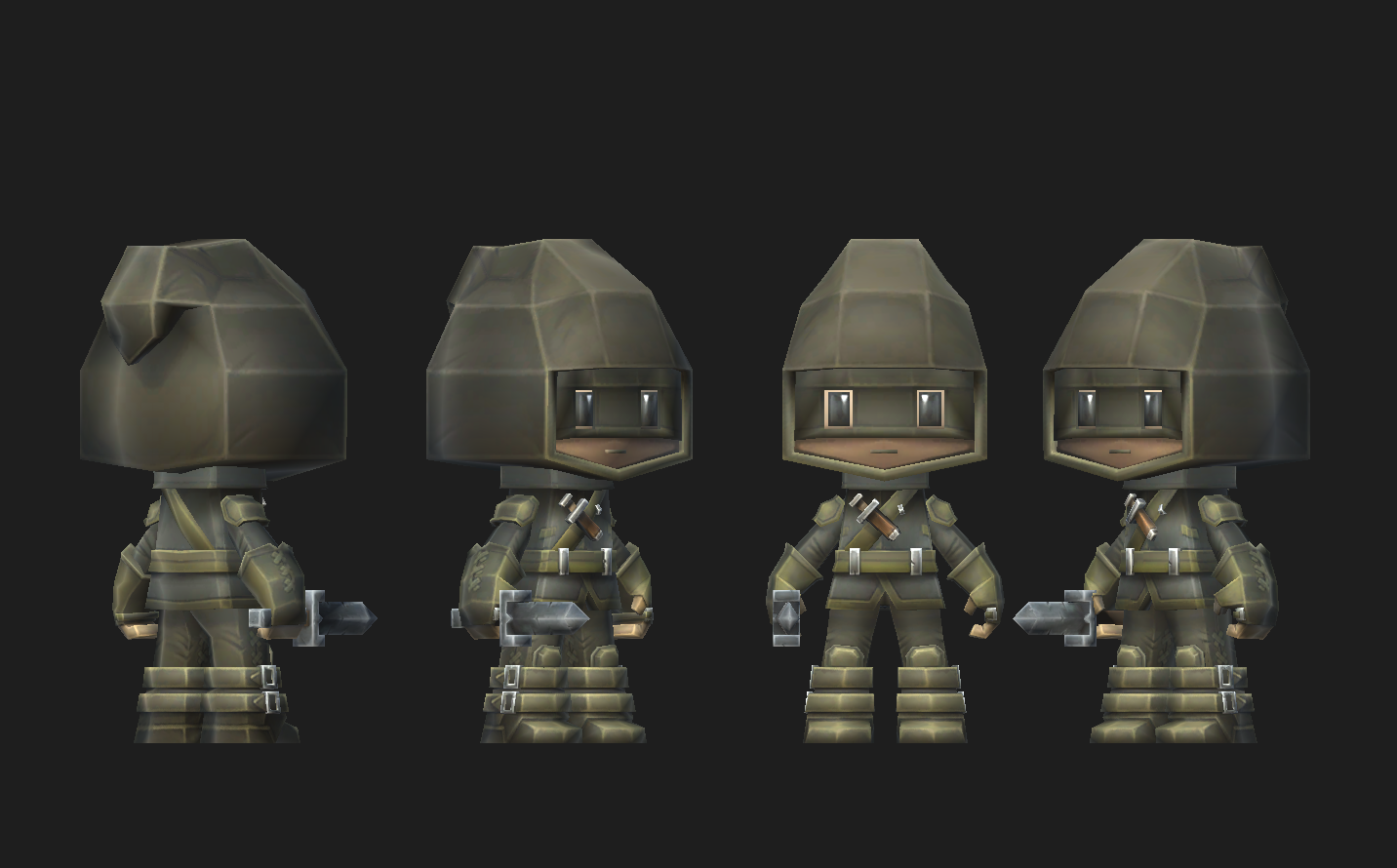
To use this skin you need to follow the link https://store.steampowered.com/itemstore/278970/browse/?filter=all
Buy a skin and enter / assasin into the chat in the game.
The skins work the same way as the recent block monster update did.
You can also buy this skin just to support the game
Steam nomination!
Secret Monster Event
If you write the command to the chat: /randomfunnyskin or /rfs the player turns into a random monster!
To return to normal view write /defaultskin or /ds