New Capsule Image for Steam Library Beta (Now Open)
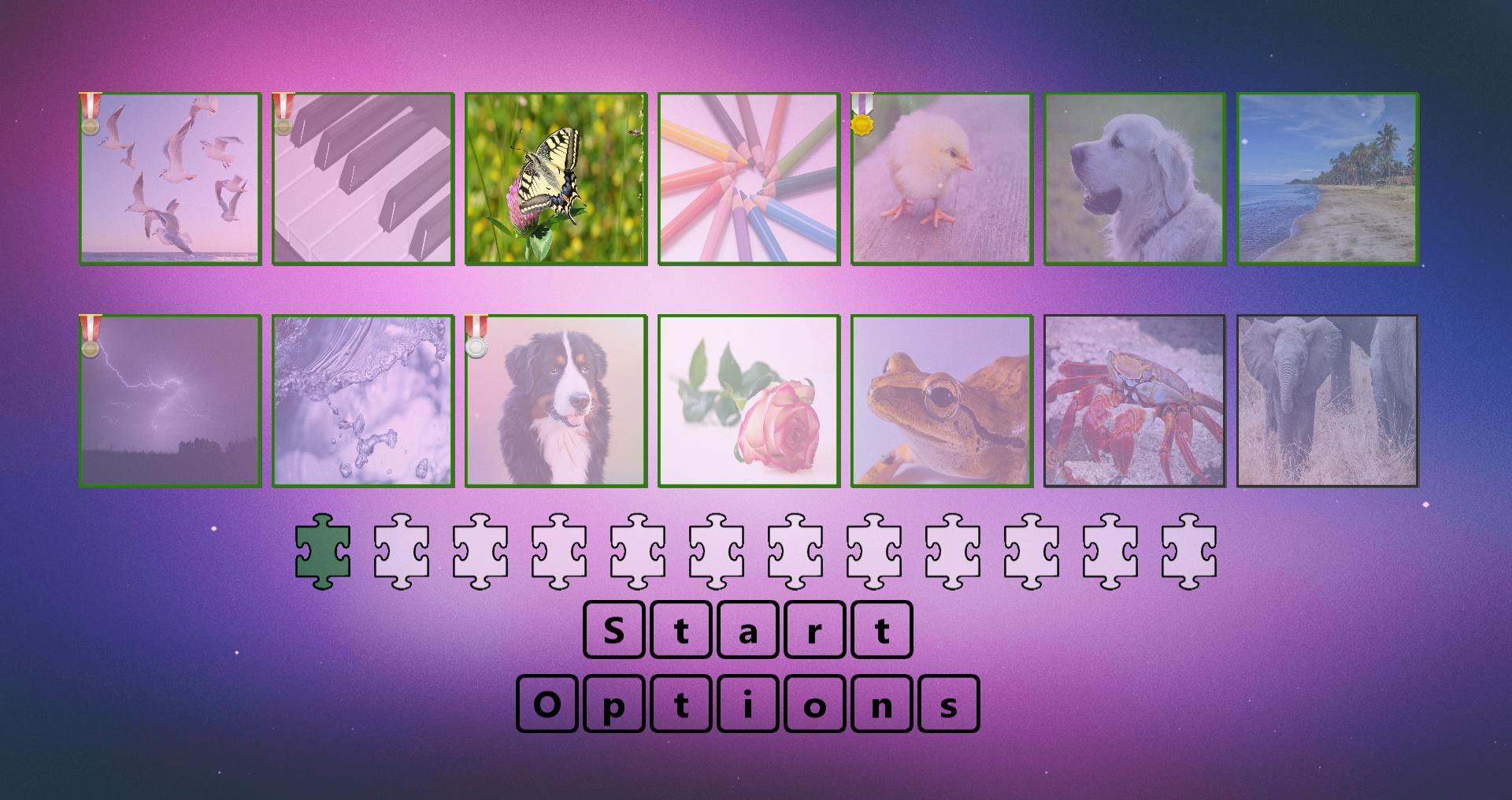
A new capsule image has been submitted to follow the design of the new Steam Library Beta.
See announcement for the Steam Library beta below: https://steamcommunity.com/games/593110/announcements/detail/2885041763127316560
Steam Summer Sale - 75% off!
Digital Jigsaw Puzzle is 75% off during the Steam Summer Sale
150+ Jigsaw Puzzles and Custom Image Support
16, 64, 256, 560, 576 Puzzle Sizes
Absolutely no paid DLC today or in the future
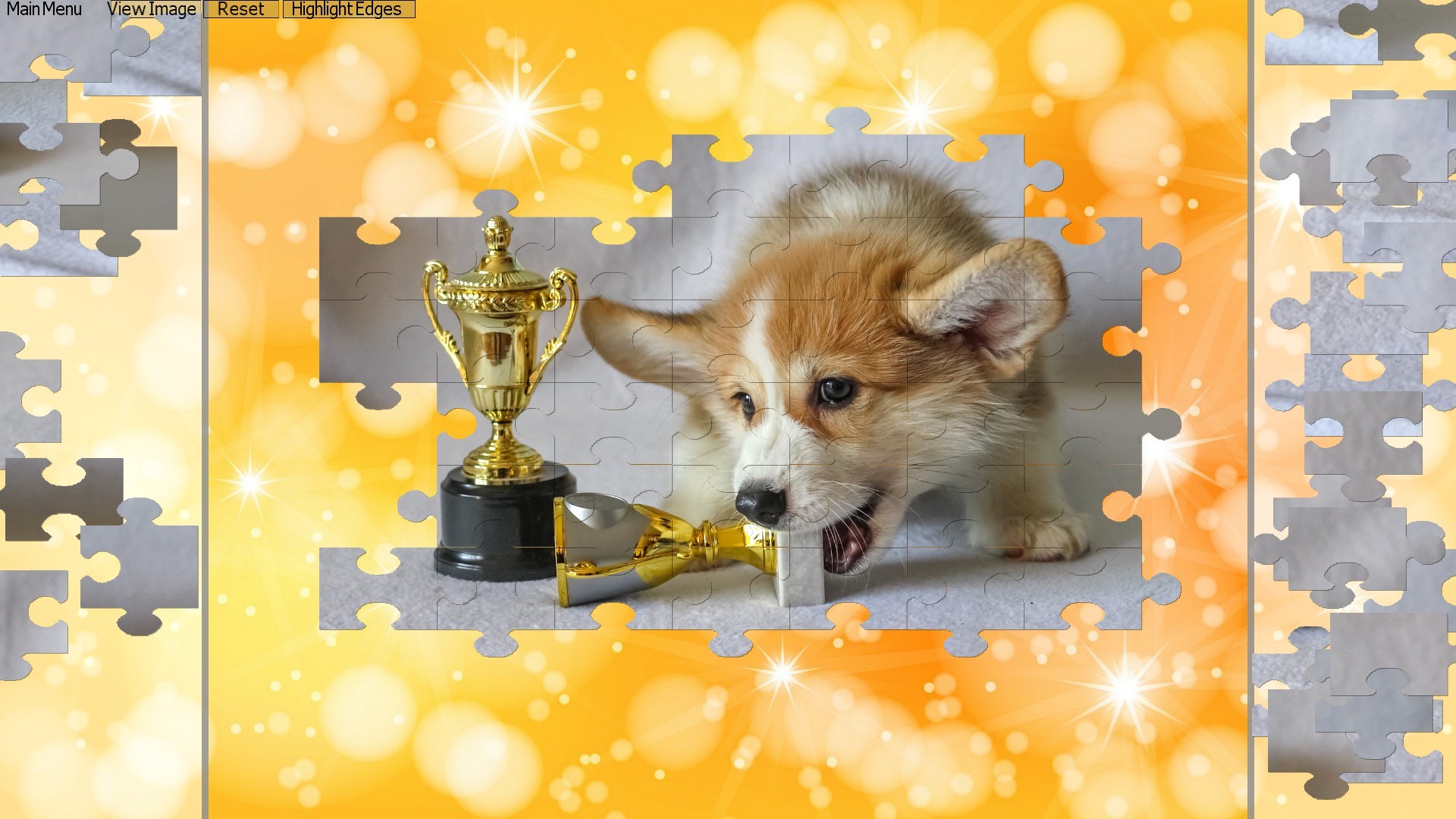
Not to influence which team you join for the Grand Prix but...Team Corgi going to win this.
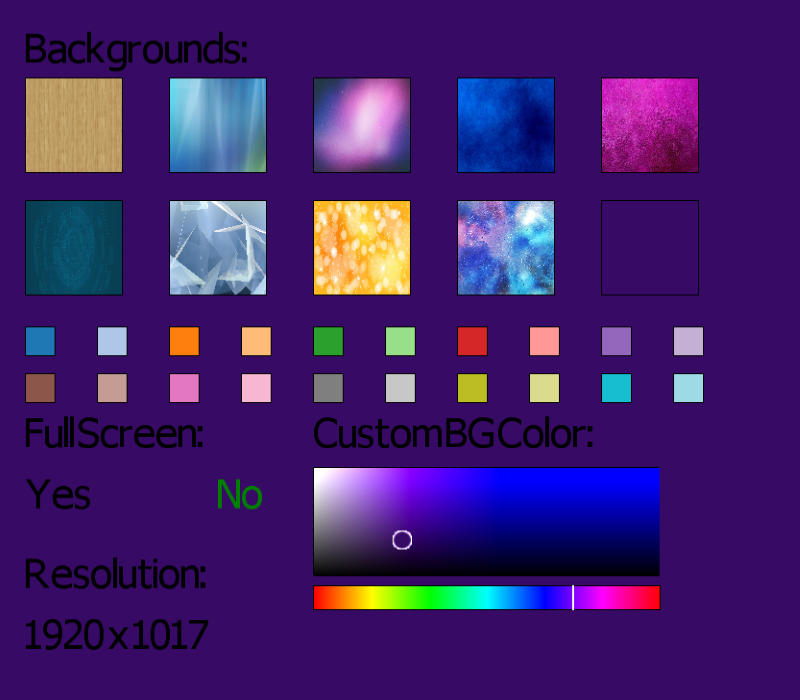
Update 1.9 - Custom Background Colors
Custom Background Color
-Added a custom background color option. The color can be set by selecting the color from the chart. The setup should allow for any color you want.
New Rectangular Puzzles
-Added in new puzzles unique for the 28x20 puzzle size. The puzzles are optimized for the rectangular shape of the 28x20 puzzle.
Option Menu Redesigned
- The option menu was updated and cleaned up.
- Text was added to explain each game mode when selected.
- A sample image was added to preview the selected puzzle size.
Custom Puzzles
- The default custom image was updated.
- Wording in the custom image instruction file was updated to no longer state a specific resolution is required on the custom image
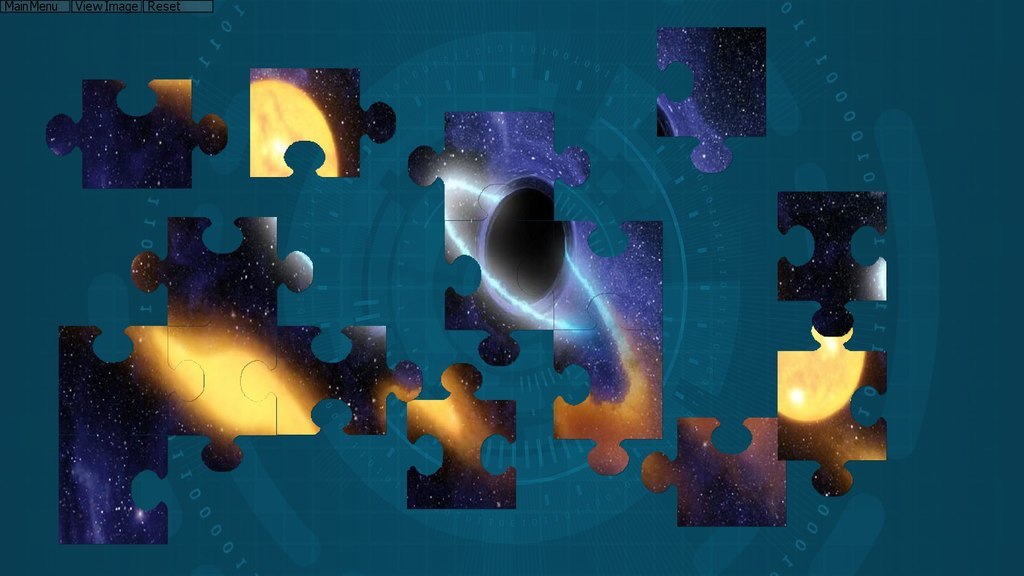
New Default Backgrounds
- The default background options have changed.
Scroll Mode - Keyboard
- The boxes in scroll mode now can be swapped using the left and right keyboard keys. (Previously only the right mouse button would increment it)
Puzzle Complete Screen Updated
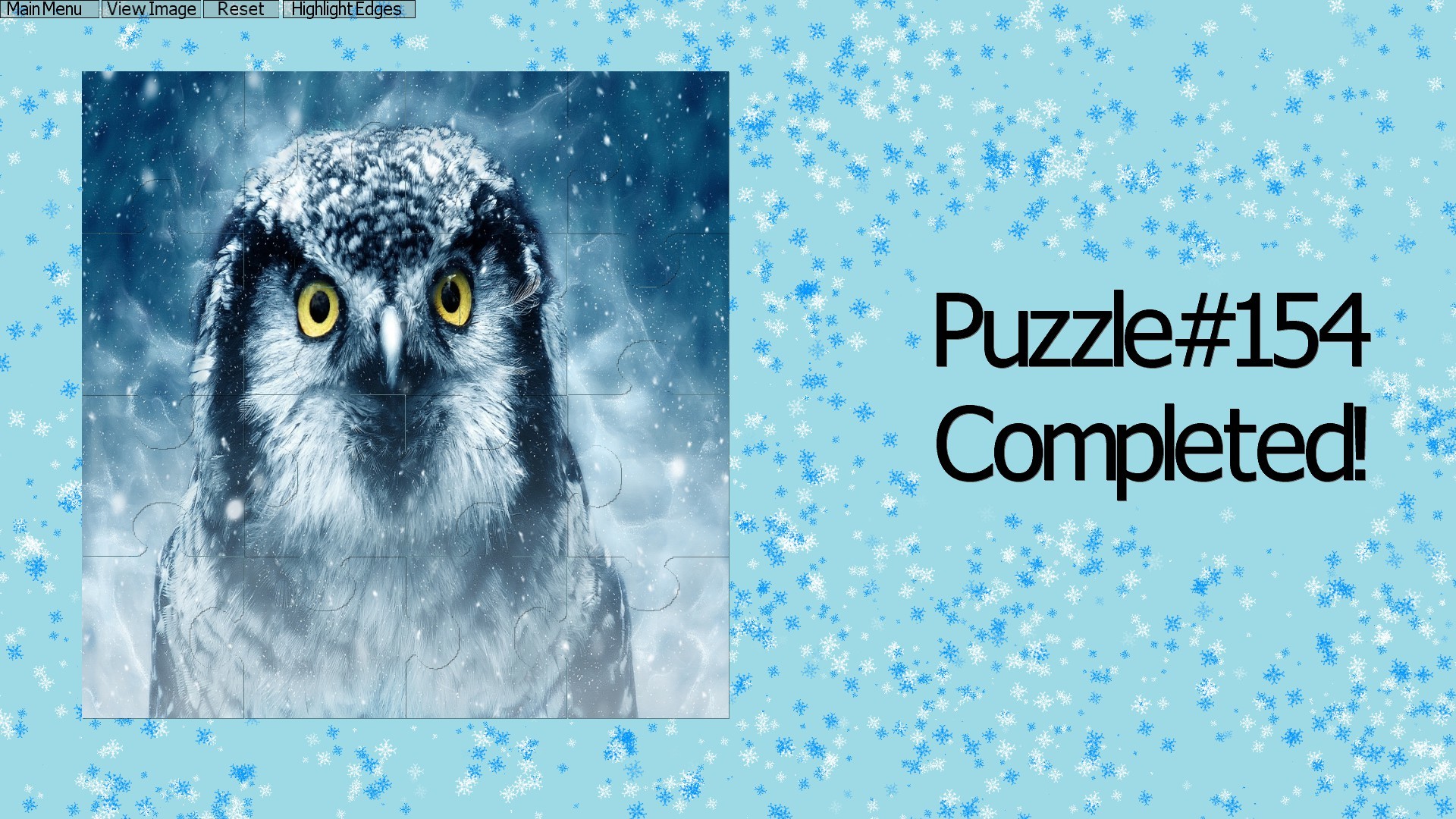
- The sparkles in the puzzle compete screen was updated to include a tiny jigsaw puzzle piece.
- Sparkles altered to be unique on the Candy Corn puzzle (tab 10) and winter themed puzzles (starting on tab 11)
- The puzzle keeps displaying the jigsaw pieces at the end (instead of swapping to final clean image like before)
Easter Week Sale - 50% Discount
Easter Sale
A sale will be running on Digital Jigsaw Puzzle for 50% off during the week of Apr 15, 2019 10:00am - Apr 22, 2019 10:00am.
Beta 1.9
A beta was released for a new custom background color feature. A color palette was designed to allow any color possible to be selected.
The beta is an optional download. Feedback is appreciated in the discussion forum. Feedback can include any topic and unrelated new feature requests.
(To download: Right click the game name in the library and select "Properties". Under Betas will be the option to select the version 1.9 branch)
Update 1.8 - Puzzle Template Updated
Puzzle Templates for 16, 64, 256, and 576 Pieces Updated
- Updated the puzzle templates to a cleaner design
Custom Puzzle Load Time
- Custom puzzles load much faster now.
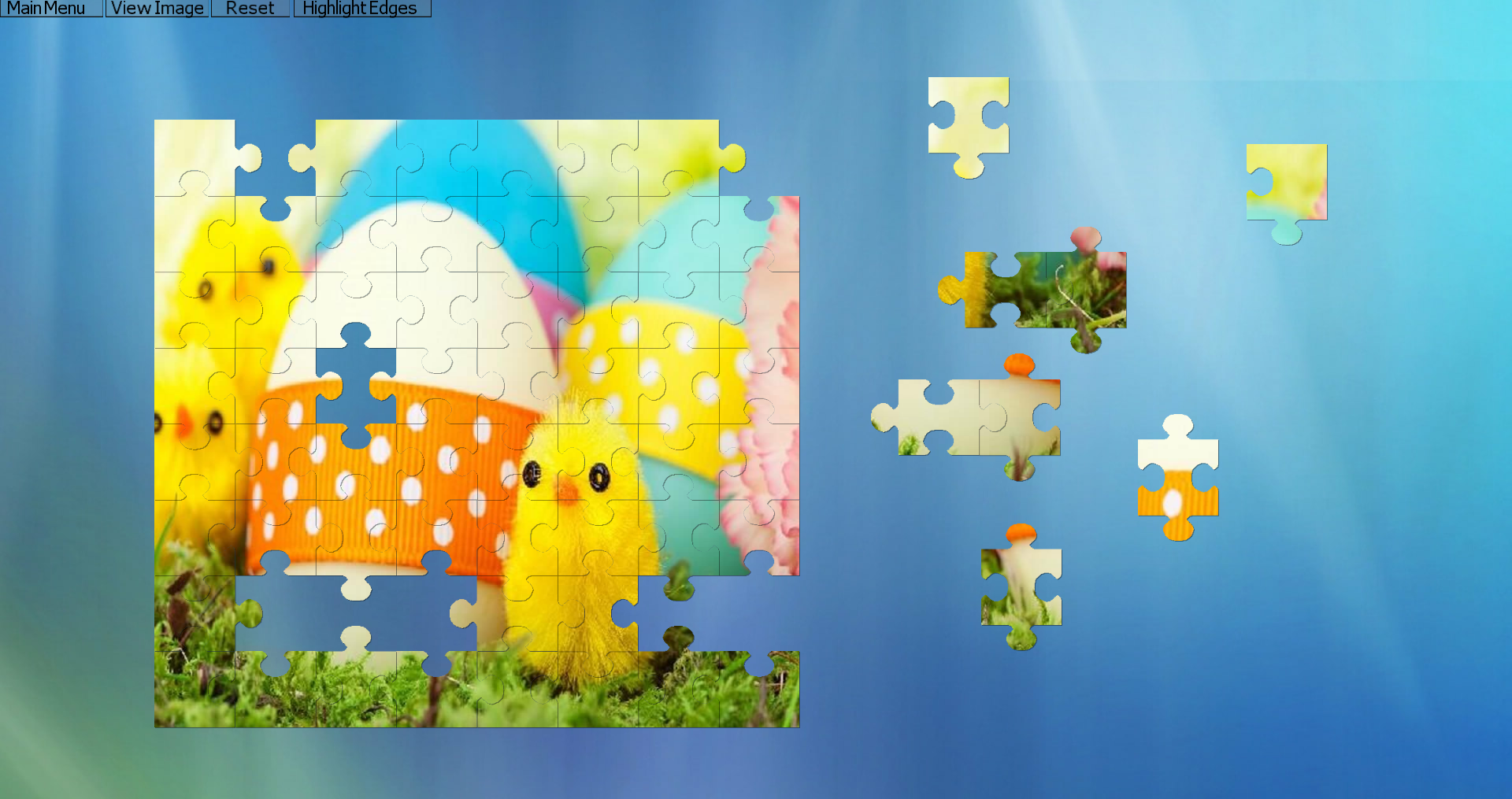
Highlight Edge button
- Added highlight edge button. It highlights pieces on the outer perimeter. Helpful if you wish to build the outer perimeter first and work inwards on a puzzle.
Save File Update
- Stored the game resolution in the save file. The game will open in the same resolution you closed it.
- Updated save file to contain piece join data.
- Compressed save files to compensate for additional data.
- Old save files will convert automatically the next time the save is loaded automatically.
- New save files load much faster
Happy Valentine's Day!
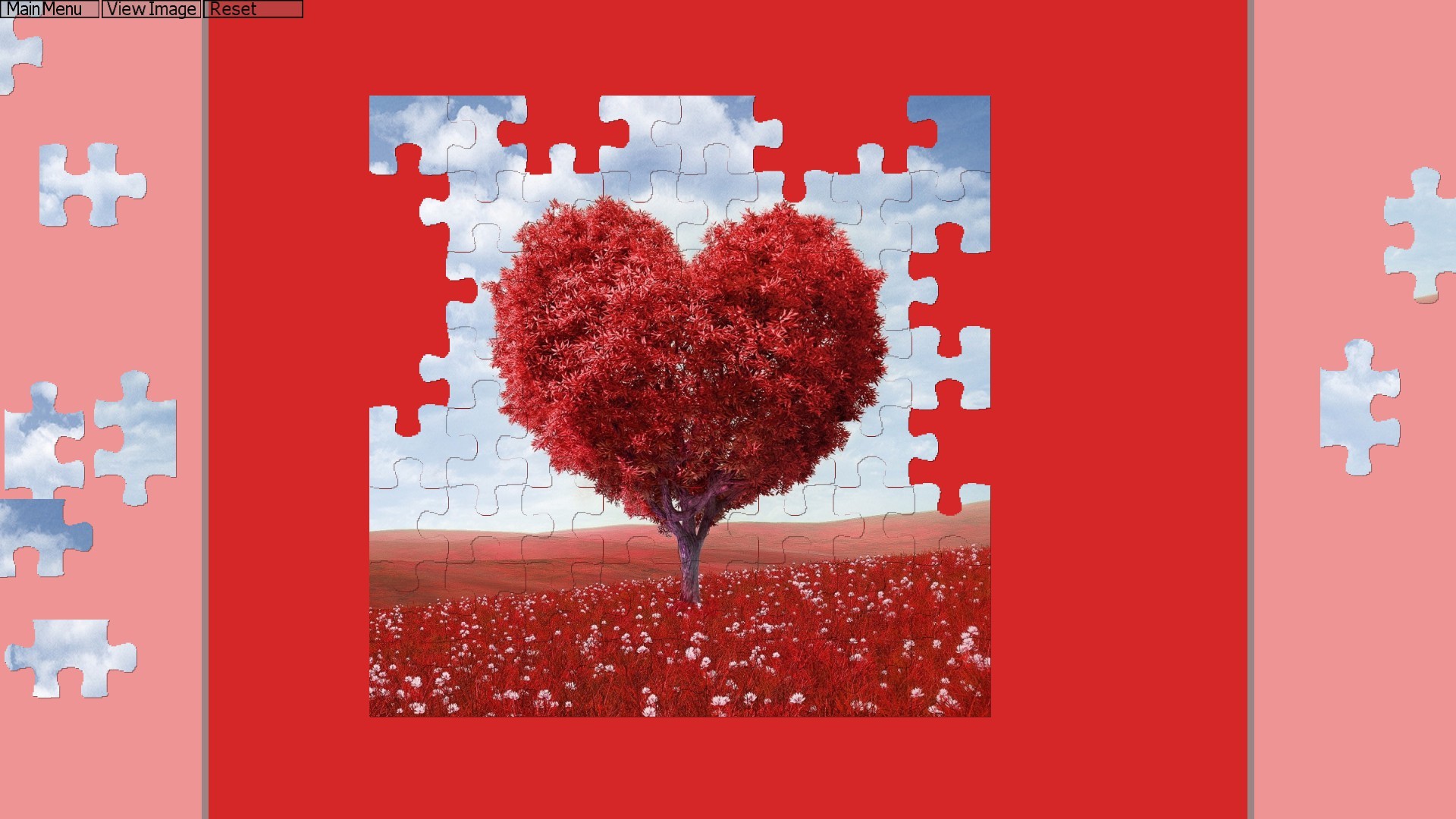
Happy Valentine's Day!
A new puzzle was added in celebration of Valentine's day.
Update 1.7 - Scroll Mode Updated, Zoom Feature, and Extended Save Options
Update 1.7 Release Notes:
Scroll mode changes:
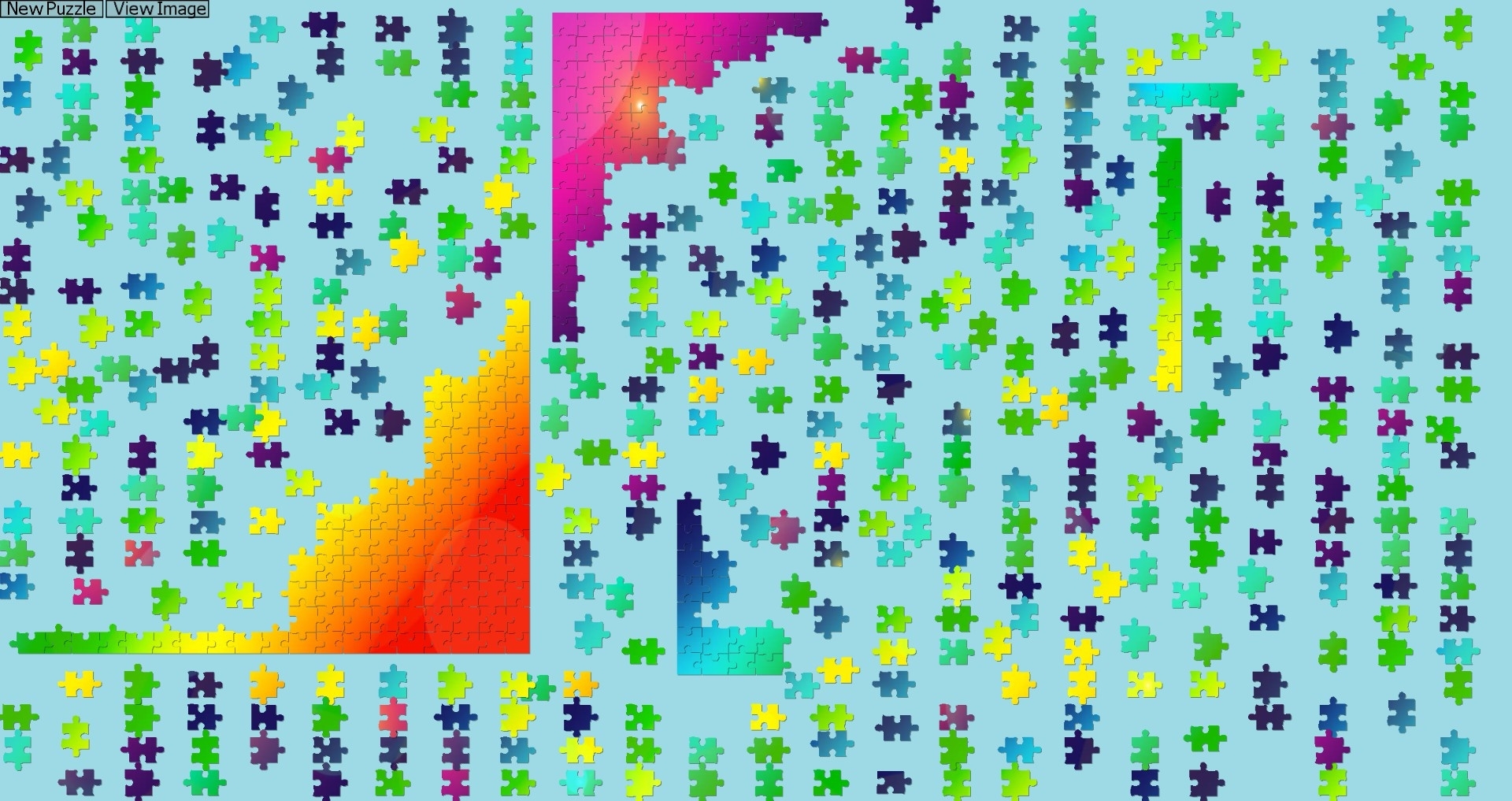
The concept is the same but now with a "box" to hold the pieces. Text added to state the current box out of the total boxes.
All puzzles save now:
Expanded the puzzle saves to create a save per puzzle variation. Changing the piece count, piece size, or puzzle mode is a different puzzle variation. (Anything that triggered a new puzzle in the current game)
Reset button:
Added a reset button to reset a puzzle if you completed it and want to go again. Otherwise you will always load your previous puzzle.
Dynamic Piece Size:
The middle mouse wheel will change the piece size dynamically. The puzzle will save the setting. There is no change to the small and large piece settings. These settings still start the puzzle in the "small" and "large" pieces however you can override them as you feel it is needed.
Digital Background:
One new background was added in the digital theme.
Update 1.6 - New Puzzle Size
Update 1.6 Release Notes:
Puzzles now available in 576 pieces
20 solid color background options added
Completion screen updated
Bug Fixes:
<*> The mouse will no longer interact with the game while it is behind another window.
<*> Game will now save upon exit through menu. (Hotkey esc)
Update 1.5 - Additional Game Stat Tracking
Digital Jigsaw Puzzle now tracks the completion of each jigsaw puzzle and the associated puzzle size upon completion. A medal is rewarded upon puzzle completion based on the puzzle size. The highest medal is displayed on the puzzle preview screen.
A bronze medal is rewarded for 16 pieces completed.
A silver medal is rewarded for 64 pieces completed.
A gold medal is rewarded for 256 pieces completed.
A new achievement was added for the completion of a 256 piece puzzle.
Notes:
The piece count was not tracked before this update. It not possible to retroactively reward the medals.
The custom puzzle does not count towards achievements or have a medal rewarded upon completion.
Update 1.4 - Image Preview and Winter Puzzles Added
Update 1.4
New Features!
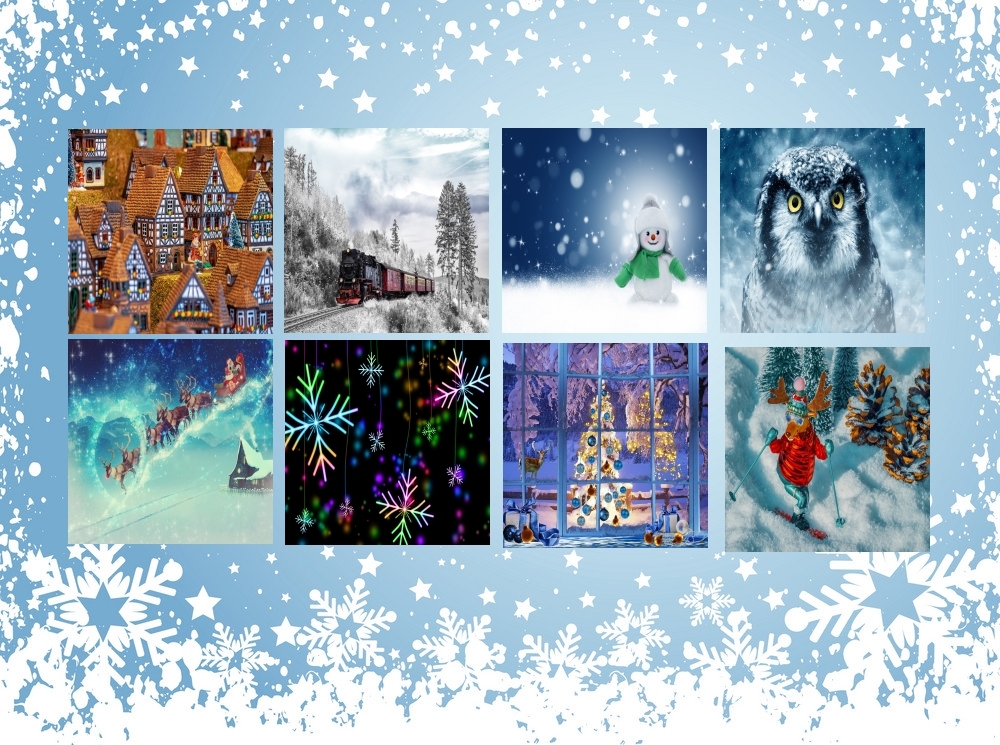
Eight new winter themed puzzles have been added
Added view image button to see an image of the final puzzle being solved
Under the hood changes to make puzzle pieces connect more precisely.
Digital Jigsaw Puzzle is currently 75% off through the Steam Winter Sale!
Bug fixes
Fixed abnormal puzzle joins that were occurring.
Added the "tab" of the slider mode to the save file. The game did not know what tab it was on when loading the saved puzzle.
Added in a check to move any out of bound pieces back into the viewing screen when loading a puzzle. (Should not be seeing pieces go out of bounds - this is in case something breaks)
Reduced puzzle load time (more noticeable for large near complete puzzles)
Leave me a note below or in the discussion forums if something isn't working.