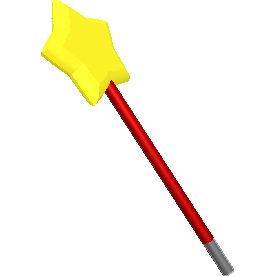
This is a major update of the game content, we have a new in game tool (toy), the Magic Wand! Only available in Single-player mode. The purpose of this game should be that let everyone can have fun with domino games. I used to say that I will not add those "cheat functions" in this domino game, and would like to keep it as a "strong patience required" game. However, this requirement seems to be not suitable for a lot of people. So, here it is, a "high technology" product has been added into DomiCard, the Magic Wand. Wish there are more benefits than drawbacks.
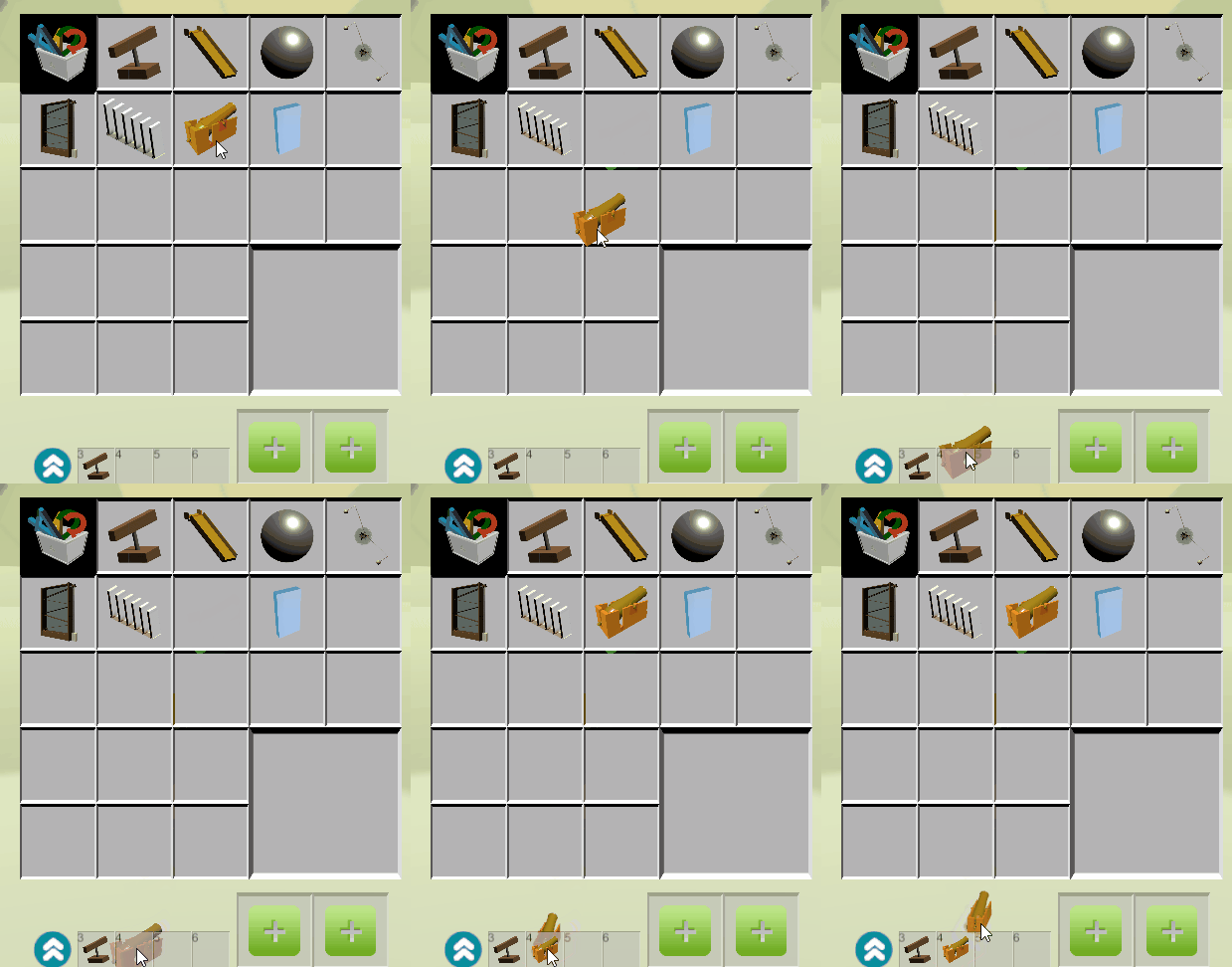
How to use it: Open the inventory and drag it to an item bar, press the right number(keyboard button) and you will see the Magic Wand is following your mouse.
To draw a line of Dominoes: hold "L Shift" and the mouse left button, start to draw! Also, you can pick a colour, and use a different type of dominoes.[previewyoutube="WCtp-awYP8Q;full"]
To auto generate dominoes with a PNG image: firstly, open the Menu (press "ESC", or ). Click on the PNG button, pick a local saved PNG file and then place it into the game (the image can be scaled or rotated in game). Secondly, use the Magic Wand, one left mouse button click to see the square of fake dominoes, click again if you don't like them. If you like them, hold "L Shift" and click left button again you will find the magic![previewyoutube="GAlBMGswdvc;full"]
Please keep this in mind, save your work frequently!
DomiCard Demo version released!
Hello everyone,
The free Demo version is released for you to invite your friends and have a try with this digital domino game.
LAN, WAN and Workshop are not available in this Demo version.
27/Aug/2019 Debugs
Resolution issue has been fixed. (I wish!)
Notes:
Some players may have the patience to build and play with thousands of dominos in the game. However, the hardware of your computer may refuse to present a smooth game. I was trying to make some optimization to solve this problem, but I failed.
Some of you may know that the Minecraft team was trying to make a high poly version of Minecraft, and the latest news was they stopped.
So, I changed the "Fastest" quality to a lower poly model. It may break your eyes, but more friendly with your computer.
This will not be the final update.
Clean the scene when loading a project is optional.
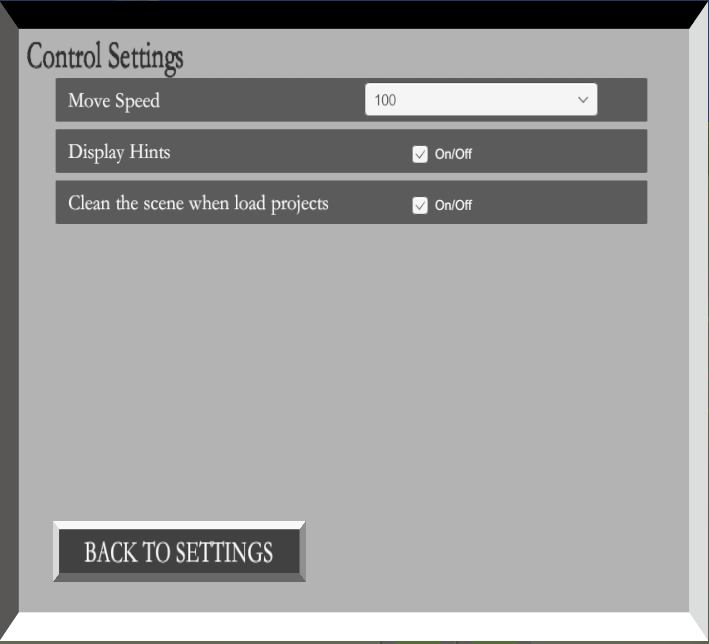
Add a new toggle in the "Control Settings" - "Clean the scene when load projects".
If the toggle is on, the whole scene will be cleaned when loading a project. Otherwise, game objects in this scene will not be affected.
The default setting was clean the scene in Single-player mode, but opposite in LAN and online mode. The default setting, for now, is clean the scene in every game mode. Please be aware of this.
21/Mar/2019 Update & Debug
For new players, please have a look at the Guides page (https://steamcommunity.com/sharedfiles/filedetails/?id=1484985860) because the control system of this game is not simple.
Update
Remove props from the left side, add an inventory to contain all props.
Add four item bars (bottom side) to use props in the game. For how to use them, check the Guides page, please.
Add a new prop - Cannon, with only one shoot.
Add a new prop - a scalable glass tile. Just like a glass domino.
Some UI updates.
Debug
Fixed: In LAN mode, the new joined client cannot load the exits props correctly.
Fixed: Cannot close the Steam Workshop UI.
Other known bugs fixed.
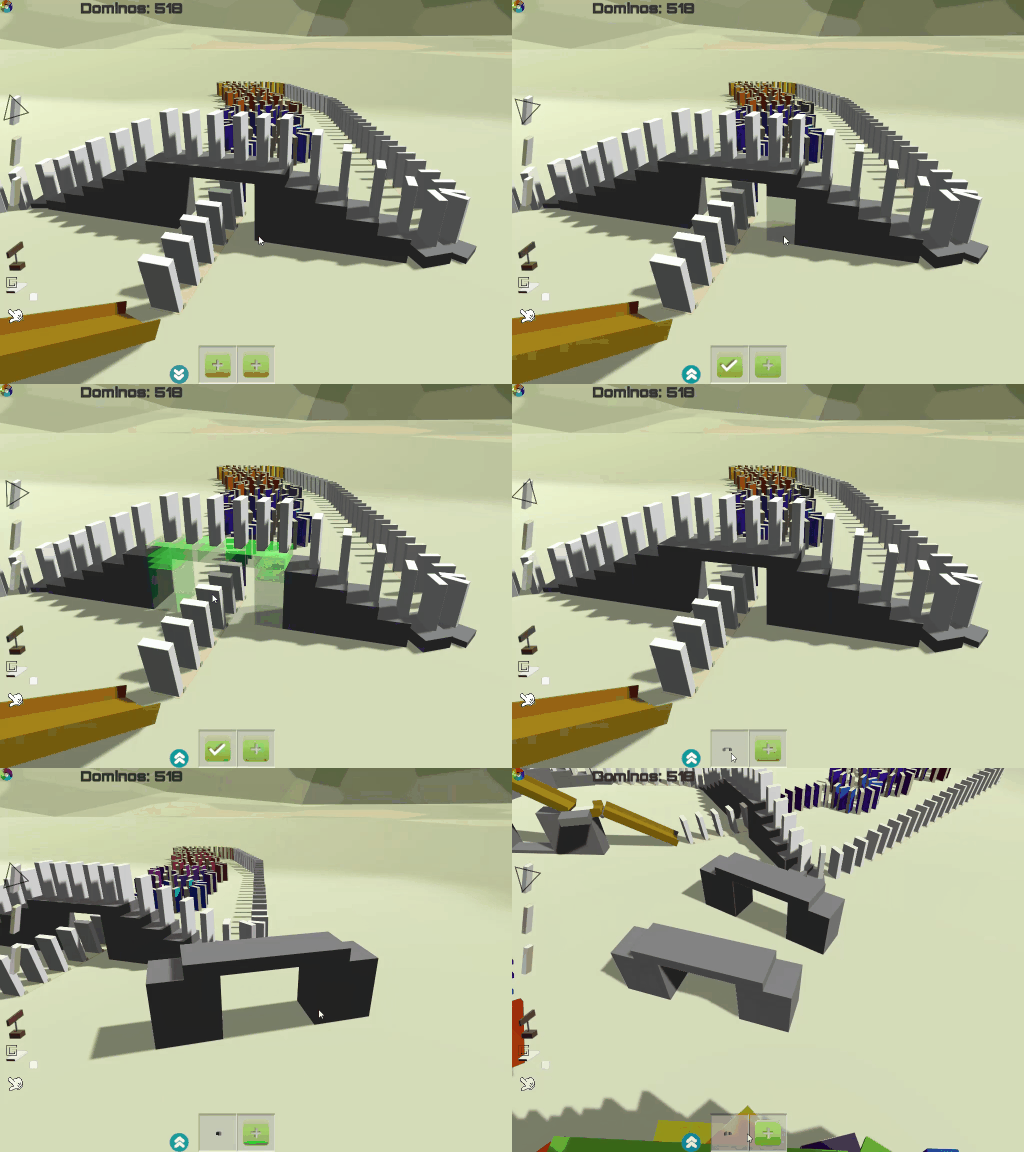
01/Mar/2019 Update: Select and pack cubes into a group
A new feature added in DomiCard.
Players can select existing cubes and pack them into one group. After that, you can simply build cubes in this group with one click!
Start selecting: Left click on the "Plus" button to start selecting cubes. Holding "Left Shift" and click the left mouse button to select cubes one by one (click on the selected cube to unselect it).
Finish selecting: Left click on the "Yes" button to finish the selecting. The group of selected cubes will be displayed in that area.
Use the group: Left click on the group of cubes, then those cubes will be following your mouse position.
Delete the group: Right click on the group of cubes, then delete this group.
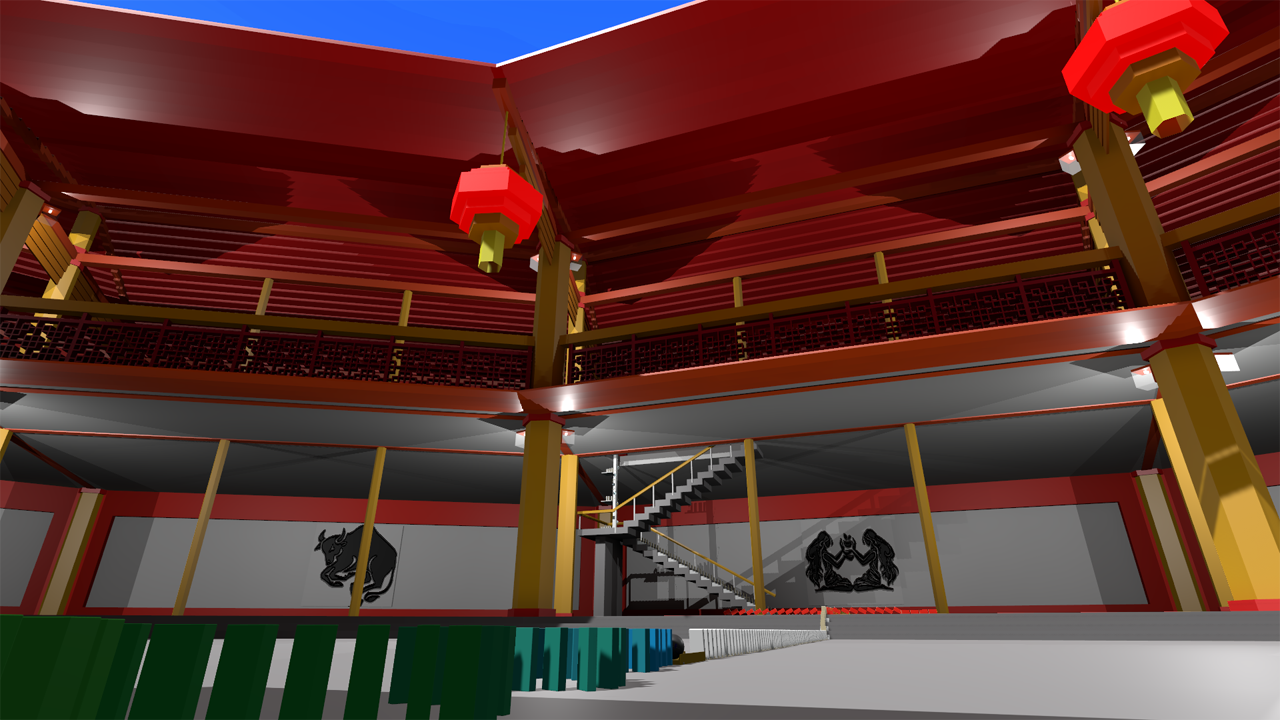
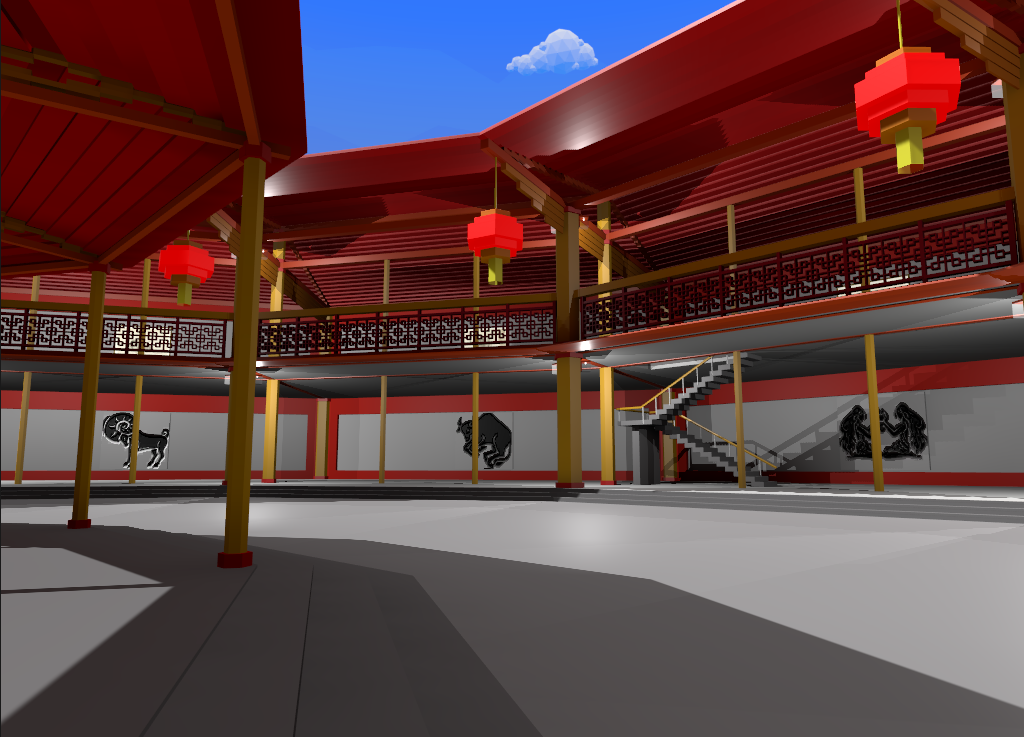
Playing dominos in the new scene map?
Hi guys, as you may see from the News, a new scene map (Round house) has been added in DomiCard. Have a play with the new uploaded workshop project, and enjoy! https://steamcommunity.com/sharedfiles/filedetails/?id=1649695545
Note: the saved project cannot be loaded in different scene maps. For more details, please have a look at the News of this game.
02/Feb/2019 Update
Update:
Added a new Scene Map. Players can select this new scene map by clicking the setting button (right bottom) at the start scene. For multiplayer mode (LAN and online), only the master client can choose the scene map (other clients' selection do have any effect).
You cannot load the game in a different scene map. For example, I have saved a project in map 01, then, this saved project only can be loaded in map 01. Also, you will see the notification if you are trying to load a project which was built on another map.
Debug:
Tutorial fixed. The tutorial scene is designed to teach new players the basic control settings of DomiCard. Also, there is a guide in the game Community.
Happy Lunar New Year
Happy Lunar New Year to everybody, I hope you can enjoy this festival (not only the Steam discount event).
DomiCard has been published for almost six months from last August to now. This is my first published work, and I feel so good to see that you guys playing my game and making comments. Thanks again to everyone and I wish to see more and more people that give me feedback and enjoy the game.
Also, as an indie game developer, I will do my best to optimize and develop this game. As I have promised at the beginning, I made this game from only support single-player to multiplayer (LAN and online), and I hope to have more feedback and support from players in the future.
The next mission is, I will add some new optional scene maps (no longer empty). These new maps might be published as DLCs (free) because the game only takes hundreds of MBs right now and the added map may take more than a GB. Therefore, players can make the decision by yourselves to choose whether to add the DLC or not (there will be no extra functions, only has a new scene map).
Best wishes,
ːsteamhappyː
30/Jan/2019 Update
Update:
The colour pallet has been changed from 12+3 colours to 24+6 colours.
For more, there is a way to get more colours in the game, release the hotkey "C" outside the pallet. However, I highly not recommend players to do this, using other colours will cost more on GPU.
The texture of the "Hand" is changed, looks better than before.


 ). Click on the PNG button, pick a local saved PNG file and then place it into the game (the image can be scaled or rotated in game).