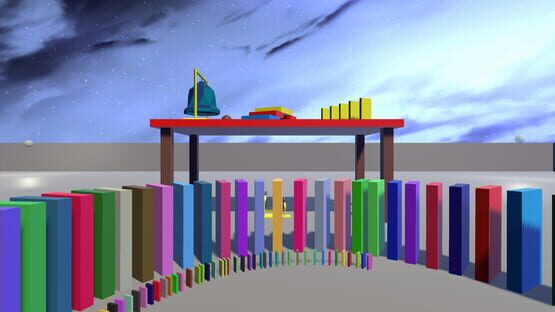

Domino VR
Update 0.2.3 - Achievements
Update 0.2.2 - Objective mode test map
Changelog:
Added ball rolling contraption to objects table
Added more "floating cube" type objects in various sizes to objects table
Added changelog to the main menu. You should be able to see this in there right now :)
Made main menu easier to use. No more turning around all the time, the menu will rotate for you
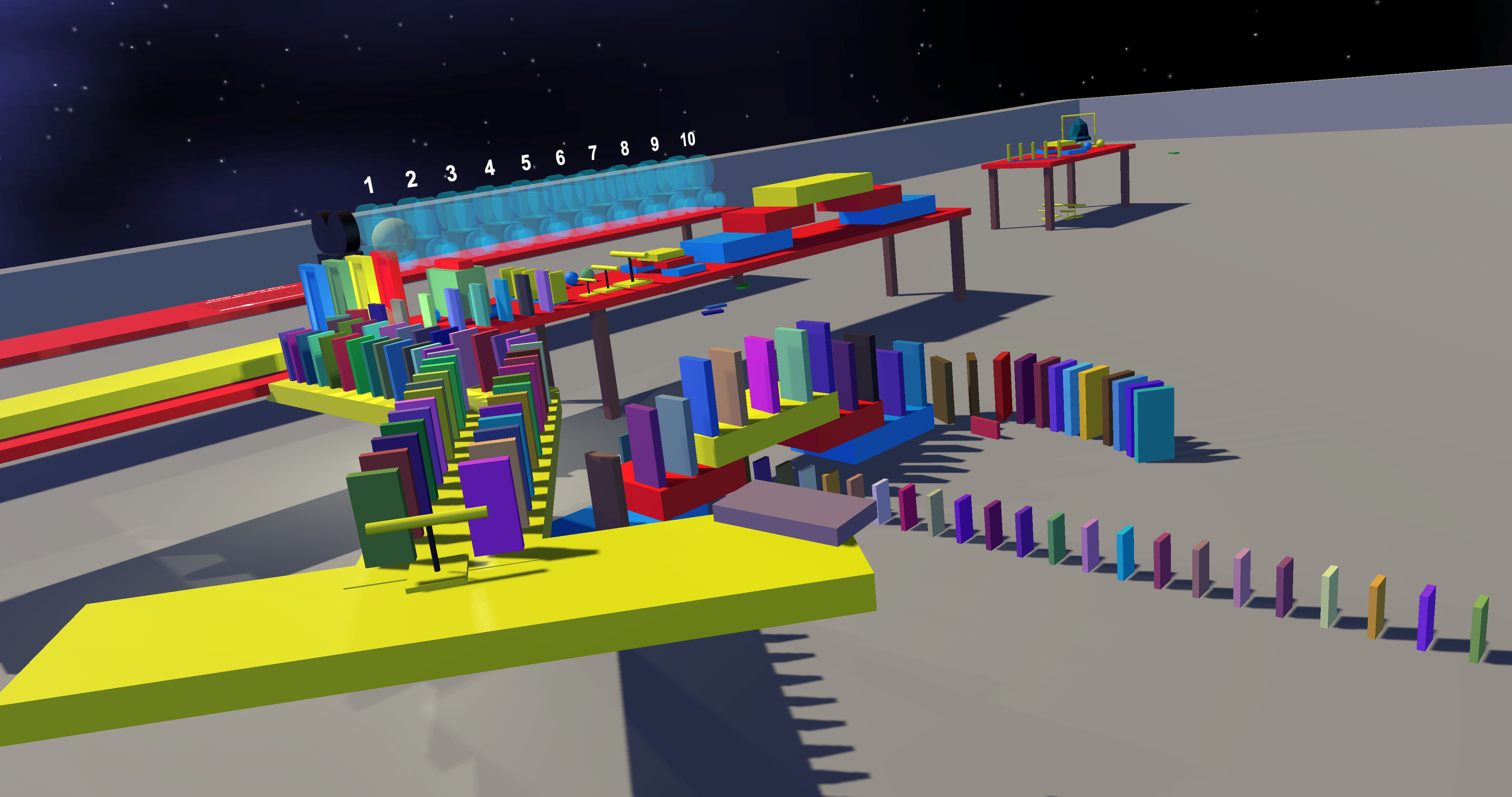
Added testing objective map! This one was used just for development, but now you can try it and let me know what you think about the mechanics used
Update 0.2.1 - Mostly bugfixes
Changelog:
Re-added the HMD. You can now see your HMD on the spectator cameras again
Added table with camera stuff to the "forest island" map, I'm working on a way to spawn other items
UI pointer no longer collides with anything but UI
UI controller tooltips and left menu no longer collides with anything
Teleporting with certain objects now works without shooting them into the distance (still needs improvements)
Objects indicate whether you can grab them again (change color)
You can no longer teleport onto objects
Update 0.2.0 - The big unity 5.4 update

Changelog:
Updated to Unity 5.4 for performance reasons - Started from scratch again, this took me hours
Now using Valve's "The Lab renderer" for Adaptive quality and a bunch of extra performance!
Had to remove the light you can drag around because of the new renderer (it's worth it!)
Game no longer shows your HMD on the cameras. This will be re-added soon
When scaling the world, menu & color picker distance now stays correct
When scaling the world, your "ghost" domino on the right controller will now be the correct size
Changed Main Menu domino sizes and spawn amounts
Changed Main Menu mechanics
Added new map! (forest island) - WIP, more maps will come
Objects now get deleted properly when they go out of bounds
Better game pause method. Objects will pause, but you can still interact with them while the main menu is open if you want or teleport
Fixed a few bugs that could crash the game
Added a way to go back to the main menu from the ingame menu
WIP - Objective mode. Something for the next update... :)
Added Timescale slider to ingame menu - Slooowwwmoooo fun!
Added background to ingame menu for better readability
Updated VRTK to the newest version (allows better grab features, pointers, etc.)
Changed menu on left controller to use haptic feedback and 3 buttons
- Big thanks to Kenney for the nice low poly models!
Update 0.1.0 - Respawning objects, bigger world, animatable camera
I have also created a new subreddit for the game hoping to get more feedback over there. Link: https://www.reddit.com/r/DominoVR/
Please do provide feedback!
Changelog:
Increased world size
Moved tools and items to two new big tables, they respawn when you take one
Added new animatable camera with key points (experimental feature)
Added a small area with some random cubes and a few preset dominos to test save/load. This is a WIP
Better grab mechanics for placer car
Created subreddit for the game: https://www.reddit.com/r/DominoVR/
Update 0.0.5 - Destroy tool, new teleporting
Changelog:
Added new teleporting method
Left controller can no longer use menus. Grip on the left controller triggers teleport
Added destroy tool on left controller menu to remove dominos
Added small beam on left controller when aiming at close objects to help you aim when welding and destroying things
Fixed bug with bridge shadow
Fixed spectator camera UI colliding with game objects
Fixed UI colliding with game objects
Update 0.0.4 - Menu changes & experimental weld tool
Changelog:
Added experimental weld tool (use it by aiming at object A, then use the weld option, then aim at object B and use the weld option again)
Added possible new domino model to the game. Let me know what you think about this.
Added some bounce to the balls
Added options to scale the world and to ajust the floor height (I suggest not using scale at this time, it is very buggy)
Added reset buttons for all sliders in the game menu
Update 0.0.3 - Color picker, draw HMD

Changelog:
- Added menu on left controller touchpad
- Added color picker
- Changed screenshot folder, screenshots are now stored in My Pictures/DominoVR
- The "display" for the camera can now be seen on both sides
- Spectator camera now draws a HMD so spectators are able to see what the player is looking at
- Moved a few items in the world around a little
Update 0.0.2 - Specatator/screenshot camera!
Well, now you do. You'll find a camera you can drag around the world, and use to show to spectators what you're doing. It also allows you to take screenshots (through that camera) in 1080p or 4K.
You can find screenshots in this folder:
STEAM_FOLDER\steamapps\common\DominoVR\DominoVR_Data\screenshots
Be sure to send me some in the discussions!
Domino VR to be released in a few hours!
So, how did this all start? Not a long time ago I bought my own HTC Vive after testing it in a local computer store. While I enjoyed playing games, I felt like I could make some fun games myself. Domino VR was one of those ideas.
I've always wanted to get into game development and getting a game released on Steam seemed like something I'd never achieve, but here we are!
I'd like to thank a few projects and persons that helped me turn the game into what it is right now:
- Unity for the awesome physics the game depends on
- VRTK by thestonefox for the amazing tools and examples for VR development in Unity
- My friend Cybermaxke for making a few models (more to come) and helping with the script that spawns the falling dominos on the main menu
- My friend Mr.Chippy for working on the game theme song (he will be doing more work on that once he gets back from vacation)