

Duel
BILIBILI
V1.12
Add the function of changing control mode
Add the function of changing code
Add the function of controlling special effect light source
Add distortion lens glare
Add sliding and impact marks
Increase floating dust
Numerical adjustment
Model addition and replacement
Thrust algorithm modification
The projectile indication is not displayed when there is no target
Add self luminous UI
Armed effective range adjustment
Armed lethality adjustment
NPC combat range adaptive armed effective range
Modification of service conditions of NPC smoke bomb
NPC can use all parts
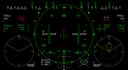
The HUD displays the speed and distance of the target, as well as the current equipment and armed forces in use
Add support unit
Issue or release the following command to the wingman under the direction key
Consume drop points, summon wingmen and support units, and repair the body
Add insect trap lamp
V1.11
Modify some models
Add and modify some effects
Enhance arm tracking performance
Add some battle traces
Leg pose modification
Add searchlight
Modify part of trajectory calculation
Modify partial registration method
Modify the position of the aiming frame in the HUD when moving
Settings in combat can be saved except for viewpoint mode
other
Change of setting
V1.10
Modified data for some parts.
Reduces maximum airframe speed and increases maneuver speed.
Add AI.
Added a scene.

V1.9
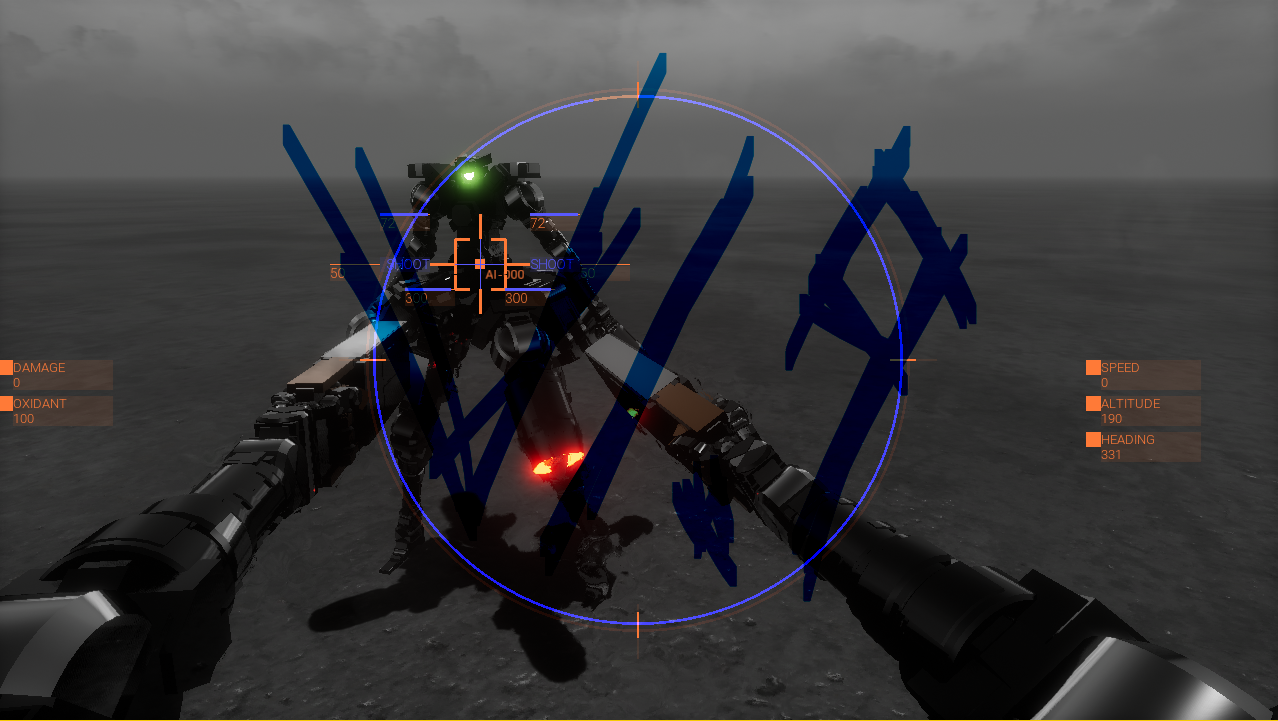

V1.8
So other changes have been made, including parts, painting, scenes, HUD, particle effects, sound effects, settings, etc.
Added network features and name settings as well as shot down statistics.
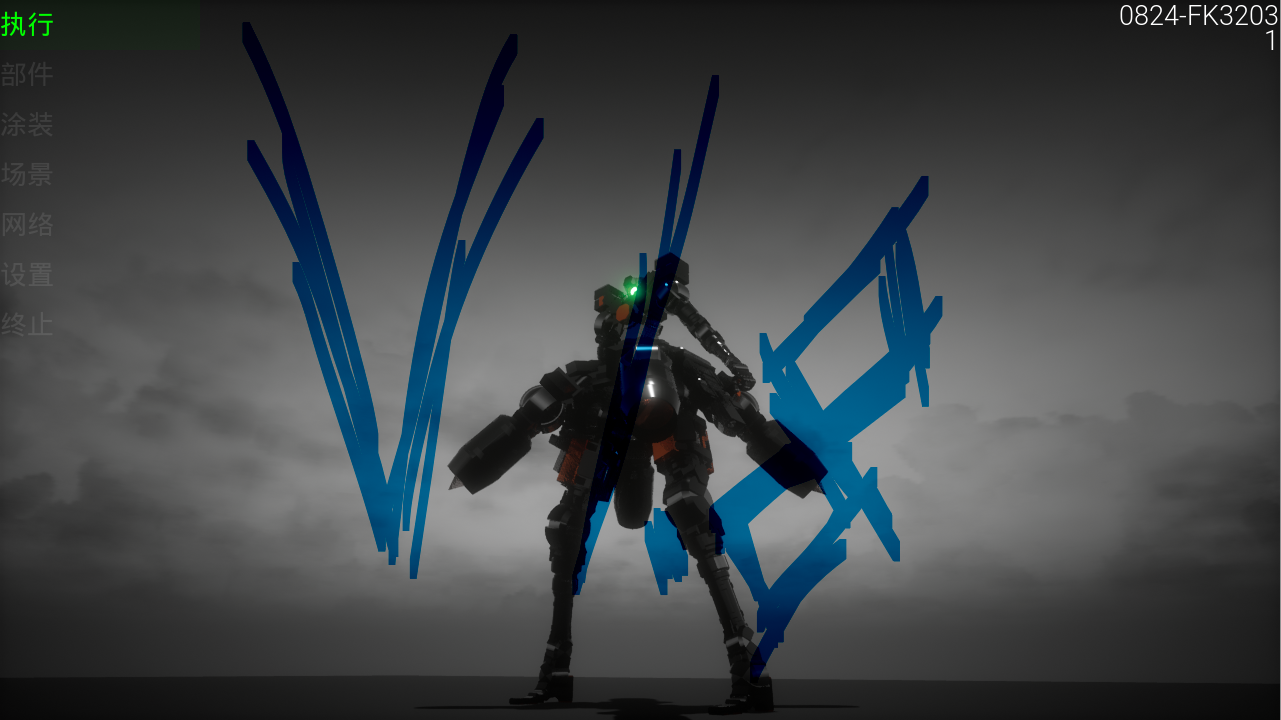
V1.7
Changed Projectile to Tracer
The velocity of the machine affects the initial velocity of the projectile
Can customize HUD

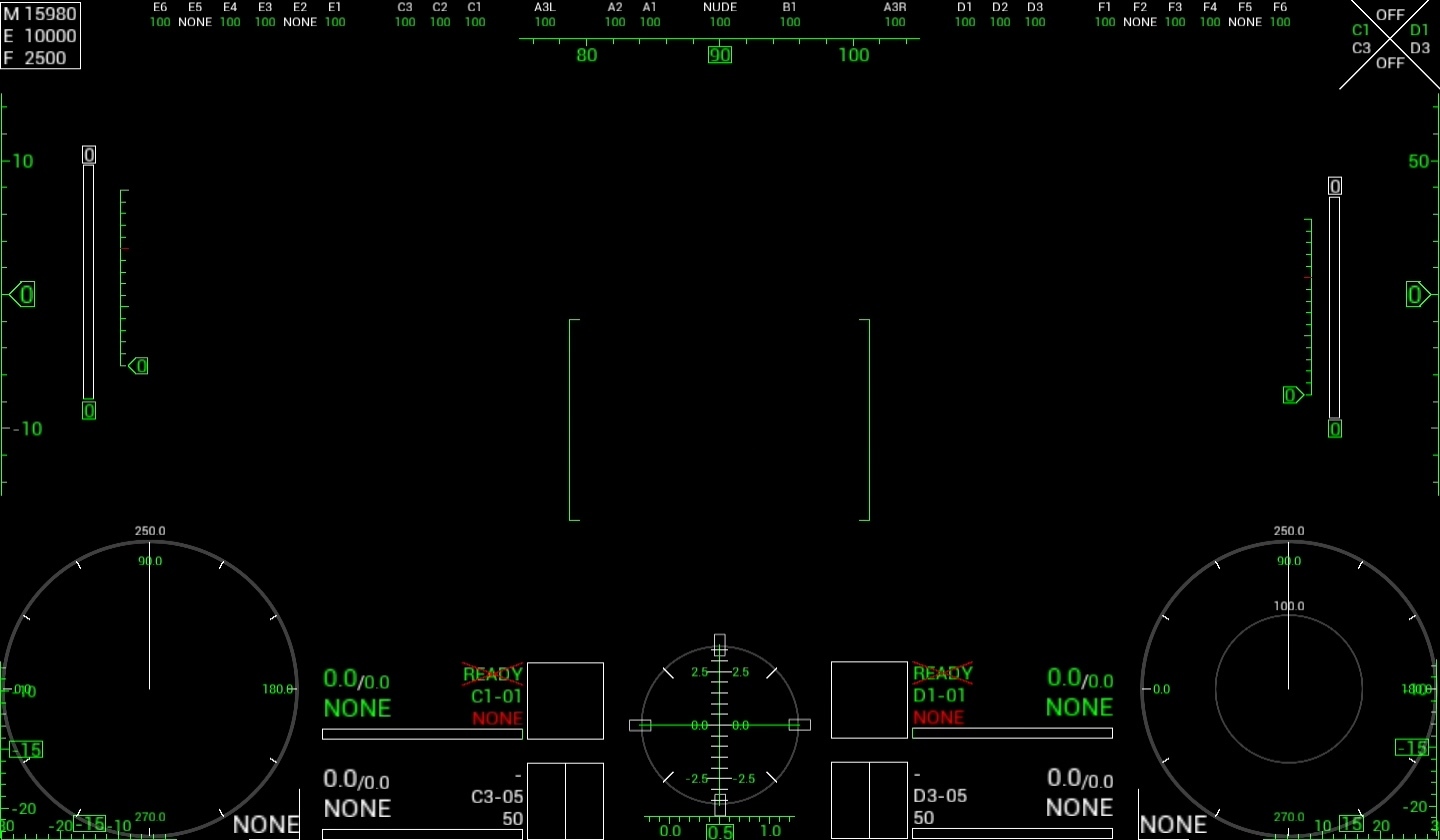


V1.6
Change the light source in the scene
Add button comparison to manual
Detailed explanation of HUD in the manual
Statistics of target hits in HUD
The locked target becomes obvious
Adds a particle effect to the leg
Increase TYPE-C10
Change of area 0/1/2/3
TPS and FPS switching
-------------------------------


V1.5
2, leg movement more realistic
3, hand movement is more easy to operate
4, projectile trajectory more realistic
5, the enemy aircraft AI more efficient
-----------------------------
If there is an archive before, it is recommended to delete the previous archive
The archive location is as follows
C: \ Users \ username \ AppData \ Local \ DUEL \ Saved
---------------------------------


1.4
Engine C1 / D1 / E2 / F2 temperature calculation correction
Amendments appear when the target is on the back
When the mouse and the rocker overlap operation camera swing range correction
Regional mud area correction
After the destruction of parts quality changes correction
Hand movement speed correction
A1 destroyed after the camera maximum swing angle correction
Broken setting
Spray dust settings
Rub dust
Flame settings
Multi-target fire control pan-universal improvement
HUD to cancel the aperture sighting, angle sighting as a projection
A1 maximum sighting angle adjustment
Performance optimization