Added new voice sounds for human players, with unique sets for male or female.
Big code tidy-up under the hood.
🐛 Bug fixes
Fixed crash caused when both players are killed and the ball has not been thrown in the current stage.
Fixed player generator always creating male characters.
Update 0.14 - Improved Tactical Previews
If you've ever played Dungeon Deathball and found yourself holding a bajillion numbers in your head, trying to remember what kind of effects your attacks will do, glancing at the text-heavy info popups... wondering what kind of moron designed this game... then this update is for you!
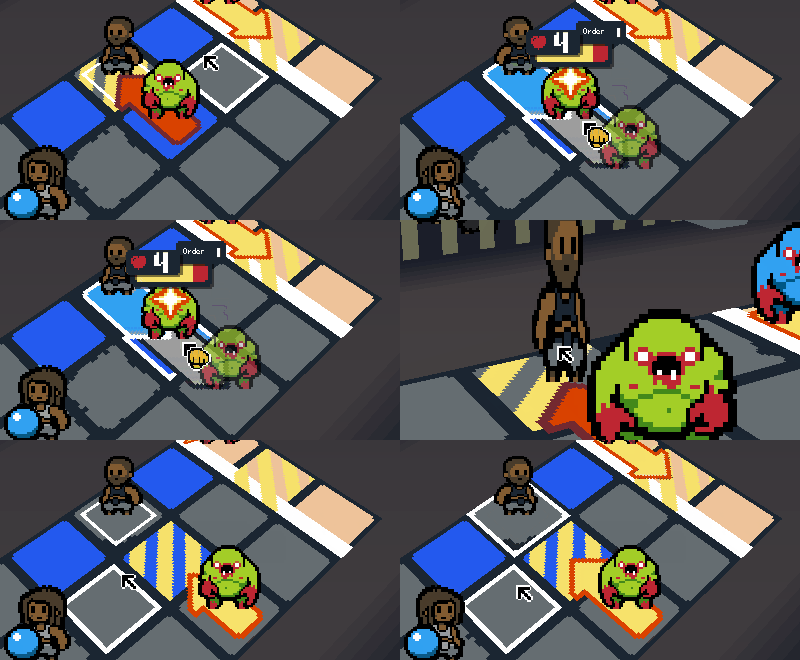
I have greatly expanded the amount of 'preview' information that is displayed when you are planning your attacks. Now you can see how much damage you'll do to enemies and how far you'll knock them back.
Shooting the Ball seemed to be a particularly confusing action for a lot of players, since you can't aim it anywhere except down-field. Now you can see exactly where it will end up, and how it will affect any monsters it might hit.
You can see what damage and knockback enemies do to each other too. Some enemies (like the charging Redhorns) have a high "Knockback" effect, so it can be useful to know where they'll send their targets flying to next.
Even the Hatchers got their own new markers to show that they do something a little different to the other enemies!
🆕 Changes
Here's the full list of changes in this update.
Added 'attack previews' which show the damage attacks will deal.
Added 'knockback previews' which show the distance characters will be pushed when attacked.
Added 'shot previews' which show the line of fire and resulting effects of shooting the ball.
Added 'spawn previews' which show where Hatchers will spawn their Ticks. These now have their own unique graphics, instead of using the standard 'move' graphics.
All enemies' intention markers now appear with a slight delay based on their act order.
'Current player' marker now animates with a more gentle pulse, rather than blinking on/off. This is to make it less eye-catching so it clashes less with the Stamina and AP gauges.
The 'Rest' action icon is now a heart with a plus symbol, instead of a 'pause' icon.
The 'Shoot' action icon now has some additional details.
The field's standard floor tiles now have a bit of detail and randomisation.
🐛 Bug Fixes
Fixed crash if you began a stage with only 1 player alive.
Fixed the options menu's background stripes being misaligned.
I hope you enjoy this update! Let me know what you think. 🙂
Matt
Update 0.13 - Controller Support & New Interface
As promised, development is back in full swing!
Over the past month I've been ripping out a lot of the old code and replacing it with shiny new code I wrote for my recent games (Ghost Grab 3000 and Singled Out).
Full Controller Support
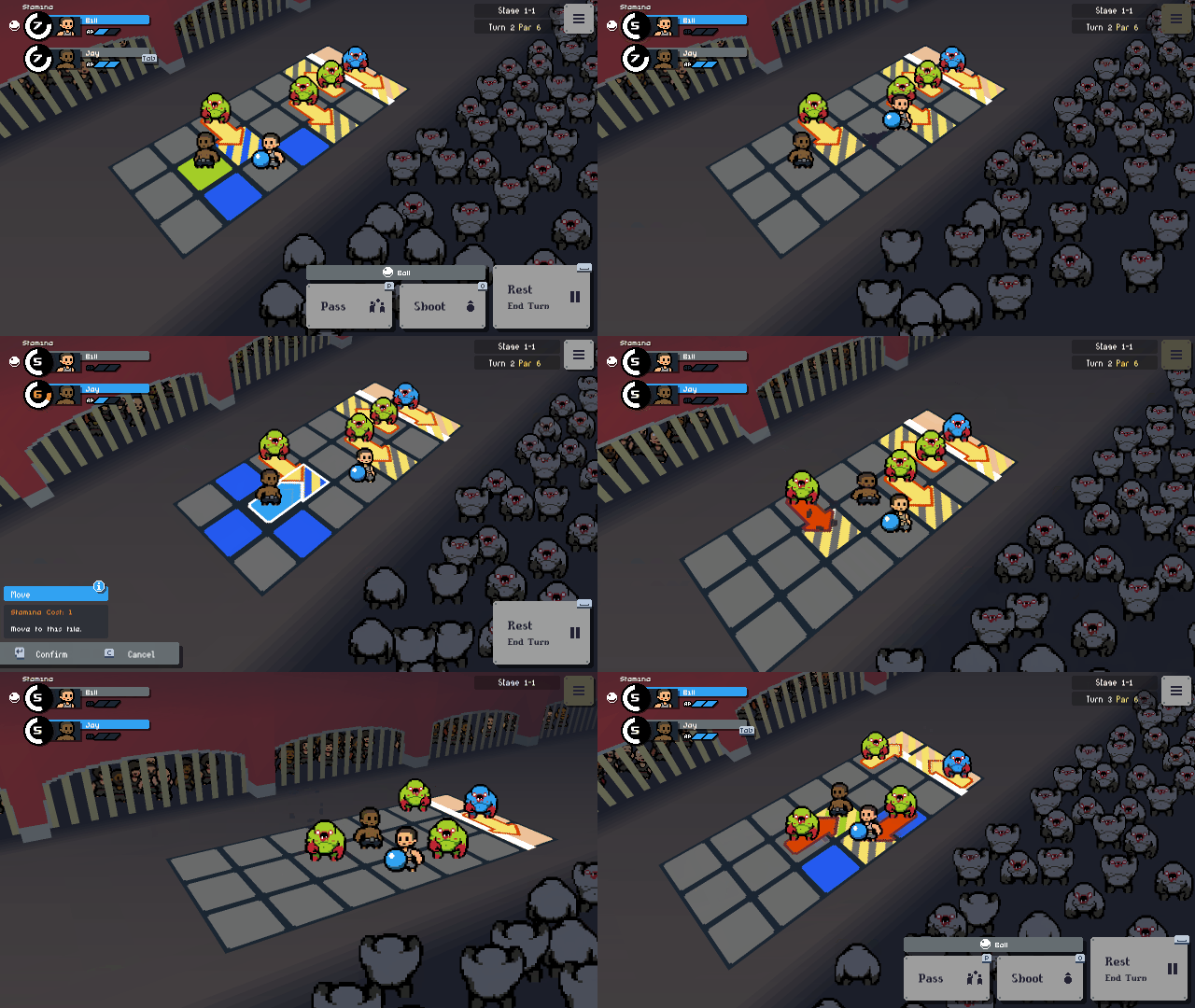
You can now play the game using just a gamepad or a keyboard -- no mouse required!
Tactics and strategy games don't usually lend themselves well to controller input, but Dungeon Deathball has a snappy single-tile movement system so it totally works here. I experimented with a couple of different methods since this game demands a certain amount of 'preview information' before you commit to an action.
I'm really happy with the results, but I'd love to know what you think. Drop a comment below to let me know your thoughts.
🆕 Changes
Here's the full list of changes in this update.
Added full controller/keyboard support.
Added confirmation step to inputting actions when not using a mouse (this allows you to preview actions before committing to them).
Overhauled the entire interface - new graphics, new code, new layouts, etc.
All the interface has been scaled down about 25%.
All perks unlock a little sooner (Star requirements reduced by 2).
Added short intro sequence when each stage begins.
Split "How To Play" section up into more categories and with an easier browsing format.
"How To Play" section is now accessible from the in-game pause menu.
Rearranged the player info panel layout.
AP gauge is now bigger to make it more visible.
"Not enough Stamina" warning is now red and it pulses.
Added Unity Analytics to better understand how you're playing the game.
You can now skip the title animation.
Enemy action intention markers are no longer displayed until you click "Start" on a stage.
Character sprites are smaller so its easier to see tile data below them.
Character intention markers now animate when they appear.
Removed achievements from Steam for now. They're not implemented yet so they were just confusing people being listed on the Steam page.
🔜 Coming soon...
The next steps are to rewrite a lot of the gameplay code. This will make it much easier to add new content... meaning new enemy types with new attack patterns and new ways to pulverise your puny human team. I'm also considering some big changes to the general aesthetic/theming of the game, but I'll save that for a future news post.
Thanks for checking out this update. I hope you like it! Please remember to share your thoughts in the comments, review, discussions or Discord!
Matt
📣 Back in development!
Hey Deathballers!
It's been a while since I was actively developing this game, so I wanted to just post a quick update to let you know that I'm back on it again and there's an update coming soon.
What have I been doing?
I took some time away to work on some smaller, simpler games (Ghost Grab 3000 and Singled Out) which both released last year on Steam and this year on Nintendo Switch. I've also been doing some freelance work and teaching to help pay the bills, and looking after our new baby.
Busy, busy, busy! 😅
Not trying to make excuses, but just wanted you all to know that I have been busy, but I am now getting back into the full swing of things.
In the next update...
I've been working on updating Dungeon Deathball's code-base, since I learned a lot of new stuff working on those other games I mentioned.
I'm integrating a full menu system I built for Ghost Grab 3000 which will make it much easier to build interfaces and new menus going forward, cutting down development time.
Controller/keyboard input support will be much easier to implement using this new system too, so those of you who don't like to use a mouse can look forward to that.
Once these code updates have been done I will start adding new content. Keep your eyes peeled!
Pricing
One last thing... I'm experimenting with the price a little at the moment, so you may see the price fluctuate a little over the next few weeks.
Deciding on the right price for my games is something I really find difficult, so I'd love your input. What do you think of the price considering the quality of the game and how much depth or content it has to offer? Let me know your thoughts please!
Thanks for sticking with me while I find my feet again!
Join my Mailing List!
👋 Hello, friends!
Just a gentle reminder that I have a free Mailing List for all my big game updates.
🎮 Enjoy my games?
🆕 Want to be first to know when I release new ones?
📣 Want to press your ear directly into the megaphone when I shout into it?
📧 Then please consider subscribing!
(I promise I'll be respectful of your time. I won't spam you too often or shout into the megaphone too loudly.)
Thanks for supporting me and my work! ❤
Matt
Update 0.12 - Save Support
Hello Deathballers, it's been a while!
I'm here with a new update. Version 0.12 is now available and brings a brand new feature...
Save Support
Is your game session taking a while to complete? Do you need to go and do something important like walk the dog, vote, or put out a kitchen fire?
Well now you can "Save & Quit", safe in the knowledge that your team of Deathball slaves will be waiting when you return.
The new save system works like this:
You now have the option to "Save & Quit" after you complete each stage.
Saved games can only be loaded once, so you cannot use this feature as a 'bookmark' and reload to an earlier safe point if things go badly (this is to ensure fairness on the Steam leaderboards).
When you resume a game, you'll need to complete the next stage for another opportunity to save and quit.
I hope you understand my reasons for designing it this way. I know it's not conventional but it made the most sense to me. I'd like to hear your thoughts on this system either way!
One more thing: Steam Cloud is also supported, so you can resume your game on another PC if necessary.
Other changes:
The 'Rest' button help popup text now changes if your current player has the Power Nap perk.
Reworded the Power Nap perk description to make it more clear what the effects are.
Stage results screen now displays par results as "# over/below par" and is colour-coded.
Thank you for your patience with Dungeon Deathball! Development has not been as fast as I originally hoped, but now that Ghost Grab 3000 is out of the way I can hopefully speed things up a bit.
Version 0.12 is nearly ready, and you can play the early beta version right now.
This new version adds Save support, so you can quit mid-game and resume where you left off. Here's how it works:
You now have the option to "Save & Quit" after you complete each stage.
Saved games can only be loaded once, so you cannot use this feature as a 'bookmark' and reload to an earlier safe point if things go badly (this is to ensure fairness on the Steam leaderboards).
When you resume a game, you'll need to complete the next stage for another opportunity to save and quit.
How to access the beta version on Steam:
Find Dungeon Deathball in your Steam Library.
Right-click the game name and select 'Properties'.
Select the 'Betas' tab.
From the drop-down menu select "public_beta".
Click 'Close'.
Steam will then update the game files. If you want to return to the main version, simply repeat the steps but select 'None' in step 4 instead.
If you have time to try this out, please let me know what you think or if you have any problems. I'll push this to the main branch soon if the response is positive.
Hey everyone, my new game is now available on Steam!
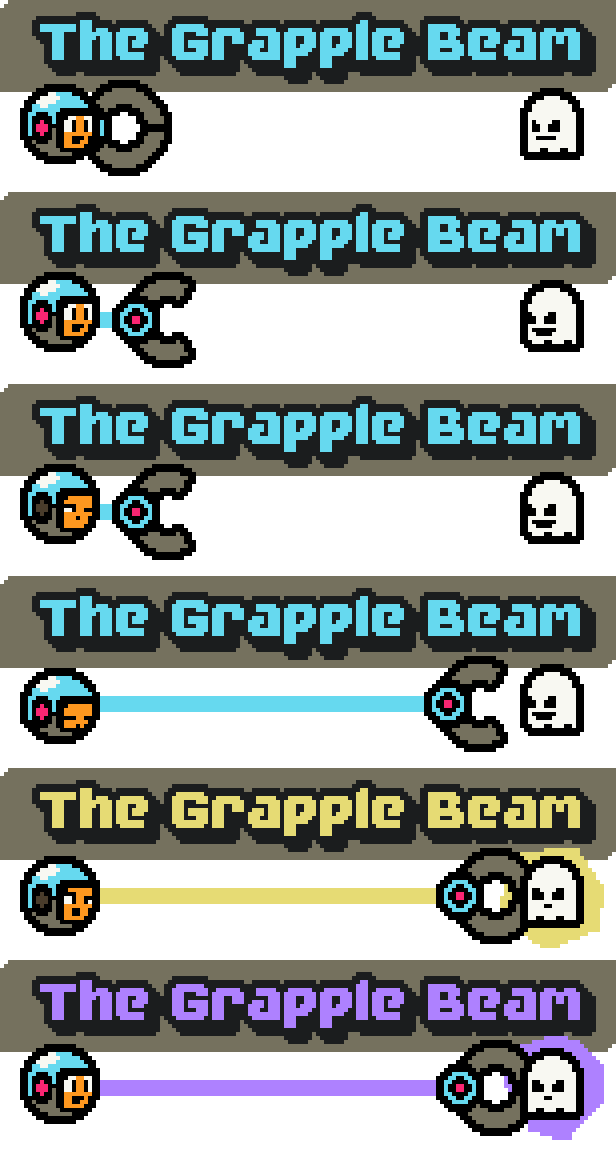
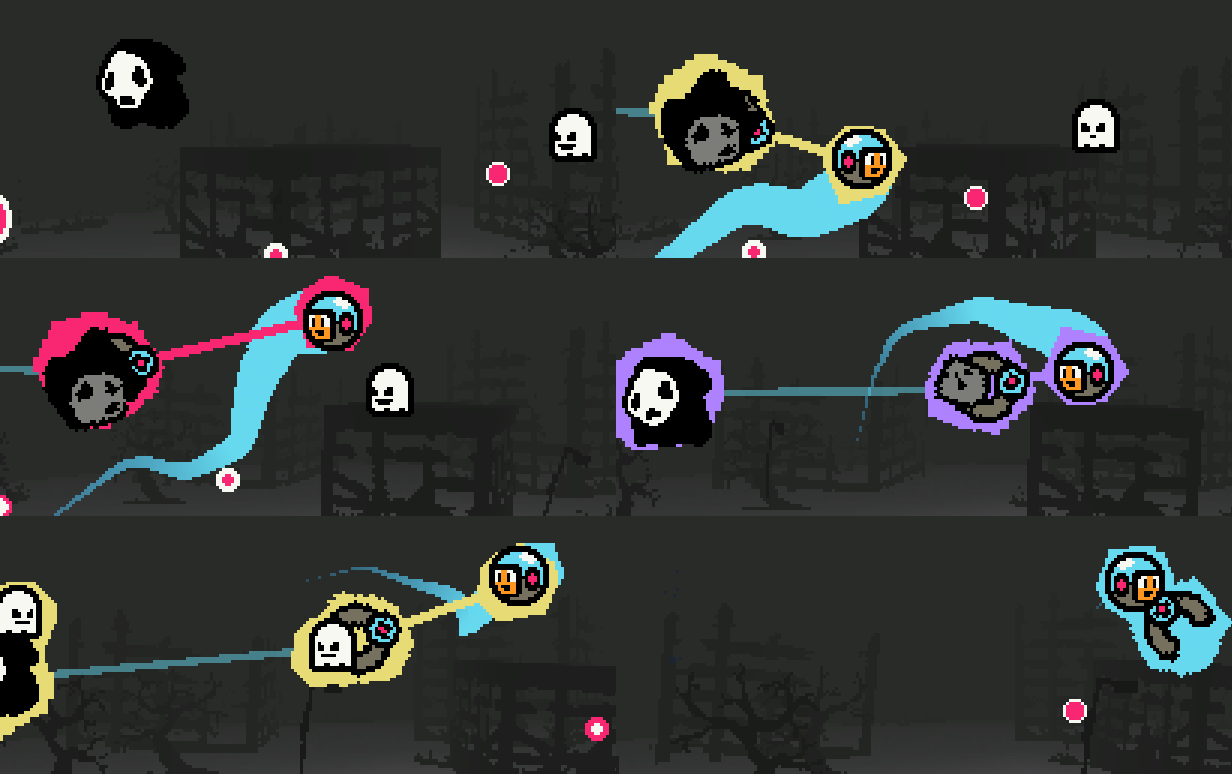
Ghost Grab 3000 is a score-based arcade 'bullet hell' with a unique game mechanic...
You can chain together any ghosts that enter your beam, then destroy the entire chain all in one go. The longer your chain, the bigger your score multiplier.
Survive as long as you can and see how you rank on the leaderboards!
I hope you like it!
Out now for Windows, Mac and Linux with a 25% launch discount and bundle offers!
P.S. If you already own Dungeon Deathball you can get it as part of the Complete Egg Carton Bundle with a 20% discount to say "thanks for supporting me and my work". You make it possible for me to do this full-time, and I'm eternally grateful!
Join my Mailing List!
Hey folks! Just a quick update to let you know that I now have a Mailing List!
Please sign up if you'd like to receive free email updates about my games, events and discounts delivered straight to your inbox.
I promise I'll be respectful of your time and not send too many emails. ♡
Thanks! Check out the links below too for more info and ways to follow me!