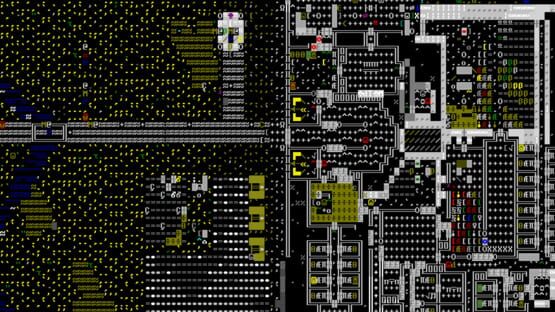
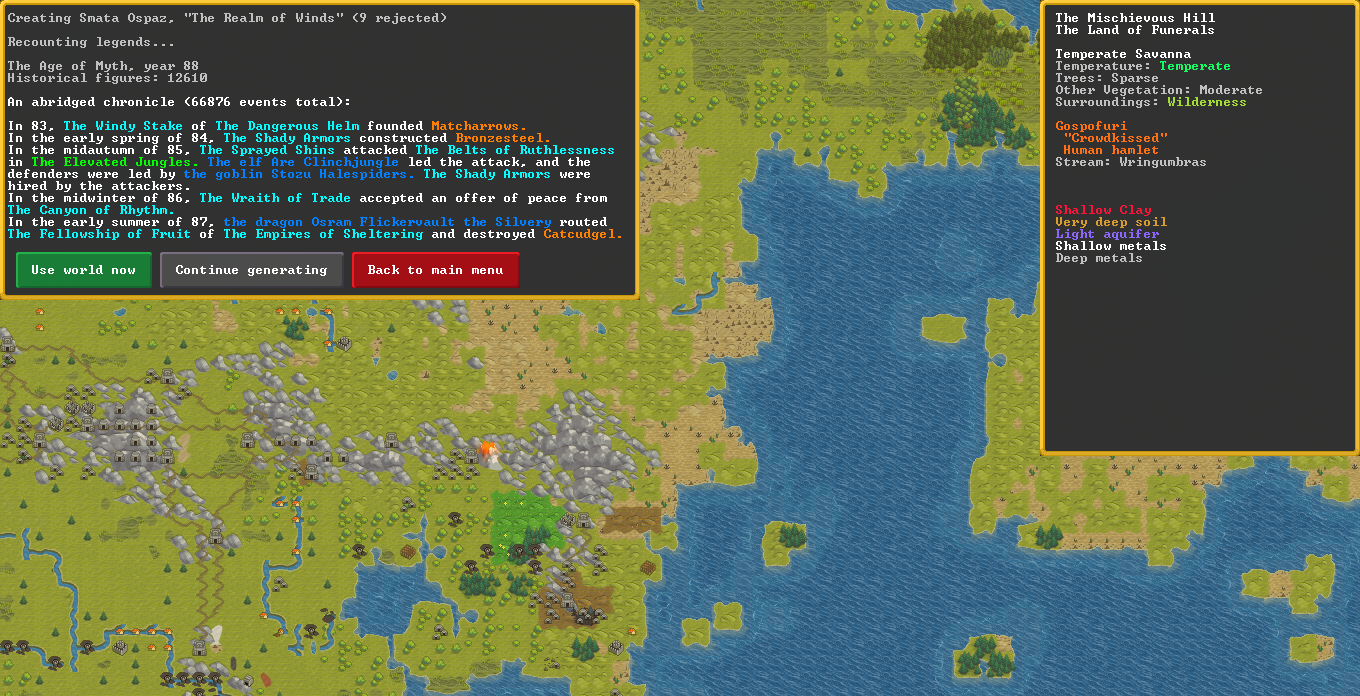
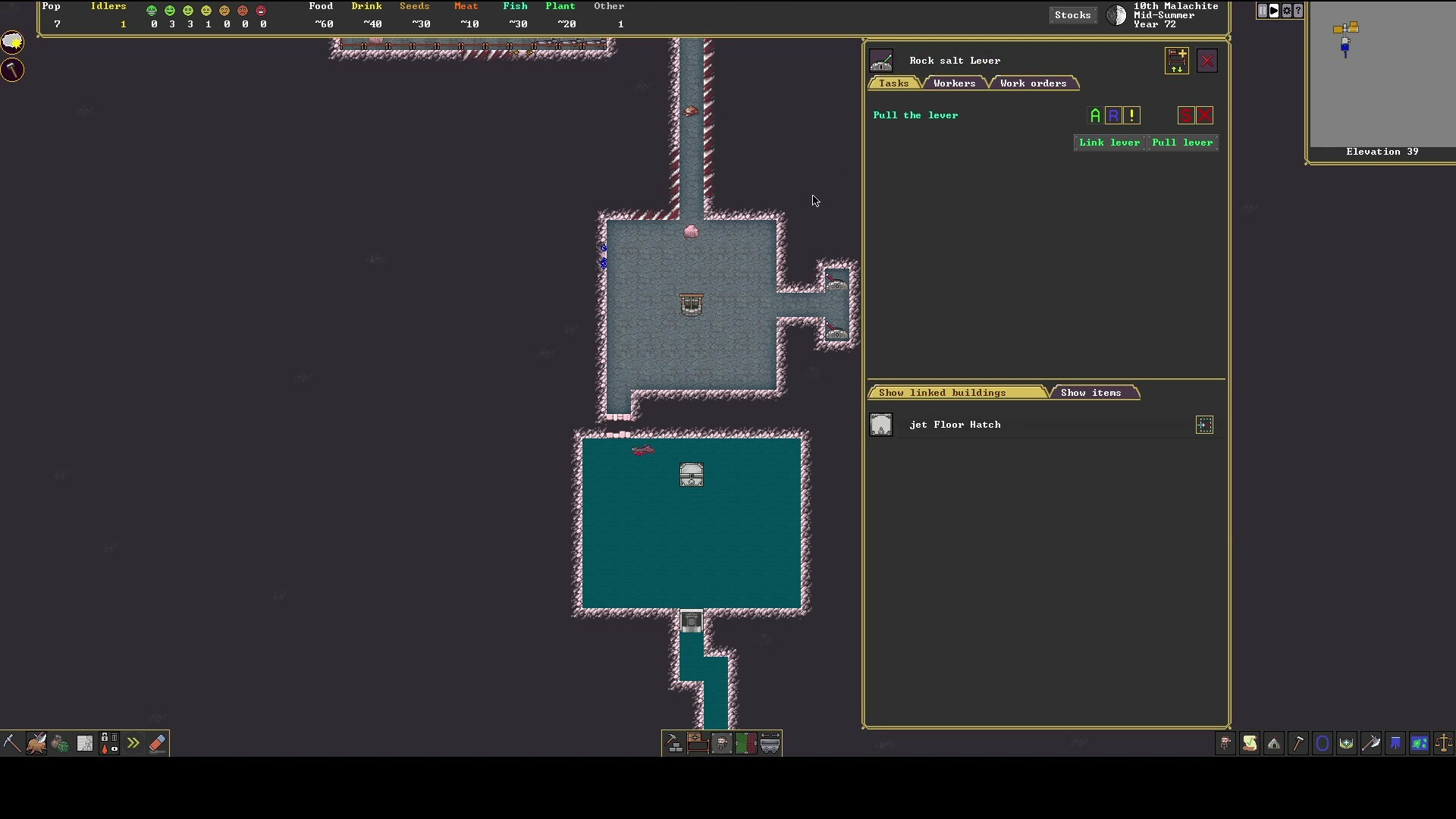
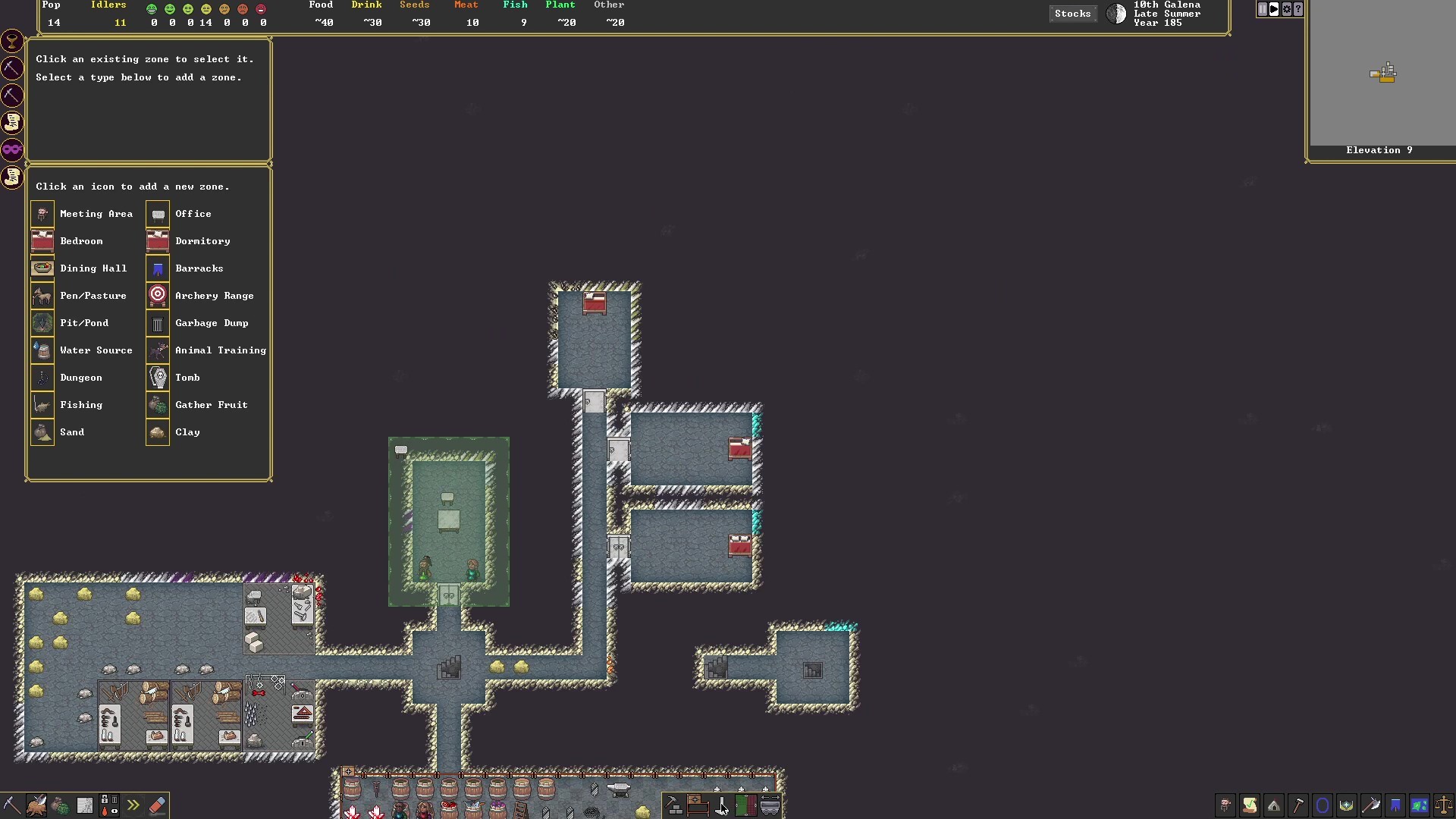
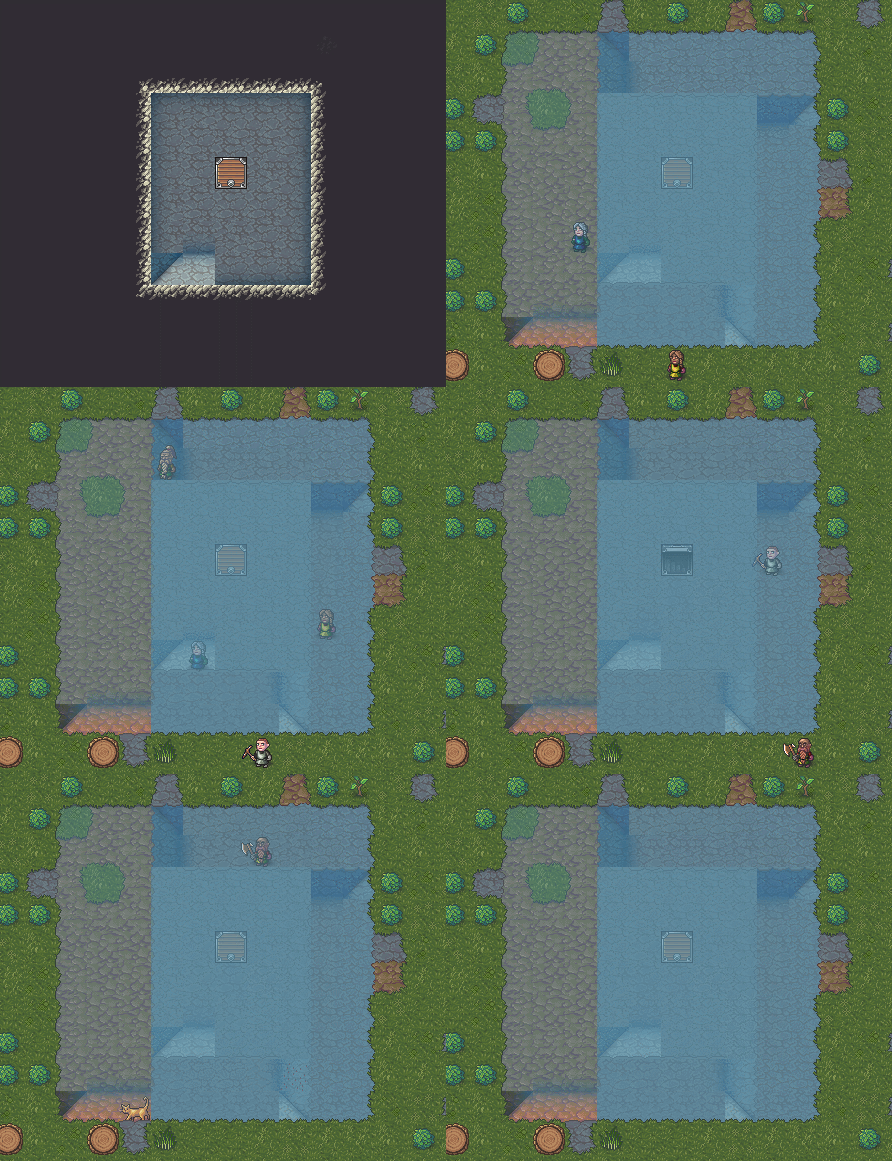
It's Alexandra here from Kitfox. We have just a bit of news this week building off of the major update to Legends Mode. During world generation, a text box will appear displaying the significant events of the area.
The most important of the last 1000 events are added every second. Players will be able to pause and browse the chronicle at their speed so you can dive into the lore of your world before it's even saved! Unlike in Legends mode, the colourful text isn't clickable although this could change in the future.
Work is moving along very well but the news for the next while will be a tad dry and lacking graphics. This means that there might not be an update every two weeks, but rest assured we are moving forward. To make up for it, here are some new pictures of Scamps and Jojo:
-Alexandra + Bay12
New Legends Mode 📜 Dwarf Fortress Steam Updates
Hello!
Back to work in 2022, and something different: Legends Mode! When you start Dwarf Fortress, you generate a world that you can play several games in, and this world's history can be quite involved. Sometimes it's fun for a change of pace to sift through the details. Once you've played a fortress, your fortress's characters and events are also incorporated into the legends.
In the text version of Dwarf Fortress, navigating legends is quite difficult; you can only view one page at a time, and you cannot move directly from one entry to another. To build up any kind of meaningful story or to view even a few different pages of information, you'd pretty much need to be writing things down on paper or in an outside text editor. Now, we enter the Age of the Hyperlink:
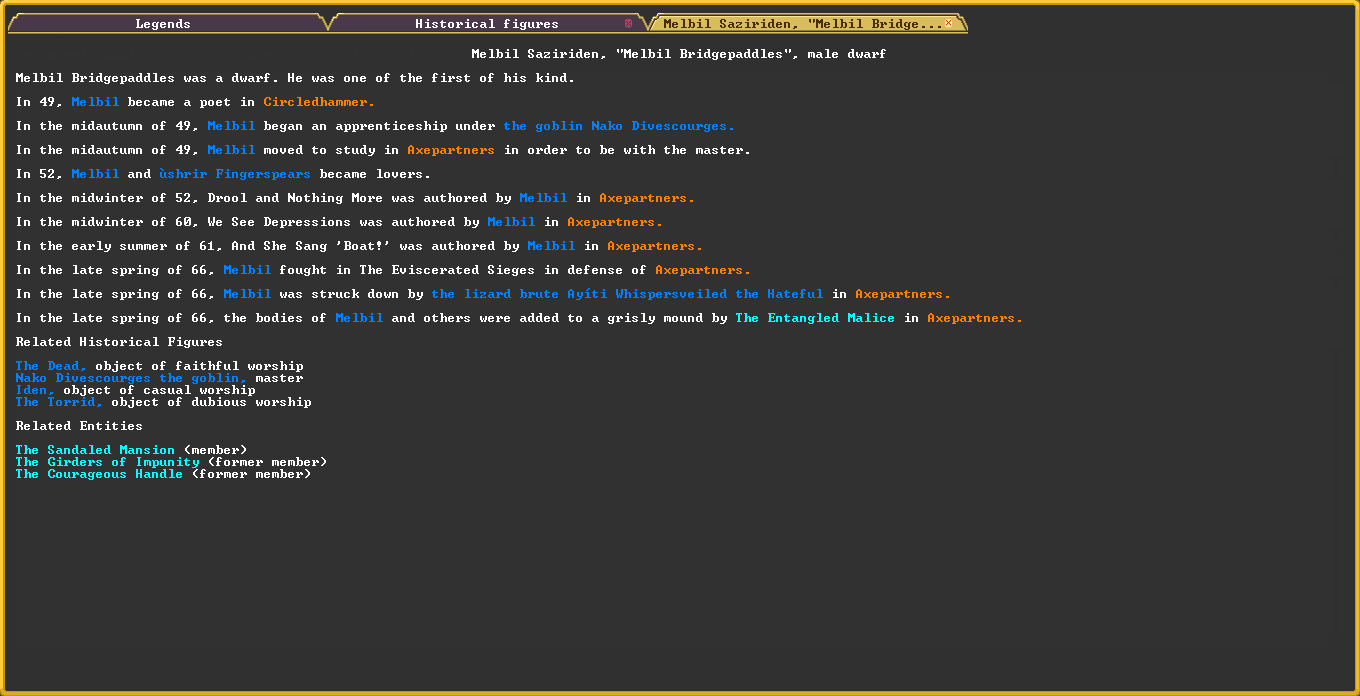
Every colorful word, which I'll probably also underline before the end, can be clicked to open up a new page. You can keep as many tabs open as you like.
I wanted to figure out a little bit about the master goblin poet and their spouse and such. It only took a few seconds and I didn't need to take any outside notes, ha ha. So far, so good!
- Tarn
New Embark Screen 📜 Dwarf Fortress Steam Updates
Greetings all!
Yes, it's true! Tarn is back with a new video for an update many of you have been waiting for.
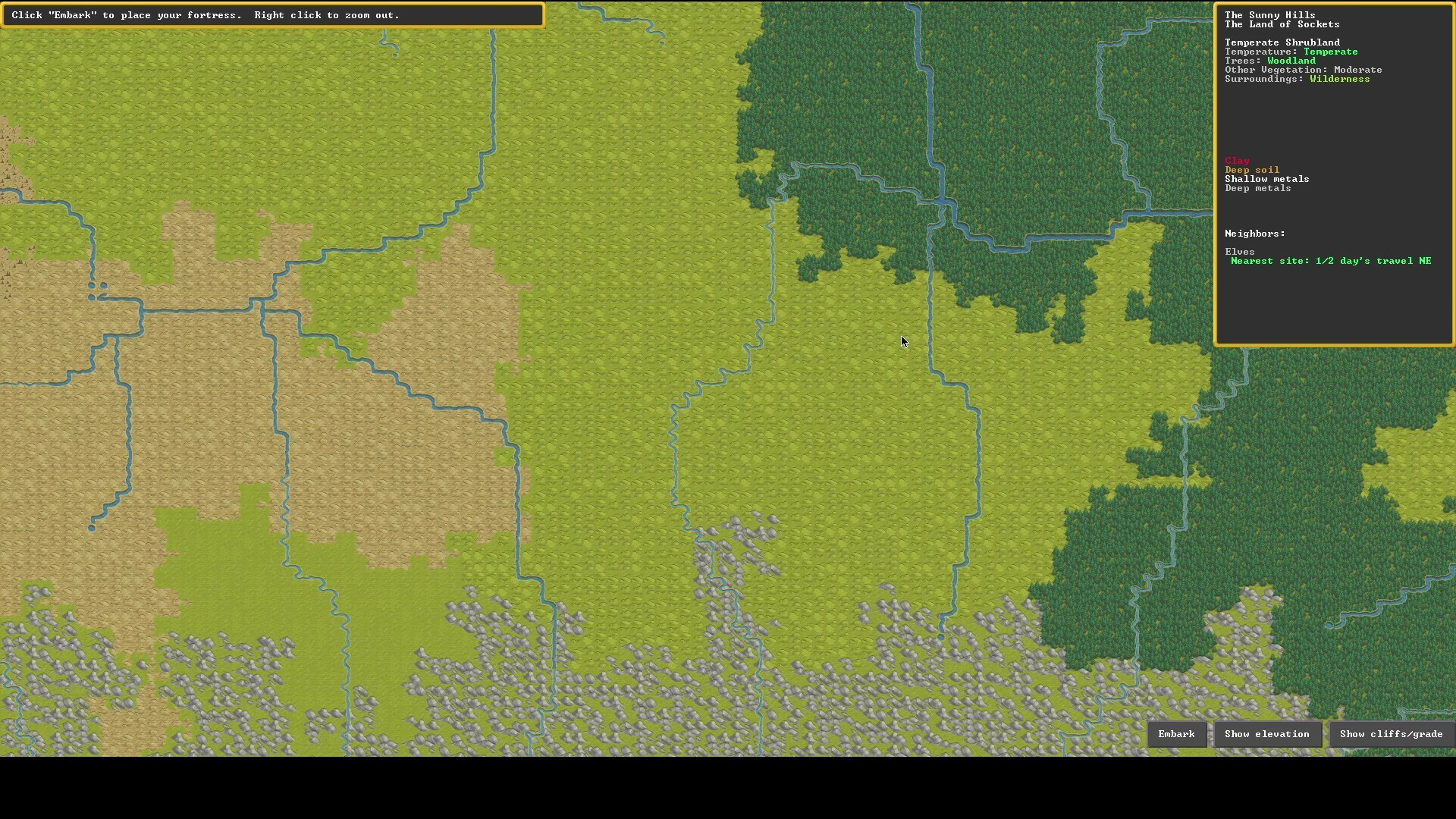
This time around we get to see the new and improved embark screen in all it's glory!
[previewyoutube="6l0HB8Qb2Cw;full"]
The highlight for old players is that it is not at all like the stunningly crappy embark screen from the ASCII version. This isn't an overstatement at all - the old embark screen is remarkably bad; people have made many remarks in fact.
For new players/future players, the highlight is perhaps that you can embark anywhere in a massive generated world with various meaningful differences, and also the general new shininess, and of course the new artist!
You can catch us and other rad Dwarf Fortress fans over at the Kitfox Games Discord.
Thank you to all the Dwarf Fortress content creators for reaching out so far, it's been lovely meeting all of you and please do continue to reach out if you haven't yet!
See you next time, Alexandra and Bay 12
New Artist and World Map Progress 🖌 Dwarf Fortress Steam Updates
Hello!
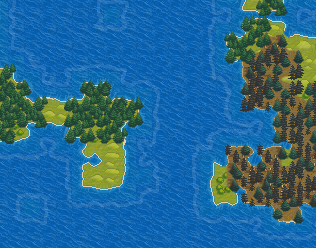
We are happy to announce Jacob Bowman to the Dwarf Fortress Steam edition team as our new pixel artist. You might be familiar with his work as Ironhand, as he created a rather popular tileset some years ago. We're excited to work with him, and he's already off to a great start making brand new tiles for us.
Here is a look at some of the art (both are works in progress!!) Jacob has made so far on the world map:
Look at those wormy hills and deep water! A world worth generating and spiralling into madness in, surely.
We will have more detailed updates with more images and video coming in the future as Jacob and the team works together, but I'm sure you'll agree that it's best not to rush Tarn and Zach so much that we add more bugs in haste. Thank you for being patient with us while we sort things out.
We are also still interested in talking to content creators (streamers, YouTubers, etc) interested doing more with Dwarf Fortress. If that is you, then let's chat on Discord! (Alexandra #0007)
-Alexandra, Tanya, and Bay 12 Games
Military Screens and Patrol Routes 🗡 Dwarf Fortress Steam Updates
Hello!
This week's video is all about setting up patrol routes with the new military screens. The gameplay is from Zach but we also have guest commentary from Dwarf Fortress Youtuber and Twitch streamer, Blind.
[previewyoutube="c3JQH_IXVwQ;full"]
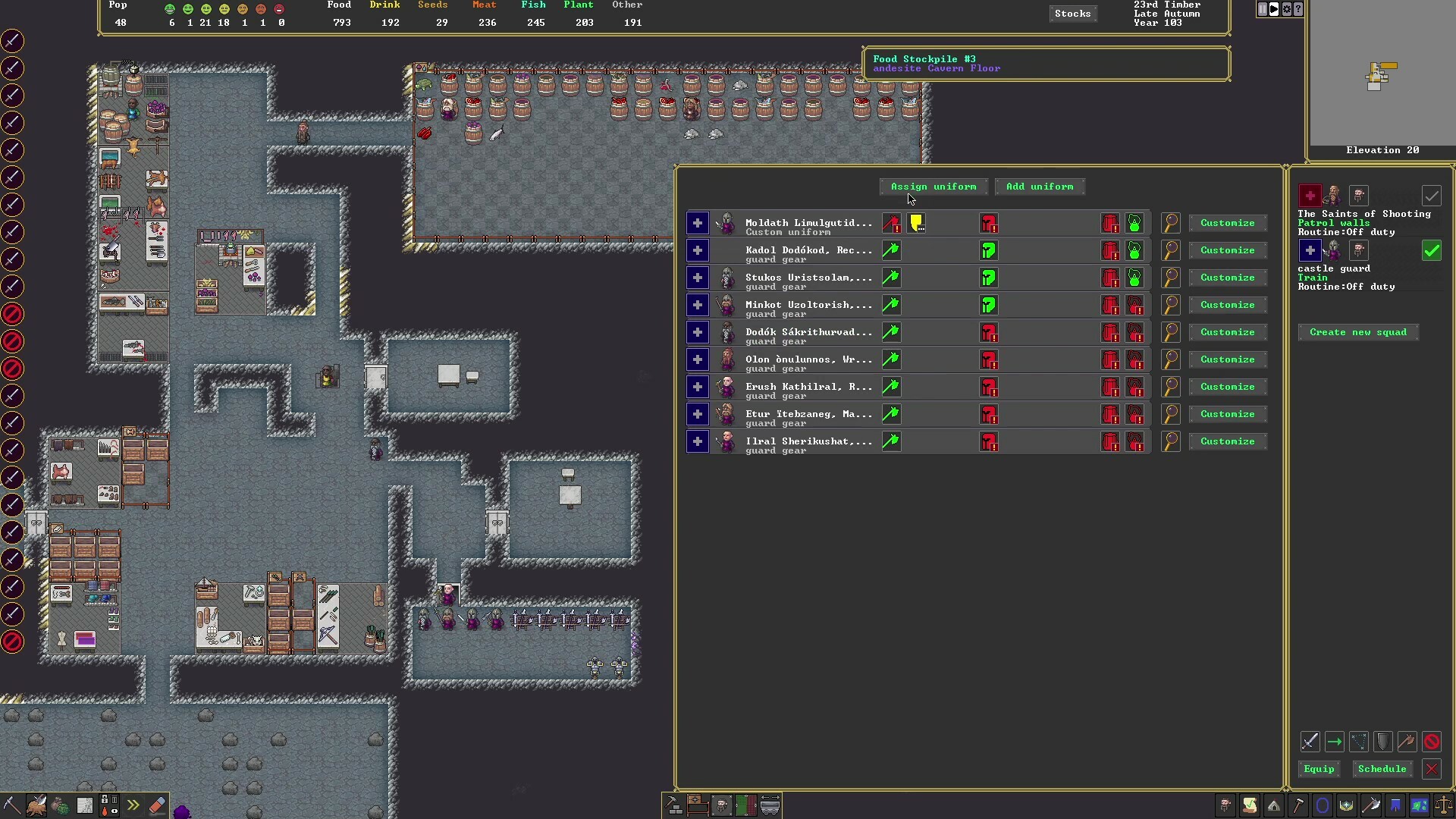
This time, we see a fort in need of defending and we must create and equip squads of dwarves to patrol the outside walls. In the military screen, we can designate the type of equipment each dwarf should use, allowing them to seek it out and equip it.
Once we have our squads formed, we can map out the patrol route (as shown below with the dotted lines) and watch as the dwarves follow the path.
For the full video and a list of timestamps, check out the video on Youtube. Thank you to Blind for helping us with this week's update. If you're a Dwarf Fortress content creator (or want to be one), please visit us on the Kitfox Discord and/or say hi to me (Alexandra#0007) and the rest of the urists!
-Alexandra and Bay 12 Games
How to Stop a Goblin Attack 👹 Dwarf Fortress Steam Updates
Hello!
We a special video this week featuring Zach Adams of Bay12 Games showing how to defend your fort from a goblin siege.
[previewyoutube="hAznS9QBKME;full"]
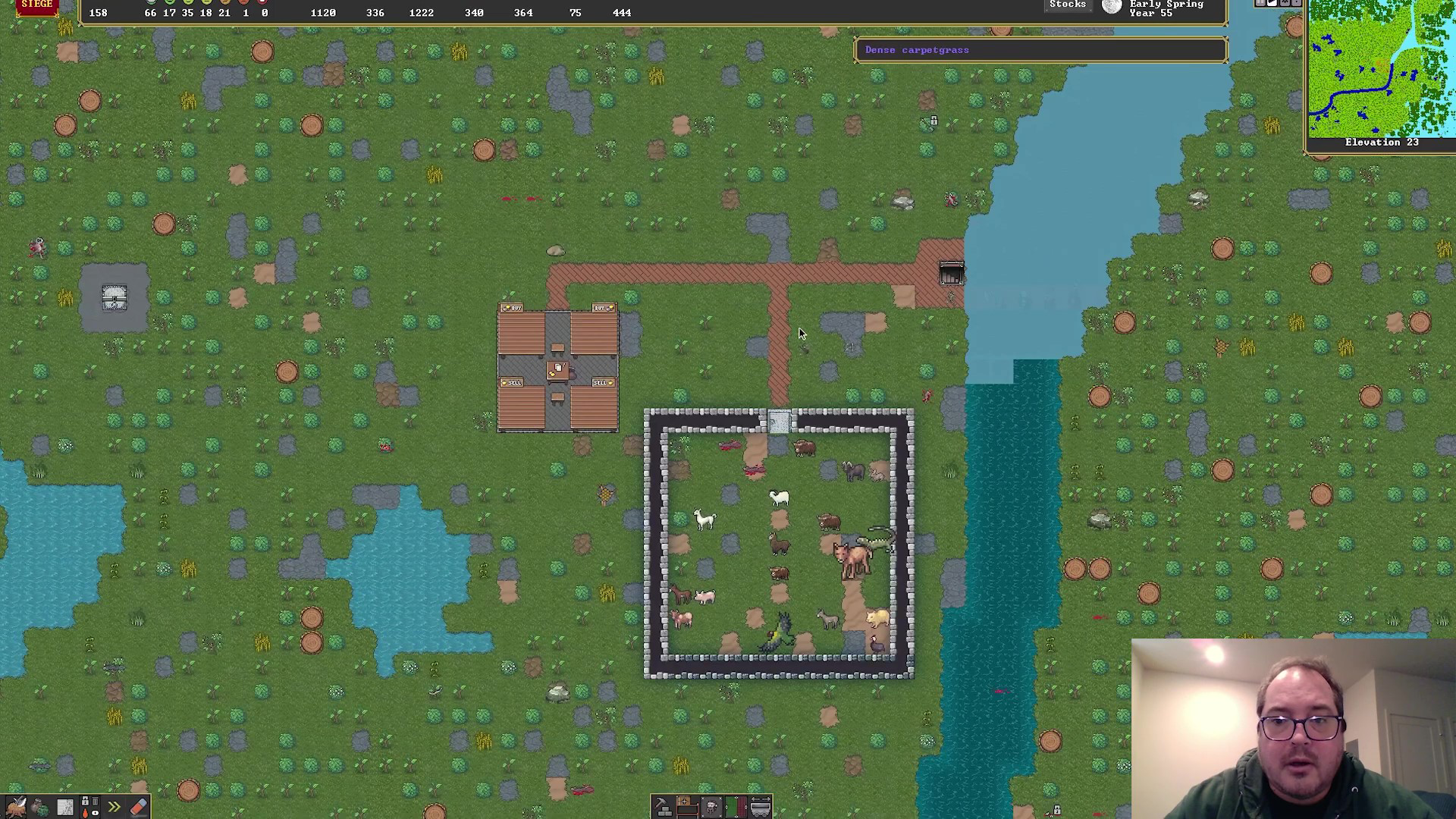
This time, Zach has set up a waterfall fort with a pen of exotic large animals. It's a very appealing site for goblins! But as you'll see, in the video, they will face a hallway full of different traps to stop them.
For the full video and a list of timestamps, check out the video on Youtube. Thank you to everyone for the feedback on these last few video updates. Please continue to do so and as always, come visit us on the Kitfox Discord!
-Alexandra and Bay 12 Games
Building Underground Wells 🚪Dwarf Fortress Steam Updates
Hello!
We have another video update this week. We have listened to your feedback so this time, we will be showcasing one specific task. This video shows digging out an underground well and setting up the cistern/water supply for it.
[previewyoutube="d6XnQyl_c84;full"]
It's a little confusing because of the Z level changes, but I think that'll always be true without a voice over, and even then, it's still there. It's much easier to understand Z levels when you play, so this may end up being one of the more challenging subjects for a video, since it involves several Z levels.
Over in Tarn land, I've been working on the military screen, and progress has been good.The internal rewrite that I thought might take days or even a week or more is done, quickly, so we're in good shape. I've done all the squad assignment stuff and the new order interface. Now, having done the internal equipment rewrite, I need to do the equipment and scheduling interface.
For the full video and a list of timestamps, check out the video on Youtube. Please continue to give us feedback on these videos as we continue to go through these menu-heavy updates.
-Alexandra and Bay 12 Games
New Desert Fortress in action! 🏜 Dwarf Fortress Steam Updates
Hello!
Tarn has been busy working on all the menu updates so while he's busy with that, we have 10 minutes of new gameplay footage from Zach in a new desert fortress! You'll be able to see many of the new menus discussed in previous updates in action:
[previewyoutube="tQfg4OxvrAQ;full"]
Watch as Zach digs out new areas for workshops and bedrooms using the labor and nobles menus to designate the proper spaces.
Here is a first look at the desert terrain:
Here is what it looks like underground where you can see a well and some mushroom trees:
For the full video and a list of timestamps, check out the video on Youtube. During this menu period of development we thought that showing more videos a couple times a month would be a bit more interesting so let us know what you think!
-Alexandra and Bay 12 Games
Spiral Entrances 🏔 Dwarf Fortress Steam Updates
Hello!
We went back this time and did some cleanup to make sure it didn't pile up on us too badly. For instance, you may have noticed in the seasonal update videos when I had the camera over three-dimensional terrain, like the hills outside, that dwarves, buildings, and items would disappear whenever they were on the lower levels - it would only print those play elements when they were on the top level being viewed. Not so hard to handle, but I never got around to it. Until now!
Now you can see everything down below, not just the terrain.
And just a whole lot of other random hanging stuff over the two weeks. It's possible to deconstruct buildings now, set bins and barrel numbers on stockpiles, and place weapon traps. It highlights which object you've recentered the screen on, you can shift the info pane between contained objects and their containers, and you can pop the info pane from held items up to the creature holding them. You can move the camera now by holding and dragging with the middle mouse button in additional to the previous WASD option. It's clearer now which stockpile options are set. Flowers, cloth, and grassy stairs print correctly. You can recenter on announcements, certain mouse clicks don't bleed through menus to the map underneath, and more. Nothing earth-shattering, but all either necessary or very helpful.
But enough of that for now! We've started in on the remaining chunky to-do items, and we'll be back with some more interface updates for next time.
- Tarn
Taverns, Temples and Hospitals 🚑Dwarf Fortress Steam Updates
Hi again!
The game has several special locations that can be given names and which can spread out over several meeting/bedroom/etc. zones, even across different z levels. Dwarves that work in places like this have always had special labor assignments, even before we added the work detail system from the previous news update, and we need to support this in the new interface. Locations also have various other functions we've also supported now.
Traditionally, Dwarf Fortress has had four types of locations you can set up: taverns, temples, libraries, and, more recently, guildhalls. Taverns and libraries allow you to opt-in to more visitors from the outside world, as people come to relax and study. Since, multiple zones like meeting areas and bedrooms can be assigned to a single named location, you can make, for instance, a library which has both a scriptorium and a place for scholars to meet, or you can allow the priests in your temple to have their own private quarters which are still accounted as part of the temple.
In the tavern above, both of these tavern keepers are part-time. The first isn't specialized (the green hammer), so they'll do odd jobs all over the fort. The second is specialized, but they are also assigned to a carpenter's shop. Of course, they have little to do without any goblets! You can set the level of items stocked using the controls there. Most locations need items of different sorts.
Some locations, the temple and guildhall, can be affiliated with organizations in the fortress (and in the case of religions, the entire world.) As their value increases, for instance, you can recognize the priesthood which allows you to assign the fort's priest and then high priest of that religion. The temple in the image has risen from "shrine" to "temple" status, but more migrants that belong to the Creed of Walls need to arrive before a priest can be assigned. Religions are generated during the world historical process, and priests can comfort stressed-out dwarves. Functioning guilds allow dwarves to share their skills in demonstrations.
For the Steam release, hospitals have joined the list of multi-zone locations! They were always one of the more involved single-purpose zones, and doctors one of the more complicated professions, so it sped up the interface-making process to just pull them over rather than trying to support their in-between oddness, ha ha. Now you can make big named multi-level hospitals now with specialized operating rooms and traction benches in the osteo ward or whatever you like, and bedrooms for the doctors to sleep in - or just throw everything together in one zone as before.