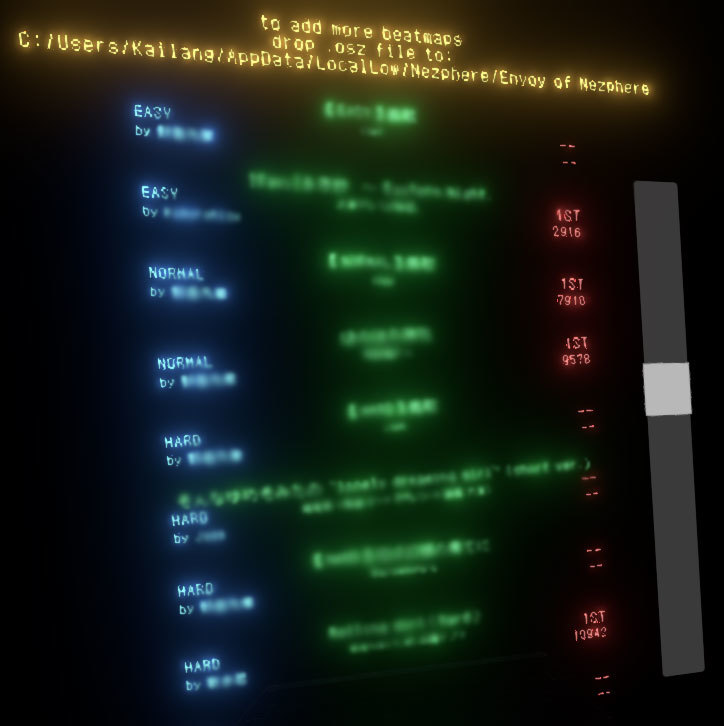
Is some apple making you quit and uninstall? I added some EASY ones JUST FOR YOU (for now)!
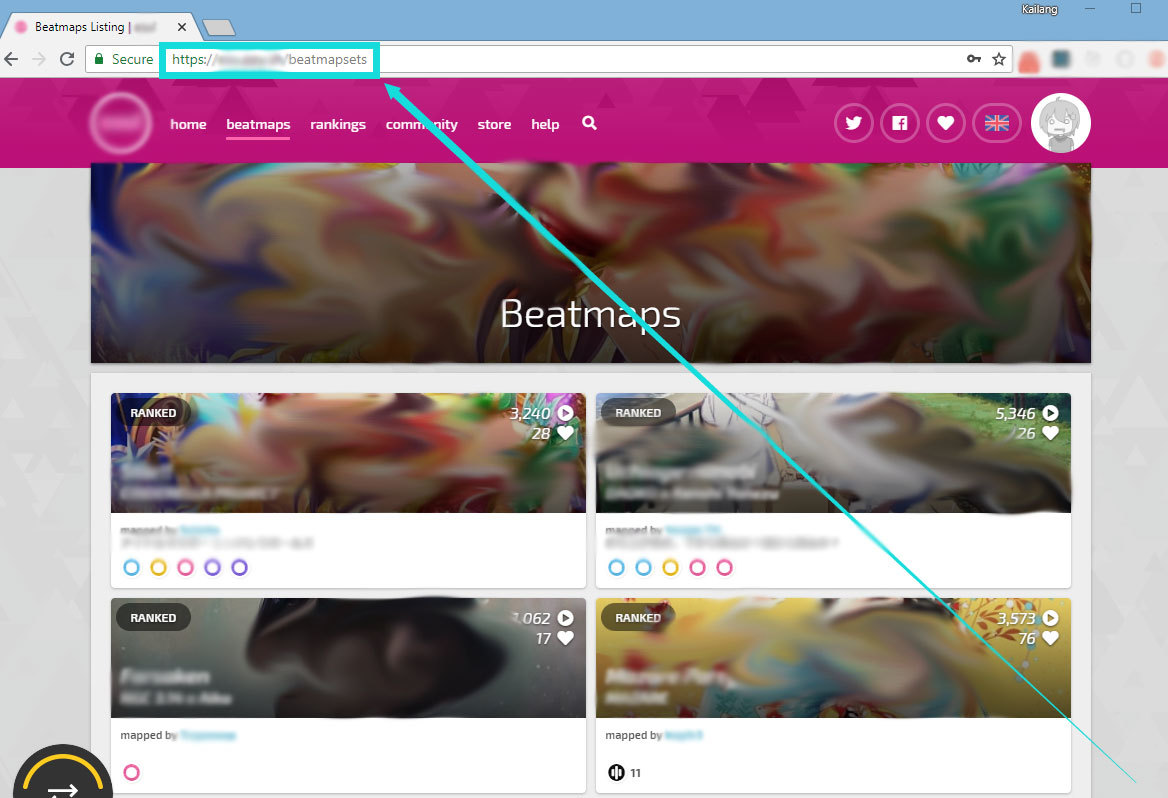
The image is blurred just in case.
Ohhh, yes yes yes! Who like that login panel which diligently helps you record your scores?
I made that annoying thing not blocking the song select.
Now you can just ignore it without explicitly select Cancel!
[System] About how to add songs
1. Go to a popular beatmap listing website
2. Download .osz file of your preferred beatmap
3. Put the downloaded .osz file to C:\Users\\AppData\LocalLow\Nezphere\Envoy of Nezphere
4. Open game, the beatmaps are loaded and ready to be played.
Images are blurred to respect the rights of the contents' copyright owners
1. Disable resolution popup so that after opening the game, VR will not stuck.
2. Ditch Chinese/Japanese character in the accuracy indicator(the titles are still in their native languages). Now using Σ for Perfect, Θ for Great, Ψ for Good, and Γ for Bad.