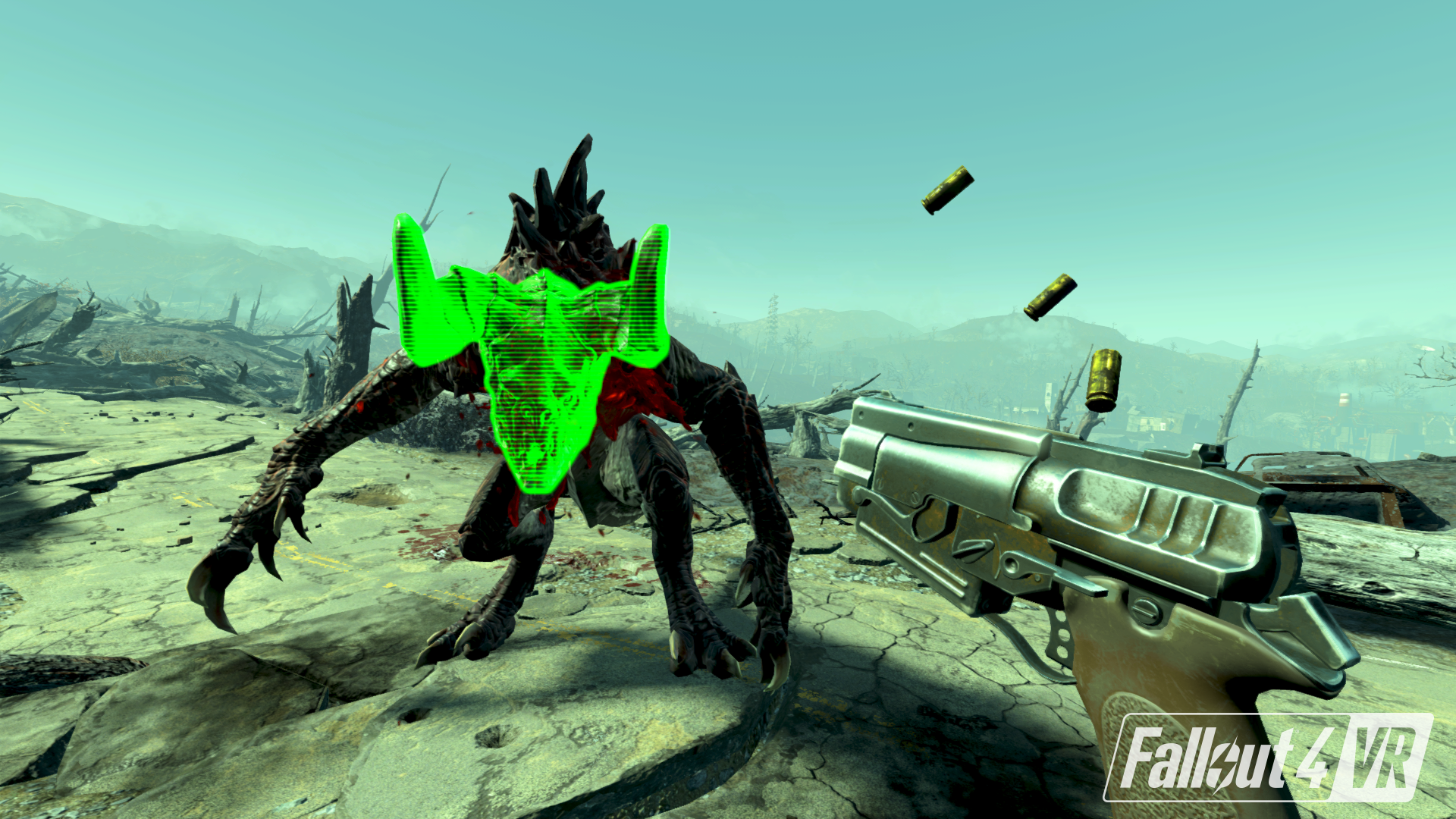
A new update is now available for Fallout 4 VR. Please find patch notes below for what you can expect in this update.
If you run into any issues from this update, please let us know here, or on our official forums.
Thank you for your continued feedback!
Fallout 4 VR Update 1.2.66.0 Patch Notes
Added support for additional SteamVR-compatible headsets and motion controllers
Adjusted controls for workshop mode, including a toggleable palette
Fixed some stuttering world and controller issues when doing roomscale movement
Fixed some incorrect controller labels in left hand mode on some platforms
Fixed Power Armor jetpack not working correctly on motion controllers with analog sticks
Performance improvements
Minor fixes
Fallout 4 VR | Update 1.1.31.0 [UPDATED]
Fallout 4 VR's latest update (version 1.1.31.0) is now available for everyone.
If you run into any issues or have further feedback, let us know by commenting here, or by posting in our official forums .
A full list of fixes and features can be viewed at the bottom of this post in our Patch Notes.
Thank you for your continued feedback!
Fallout 4 VR Beta Update Version 1.1.31.0 Patch notes
New Features
Added the following options to VR Settings:
--->Adjust overall world scale to improve issues relating to height
--->Invert Pip-Boy map scrolling
--->“Minimal Power Armor HUD
--->“Fixed Pip-Boy Size”
Added various performance and quality options. Some options will require a game restart.
Bug Fixes
Scope support has been added
Improved V.A.T.S. targeting
Fixed crash occurring when transferring lots of items (e.g. “Transfer Junk” in Workshop)
Fixed rendering issues with stars and other sky objects
Fixed rendering issues that resulted in flickering lighting
Fixed rendering issue with the SteamVR controller models
Fixed notes sometimes having invisible text or being upside down
Fixed rendering issue with blurry hands and weapons when moving in Direct Movement mode
Fixed precipitation occlusion
Adjusted Pip-Boy and Power Armor HUD visuals
Menus that pause the game will no longer move with the HMD
Fixed issue with scrolling through crafting requirements when there were more than 5 requirements
Fixed an issue where log Holotapes wouldn’t play in Projected Pip-Boy mode
Fixed Pip-Boy and HUD color settings not saving after restart
Fixed the Blitz perk sometimes putting the player in unintended locations
Fixed the orientation of the player model when using the Barber or Facial Reconstruction NPCs.
Fixed the player occasionally not being in the right location when starting a new game
Fixed occasional crash fix when saving and loading
Add minimum distance requirement to enter scope mode with scoped weapons
Fixed occasional crash when doing "take all" from bodies
Fixed crash with some spawned particles while looking through scopes
Fixed issue with stars sometimes rendering in just the left eye
Fixed issue with some lights rendering in just the left eye
Fixed scale of recon markers while in scopes
Fixed scopes lagging behind when comfort sneaking
Fixed an issue with targeting heads in VATS
Fixed compass orientation while in Power Armor
Various other minor fixes and improvements
Deprecated Fallout4VRCustom.ini. Custom options should be placed in Fallout4Custom.ini
Fallout 4 VR | Steam Update 1.0.33.0
An update is now available for Fallout 4 VR on Steam (version 1.0.33.0)
Please see below for the list of patch notes that reflect what’s addressed in this update.
Fixed an issue that would affect the in-game resolution based on desktop resolution
Fixed a crash that can occur when using the Transfer or Workshop menu
Set default application supersampling value to 1.0.
-- To change this value up or down to adjust performance or quality, add the following to your Fallout4Custom.ini in My Games/Fallout4VR:
[VRDisplay]
fRenderTargetSizeMultiplier=
Fixed an issue where foliage would flicker while moving the headset.
Fixed an issue where players would be unable to use the world rotate functionality while commanding companions
Before your VR journey into the Commonwealth, take a look at our video below & launch details on Bethesda.net for a quick look at some of what you can experience in Fallout 4 VR.