
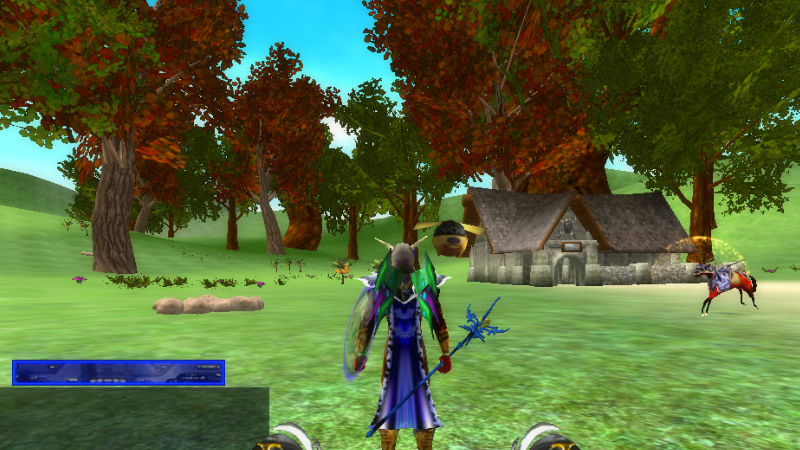

Fasaria Legacy Collection
Fasaria World - End of Summer Sale [August 27th - September 10th 50% off]
U Game Me: A word of encouragement

We are aware of the hardships many people have endured during these trying times from Covid19, the losing of loved ones, job losses, financial difficulties and the confronting of racial inequality. We understand the reality of these challenging times and we extend our encouragement, love and consideration to all of you.
We are working on some new projects and updates and will be keeping you informed on our progress. We’ve updated our website and will be providing news and updates through our monthly newsletters as well.
Be sure to sign up to our monthly newsletter and community for more news and update.
www.ugameme.com
Thank you everyone for your support. Stay safe and be encouraged.
Instructions: Getting Started [UPDATED]
1. The server needs to be on to play.
2. Install and load the simple server from Steam.
(On the left side of your Steam Panel under "Games and Tools" Select "Tools".)
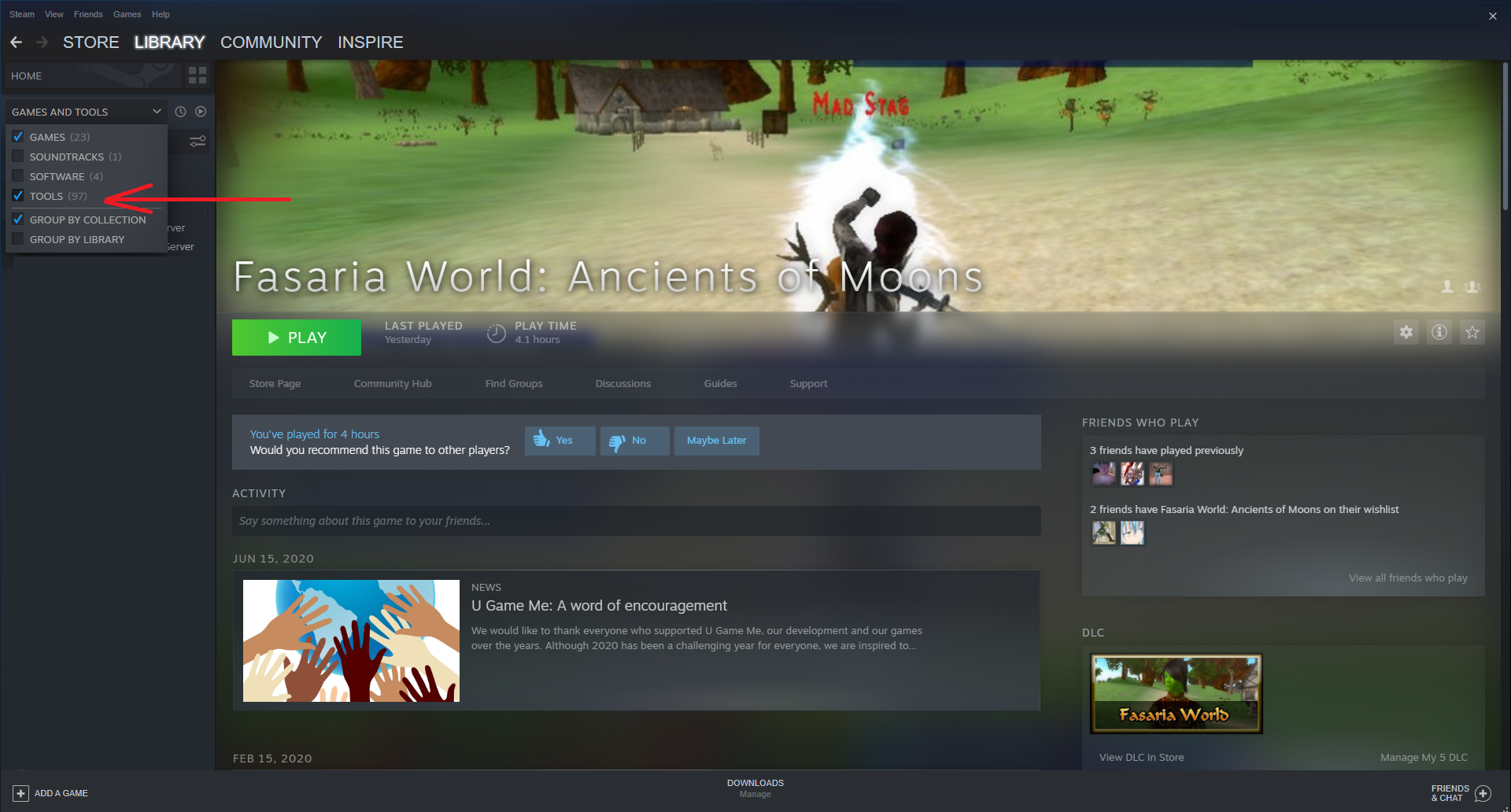
3. The option to download Fasaria World Server should now appear in your list under the client game. Select the server option and install the server.

4, Once the server is installed, Select "Play" and then turn your server on by selecting "Unlock Server". Once on, a small green light will appear under "Server Status".

5. Now go back to your list and select the option for the actual game client, install it and then select "Play". Once the client loads, select start, agree to the terms and conditions, now select the first server option on the list.

6. Create a new account. (You should see it appear in the server list).
7. Create a character.
8. Exit the first screen and start to play.
*Resolution options can also be changed but full screen will not work through Steam.
Game Release
Update to Server and Log In
Holiday Gift Giveaway: Get a Free Game

If you purchased any of our games in the past or present, you are eligible to receive a free holiday gift, one free access key granting access to our game: King of Crowns Chess Online.
https://store.steampowered.com/app/576690
What you will receive: 1 direct access key (NOT a Steam Key) to register one free account to “King of Crowns Chess Online” (lifetime membership, no extra fees or hidden costs).
INSTRUCTIONS: To claim your free gift, simply post in one of our available discussion board threads for any of our games, the words “gift me” or contact us directly with proof of purchase (receipt) of any past purchases. Make sure you have the game in your inventory if you reply. We will send a friend invite and send you one access key code or send it to you by email if you contact us directly.
Post here to claim your gift: https://steamcommunity.com/app/839040/discussions/0/1750106661702285763/
or
Contact us here to claim your gift:
https://www.ugameme.com/contacts
*Offer good until December 25th 2018
Private Server Updates and Launch Info
We just added some new forum boards (some only viewable to game owners) and have updated the way we will help private servers get visibility. We want those who put up a private server to have player interaction from other members so we will be including a server list for active servers to appear directly on the client for other players to select from. It will be a limited list and we will be selecting only the most active servers to remain on the client list. We also have a discussion board now available for the servers not listed on the client to be viewed.
Launch Info:
We are preparing for the launch of the game (July 19th) and will be making some game and server updates over time. Remember that all members get client and server updates for free always.