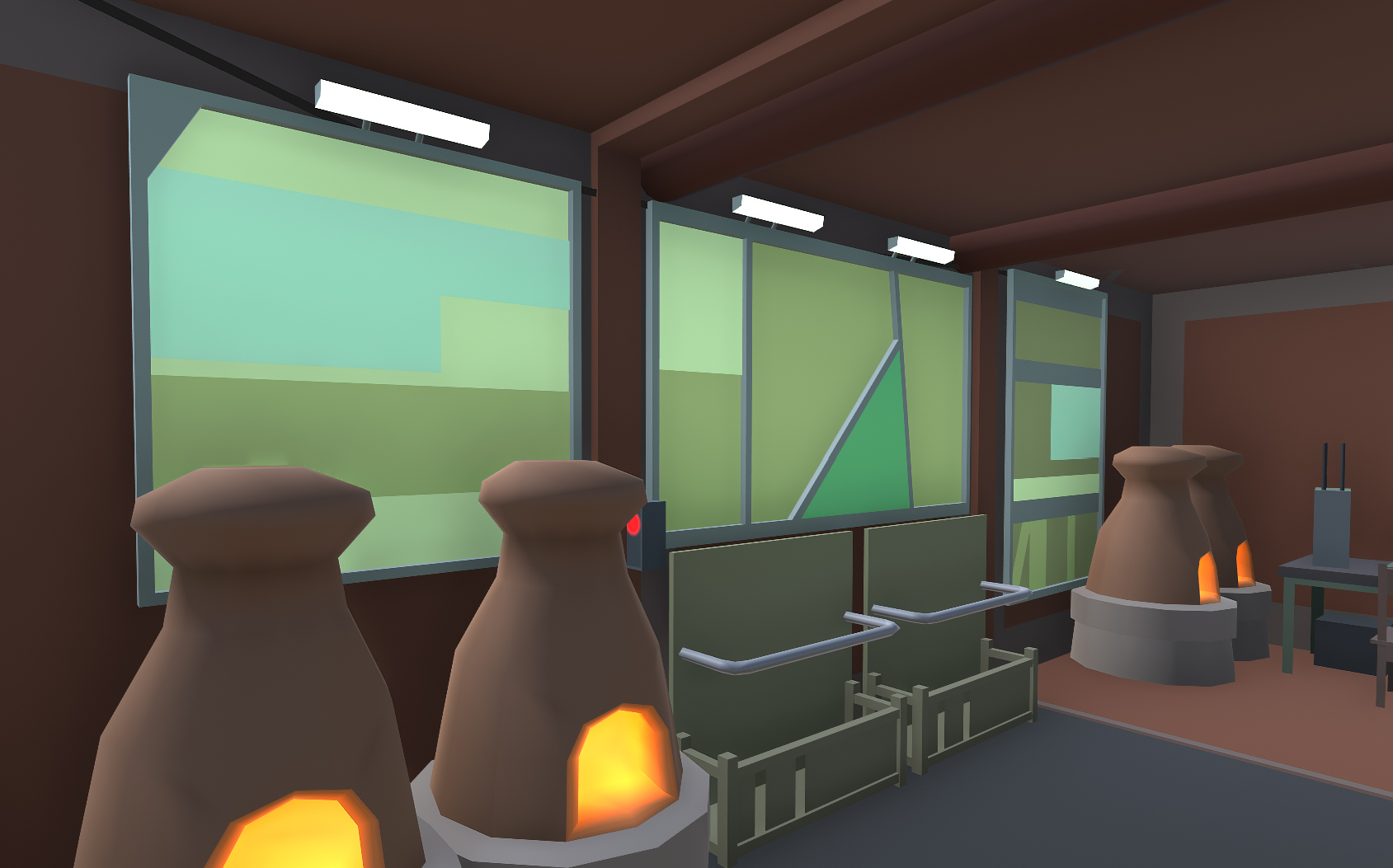
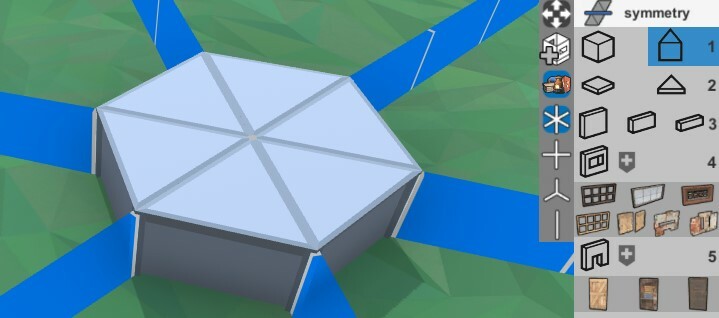
The new door controller inputs are in plus placement on all door types. Unfortunately fortify doors open/close by swapping mesh so controllers don't move (yet?), this was already very time consuming. You can pass through them in walking mode.
- included other changes from the rust update
- increased scroll wheel multiplier (accelerates rotation with scrolling frequency)
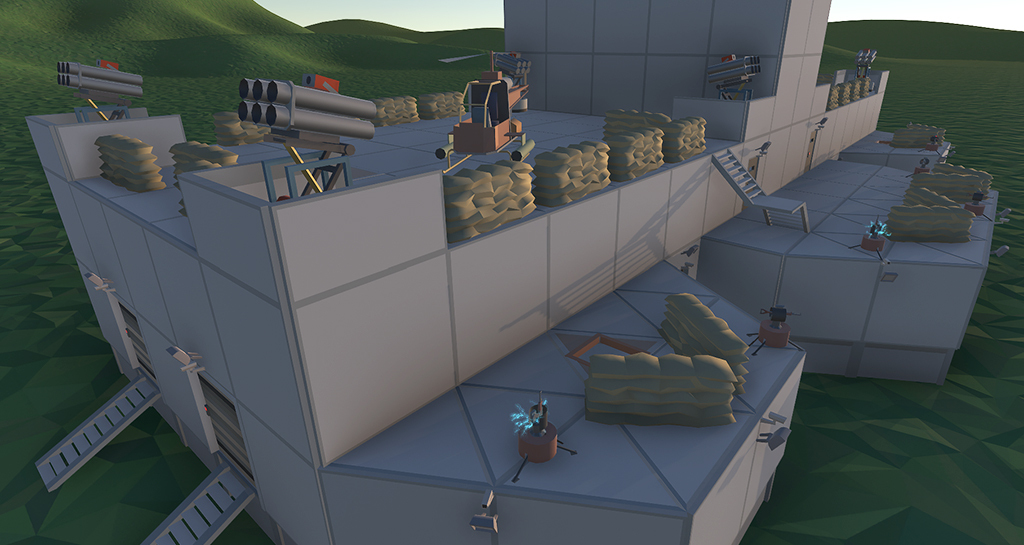
- updated barricade cover model
- more accurate SAM site and wind turbine placement colliders
- finally added the extra memory cell light
- fixed bugged foundation sockets when using extend
- mostly fixed battery panel slider dragging
Patched in already:
- added large planter snapping, can be rotated after placing
- added visible collider for wind turbine
- fixed double timer bug with activating from panel
- more electric device info updates while mousing over said device
Keeping up with rust lately has been a lot more work than I expected after so many years. Please help make it worthwhile by spreading the word about fortify if you're enjoying it.
Update 125 - electrical changes
Added all the new Rust electrical changes plus fixed some small inaccuracies/bugs along the way. Check out the full list of changes here: https://rust.facepunch.com/news/waves-of-change#ElectricityChangelog
- fixed IO cubes being incorrectly hidden sometimes when deleting or adding a wire
- fixed wind turbine height power calculation not happening
- fixed missing text on the auto turret and SAM panel
- fixed HBHF placement collider being too large
- added the medium and large animated neon signs
- fixed "level camera mode" toggle not taking effect without exiting options
- allowed for hide floors controls in screenshot mode (reminder that page up/down controls level)
- fixed raid mode sometimes being bugged in the iceberg scene
If you come across anything that seems wrong please let me know, lots of time was spent testing but it's never enough.
Update 124 - weapon racks and improved controls?
- added the larger weapon racks, the electric racks are not entirely supported by the copy-paste plugin, wiring isn't included on rust import and it won't export those prefabs at all
- added "level camera movement" in options, default w/s movement is on the left above, holding left alt toggles this on (or off if the option is enabled), this can be changed to another key in the startup input panel
- added visible colliders for the vertical barrel and hitch trough to help with placement, any other deployables need this?
symmetry mode improvements - symmetry center data is now saved - optimized the "add symmetry" tool which was pretty slow, spawning symmetrical parts and overlap replacing everything, now it checks for symmetrical parts at the expected position before spawning new ones - fixed merge causing symmetry center to not be set
fixed undo/redo bugs - moved parts that were then deleted - symmetry with certain edit mode tools - pipe mesh not being rebuilt after undoing a move
- added a check for underground copy-paste imports, moves everything to the surface
- changed LMB drag selection, before holding alt was needed to deselect with this, now just dragging over already selected parts does that
- improved visual range shader, more transparent edges, definitely needed for orthographic mode
- updated wind turbine prefab path for copy-paste exports, FP changed this recently
- fixed a bug where newly placed parts would sometimes show zero stability in the mouse over text
- added a menu link to the fortify youtube page, I'm planning on adding tutorials someday
The new camera movement option is probably what should have been default from the start, I was just stuck in my ways with 3D modeling controls. Let me know what you think.
Update 123 - barrels of fun
- added vertical and horizontal storage barrels
- adjusted minicopter flying physics to have more weight, fortify being 1/3 the scale of rust made matching this difficult
- improved/adjusted scroll wheel rotation acceleration, reduced normal rotation to start at 5 degrees and finer (hold alt) starts at 1 degree, the code multiplies that amount the faster you scroll
- fixed a bug with clicks being missed while wiring or adjusting foundations with a higher framerate
- finally fixed the buggy replace icon being very inconsistent
- improved tool cupboard model plus changed the top industrial adapter position to match the rust update
- vending machines can now be flipped when snapping on doorframes
- updated the solar panel model to match newer rust version, doesn't change the size
- changed screenshot mode to hide current placing part plus a bug fix when using it in raid mode
- fixed a bug with allow overlap option not working with blocks
- fixed deployables flickering blue when red blocked in some circumstances
- adjusted wall frame top mesh to prevent z-fighting
- fix for floors overlapping while using auto-place option
- fixed tri floor frames overlapping into floor frames
Lots of fixing/improving very old code lately, including plenty of small changes not worth mentioning. Hopefully I can get back to new features soon along with adding weapon racks. Happy holidays everyone!
Update 122 - mostly fixes
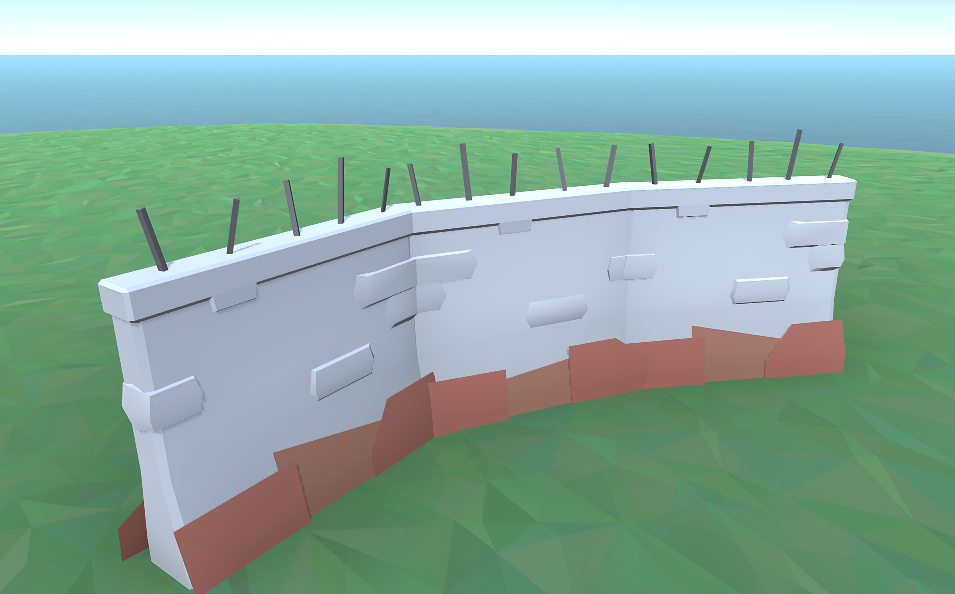
- adjusted high external wall overlap to match rust better
- updated high external stone wall model
- changed the mesh on top of wall parts to prevent z-fighting
- added HBHF visual range, fixed moving out of range not disabling trigger
- improved deploy placement code related to angle limits
- fixed move level tool not updating floor level while in symmetry mode
- fixed accidental floor overlap if clicking way too fast
- fixed tri floor frames not replacing tri floors
- updated laser detector model
- fixed sedan missing it's selection collider
- picture frames now place on center instead of the bottom
Update 121 - auto turret interference
The auto turret interference system is in, should work the same as rust including sparks. Mouse over info will show the number of turrets in the interference range (both on and off) and the amount of interference. The visual range ring that was patched in now renders through everything.
- added attack helicopter
- added carvable pumpkin
- added brutalist, frontier and gingerbread building skin override options for copy-paste exports
- added mid wall placement for floors
- added ability to place foundations under walls that have no socket connection there
- fixed bug with overlapping auto/flame turrets in symmetry mode
- fixed undo not returning connected wires with deleted parts
- added visual range for workbenches
Patched in since last update:
- updated small battery output and capacity to match rust
- added customizable key for park picker shortcut at startup
- fixed build part shortcuts not working in cupboard range mode
- added placement check for root combiner wired connection
- fixed a copy-paste bug with water purifiers and elevators, doesn't fix elevators pasted in rust, that's a plugin issue
Workshop item featured above: https://steamcommunity.com/sharedfiles/filedetails/?id=3050221559
Update 120 - QoL plus new deep water scene
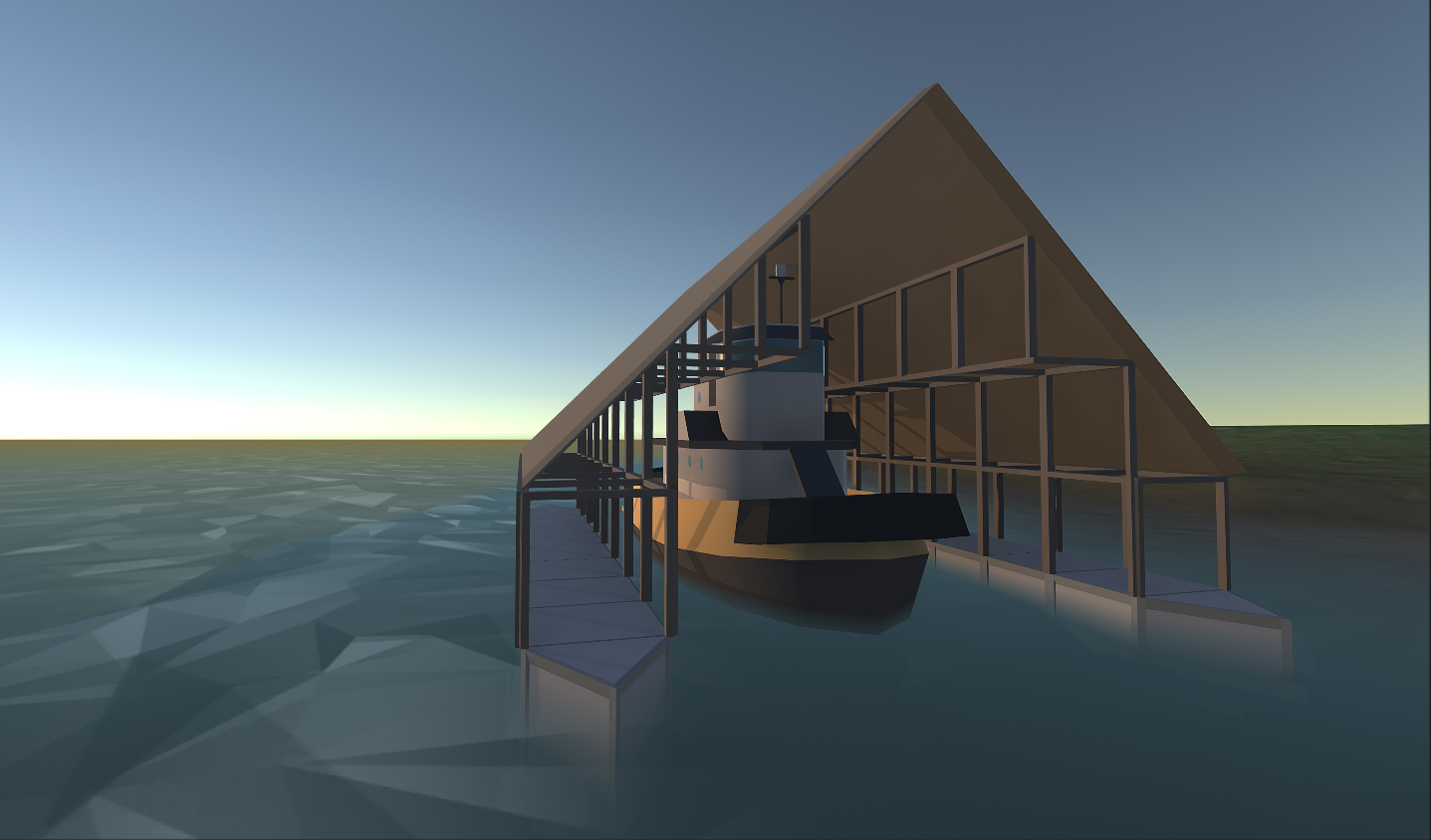
- added tugboat deployable
- added a water scene made from an actual Rust map for proper water depths
- improved iceberg scene by including missing types plus larger ice sheets and tugs/barges to help identify
- improved foundation height check accuracy to match rust (mainly for icebergs)
- added conditional roof side parts, these can affect placement of neighboring shopfronts
- added pastebin export back with extra option to import from a pastebin link or just code
- changed copy/move tool to use selections original height from ground
- changed foundation placement to use previous placement height
- added option to override all metal or stone parts with skins for copy/paste exports, also includes a container color picker
- changed small button above hide floor arrows to jump to highest structure level in the scene
- added dropdown to selection tools to switch between level, height and new scene option, allows for selecting every deployable of a type in the scene
- fixed "hold LMB auto-place" mode, should miss less edge placements now
- added missing IOs for fog machine and strobe light
- fixed stability of half floors on doorways/windows
- added option (in options) to disable electricity usage calculation for better performance with very long circuits
- fix to allow for setting symmetry guide on floor centers
As per usual, any bug reports or feedback is greatly appreciated. Soon I'll be sharing some higher priority to-do list items to decide on (get motivation for) what to work on next. This should have been 2 separate updates instead but I've been a bit distracted over the summer. The next update shouldn't take nearly as long as this one.
Update 119 - symmetry mode
- added symmetry mode, duplicates placed parts around a set center while saving a connection so any changes affect the others while in the mode, works with edit mode tools as well, learn more about how to use it in the guide.
- raid mode and stability view are now separate to allow for seeing stability colors while building, made room for the new button by moving resource count to the top
- fixed a bug with undo/redo where restored deleted parts were lost track of within the system
- fixed red button power, now sends 2 instead of 1
- fix for stairs/ramps/steps not snapping at the right angle in certain circumstances
- fixed ramps overlapping ramps and incorrect height check
- reduced mouse sensitivity while height adjusting foundation placement
- changed stability calculation to prioritize wall support instead of roofs (placement order matters in rust)
- raid mode firing key can be customized
- wire/pipe colors are now included with copy-paste files (plugin was recently updated)
- fixed shelves being rotated incorrectly with copy-paste files
Switched the title to the number of released updates instead of the more arbitrary version #. Hadn't really thought about how high that number would be but shouldn't be surprised with the 7th anniversary of the steam release coming up soon. Thank you to all that have provided feedback and supported this endeavor over the years.
Workshop design used for the header image: https://steamcommunity.com/sharedfiles/filedetails/?id=2992178420
1.658 Update - resource count improvement?
- added the new drone, sorry it can't be controlled
- added structure select mode in resource count, after enabling, click a structure to get only that structure's count or upkeep, any changes to said structure require selecting it again
- mirroring in edit mode now allows for placing the mirror plane anywhere on the ground (with scroll wheel rotation)
- structure selection in edit mode now has an option to remove a structure from the selection
- fixed some bugs with the connected option of level selection, connected is now the default
- pipes can now be placed on deployables
- added CCTV to resource count
- fixed windturbines needing too much space when placing
1.657 Update - PTZ camera and pipe flow
- added PTZ camera, lowered camera power usage to 3
- added pipe flow materials, the real work was figuring out how to generate custom mesh UVs
- added wiring mode number shortcuts to switch between types
- wire/pipe color can also be set before placing
- added green pipe color
- added number display of possible wiring joints left to use
- "too close" pipe segment length check decreased
- fixed incorrect usage for toggle inputs with electric furnace, conveyor and crafter
- added the new adaptor snap spot on the small box
In case you missed the big industrial update last week: https://store.steampowered.com/news/app/505040/view/3691300790676347005?l=english