DevBlog #77 | Foundry Fridays: Update 2 Release Date & More Previews
Hello everyone!
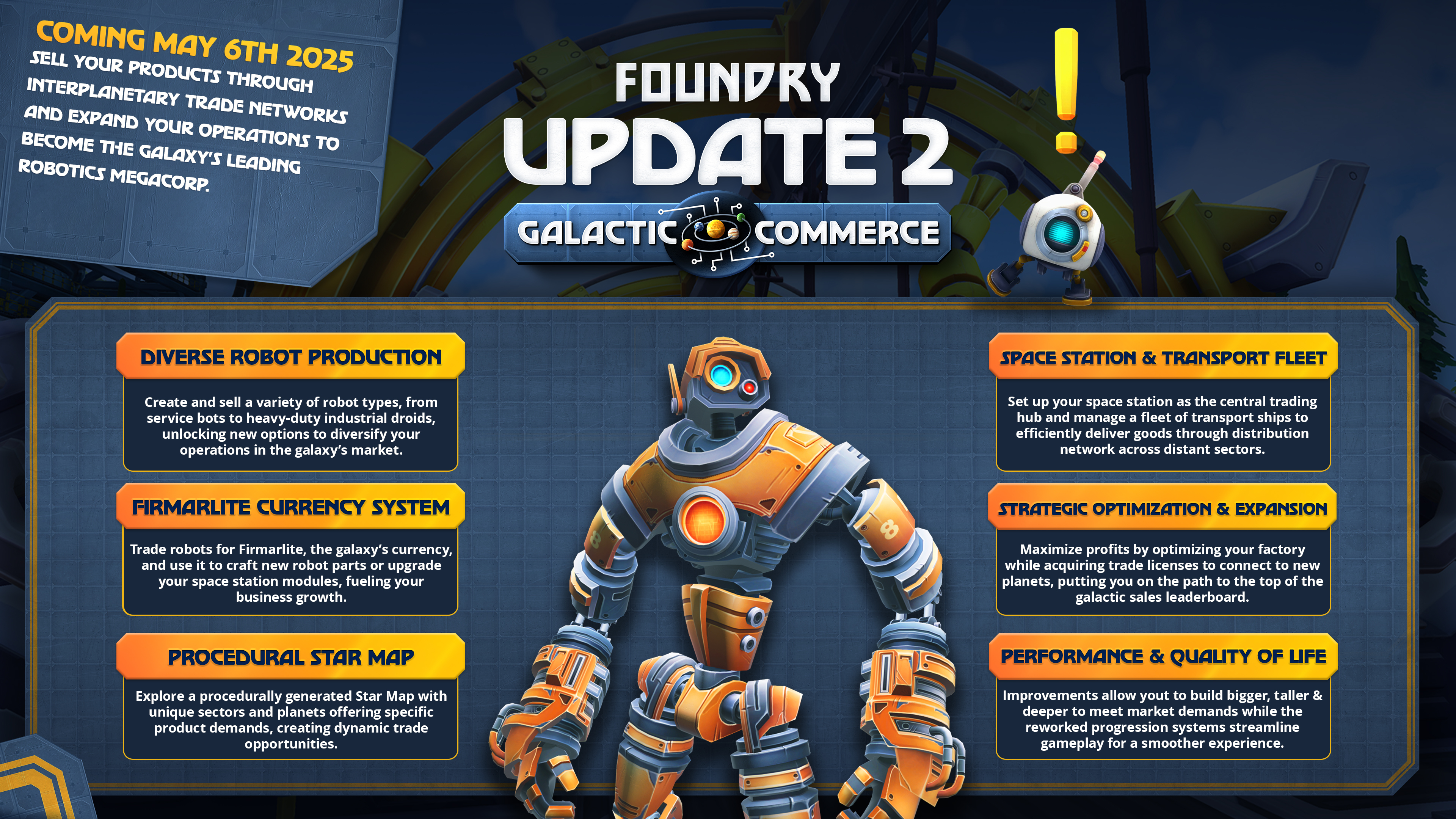
Let’s start with the big news right away for those who haven’t heard of it yet. The upcoming commerce update has a release date, and it’s already pretty soon: May 6th 2025. Save the date!
If you’re curious about more details regarding the update, I recommend taking a look at the past four dev blogs which were called the “Commerce Update Preview” series:
We have worked with SpectrumDad to create a two part preview/tutorial video series about the upcoming commerce update. Part one of the video covers the basics and is now available on YouTube:
Special thanks to SpectrumDad for making those!
R&D Lab
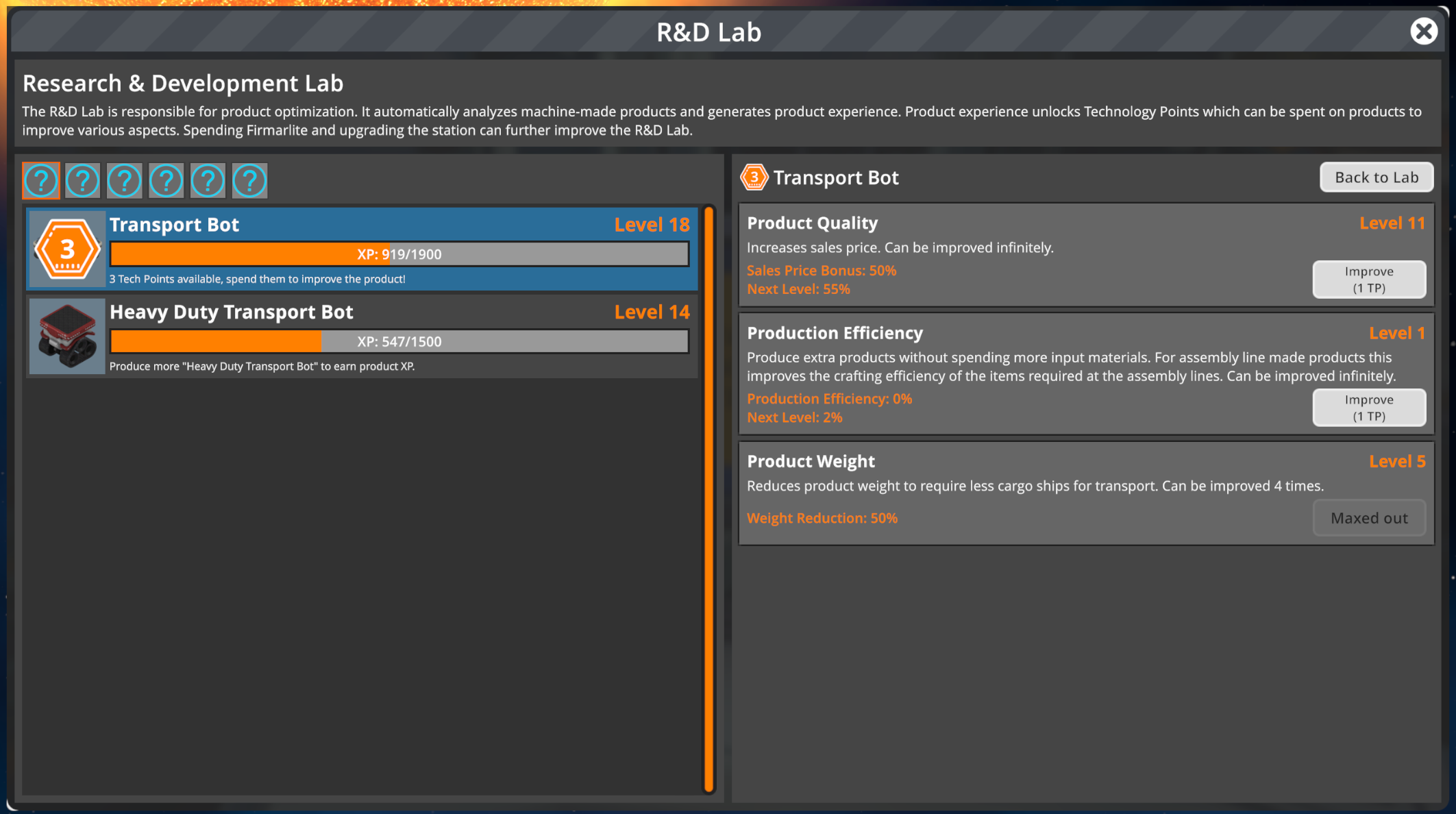
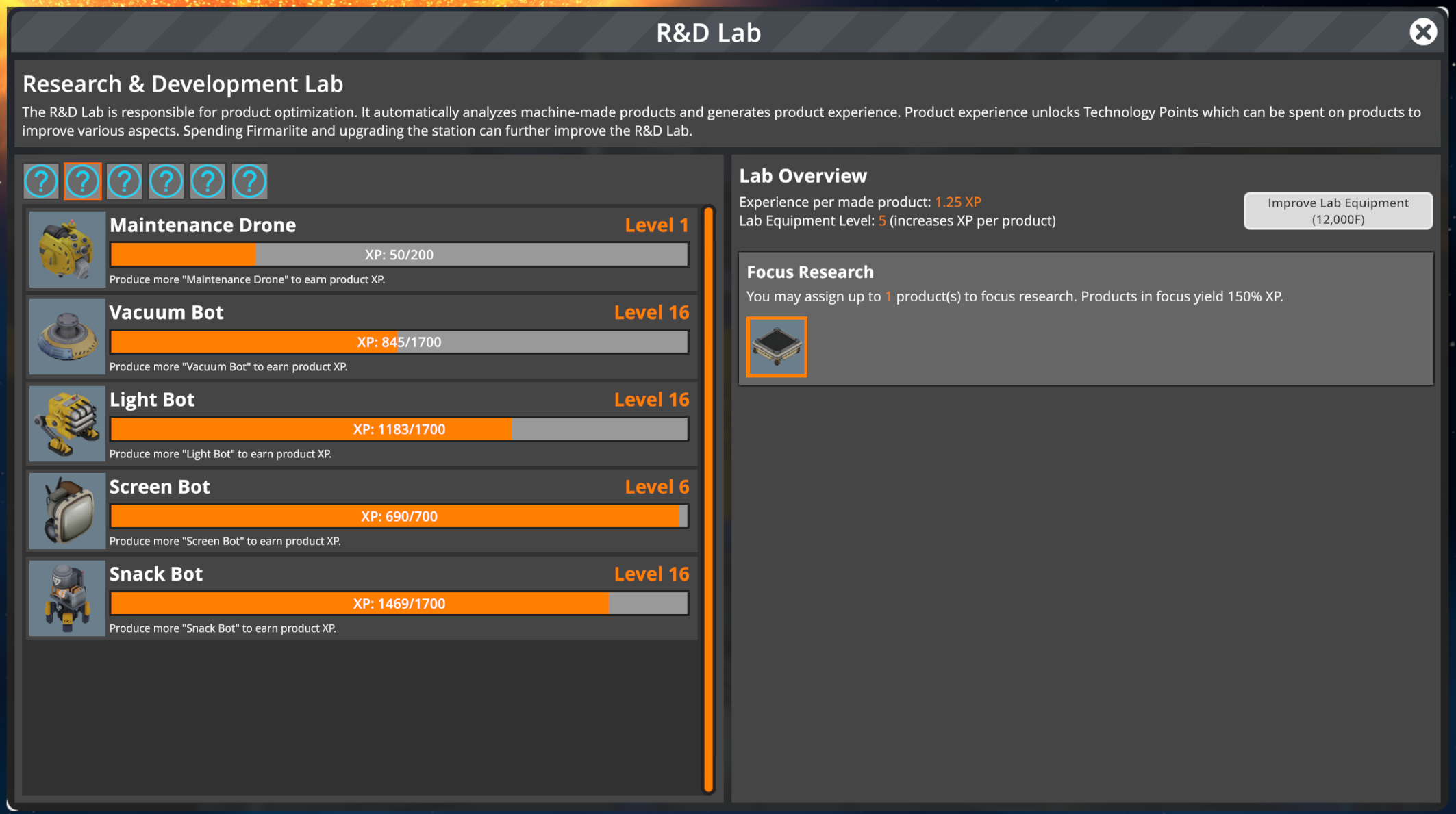
Let’s keep going with showing off more new and upcoming features. The research & development lab, in short R&D Lab, is a buildable upgrade for your space station which allows you to increase your robot production proficiency by analyzing the robots you produce. It allows you to gain experience points per robot type for each robot you produce. Each robot has a corresponding level and gaining one will reward you with a “Tech Point”.
You can probably guess where this is going, it’s basically a light version of a skill tree per robot. You can spend your tech points on three different robot improvements. You can increase their quality and therefore their sales price, you can decrease the amount of resources needed to produce them or you can make them lighter (which can be useful to fit more robots into your cargo ships). We would like to add more improvements over time, but it’s actually pretty challenging to come up with those, let us know in case you have some ideas!
There are also some minor auxiliary features like focus research which allows you to focus on certain robots to increase their XP gain or to spend Firmarlite on increasing the base XP gain per produced robot.
To keep the balancing stable the unlocked benefits aren’t massively influential but they are clearly noticeable and feel rewarding. Our goal with this feature is to boost long-term motivation and provide immersiveness. It's only logical you would get better at making robots over time, right?
We don’t know yet, but I personally feel like this could be an interesting mechanic for other goods as well and not just robots.
UI Visuals Overhaul
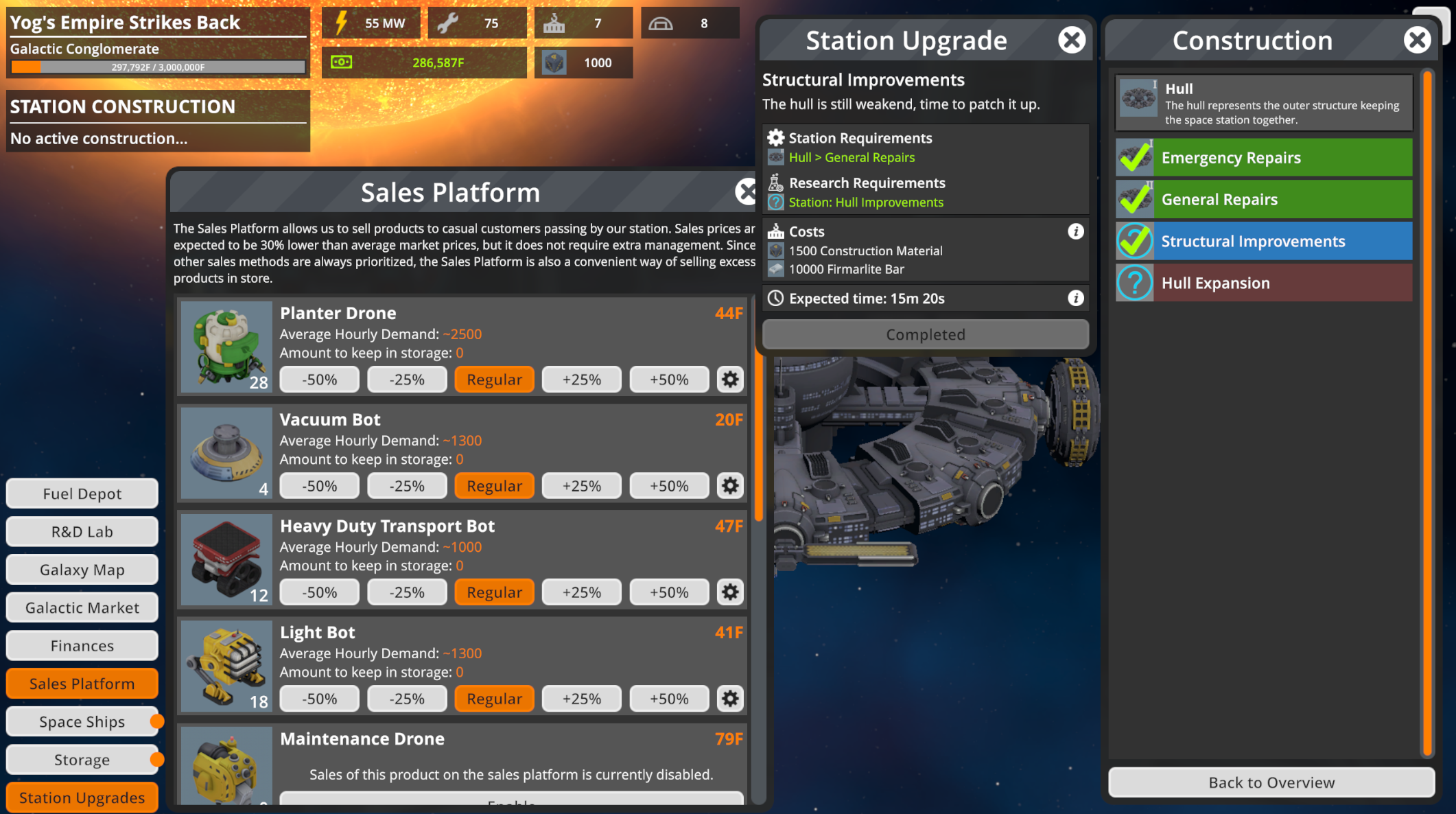
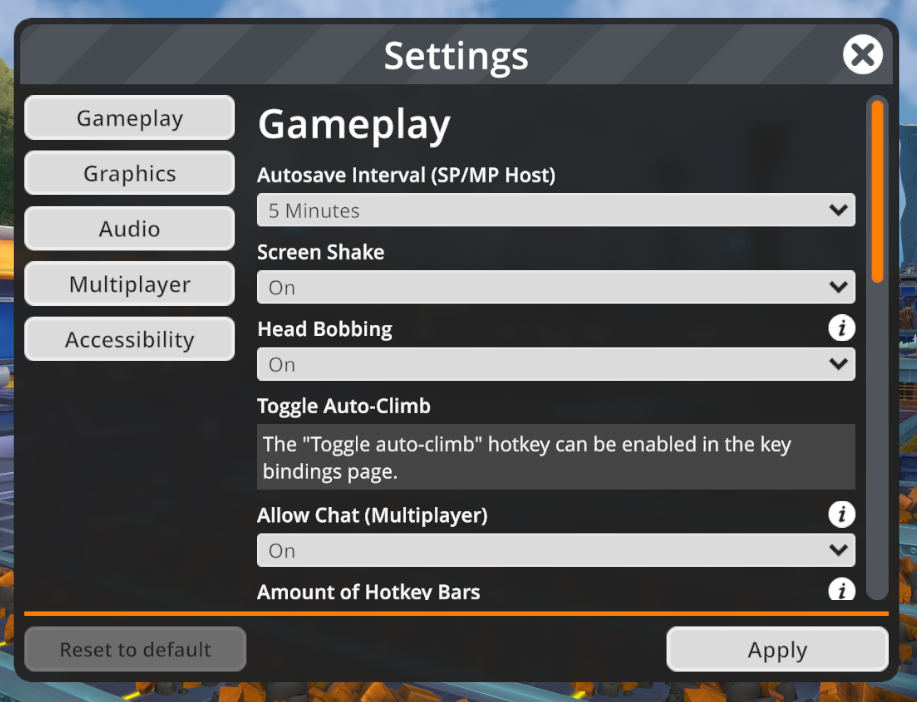
As a surprise change we have been overhauling major parts of how our UI looks. It is something that has been on our list since a while but we never really found the time to do until now. The upcoming update will feature a new and more polished look for various parts of the UI, most importantly the general frames and frame headers, buttons, scroll views, drop downs and sliders.
The elements mentioned above are the most prominent ones and that is why we have focused on them. Those changes already give the game’s interface a very different aesthetic, but we might do a pass on other elements too in the future.
Overall we’re very happy with the improvements, it makes the game look more professional and clean. We hope you’ll enjoy the changes. In case you wonder, this is mostly a visual change and doesn’t change the layout of most frames - which is something we’ll ultimately might be looking at as well.
As always, let us know what you think, we’re always eager to hear your feedback. Ideally in the Steam comments or on our Discord.
Update 2: Galactic Commerce will be released May 6th! It brings robot production and trading to the forefront of FOUNDRY and challenges you to build bigger and better than ever before, all while mastering the complexities of interstellar trade.
We have previously talked about what is to come in this update in our previous DevBlogs. You can find more in-depth information in our Commerce Preview (1-4) DevBlogs.
Here is a summary of all the things you will experience in the new update:
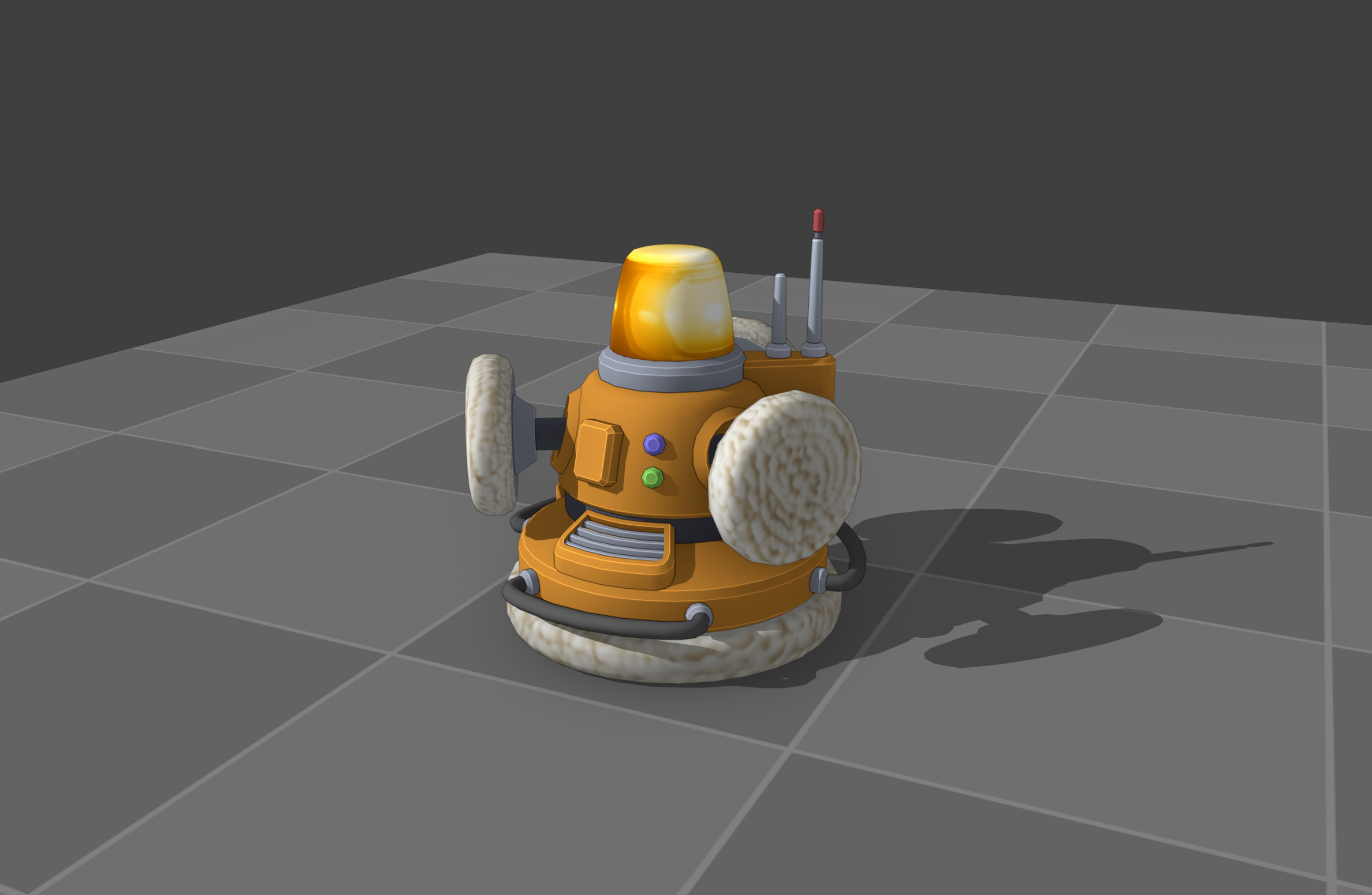
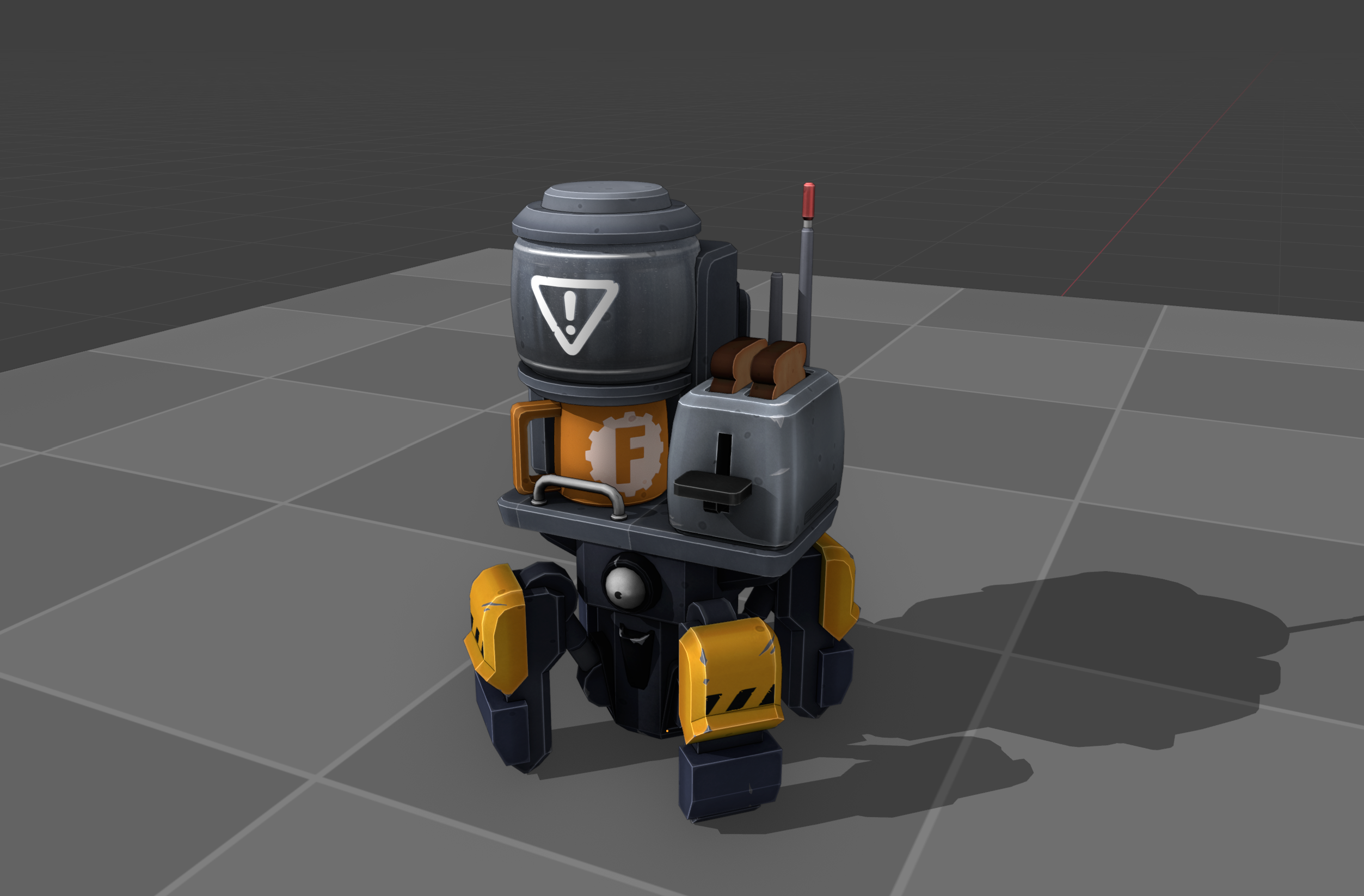
Diversify your product lines and choose from multiple new robot types to sell on the open market. Focus on cuddly service bots, hulking transportation droids or deadly war machines and unlock further options through research.
Your space station is your trading hub; you’ll sell your goods to the rest of the galaxy from here. Deliver products from the moon’s surface using transport ships that travel to and from the station using the new Shipping Pad building.
Sell robots in exchange for Firmarlite, the precious metal that serves as the galaxy’s currency. Use it to craft new robot parts or upgrade modules for your space station.
Galactic trade lives in the Star Map, a procedurally generated, infinitely replayable map packed with sectors and planets, each with their own specific product demands.
Buy larger transport ships to deliver products in greater quantities, unlock new trade opportunities by purchasing Star Map upgrades or invest in an orbital terraforming laser to resculpt your moon’s surface quickly, but perhaps not neatly.
Carefully plan your factory’s expansion to meet the demands of the market, and take advantage of bonuses to maximize profits.
Bring in the big bucks by acquiring trade licenses to connect new planets to your ever-expanding network. Turbocharge your revenue and outperform your rivals to reach the top of the galactic sales leaderboard.
You’ll need a distribution network capable of snaking its way through the stars to supply distant sectors. Buy and manage a fleet of spaceships to support your trading vision.
We hope that you are just as excited for Update 2: Galactic Commerce as we are. Keep an eye on our YouTube in the following weeks as we willl reveal more details about the upcoming update! As always, we would love to hear your feedback, ideally in the Steam comments below or over at our Discord.
I am back again with another FOUNDRY Friday and today we will be covering two different topics. First we have more information about the upcoming commerce-related content as we will be looking into the galactic market. And right after we will take a look at some changes down on the planet itself where we have added lava caves to the depths!
In case you missed it, you can find the previous three parts of the commerce update preview series here: part one, part two, part three.
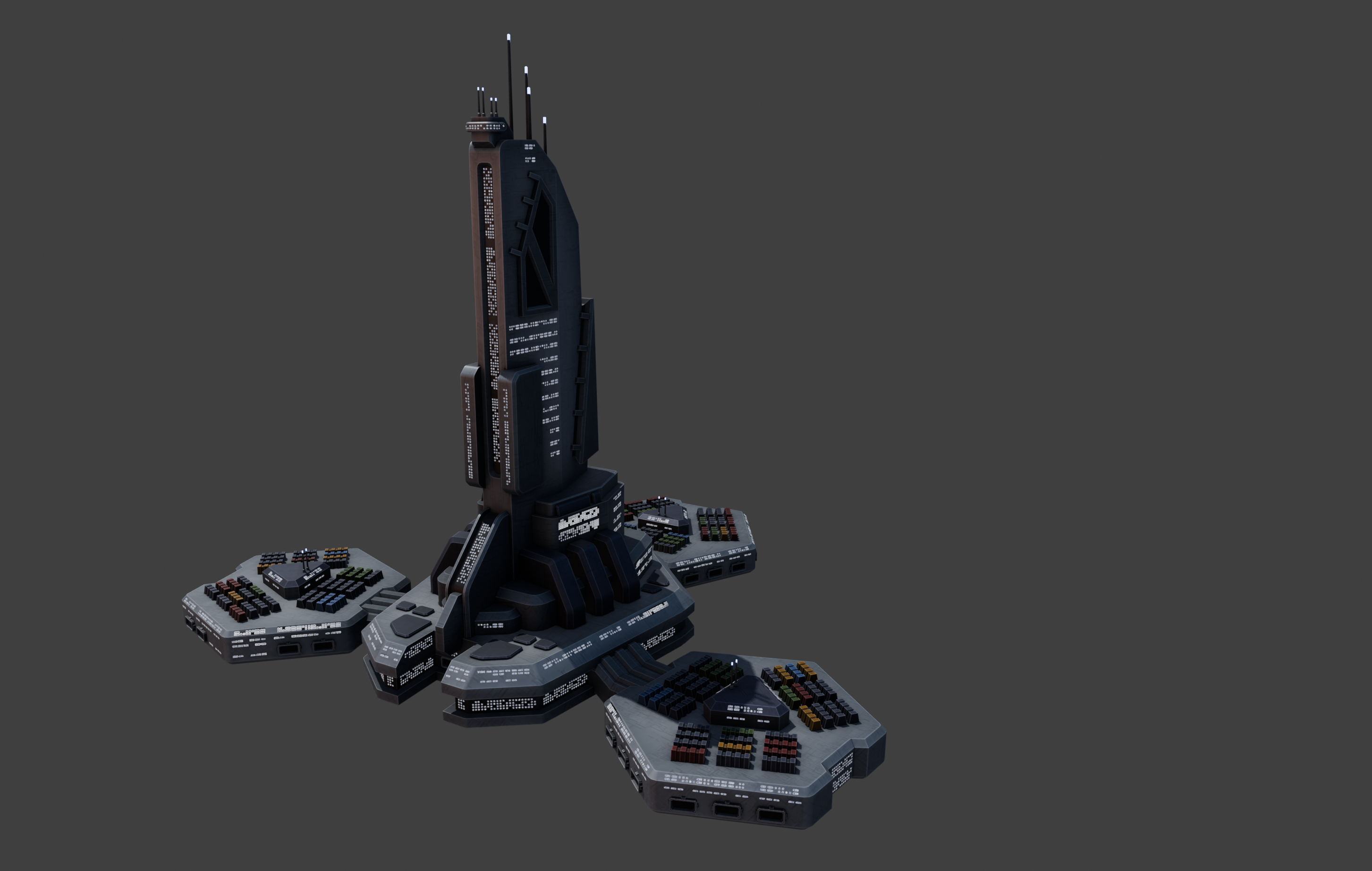
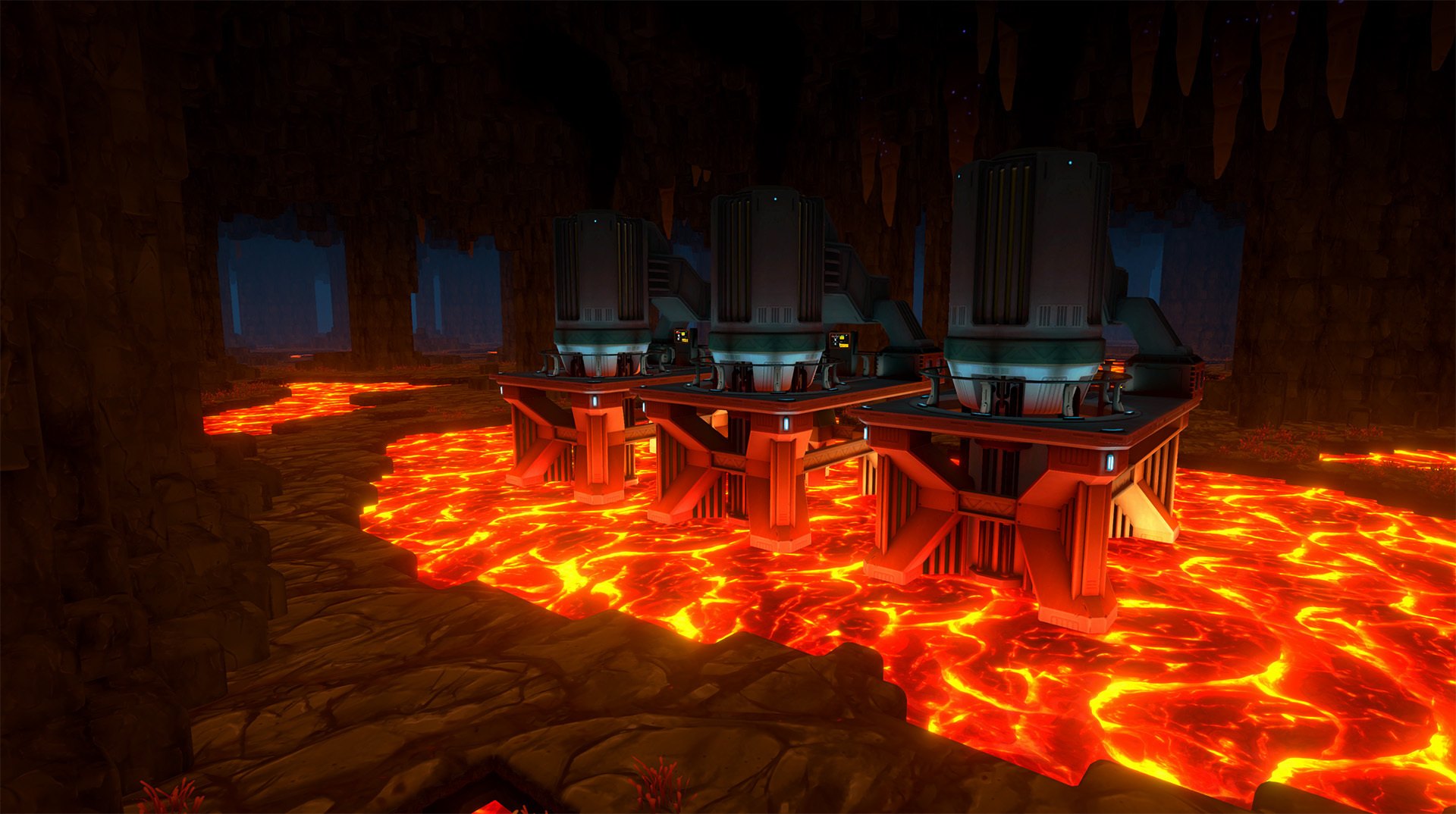
The Galactic Market
The galactic market is a giant space station on the galaxy map, which acts as the galaxy's main trade hub for commodities. It will not be interested in buying your robots. Once you unlock the galaxy view, you will be able to interact with the market. Initially its main purpose is to buy more construction material for the space station, which cannot be made on your own until you reach a later point in the game.
However we’re planning to allow you to trade most other goods on the galactic market as well. It’s something we will have to test quite a bit and might change or limit should it fail to meet our expectations, so take this paragraph as an experimental idea. That being said, I’d like to allow the players to buy pretty much anything that is a raw material or an intermediate good. By intermediate I mean something like machinery parts or electronic components, we would not allow you to buy things like robot arms so that you could just assemble them on the assembly lines.
It’s a bold move, but I think it will play well into player freedom and sandbox experience, which are both parts of the game we are trying to further expand. First of all, it will reduce the profit margin by your robot sales by a lot if you don’t mine and manufacture everything on your own, forcing you to have a lot more robot manufacturing machines. It also presents you with other challenges like space ship logistics if you decide to buy a lot of resources instead of making them on your own. It opens up different ways of playing the game and that seems very exciting.
In the beginning I mentioned you can also sell to the galactic market. In terms of profits it won’t be highly profitable, but it provides an option of selling excess resources and that could be an interesting mechanic. I’m also sure someone will become rich by selling millions of metal plates (or explosives!) instead of making robots, and I find that idea kind of funny.
Mechanics-wise the market offers one-time trades and an option for setting up automatically recurring orders like “buy more ore if stored ore falls below 1000” or “sell plates once more than 500 are stored”. Every trade will require a space ship and keep it busy while it travels to the market and back.
Lava Caves
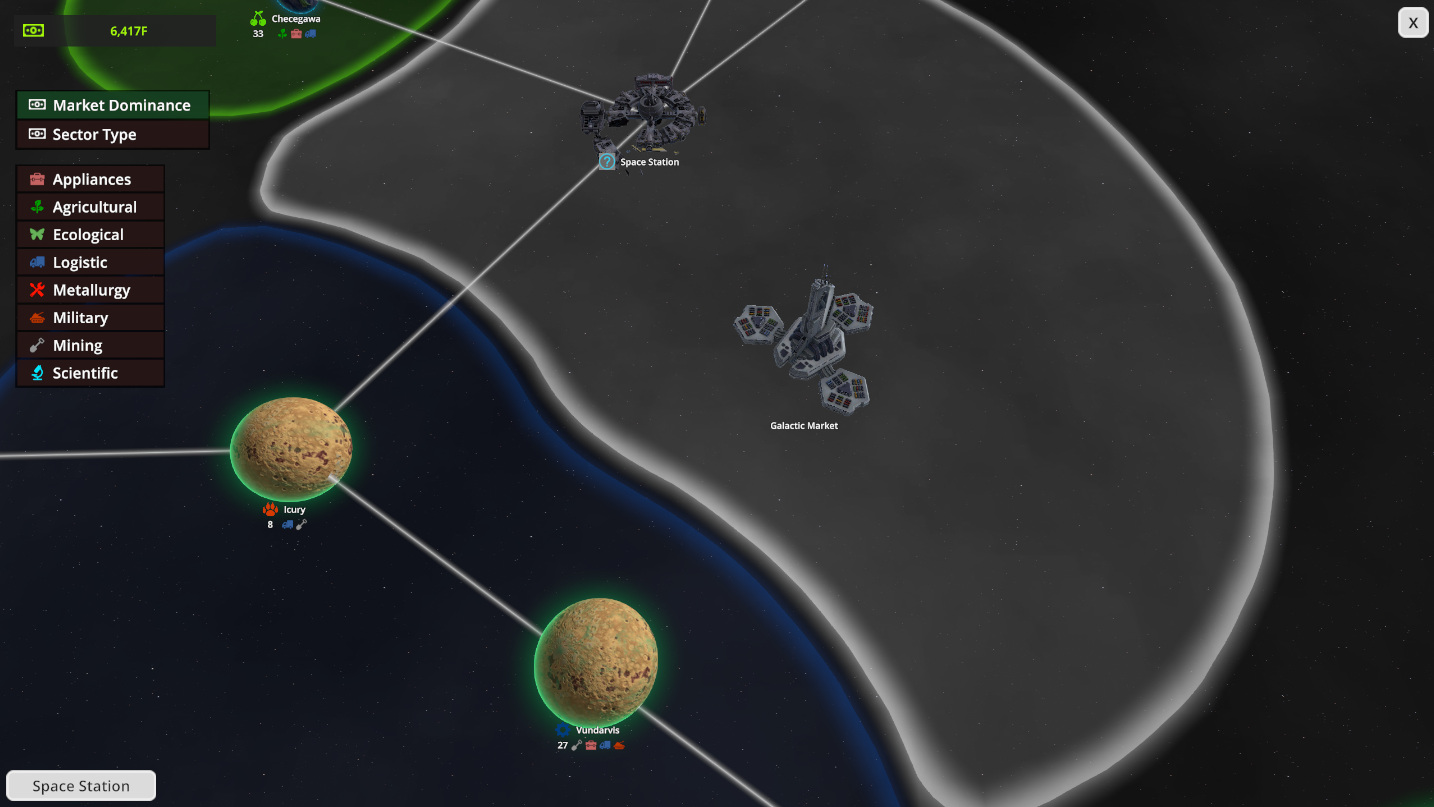
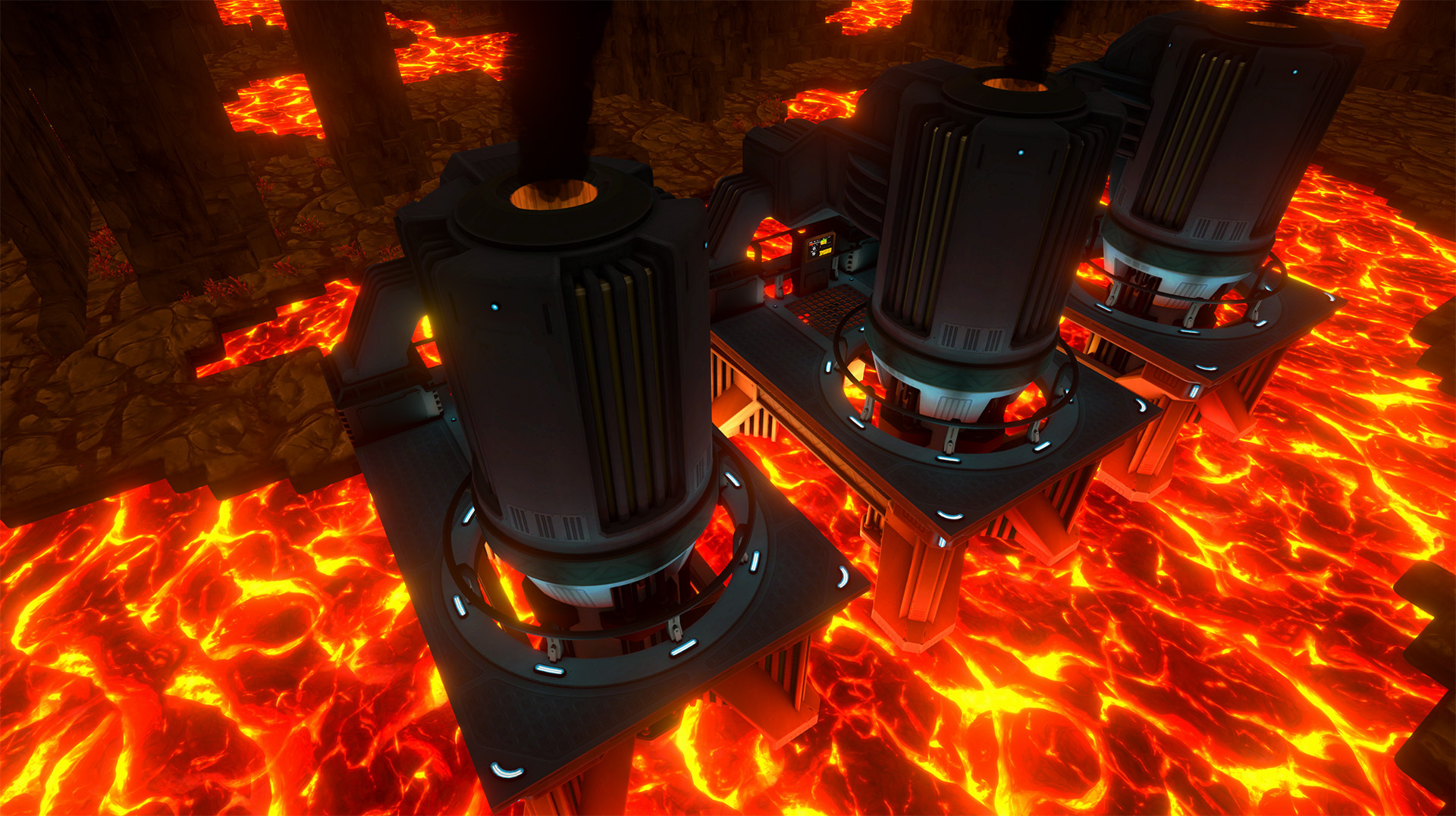
We’ve been showing a lot of commerce-related features in the past weeks, so it’s time to visit the factory and the planet (actually a moon) again. Deep in the depths we have added something very hot: Lava Caves!
Don’t touch the floor. It’s Hot Lava!
Those caves are at the bottom of the playable area and will have some special gameplay attached to them. The way you get down there is through special access shafts, which you can scan for with your handheld scanner. Later you will be able to dig down anywhere once you have researched enough levels of mining force (a research that allows you to break harder rock layers). It’s advised to use the elevator's self-digging feature to dig through those shafts to get down there.
The main purpose of those caves is that you can use the lava to smelt Firmarlite through special smelters that have to be placed on lava. Ultimately we’d like to add more features like heat management and potentially the possibility of your character robot getting destroyed when stepping into the lava. But for now we’re starting with a basic concept as our biggest focus is to make more use of the verticality and voxel world. Players will be able to visit those caves very early (within the science pack two tier), but as of now our plans are to make it optional - depending on the robots you want to make - so that the player can decide.
That wraps it up for today, and as always: We love to hear your feedback and thoughts about those features, please let us know in the Steam comments or come to our Discord.
Welcome back to the third iteration (part one, part two) of our Commerce Preview series. This time we’re covering the galaxy map, where you’ll be selling your robots.
To honor our publishing partner we did the most Paradox thing we could think of: Adding a strategy map.
Before we jump into the details of star map related gameplay, I want to alleviate any concerns about FOUNDRY turning into a different kind of game: Almost all your playtime continues to be about first person factory building. The star map is a complementary feature that adds a meta level of gameplay so that your factory serves a bigger purpose, but it doesn’t take away from the core gameplay. While it has some active gameplay choices, ultimately it wont confront you with any large difficulties as you might expect from strategy games.
The Galaxy
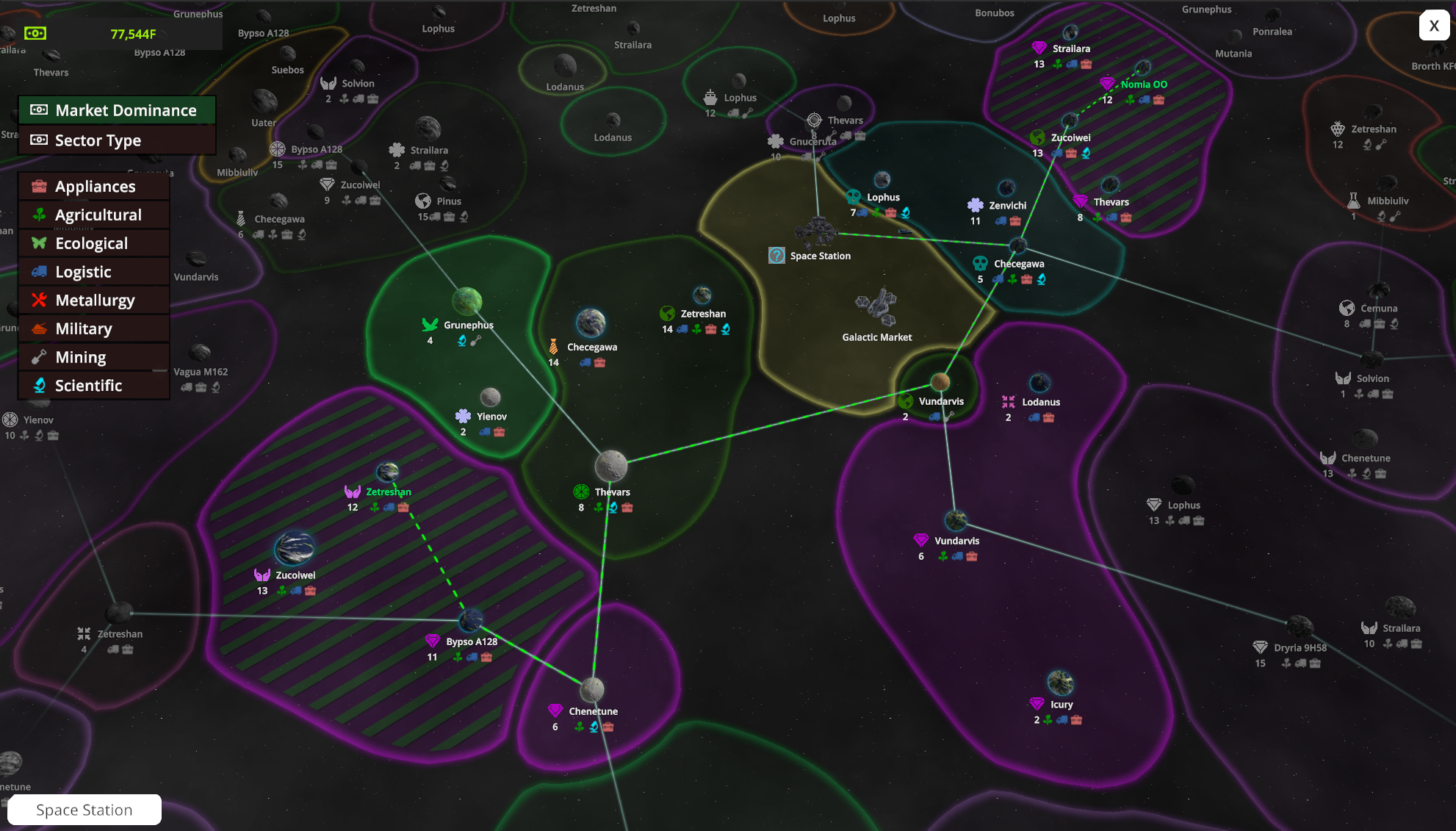
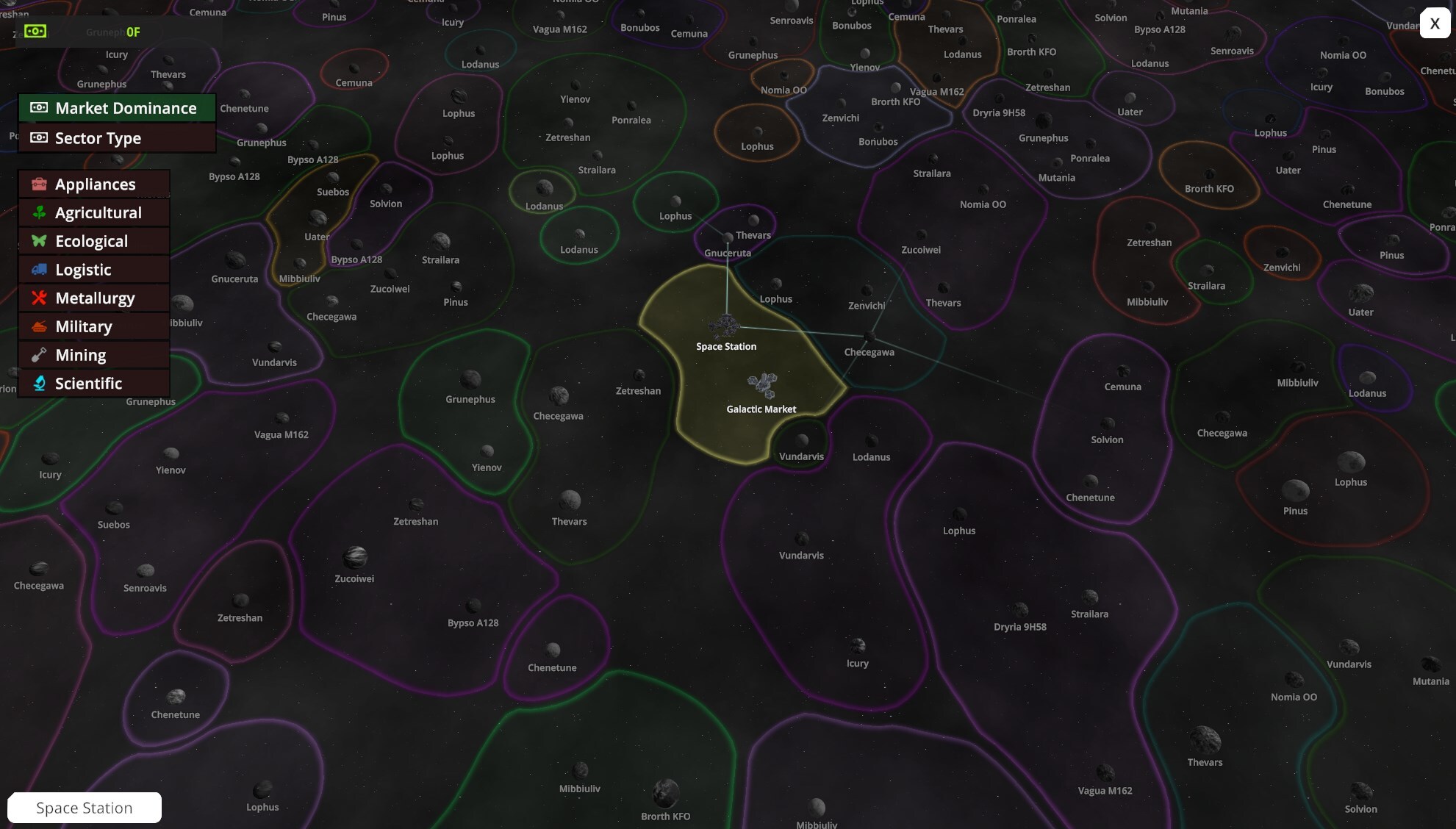
Let us begin by talking about how the galaxy looks and what it holds for you. First of all, our galaxy is procedurally generated, which means every game will be different as you play in a unique universe. Each galaxy is made of roughly a thousand planets, which are grouped together by sectors. Unless you want to play for a really long time, you won’t be interacting with all of them, but I believe that a large universe is important for it to feel authentic and alive.
Visually we decided to depict the planets without planetary systems and the stars they naturally orbit. That means the map view is not astronomical but instead abstracted for your convenience.
There are many different planet types, and the type of each planet has influence about its properties and demands. There is also quite a bit of background information about each planet, for example which faction it belongs to, how it’s governed, dominant industries, properties like day length or gravity and some more. Internally we use that data to generate planet demands, but they are not relevant to the gameplay itself.
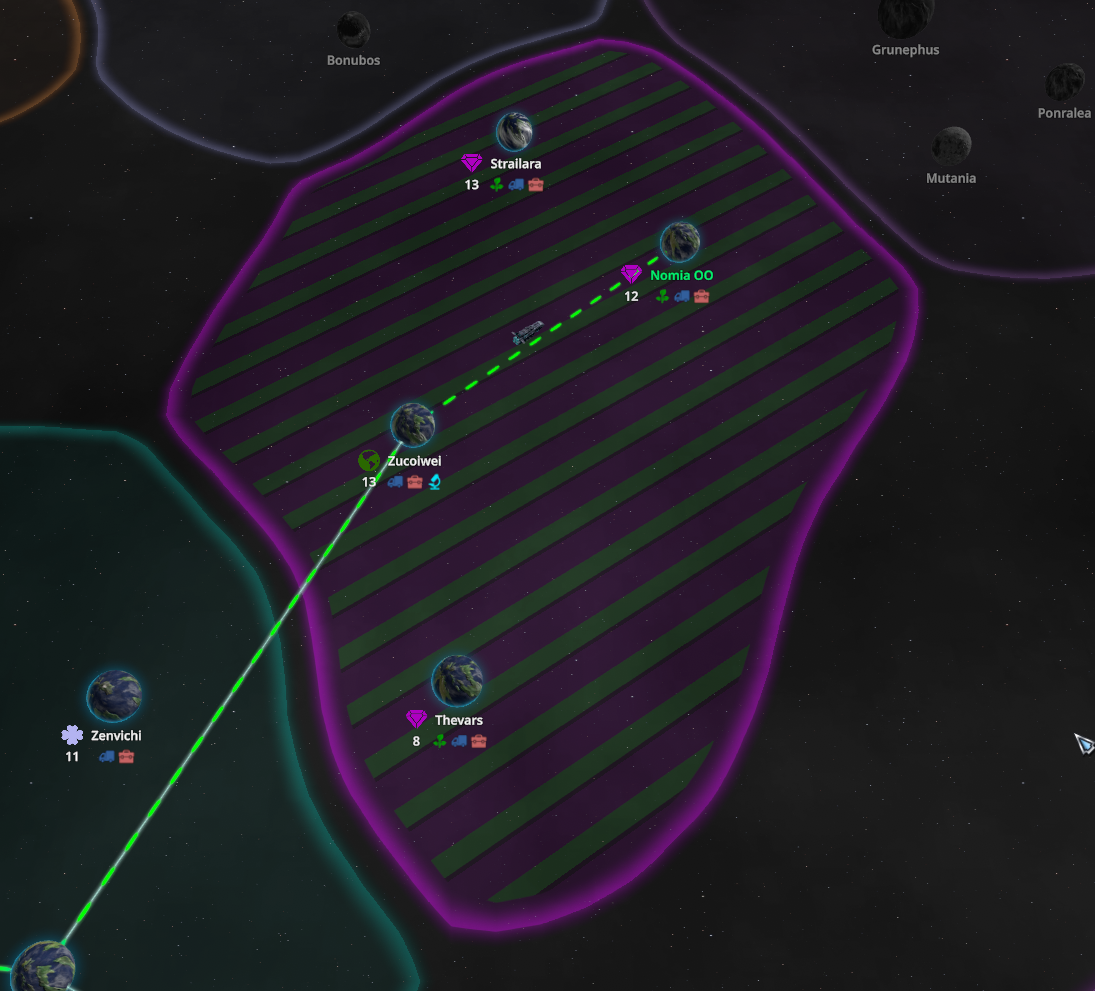
Sectors are groups of planets, and their distinctive shapes help you navigate the map. Sectors are connected to each other by hyperlanes, which will be relevant for gameplay. As you explore the galaxy you will have to follow those lines.
Galactic Commerce
Now that we know how our galaxy looks, let us explore how you supply it with robots. Our previous blogs already covered space ships and the sales platform, which allows you to sell robots to casual customers passing by. But that demand is limited, and they also pay less than what you can get for your robots on planets.
Your space station, which acts as your gateway to the stars, is within your own starting sector. You will have to unlock one of the adjacent sectors to get started. Unlocking a sector requires certain space station upgrades to be built. The further you upgrade the station, the more sectors you will be able to unlock. Once you gain sector access you can start interacting with planets, but before you can sell robots to a planet you have to buy a planetary trade license.
Each planet has various demands, some might only need a single robot type, others may need many. Depending on the robots you decide to produce, you’ll have to find a good place to sell your goods. To finally start selling you need to assign a cargo ship to the planet and tell it which robots to supply, we call this a supply route. From now on you’ll automatically sell robots in regular intervals.
If you look closely you can see cargo ship moving along the bottom hyperlane.
The way selling works is that there is a so-called “sales interval”, it happens once per ingame hour, which is every 75 seconds. For each sales interval we do a simulated sale representing the past ingame hour. That means that in regular predictable intervals robots are being sold from your station's inventory. The reason we went for this solution over having ships actively carry objects to destinations is very simple: It gives you predictable and regular sales numbers that you can plan with, which is very important for a factory game where many players want to plan ahead and balance production ratios. There is still gameplay attached, for example you need to assign more ships to your supply routes if the demand on a planet exceeds your ships capacity. Also ships assigned to sectors further away require more fuel.
Competitors
As you might imagine, you are not the only company to supply the galaxy with robots. If you inspect a planet, you’ll see if other companies are dominating the market (or parts of it). Luckily for you, your robots are just better and you’ll be able to push them out of the market if you decide to compete with them. Once you’re overtaking them in sales you’ll achieve market dominance and that will give you certain additional advantages. Once you’re dominant in the majority of the planets of a sector, you’ll achieve sector dominance, coloring the sector in your company’s colors and giving you even more benefits. It’s time to become the galaxy’s market leader!
The competitor system is designed in a way where it does not pressure you or force you to actively compete with other competitors. They don’t expand and you’re under no time pressure to keep up with them. We also don’t intend to force you to take over sectors or planets in case it doesn’t suit your playstyle, as this will require you to produce many different robot types. The upcoming update is designed to encourage player agency and acts as much like a sandbox as possible. If you want to focus on mass producing a handful of specific robots instead of going for robot diversity, that is okay too.
It’s a very interesting system that might get expanded in future updates, depending on player feedback. For now it was important for us to not add mechanics that pressure the player, but since it’s been requested quite a bit I could see an optional mode where competitors are a little more competitive.
Thank you for taking the time to read the blog. As always, me and the team would love to hear your feedback, ideally in the Steam comments below or at our Discord. Regarding a potential release date I cannot yet provide specific information, but we are getting close to completing this update and I hope to be able to share more details with you soon.
Two weeks ago I shared part one of the Commerce Preview series and our team was very excited to see the positive reactions. Reading your replies gave us further confidence that we’re on the right track even though this meant that we had to delay and adjust our update schedule. Since we get a lot of questions when the update will be released: We’re not fully there yet where we can announce a release date, but we’re planning on doing so in the near future.
Today I’ll continue to share more information about various aspects of the upcoming Commerce update.
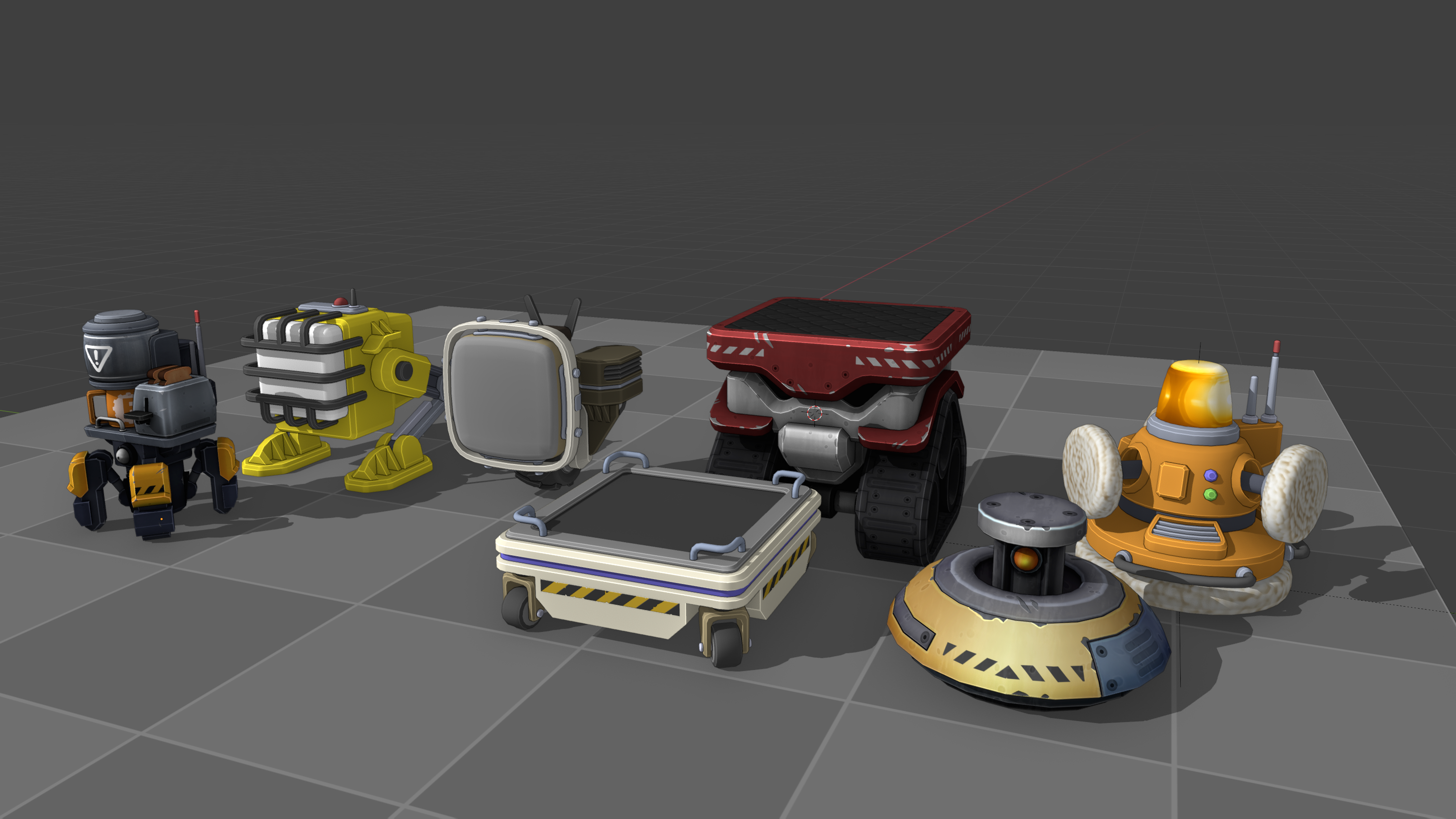
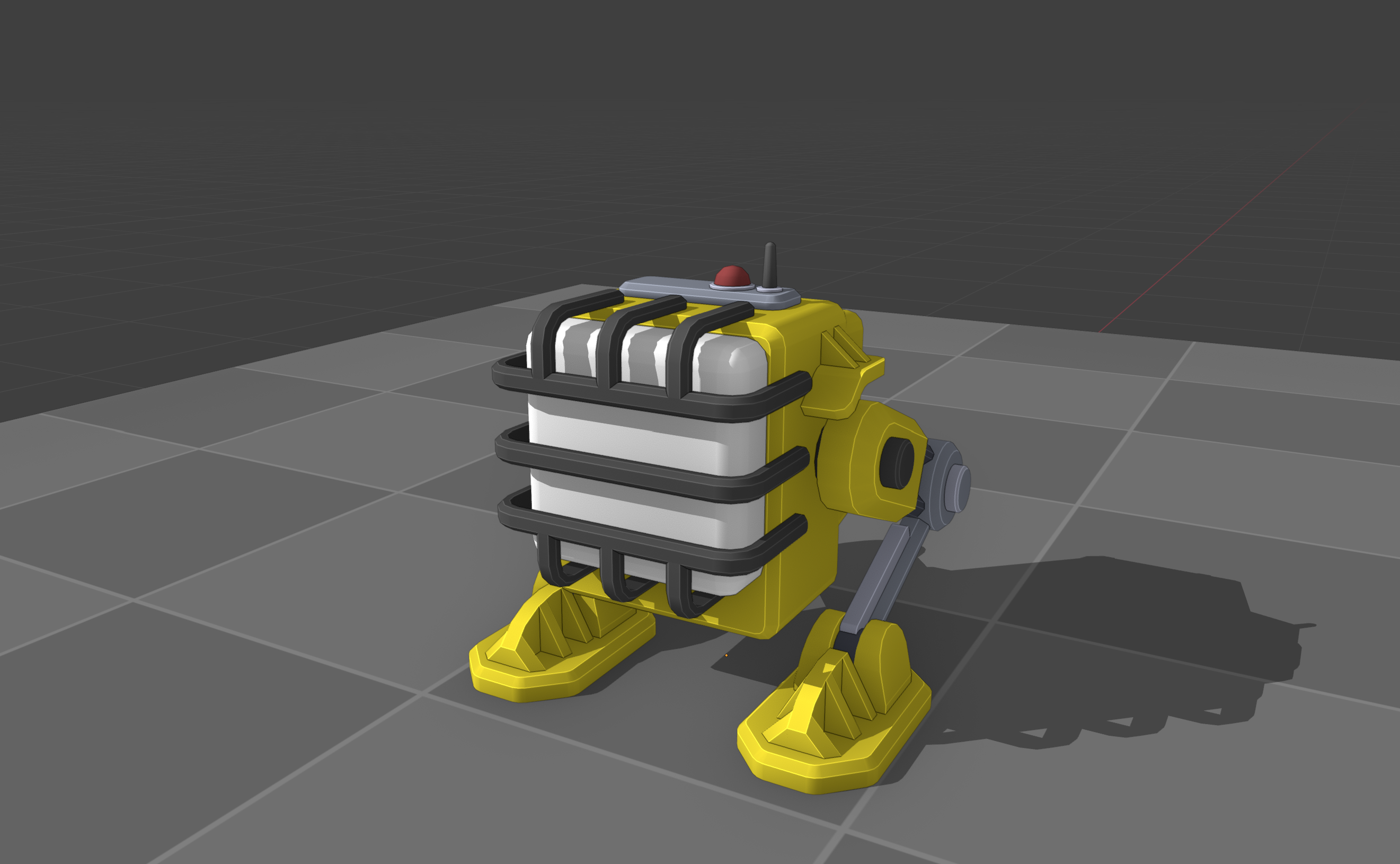
Various early to mid game robots, textures are work in progress
Robot Variety
Previously we shared a screenshot of a transportation robot, so I thought it would be a good time to give you a bit of an overview about how many different robots you’ll be able to make and sell.
First of all, our robots are grouped in categories and robots in the same category fulfil similar tasks. Example categories are Logistics, Appliances or Mining. There will be multiple robots for each category, and not every category will have the same amount of robots.
Let’s take a closer look at the Logistics category. We’re starting off with a basic Transportation Bot: It’s cheap, simple to produce and gets its job done, mostly. A great starting point for a new factory. But as you progress you’ll see that there is also a lot of demand for more advanced logistics robots. That is where the Heavy Duty Transportation Bot comes in: A more advanced robot that requires more complex materials (like steel), is a bit more difficult to produce, but ultimately can be sold for a higher price.
While the Heavy Duty Transportation Bot is a clear upgrade, it’s not a replacement for the basic Transportation Bot. The galaxy keeps demanding both (and many more!) robots, depending on planetary needs. This would be the perfect segway to pivot to the star map, but that will be the topic of a future FOUNDRY Friday.
Once you further advance through the game you’ll unlock a flying cargo bot and potentially other variants. A similar trajectory can be imagined for the other robot categories. That might make you wonder how many different robots there will be? Well, I don’t have a final number yet, but we’re aiming for quite a bunch. And here’s the key part: We don’t expect you to make all of them (although you’re welcome to do so if you choose). Our goal is to provide more personal choice and a more sandbox-like playstyle. The game will ask you to make a couple different robots for sure, but ultimately we want you to make your own calls since it’s your factory. Will you be going for product diversity or for big numbers with just a couple robot types?
Shipping Pads
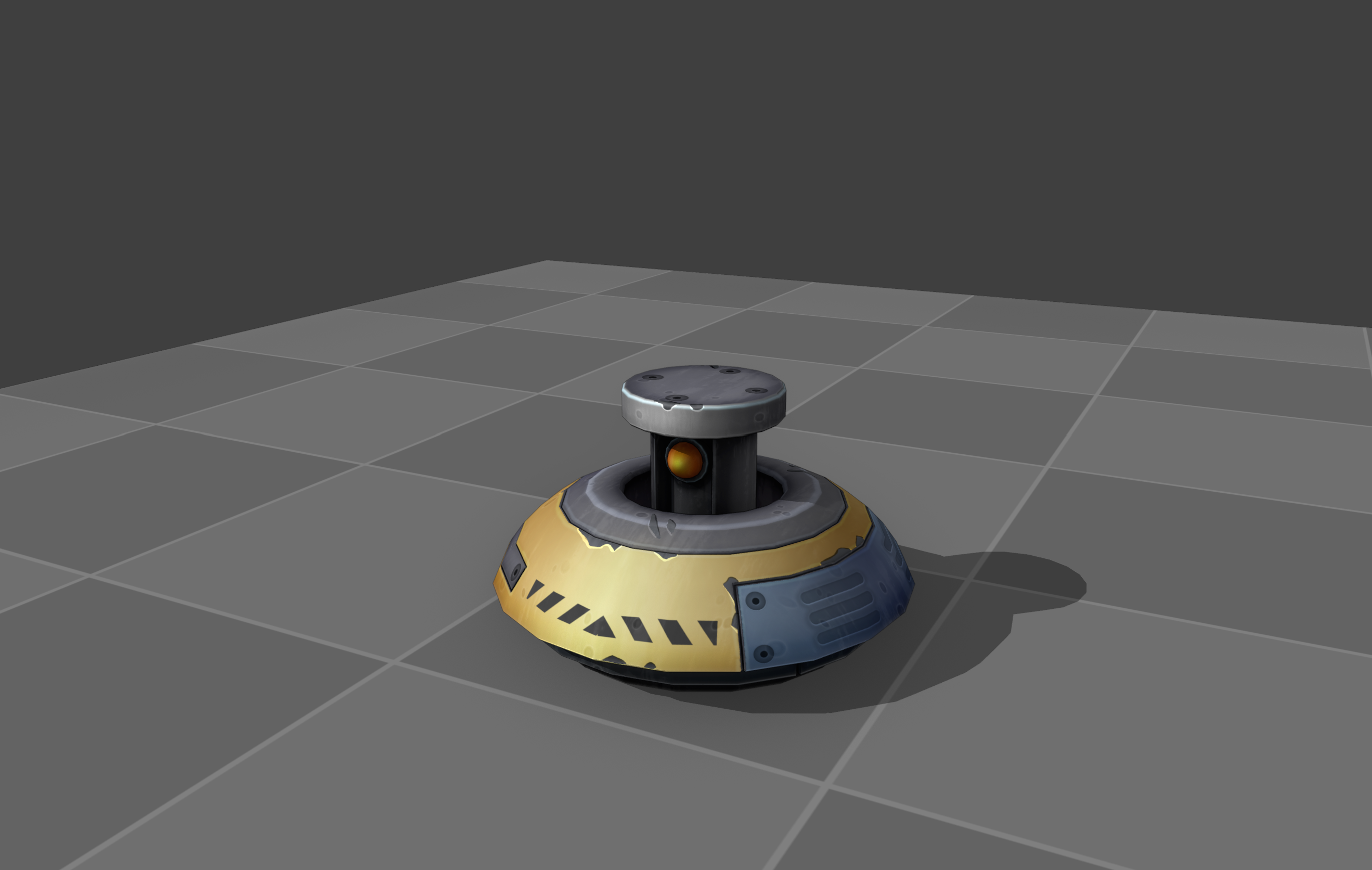
Since there were a few questions about the Shipping Pad, I wanted to share more details about them. To recap, the Shipping Pad is a new building that will be used for all types of item transportation between the planet and the space station (both directions). It will be available in multiple sizes. The building comes with an integrated storage, so it is able to buffer items. For those who previously played FOUNDRY: The existing shipping warehouses are removed, and there is no more downside of placing the shipping pad far away from the starting spawn point.
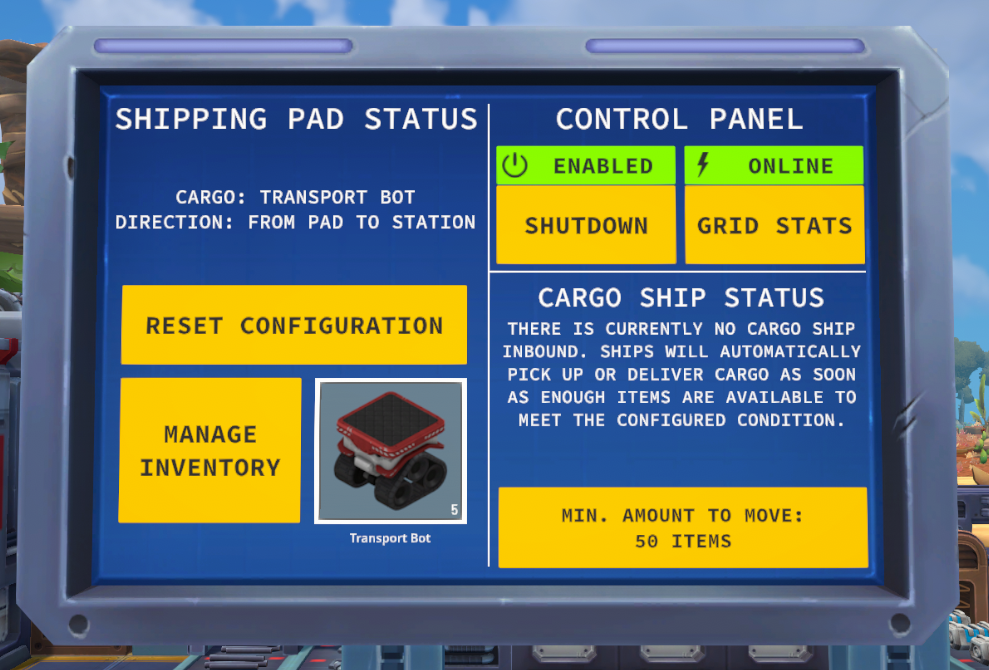
Once placed you need to configure the direction of transport (planet to station or station to planet) and then assign the item that shall be moved, for example one of the robots. Optionally for fine-grained control you may configure the minimum amount of items to move before a cargo ship will transport any items.
Shipping pads come without an attached cargo ship, those are now managed separately through the space station, see the paragraph below.
Space Ship Management
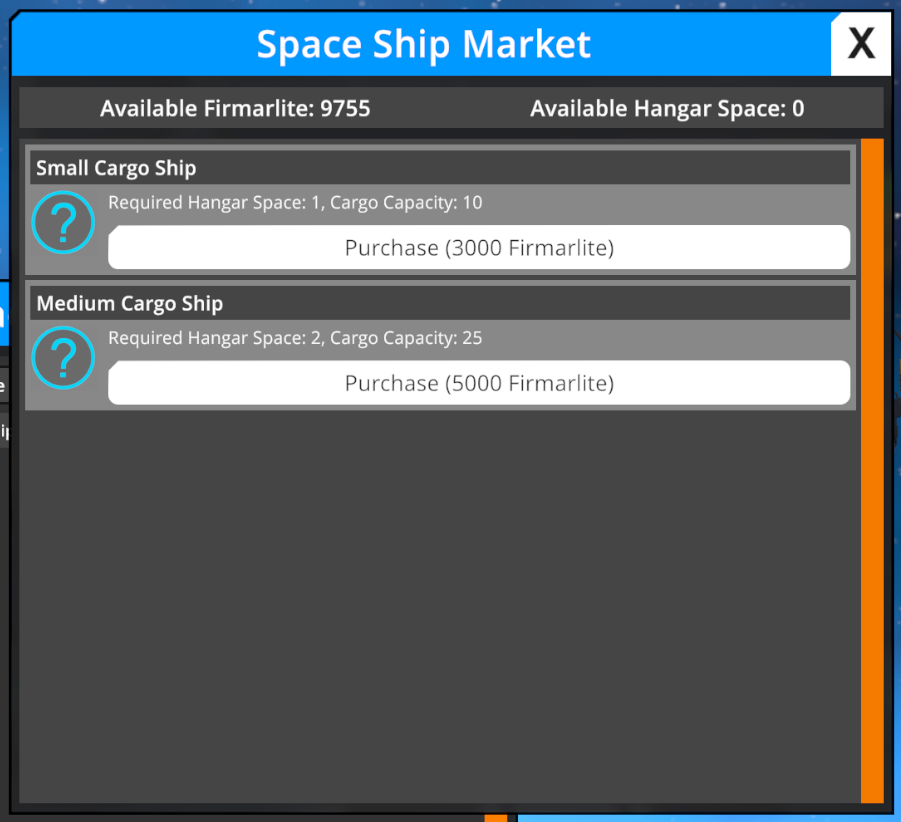
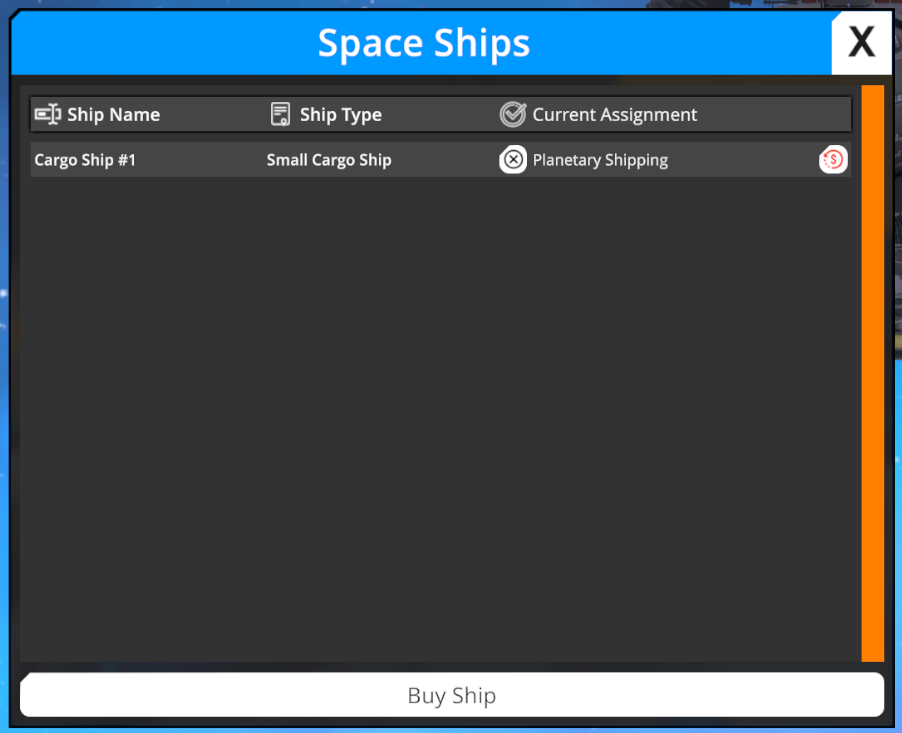
On the space station you can manage your space ships, for the upcoming update we (most likely) will only have cargo ships, but we have some ideas for other ship types eventually. Space ships are complex objects and they cannot be made by yourself, so they need to be bought.
UI screenshots are work in progress
Once bought there are multiple tasks your cargo ships may handle. One of them is called “Planetary Shipping”, which means it will service your Shipping Pads automatically as soon as the configured conditions are met. They are not assigned to a specific shipping pad, therefore you don’t need a custom cargo ship for each pad. This comes in handy because they need a dedicated space in your station's hangar, which you’ll have to expand gradually as your need for ships increases.
Other tasks your cargo ships can handle are buying or selling commodities (only ingredients, not robots) to the galactic market and distributing your robots throughout the galaxy to your customers. Both of those features we’re going to look into more in detail in a future FOUNDRY Friday.
That is it for today and I hope seeing more details about the upcoming update continues to excite you. I’m looking forward to your feedback which I’ll either address in our Discord or future development blogs.
Today we are going to take a look at some of the new commerce features we have been working on over the past months and how the early game is changing.
As a reminder, we are making those changes to give the factory (and the game overall) a more motivating and less linear goal to work towards. These new features complement the existing research progression and give that game a more unique feeling.
In case you want a more detailed recap about why we’re making those adjustments to the game, check some of our other dev blogs here and here.
Adjusted Setting
We have modified the onboarding loop and the overall setting, you’re no longer the clueless robot trying to figure out what went wrong with the initiative to build a large factory on the planet. Instead you have just acquired a derelict space station and colonization rights on the resource rich moon the station orbits. Your intent is to set up an intergalactic robot manufacturing company. You’re still assisted by Carl and C3-BB who will help you get started. Your immediate goal is to build up the most critically required machinery to start making simple robots, repair the most broken parts of the station and begin selling your first product. Oh and did I mention that you’re in debt?
What mattered most to us is that the new theme is a key part of the game from the very beginning. It won't take you countless hours to finally make and sell a robot, instead you will accomplish this by the end of the tutorial - which is slightly longer than before, but not by a lot. We always planned to focus on commerce to give the player a good reason to build the factory, but our previous game loop brought those key mechanics way too late.
Onboarding and Tutorial Tasks
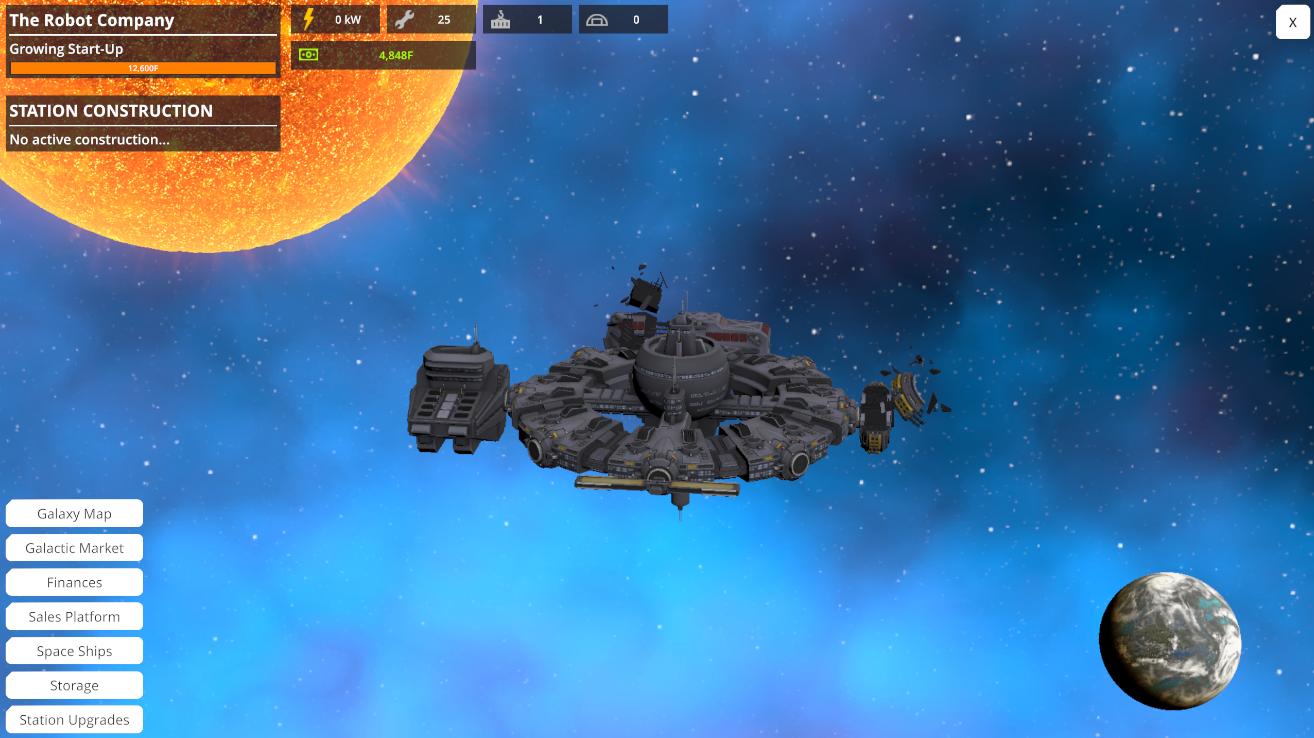
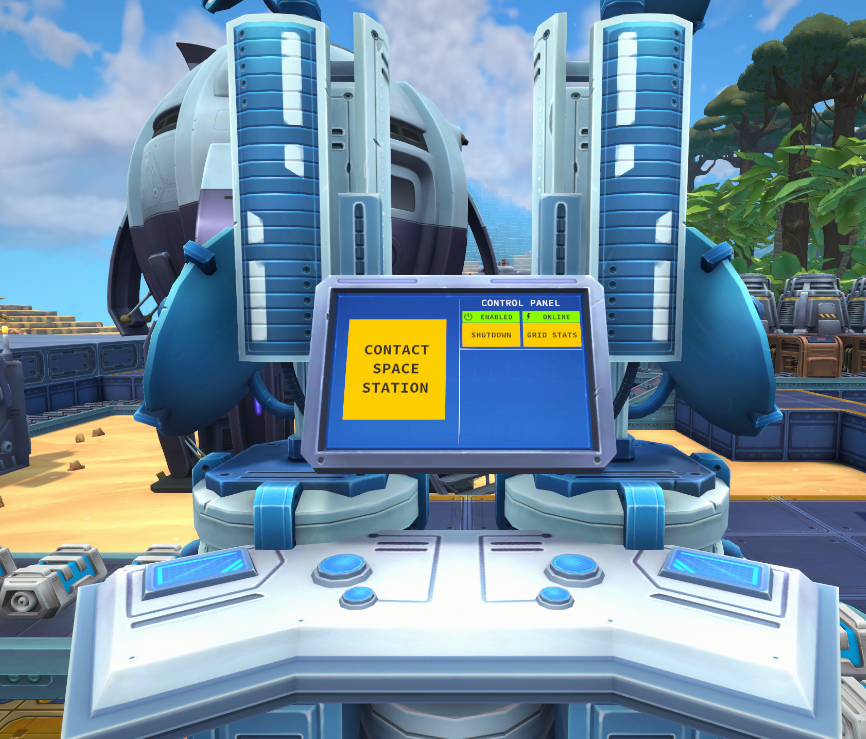
The onboarding tasks are similar until you build the beacon to call down C3-BB at which point new mechanics are introduced. You’re immediately tasked with making contact with the station and analyzing its status. We’ve reworked the space station management UI.
UI screenshots are work in progress
This is the main hub for all things related to the space station and it comes with new features and greater depth. Initially, you’ll only be able to open this management console from a building, but as you progress, a remote view will be unlocked.
The following tasks will be a mixture of introducing space station features, such as building and upgrading parts, and continuing to build up your factory so that you’re set to make your first very simple robot.
Since robots are sold through your station, the final missing link is to get your products up there. For this, we have introduced a new building which we call the Shipping Pad; it is more flexible and replaces the old way of moving things to the station. Once placed you need to select the shipping direction (planet to station or vice-versa) and which item should be moved. The shipping pad doesn’t come with any transport vessel, so we need to head back to the station and make our first purchase: A small cargo space ship. Once assigned to the shipping task your items are automatically being moved between the planet and the station.
In this blog, I won’t go into too much detail, but space ships will have a bunch of tasks and you’ll be managing quite a few of them. That being said I want to emphasize that almost all your gameplay time is still spent on building a factory, we are not transforming the key gameplay in any way.
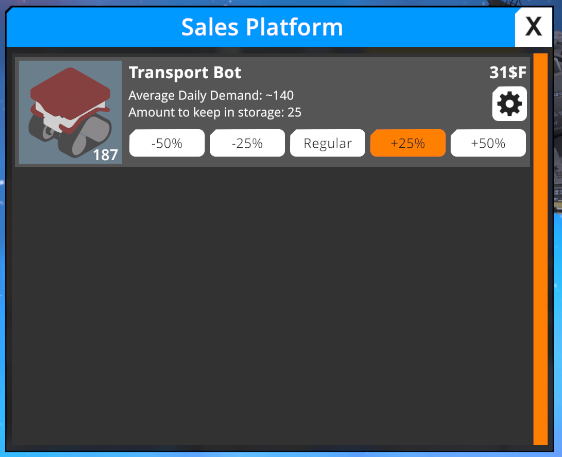
Okay, almost there. The final step is to extend the station with a sales terminal where casual customers will buy what’s in store. Given how much you’re producing, you can play around with applying discounts or premiums to maximize your income, but that is up to you.
UI screenshots are work in progress
Ultimately there will be way more profitable (and complex!) ways throughout the galaxy to sell your products, but that is for the next commerce preview blog.
DevBlog #72 | Foundry Fridays: Different Starting Planets
Hello everyone!
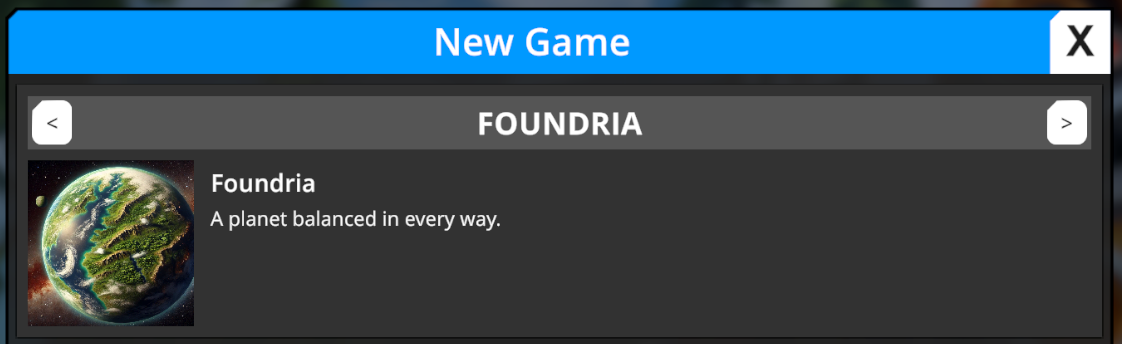
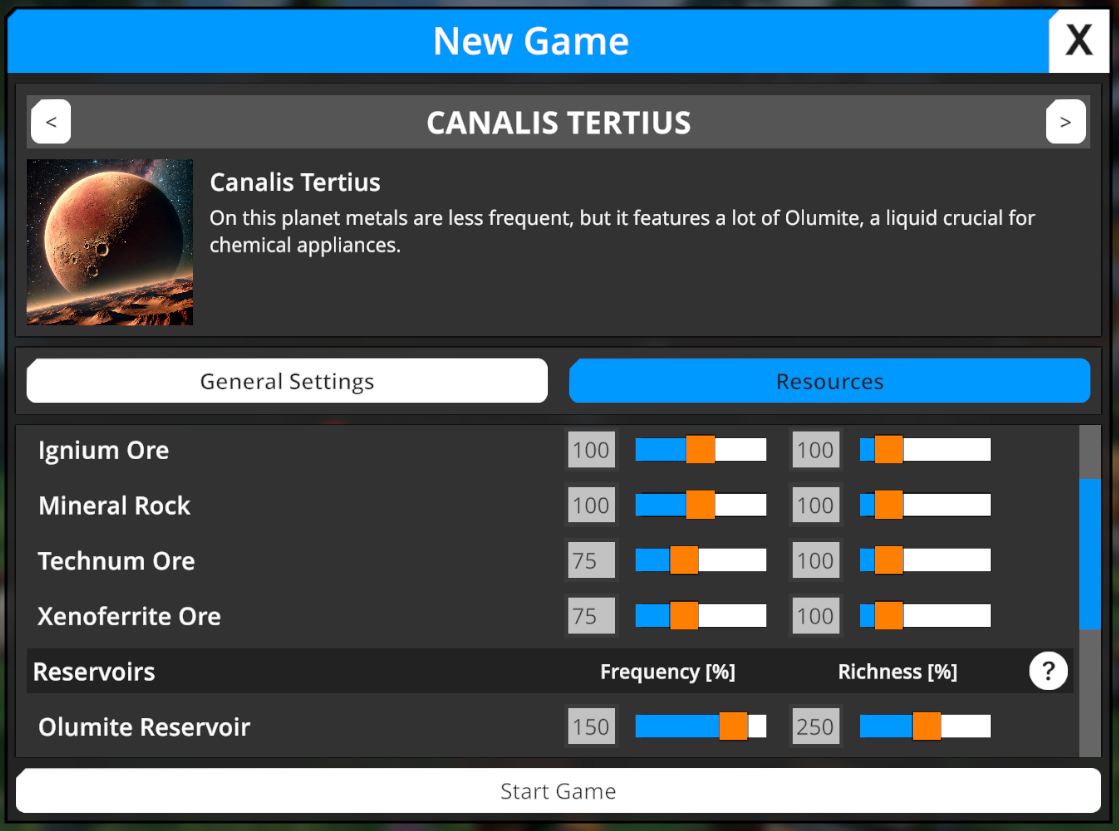
Today I want to share a new and exciting feature with you: A selection screen for different starting planets. When you start a new game you’ll be able to select one of multiple planets, which feature different resource and biome modifications.
This has been a feature that we somewhat coincidentally stumbled into while we’re working on the commerce update. As you know immersion has always been something we care about deeply and for the new commerce theme (more information in future dev blogs) it is a great fit to let you select the planet you want to start your factory on.
At the current state of development we’re very focused on the core features and changes necessary to get the new update done as soon as possible, therefore I initially assumed different starting planets aren’t going to happen. But as we contemplated the topic a bit we realized that we already have systems to make this work: Our world generation system supports customizable resource settings (density & richness for all ores and liquids) and we have a system we call “biome grid”, which allows us to tell the world generator how biomes are distributed around the world. All we had to do was add support for different presets that can be tied to different starting planets.
We decided to allow the players to further customize the resource distribution settings as they were able before, selecting a planet just applies certain default settings, but you’ll be free to further adjust as you see fit.
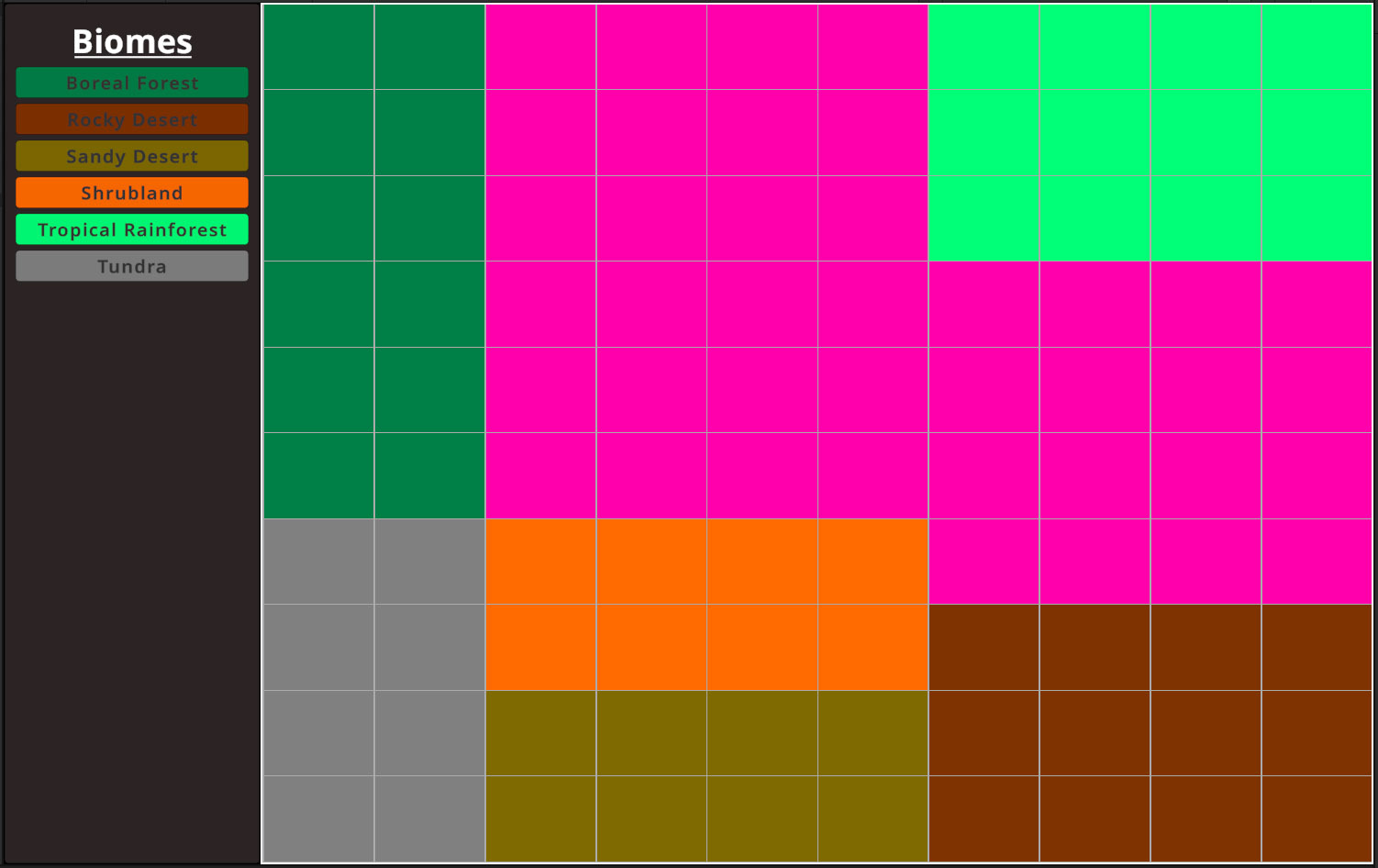
The biome grids however are static per planet and cannot be changed. The way we are going to utilize the biome grid system is that it’ll allow us to over- or underrepresent certain biomes to give the planet a different vibe. For example to make it into a (mostly) desert or ice planet. So let us take a look at a biome grid:
What you can see here is a grid with different colors per box. One axis represents the temperature and the other axis represents the precipitation (both from high to low), the two metrics used (derived from noise based procedural generation) for the world generator to decide which biome to place. Each grid box represents the biome the world generator will use for the according combination of values. For example when it’s hot and humid we assign the tropical rainforest, while if it’s hot and dry it’s a desert. Having different presets per planet allows us to easily generate a very different planet.
Of course it would be even better to have more differences like different configurations on mountain and river settings, but those are things we view as stretch goals that can be looked at at later times during our Early Access period. For now this is a great feature to increase replayability and player choice for a comparatively low amount of work on our side.
I’m going to conclude today’s blog with two different videos of a desert and an ice planet.
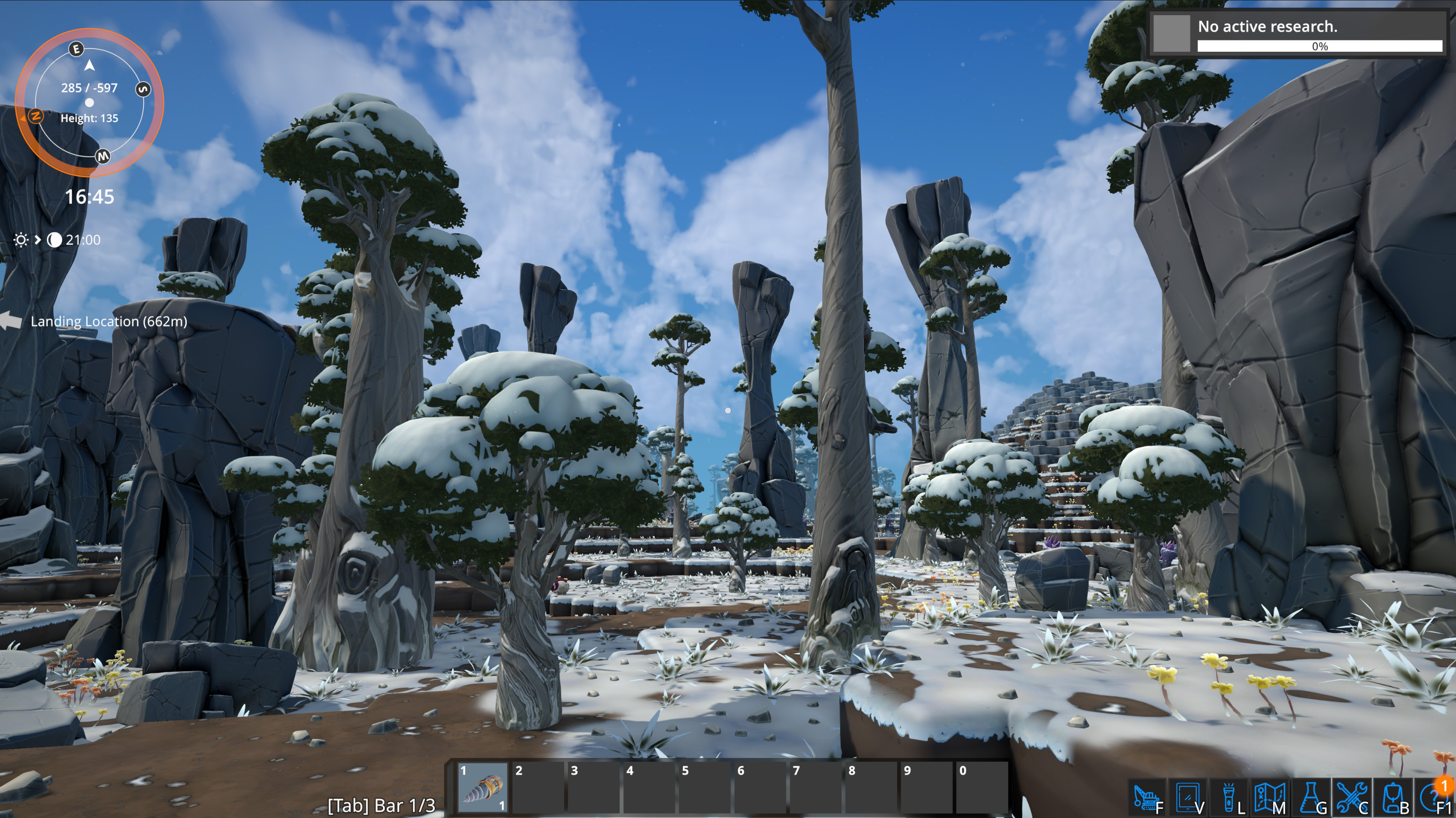
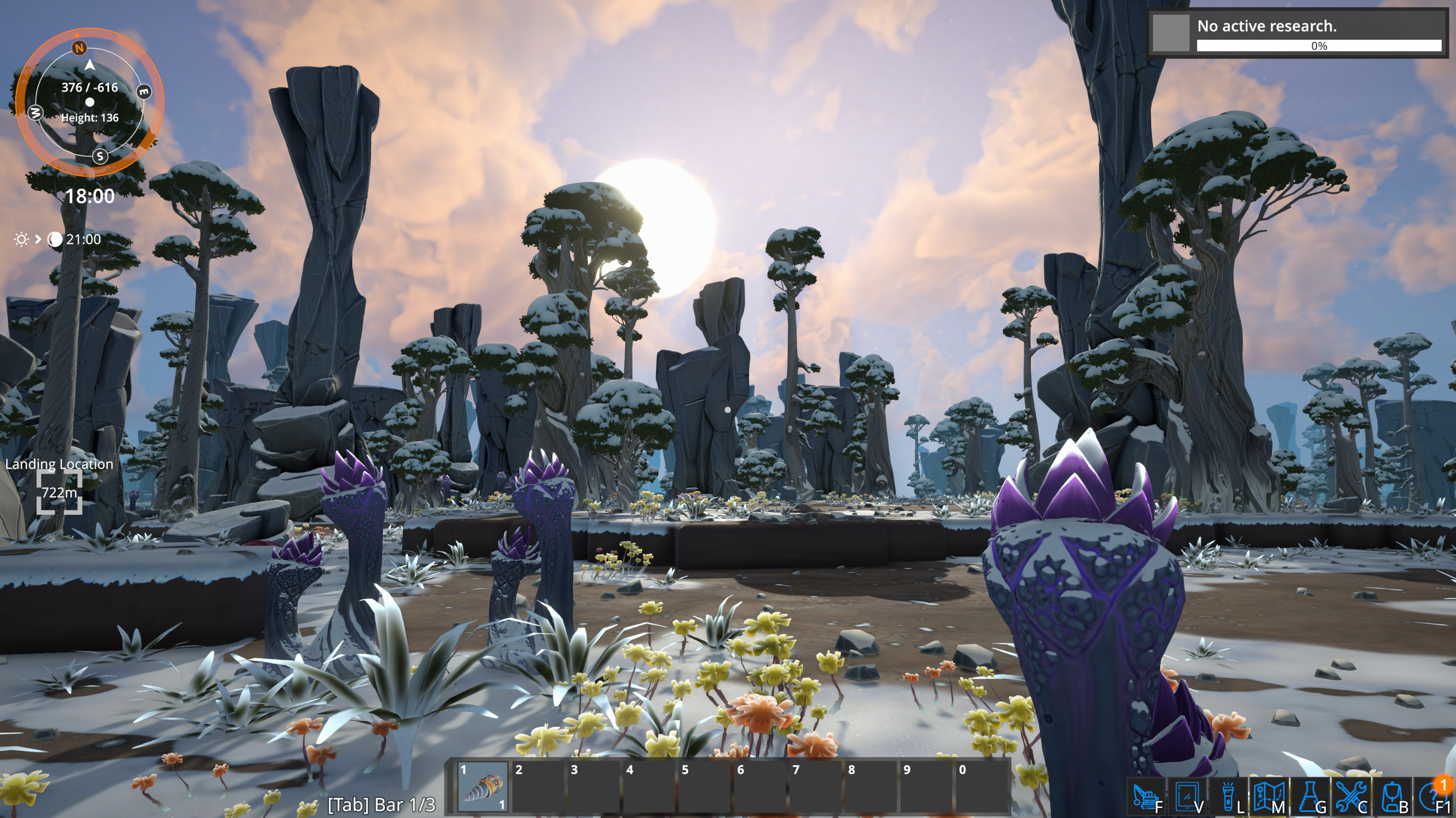
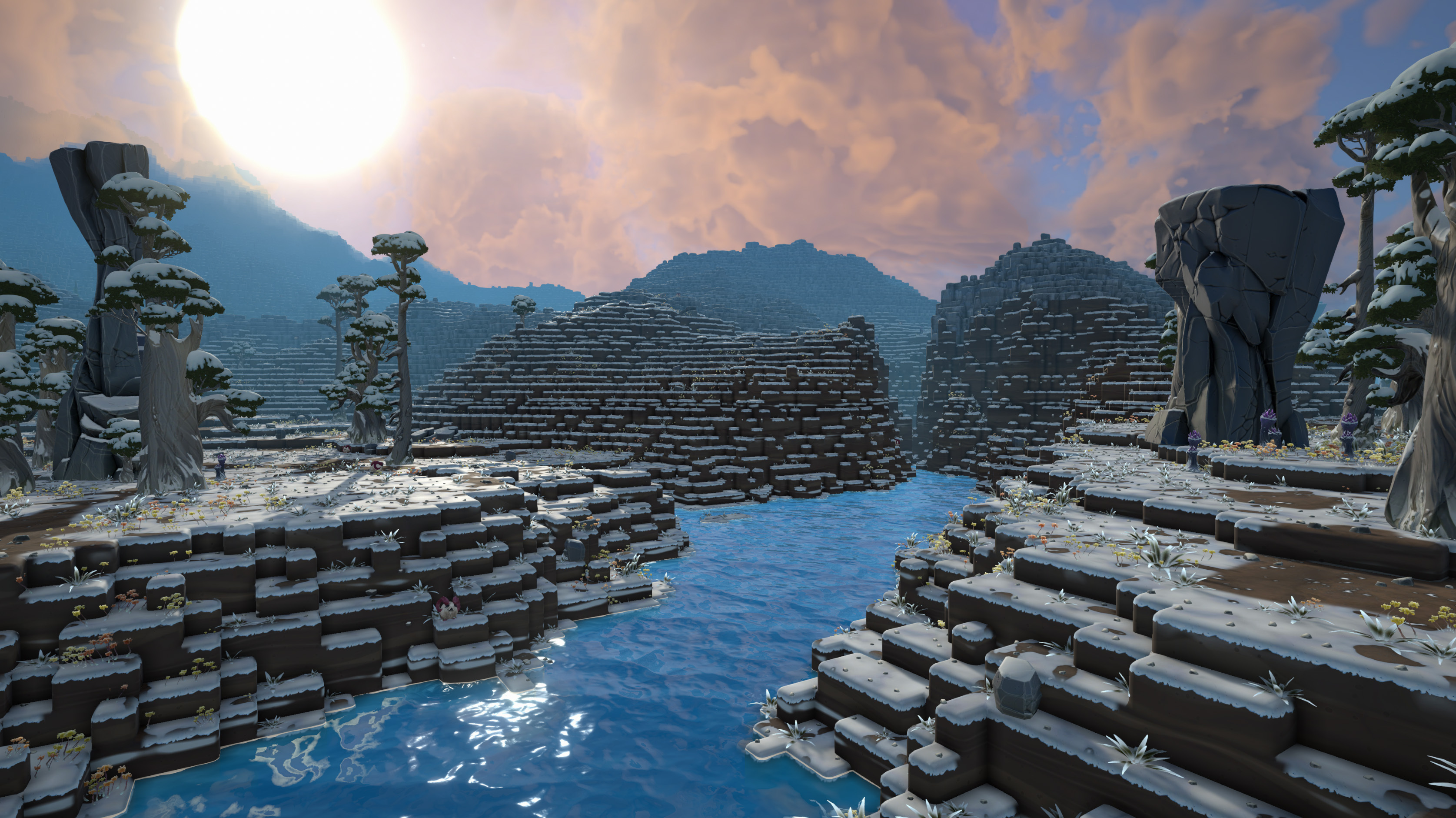
Hello again! My name is Jason, the art director of Foundry. In this week’s ‘Foundry Fridays’ dev diary, I’m showing progress on a new biome.
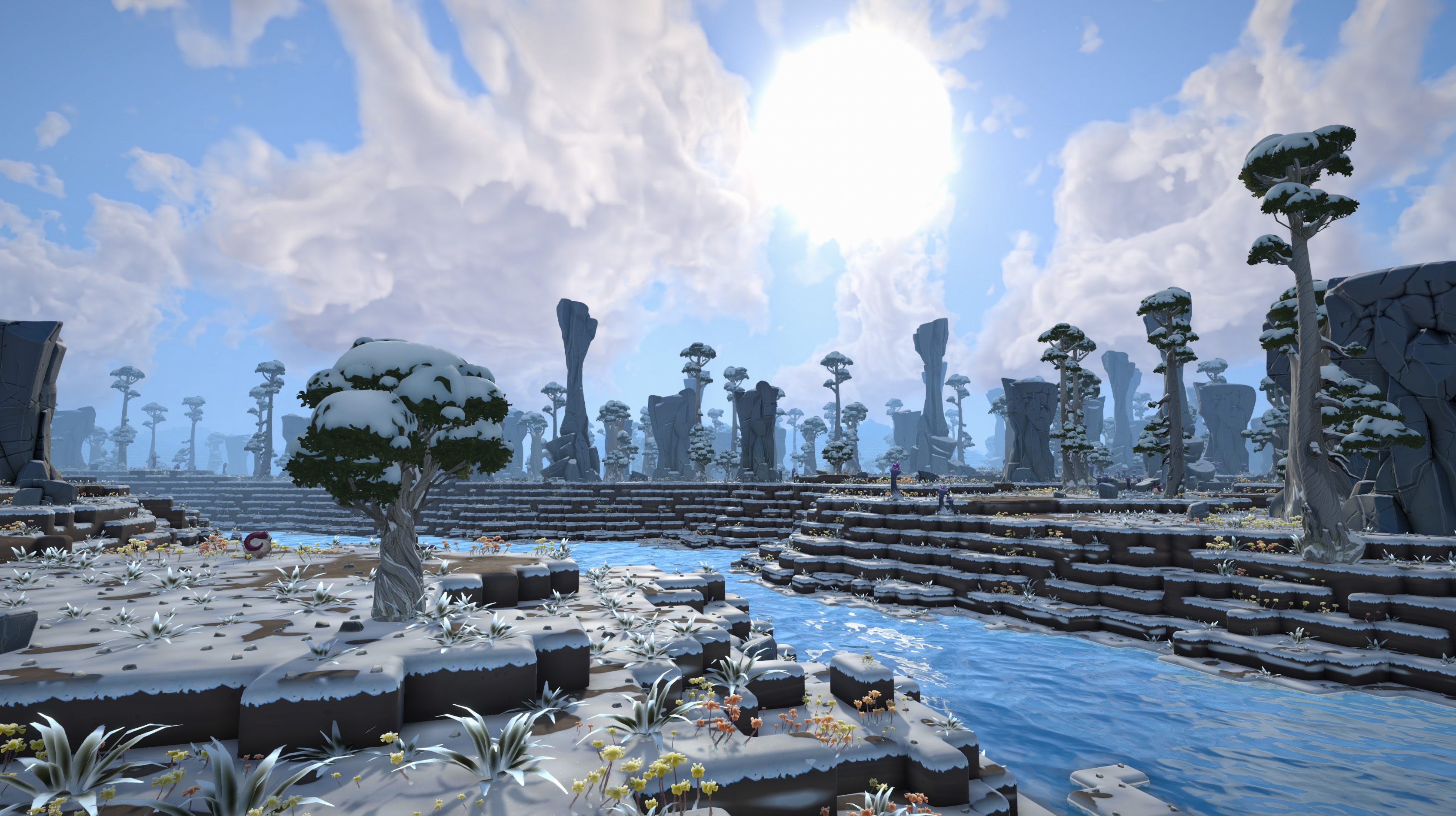
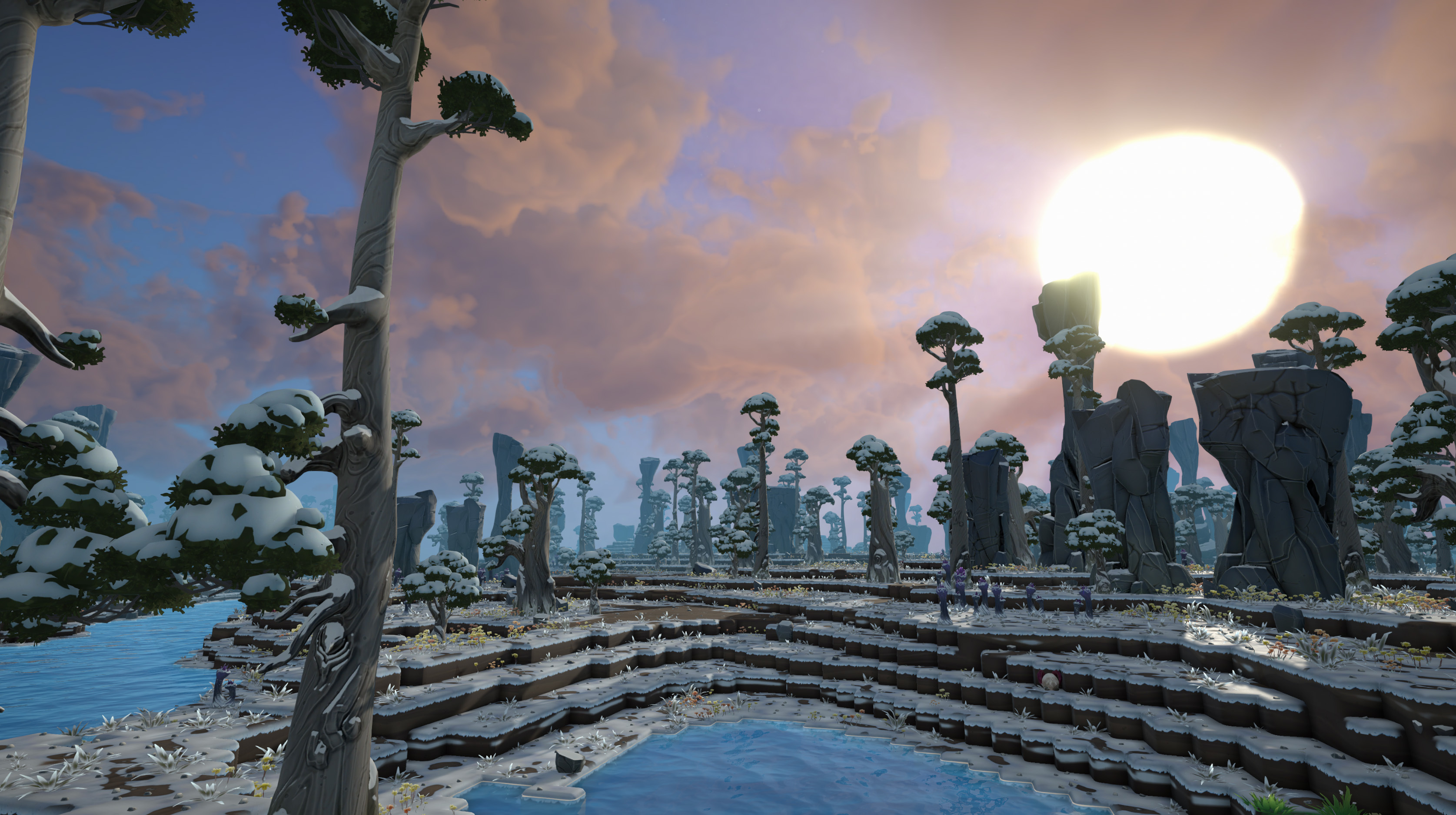
This choice to go with a cold climate biome was only natural 🙂 We wanted an environment that was an opposing counterpart to the rocky desert biome. There is still some work to be done on tuning density and variety of vegetation for biomass resources, but we’re happy with how it’s turning out so far and makes a great addition to the other current biomes already in the game.
I love how the water all of a sudden looks very cold when next to snow covered terrain.
Breaking It Down
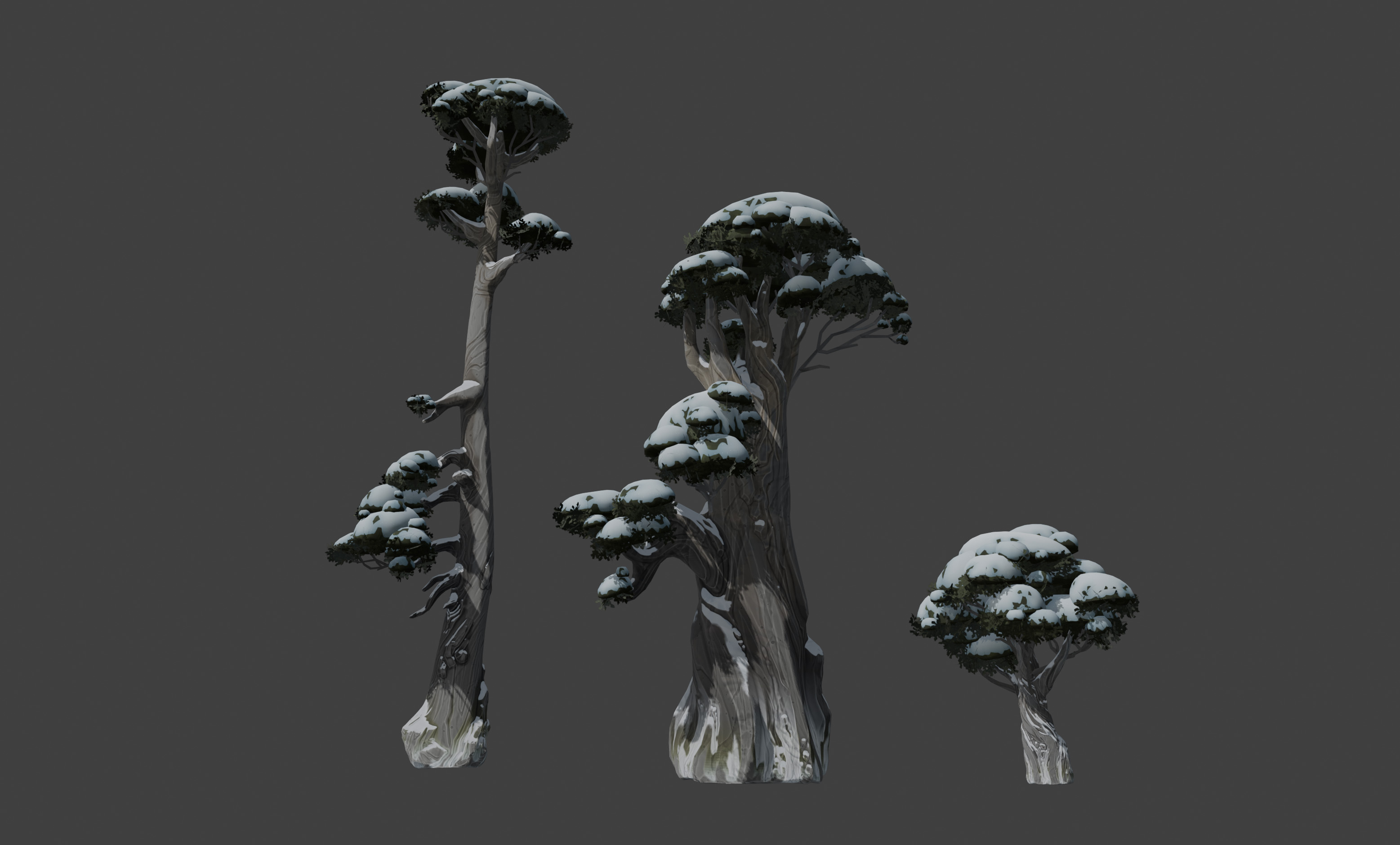
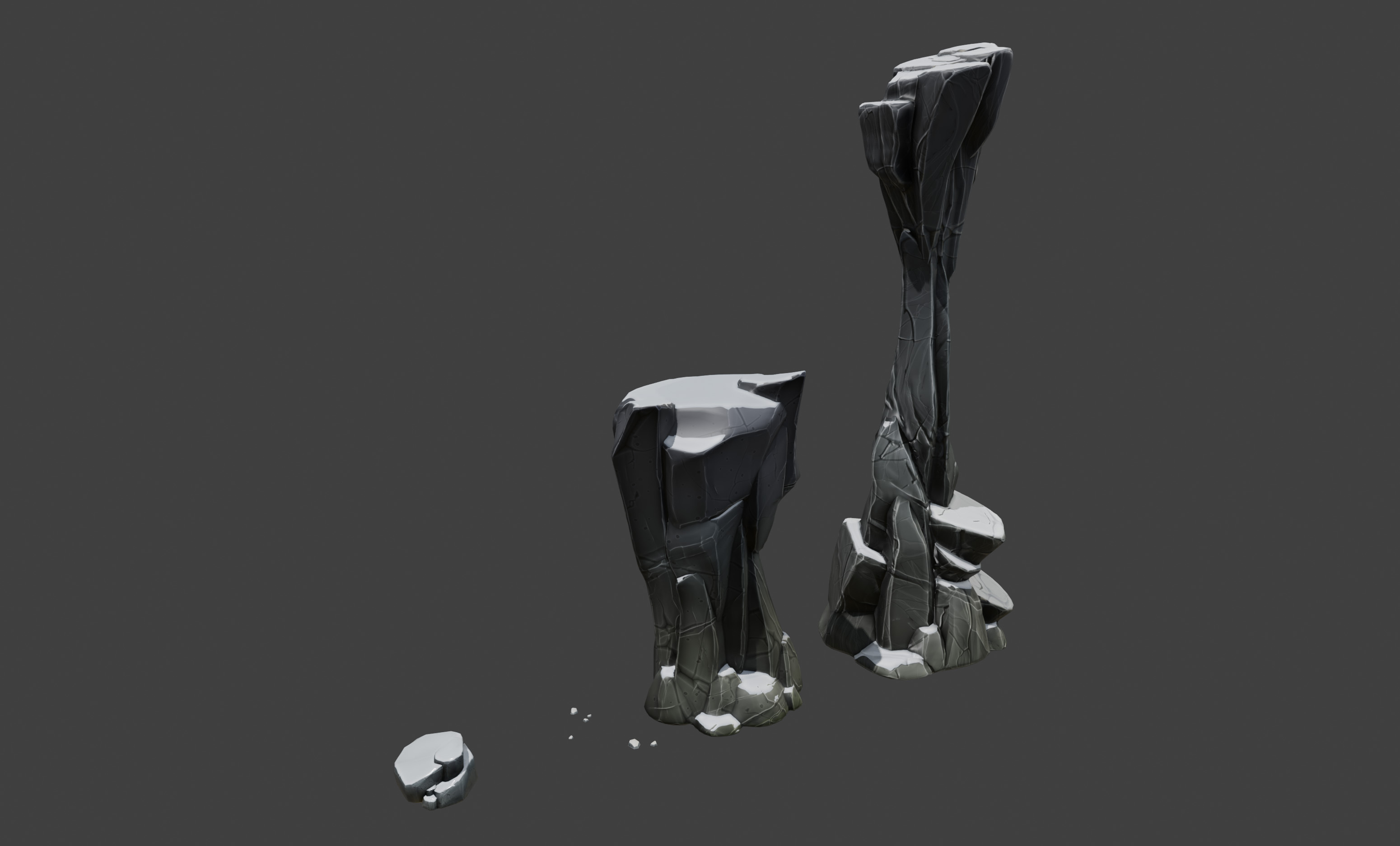
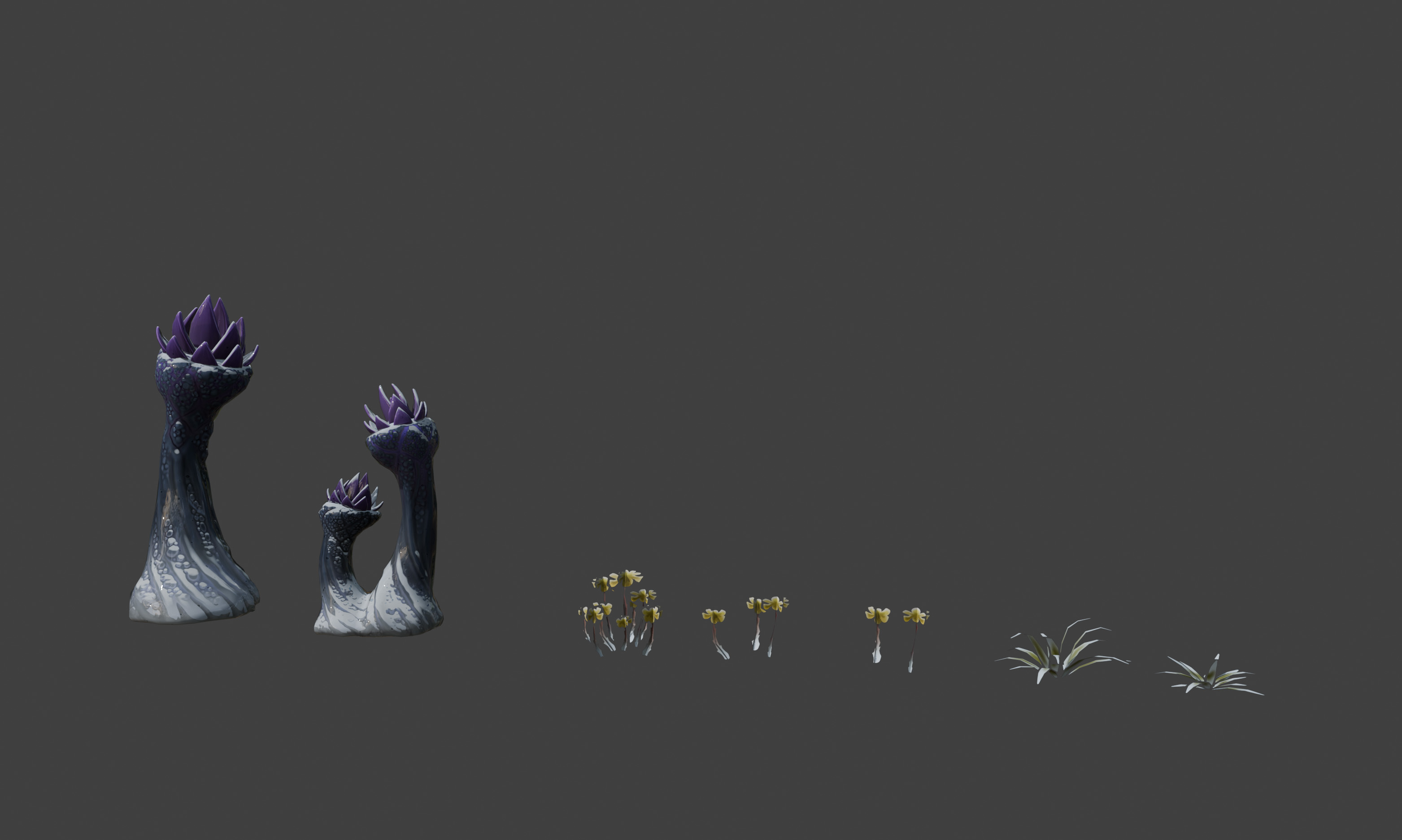
Here are some of the rocks and vegetation used to generate the biome. Trees look thick and tough to withstand the cold temperatures. Rock pillars' shapes are sharp and sheer to contrast against the rocky desert counterparts. Winter flowers add accents of colour to the frosty white surroundings.
Stay tuned to see more of this little guy hobbling around the snowy landscapes 🙂
So there you have it. Short and sweet. Until next time! Jason
DevBlog #70 | Foundry Fridays: Scaling (the performance of) the factory
Greetings Founders!
From all of us at Foundry, we wish you all a happy new year. As some of you may know, we’ve been hard at work at expanding the gameplay side of Foundry. For example, with the recently announced trains we want to allow the player to make factories that span the entire map. But as the factory expands, we have to make sure that it runs properly for our players, even on portable devices like the Steam Deck.
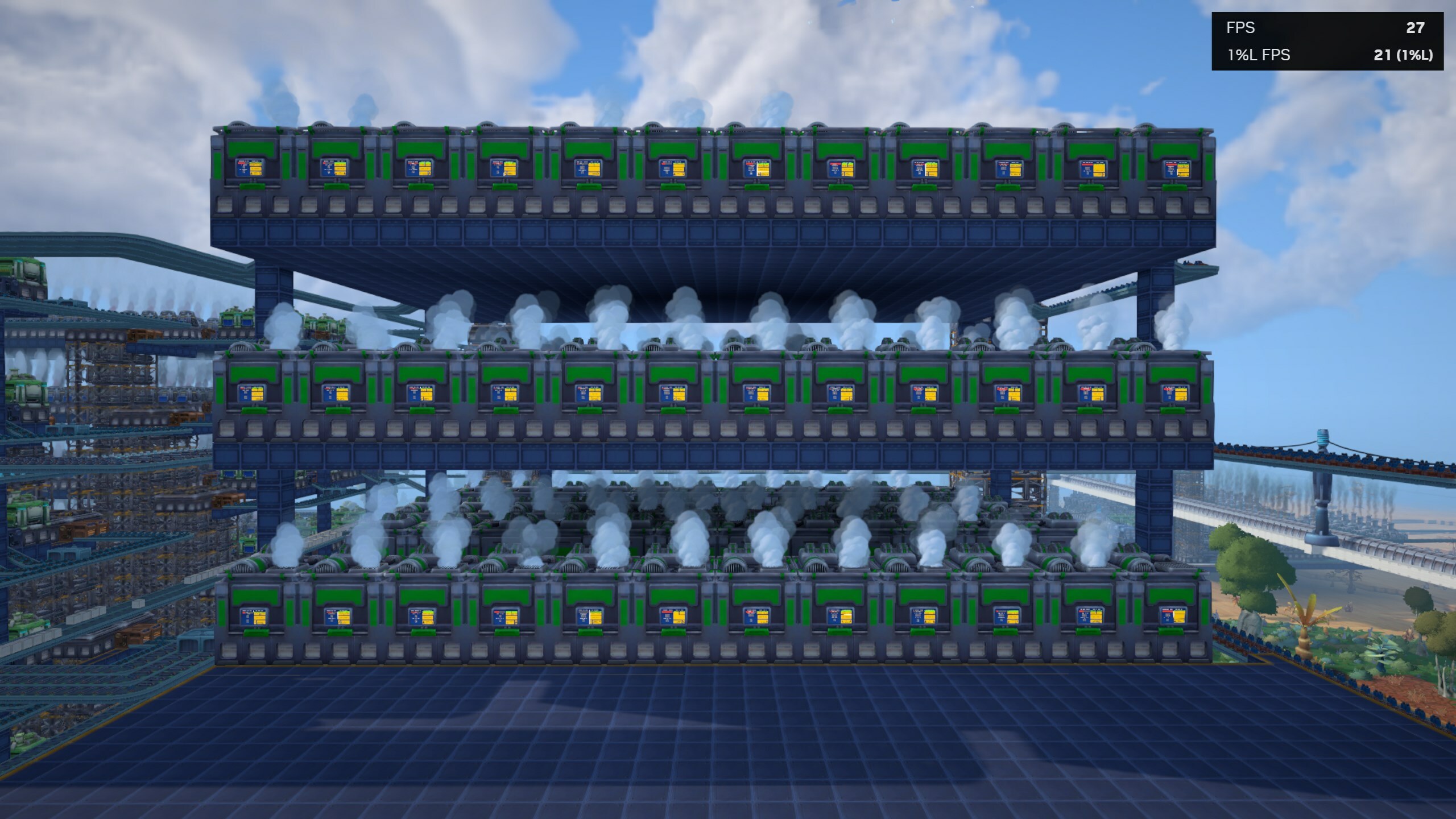
While going through some save files from users that had reported performance issues, we came across a particular condition that would make the game’s performance come to a crawl. By profiling it, we discovered that the game would sometimes spend up to a third of the time that it took to render a frame just on the screen panels of machines. Here’s a screenshot of the mere 27 FPS within a base that definitely needs some performance improvements.
The benchmark place, where performance goes to die…
For the screen panels we already had some optimizations in place to not update the text or contents of the screen panel every frame, but rather periodically. This load balancing trick is used in many systems throughout Foundry, and it prevents the game from suddenly having large stutters when you move around your camera or a power outage hits your base.
However, even though we update the contents of the screens only every few frames, Unity will still have to render each of the 36 screens in the above screenshot one-by-one, each consisting of multiple steps. This is unlike the 3D geometry of the buildings, which are rendered using GPU instancing which makes it cheap to render either 10 or 100 buildings on the screen.
To address this, we thought that it’d made sense to only re-render the screen panels when the screen contents get rendered. Since our screen panels already uses Unity’s UI system and it would take a long time to make a comparable UI system, we opted for trying to get Unity’s UI to rerender periodically. However, to do this we need to take full control over Unity’s UI rendering and replicate how Unity renders the UI of the screens ourselves.
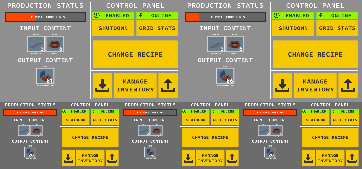
After having done exactly that, the game is now able to render all the screen panels of all the buildings in the world to this single texture. By only updating a single screen per-frame, we avoid the large cost of having to re-render hundreds of individual widgets of the screen panels. And to avoid losing responsiveness when a user wants to read or interact with the screen, the game will only use this optimization at far away distances at various smaller resolutions.
An example of how the various screen panels are all tightly packed into this texture
The last step is to replace the regular screen panel rendering with the versions that are drawn inside this texture atlas cache, as we internally refer to it. Using the same GPU instancing that we use for the assemblers and many of the other buildings, we can draw both old and newly rendered texture just by a single render instruction for the GPU.
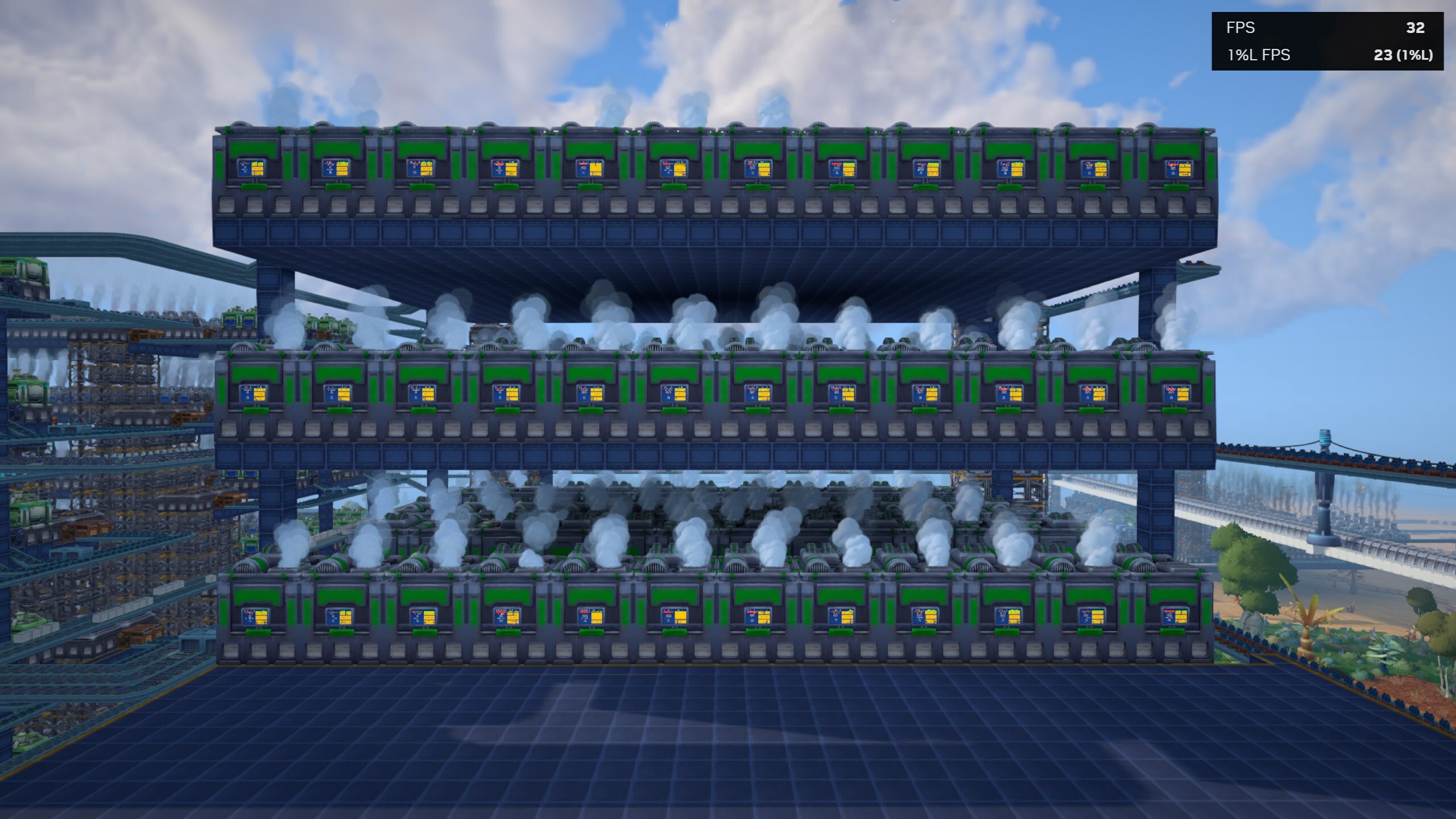
The same place, but now optimized!
And the end result is… pretty decent. In this benchmark factory we went from 27 FPS to 32 FPS, which is a 16% improvement that might affect quite a few of our player’s factories out there. This optimization made the screen rendering itself 33% faster in this specific location, but we also no longer risk the issue of having too many screen panels being rendered at the same time since the custom rendering system will only update up to a certain amount of screens anyway. We also have a lot of room for performance improvements regarding the screens now that they’re manually rendered.
I hope this somewhat technical breakdown was understandable enough! For future reports, we’ll try to get back to a more relaxed angle, but I think this was a great example to explain some of the behind-the-screen tricks we use to improve the performance in our game. - Milan