

Freedom Physics
special obj ability values and joint strength options
2) special object ability values all adjustable
portal - abv1 controls what portal the portal links to
canons/grapple/stickeyblock
- abv1 is the cooldown between rate of fire
abv2 is the strength of fire multiplier
Repel Bag/Attract Ball
- abv1 Force Range
- abv2 Force Power
- abv3 Show Visual
Rocket Launcher
- abv1 Fire cooldown
Laser
- abv1 Laser Range
- abv2 Number of bounces
- abv3 Laser Speed
BOMB
- abv1 explosion sensitivity
WINDBLOCK
- Wind Power
- Wind Range
- Show Visual
TEKIBOX
- Spawn Cooldown
3) Joint Strength multiplier
More GUI and Improvements
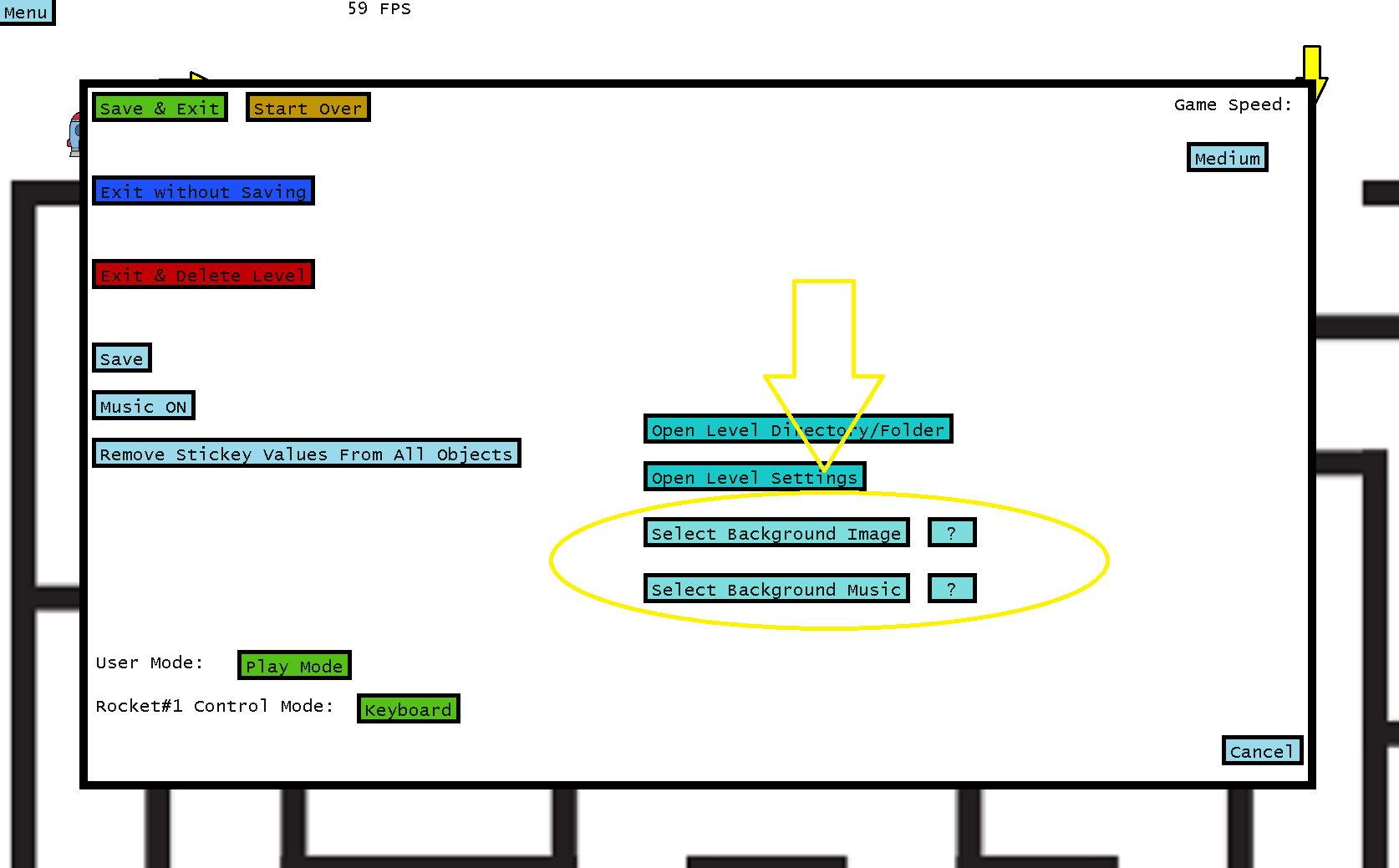
2 You can select/browse for background images & music using the in game menu here now:
3 You can create new Levels/LevelPacks from the main menu here now as an alternative to manually creating folders in level directory:

4 Fixed some inconsistency issues with special objects that fire projectiles no scaling properly with different sizes
New Features! QOL & Menu Improvements
zoom in/out with mouse scroll or xbox controllers LR buttons
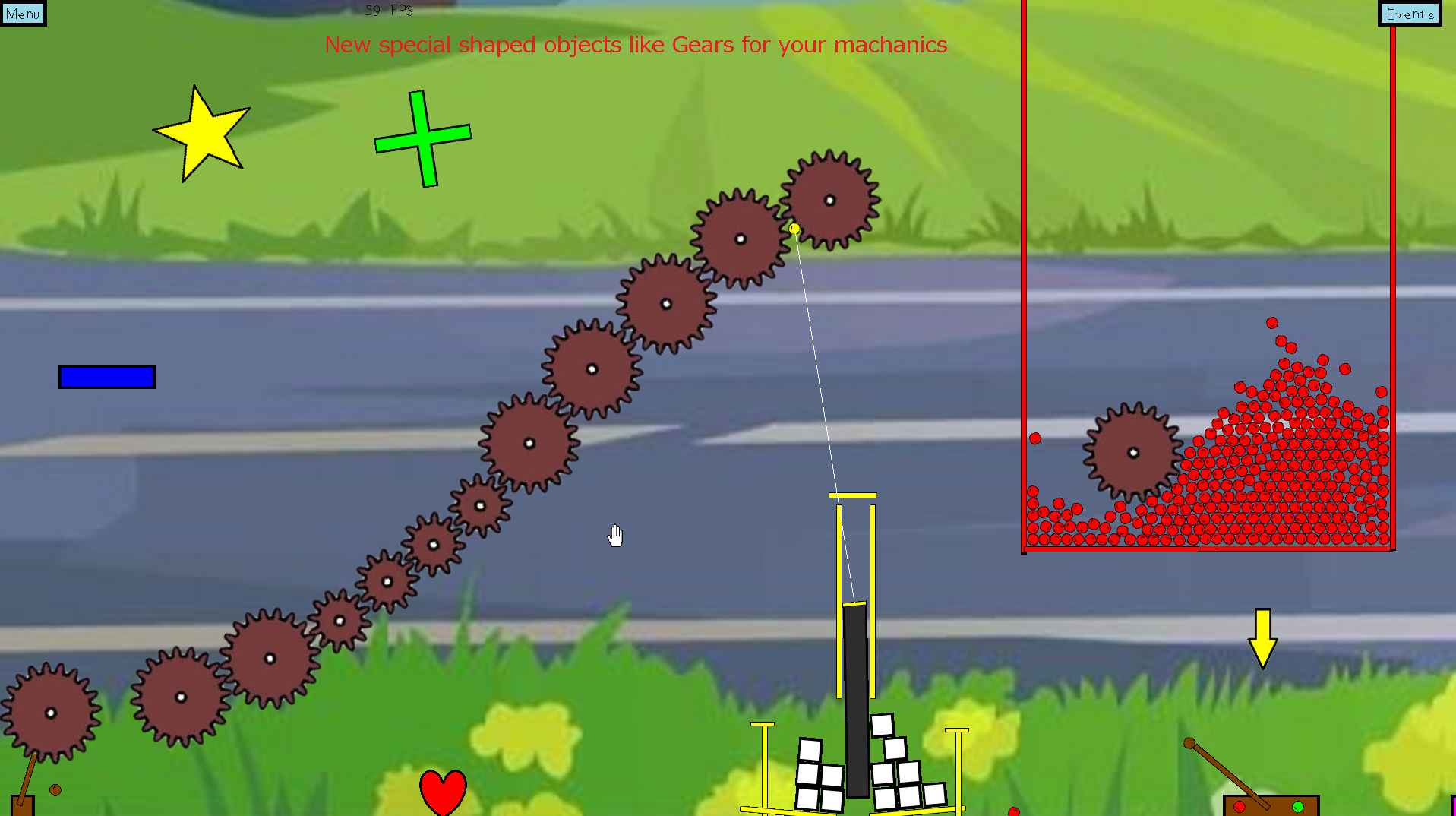
adjust all objects size to any scale - obj special abilities scale with the size where applicable
buttons with many choices now have multiple choice window
explosions imrpoved - fireworks
special shaped objects heart, cross, gear
special object anvil is 5x denser
in game menu for level options.txt (no need to edit that file anymore)


QOL:
selected object flashes while editing
visual indicators in level edit mode that an object your creating has attributes like sticky or non-normal placement types
can tab(or shift tab) through selected objects
help/menu:
help "?" buttons in all menus
from esc/pause menu there is a button to open level directory
buttons easier to press on touchscreens
first time game level opened will display welcome message showing some basic info
button to open event menu from hand tool mode added
button to edit object once selected with hand tool
minor bugs/fixes/improvements:
fixed GUI issues on low resoluion like 1024x768
fixed some errors / more error handling
esc to move back level or quit app
Three New Features in Freedom Physics
- Added zoom in / zoom out with mouse scroll and controller L/R buttons
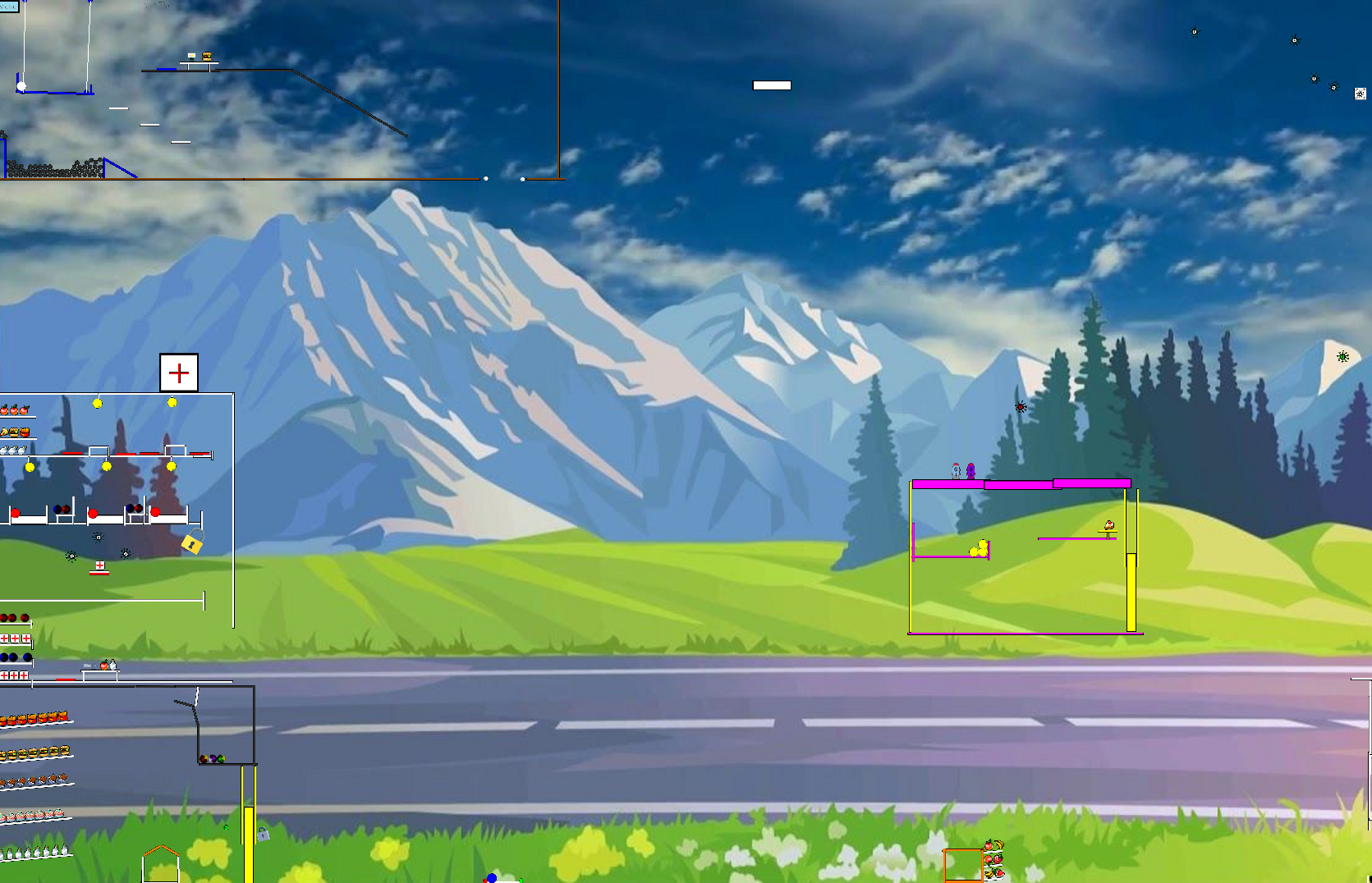
- Added easy to add more objects, paste images in /img/rectangles or circles folder for extra objects to your level

- Added "Teki" enemies that seek out and try to destroy player controlled objects. They can be spawned individually or spawn a "Teki Box" which will periodically spawn more of them slowly and randomly.

New Special Object - LASER Pointer!
[previewyoutube="QrO3MDAnh-Q;full"]
The laser can be customized, how long, how many bounces, color, speed etc. And it triggers collisions when the laser touches objects so you can tie in actions to happen when the laser touches things with the event menu.
New Feature Added - Formations
See the video for a demo and possible applications for this feature.
[previewyoutube="dT_sCtEJVSk;full"]
New Special Object Added - Water Dispenser
This video demonstrate a few of the new fun experimenting you can do with the new water / water dispenser special object.
[previewyoutube="OcVv3TDbnl8;full"]
CAUTION: The amount of water that can be added before slowing down the game will vary on PC specs. Yet I will still give you the Freedom to add as much as you want. Take care not to add more water to your level than your PC can handle.