For those that have not checked out the beta test branch post for 3.1.2, a few things need explaining when it comes to the connection rules. If you have been on our beta test branch then skip the following as its a total copypasta job xD and check out the changelog for any new additions/changes/fixes.
We listened to the feedback from 3.1.0 and put in this feature to help people build more freely. This allows more freedom than ever before to plan out a build with a rough blueprint of disconnected pieces and then connect it all later. Pressing backspace in build mode de-activates the connection checks. You can then place anything literally anywhere. The connection checks will re-activate if you have been out of build mode for 30 seconds, or if a block is killed by hostile fire. You can save the vehicle with connection checks de-activated so that you can continue your disconnected building over several play sessions or save points.
The change also makes it so that the first disconnection check when a vehicle is loaded will not make blocks fall off but will simply mark them with a warning so that the player can enter build mode, disable connectivity checks, and fix the issues so that the parts never fall out. That change has been made so that we can be a bit more liberal with tidying up the connection logic of some blocks but not create a nightmare situation where the vehicle is loaded and then immediately just falls apart. Note carefully that many of the changes in the change list are for removing the connection surfaces of blocks so that in 3.1.1 some unlucky people are going to have a few designs that need to use this feature to save a few blocks from falling off.
We have also changed the way munition/laser warners and signal jammers work. They no longer need to be connected to the AI and the reason for this is that none of those parts made any usage of the AI mainframe as the munition warning manager and laser warning manager is specific to the vehicle, not an AI mainframe, so they have no reason to be coupled to an AI mainframe any more. This allows player controlled vehicles without AI to make proper use of all countermeasures ( flare dispensers, interceptors and smoke, etc)".
I thought I should leave some basic instructions / demonstration in regards to the connection check, how to turn on off and what you should keep an eye on.
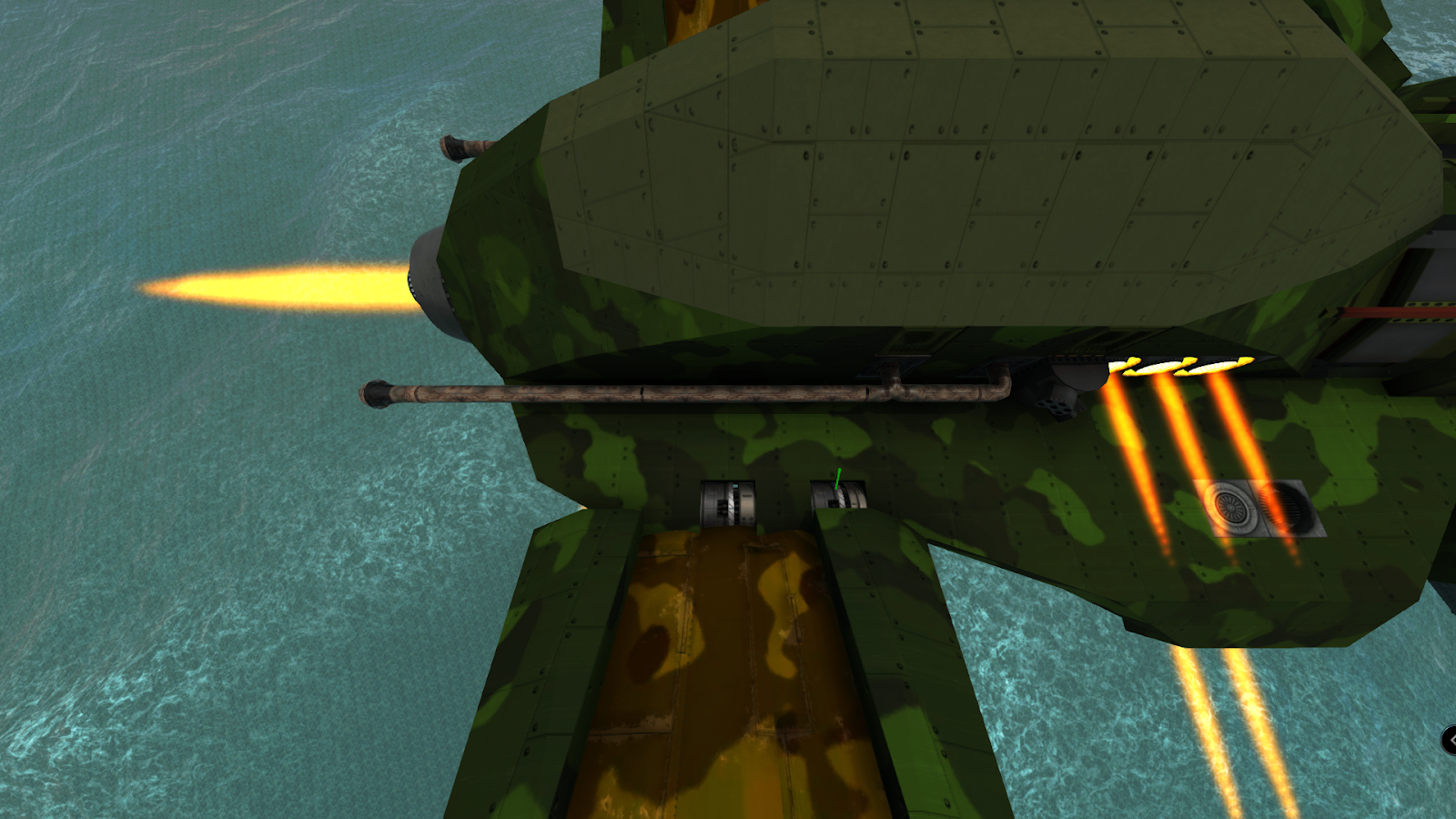
When you load up the designer mode, by default the connection check and rules are in place and therefore you would not be able to place blocks like the following pic.
In order to deactivate the connection rules, you will need to press "Backspace". Anything you place that is not allowed, due to the connection rules would be coloured in Magenta and you will also see a warning to the left of your screen.
Once you reactivate the connection rules and you still have something connected that would potentially fall off, you will be warned.
If you come out of build mode, you will notice a timer indicating that the connection rules will be reactivated in X seconds and when it reactivates the Magenta coloured blocks will fall off, unless you pop back into build mode.
Changelog
Additions
Connections
Missiles
Changes
AI
APS
Connections
Decoration
Defenses
Laser
Missile
What is happening at Brilliant skies News post for December.
What is up Depthians!
It's about time for another “What is happening at Brilliant skies” post for December.
As most of you already know we had enforced the connection rule set for numerous blocks and with that, we had a lot of feedback. Therefore in Beta update 3.1.2, we added a new feature which I hope I explained well enough in the Beta patch notes. We also changed the way munition/laser warners and signal jammers worked so that they no longer need a direct or wireless connection to the AI mainframe, also explained in the Beta patch notes.
We have implemented the new huge missile parts in 3.1.2 so I do hope to see some epic screenies with a lot of marauders being turned into confetti.
The team is also working on tweaking up the way the warp system works which we should see hopefully in 3.1.3 if all goes well. Further details on that will be disclosed on release and this will most probably be in Beta before it hits stable.
Another new block that will hit From The Depths is the Spawn-o-Matic, which while it is mostly directed to help new players when spawning in designer mode to give them a little direction and not feeling overwhelmed. Rather than spawning on a raft, we should see a new default fort(you can the starting construct change to whatever you want), which will have this new block that will hold a number of craft ready to be spawned that a new player can check out and use as a reference when building their own crafts(land, air, sea surface, sub, hover, thruster etc..).
Mimic 2.0, this following new feature is going to be a massive change to the way mimicry works. For 3.1.4, we hope to release Mimics 2.0, in short, and a basic vague description for now. This new system will allow us to place a non-physical block that won't take up space nor add to block count on any block we choose. We get all the usual tool sets the current mimics have to select what we want mimicked distance in the usual directions, size, rotation and everything else. Once the block that this new mimic is “tied” to dies then ofc the mimicked object will also fall off, however, they do not cost any material they will reappear once the block they are tied to is repaired. In regards to our current mimics, they will still remain in-game with no changes.
While all this and much more is being done during December, such as steam drive shaft splitters, missile wireless system, Rambot weapons, sky fortress turbine model and much more! We are also working on Diplomacy for 3.1.5 more details on that once we get closer to releasing the beta update.
Beta 3.1.2
What is up Depthians!
We listened to the feedback from 3.1.0 and put in this feature to help people build more freely. This allows more freedom than ever before to plan out a build with a rough blueprint of disconnected pieces and then connect it all later. Pressing backspace in build mode de-activates the connection checks. You can then place anything literally anywhere. The connection checks will re-activate if you have been out of build mode for 30 seconds, or if a block is killed by hostile fire. You can save the vehicle with connection checks de-activated so that you can continue your disconnected building over several play sessions or save points.
The change also makes it so that the first disconnection check when a vehicle is loaded will not make blocks fall off but will simply mark them with a warning so that the player can enter build mode, disable connectivity checks, and fix the issues so that the parts never fall out. That change has been made so that we can be a bit more liberal with tidying up the connection logic of some blocks but not create a nightmare situation where the vehicle is loaded and then immediately just falls apart. Note carefully that many of the changes in the change list are for removing the connection surfaces of blocks so that in 3.1.1 some unlucky people are going to have a few designs that need to use this feature to save a few blocks from falling off.
We have also changed the way munition/laser warners and signal jammers work. They no longer need to be connected to the AI and the reason for this is that none of those parts made any usage of the AI mainframe as the munition warning manager and laser warning manager is specific to the vehicle, not an AI mainframe, so they have no reason to be coupled to an AI mainframe any more. This allows player controlled vehicles without AI to make proper use of all countermeasures ( flare dispensers, interceptors and smoke, etc)".
I thought I should leave some basic instructions / demonstration in regards to the connection check, how to turn on off and what you should keep an eye on.
When you load up the designer mode, by default the connection check and rules are in place and therefore you would not be able to place blocks like the following pic.
In order to deactivate the connection rules, you will need to press "Backspace". Anything you place that is not allowed, due to the connection rules would be coloured in Magenta and you will also see a warning to the left of your screen.
Once you reactivate the connection rules and you still have something connected that would potentially fall off, you will be warned.
If you come out of build mode, you will notice a timer indicating that the connection rules will be reactivated in X seconds and when it reactivates the Magenta coloured blocks will fall off, unless you pop back into build mode.
Changelog
Additions
Connections
Missiles
Changes
AI
APS
Connections
Decoration
Defenses
Laser
Missile
Prefabs
Steam
Tooltip
Fixes
AI
APS
Decoration
Gridcasts
Multiplayer
Steam
Steam Awards 2020, Dont Forget To Vote!!
Hey Depthians!
It has been a long road developing From The Depths which has recently come out of Early Access, however that does not mean that we will slow down in releasing new features and other tweaks!
From The Depths would have not been able to reach this point without all your support throughout Early Access, and we would love to see your support once more.
Help us achieve the "Labor of Love" award by smashing that little circle above!
Thanks as always for your support from all of us at Brilliant Skies.
Merchandise Store and From The Depths trading cards
What is up Depthians! Just a quick FYI, we now have From The Depths trading cards on Steam and we have also launched our merchandise page >HERE<, for you to add some goodies to your Christmas wishlist. We hope you like the selection of items, and if you have any suggestions in terms of merch don’t hesitate to let us know!
I can’t wait to get my hands on that epic desk mat and a cosie hoody for the cold Christmas that’s on the way xD Must not forget about nutmeg in a new mug too 😛
STABLE + BETA 3.1.1
Hey Depthians!
Some tweaks and changes to the block connection surfaces and a new block type connection strut, which comes in alloy, metal, wood and heavy armour. This will allow you to connect parts like the long side of an exhaust to the hull of your construct as well as many other blocks. We have also added a wing variant of the strut block, which also make use of - / + force like other wing parts and at the same time resolved some issues with surface drag.
Changelog.
Additions
BLOCKS
Added an optional (off by default) visual effect for the docking station
Changes
AVATAR
Rambot avatar texture update
BLOCKS
Added a second connection surface for AI wireless receivers
Inline turbochargers now connect directly onto carbs
Simple laser has a connection surface UP now (as well as DOWN)
The large chain now has connection surfaces on the left and right side
CONNECTIONS
‘Protection’ of old blocks is no longer applied to blocks that connect on all six sides anyway- this reduces the file size of the blueprint
Stable + Beta 3.1
What is up Depthians!
What is this new disconnection check? I hear you scream
As some of you know, some blocks can only be attached by a specific side and some of the other sides you may not be able to build on/attach blocks to(red squares). We have enforced this rule with this update as we could bypass this rule by shift+click to replace a block which initially would not be able to be put in that specific location.
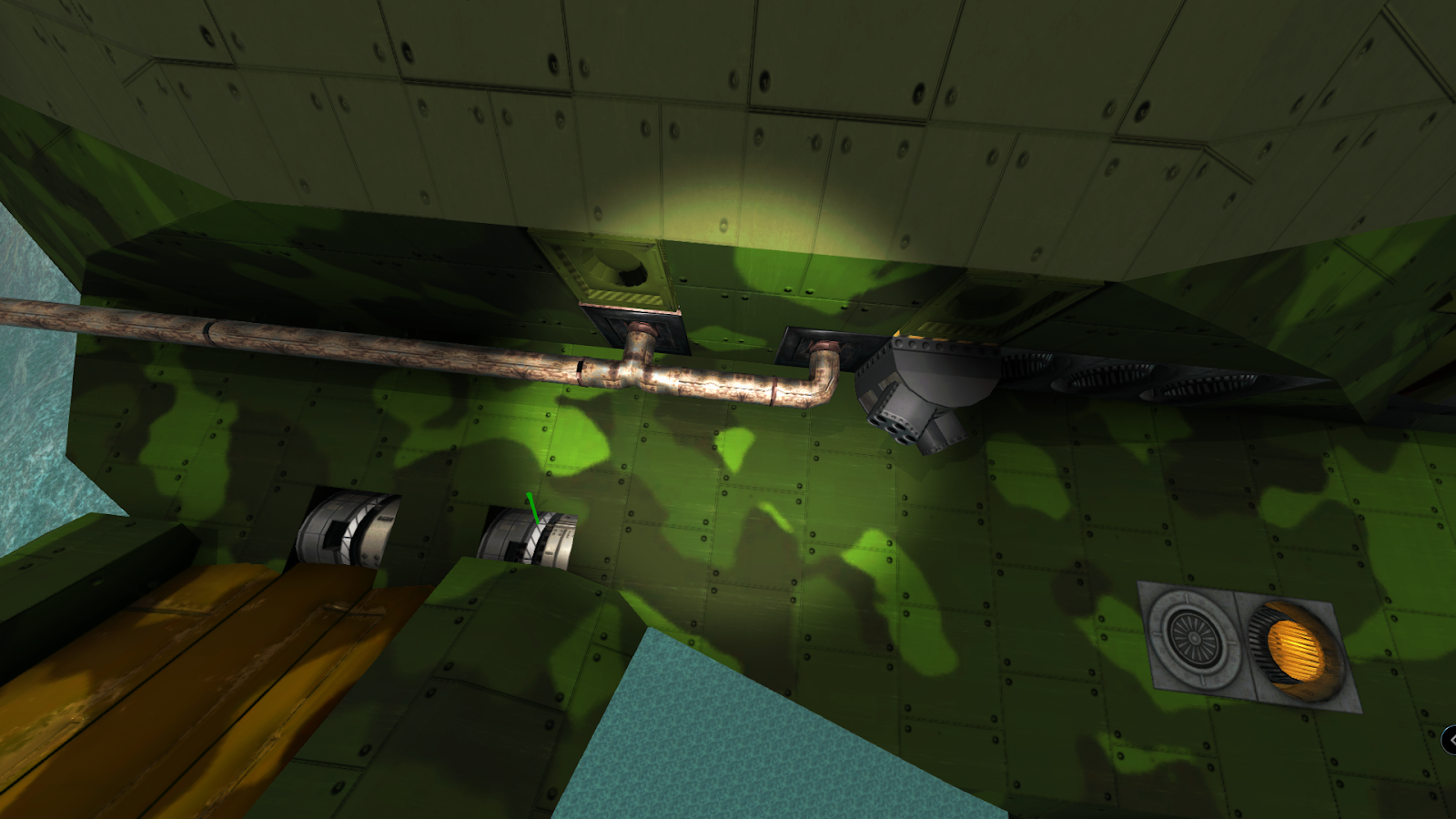
Let’s take this exhaust as an example
As you can see it is only connected on the T junction and the corner. It is not attached to any of the light-alloy blocks of the construct, therefore if I delete or if the T junction gets destroyed the rest of the exhaust system will fall off.
However! Do not worry about your current blueprints already saved block placement as they will not be affected and you will see a tooltip saying that the block you are looking at is protected. Only newly placed blocks will be affected as the rule and block connection logic is enforced.
It’s a common-sense thing should a floating block be able to connect to something like this exhaust? Not unless it has a face that can be attached to something like the corner exhaust.
You can also disable the protection on your current saves by hitting V on the construct
You may see a few blocks falling off your construct if they were placed incorrectly by using shift+click to replace. For example, this receiver and munition detector will fall off.
Changelog
Additions
Blocks
Stable 3.0.9
Hey Depthians! Another round of fixes and tweaks!
Changelog
Additions
Adventure
Stable 3.0.8
Hey Depthians!
More bug fixing and minor changes.
Changelog
Additions
Autosave
Steam
Changes
Special effects
UI
Fixes
Adventure
APS
Campaign
Missiles
Multiplayer
Steam
Stable 3.0.7
Hey Depthians!!
Another sweet round of changes and fixes.
Changelog
Addition
STEAM
New setting for gearboxes: RPM limit
New setting for steam valves: close on breach. When enabled they shut down if either of their sides has a non-vent steam exhaust
Change
MAP
UI markers showing how to capture/defend territory is now only shown when a fleet is selected
MISSILES
Missile trails are less colourful and more realistic
STEAM
Crank generator RPM-based kinetic loss reduced to 1/3. The crank generator gets a flat kinetic loss, crank wheel RPM-based kinetic loss increased. At low speeds, multiple generators do not increase e
Gearbox flat kinetic loss reduced to half. Lower piston count engines are slightly better
Large turbine kinetic loss down by 10%, small turbine loss up by 20%. Minor output change mostly affecting long turbines, large ones get a slightly bigger boost to compensate for being harder to fit
Steam jet maximum thrust up to 10000, maximum steam use to 5000/s, cost to 1000
Transmission motors renamed to crank motors
WEAPONS
The material-limitation preventing to fire when there’s not enough material/energy is now preventing to reload for APS, CRAM, missile and simple weapons (they can now fire despite the limitation if they are already reloaded)
Fix
ADVENTURE
There is a limit on the maximum volume of enemy units that will spawn simultaneously in adventure mode.
BLOCKS
Engine crankshaft block can now be placed either way around
It’s now a bit easier to see which way around the electric engine should be placed
BLUEPRINTS
Fixed a very uncommon issue causing some old blueprints not to load
BUILDING
The markers showing connection points no longer disappear when you zoom all the way in
SPECIAL EFFECTS
The smoke generator will not switch to ‘fire’ mode anymore when using Shift+P or being repaired [BUGS-2720]
STEAM
Fixed an inaccuracy causing multiple boilers attached to the same pipe section outputting more than 1000 steam for 1 material burned
Fixed blocked steam propellers not getting their efficiency reduced accordingly
Fixed gearbox max power display jumping around under variable load (calculation now runs on the same thread as power generation)
Fixed some vent and valve setups causing steam usage to go down
Fixed transmission outputs having a flat kinetic loss on top of the one scaling by their speed
Propellers and transmissions only connect to matching sized cranks
Steam jets can now connect anywhere pipes can
The piston sounds of the steam engine are now at the correct Hz
Valves now correctly show and track their output when they are connected to plain pipes with exhausts