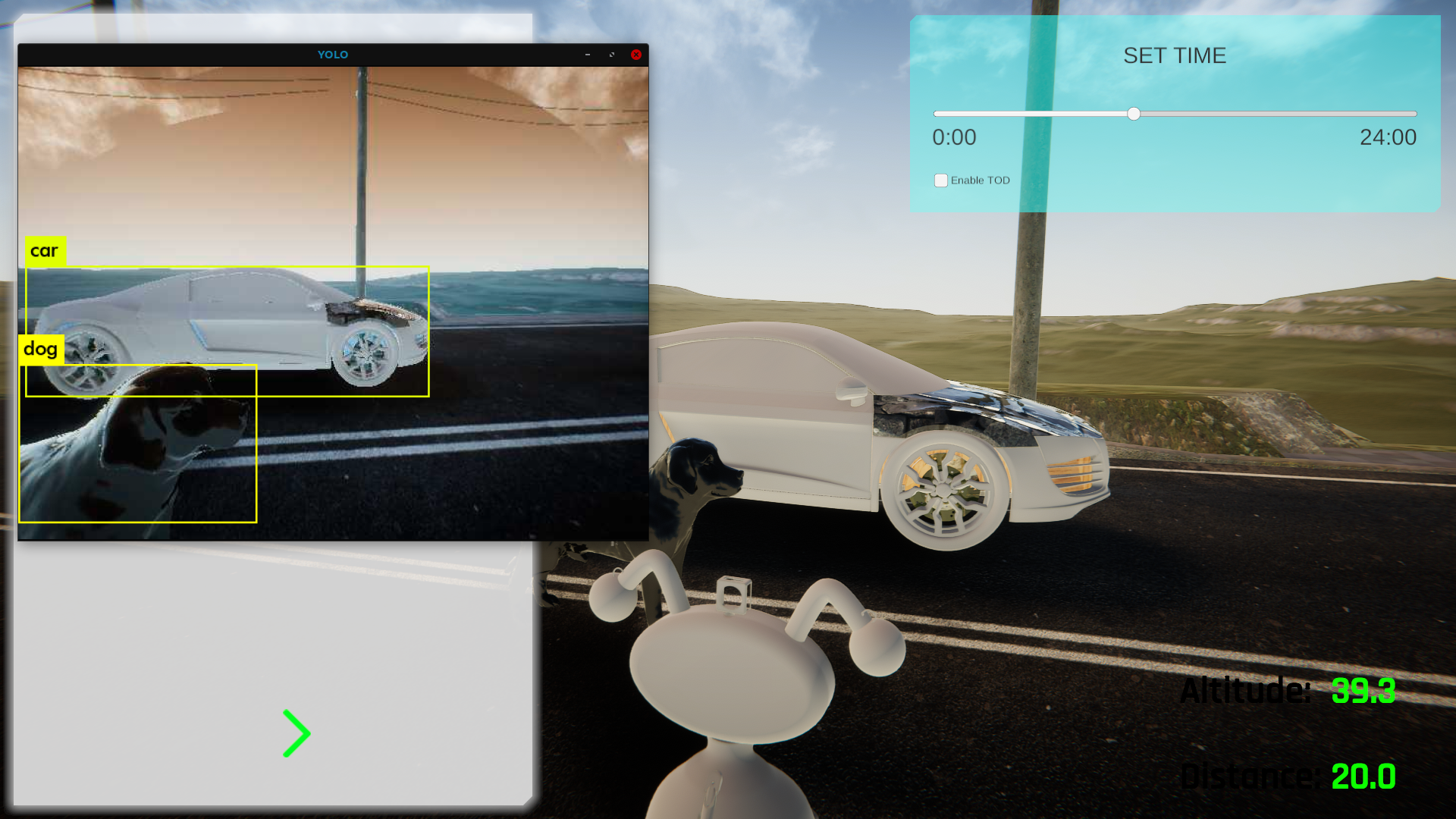
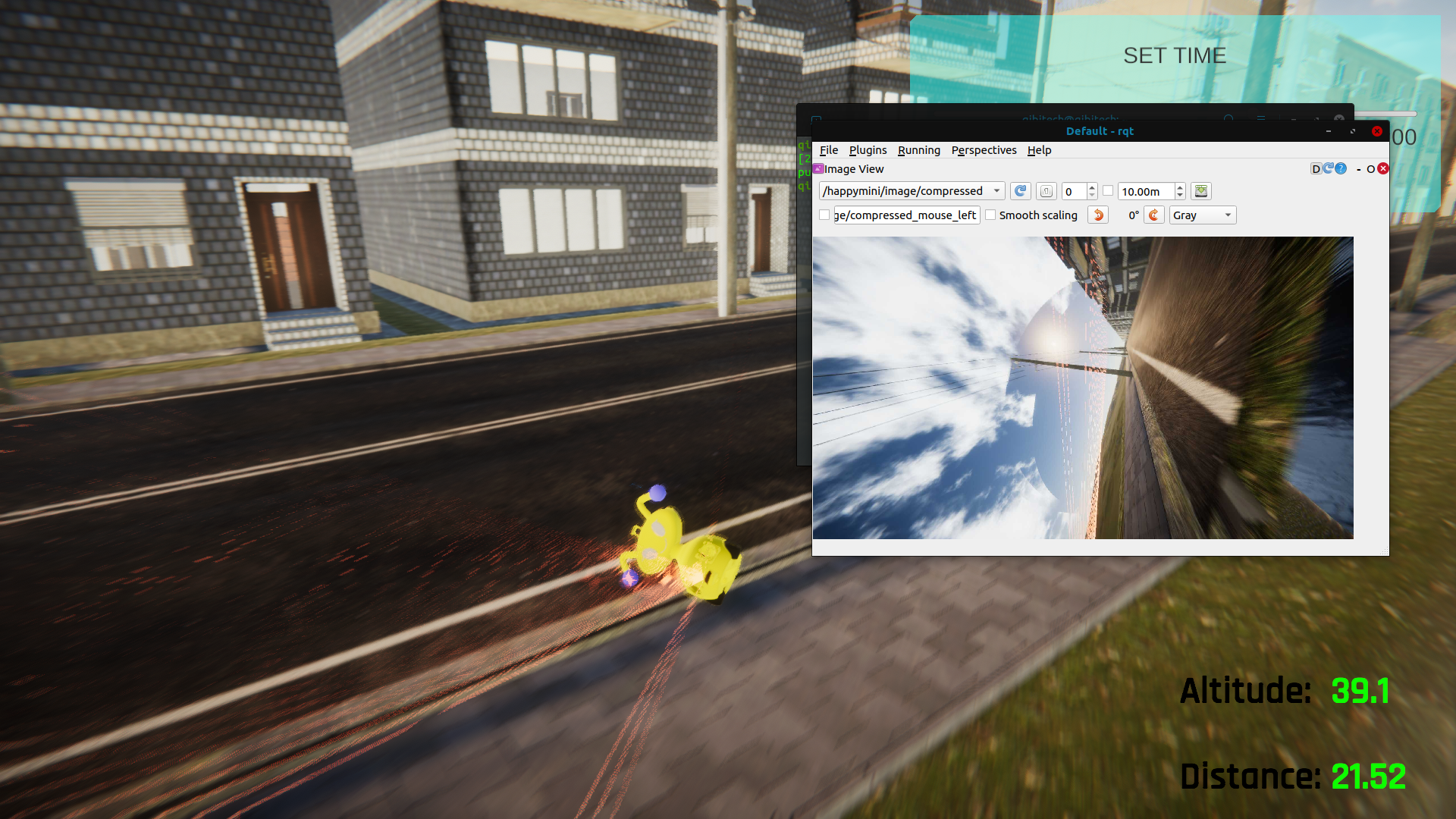
This is a robot AI program running in FutureKreate. AI is understanding Dog and car. This AI program is developed for real world, and FutureKreate can work as same as the real robotics environment!
FutureKreate runs on Linux!
FutureKreate can run in Linux OS! Use Steam Play(Proton) to play FutureKreate on Linux!
Installation for FutureKreate in Linux
FutureKreate Dev Team enviroment is Lenovo Legion 7i, Geforce RTX 2070 with Max-Q design, intel core i7, Ubuntu 20.04 LTS. We used the nvidia 470 graphics driver.
Steam Installation
1. Install the 32 bit packages. Steam Client can only work in 32 bit mode. $sudo dpkg --add-architecture i386 $sudo add-apt-repository multiverse $sudo apt update $sudo apt install libnvidia-gl-470:i386
3. Reinstall steam from website. Access https://store.steampowered.com/about/ from your browser(firefox), and download the latest steam client. $ sudo apt install ~/Downloads/steam*.deb
4. SteamOS-Ubuntu Install We are going to install SteamOS on Ubuntu. $cd ~/ $git clone https://github.com/ShadowApex/steamos-ubuntu
after that, replace this line: INCLUDE_GPU_DRIVERS="${INCLUDE_GPU_DRIVERS:-true}" to : INCLUDE_GPU_DRIVERS="false"
This is a must option. $ gedit ~/steamos-ubuntu/install.sh
After replacing the config, execute this command. $ sudo ./install.sh
Steam Setting
1. Enable Steam Play Enable Steam Play following the link introduction. Choose the Proton Version to Experimental. https://itsfoss.com/steam-play/
2. If you are enabling SteamOS boot, then enable "Interface -> Enable Access to the desktop" option
3. Install FutureKreate! It takes a while for the first install.
Weather Update and Online Multiplayer in development!
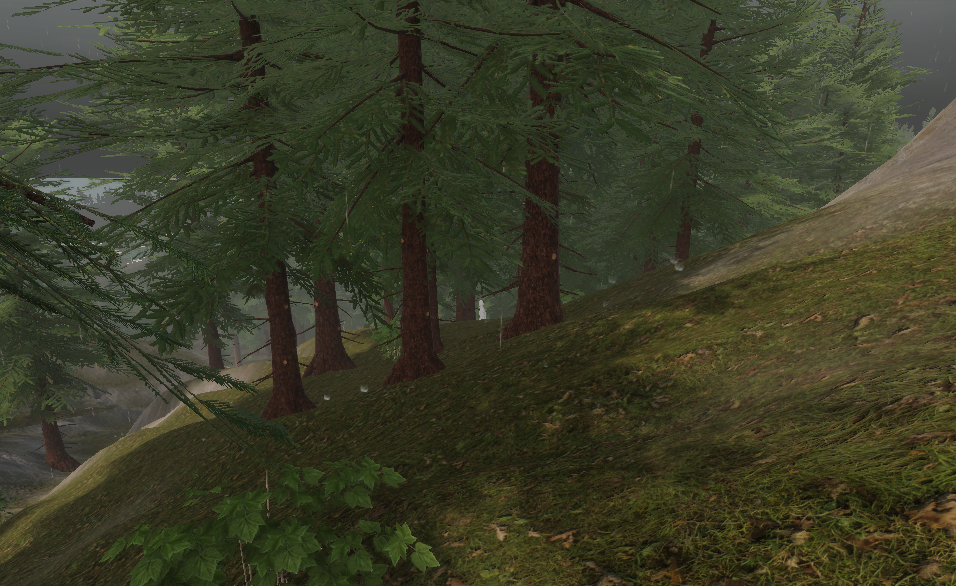
In the next update(large update), FutureKreate is updating the weather system! -Rain & Snow -Better Moon -Better stars & milkyway -Clouds are moving!
FutureKreate Dev Team is working towards multiplayer now. We are going to support 3 types of multiplayers.
Local Multiplayer
Progress : 80% Done Travel the world as a robot with your friends! You can make this feature online by using Steam Remote Play Together.
LAN Multiplayer
Progress: 50% Done We are planning to support playing up to 64 players. We are going to make this feature work online if you open the network router port manually.
Global Online Multiplayer(Network Lobby)
Progress: TODO We are going to work on this after LAN multiplayer is finished.
Contact us in discord for support! https://discord.gg/8xwynBKEWt