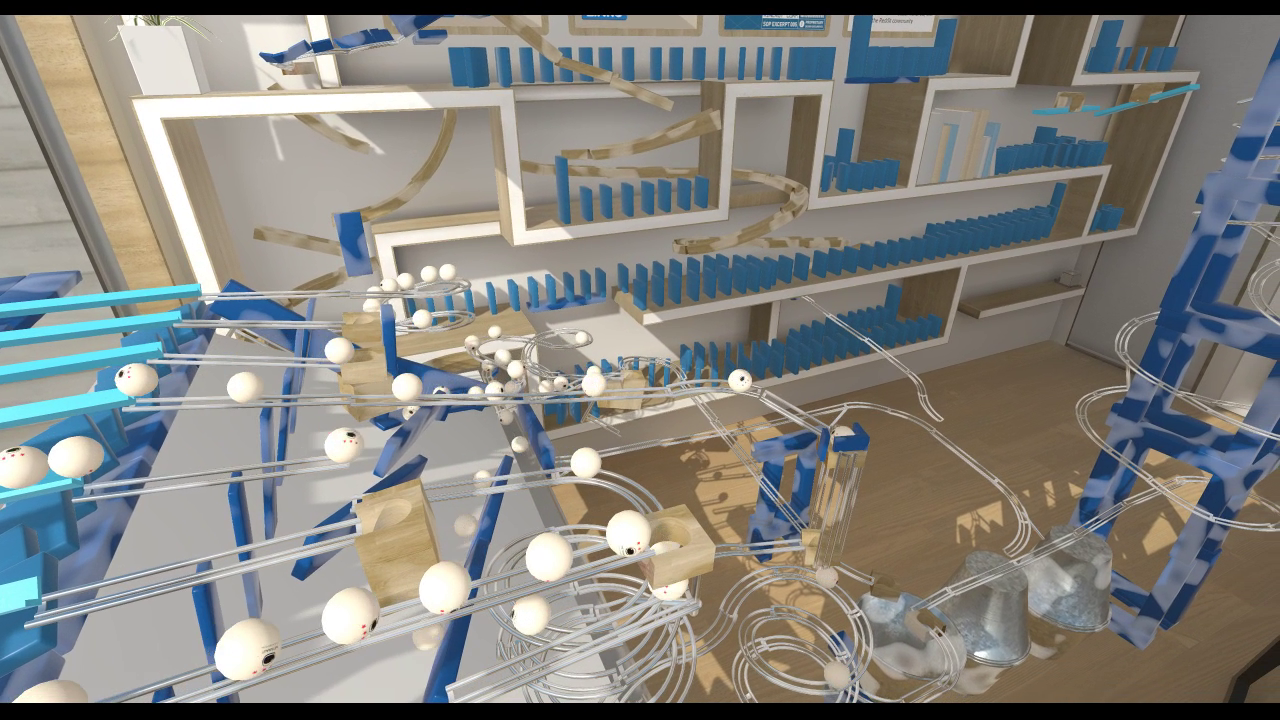
Gadgeteer Beta 0.3.7 Released - More sandbox demo machines + minor bug fixes
Hello everyone,
This is a small release because we wanted to push out an update as soon as possible since we've fixed an important bug for Oculus users.
[0.3.7 – Release Notes]
Major Features:
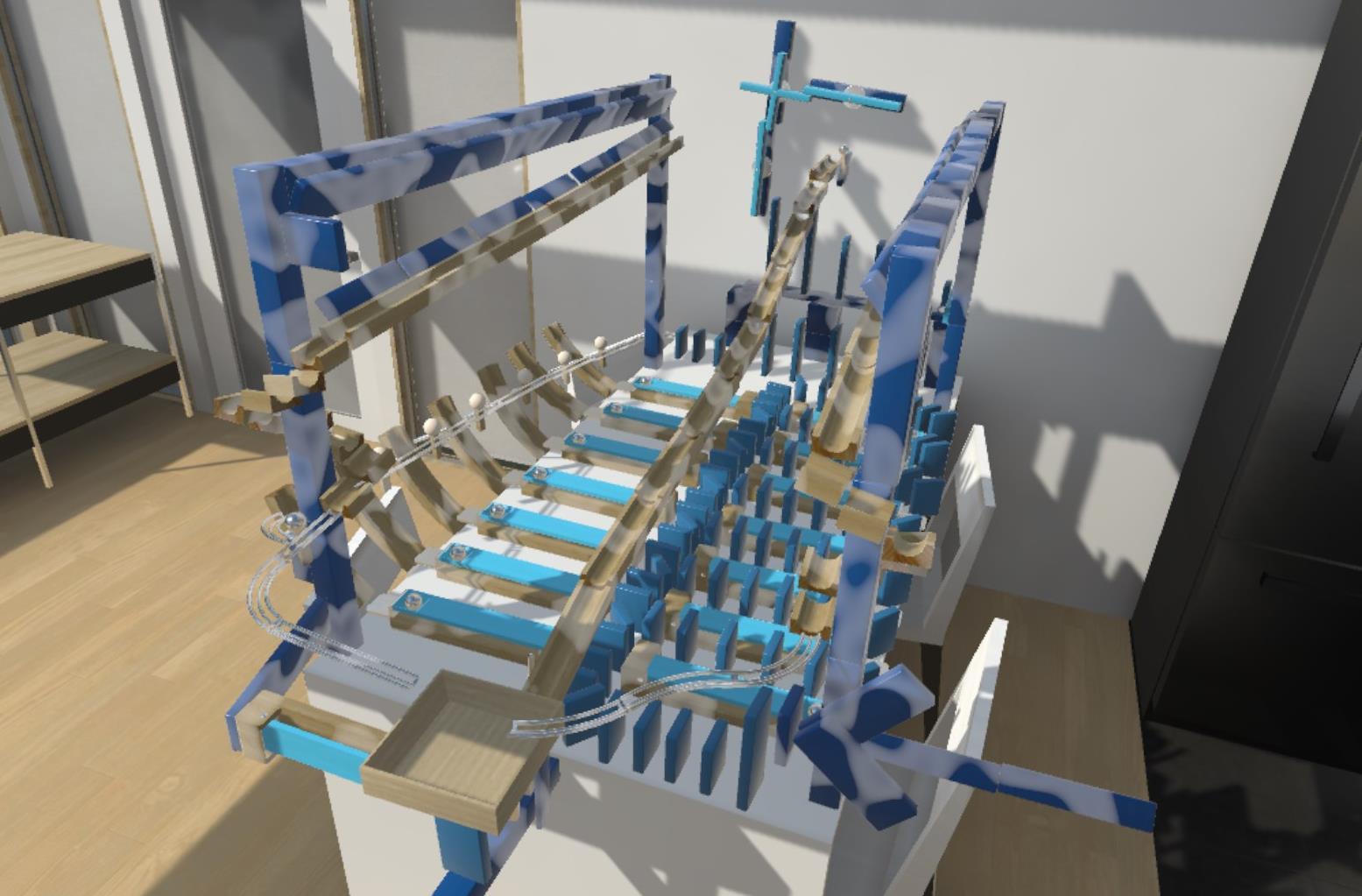
Added 3 more sandbox demo machines. You now have a total of 6 machines to play around with!
Refinements:
Edited colliders in the apartment scene - no more invisible walls!
Oculus: Improved loading screen by making it world-locked instead of head-locked for a more comfortable experience
Bug Fixes:
Oculus: Fixed bug where grabbing gadgets would not work if a gamepad controller was connected to the PC
Have a nice day today!
Gadgeteer Beta 0.3.6 Released - Player profile support + MixCast support
We've added a new feature to support different players playing on the same machine! With Player Profiles, you can now start new puzzle campaigns painlessly. This is great if you have guests over or if you want to tackle puzzles with a fresh start.
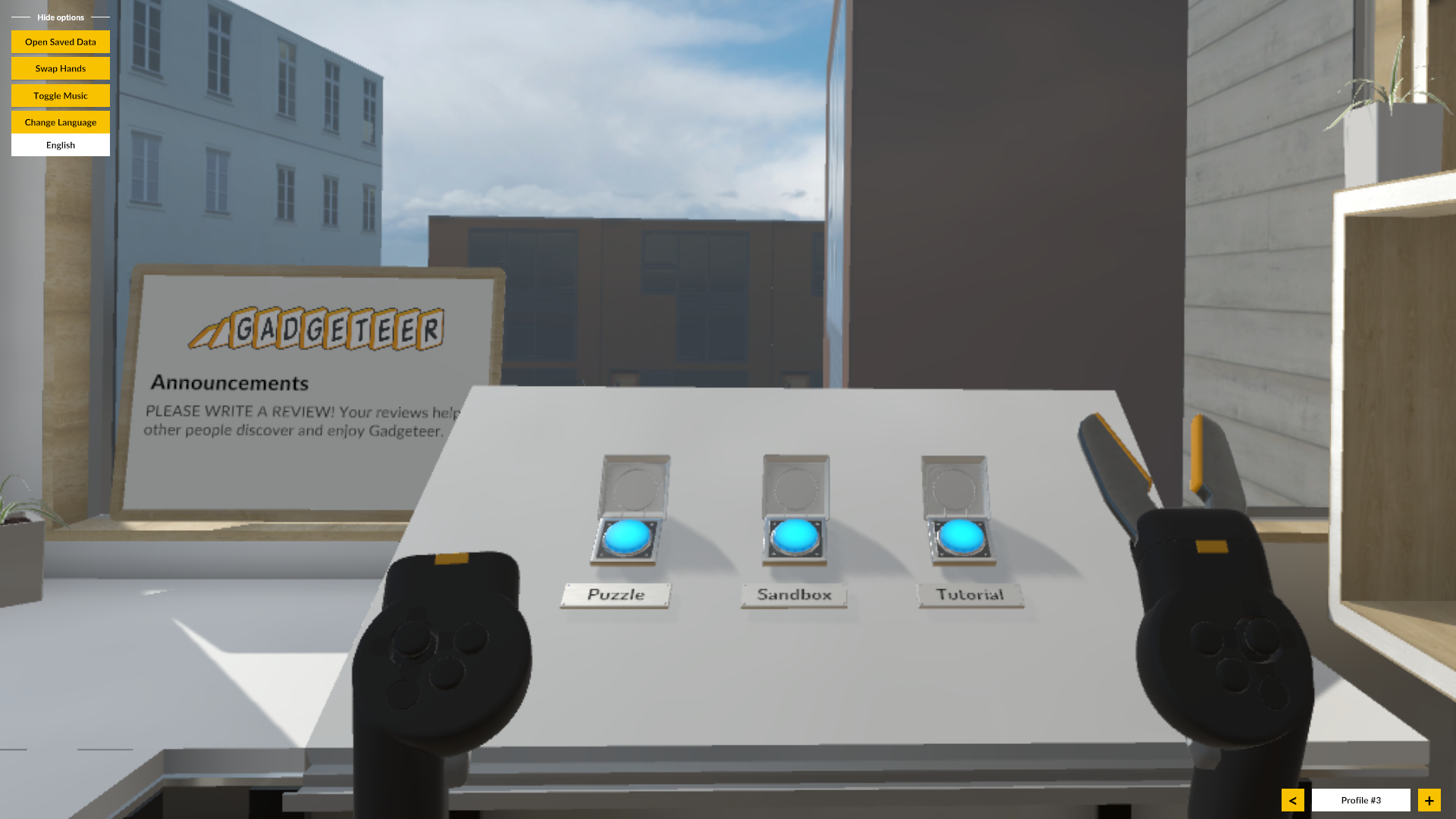
You can access this new feature via the desktop UI (see bottom right):
Press the left/right keys to change profiles or to create new ones:
In the near future, we'll be adding in-game profile switching so you don't have to take off your headset to make a change.
We've also added MixCast support! If you don't know what MixCast is, here's a description from their website:
MixCast is the best way to create, share and broadcast mixed reality content to any audience, with almost any equipment, VR app, or filming environment.
[0.3.5 – Release Notes]
Major Features:
Added player profiles support
Added support for two more languages: French, Danish
Added MixCast support
Refinements:
Improved loading transitions for a more comfortable experience
Minor improvements to environment collisions
Bug Fixes:
Fixed bug where players were not able to progress in the tutorial if the player spawned gadgets outside of the window
Fixed bug where players were able to access the Living Room levels without first completing prerequisite levels
PS: There is also now a secret button in the Main Menu room that unlocks all levels in the game. Try to find it!
Gadgeteer Beta 0.3.5 Released - Japanese / German Language Support (+4 more languages!)
こんにちは (hello)!
It's been a while since we've announced an update. We're still working hard on improving Gadgeteer, and we'll have new exciting features to show you soon. We've been spending more of our time reworking our code to better support multiple platforms.
Today, we're announcing a new update that provides multi-language support. Gadgeteer now supports 7 languages!
[0.3.5 – Release Notes]
Major Features:
Added support for the following languages:
Japanese - 日本語
German - Deutsch
Chinese (Simplified) - 中文 (简体字)
Chinese (Traditional) - 中文 (正體字)
Korean - 한국어
Spanish - Español
Russian - Русский
Added language selector to the desktop window
Bug Fixes:
"Please connect controllers" message doesn't appear anymore if you have LIV installed.
Here's an interesting tidbit. Looking at our stats, the top 7 countries that are playing our game are:
In other news, 'Road to VR' wrote a raving review on Gadgeteer! Read it here: https://www.roadtovr.com/gadgeteer-early-access-review-tinker-to-your-hearts-content/
Gadgeteer 0.3.4 Released - Oculus Rift & Rift S Support!
We now officially support the Oculus Rift / Rift S! We've also added the much requested smooth locomotion option (Rift only for now).
[0.3.4 – Release Notes]
Major Features:
Added official support for the Oculus Rift & Rift S.
Added new controller models for Oculus users to better represent the Touch controllers.
Refined button mapping for Touch controllers.
Added new locomotion method: Smooth Locomotion (Rift only feature, Vive version coming soon). Move around smoothly, change height, and rotate by holding the 'grip' button and moving the joysticks.
Refinements:
Revised player input system with improved consistency of controller state and interactions.
Improved visual feedback for controller button functionality and availability.
Rewired relay cables for Dining Room Level 1 (Level 50) so they're more visible.
Rebaked higher quality lighting for the 'Puzzle' mode for all 3 different times of the day.
Refined tutorial to better teach 'Freeze' mode.
Updated settings system for upcoming additional settings support.
Fixed tutorial for left handedness.
Bug Fixes:
Improved starting cube's pusher physics for alternate refresh rates (fixes reported issues of dominoes not toppling over with Oculus Rift S & WMR 60Hz devices).
Fixed tutorial not being completable for some players using WMR.
Rebaked occlusion culling to prevent unwanted disappearances for props on the dining table.
Fixed displaying the wrong material for the 'Solid Square Track' gadget.
Restored fade effect during mode transitions.
Fixed minor 'Freeze' mode inconsistencies during use.
Known Issues:
Oculus device users who have a gamepad / controller attached cannot interact with gadgets.
Comfort mode options (comfort snapping) do not currently work for smooth locomotion method.
Note: Unfortunately with this update, previous left/right handedness assignment and locomotion vignette/rotation settings will be reverted to default settings. Sorry!
Virtual Reality Oasis released a popular video about Gadgeteer recently! It has over 23,000 views at the moment. Check it out: https://youtu.be/TgAXg9SEOiI
Before you ask...YES we're looking to port Gadgeteer to the Oculus Quest. We're speaking with the Oculus Quest team now. Stay tuned for the latest news by subscribing to our newsletter: http://eepurl.com/dJ4x8w
Gadgeteer 0.3.3 Released
This update contains small improvements and bug fixes.
[0.3.3 – Release Notes]
Added handy locomotion support for both controllers.
Improved Freeze mode tutorial to help players understand Freeze better.
Improved phrasing for gated end-of-area levels by adding a label that tells players how many levels they still need to complete before proceeding.
Changed the unlocking of the living room and dining room so they're both unlocked at the same time in Puzzle mode. Removed the invisible wall between the rooms.
Tweaked living room in Puzzle mode to prevent players from peeking and spoiling the narrative.
Fixed missing sliding door sound from bedroom to study room.
Fixed Puzzle's Freeze mode mini-tutorial bug. Freeze mode no longer disappears after returning from a test state in level 11.
To get small improvements and bug fixes to you quicker, we'll be releasing minor updates like these as soon as possible. We'll continue releasing bigger improvements and new additions to the game on Tuesdays (not every Tuesday, only when there are updates to be made).
Before you go, you should check out this wacky Youtube video about Gadgeteer by WhackyCast: https://www.youtube.com/watch?v=T1vlP2iWjzc
The video has over 16,500 views so far!
Also, PLEASE WRITE A REVIEW if you've purchased the game! Your reviews help other people discover and enjoy Gadgeteer.
Have a great weekend.
Gadgeteer 0.3.2 Released
Thanks for an amazing release week!
We’re so glad so many people are enjoying our game. Currently, we have 100% positive reviews on Steam and on Reddit!
My personal favorite quote from our release is from Justin over at Virtual Strangers who said this about Gadgeteer,
“My favorite game of the year so far. I like it more than Shadow Legend, or whatever else. I've had more fun with this than any other game.”
We’ve also received some fantastic feedback from you. Thank you!
Some suggestions were small but important, which we’ve implemented in this 0.3.2 update (see below). Others were important but larger in scope which will take us more time to tackle (e.x. smooth locomotion).
[0.3.2 – Release Notes]
ADDED option to turn on/off locomotion comfort vignette. Available from controller panel. GIF
ADDED option to turn on/off one-handed locomotion rotation. Available from controller panel. (Two-handed locomotion rotation not affected). GIF
TWEAKED locomotion rotation snapping threshold from 30deg to 45deg.
UPDATED ‘Rescue Ball’ model with adaptive lighting & visuals. GIF
FIXED cloth animations.
TWEAKED level cable placement.
Known Issues:
On some PIMAX headsets, objects that are too close to the player are cut off.
Some players cannot load the next level despite completing the previous one.
On some WMR headsets, players can't get past the first segment of the tutorial. If this happens to you, try this fix (we're fixing this issue right now):
Run regedit.exe
Browse to "Computer\HKEY_CURRENT_USER\Software\Metanaut\Gadgeteer"
Inside the Gadgeteer key, create a new "DWORD 32-Bit Value" called "mechanicsTutorialComplete_h2170817333" without the " " marks
Edit the DWORD you just created and set its Value to "1" and use "Hexadecimal"
We’re also happy to announce that official Rift support is coming on May 14th! You can still use the Rift now to play our game and everything will work just fine. But we wanted to make some tweaks before saying we’re officially supporting it.