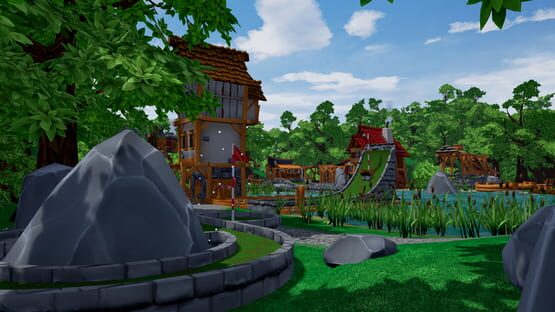
This update fixes a number of issues and adds some quality of life features. Thank you for your continued feedback, we really appreciate it.
Changelog
General - Added play order setting for hot seat - Added ping to server browser - Added button to close lobby and prevent people from joining - Added option to automatically show scoreboard after finishing hole - Added support for LiveSplit when using -livesplit launch command - Added button to unsubscribe workshop maps to map selection screen - Added option to select between Window, Fullscreen Window and Fullscreen mode - Added simple VR-Keyboard for entering lobby name and password, this will receive further updates - Improved performance when playing in huge lobbies - Improved performance of custom assets on large maps - Improved memory footprint and loading time of inventory system - Fixed upload of alternative and VR leaderboards on VR Classic - Fixed issue with recommended settings overwriting default settings - Fixed freeze when striking milliseconds after spawn on Pirates Cove - Fixed issue where swapping between golf ball and spectator triggered a voxel recalculation - Fixed billiard skin not randomizing correctly - Fixed lobby names not being saved - Fixed hot seat players getting stuck in a hole - Fixed some issues related to closing menus - Fixed scoreboard always showing the playing-marker on last hole - Fixed lobby moving people into the wrong team after finishing a map - Fixed wrong camera orientation of spectator in gravity zones and on spawn
Editor - Added Master Light to the Lights category, this light can be used to create different light shapes, e.g., point light, spotlight, etc. - Added option to Events to make them spherical - Added default option to rotators to update only when visible - Added ability to show and open map backups - Changed multiplayer editor to be invite only - Fixed issue where names of local assets and blueprints are not displayed - Fixed postprocess volumes not being replicated - Fixed planets not being replicated - Fixed sound objects not being replicating - Fixed foliage not being replicated - Fixed voxel terrain not being replicated - Fixed editor menu having a wrong scroll position after reopening - Fixed some objects having wrong textures - Fixed some objects having wrong snap points - Fixed issues of having multiple menus open at the same time - Fixed issue where a master transformer loses its settings - Fixed broken master transformer after being moved - Fixed mines template always reverting to voxel terrain - Fixed mouse wheel not working correctly on snap points - Fixed visibility of force fields getting reset - Possible fix for clients having wrong lighting after joining
Hotfix 1.0.0.1552
Hey golfers!
Last week we released Update 1.0 and we're pleased with the response. Thank you for all the feedback you've given us. We're now working hard to fix all the issues.
Here's everything we changed over the weekend.
Changelog
- Added speed options for free cam mode - Added password filter to server list - Added UI icons for Switch controller - Added achievement reset for "Golf It Secrets" - Added colors to editor transform UI - Updated server visibility while searching - Updated garbage collection settings - Fixed server search bar not working - Fixed inverted options also inverting putter swing - Fixed river flickering - Fixed not being able to use more than one custom material at once - Fixed post-process not working while playing in editor - Fixed achievement "Top Secret Deep Blue" - Fixed not being able to deselect customizations - Fixed dynamic lanes causing huge frame drops - Fixed some issues related to ball customization - Fixed disappearing buttons not appearing again - Fixed some random game crashes - Fixed rotational objects spawning at wrong location - Fixed water looking black when using time of day - Fixed editor UI leading to miss clicks when using terrain and foliage editor - Fixed old bronze crown not using correct preview picture - Fixed golf ball resetting in editor at -70.000 or lower
Known Issues
- Scoreboard isn’t as readable anymore - Selection in join menu gets lost on refresh - Mechanic for item scrapping is too hidden - Sometimes people can still join mid game - Binds can’t be reset to default - Chat sometime not readable - Objects in editor sometimes explode while resizing - Light in editor sometimes doesn’t get replicated to client - Music in editor keeps getting reset to default - Terrain type changes to voxel in editor when it shouldn't
Golf It! 1.0
Hey golfers!
After six years and dozens of updates, we've decided to finally work on our bucket list and call it 1.0. Thank you for your incredible support, feedback, patience, and endless creativity. In six years, you've created more than 15000 unique maps, for which we are deeply grateful. It's been an incredible journey and it's not over yet. We're already working on our next update, so stay tuned.
New Map: Deep blue
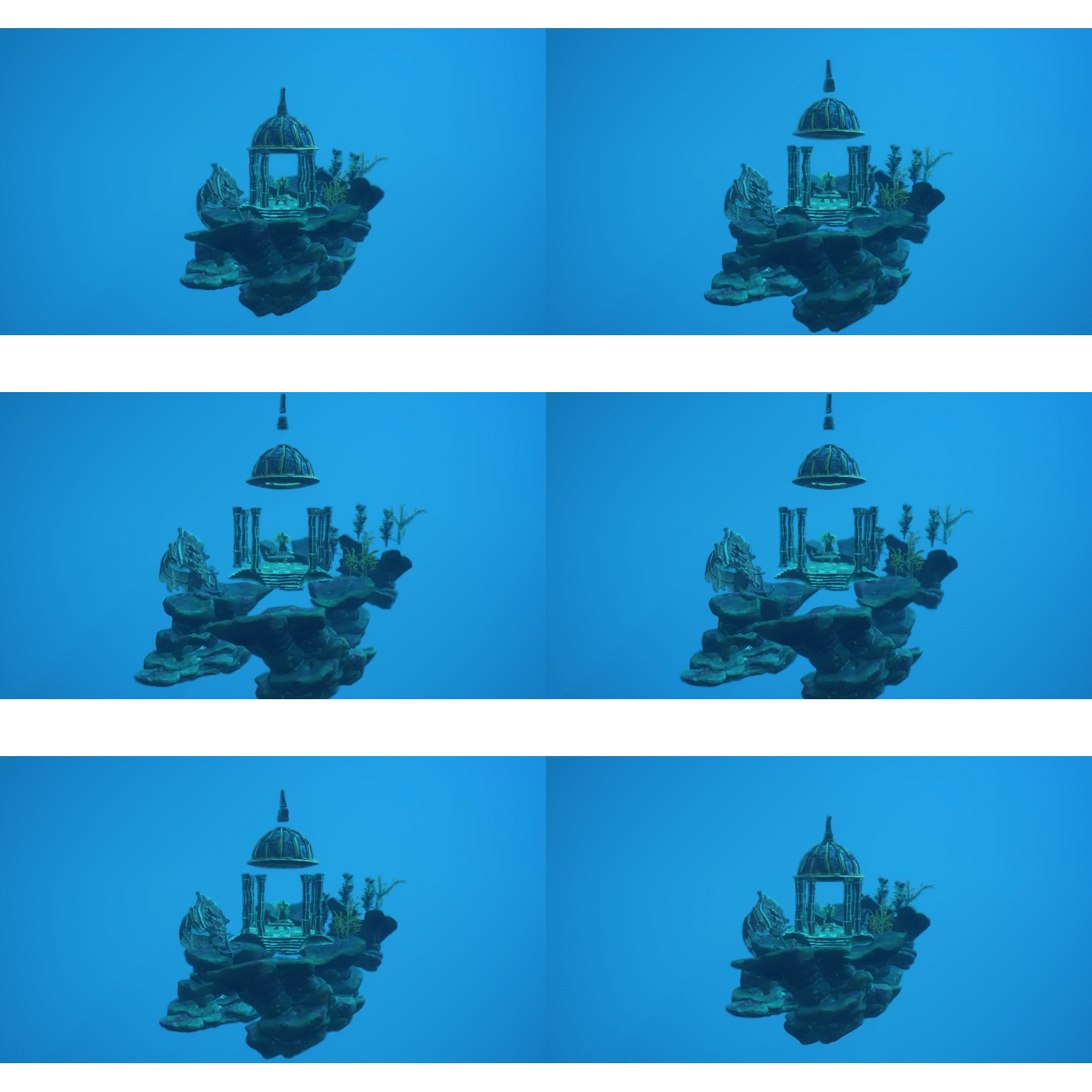
Update 1.0 sends you to the depths of a mystical ocean valley. Swim with fish, explore ancient ruins and master the physics of underwater golf. This theme consists of over 500 unique objects, special physics, and other mystical features. All of this will be available in our editor. We can't wait for your underwater creations.
New UI
Redesigning the user interface was one of the oldest items on our to-do list. As the game has grown over the years, this task has become even more important.
Terrain Editor
Another item on our bucket list, but also a long-awaited request, is a detailed terrain editor. A brand-new set of tools based on voxel data that will allow you to turn that boring flat terrain into any landscape you can imagine. The toolset will be super easy to use - even on existing maps - and comes with different sculpting and painting modes.
Foliage Painter
Another new and very useful editor tool is the Foliage Painter. As the name suggests, it allows you to easily paint foliage into your landscape based on a variety of settings. This will save you a lot of time and even help to create a more natural look. Of course, you can also paint anything else.
Codebase Overhaul
Over the last year we have reworked almost the entire codebase, which has been by far the biggest challenge. It was essential to keep the game maintainable, ready for future features and to improve the overall quality of the game. Some visible results are lightning-fast load times, improved stability, and features like the new UI.
Gamepad Support
Initially, our putter movement was designed to require skillful use of your mouse. Later on, we realised that gamepad support and an alternative shot option were essential for accessibility. With our new user interface, we now fully support gamepads from start to finish. In future updates we would also like to implement modes for colour-blind players.
We've also added an option to either hold or toggle the putter with the left mouse button or the right gamepad trigger. Feel free to try both methods as they may further enhance your experience.
Languages
We are very proud that our game is played all over the world. We've supported many languages in the past, but often only partially. With this update, we've chosen 14 languages (Chinese, Czech, English, Finnish, French, German, Japanese, Korean, Portuguese, Russian, Spanish, Swedish, Turkish, Ukrainian). We may add more languages in the future if requested.
Price & Currency conversion
Early on, we promised to keep the price at $8.99 per copy, even after we left Early Access. We are going to keep that promise, but for a few currencies we need to make an adjustment based on the conversion. This change will affect Argentinian Pesos, Russian Rubles, and Turkish Lira, and will take effect in a week's time.
Changelog
Because we've done a complete code and UI overhaul, we won't list every change. This should be seen as a list of highlights.
General - Added new map Deep blue - Added new music - Added reconnect feature - Added secrets to all official maps - Added special items for solving the secrets - Added new achievements - Added ability to change map from lobby - Added ability to start match even if not every player is ready - Added option to limit visuals of other trails - Added ability to select practice hole if map has more than 18 holes - Added new time-based race leaderboards - Added 100 new hats, trails, and flags - Added hole signs on every official maps - Added small aim arrow when spectating other players - Added camera transitions - Added loading screens - Updated to Unreal Engine 4.27 - Updated scrapping mechanics - Updated force field physics to be FPS independent - Updated gravity camera transition - Updated rendering method for better visuals - Improved racing mode - Improved game load times - Improved map loading times - Improved memory usage - Improved overall performance - Improved gameplay when playing with low FPS - Improved loading times of subscribed maps - Improved auto-update if custom map is out of date - Reset leaderboard and handed out crowns
UI - Added icons when using gamepad - Updated UI visuals - Updated localization - Improved gamepad usability
Editor - Added new terrain editor toolset - Added new foliage painting toolset - Added new theme to the editor - Added 750+ new objects to the editor - Added Underwater and ‘No water’ gameplay objects - Added object to test ball movement within the editor (Debug Ball Tester) - Added external camera object which the player view can get attached to - Added ability to have multi-line text - Added ability to customize FX effects - Updated editor menu to be significantly faster - Updated save menu for better readability - Updated auto backups to create up to five backups - Updated booster material to visually indicate speed - Improved map loading and saving times - Improved text to support special characters like Japanese
Events - Added numbers to event list - Added events for external camera objects - Added event to allow timeout while rolling
VR - Added option to toggle VR putter - Added option to add controller offset - Updated VR controls - Updated VR to support using both controllers automatically
Bug Fixes - Fixed custom maps based on Jade Temple not being able to set time to night - Fixed Fog not rendering correctly on custom maps based on Jade Temple - Fixed river having visual cracks - Fixed trails appearing/disappearing suddenly - Fixed some auto-start events not working during race mode - Fixed crash related to event objects moving through players - Fixed teleporting event objects yeeting players away - Fixed putting sound only being played on one ear - Fixed minecart loop sound not looping correctly - Fixed numerous rubber banding issues - Fixed putter not getting removed when player surrendered - Fixed log files getting cluttered - Fixed some trail flags not being aligned correctly - Fixed trails not respawning correctly - Fixed audio volume not updating correctly - Fixed audio priority not working - Fixed waterfall causing major FPS issues - Fixed some lanes not changing theme materials
Dev Log #3
Hey!
Two months later, we are still paving the way for Update 1.0 – it’s just about time for another Dev Log. Today we would like to present to you our newest official map. It’s built upon a brand new, gorgeous looking underwater theme, which will be release with Update 1.0. The underwater theme is going to be our largest theme with more than 500 unique objects, special physics and other mystical features. They will be available in our editor as always. We are super excited to see your creations. Currently we are primarily fixing bugs and doing some quality-of-life improvements. With every week of progress, we are getting closer to leave early access. We know that you’ve waited a long time for this to happen, so we are working hard to finish the update.
FAQ
When will Update 1.0 be released? As soon as we can name a date, we will share it with you. As we already mentioned in our last dev log, we did an extensive code overhaul. These measures were not planned at all, but as it turns out they were urgently necessary. The results justify the decision, and we know you’ll love it, but we had to spent way more time than we expected.
Will Update 1.0 be the last update? Not at all - we have already planned major features for future updates. Which is also a reason why the codebase of Golf It! changes so drastically. One feature you may already heard of will be: Editor 2.0. To speed things up, we’ve also hired a new programmer to start working our new editor.
Take care, Team Perfuse Entertainment
Dev Log #2
Hey!
As we are still working on Update 1.0, we decided to release a series of dev logs to show you our progress and upcoming features. Our goal for this update is not only to release major features, but also to improve the overall quality of the game. That process takes more time than we expected, but we are constantly working to deliver the best experience.
Terrain Editing
In our first dev log we would like to present to you a new editor tool. With Update 1.0 we will satisfy the long-desired request for a detailed landscape editor. This will happen on a voxel base which enables you to turn the boring flat terrain into whatever landscape you dream of. The tool comes with different sculpture and painting modes and will be super easy to use – even on existing maps.
FAQ
Will Update 1.0 arrive by the end of 2022? To be honest, we currently can’t tell. We are working hard to deliver the update as fast as possible, while achieving our self-imposed quality goals. We have reworked almost the entire codebase of Golf It! to make it as stable and future proof as possible. These measures were not planned at all, but as it turns out they were urgently necessary. From now on we will post dev logs on a regular base to keep you updated.
Will Update 1.0 be the last update? No. We have already planned major features for future updates. Which is also a reason why the codebase of Golf It! changes so drastically. One feature you may already heard of will be the Editor 2.0.
Update 0.8.3
Today we released a minor update, which contains new editor features and several bug fixes. It’s also the last update till we are leaving early access. So, stay tuned for update 1.0 coming later this year. Remember that leaving early access doesn’t mean that we will stop pushing updates. We have plans reaching far behind Update 1.0.
Custom Materials
If you are building your own custom map and no theme suits your level design, this feature is made for you. By navigating through the following menus “Editor > Importer > Materials”, you’ll find our new material editor.
Inside the material editor you can create new materials by combining default and imported textures. These newly created materials can later be used inside the map editor to create your own theme.
Next up Update 1.0
Today’s update is just a minor because we are actively working on our next major update 1.0. To give you an idea about what is coming, here is a list of features:
New Theme
UI Overhaul
Terrain Editor
Tournament Mode
Better VR and Controller experience
Proper support for multiple languages
Switch to Unreal Engine 5.0
And more…
If you would like to have a complete list of bugs, features requests and our public roadmap, please have a look on our Trello board: https://trello.com/b/TMbUwmxZ/golf-it
Take care,
Team Perfuse Entertainment
Changelog
[General] - Added Steam Deck support - Updated timer and stroke UI - Fixed scoreboard from staying open when entering a cannon - Fixed under par achievement - Fixed lane objects having lighting issues - Fixed issues when upgrading or scrapping items - Fixed cannons size affecting golf ball speed - Fixed various issues regarding VR controller and gloves getting stuck
[Editor] - Added importer to create your own custom textures for lanes, walls, and pipes - Added custom theme to editor to combine different lane, walls, and pipe materials - Added additional spawn options - Added additional default audio effects - Added event to allow displaying messages in chat - Added additional event to the rotator (Update only when rendered) - Added event to revert golf ball settings back to the lobby settings - Added ability to change sun angle - Updated undo/redo slightly to better support multiple selected objects - Updated spawn and multi-selection performance for blueprints - Updated some UI elements - Fixed auto start timer event not getting applied correctly - Fixed transforming golf ball not working correctly during play - Fixed planets not being perfectly spherical, resulting in infinite movement - Fixed duplicating post process volumes linked to events causing invalid volumes being created - Fixed hole number being displayed wrong - Fixed lobby/end view objects causing frame drops - Fixed pipe connectors blocking cannons - Fixed forced settings not getting forced enough
Update 0.8.2.1
Update 0.8.2.1:
- Added option to open/close server from inside the lobby to allow/stop new players from joining - Added option to enable/disable sound events to be played from the start after loading the map - Fixed custom assets saving incorrectly in the editor. Resaving maps using custom assets will result in lower file size and faster load times - Fixed text chat not auto-scrolling correctly on longer messages - Fixed credits causing soft-lock - Fixed map name not being visible in the lobby for clients
Update 0.8.2
We are happy to announce that Golf It! is now available for MacOS. Finally, it doesn’t matter if you wanna play it on Windows, Linux or Mac – we can all golf it together. As always, we are happy about your feedback.
For now, M1 processors are not tested and therefore not officially supported.
New Assets
UnknownMaster21, longtime power user and moderator, created over 600 new lane pieces and made them available for everyone. You can find them inside the “User Content” folder of our editors asset browser. Thanks again UnknownMaster21 for your awesome contributions!
What’s next: User Interface
Over the last couple of years Golf It! significantly grew in every aspect. But, as so often, our initial concept of a user interface doesn’t handle all the new stuff gracefully. Therefore, it’s time for a substantial rework. Over the next couple of weeks, we’ll work on improving the user experience, by updating every single interface. If you want to follow the development, join our Discord Server: https://discord.gg/perfuse Every now and then we’ll post a sneak peek and listen carefully for your feedback.
Roadmap
Our next stops are:
UI Overhaul
Editor 2.0
New Theme
If you would like to have a complete list of bugs, features requests and our public roadmap, please have a look on our Trello board: https://trello.com/b/TMbUwmxZ/golf-it
Take care,
Team Perfuse Entertainment
Changelog
[General] - Added support for MacOS 11 - Added 5 new achievements - Added new Hole in One only game mode - Added individual and server time at the end of each map - Updated putter swing mechanic to be more consistent - Updated stroke and timer UI - Updated engine version to 4.26 - Updated all maps to fix various lightning and gameplay issues - Updated hard mode to include simulation mode - Fixed surrender on local play - Fixed surrender on race mode - Fixed metallic reflections appearing black - Fixed option “random favorites” not showing up when changing maps - Fixed scoreboard not scrolling correctly when playing on maps with more than 18 holes - Fixed issues opening chat in lobby
[Editor] - Added 600+ new lanes from UnknownMaster21 - Added lava planes - Added gate and circular goals without borders - Added ability to rotate pipes - Added ability to enable/disable goal pole collision - Added ability to enable/disable a goal setting to only allow players to enter when on a specific hole - Added ability to enable/disable resetting - Added special debug trails when playing in editor - Added alternative options for curved, walled lanes - Updated user content section to feature folders - Updated pivot points for some assets - Fixed long workshop descriptions cutting of - Fixed duplication of custom assets triggering twice - Fixed event reset not moving its collision volume
[VR] - Added VR-ability to kick - Updated VR spawn position logic - Updated VR controller setup - Fixed some events not working in VR
0.8.1
- Added option to surrender the current hole - Added ability to add maps to favorites - Added random favorite option to the random map select - Added ability to redownload preview images from the workshop - Added kick protection for 90 seconds after starting a match - Added “Flip Mesh” in the importer - Added “Flip Normal” in the importer - Added manual diffuse and normal select in the importer - Added pivot point modifier in the importer - Added transform event for golf balls - Improved game load times by splitting up all editor elements from load - Improved brightness on Pirates Cove and Winterland - Improved controller handling logic in VR - Updated lobby play view logic - Fixed audio thread not initializing during game start (Sound Wave Particle temporary changed) - Fixed broken sounds loop when having muted music - Fixed new players having black golf balls without names - Fixed lobby view camera being visible - Fixed some sounds not getting triggered via events - Fixed final score not being colored correctly - Fixed VR-Debug symbols getting drawn - Possible fix for steam inventory getting unloaded - Possible fix for some events not getting triggered in VR
// Hotfix - Fixed imported assets not saving correctly on custom maps - Fixed par coloring not working for all players - Fixed cliffs not appearing in Pirates Cove editor menu
Update 0.8
We are happy to announce that Golf It! finally goes VR. Today’s update unlocks the option to launch Golf It! in VR when hitting the play button. You will be able to play together with friends, even if they are not playing in VR.
Have fun, exploring our official and community made maps from a completely new perspective.
Which VR devices are supported?
Theoretically you can use every device supported by SteamVR and OculusHMD, but we haven’t got the chance to test every device yet.
Supported devices:
HTC Vive, Pro and Cosmos
Valve Index
Oculus Rift
Not yet tested:
Oculus Quest 1 / 2
Oculus Rift S
What else?
To provide an enjoyable VR experience we massively improved the performance of Golf It!. All the implemented improvements affect both, VR and non-VR, as well as custom and official maps.
Roadmap
In the next couple of weeks, we will focus on your feedback and pushing necessary adjustments. Our next stops are:
Mac support
Enhancing the editor
Completely new theme
Our Discord
If you want to get in contact with the rest of the Golf It! community and the devs, please enter our Discord Server: https://discord.gg/perfuse
Take care,
Team Perfuse Entertainment
Changelog
- Added VR - Added map designed to get into VR - Added new water visuals - Added ability for cannons to be influenced by gravity - Added additional leaderboards - Added random map selection - Added steering options to the event system - Improved performance across all official maps - Improved loading process of custom maps massively - Improved assets resulting in better performance on custom maps - Improved initial game startup time - Improved multiple Jade Temple lanes - Improved network code to minimize timeouts - Improved network communication to reduce data packages - Improved UI performance, especially the scoreboard - Improved chat visuals - Fixed a few issues related to canons - Fixed multiple issues related to chat - Fixed several networking errors - Fixed camera issues inside gravity areas - Fixed multiplayer issues when playing in editor - Fixed issues with post processing sharing data
Hotfix 0.8.0a:
- Added vr putter getting slightly transparent if you are not allowed to hit - Fixed crash on Rift when hitting the ball - Fixed events not resetting in the editor - Fixed spawning inside gravity fields will not apply gravity correctly - Fixed Cloud FX using wrong LOD - Fixed multiple FX using wrong draw distance - Fixed some vr controllers not attaching correctly