Work is currently focusing on road infrastructures, whose interest lies in the environment on the one hand, and on the other hand in the possibility of generating procedural events that will fit into the game play. This system will be strongly linked to Unreal's Landscape. I'm totally focused of the graphic part right now in order to avoid unpleasant surprises that previously forced me to do a rather severe downgrade of the game. I'm currently a bit delayed by a performance problem during the "real size" tests...
Road tools
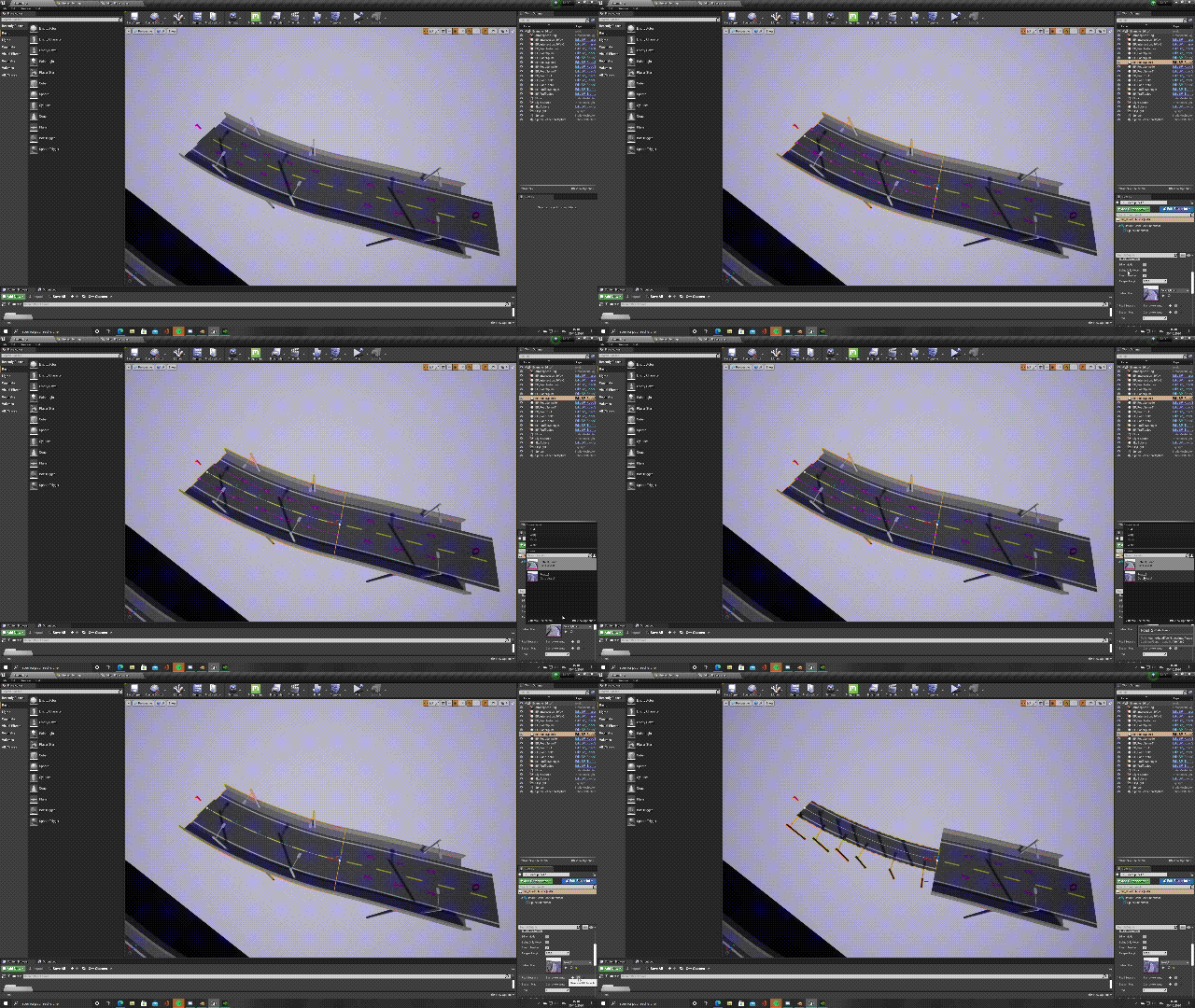
The 3D models of roads (see gif 1 below) are temporary and will be replaced by realistic models. The cubes (see gif 2 below) are temporary and will be replaced by vehicles.
Extension of the Unreal Engine spline system for :
manage different road models, number of lanes, direction of traffic, type of road.
manage assets automatically placed on the roadside (static mesh), street furniture, streetlights (automatic lighting).
creation of trajectories for artificial intelligence of vehicles.
All of the above functions are in the form of road "prefabs" in order to efficiently and quickly edit the future game map.
Artificial intelligence
vehicles adapt their speed according to those in front of them, as well as according to the driving style of each driver; some AI will do "speeding" while others slow down the traffic; some accelerate or brake faster than others, in order to give a more organic effect to road traffic seen from the sky.
The rules of the highway code are applied procedurally; for example, in an unmarked intersection, the right-of-way rule applies. Traffic lights, stop and yield are also shown, giving a fairly realistic traffic flow.
When an obstacle is encountered, vehicles brake and create a 'traffic jam'; this system is very useful for creating procedural accidents for example, or any other interaction with road traffic.
The IA system runs on a different Thread from the main Thread so as not to alter the performance of the game; this method could also be used for the physics of the helicopter to allow more accurate calculations for each frame.
Coming soon
The animation of each vehicle with indicators, stop light, warning, position light, wheels.
Overtaking vehicles.
Path finder so that vehicles find the shortest route to a given destination.
Global optimisation to display at least 100 vehicles simultaneously.
This module is very resource-intensive; it will be necessary to use all the tools available on Unreal Engine to minimize the impact on in-game performance.
In conclusion, it is not a main system of the game. The purpose is twofold :
To integrate the road infrastructures for, on the one hand, a realistic rendering which is the main idea of Helicopter Simulator at all levels.
Create, on the other hand, these new tools and allow me to 'get my hands on' Unreal Engine that I didn't know 2 months ago, since I remind you that Early Acces was developed under Unity.
Dev Log #3
The progress of the game is, at the moment, a little slower than expected because the work is divided into several branches :
Listening to the users and respond to them as soon as possible.
Solve the bugs of the E.A.
Continue the migration of the game to Unreal Engine.
Various communication.
This is why the publications will be at irregular intervals (contrary to the previous announcement which planned 2 releases per month).
Analysis and conclusion based on users' feedback
Your feedback is as clear as it is diametrically opposed... The game is too difficult for the happiness of some and the misfortune of others. That's why the final version will include 2 distinct branches in order to satisfy all users:
A campaign mode.
A career mode.
The campaign mode
The campaign mode will be based on multiple missions exclusively. The mode will offer an option to manually start and shut down the helicopter if you wish. There will be no question of taking the helicopter out of the hangar, pre-flighting etc. This is a mode for users who are looking for immediate action without worrying about tedious checking procedures.
The career mode
The career mode is the main idea of the game, namely the management of a helicopter company with all that it implies: mandatory procedures, maintenance, the purchase of new helicopters and hangars, fuel and of course missions to manage all the financial part. You'll get more details as the game progresses.
The flight model
Here again, opinions are divided: too difficult vs. too easy. The difference in difficulty is too great. This is why several flight models will be proposed in the final version of the game:
The simulator mode: current flight model without assistance, physically correct.
The advanced realistic mode: simplified flight model, not based on physics but representative of the real behavior of a helicopter.
The realistic mode: simplified flight model, not based on physics, which excludes some real helicopter behaviors.
The arcade mode: simplified flight controls for a quick start.
Patch Log
Patch Log :
Last update: 29/11/20
Artificial horizon
Show/Hide HUD
Popup windows On / Off
Minor fixes
Camera Shake Bug fixed
Governor
Correlator
Camera Shake
RPM and Speed Gauges
Exit Broken Fix
Help boxes
Little delay after take photo
Static tube highlight
All missions available after the first mission
VRS tweak
Deadzone limit to 0.2
Governor fix
Physics tweak
Building collider
Input axis Visualizer in controls panel
Translation correction
VRS/Overspeed sound
Mission Pause in photo mode
Belt Interraction corrected
Inputs Reset
Yatch Rewind
Running Speed increased
Check List Magneto (time to wait reduced)
Distance Interaction with doors increased
InputManager : Curve
InputManager : Deadzone
Hovering mission, larger zone
The hovering mission was not achievable
Keybinding : Fuel valve, a "ghost key"
Instant Start view unlock by default
First Mission Pause in photo mode
Fuel Valve was interactable through the door
No landing allowed on the hovering mission
Panels
Translation correction
Crash Screen locked by pressing Esc.
Check list from right sit
Support for 21:9 ratio screens
Sound in the photo mode of the first mission added
Input Sensitivity //not completly done
Autosave naming corrected
Joysticks are not mapped by default any longer (except if you only have Xbox controller plugged)
Throttle raw axis corrected (now from 0% to 100%, instead of 50% to 100%)