Improved train modeling and added controller support
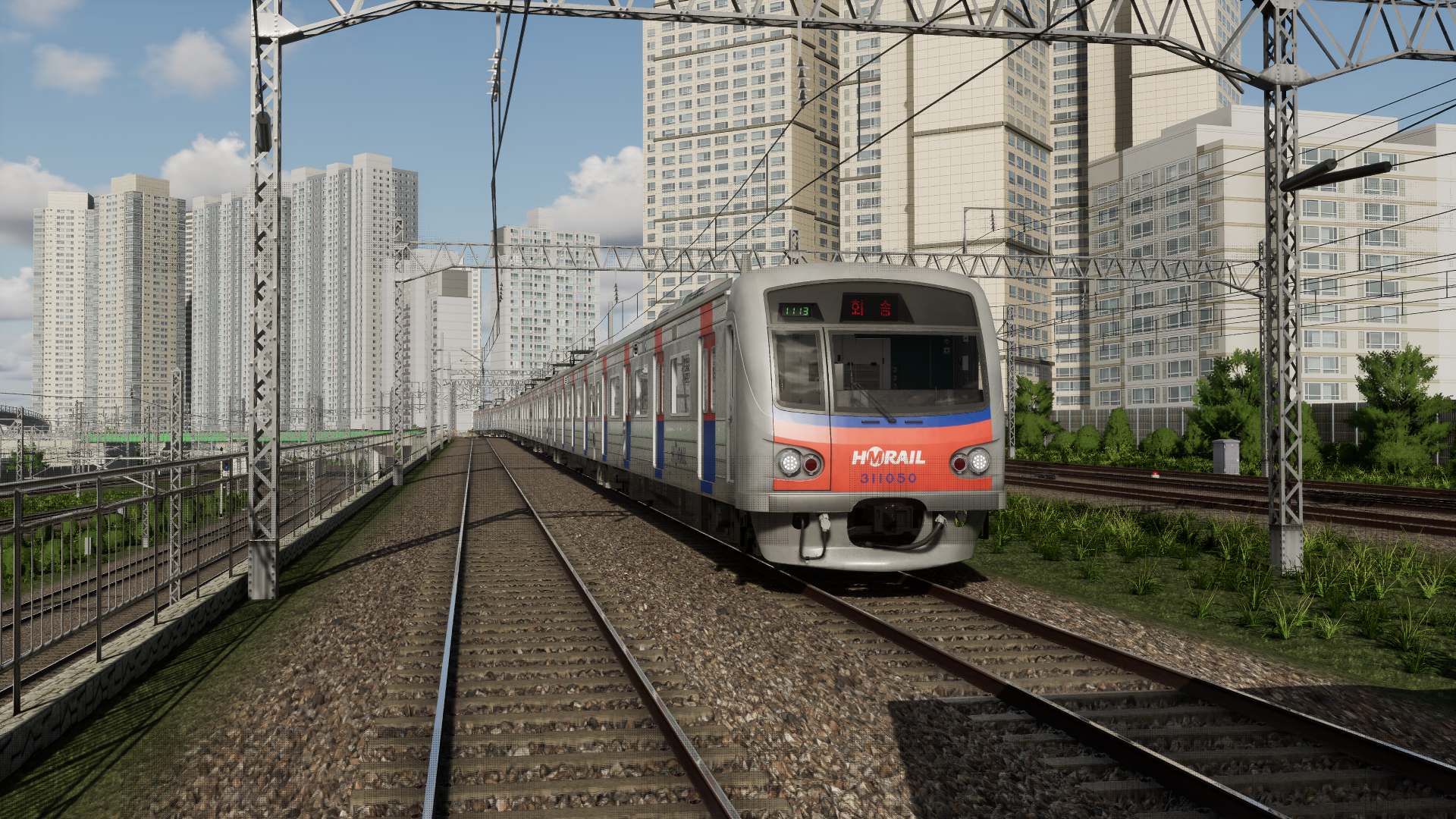
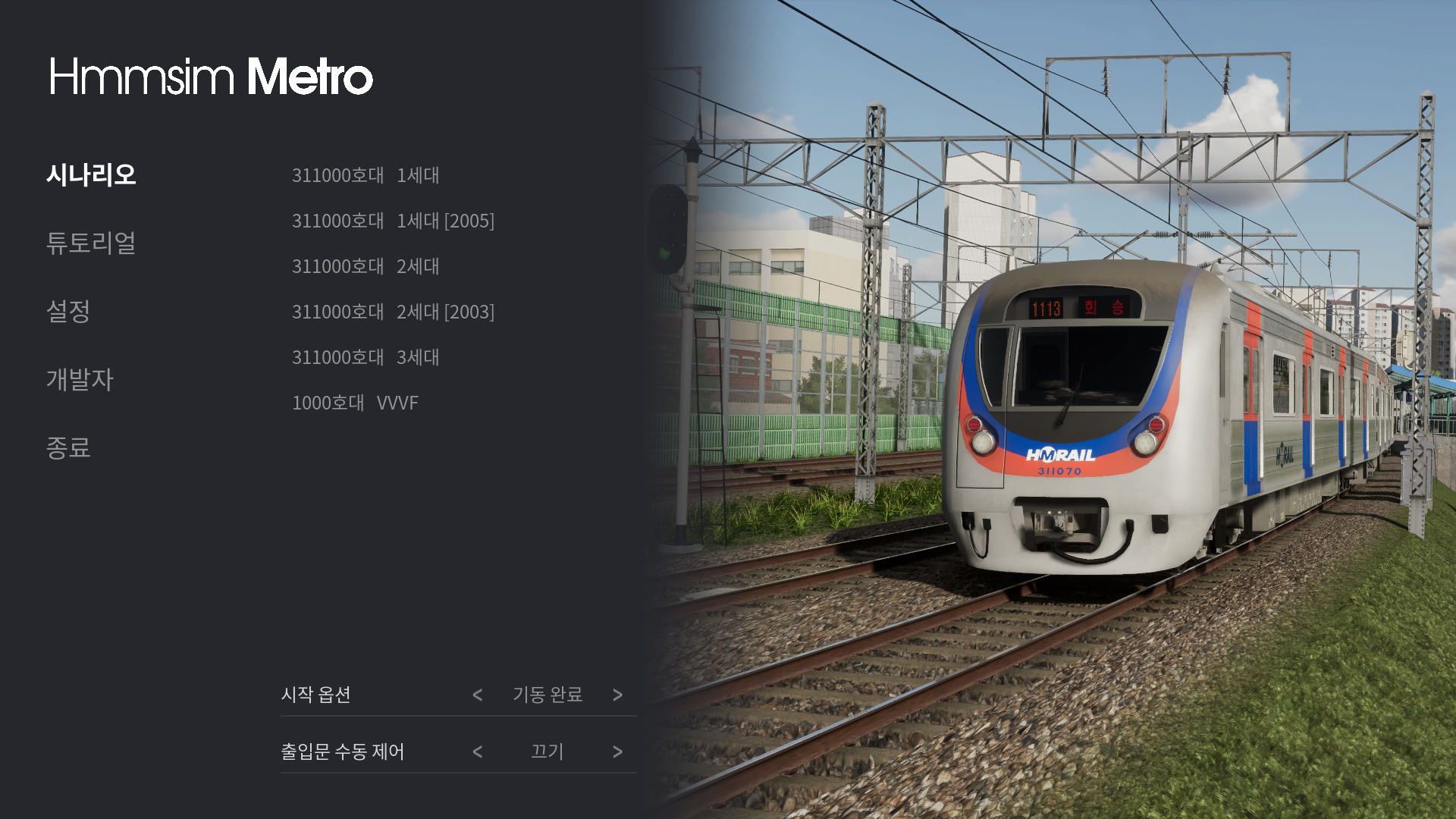
Hello. In this update, the existing 2nd generation train has been remodeled and the details have been greatly improved. Klaxon pedals have also been added to the remodeled trains, and headlights and connector details have been improved.
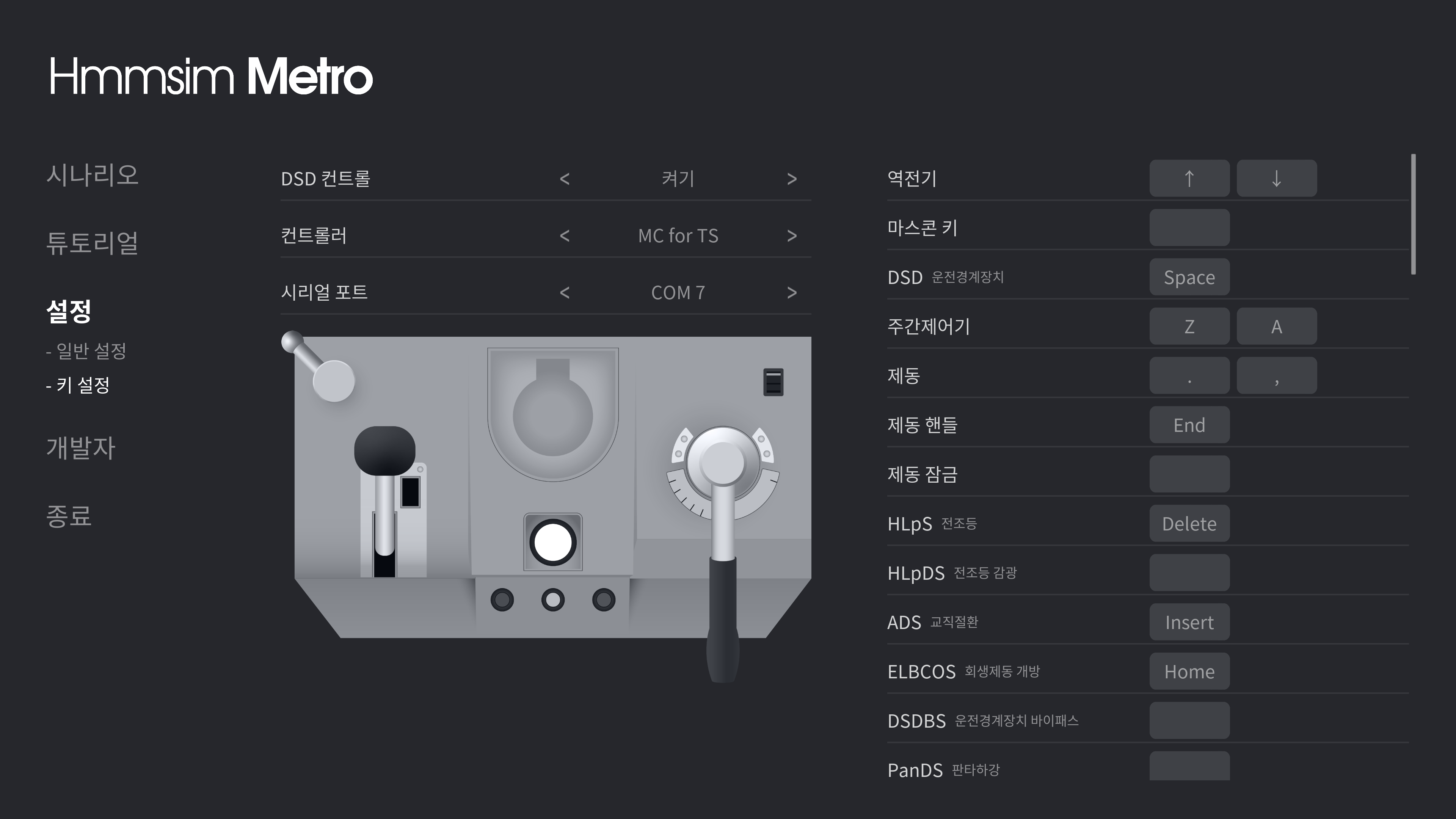
One-handle controller for Nintendo Switch is supported in this update. If you designate a controller in key setting, you can use it immediately without specifying a serial port.
Currently, it is not possible to customize the buttons on the controller. The functions assigned to the current buttons are as follows.
Arrow : Reverser
Y : ADS
A : ELBCOS
X : EPanDS
B : Klaxon
L : HLpS
- : HLpDS
+ : CabLPN2
R : CabLPN1
ZR : TLS
In addition, the implementation of some circuits is modified, The Japanese translation has been fully done, and language settings have been changed to be saved. Thank you for waiting.
New train update - Patch 1
Hello. In this update, the existing 3rd generation two-handle train has been remodeled and the details have been greatly improved. In addition, timetables were added only for 3rd generation trains. We are continuing to remodel the existing trains and the timetable will be applied gradually.
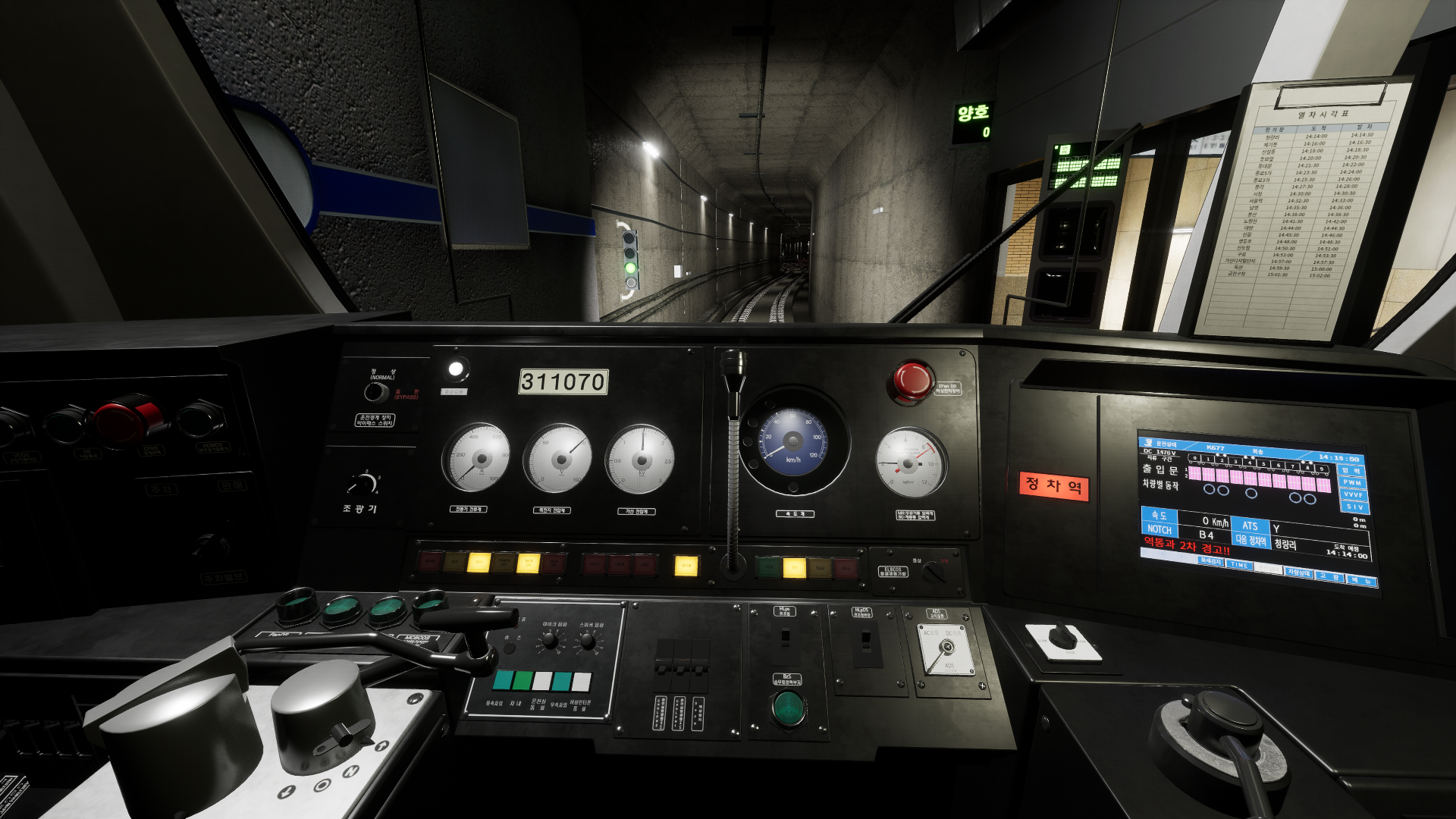
Timetable You should turn on the timetable light to always check the timetable in a dark space. The timetable light is located on the ceiling at the top of the timetable and can be turned on and off.
If you want to assign a separate key, check the key settings.
And the TGIS monitor has been improved and some circuit implementations have been modified. Thank you for waiting.
New train update
Hello. In this update, a 3rd generation one-handle train is added.
Key operation - The Throttle key is used to control the Mascon, and the number of Throttle keys has been increased to 3. Each of the three Throttle keys means movement to Power-Neutral-Braking. Please check the key settings. - Added one-man control for one-handle train and several circuit breakers for switchboards. - To fully open the switchboard door, you must first fold the chair.
One-man door control If you use the one-man door control, you can more easily operate the door manually.
- To use one-man door control, turn on the "OMDCN" circuit breaker on the rear switchboard and insert the door key into the control panel. - To open the door in the opposite direction, handle the "DOBS" switch on the front of the control panel.
In addition, the brightness of all train headlights has been improved. Support for additional controllers will be delayed a little longer due to development issues. Thank you for waiting.
Switchboard Update - Patch 1
Hello. This patch brings controller support and fixes a few bugs.
Controller support - Mini PTS A switch : ELBCOS B switch : ADS
- Master Controller for Train Simulator A button : ADS B button : ELBCOS C button : Headlight S button : Klaxon
Other controllers will continue to be supported. In the future, it will also be possible to customize the buttons on the controller.
Update details - Support Mini PTS controller - Support Master Controller for Train Simulator controller - Fixed the problem of setting duplicate keys - Automatic setting of ADS when running a scenario - Underground section signal color change - Fixed some circuit implementation
Thank you.
Switchboard Update
Hello. We apologize for the long delay in the update. This update adds a switchboard and allows trains to start in their initial state.
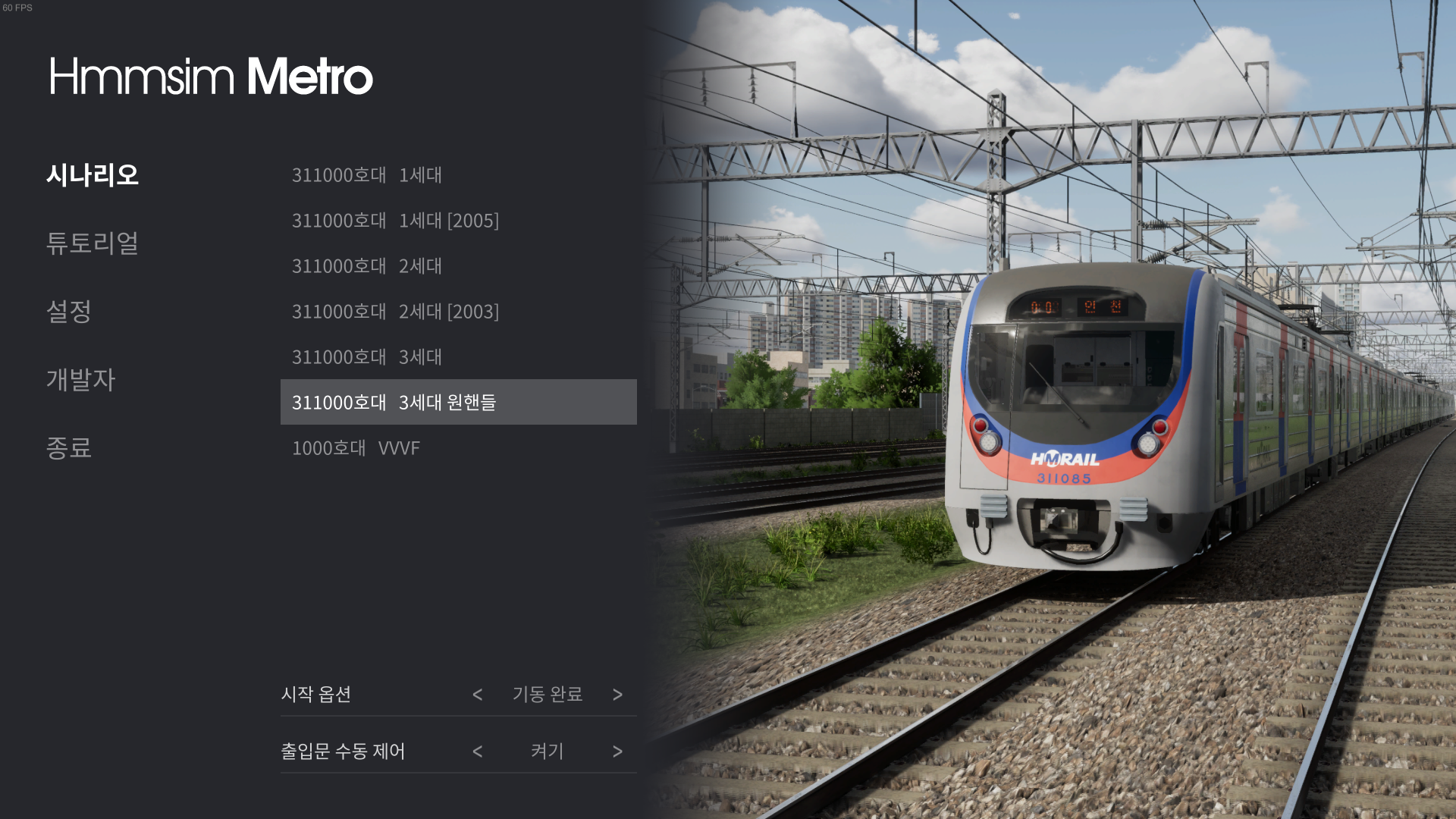
- Startup option A new startup option has been added to the train selection screen. Three options (initial, switchboard, complete) are available. Initial requires starting the train directly from the beginning. The startup procedure can be found in the tutorial. Switchboard starts the switchboard in the preset state. Complete starts with all startups completed without a separate procedure.
- Door control In addition, the option to directly control the door has been added. Enabling this option will no longer automatically open and close the door. How to control the door can be found in the tutorial.
Any switch or button can now be interacted with with the mouse. Since the number of switches on the switchboard is large, it is recommended to operate with a mouse rather than setting keys. All key settings will be reset in this update. Please check your key settings again.
Indoor indicators have also been added in this update. Many other train improvements have also been made.
Thank you for waiting.
New train addition and improvements
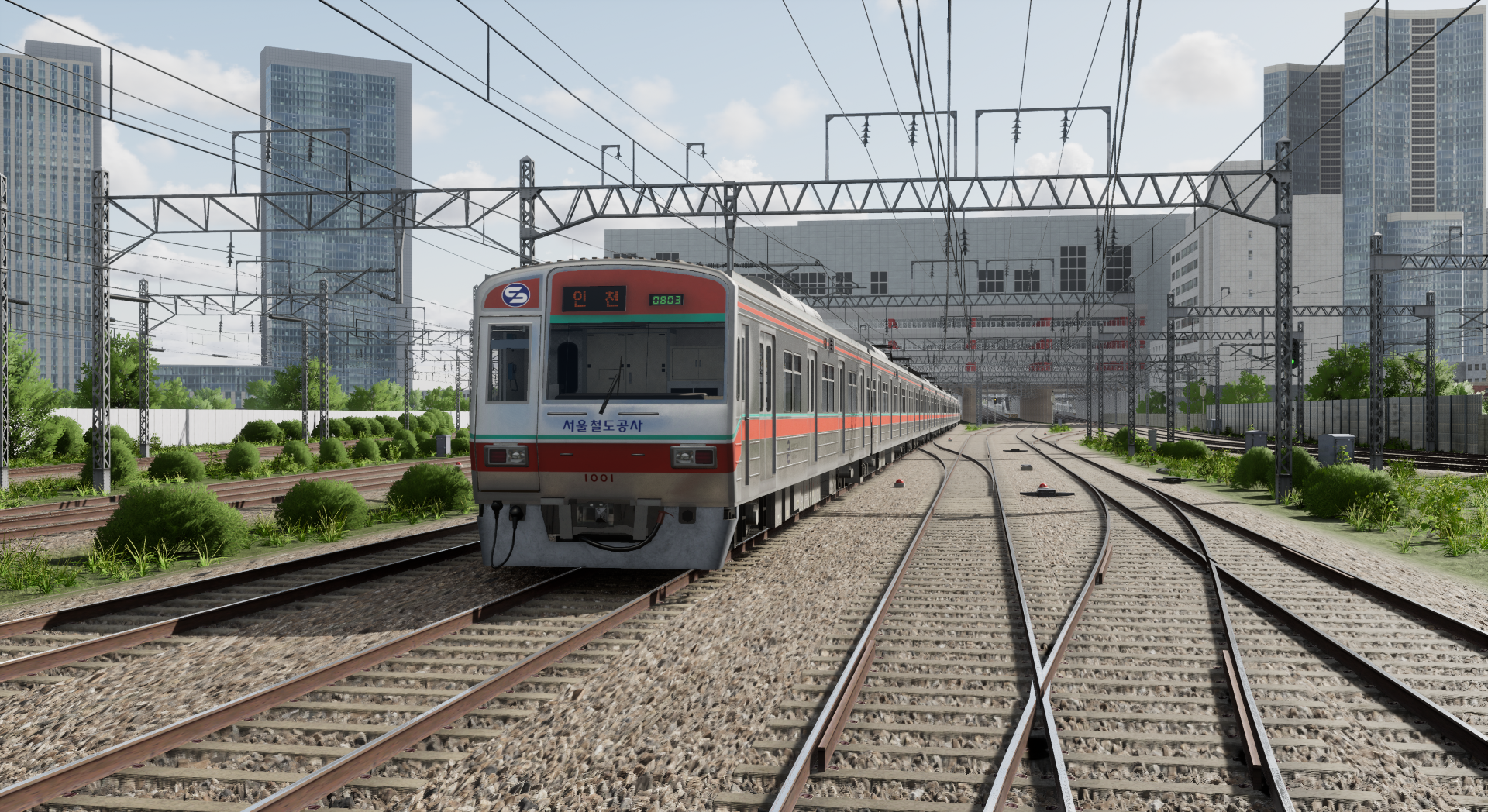
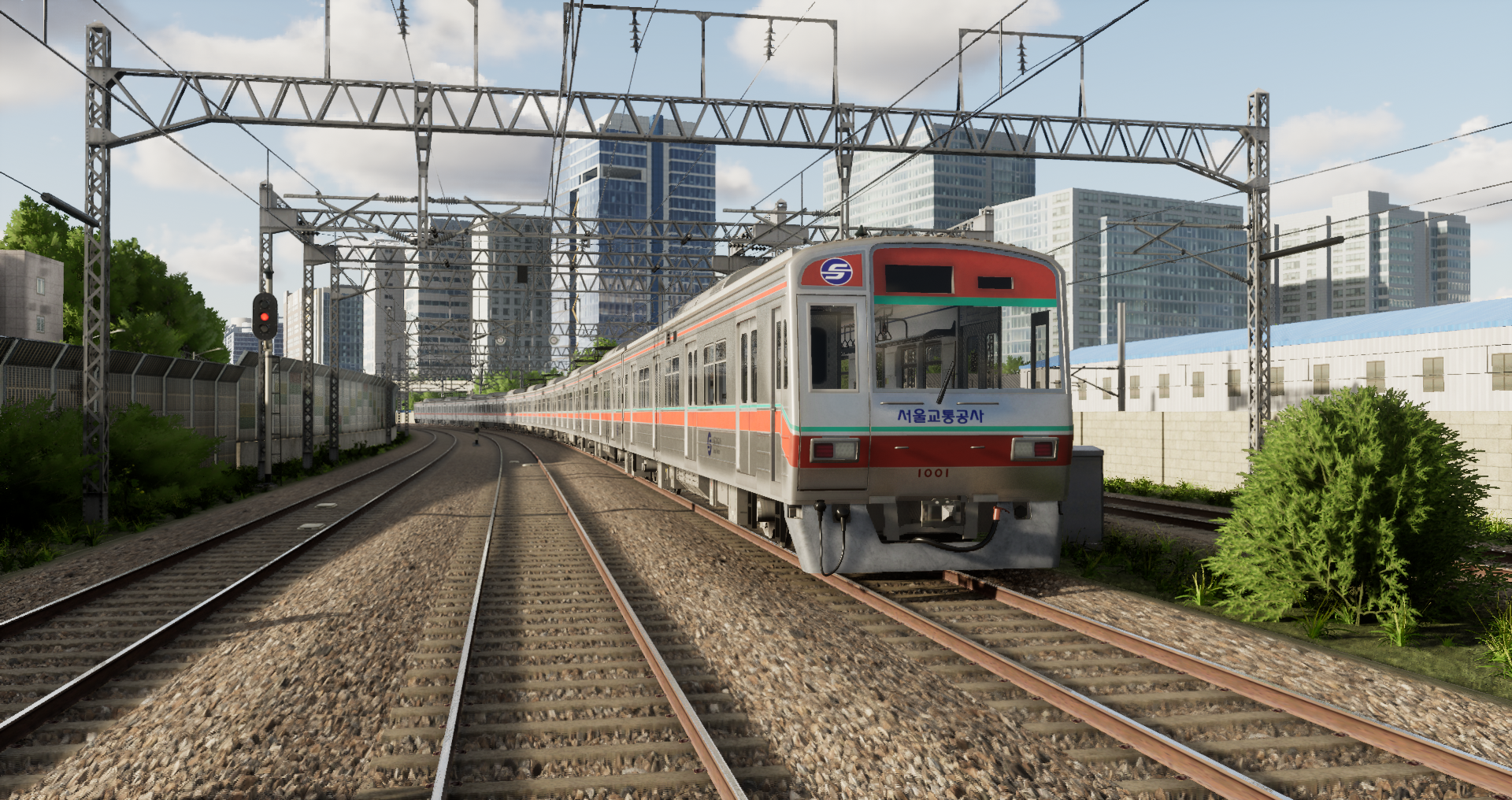
Hello. In this update, Seoul Metro trains are finally added.
- Seoul Metro train The virtual logo of "Seoul Railroad Corporation" is used for Seoul Metro train.
There are elements that lack detail in Seoul Metro train. If you post your feedback, we will take it into account as much as possible.
- Remodeling of existing trains The interiors of the existing trains have been newly modeled. Now, when SIV goes off when passing the dead section, the interior lights go off.
- Improved some train sounds As many of you have requested, we've reverted the GTO sound to the early version of the game.
The switchboard update will be done right away next week. Thank you for waiting.
Gameplay Improvements Patch
Hello. We are making some gameplay improvements through this patch.
All settings will be reset in this patch. Check the settings menu first before launching the game.
- Camera improvements The most requested camera improvements have been made. The overall camera movement has been smoothed out, Added mouse sensitivity option to control the speed of movement. In addition, a hotkey has been added to instantly switch left/right from the cab view.
From an outside view, you can move the camera to the back of the train. Left-click and drag to move the camera position, and right-click and drag to adjust the viewpoint. You can return to the original position by clicking the wheel. You can also zoom in and out and adjust the viewpoint in a fixed view as well.
- UI reorganization The menu and in-game UI have been reorganized to look better. It's not fully finished yet, and we'll be adding loading screens, controller options, and driving log screens soon.
-DLSS Added NVIDIA DLSS option. If you are using an RTX graphics card, you can boost performance even more with this option. It is especially recommended for those who enjoy games in 4K or higher resolution.
In addition, the power method default setting at the start of the scenario, Fixed the issue where announcements were interrupted when changing viewpoints.
Next is the remaining gameplay improvements, controller support, and switchboard updates. We are also aiming to update the "Seoul Metro" train within March. Diesel locomotives will be re-prioritized for work and will be carried out in the second quarter. Thank you.
Performance improvement patch
Hello. Through this patch, we will first improve the performance. It required major structural changes inside the game to improve performance and was time consuming. Fortunately, it turned out to be what we had hoped for.
Highlights of this performance patch are:
- Initial loading time Initial loading times more than doubled.
- GPU not fully loaded Fixed an issue that prevented the GPU from fully loading due to CPU load until previous builds. Users with low CPU specifications or high GPU specifications can feel the sensation greatly. (In some cases, FPS improved by a factor of two in our internal testing.)
- FPS is not smooth Fixed an issue where the screen seemed to stutter compared to FPS until previous builds. You can feel it more sensibly.
Gameplay improvements will be updated soon. Thank you.
Roadmap for the first half of 2022
Hello. It's been 7 months since we launched Early Access. In the meantime, thanks to your feedback, we have made great progress.
In the meantime, we have focused on extending the line. The current length of the line has been doubled when it was first launched. In particular, the added sections are all ground sections and contain very complex landscapes.
However, the update schedule we promised did not go well. There were a lot of unreasonable plans, and because of this, many people were disappointed. In the future, we will try our best to plan more carefully and inform you.
About the roadmap
In this announcement, we want to tell you about what we plan to work on this year. First of all, we ask for your understanding that we have no choice but to talk carefully about the development schedule. The schedules mentioned in the future are development target schedules and are not definitive update schedules. If there is a significant delay in the schedule, we will notify you in advance.
Q1
Performance and gameplay improvements
The game currently has a performance degradation issue. (GPU is not fully loaded) We will prioritize performance improvements. And we will continue to improve the gameplay, which has been requested a lot.
View point fixation and shortcut key (shortcut key to instantly switch left/right from the cab view)
Move the car from outside view (similar to Hmmsim 2)
Default setting of power method at the start of the scenario
Fixed the interruption of announcements when changing view modes
Added scenario failure screen (in case the train breaks down or goes off the track)
Adjust the sound volume of the AI trains
Reworked train motor sounds
Seoul Metro VVVF
* License has not yet been negotiated and the logo may change in the actual game. * The cab is not visible in the screenshots as the work is not done yet.
The Seoul Metro VVVF train is in the final stages of work and will be added soon.
Cab switchboard
The cab switchboard is currently being worked on. Not all switches work, and we plan to implement them based on the switches required for factory inspection. In addition, braking handle removal, buttons such as PanDS, and TGIS monitor operation will be implemented.
Diesel locomotive
It will be possible to directly drive diesel locomotives, which are currently appearing as AI trains. However, the diesel locomotive is not the core content of the game. Therefore, driving elements or details as much as metro trains will not be implemented.
Scenario stats and replays
Currently, the scenario completion screen is blank. We're going to make it possible to log the stats and scores played here. We're also working on a feature that replays the scenarios you've played.
Controller support
The much-requested controller support is coming soon. We are currently testing a few controllers and here is a list of upcoming support.
TS Master Controller 2 (complete)
Densha de-go one-handle for PS
Densha de-go one-handle for Nintendo switch
RailDriver
Homemade controller using Arduino
First half
From here on, it is a subordinated plan, but depending on the situation, it may be developed first.
Extension of Gwangmyeong Station
Extend the section from Geumcheon-gu Office to Gwangmyeong Station (about 4.9km).
One-handle IGBT
One-handle IGBT train with digital instrumentation will be added.
Gameplay improvements
Free Scenario mode
New game mode
Add weather
Reworked signal system
Other than that, we don't have any specific details about the new line yet. First of all, we aim for an full release, so we can share our opinions later. Thank you.
Update 4 - Patch 1
Hello. This patch adds background detail and fixes some bugs.
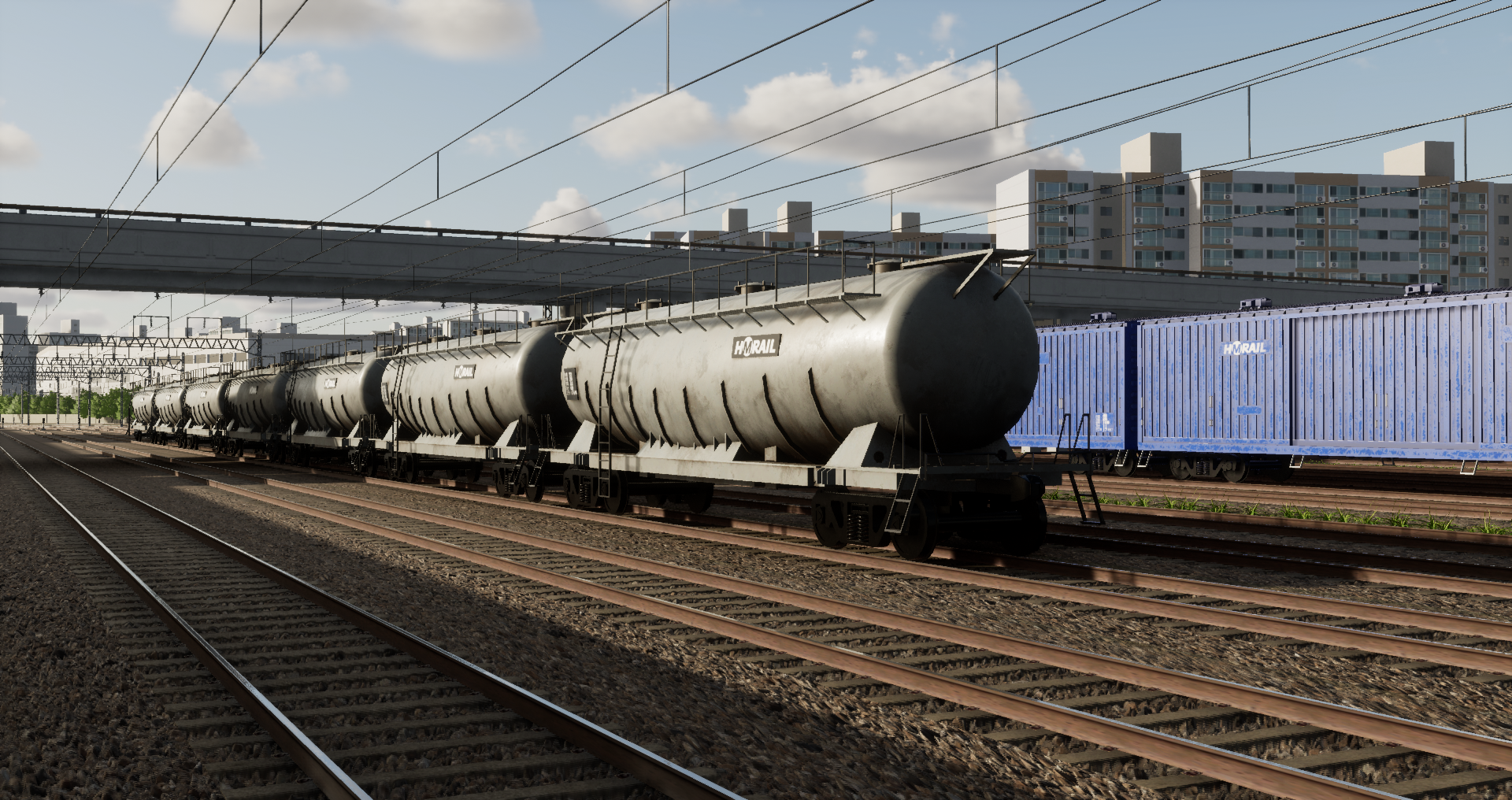
Update details - Added freight cars at Kwangwoon University Station and trains at Imun depot - Added Exit 3 of Sinimun Station - Fixed crossing sound - Changed express line signals - Adjusted some signals in the underground section - Adjusted the position of some stop signs at Guro Station - Changed Hide UI key (can now toggle on/off)
Known issues - Occasionally, trains can be seen spawning on the starting/destination station. - There are no traffic trains on the Gyeongui-Jungang Line.
A new roadmap will also be posted soon. Thank you.